

main or any feature/* branch will trigger tests, ensuring code quality and reliability.
1. Clone the Repository and Create a Feature Branch
First, clone your GitHub repository and explore the project structure.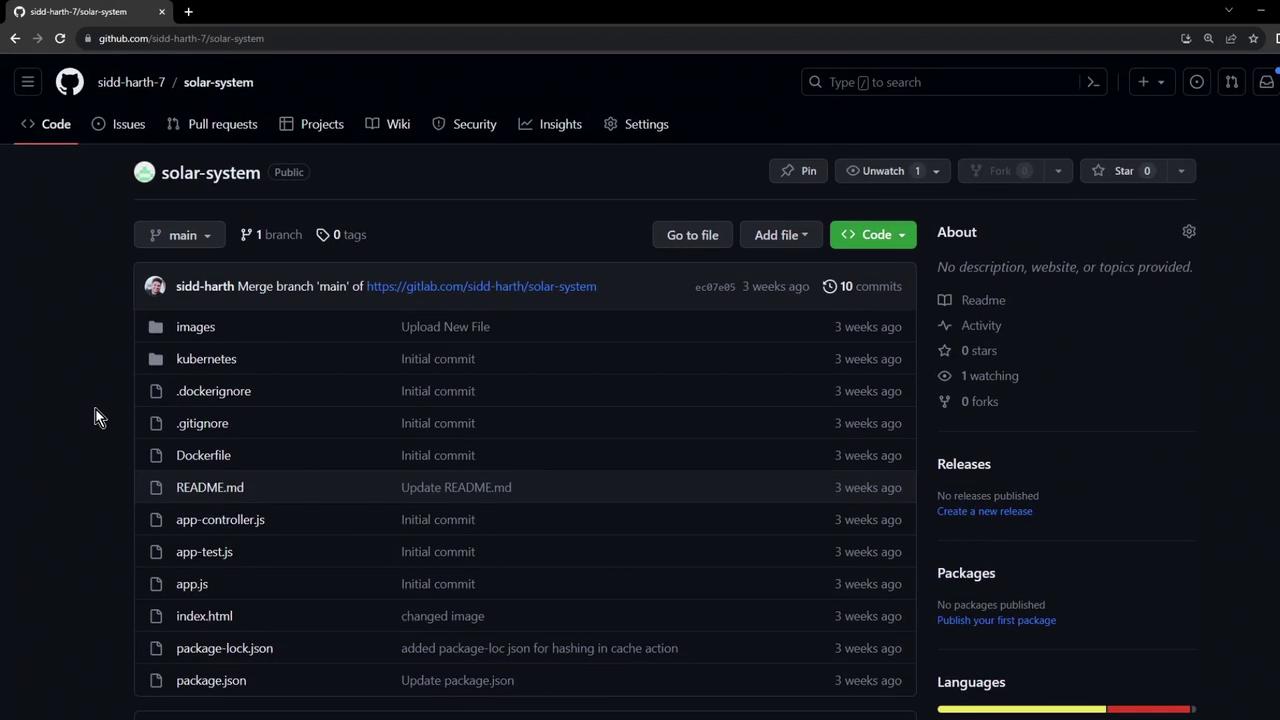
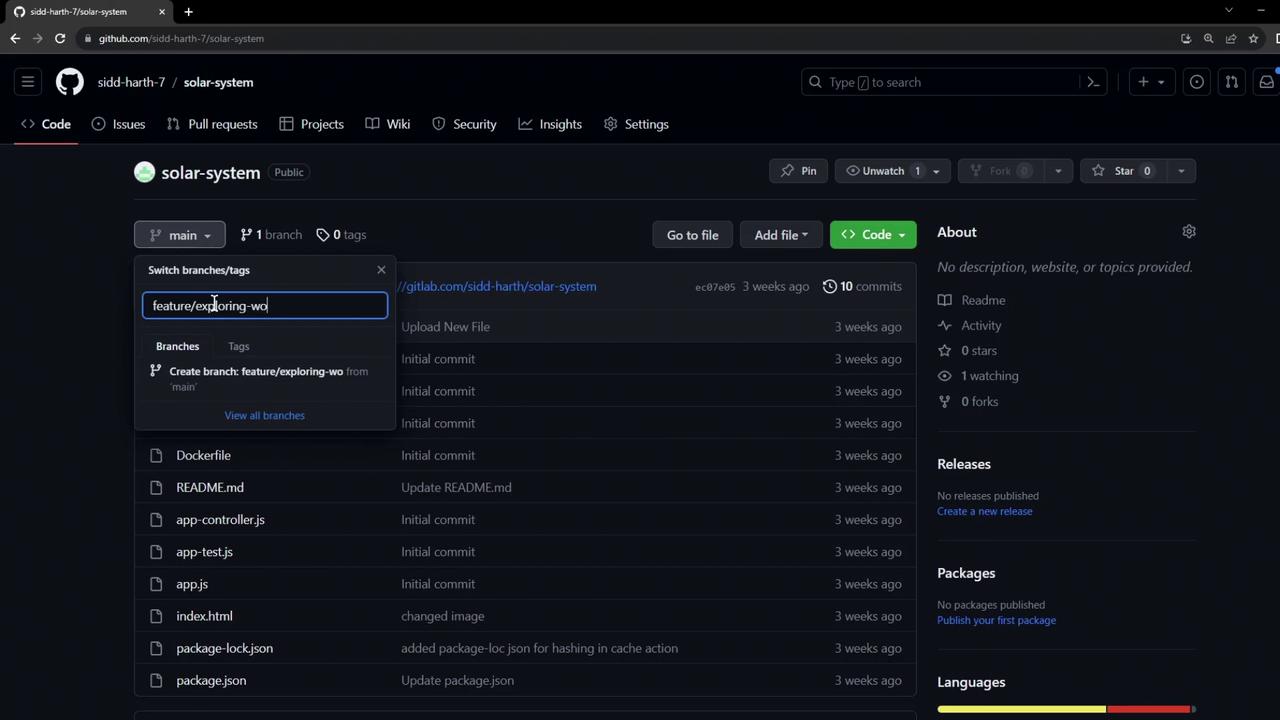
2. Open in VS Code and Add Your Workflow
Launch the repository in VS Code (e.g., by editing the URL to.dev). Then create a new workflow file at .github/workflows/solar-system.yml:
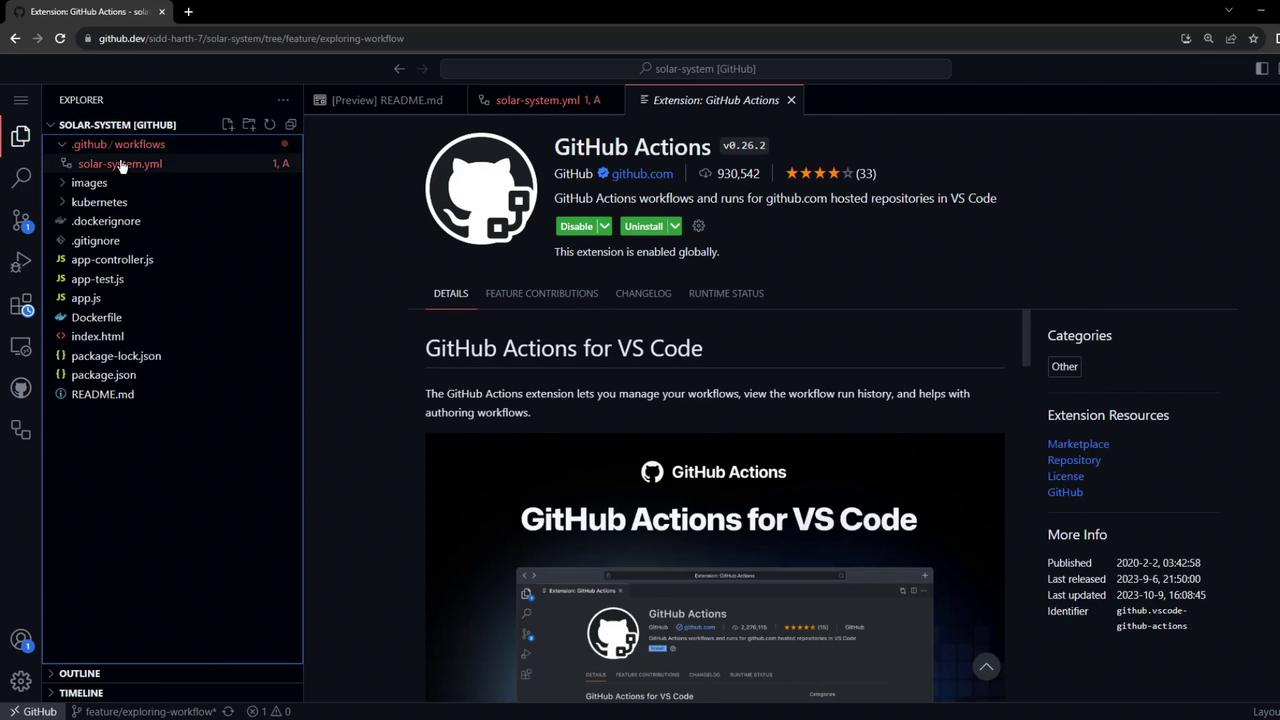
workflow_dispatch) and on every push to main or any feature/* branch. It uses actions/setup-node@v3, which supports parameters like node-version, check-latest, and node-version-file.
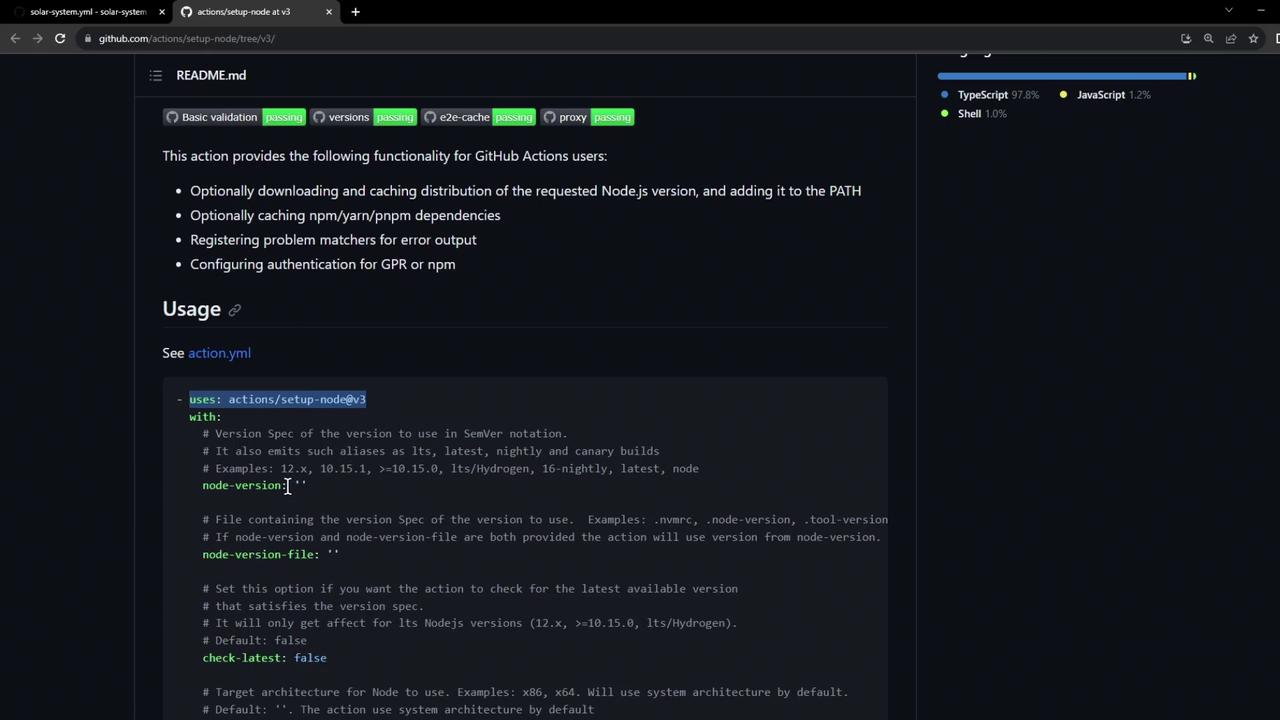
Customize
actions/setup-node by specifying check-latest: true to always fetch the latest patch release.3. Enable the Actions Tab in GitHub
By default, the Actions tab might be hidden. Open the repository page to confirm: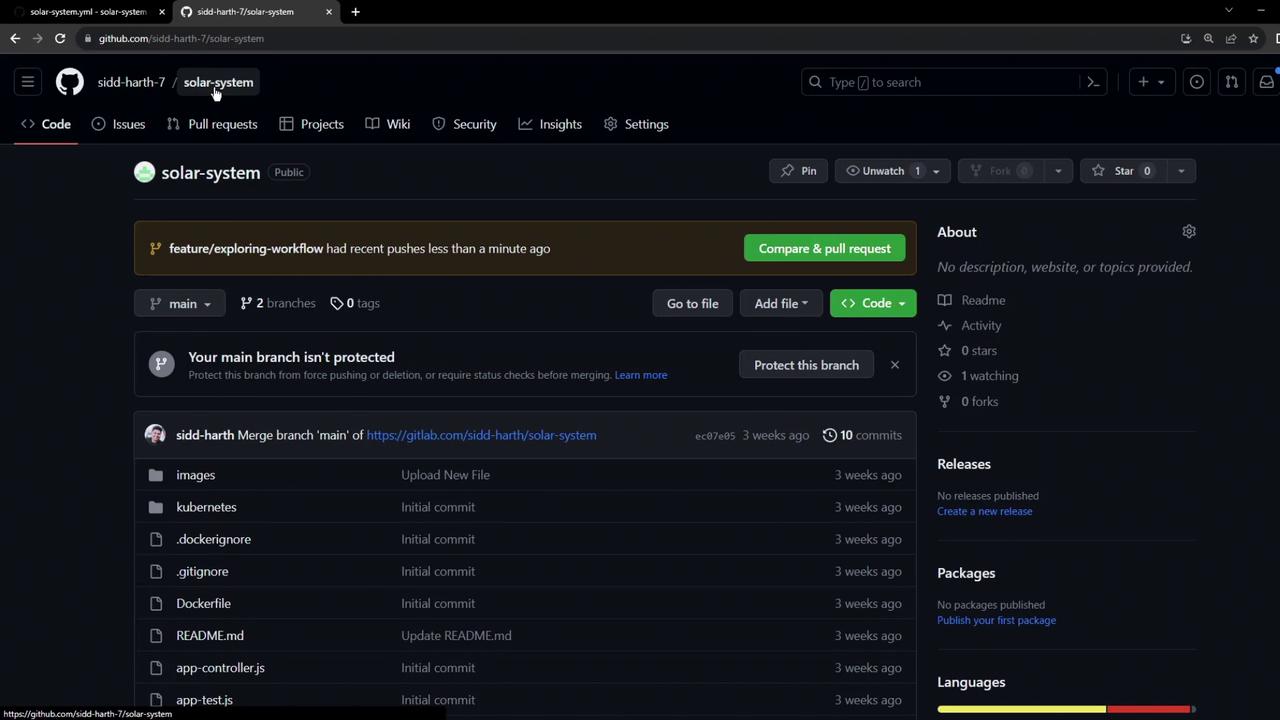
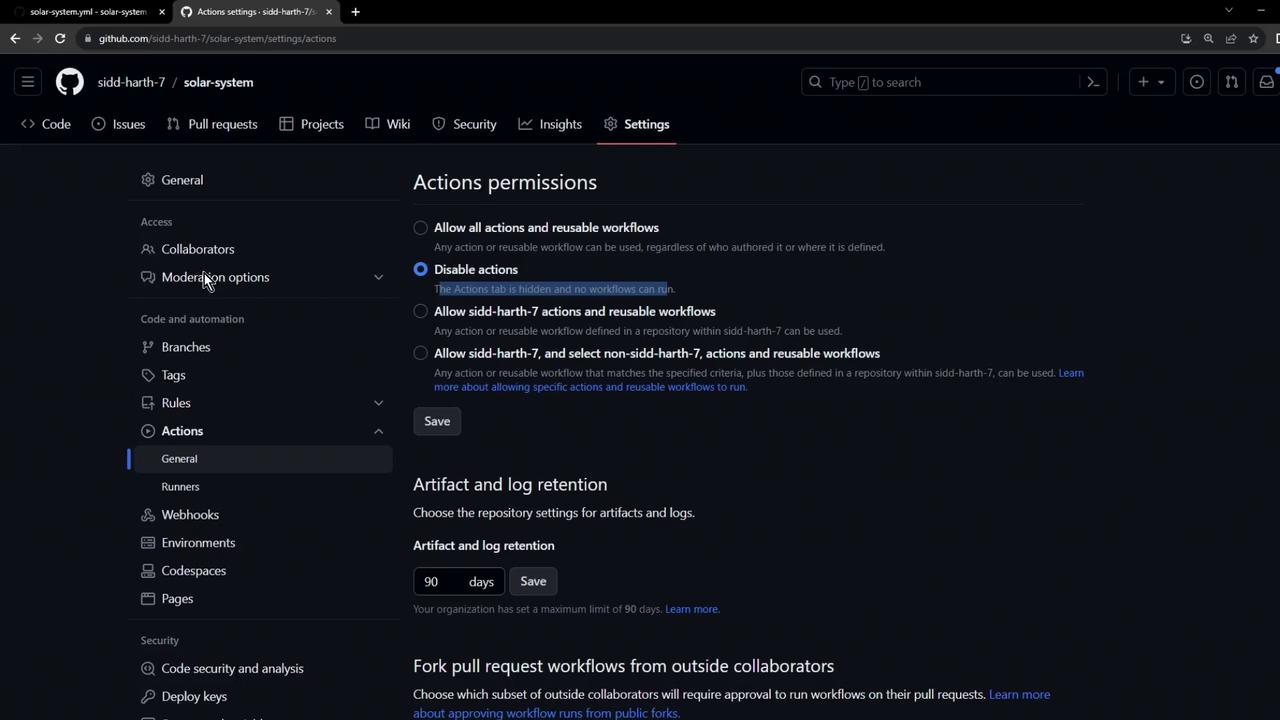
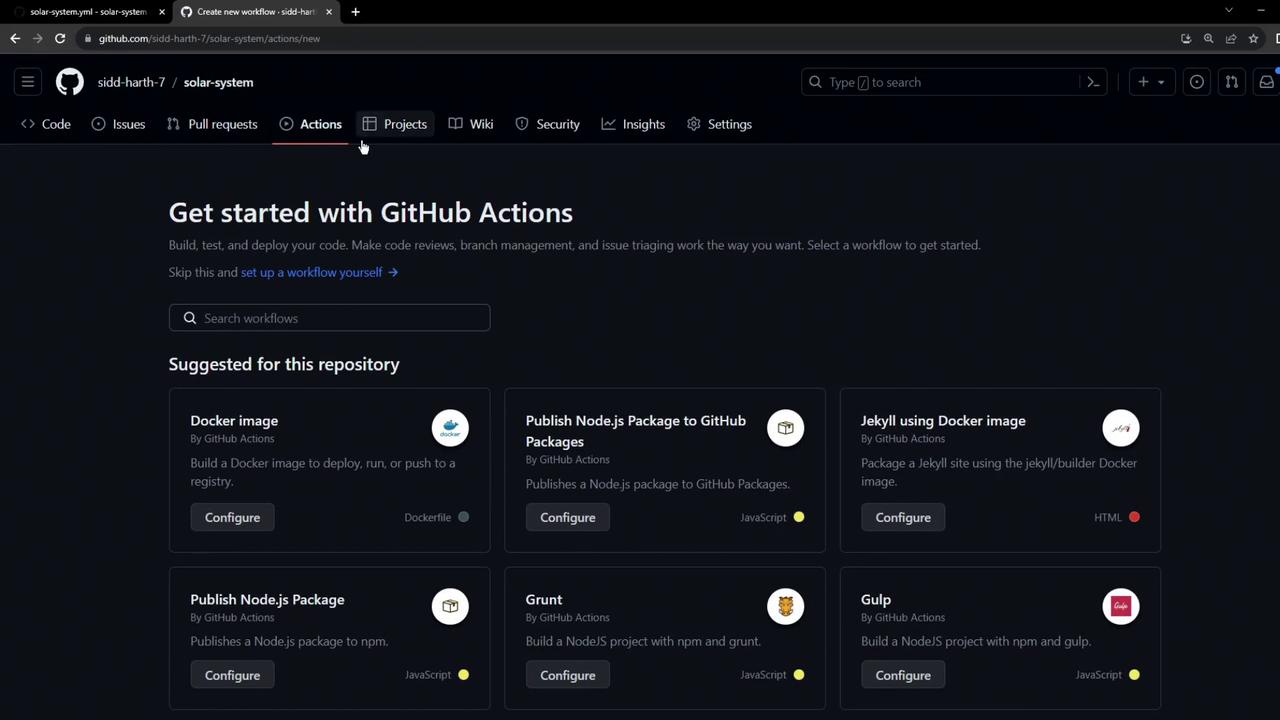
Allowing all actions grants workflows broad permissions. Review GitHub Actions security best practices before enabling.
4. Trigger and Inspect the Workflow
Push an empty commit to trigger the CI pipeline on your feature branch: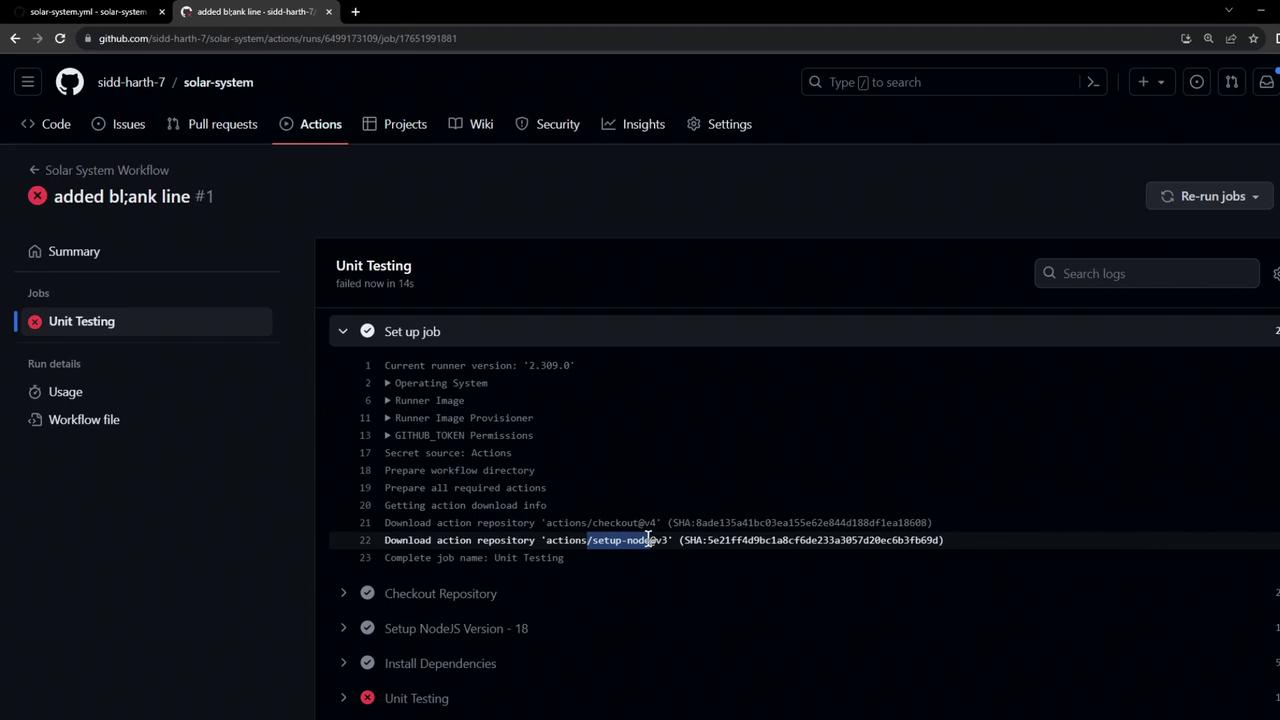
5. Configure the Application’s Database Connection
Openapp.js to see how MongoDB connects:
MONGO_URI, MONGO_USERNAME, and MONGO_PASSWORD via your workflow.
6. Add Environment Variables and Secrets
Update.github/workflows/solar-system.yml to define global env variables:
6.1 Add the MONGO_PASSWORD Secret
In Settings > Secrets and variables > Actions, click New repository secret and add MONGO_PASSWORD:
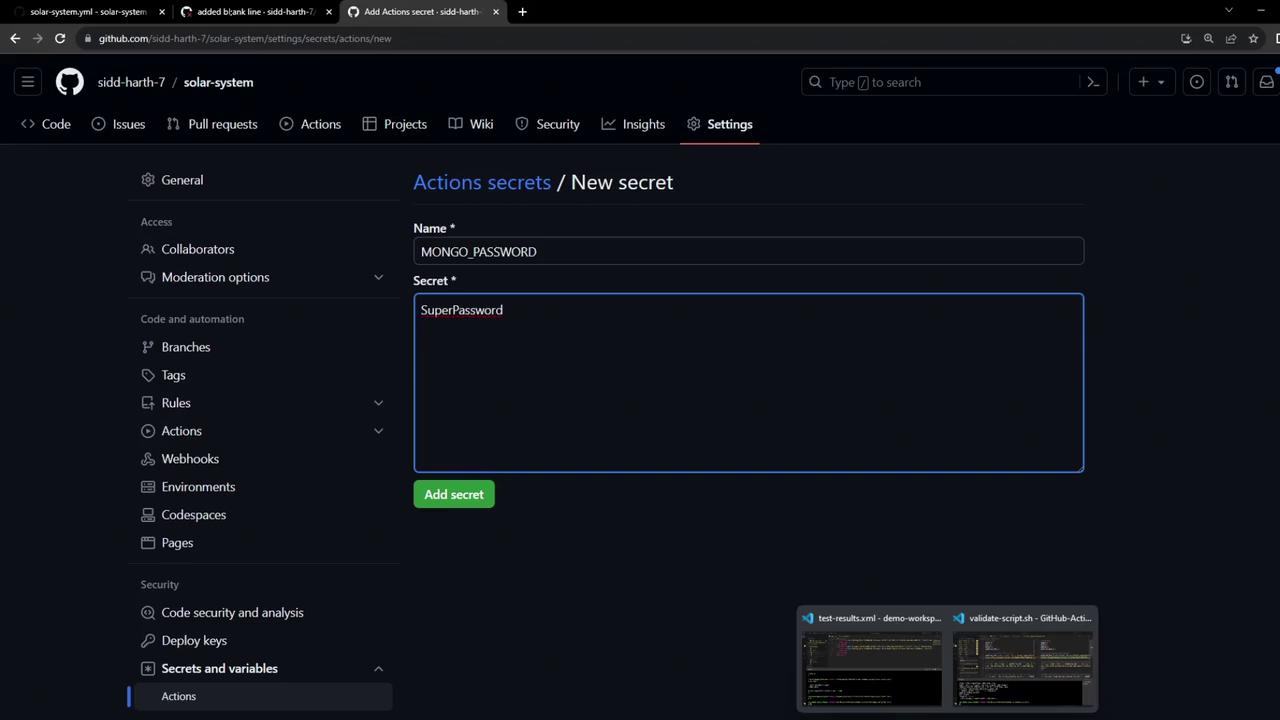
6.2 Add the MONGO_USERNAME Variable
Under Settings > Secrets and variables > Actions > Variables, create MONGO_USERNAME:
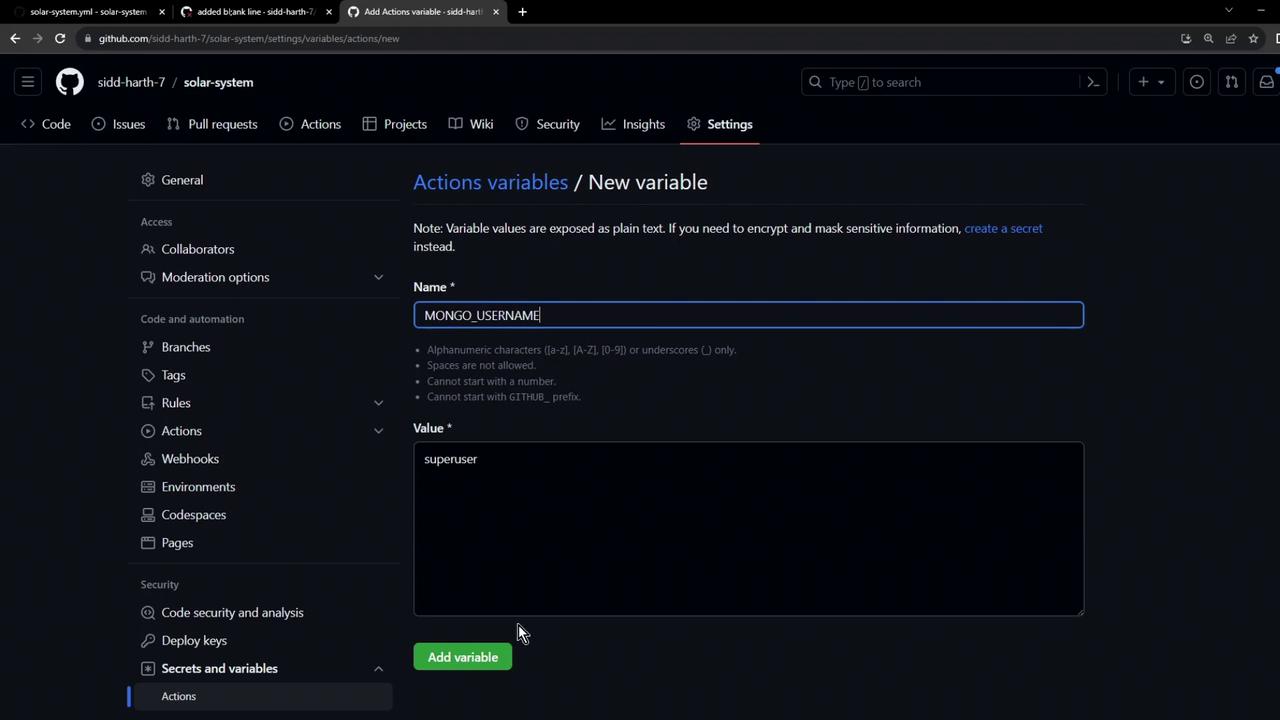
7. Verify Workflow Success
After pushing, GitHub Actions will rerun the workflow, connect to MongoDB using your provided credentials, and execute unit tests without errors. All steps—including Node.js setup andnpm test—should pass.
To retain logs and coverage reports after the run completes, consider uploading test artifacts using actions/upload-artifact.