Original Workflow Snippet
The following job explicitly checks out code, sets up Node.js, caches dependencies, installs packages, runs tests, and archives results:Replace Cache & Install with Composite Action
Instead of repeating the cache and install steps in every job, call your composite action:Reference the action directory (
npm-action) without specifying action.yml; GitHub locates it automatically.Defining the Composite Action
Create.github/custom-actions/npm-action/action.yml to define inputs and steps:
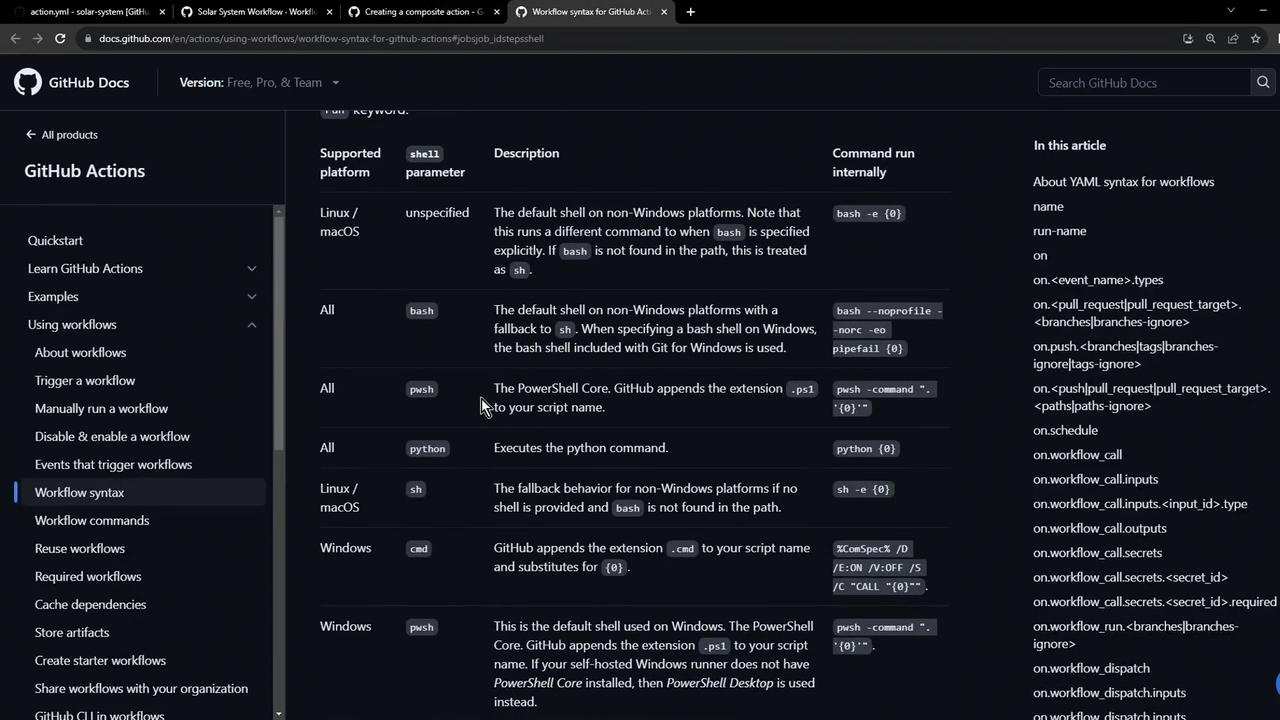
Supported Shells
Passing Inputs to the Composite Action
When calling the composite action, supply thepath-of-folder input:
Applying to a Code Coverage Job
Reuse the same composite action in acode-coverage job to cache dependencies before running coverage reports:
Viewing Workflow Runs
After pushing your changes, navigate to the Actions tab in your repository to review each run, monitor status, and investigate logs: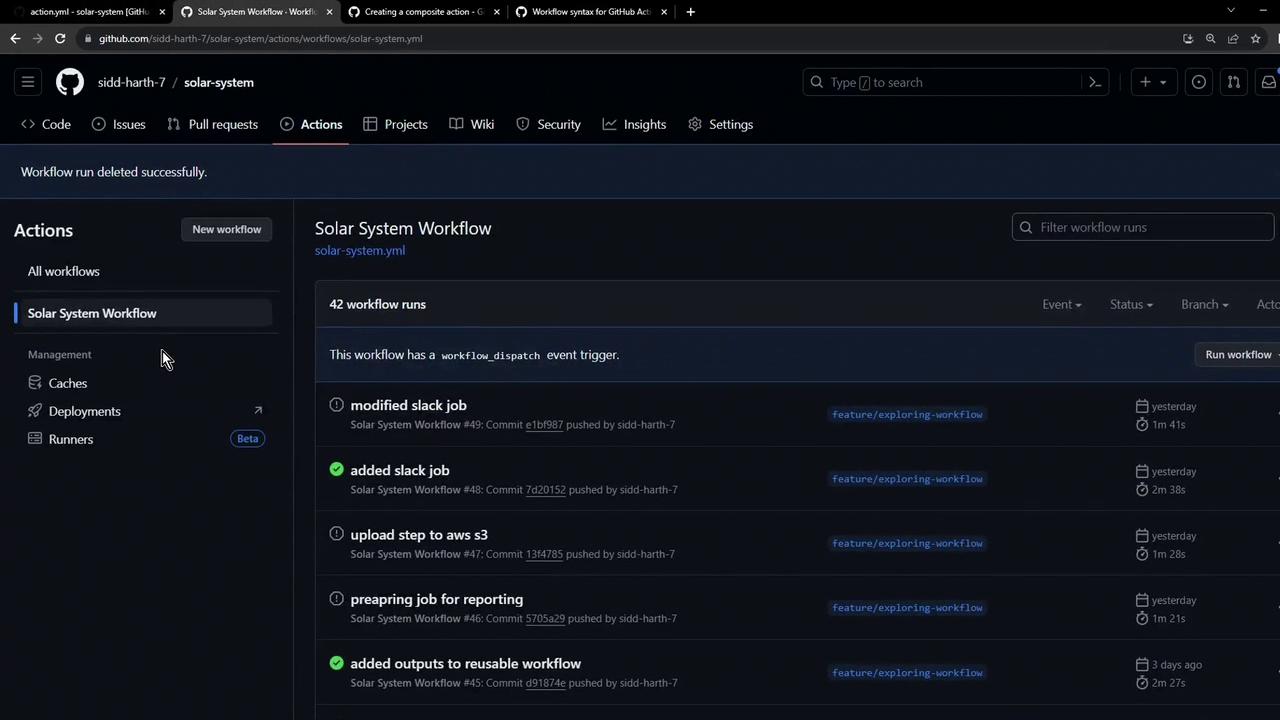
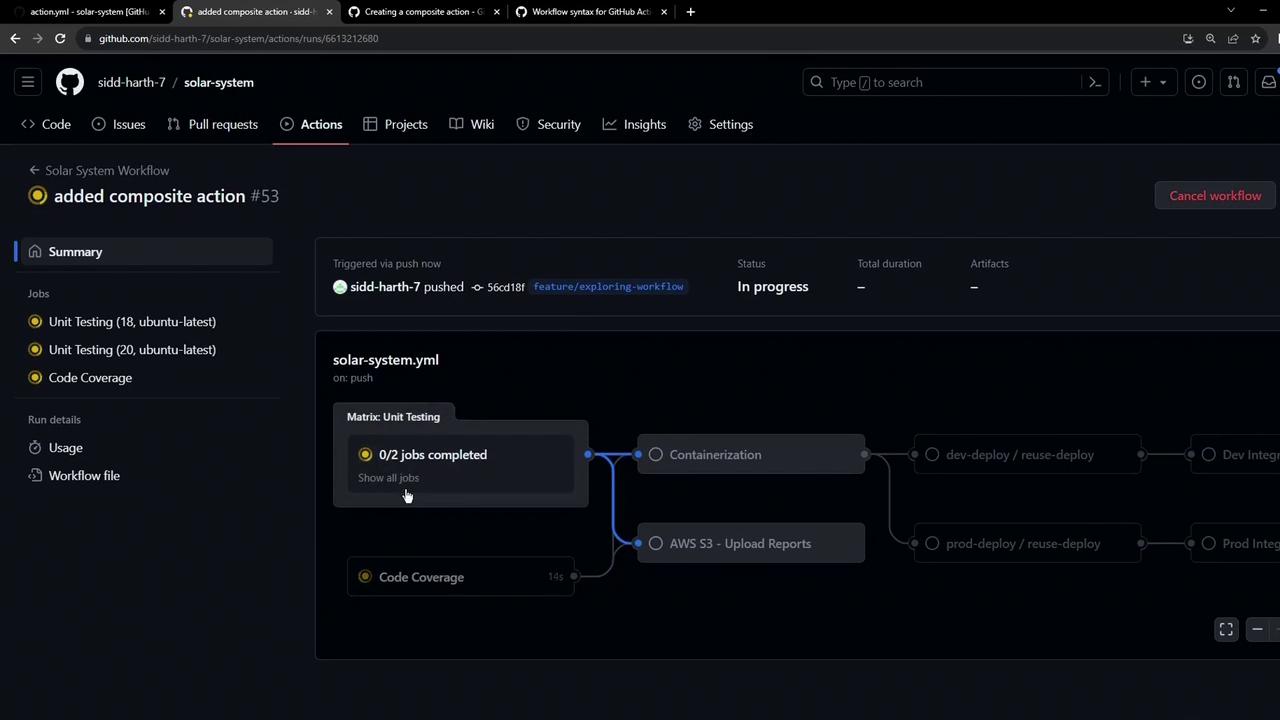
To inspect the Unit Testing job logs and progress, click the Unit Testing entry in the run detail.
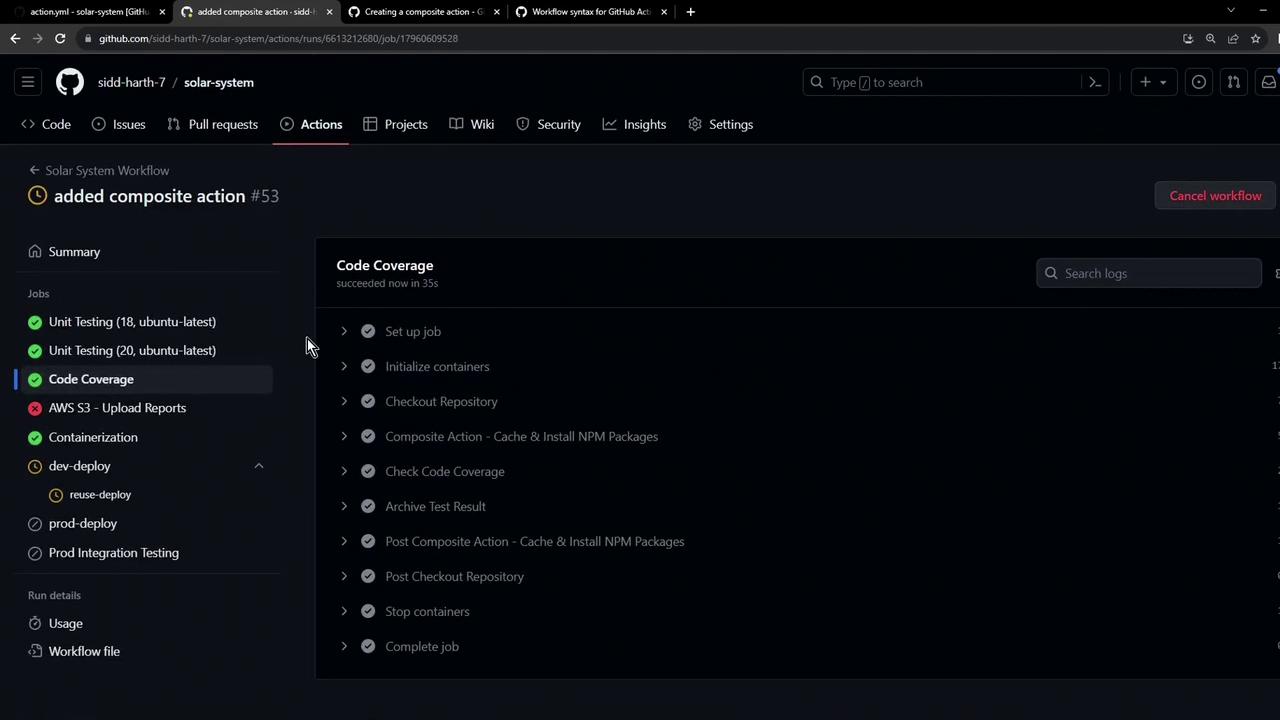
Composite Action Logs
Expand the composite action step to view cache restoration and installation details:To verify the Code Coverage job used the composite action, check the job details in the run summary.