

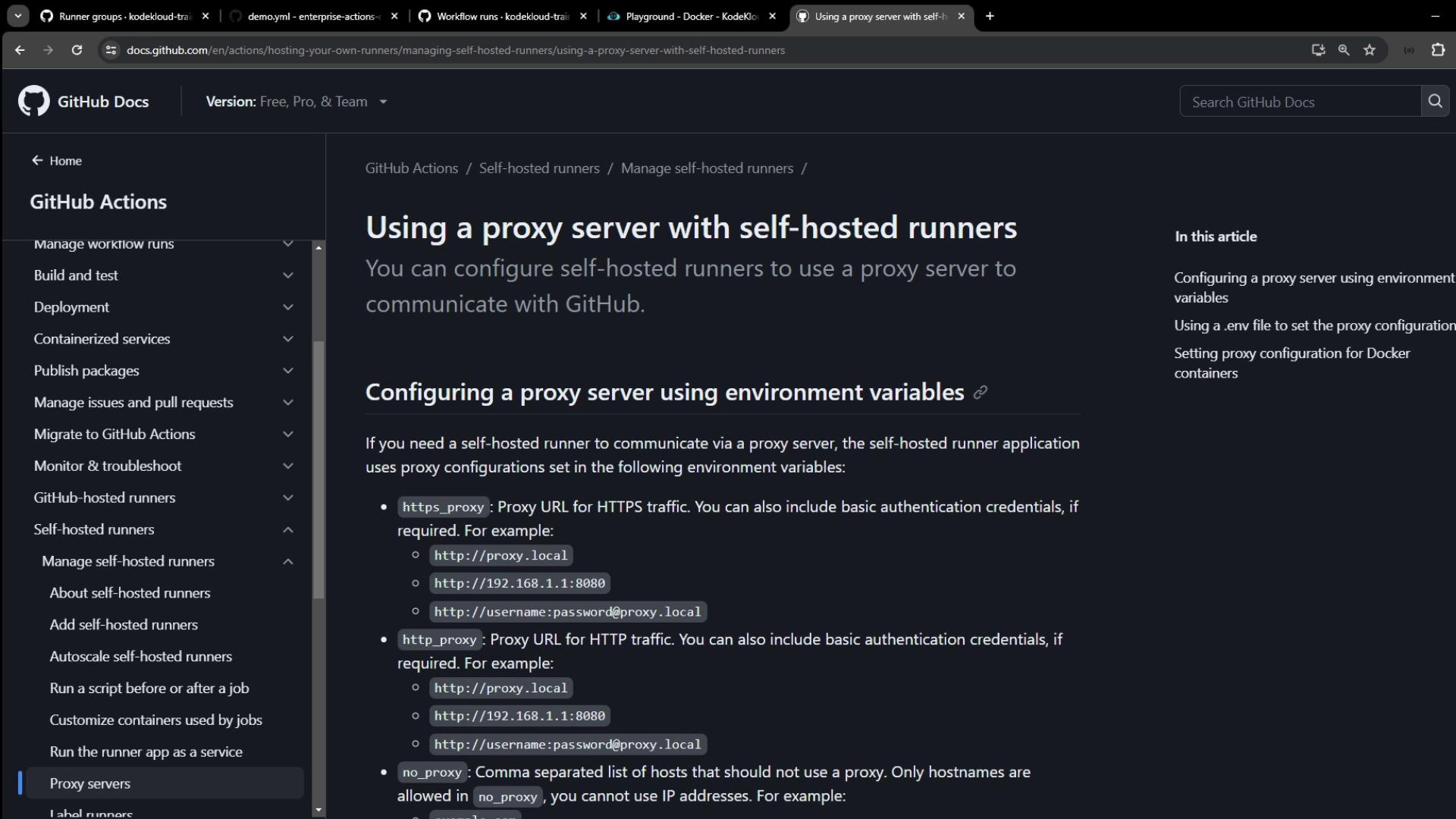
Proxy Configuration Options
You can configure proxy settings for your self-hosted runner in two primary ways:1. Environment Variables
On the machine hosting your runner, export:NO_PROXY accepts comma-separated hostnames, IP addresses, or domains (optionally with ports).2. .env File
If modifying system environment variables is impractical, create a .env file in the directory where you extracted the runner:
Docker Containers
For workflows that launch Docker containers, configure Docker’s proxy settings separately.For example, create or edit
/etc/systemd/system/docker.service.d/http-proxy.conf:
Demo: Proxy in a Workflow
The following sample workflow sends external HTTP requests with and without proxy authentication.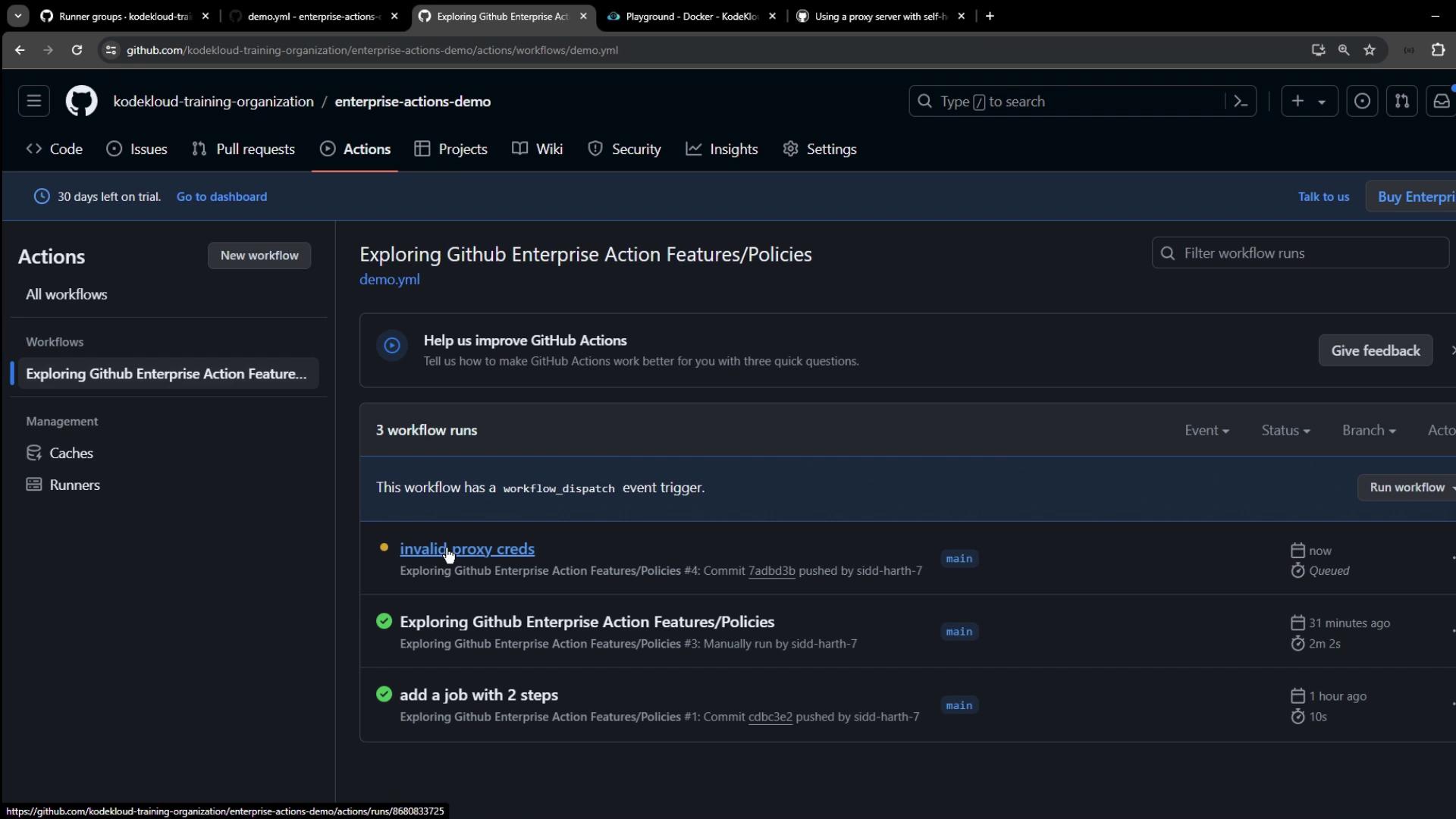
Logs: No Proxy
Logs: Invalid Proxy Credentials
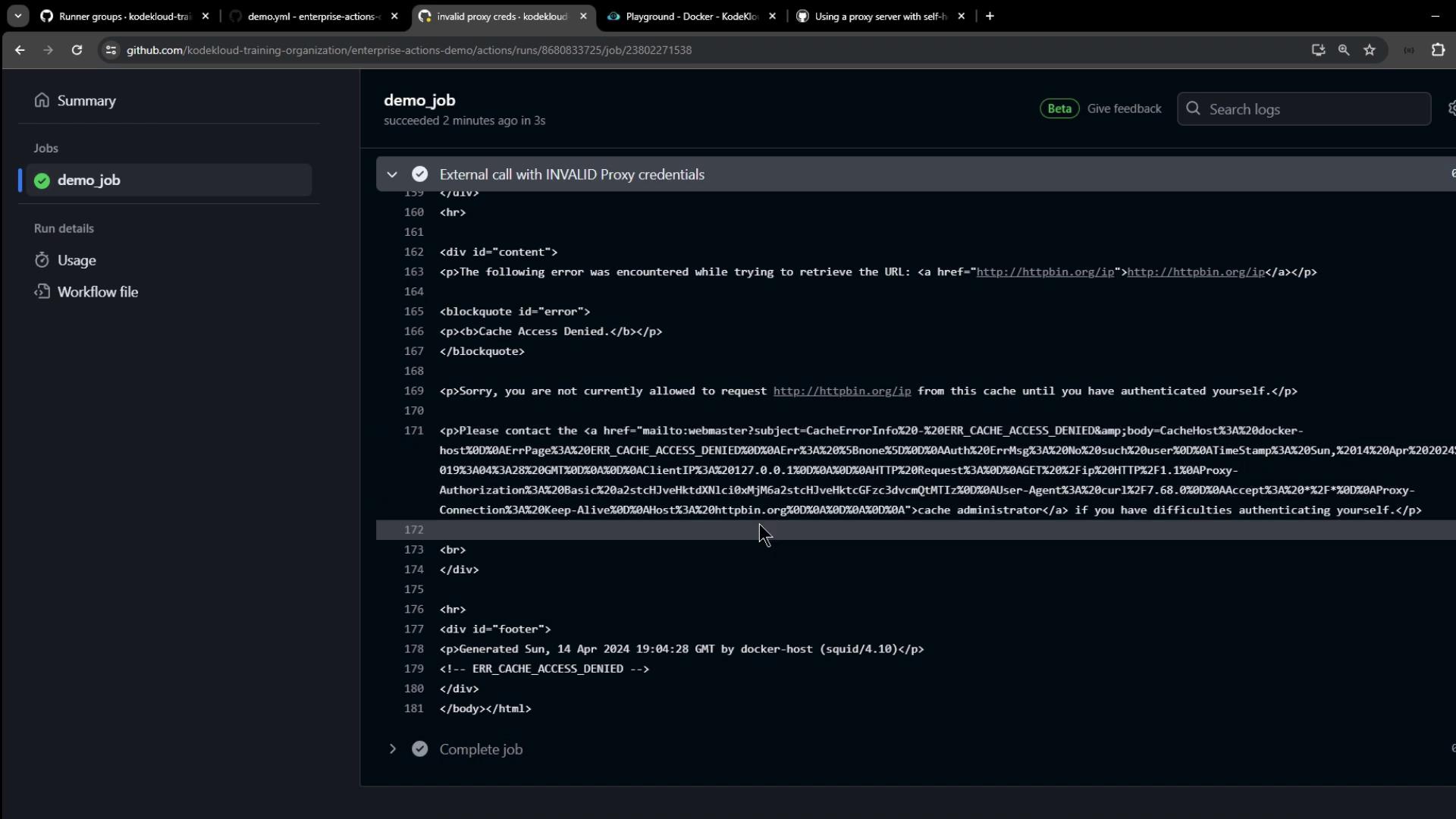
Avoid hard-coding credentials in workflows. Instead, store proxy credentials securely on the runner host or via GitHub Secrets.
Setting Proxy Variables on the Runner Host
On your VM or bare-metal host, export the proxy variables before launching the runner service: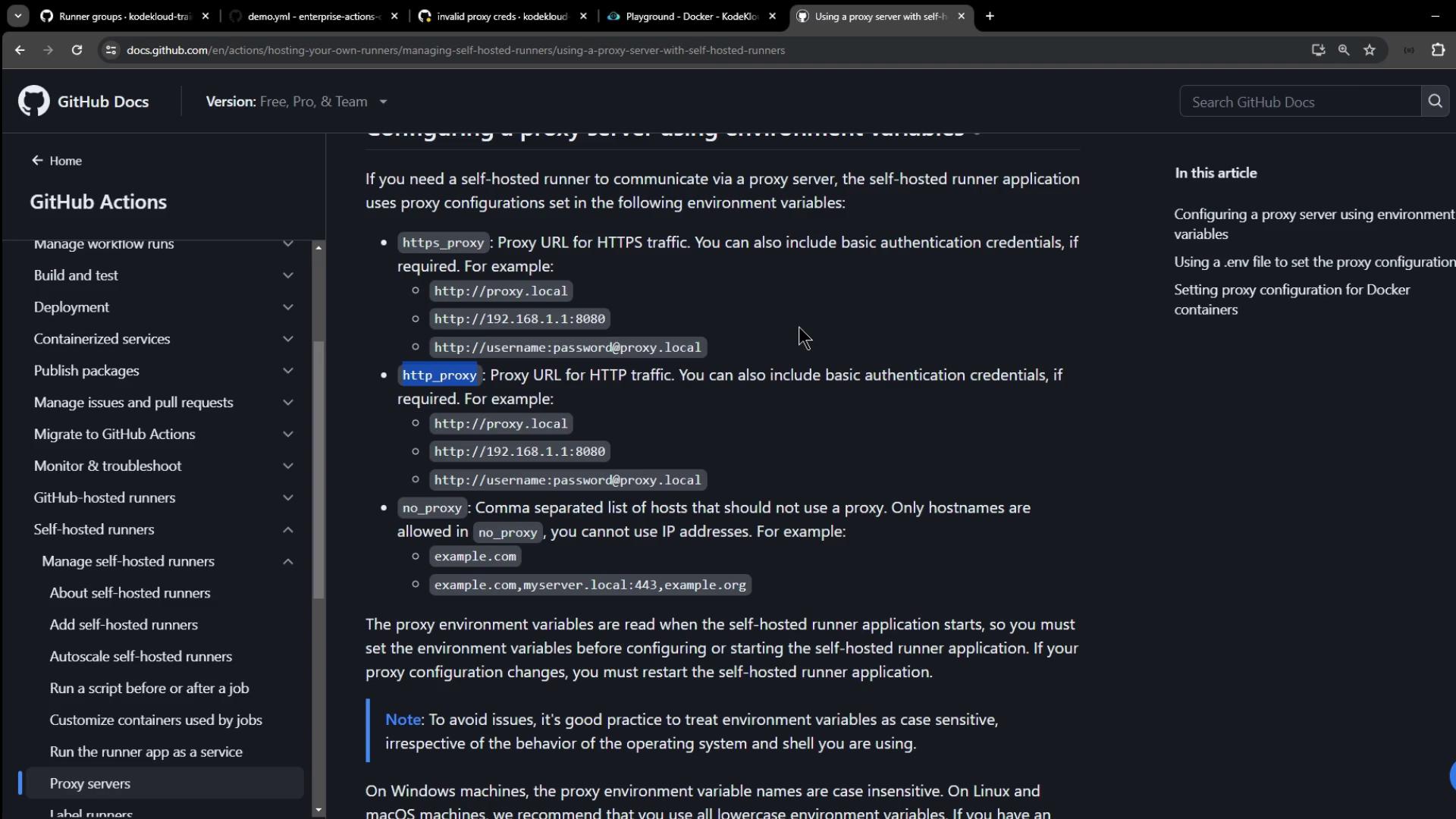
Verifying Proxy Usage in Your Workflow
Update your workflow to print proxy variables and make an HTTPS request: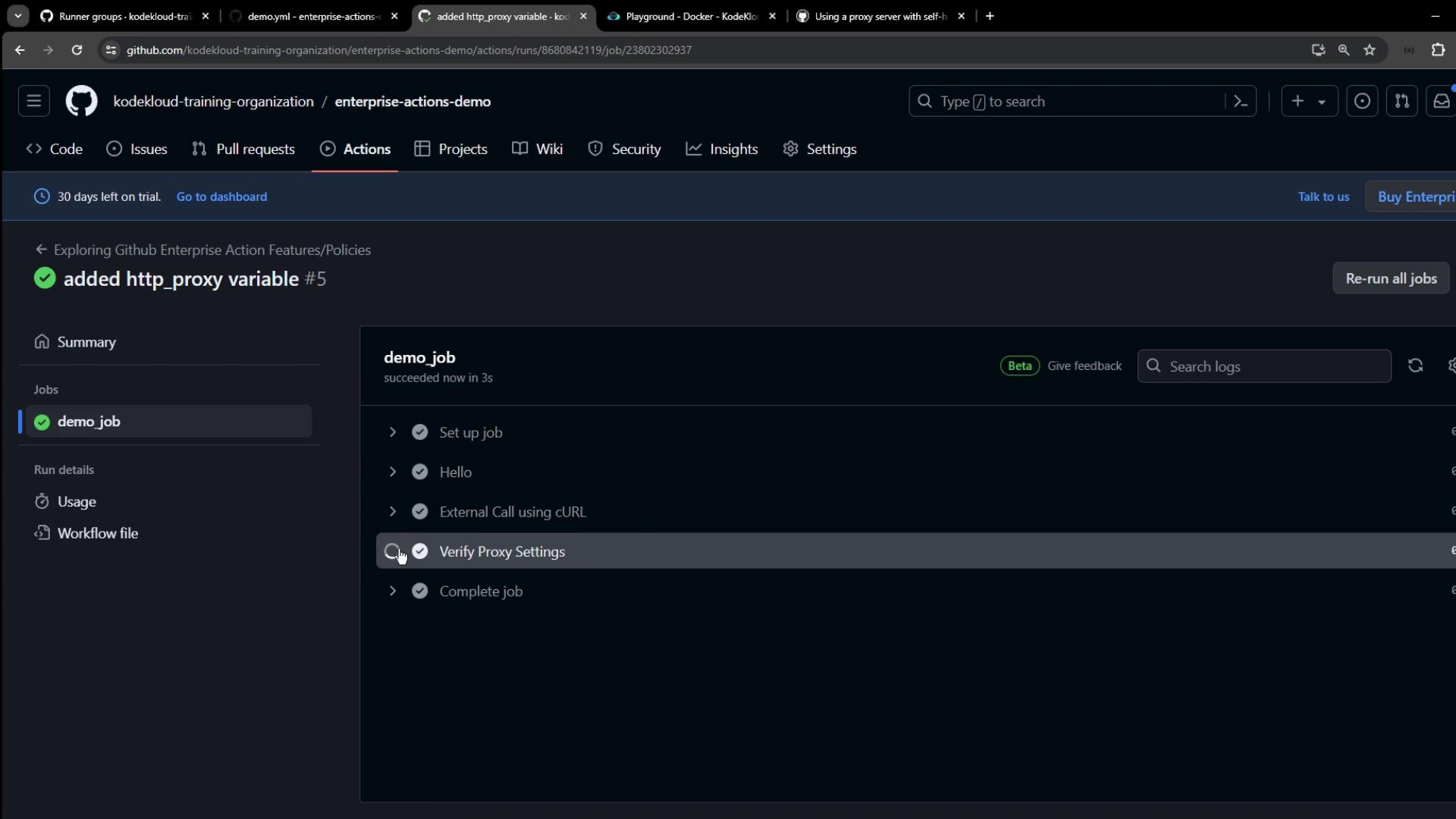
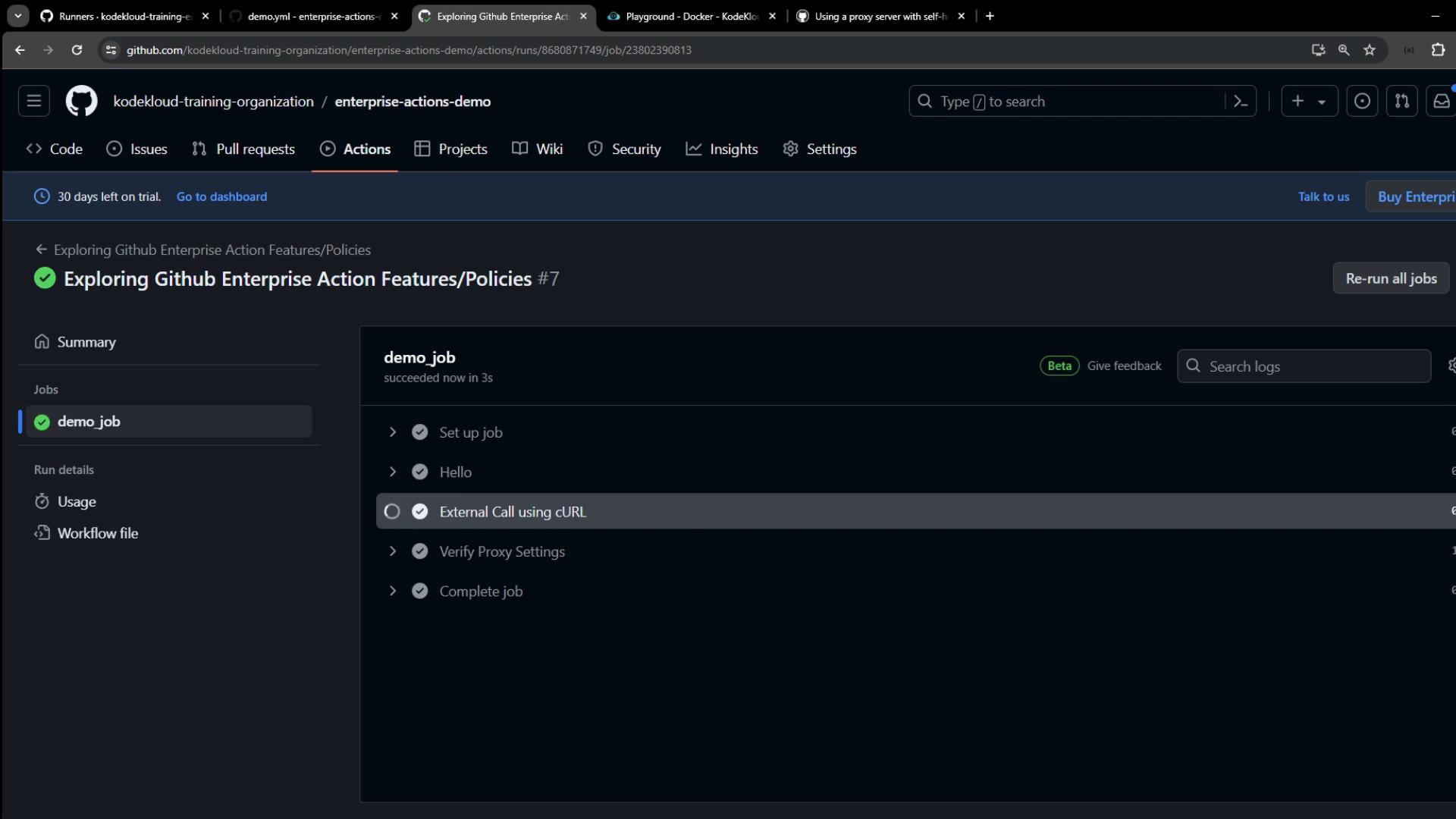
Logs: Proxy in Action
Thank you for following this tutorial on setting up proxies for your self-hosted GitHub Actions runners! For more details, see the GitHub Actions documentation.