

Well-documented workflows reduce onboarding time, improve reproducibility, and ensure your team follows consistent practices. For more details, see GitHub Actions Documentation.
Documentation Methods
Select the method that best fits your organization’s needs: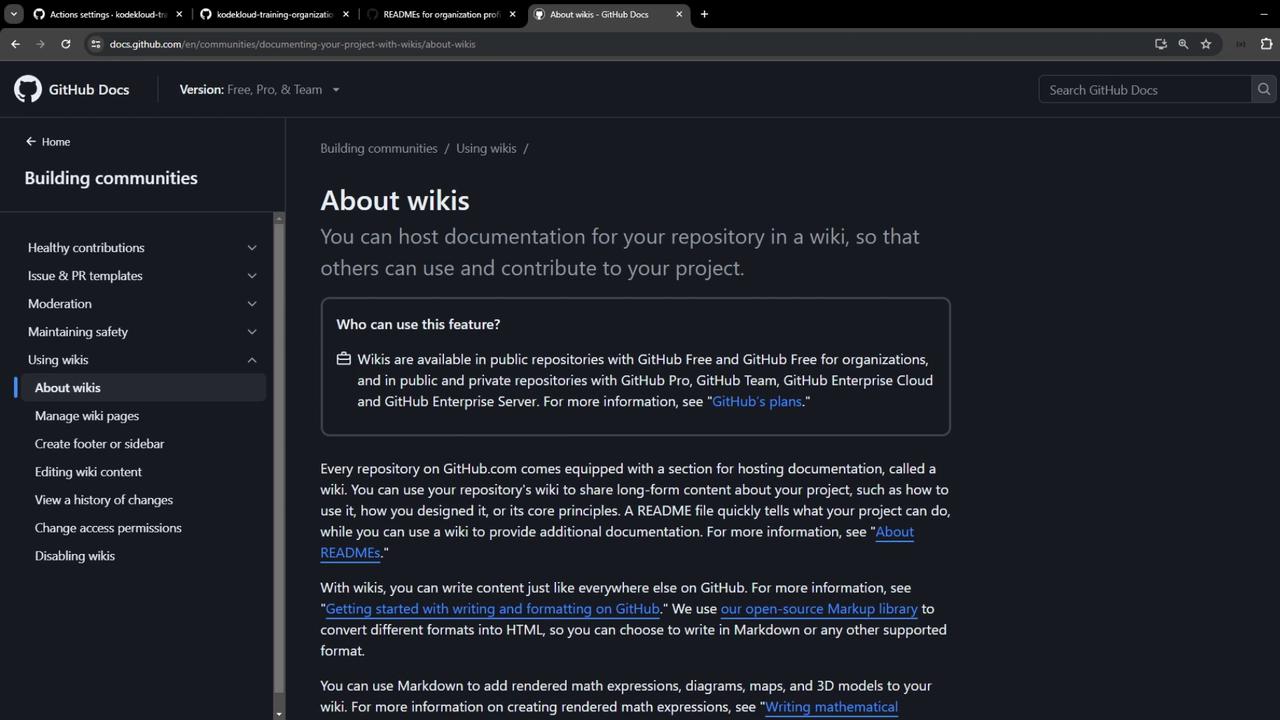
1. GitHub Wiki
Every repository on GitHub.com includes a Wiki, perfect for:- Long-form guides (design decisions, architecture overviews)
- Collaboration on process and standards
- Versioned, sidebar-organized content
2. Markdown Files in Repositories
Store documentation as Markdown directly in your repos:README.mdfor repo-level overviews- Dedicated
.githubrepository for organization-wide standards
Using an Organization Profile README
Organizational profiles can display a custom README to highlight key workflows and standards.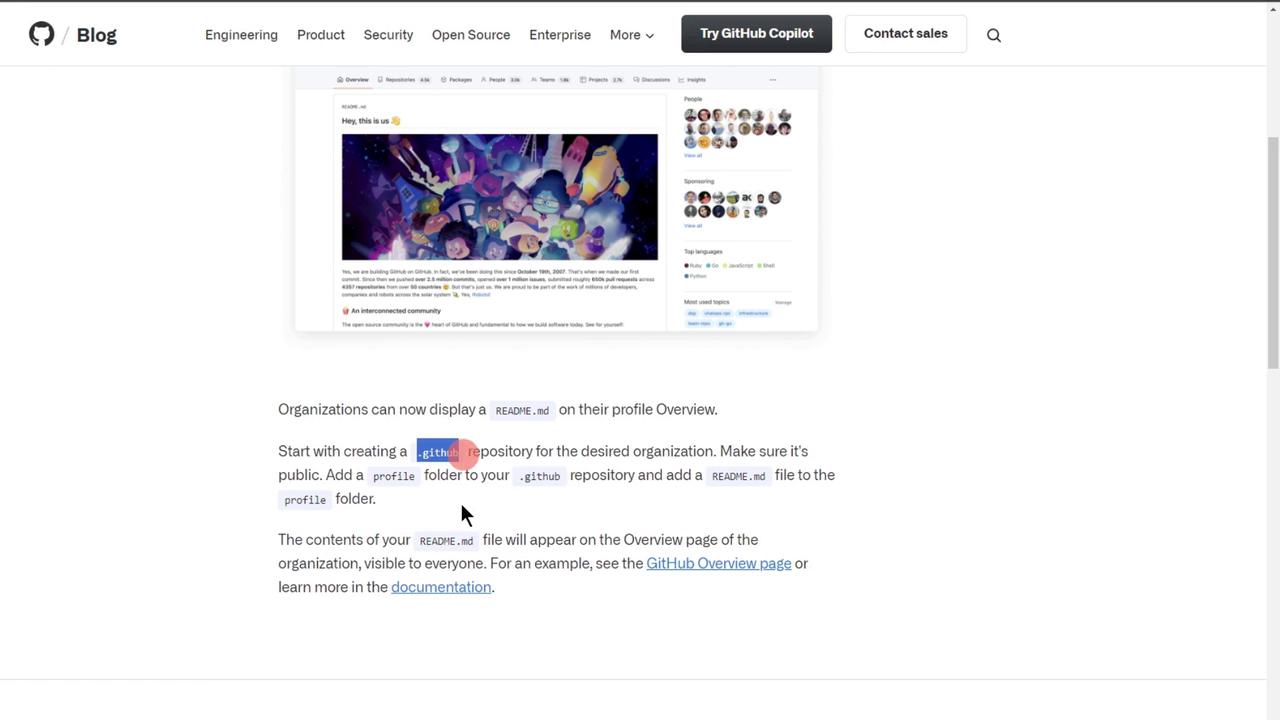
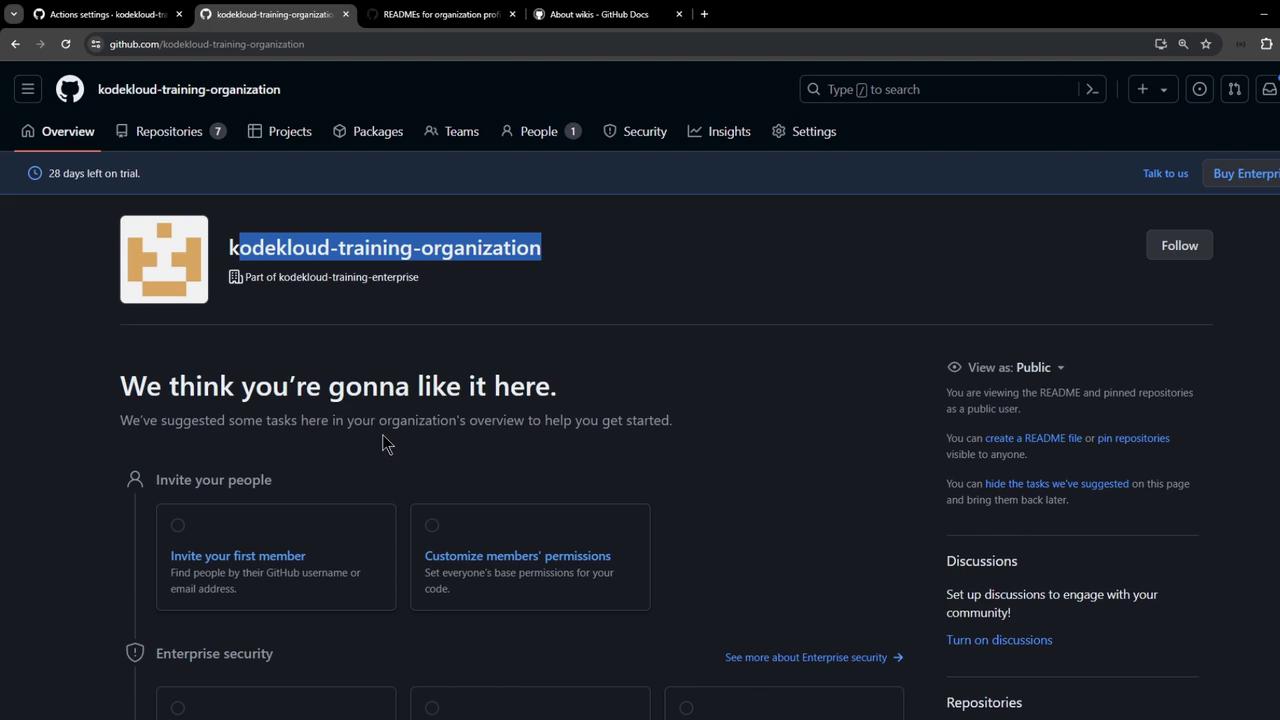
Step 1: Create or Open the .github Repository
Navigate to your organization and open (or create) the .github repository.
Step 2: Add the profile/README.md
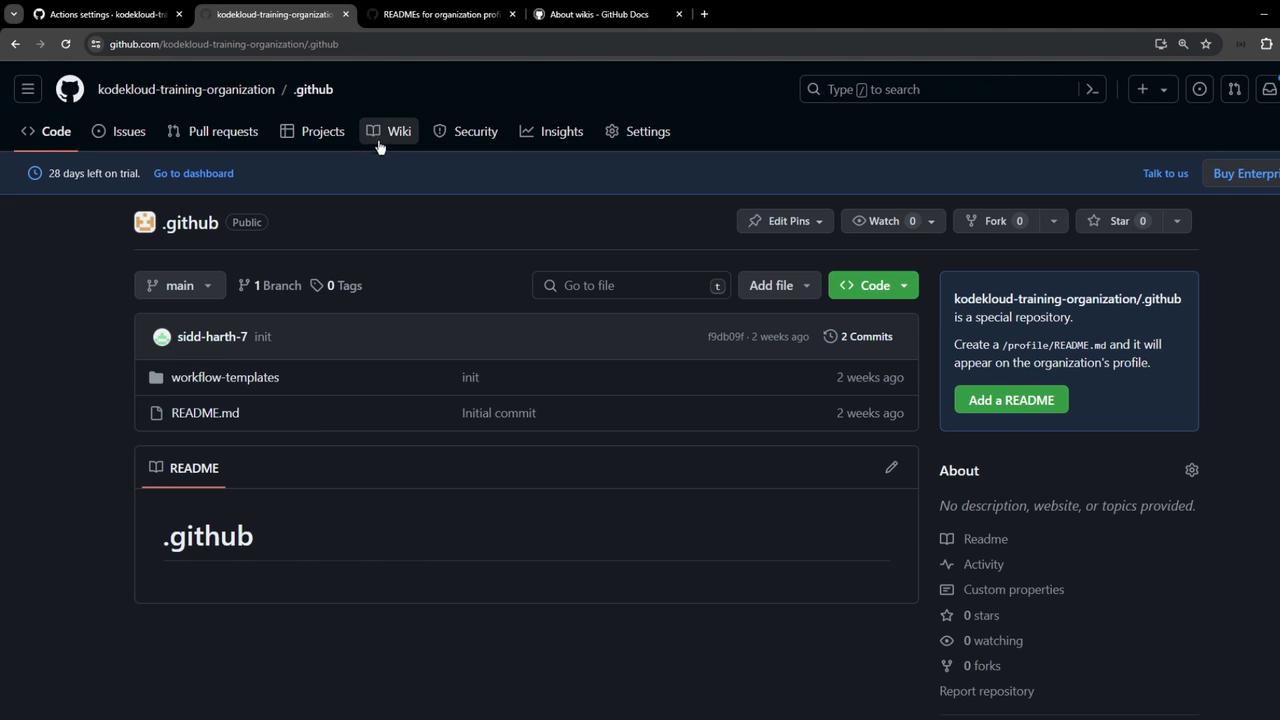
- In
.github, create a folder namedprofile. - Inside
profile, addREADME.mdwith your documentation.
profile/README.md:
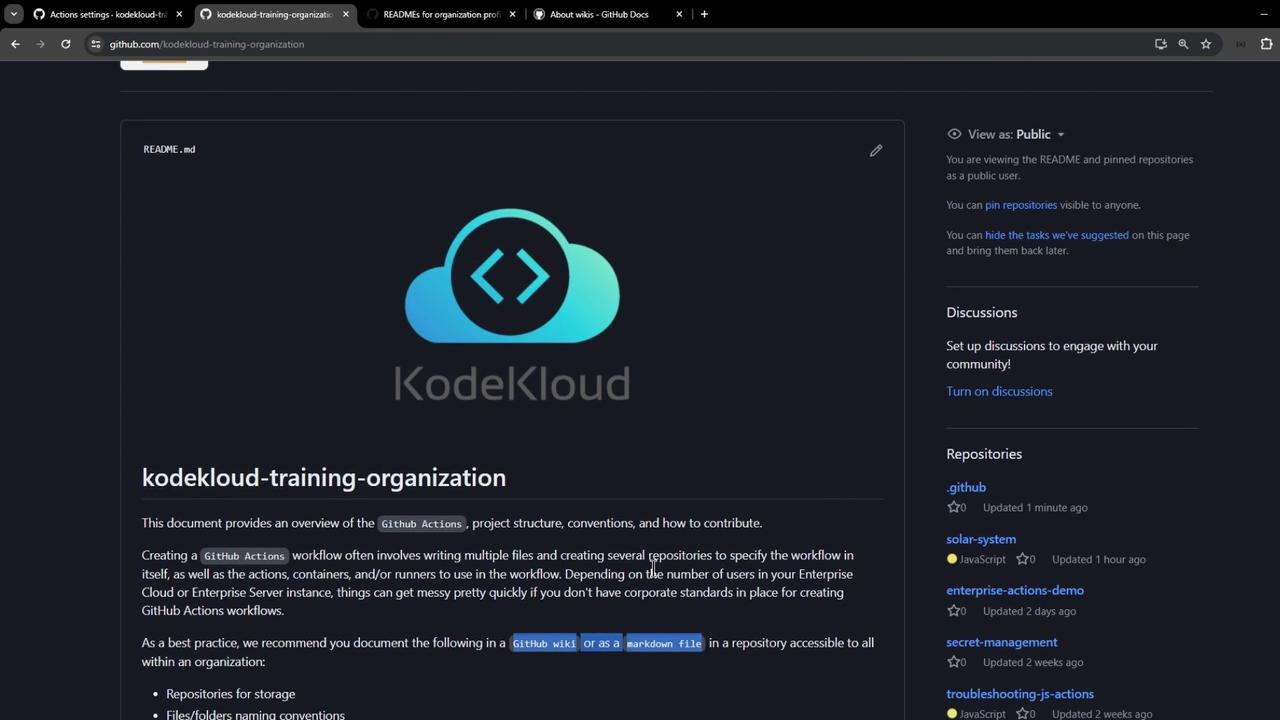
Step 3: Verify on Your Organization Profile
Return to your organization’s main page to see the new README displayed.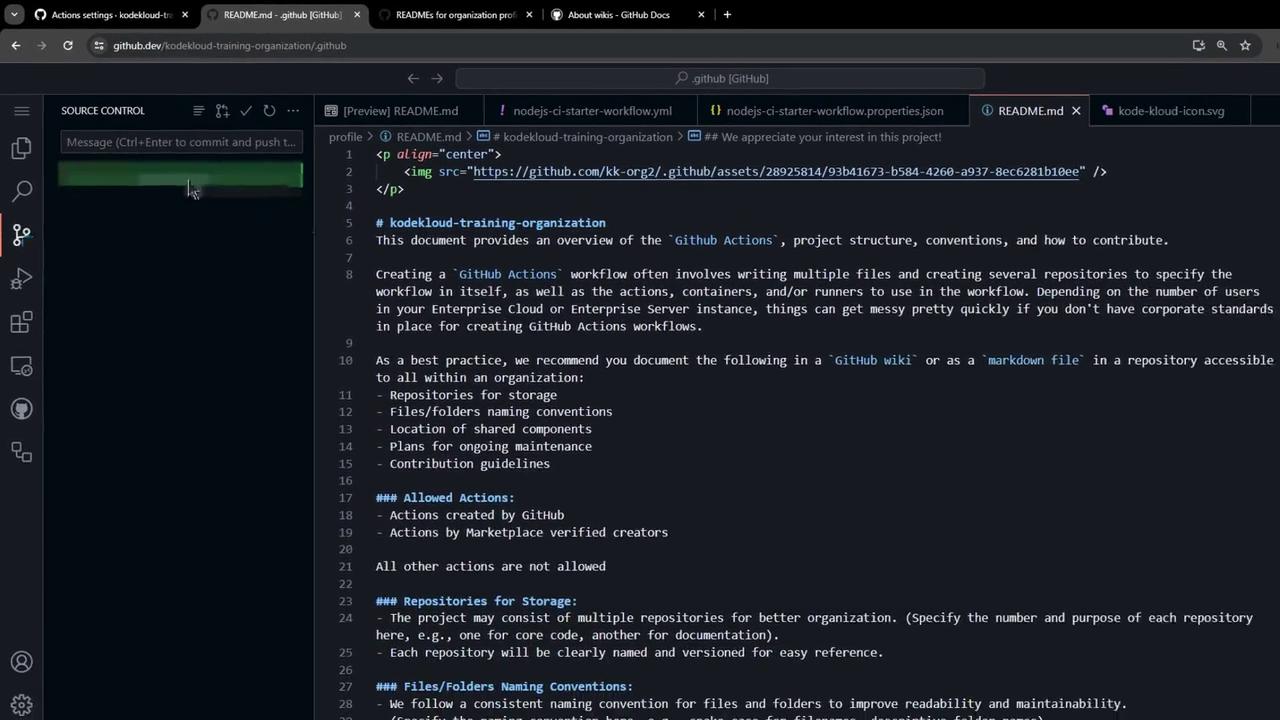
Treat your documentation as code: review and update it alongside workflow changes to prevent drift.
Key Documentation Elements
Ensure your documentation covers the following:
By following these guidelines, you can maintain clear, consistent, and SEO-friendly documentation for your GitHub Actions workflows.