

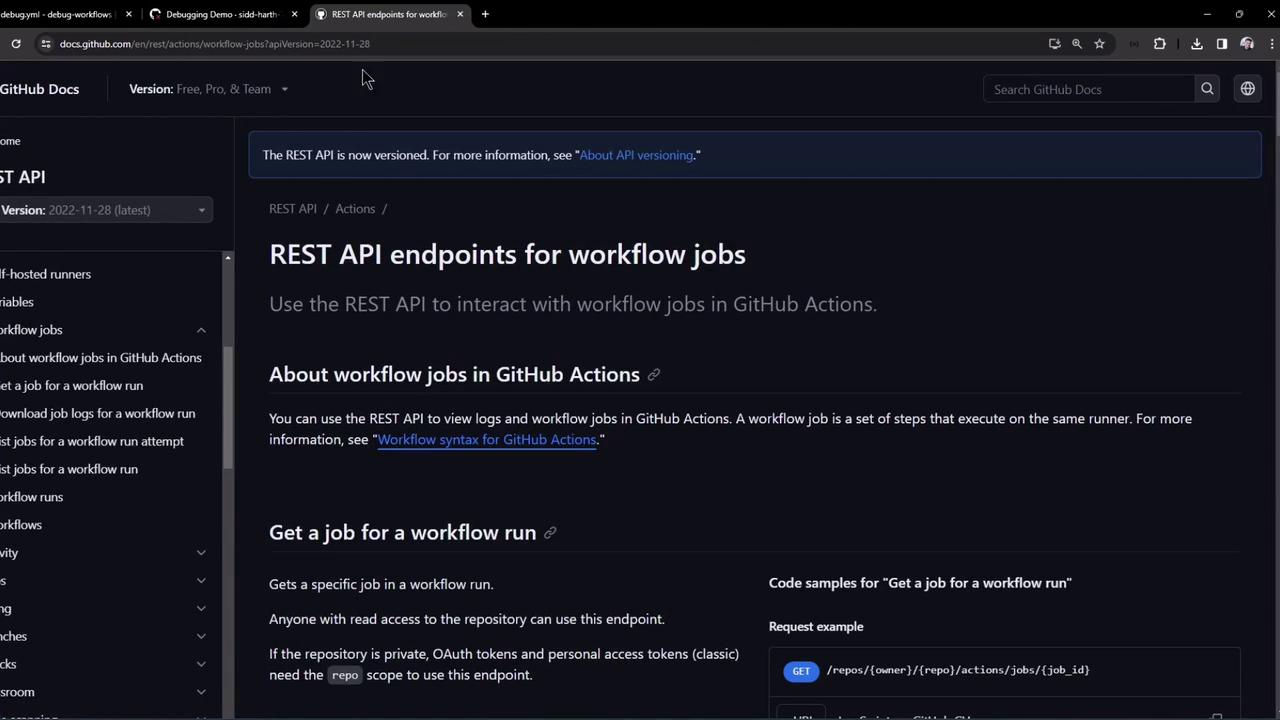
1. Fetch a Specific Job’s Details
Use this endpoint to get metadata and step-level statuses for a particular job in a workflow run:OWNER, REPO, and JOB_ID with your repository owner, name, and the numeric job ID.
If you’re querying a public repository, you can omit the
Authorization header.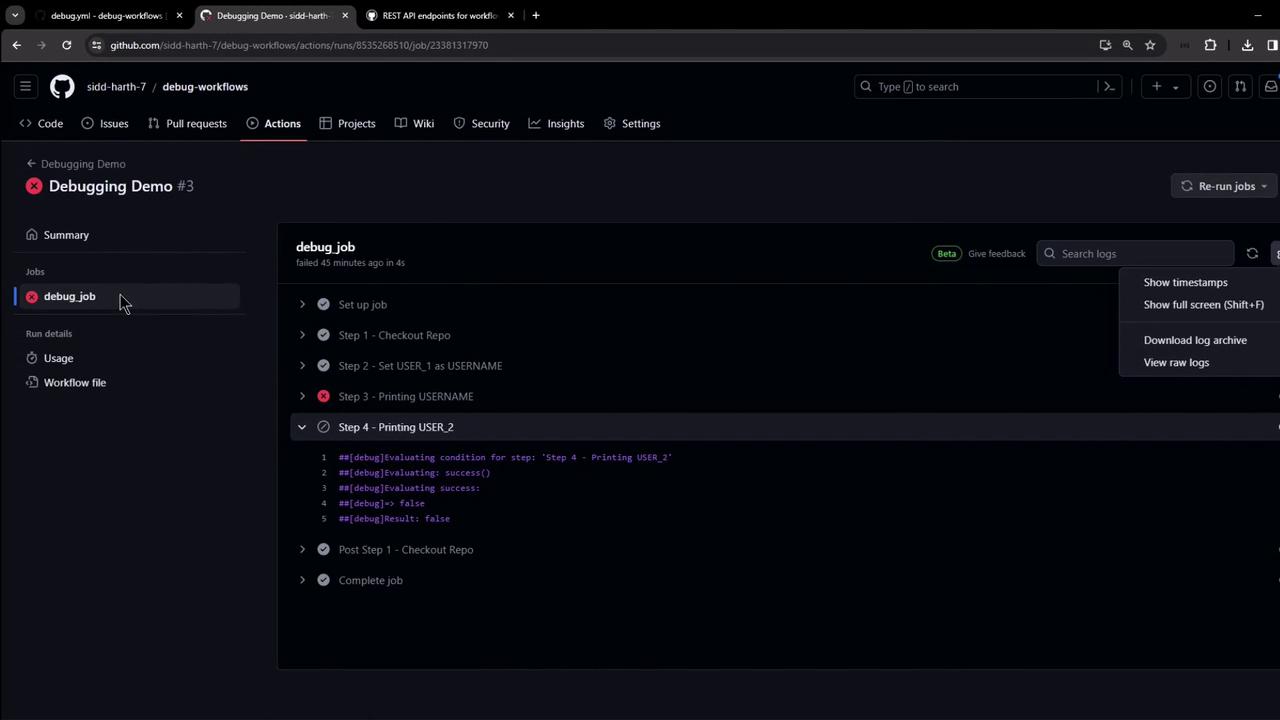
2. Download Raw Logs for a Single Job
Once you know theJOB_ID, fetch its logs as a ZIP archive:
-kskips SSL validation (only use in controlled environments).-o job_logs.zipwrites the output to a file.
job_logs corresponds to individual steps and runner logs.
Avoid using
-k in production—always validate SSL certificates to secure your data in transit.3. Generate a GitHub Personal Access Token
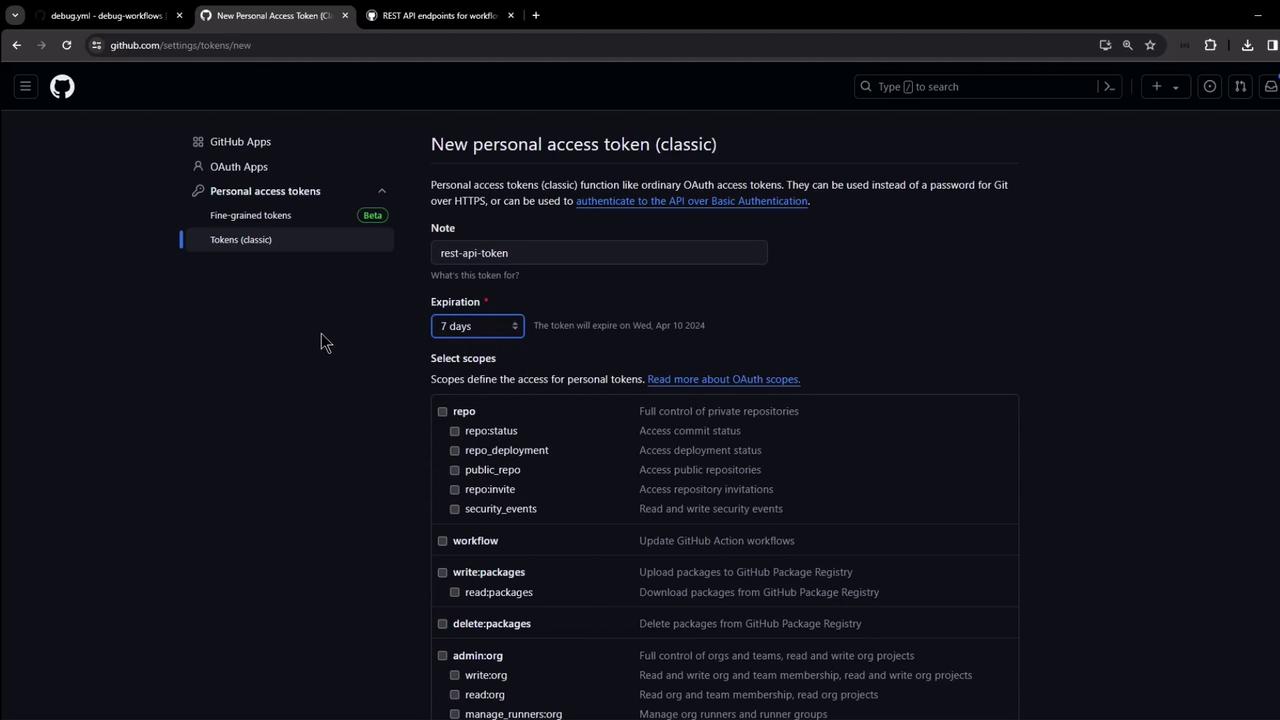
For private repositories, set up a Personal Access Token (PAT) with the minimal scopes:- Navigate to Settings → Developer settings → Personal access tokens → Tokens (classic).
- Click Generate new token, add a descriptive note and expiration.
- Select repo and workflow scopes.
- Copy the token; use it as
Authorization: Bearer <YOUR_TOKEN>.
4. Download Logs for an Entire Workflow Run
To grab logs for every job in a workflow run, hit the run-level endpoint:- Replace
RUN_IDwith the numeric workflow run ID. - The ZIP contains logs for all jobs in the specified run.
