

This example uses the Ubuntu runner and the cowsay utility to generate a
dragon.txt file. You can adapt it to any file or command.1. Initial Workflow Structure
Below is a basic workflow that generates adragon.txt file but does not yet share it between jobs:
build_job_1 to downstream jobs, use the actions/upload-artifact and actions/download-artifact actions.
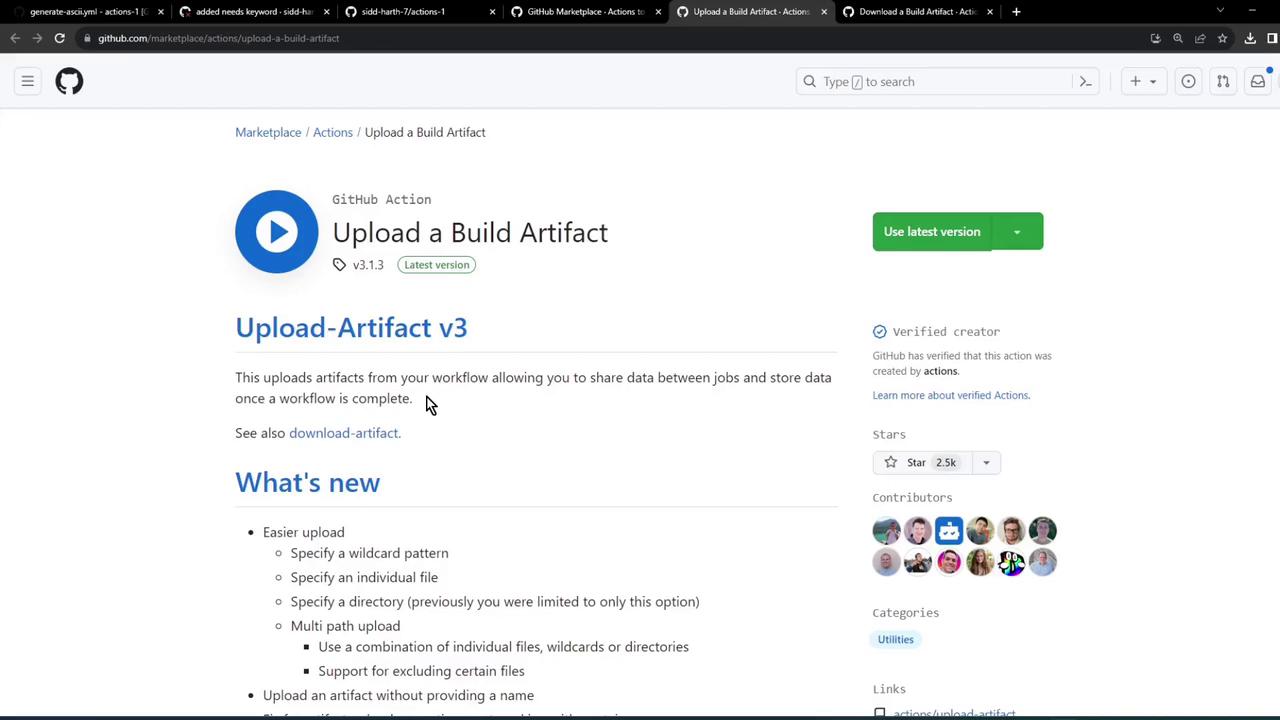
2. Uploading Artifacts
Useactions/upload-artifact@v3 to upload files or directories as build artifacts. Here’s the minimal syntax:
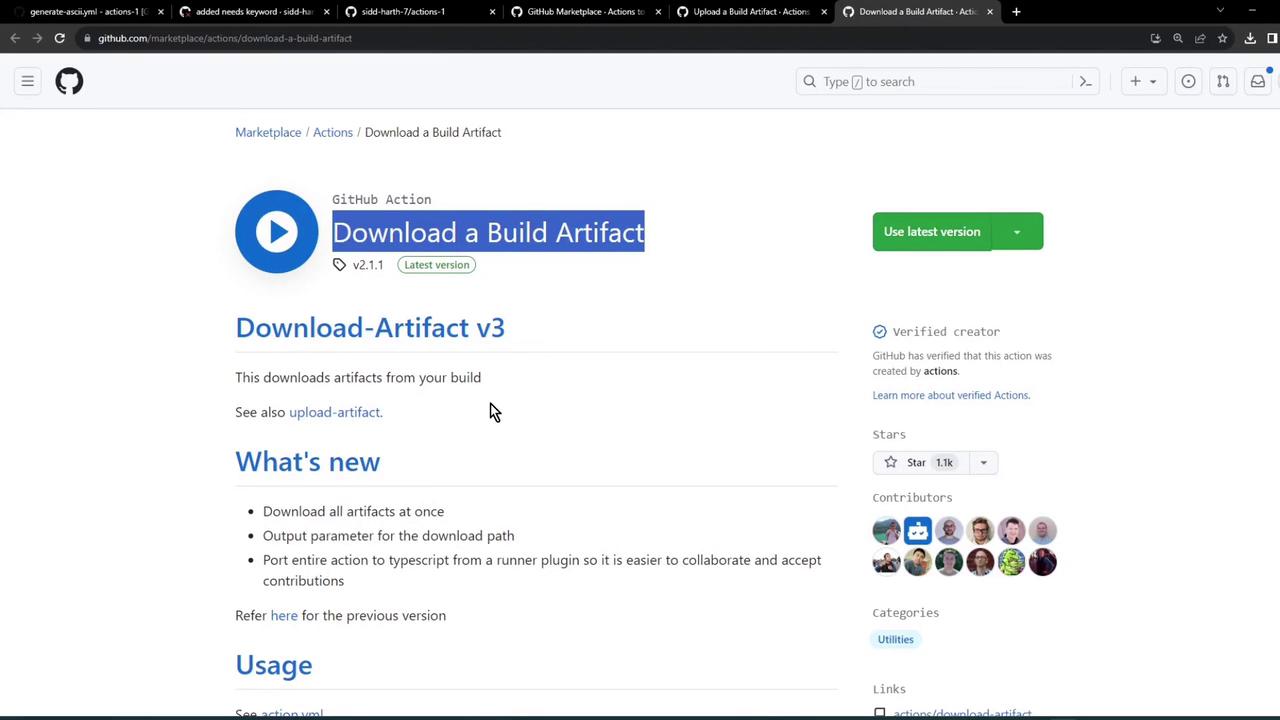
3. Downloading Artifacts
In downstream jobs, invokeactions/download-artifact@v3 to retrieve the artifact:
4. Integrate Upload in the Build Job
Modifybuild_job_1 to upload the generated dragon.txt:
5. Download in the Test Job
Ensuretest_job_2 depends on build_job_1 and downloads the artifact before running assertions:
6. Download in the Deploy Job
Similarly, pull the artifact indeploy_job_3 to read and then deploy:
7. Workflow in Action
When you push these changes, GitHub Actions uploads and downloads the artifact across jobs.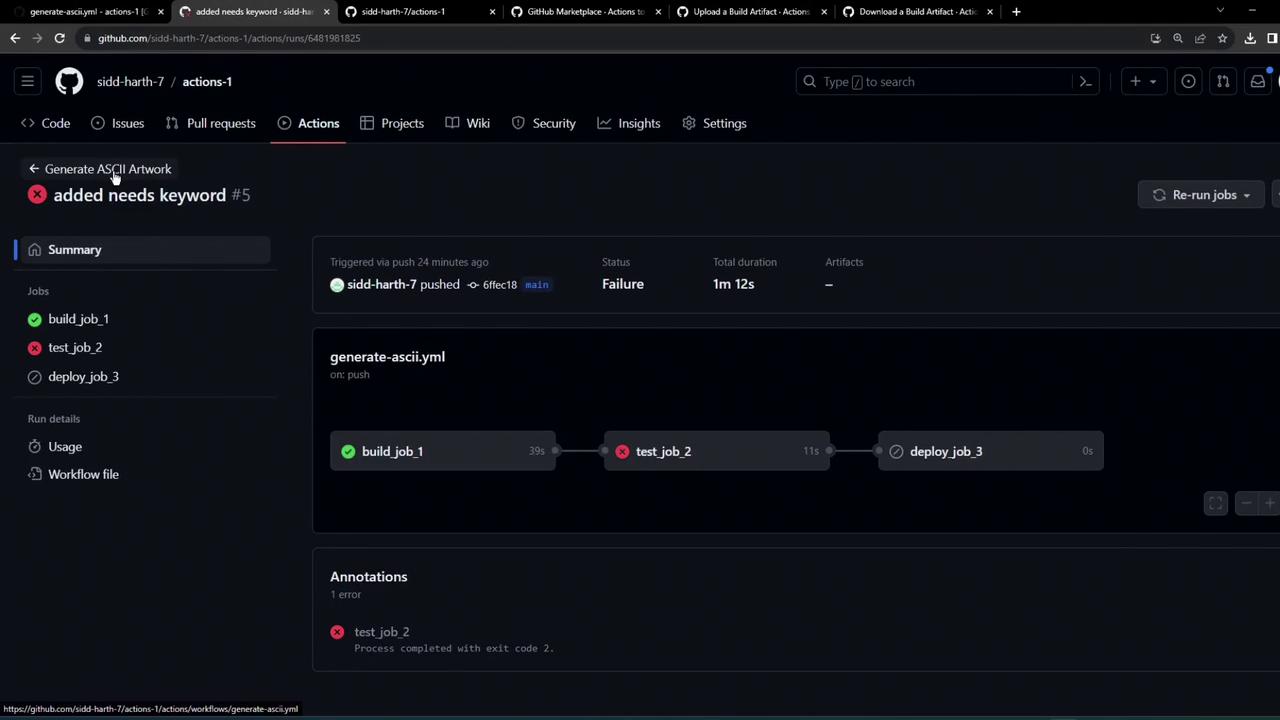
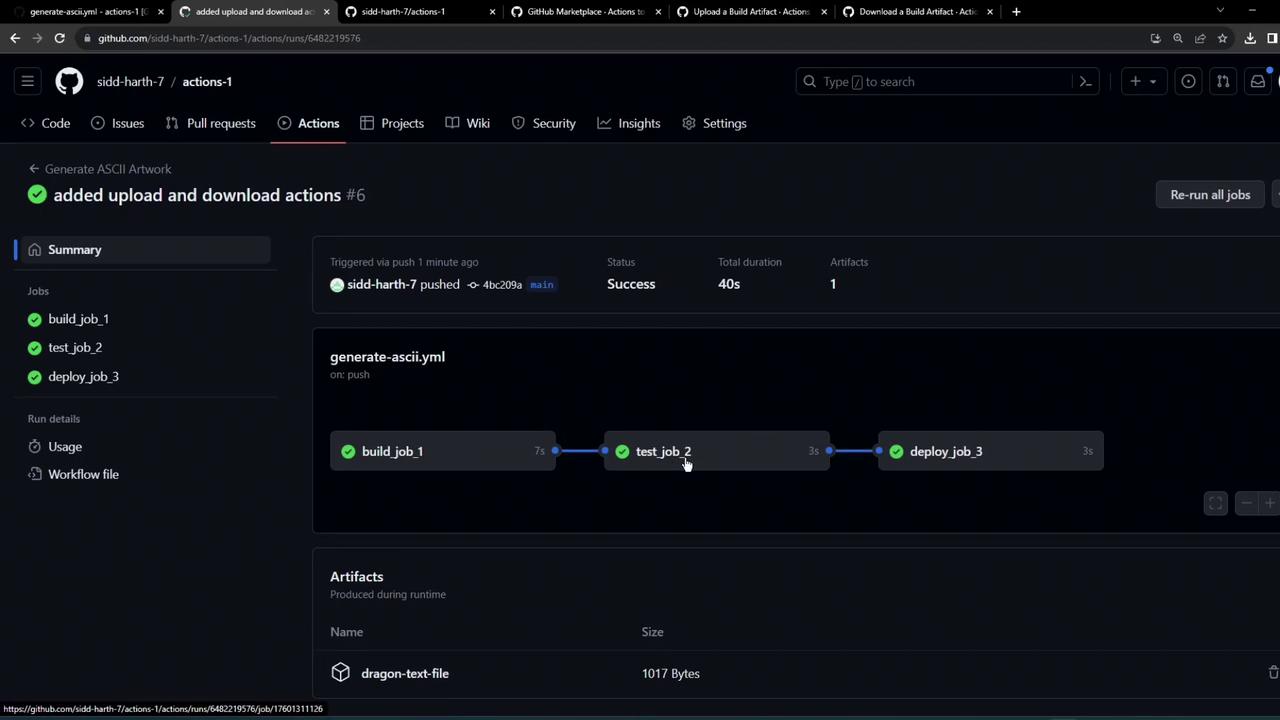
Sample Download Log
8. Artifact Retention Policy
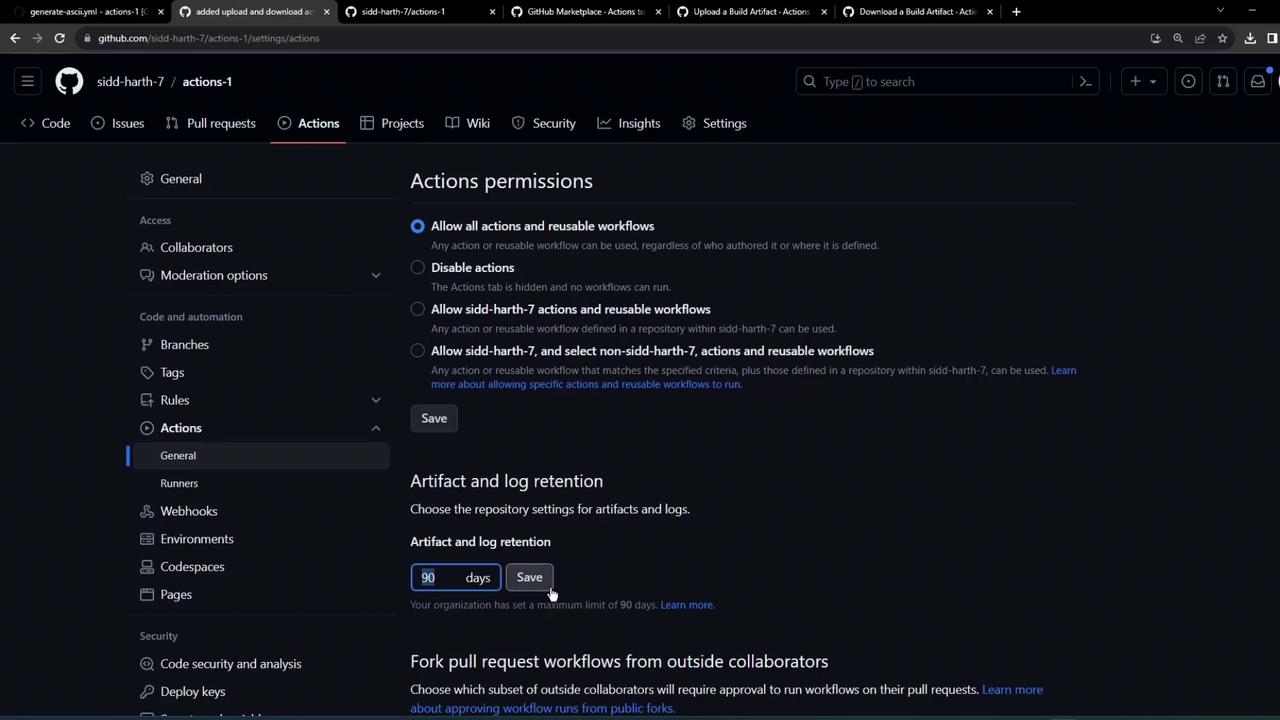
By default, uploaded artifacts are retained for 90 days. To adjust this setting:- Go to your repository’s Settings → Actions → Artifact and log retention.
- Update the retention period as needed.
Increasing retention beyond 90 days may count against your GitHub storage quota.
References
- actions/upload-artifact
- actions/download-artifact
- GitHub Actions Documentation
- Managing retention settings