

A straightforward workflow
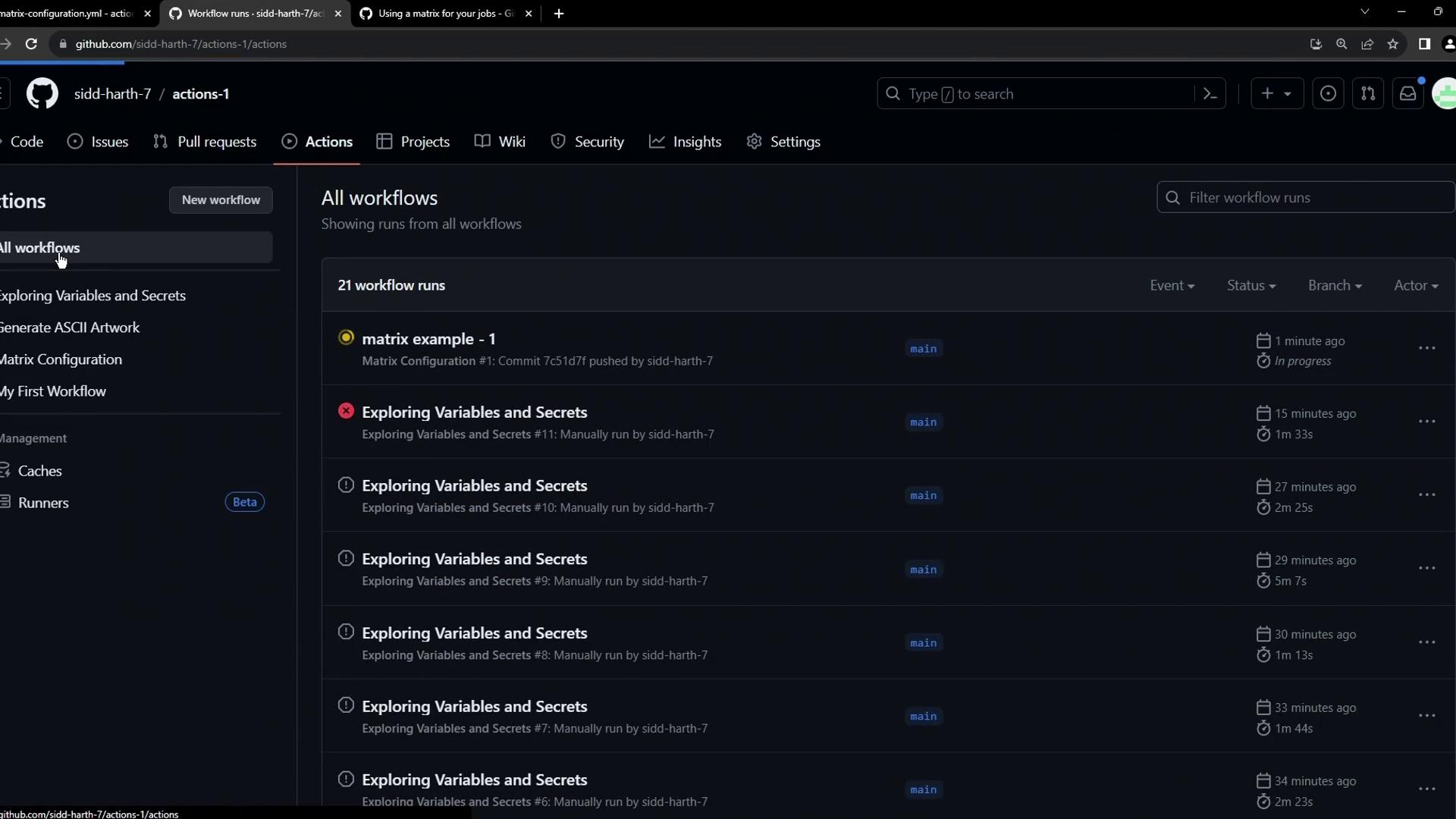
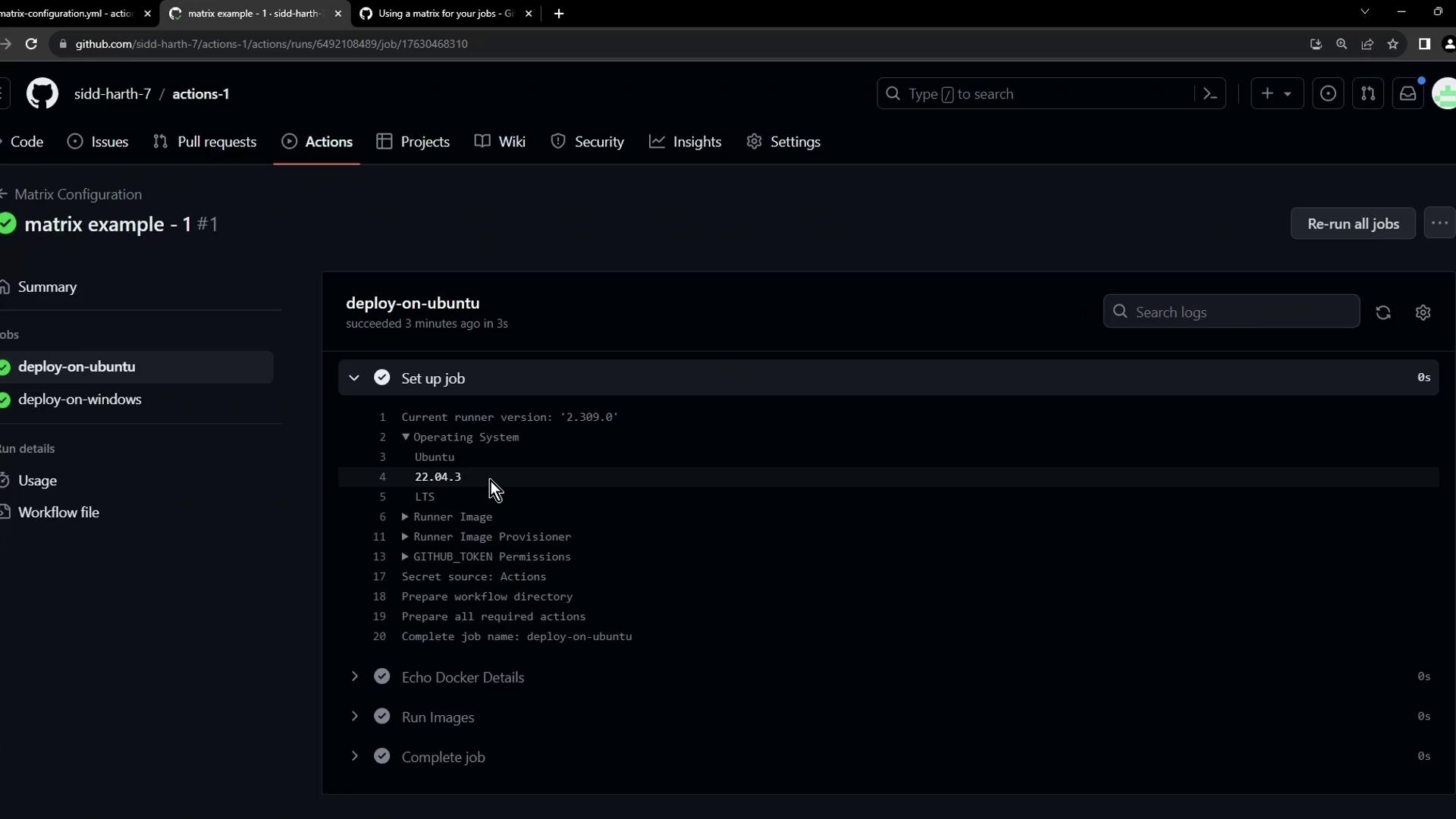
Below is a basic workflow that defines two separate jobs—one on Ubuntu and one on Windows—to echo Docker details and run thehello-world image.
push and manual dispatch, executing the same two steps on different OS runners.
Inspecting the Windows job
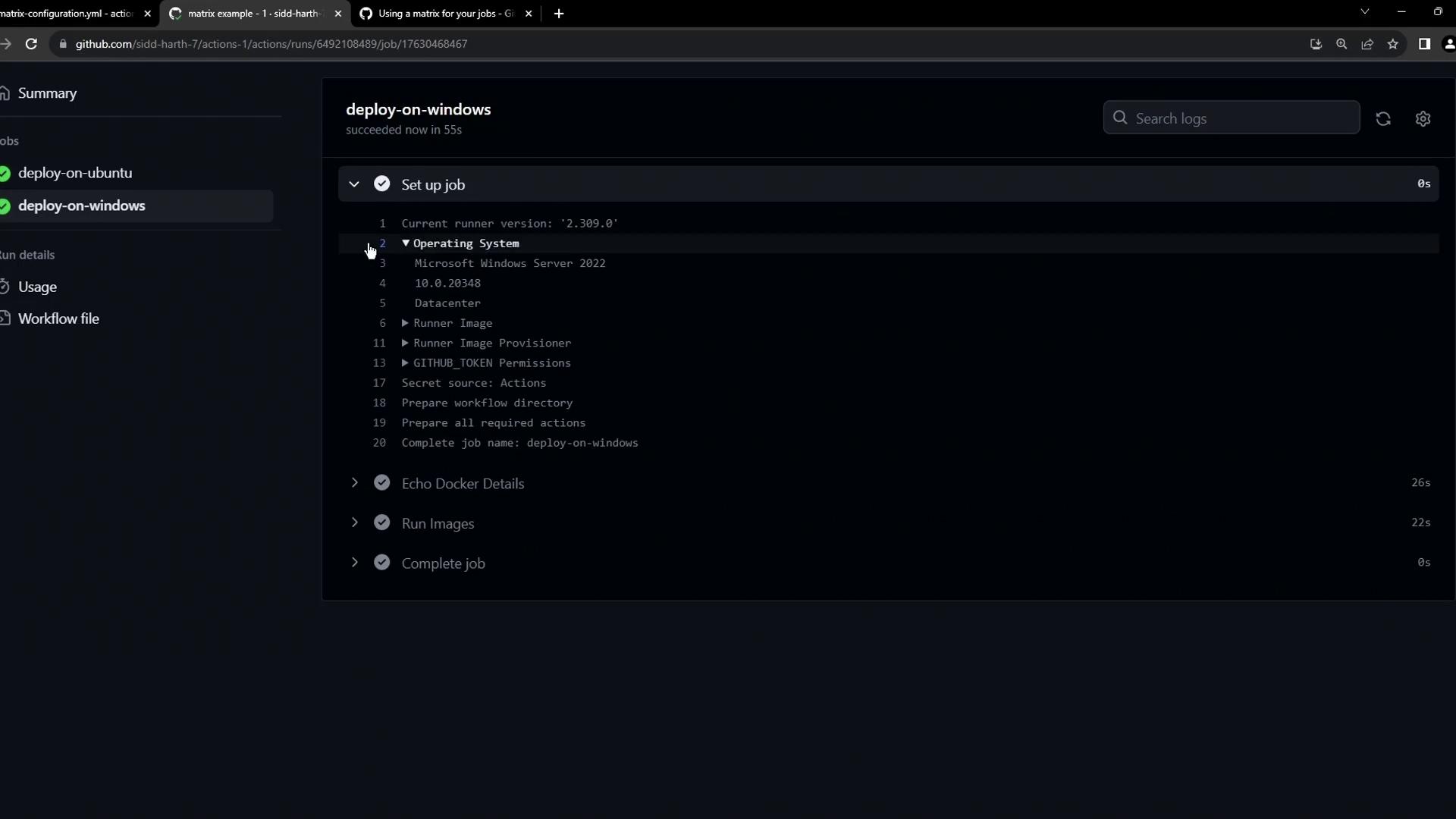
Click into deploy-on-windows to view details about the runner, Docker info, and thehello-world output:
hello-world:
The problem of repetition
Imagine scaling this to more OS versions or Docker images. You’d end up copying and pasting nearly identical job definitions:Introducing the matrix strategy
GitHub Actions’ matrix lets you define multiple variables, and it automatically expands one job into many. Here’s the minimal syntax:
Learn more in the GitHub Actions matrix documentation.
Converting our workflow to use a matrix
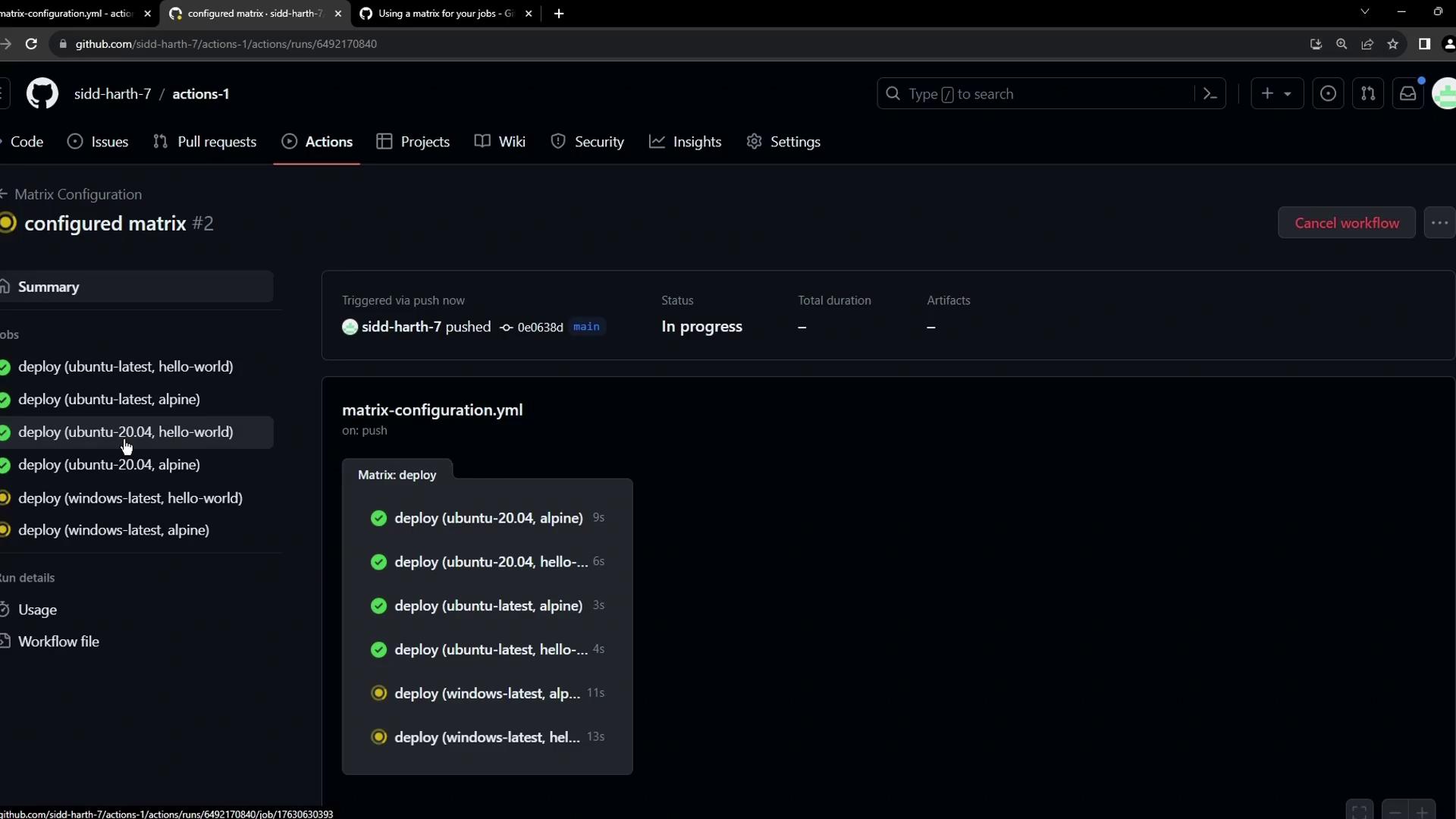
Let’s refactor our example to run two Docker images (hello-world and alpine) across three OS environments (ubuntu-latest, ubuntu-20.04, windows-latest):
runs-on: ${{ matrix.os }}selects the runner OS dynamically.- The second step pulls and runs each image on each OS.
You can also filter specific combinations using This skips running Alpine on Windows.
include and exclude under strategy.matrix. For example:Handling failures
In some cases, certain image/OS combinations may not be supported. For example,alpine has no Windows manifest, so that job fails:

continue-on-error: true on a step or job-level conditionals if you want to proceed despite errors.