

title: Manage Organization-level Encrypted Secrets in GitHub Actions description: Learn how to configure and scope secrets for GitHub Actions at environment, repository, and organization levels.
In this tutorial, you will configure GitHub Actions secrets at different scopes—environment, repository, and organization—to control access across your workflows. We’ll:- Add repository-level secrets
- Define environment-level secrets
- Configure organization-level secrets
- Demonstrate secret resolution order
You need admin access to the target repositories and organization, plus a local clone or VS Code setup.
Also see GitHub Actions Secrets documentation for more details.
Also see GitHub Actions Secrets documentation for more details.
Overview: Personal vs. Organization Repositories
Personal accounts support only repository- and environment-level secrets. Organization accounts add an extra organization-level scope.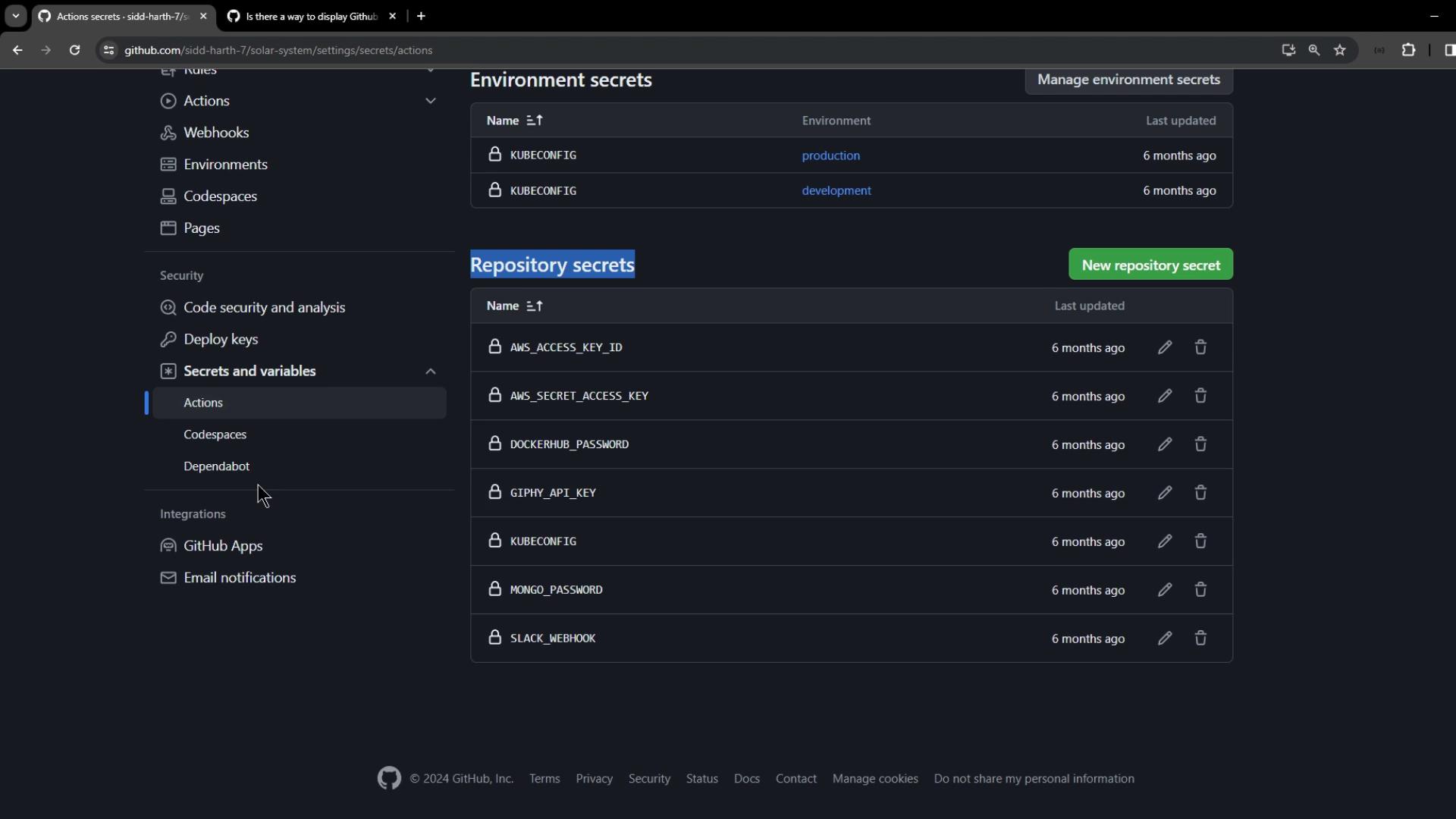
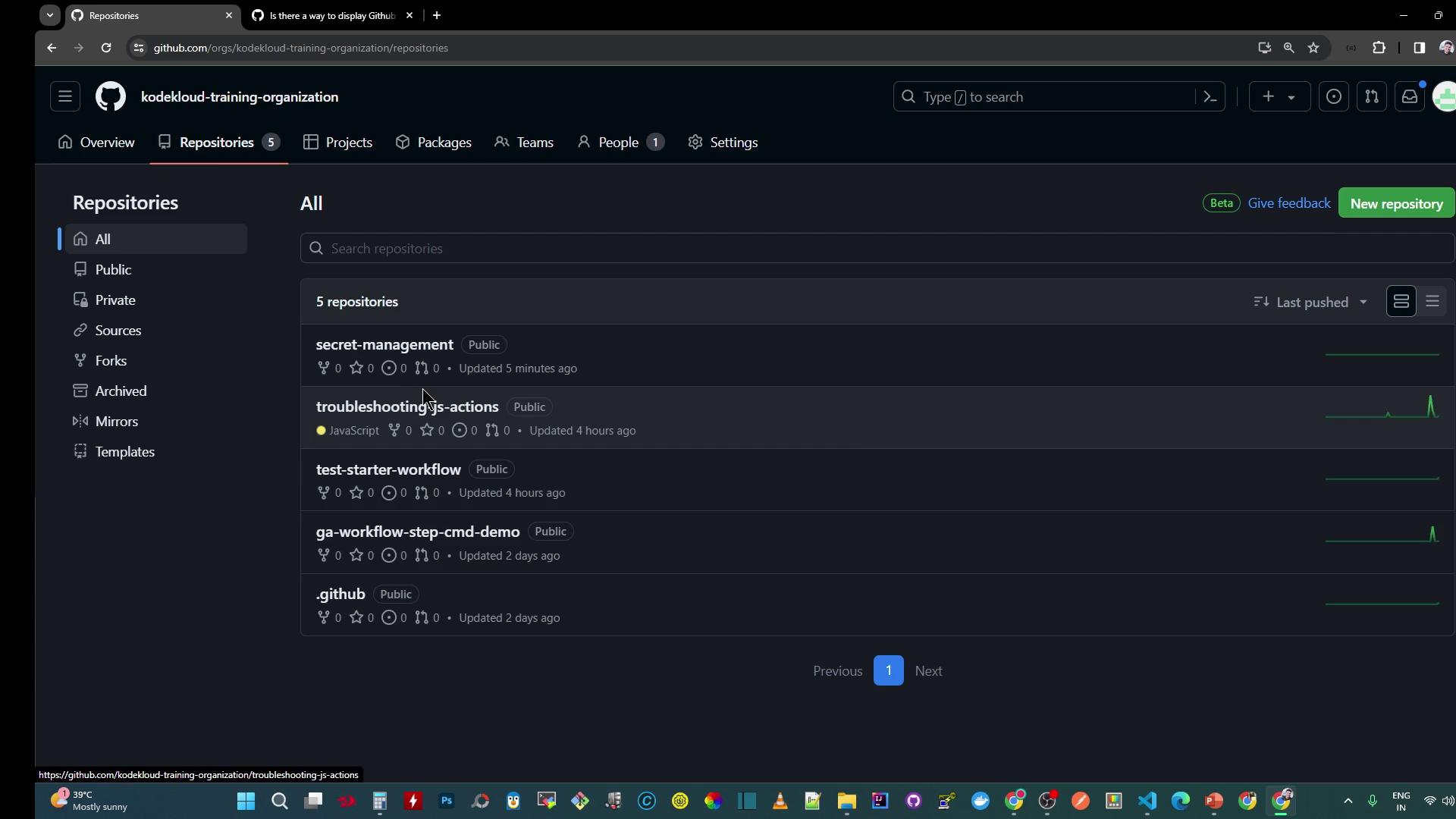
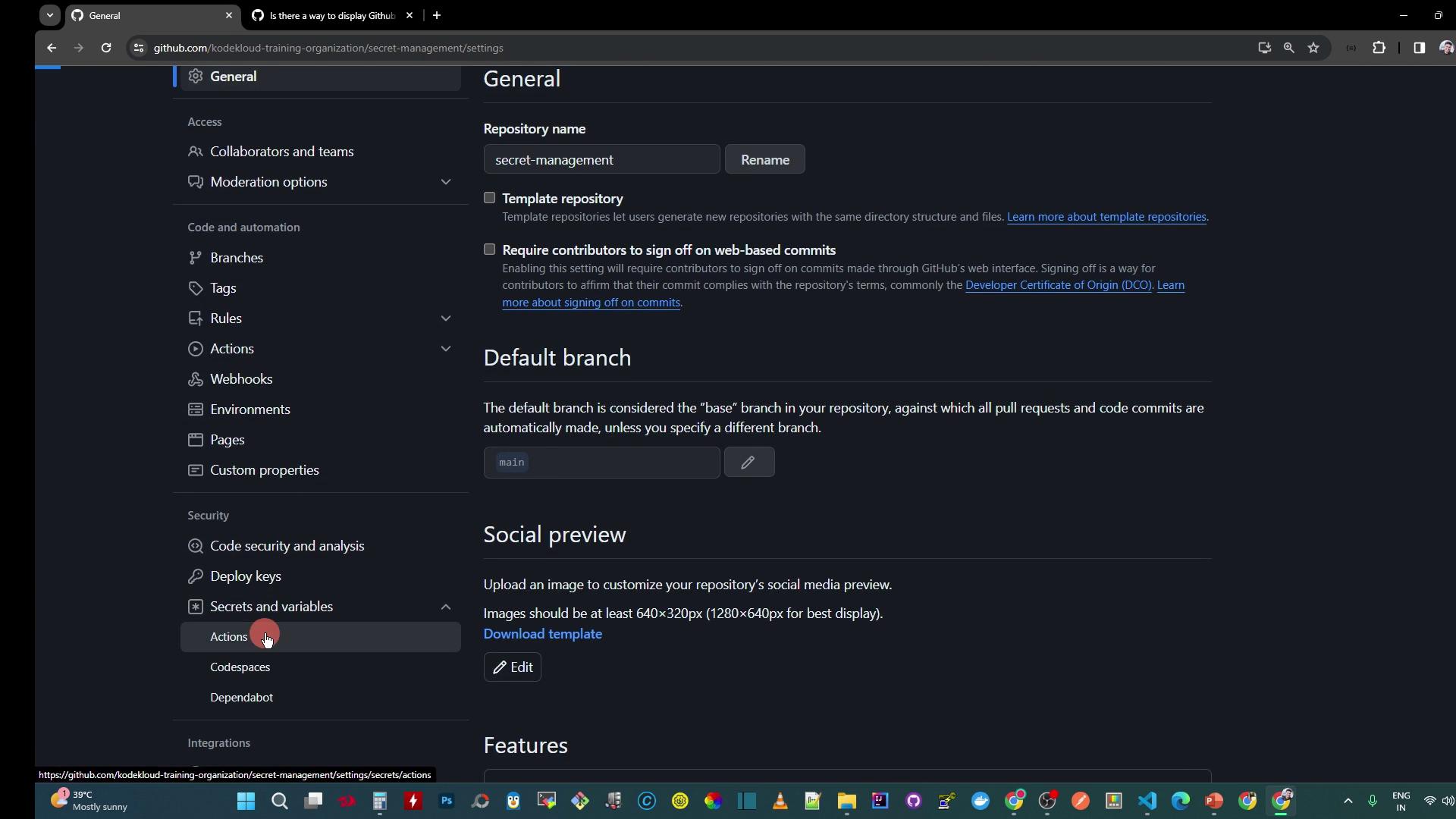
1. Configure Repository-Level Secrets
Create a workflow file at.github/workflows/secret-demo.yaml:
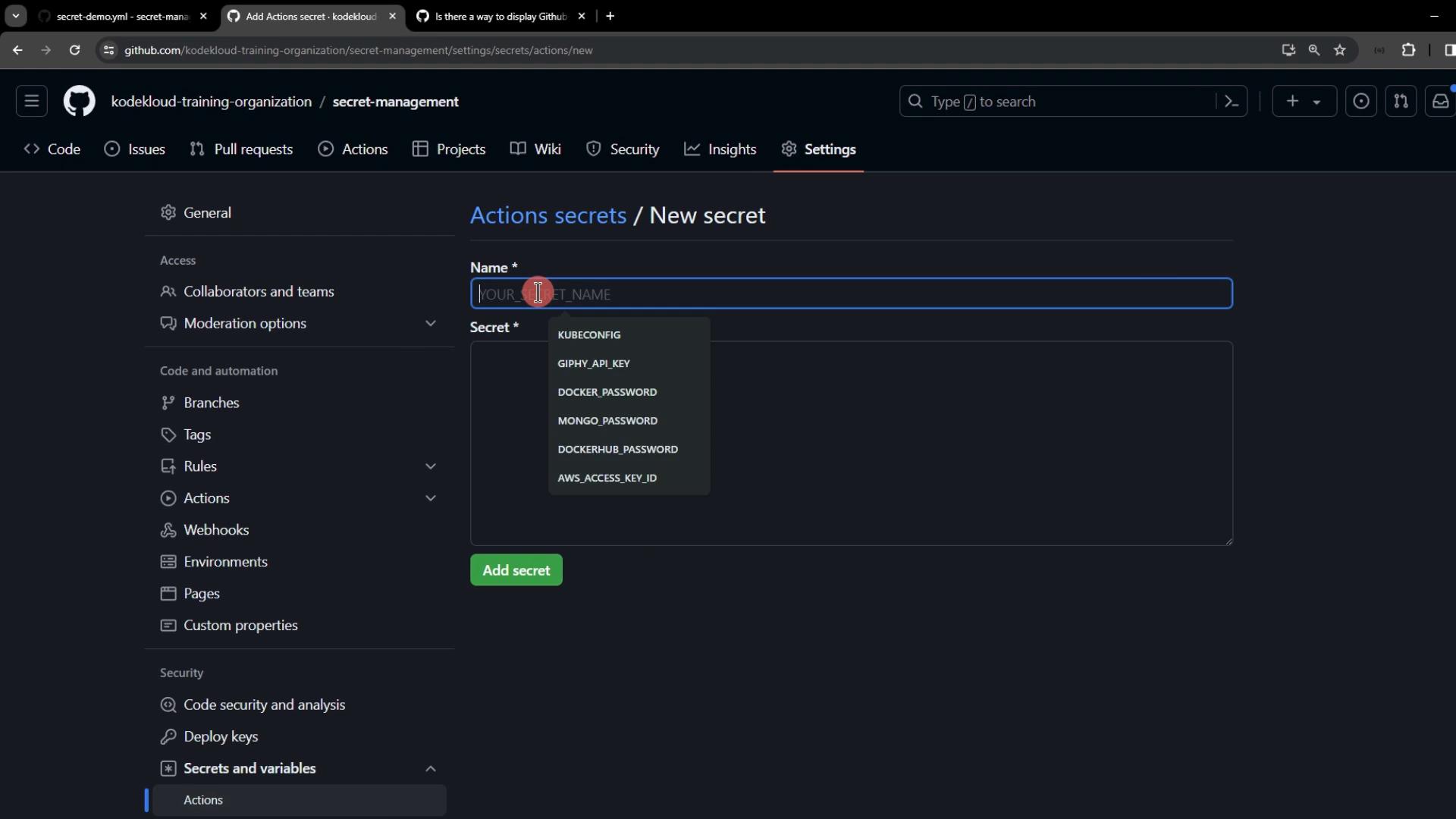
- Name:
DEV_API_KEY - Value:
REPOSITORY-level-DEV-api-key
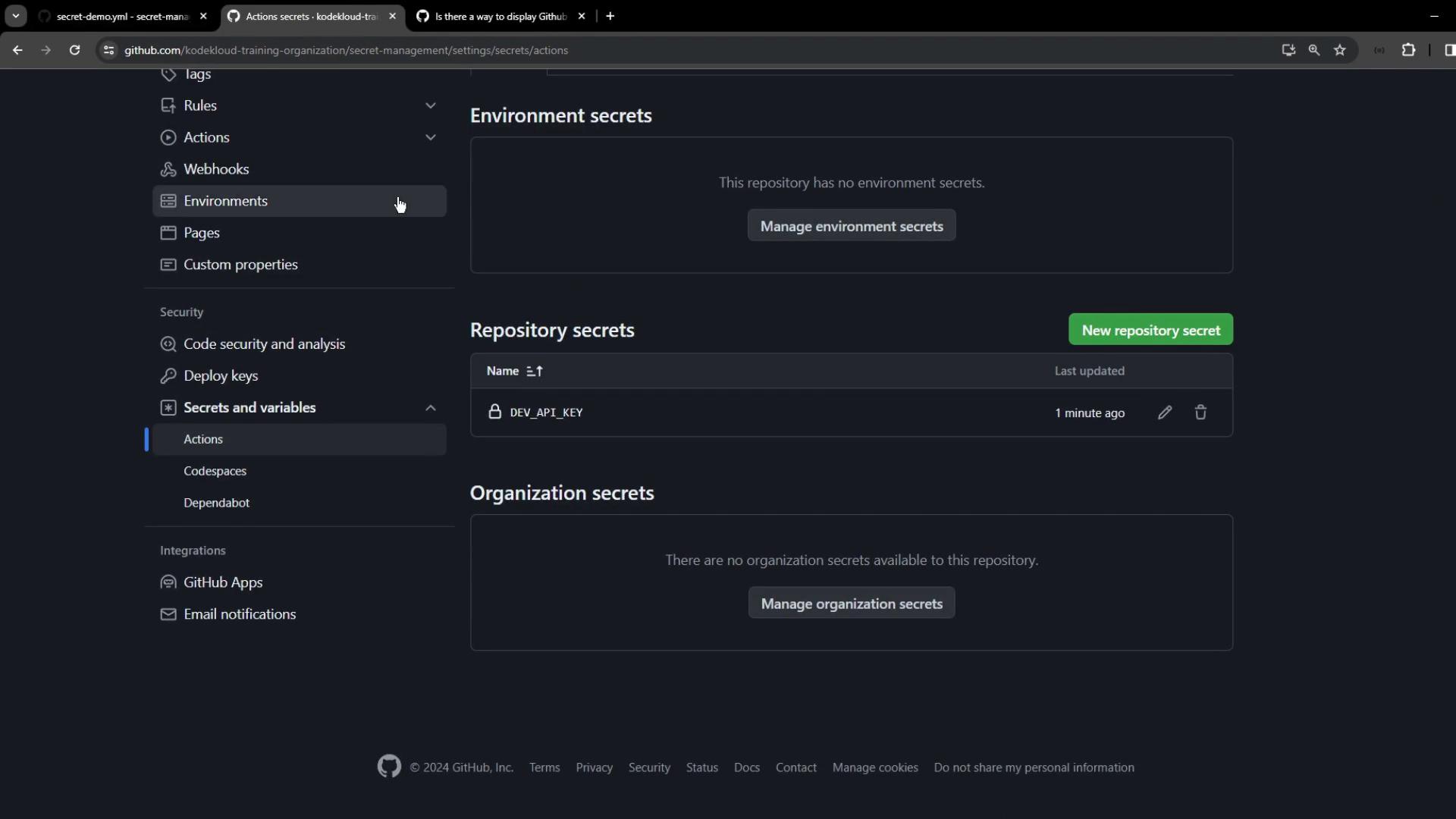
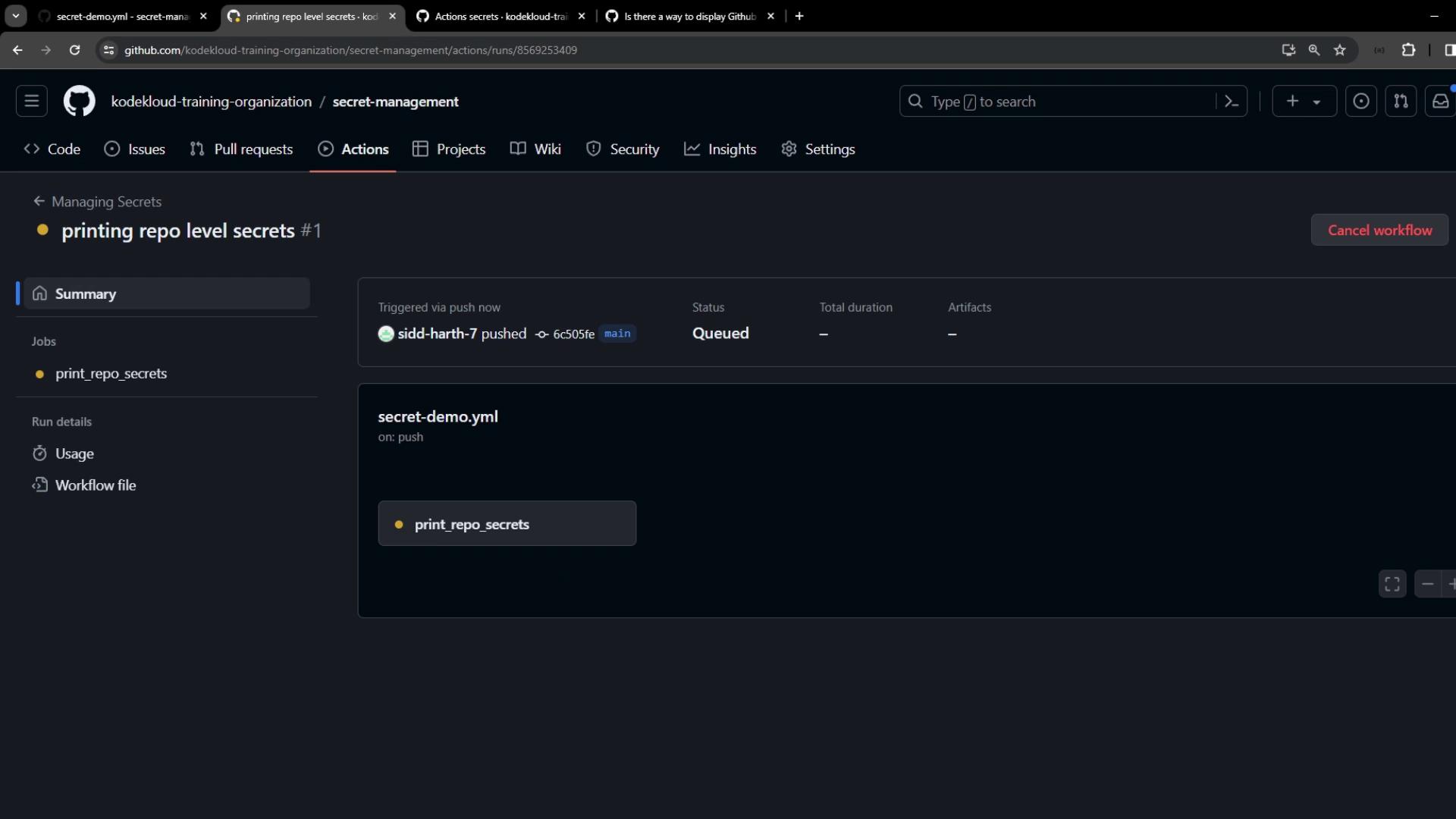

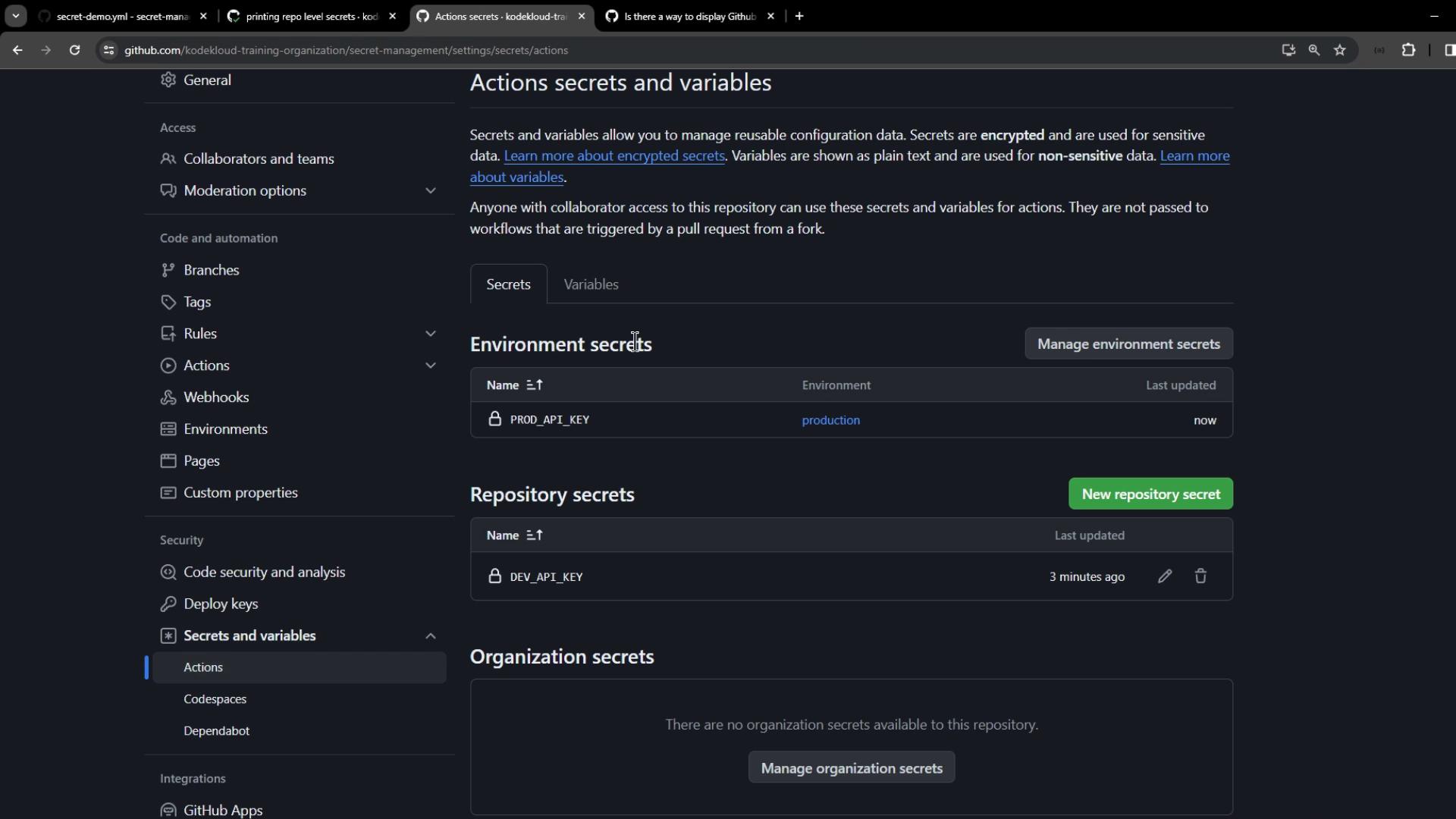
2. Configure Environment-Level Secrets
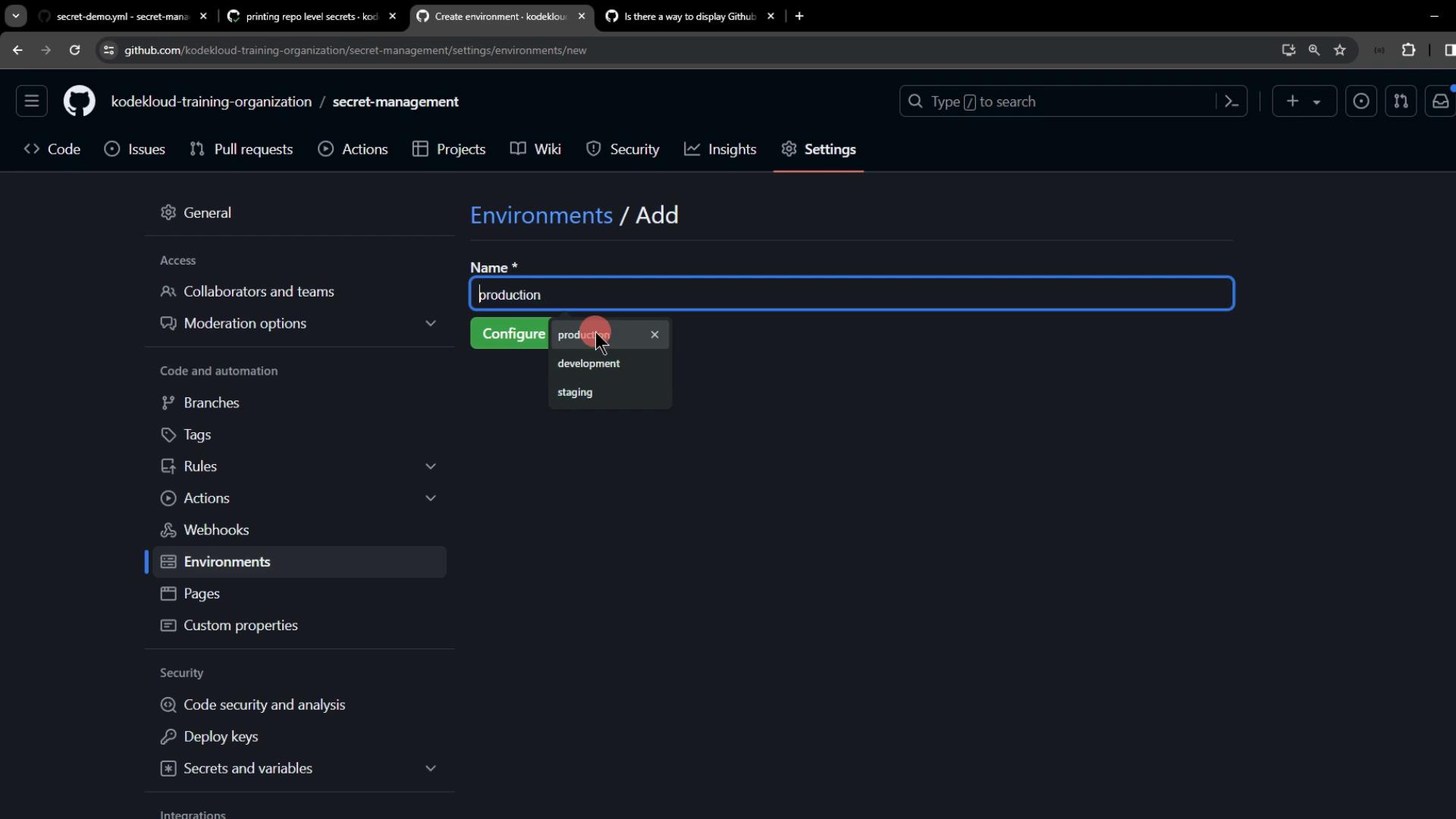
Create a new environment calledproduction under Settings > Environments:
- Name:
PROD_API_KEY - Value:
ENVIRONMENT-level-PROD-api-key

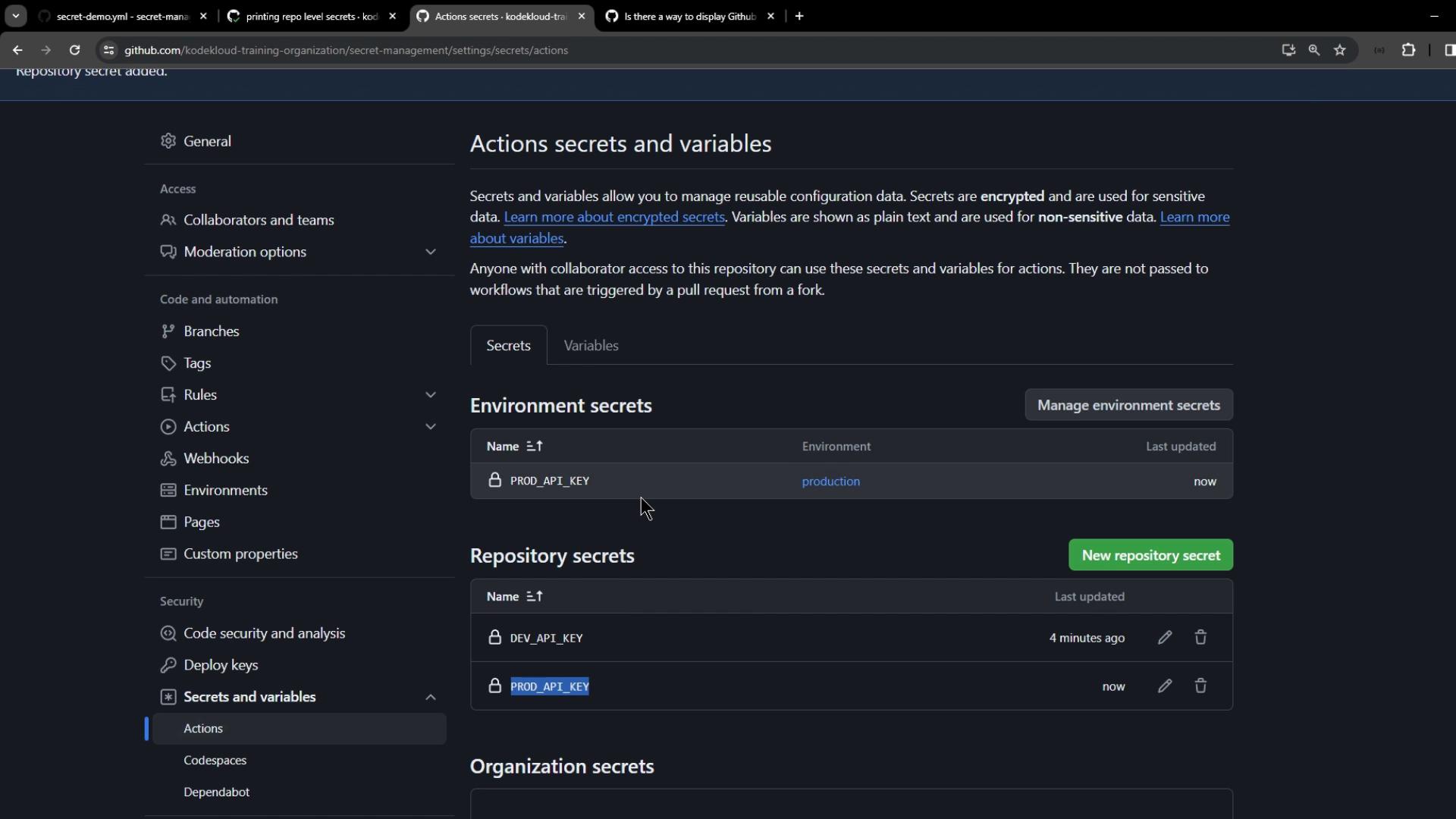
PROD_API_KEY at the repository level:
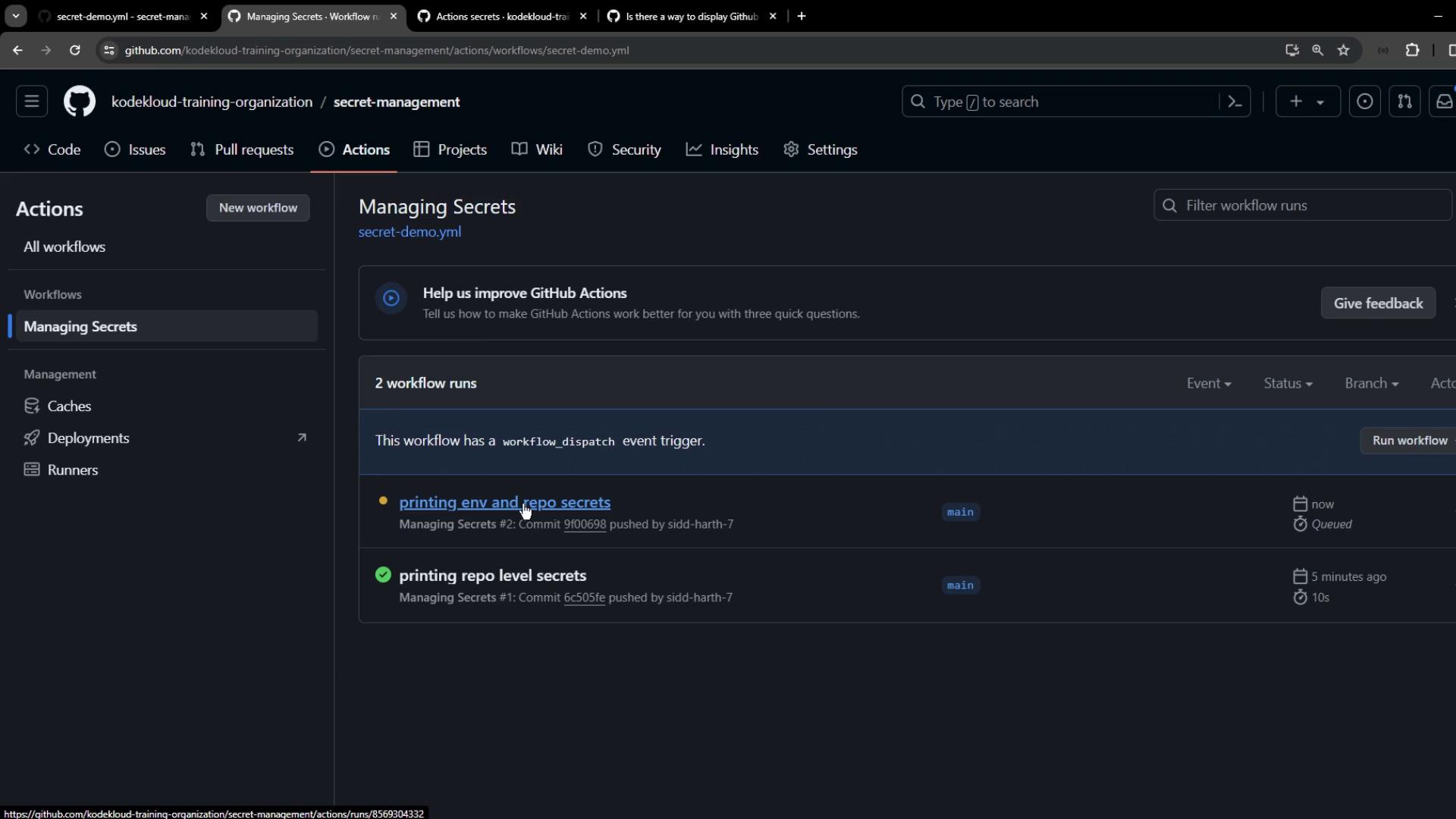
PROD_API_KEY:
3. Configure Organization-Level Secrets
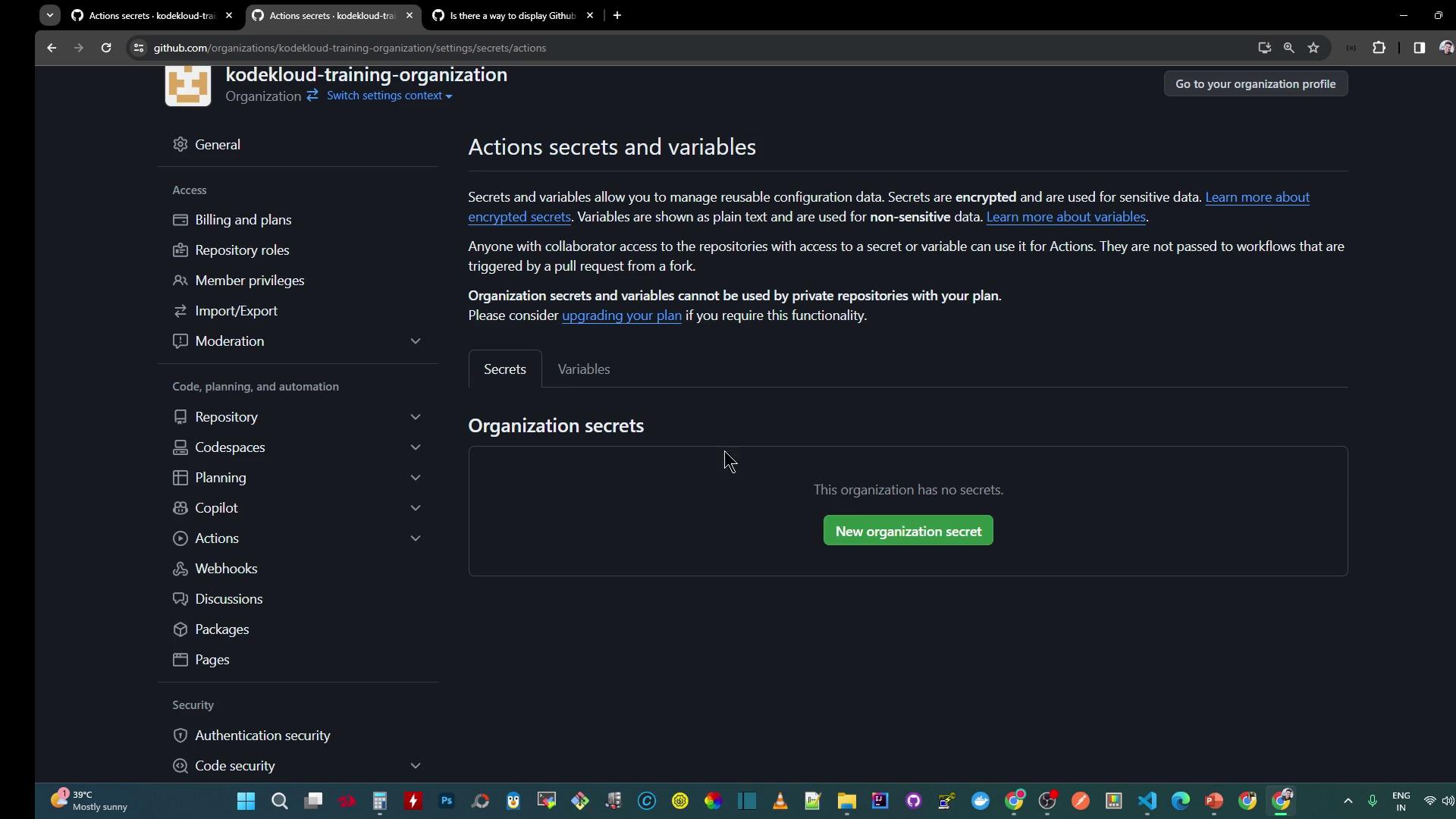
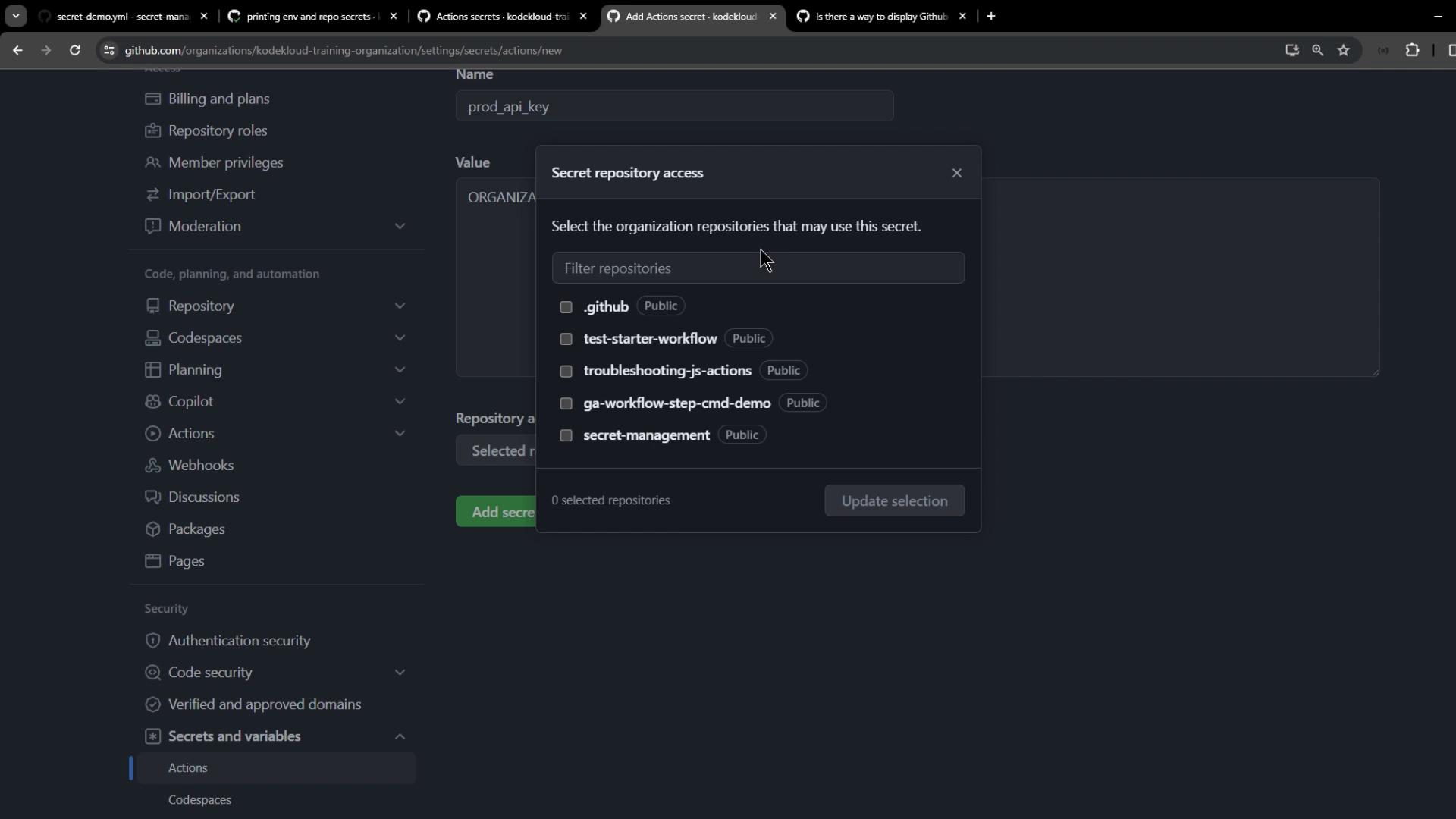
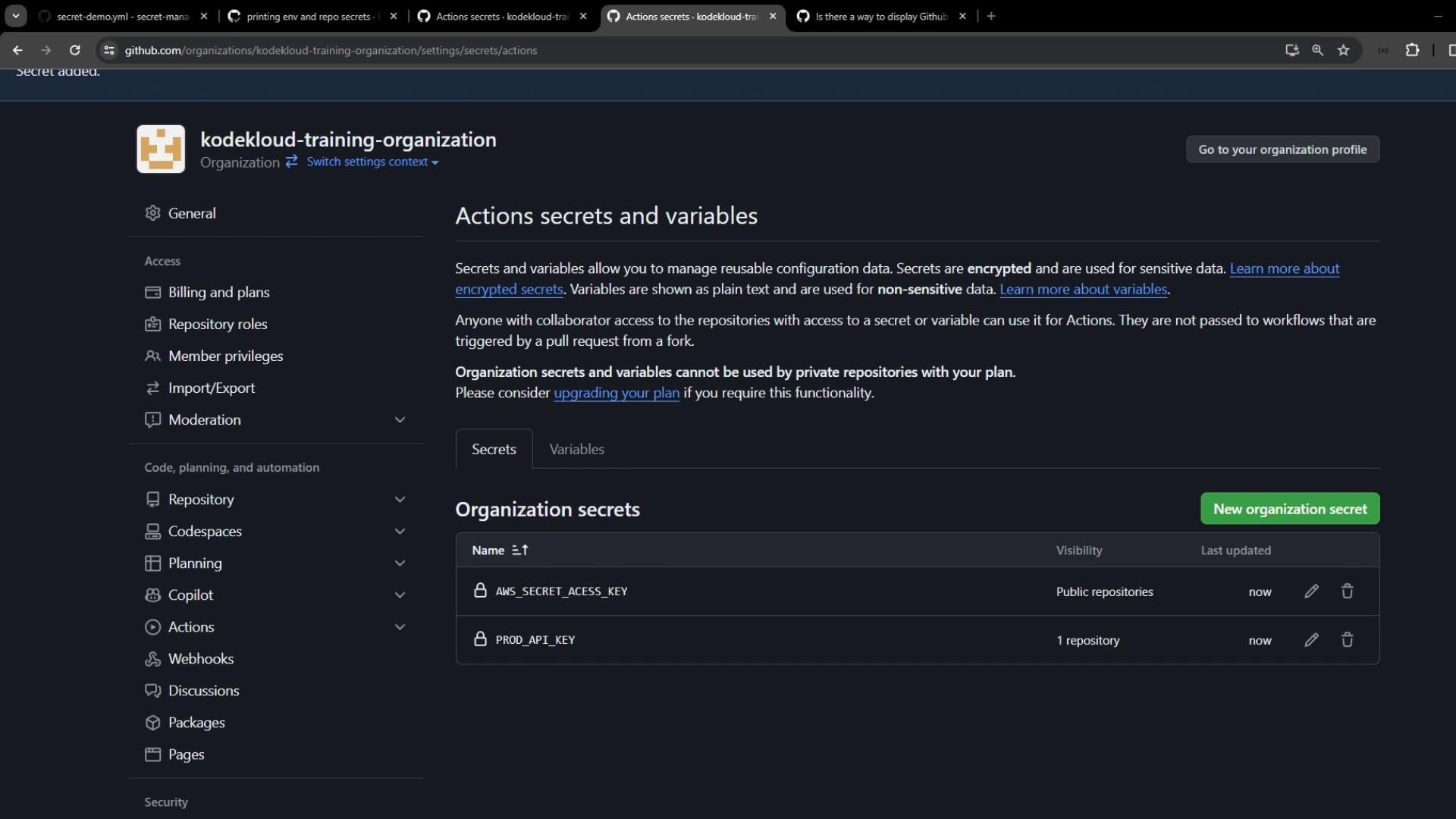
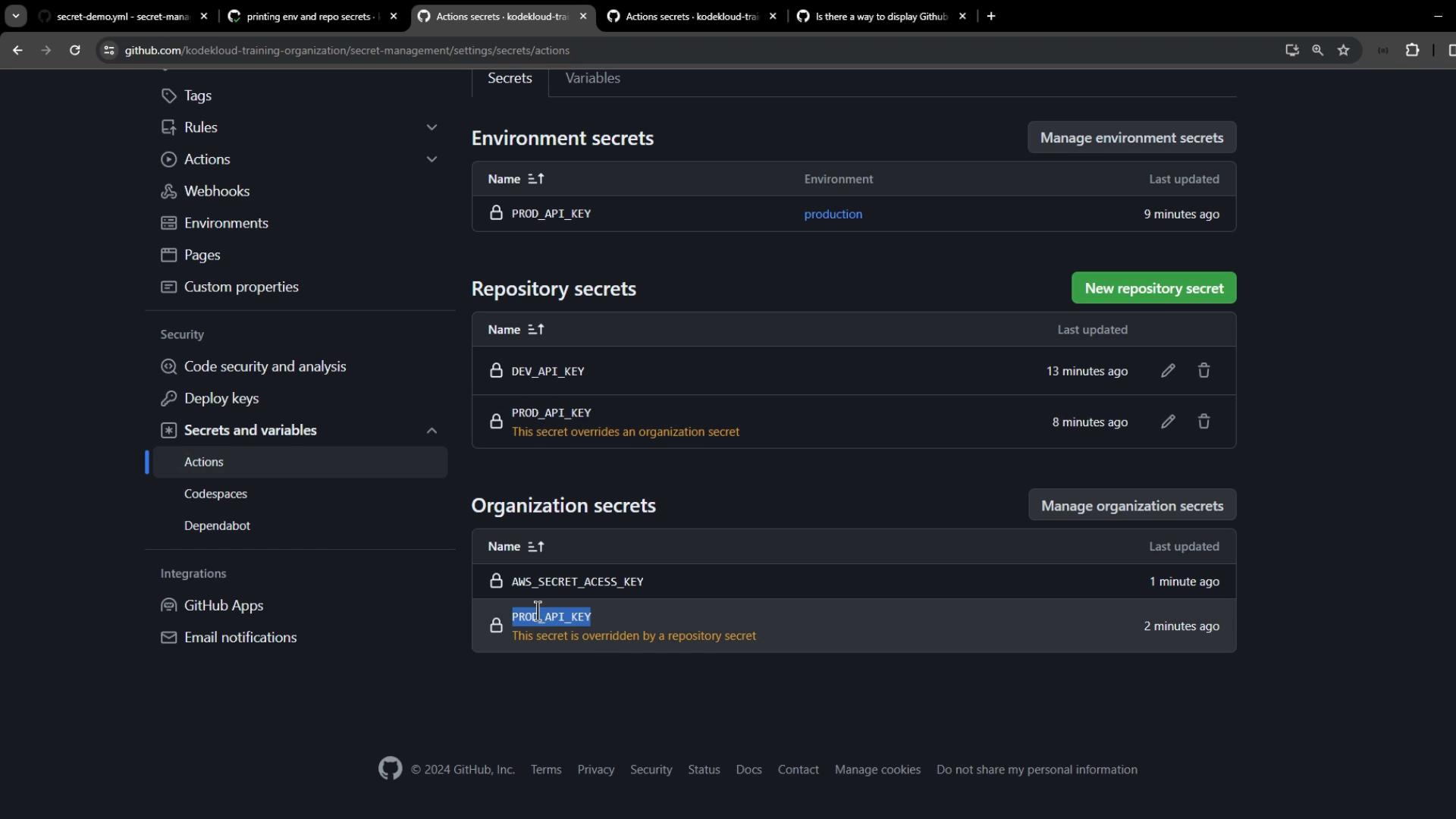
Go to Organization Settings > Secrets and variables > Actions and click New organization secret. Create:BROAD_API_KEY– scoped to secret-management repo.AWS_SECRET_ACCESS_KEY– scoped to all public repositories.PLATFORM_PASSWORD– scoped to the .github repository only.
3.1 Print Organization-Level Secrets
Extend your workflow with:BROAD_API_KEYdisplays the repository-level value.AWS_SECRET_ACCESS_KEYdisplays the organization-level secret.PLATFORM_PASSWORDis empty (restricted to.githubrepo).
Best Practices and Secret Resolution
Avoid storing sensitive data in logs. Always mask secrets and restrict access to minimal required repositories.