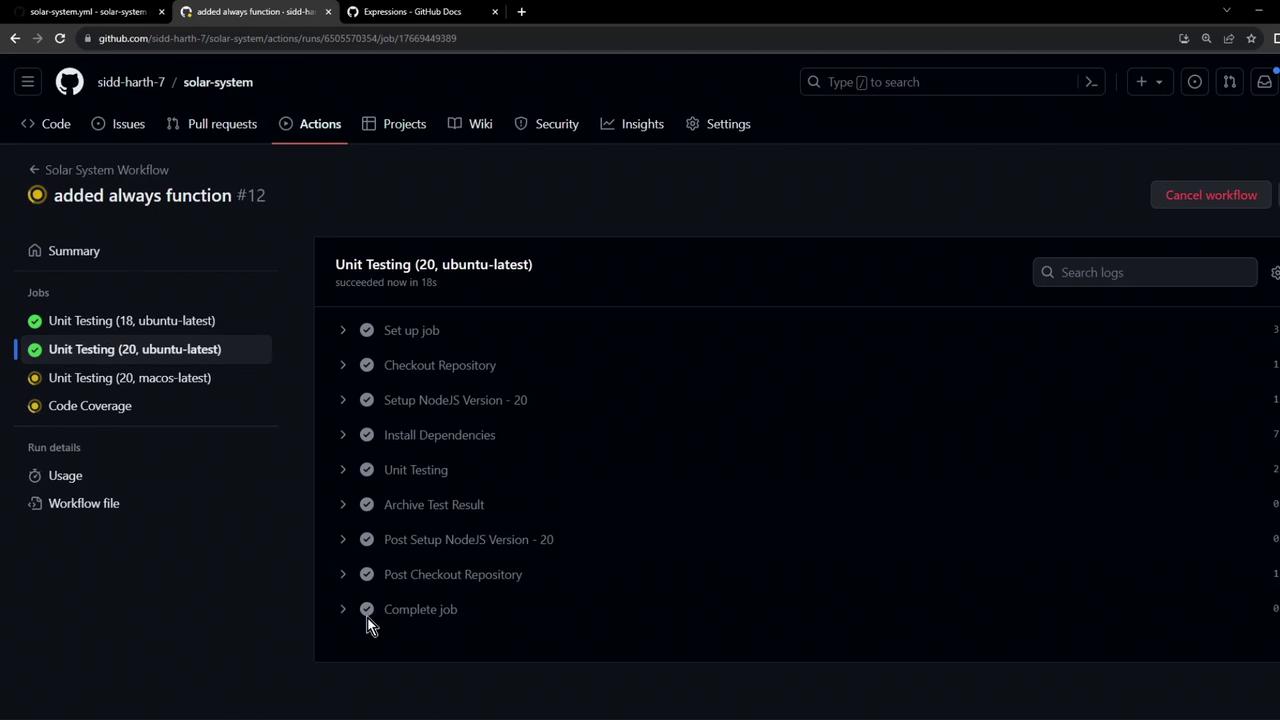
1. Initial Workflow Configuration
Here’s our starting Unit Testing job. It runs tests vianpm test and then uploads the results:
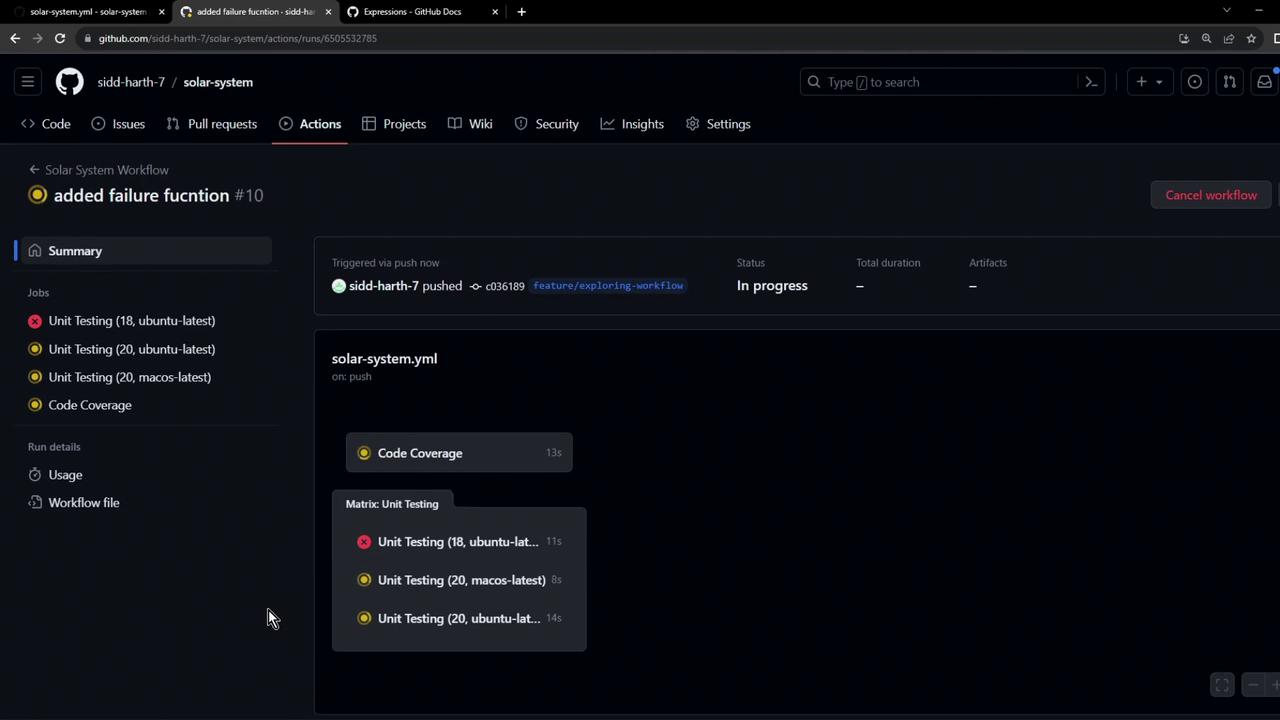
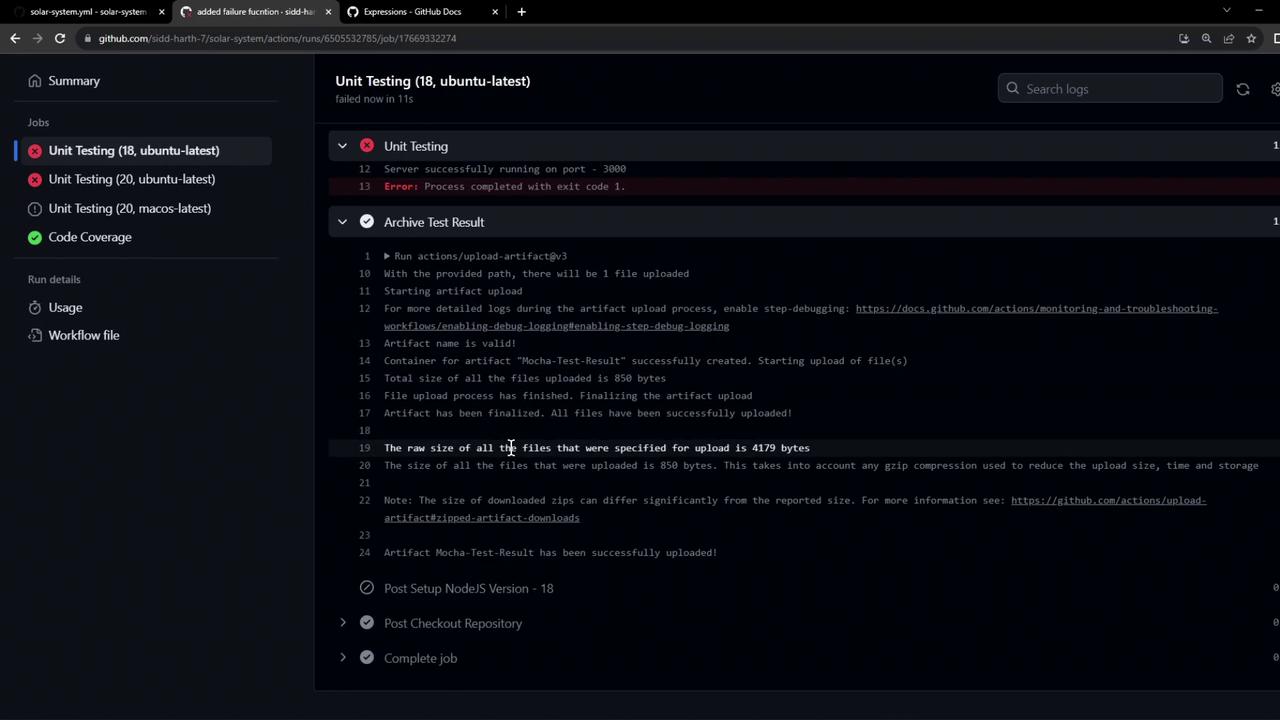
By default, when a step fails, all later steps (including uploads) are skipped.
2. Simulating a Test Failure
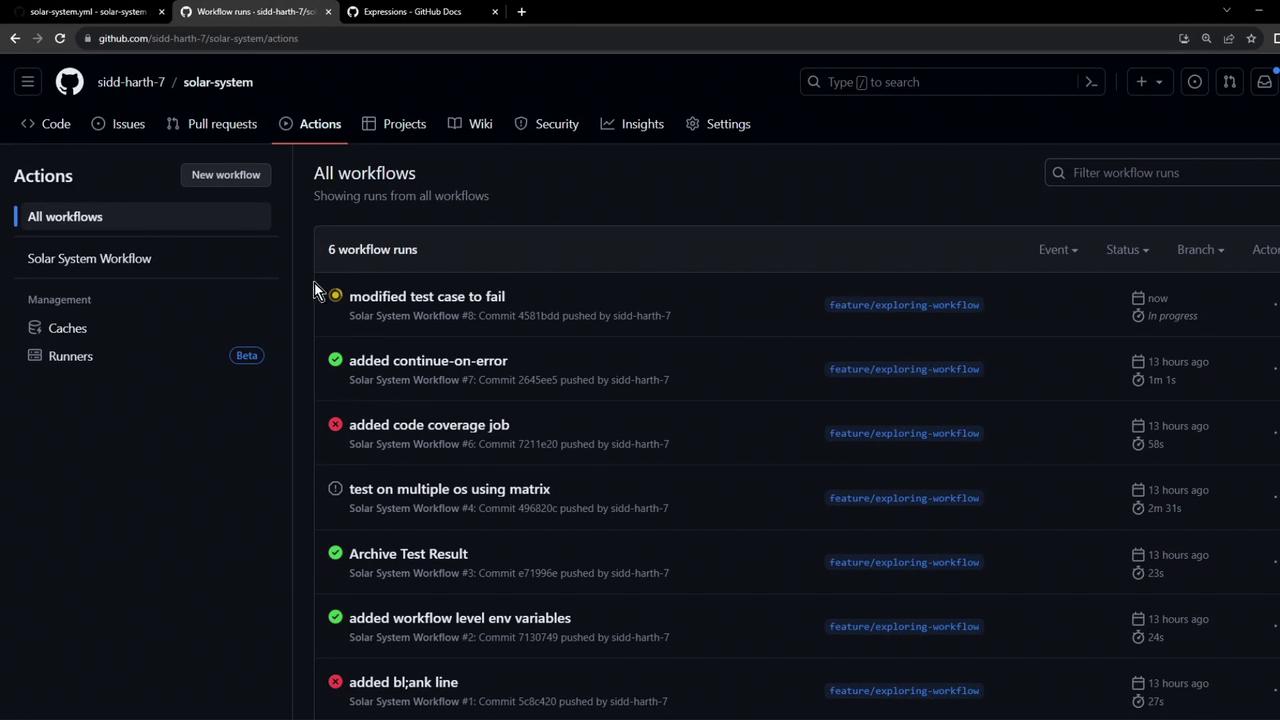
To demonstrate, we’ll break one of our tests inapp-test.js so that it fails:
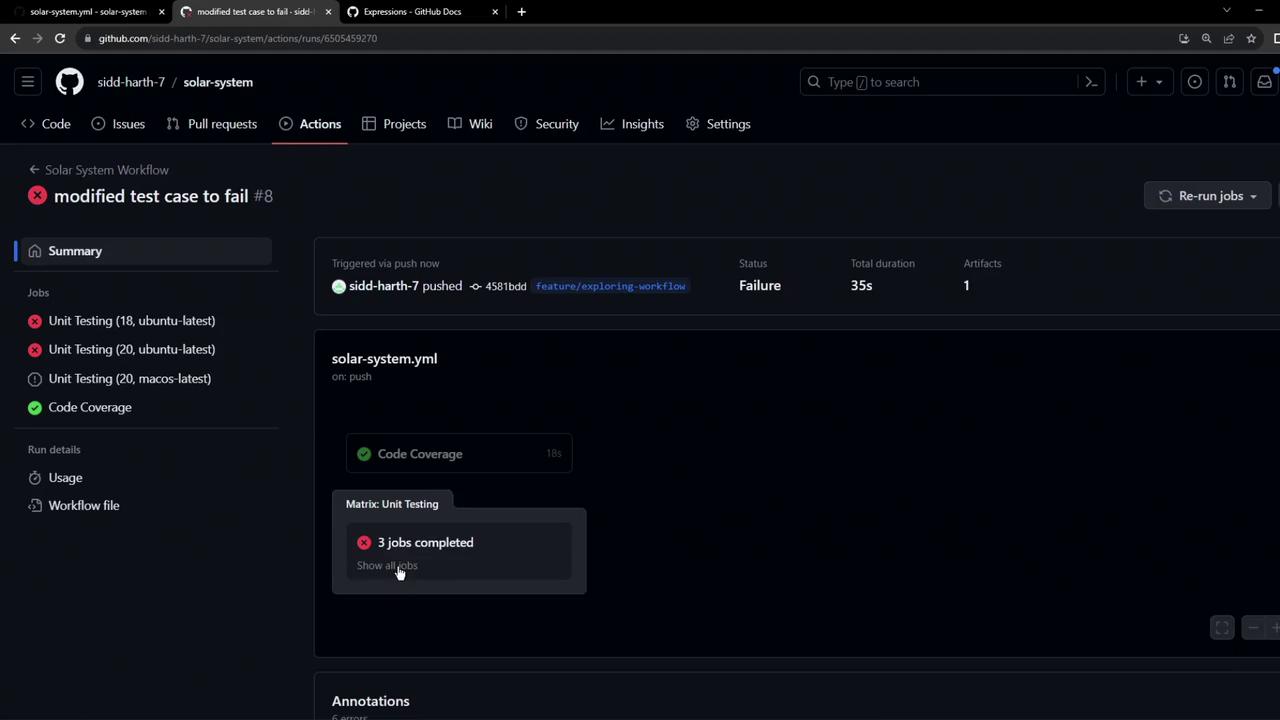
3. Guarding with steps.<id>.outcome
Give your test step an id, then use if to check its outcome:
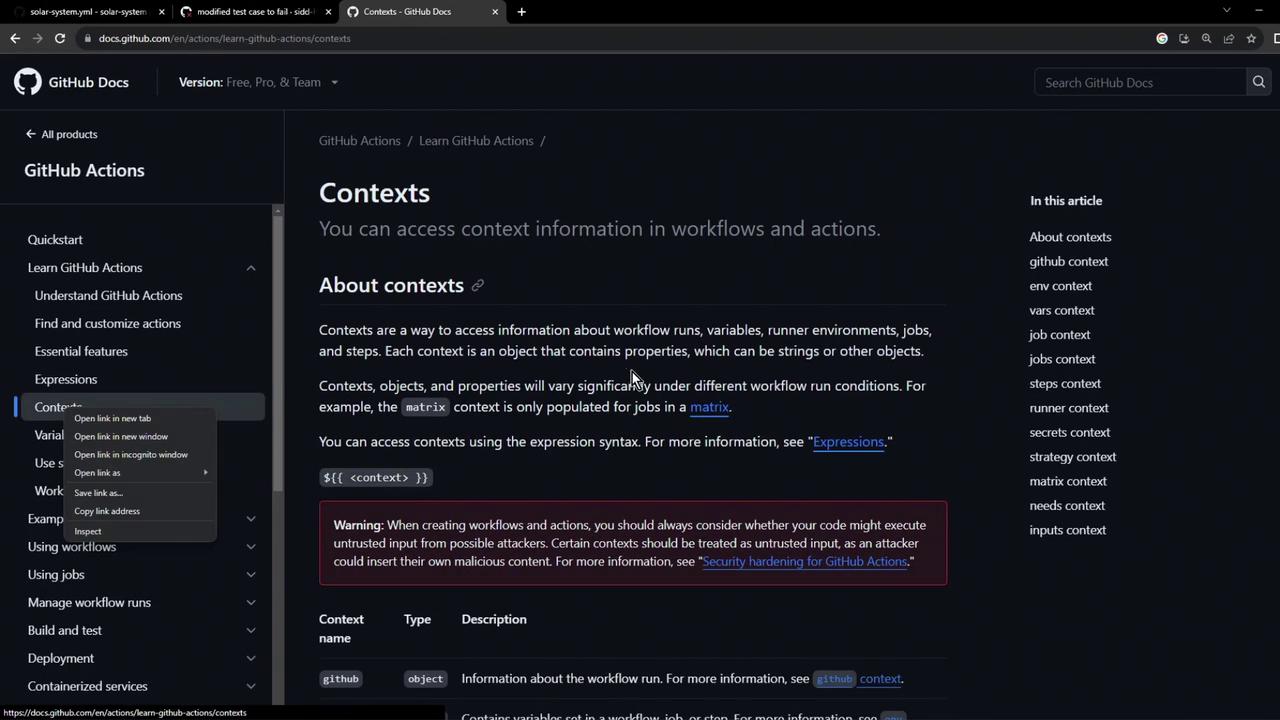
steps context provides each step’s outcome property:
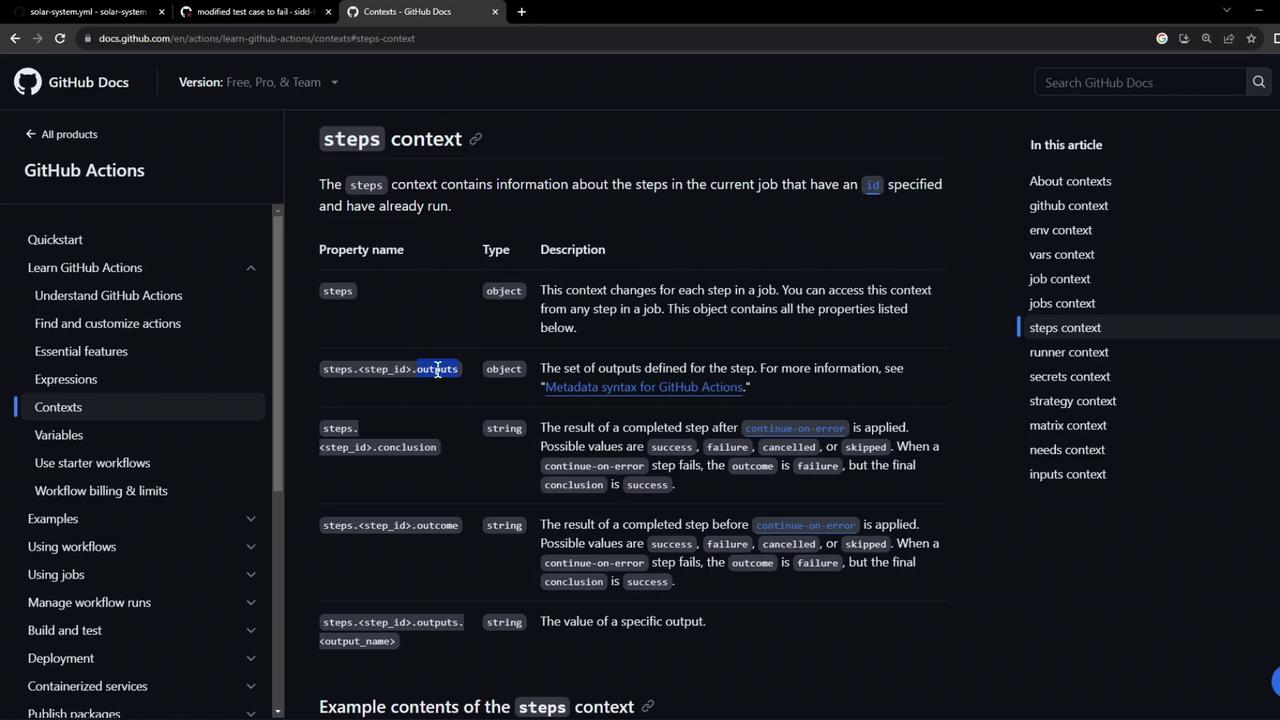
You can use comparison operators (
==, !=, >, <) and functions in expressions to control step execution.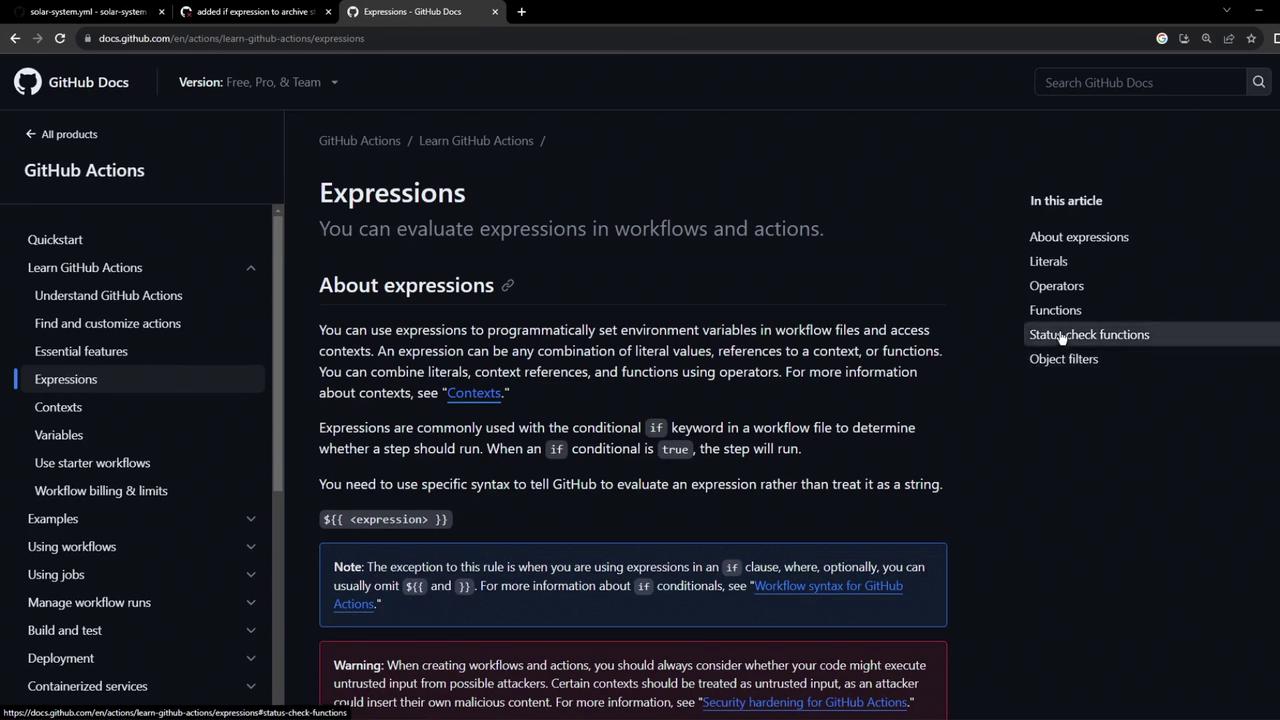
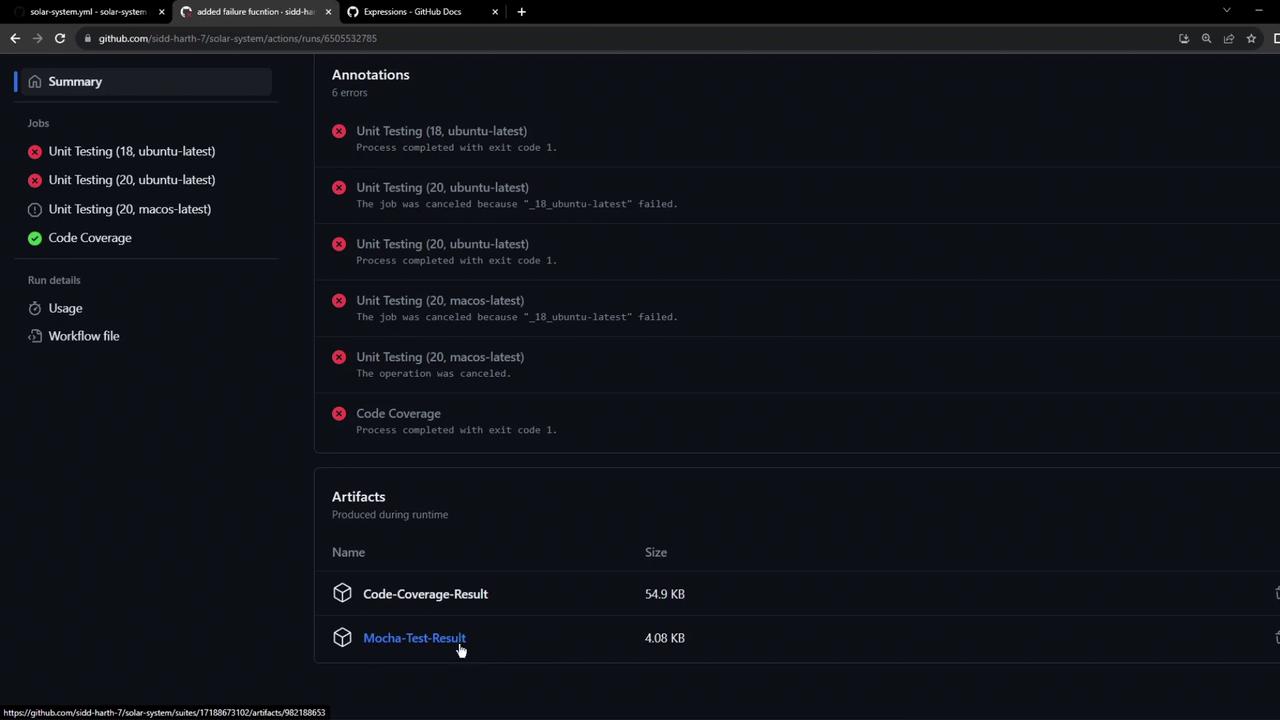
4. Simplifying with always()
Testing both failure and success is redundant. Use always() to run the step unconditionally:
always(), the upload executes on success, failure, or cancelation: