

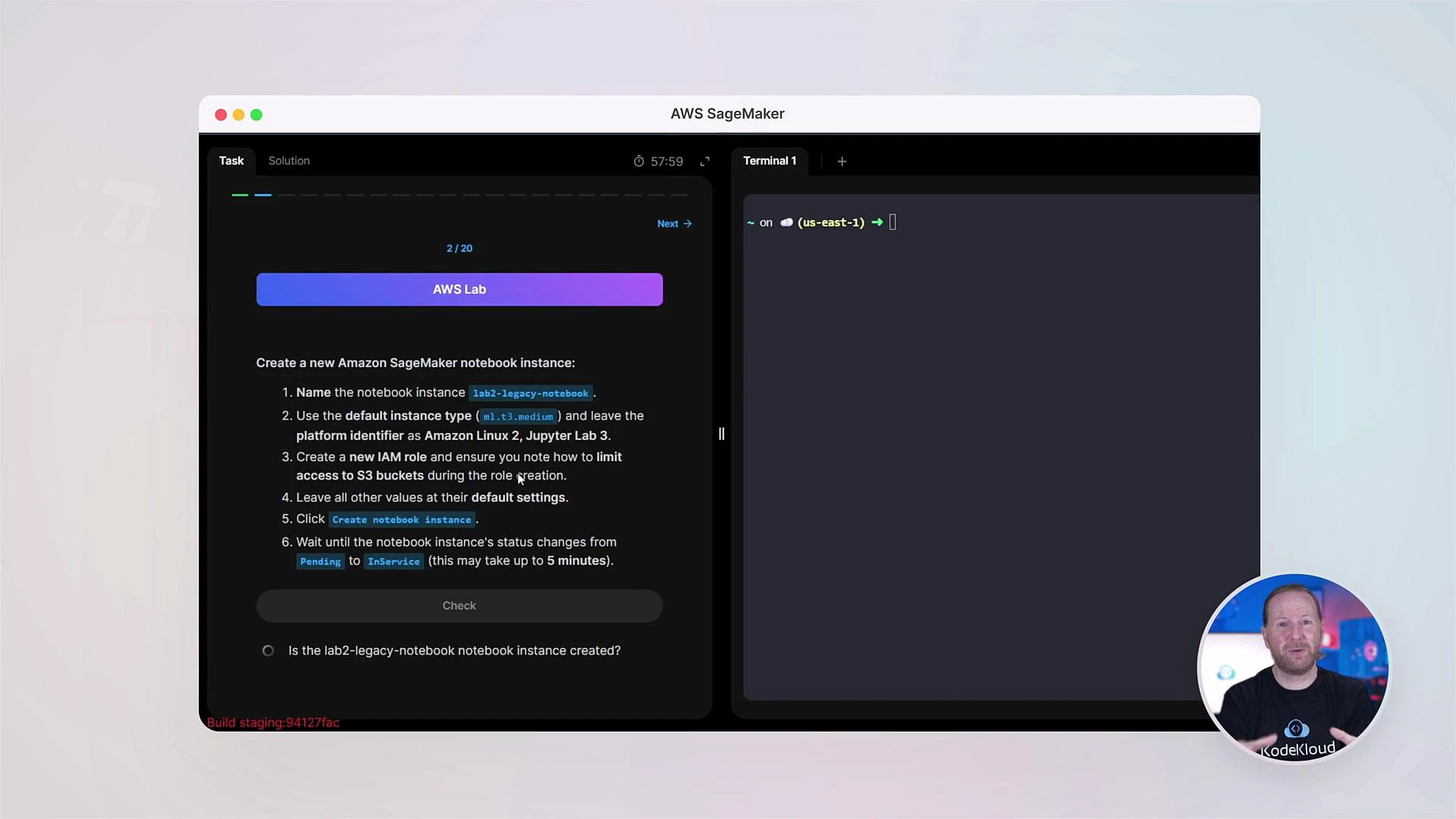
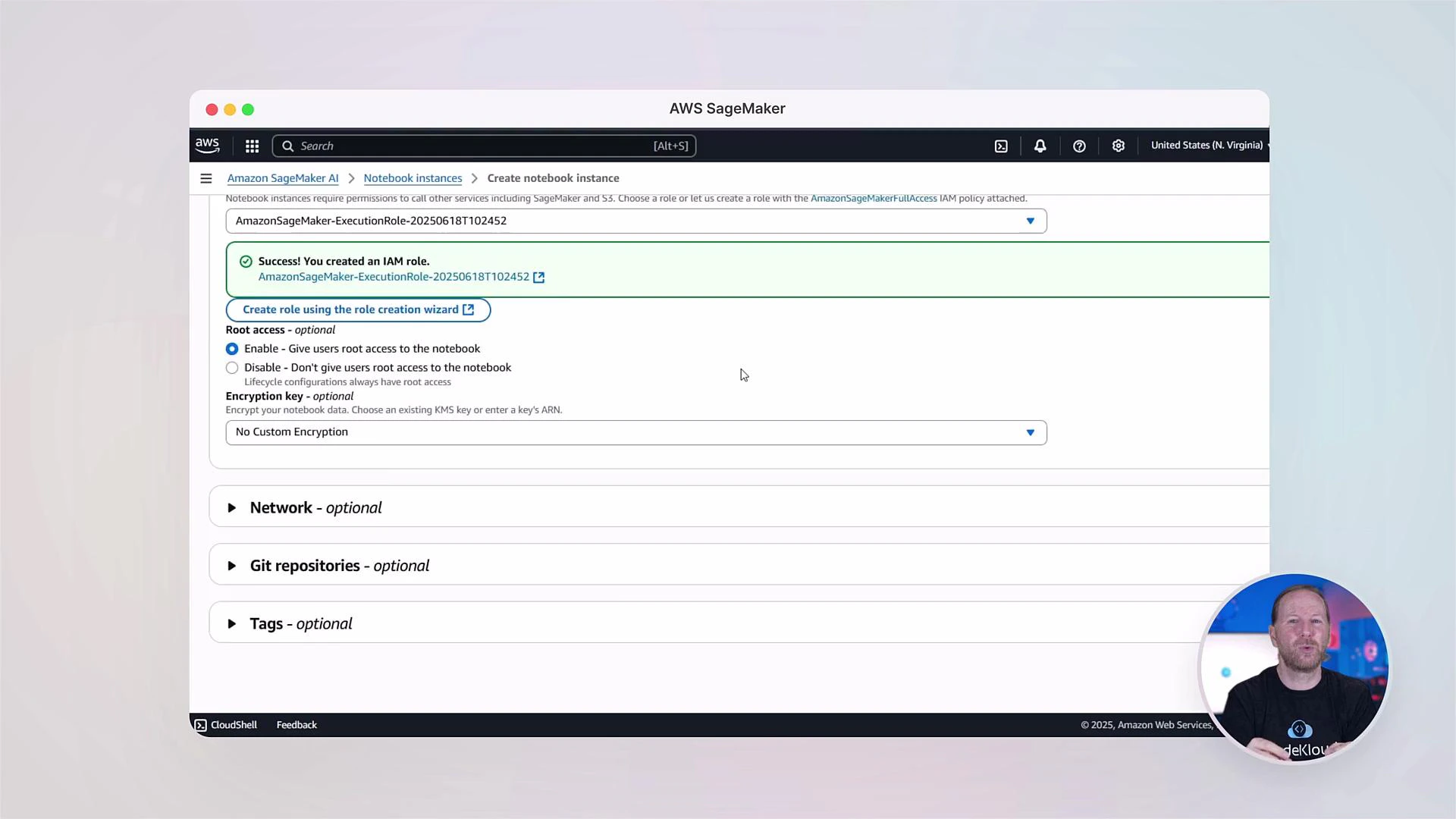
This course is practical-first. Expect short conceptual lectures followed by lab exercises in SageMaker Studio and the AWS Console so you can practice data preprocessing, model training, deployment, and monitoring workflows.
Course structure — what you’ll learn
Below is a high-level view of the course modules and what each covers:
Each module includes clear labs and step-by-step exercises using a real-world dataset (house prices) so you learn the end-to-end pipeline.
Who this course is built for — three personas
We introduce three personas to focus lab tasks and show which responsibilities align with common job roles. This helps you see practical, role-based workflows in SageMaker.- Data Engineer: prepares and processes datasets, ensuring pipelines are repeatable and scalable.
- Data Scientist: focuses on feature engineering, efficient model training, experiment management, and lifecycle tracking inside collaborative tooling.
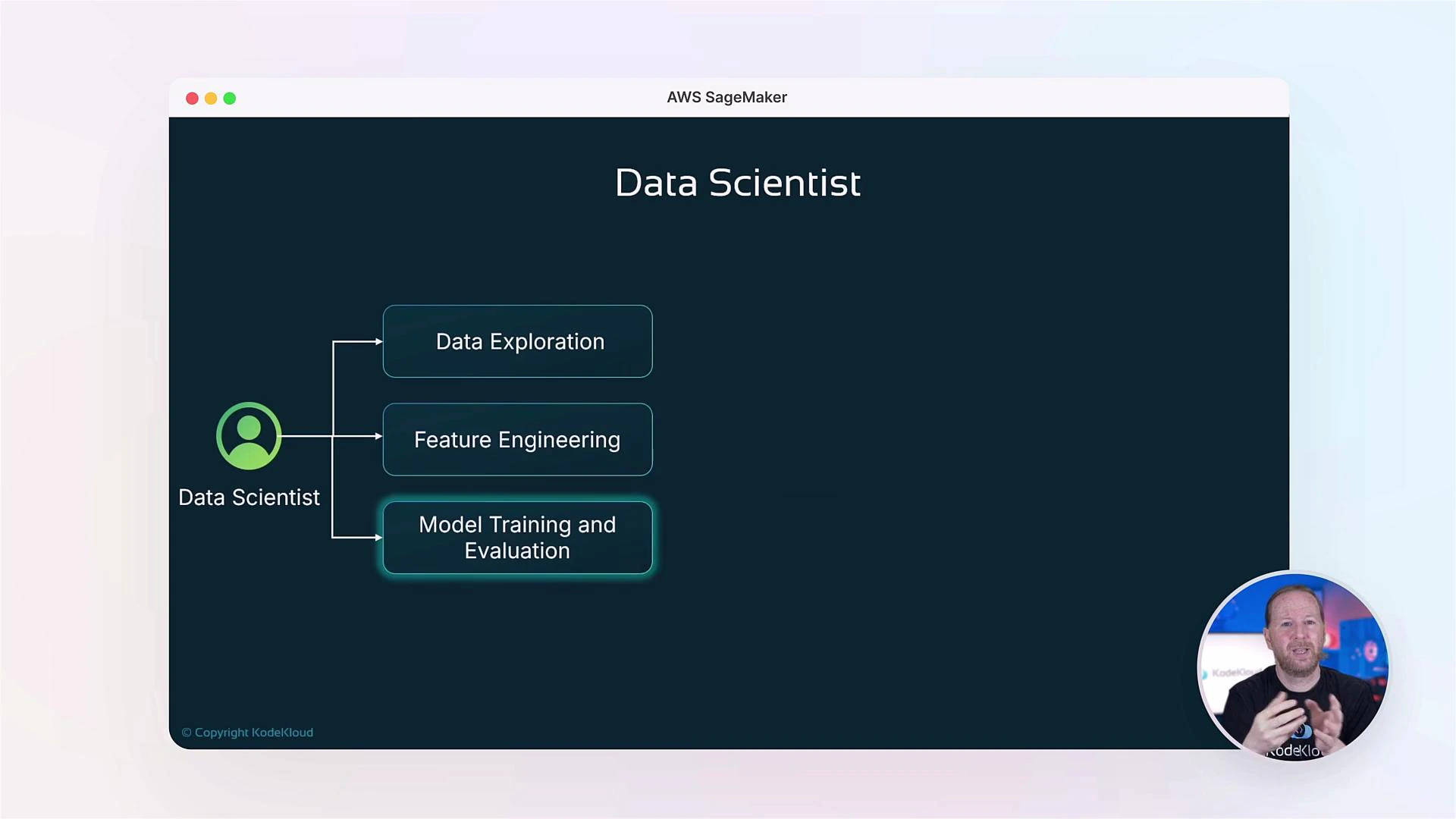
- MLOps Engineer: automates endpoint provisioning, builds inference pipelines, integrates CI/CD, and implements production-grade monitoring. We’ll also cover how monitoring signals can trigger retraining workflows.
Hands-on environments: Console, Studio, and collaborative tooling
We begin with the two primary SageMaker interfaces:- AWS Management Console — quick tasks, resource overview, and ad-hoc notebook instances.
- SageMaker Studio — an integrated IDE (JupyterLab, code editor, experiment manager and terminals) designed for collaborative workflows.
Labs, community, and next steps
Each section includes labs that build on one another. Work through the exercises in order to reinforce concepts and create a portfolio of reproducible ML workflows.- Join the KodeKloud community to discuss labs, ask questions, and share solutions.
- Track your experiments, version your data and models, and practice deploying repeatable CI/CD pipelines.
Running training jobs, endpoints, and managed instances in AWS may incur charges. Be sure to stop or delete resources when not in use. Review the AWS pricing pages for SageMaker to estimate costs.
Links and references
- AWS SageMaker Documentation
- SageMaker Studio Overview
- KodeKloud Community Forums (course discussion and peer support)