

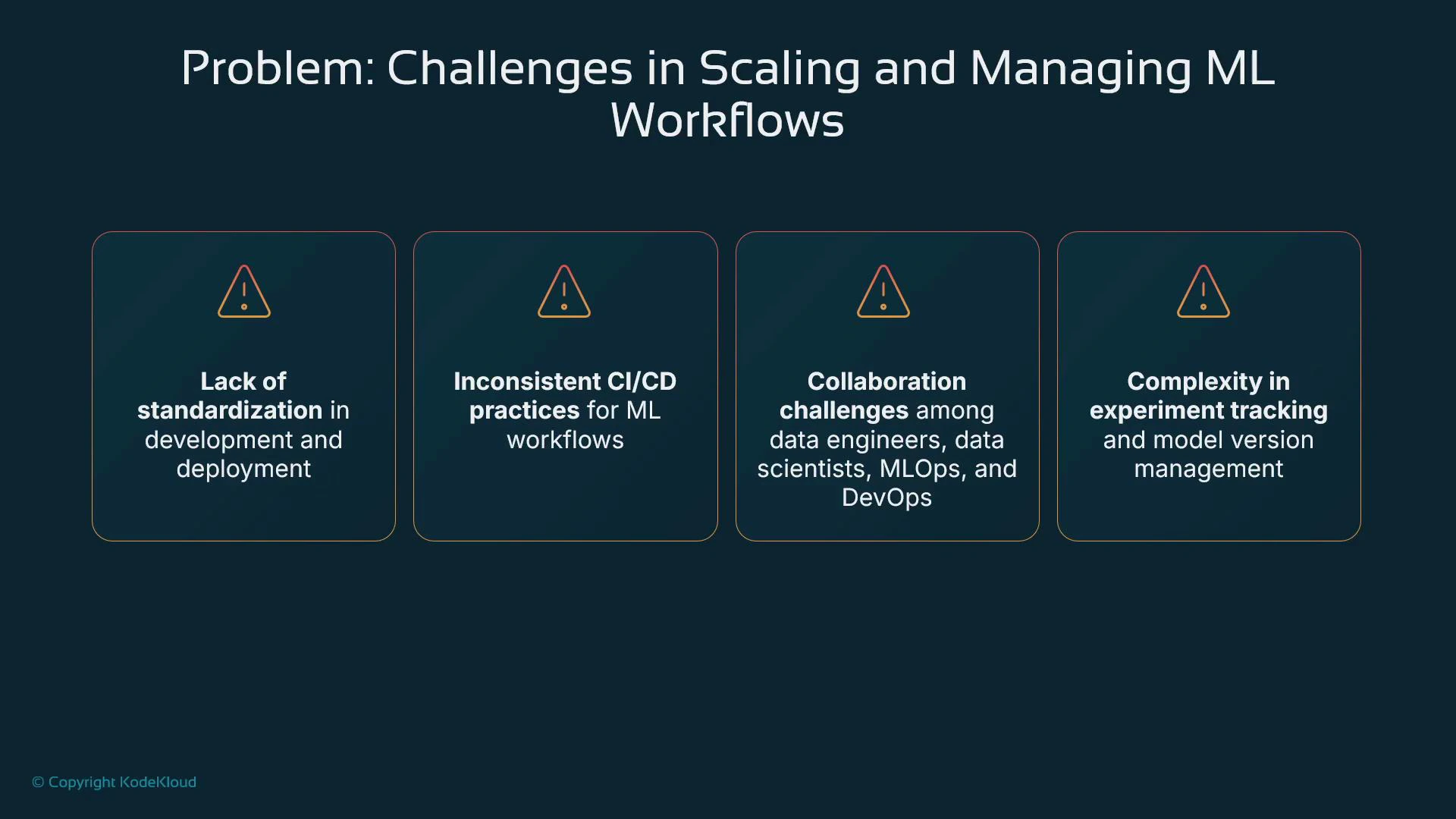
- What SageMaker project templates provide
- How templates provision and link AWS resources (Git repos, CI/CD, SageMaker Pipelines)
- Typical model build and model deploy workflows created by templates
- Where CloudFormation and AWS Service Catalog fit into the workflow
- Best practices and tradeoffs (including Git repository options)
- Faster onboarding: a predictable repo structure and pipeline behavior shortens ramp-up for engineers moving between projects.
- Reliable governance: consistent experiment tracking and model versioning simplifies auditing and model comparisons.
- Lower engineering overhead: reusable templates reduce bespoke automation work and help enforce compliance and reproducibility.
Choose one Git provider and be consistent across your organization. SageMaker project templates give you the scaffolding to enforce a single, supported Git workflow (CodeCommit or an external provider like GitHub/GitLab/Bitbucket).
What SageMaker project templates provide
SageMaker project templates are CloudFormation-based blueprints that provision and link the AWS resources required for an ML project. They automate infrastructure provisioning and CI/CD glue so teams can begin development with a standardized stack. Typical components provisioned by templates:- Source repository (AWS CodeCommit or an external Git-compatible provider)
- CI/CD orchestration (AWS CodePipeline or integrations with Jenkins, etc.)
- Build/runtime orchestration (CodeBuild or an external build server)
- SageMaker Pipelines for preprocessing, training, and model registry lifecycle
- Optional MLOps components, like Model Monitor and deployment automation
When you deploy a template, it often creates a CodePipeline and CodeBuild project tied to a repo. CodeBuild commonly serves as the bridge that starts a SageMaker Pipeline (via SDK or CLI) to run data processing, training, and model registration.
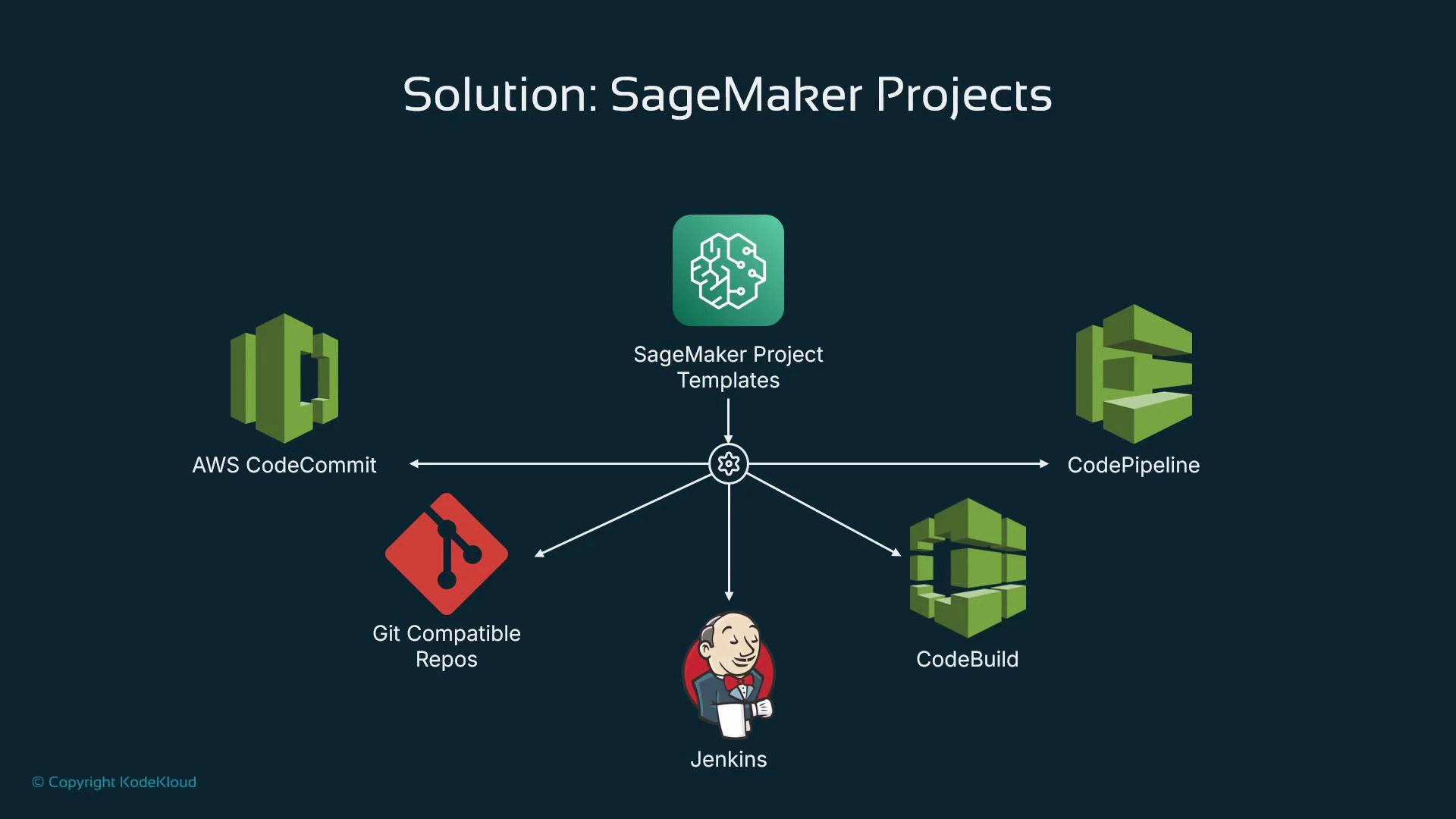
High-level flow (example)
- A SageMaker project template (CloudFormation) provisions required AWS and CI/CD resources.
- A source commit to the provisioned Git repo triggers a CodePipeline source stage.
- CodePipeline runs a build stage (e.g., CodeBuild).
- CodeBuild invokes a SageMaker Pipeline that performs data processing, training, and model registration.
- A separate model-deploy pipeline picks up registered models from the model registry and deploys to an endpoint.
CloudFormation and infrastructure-as-code
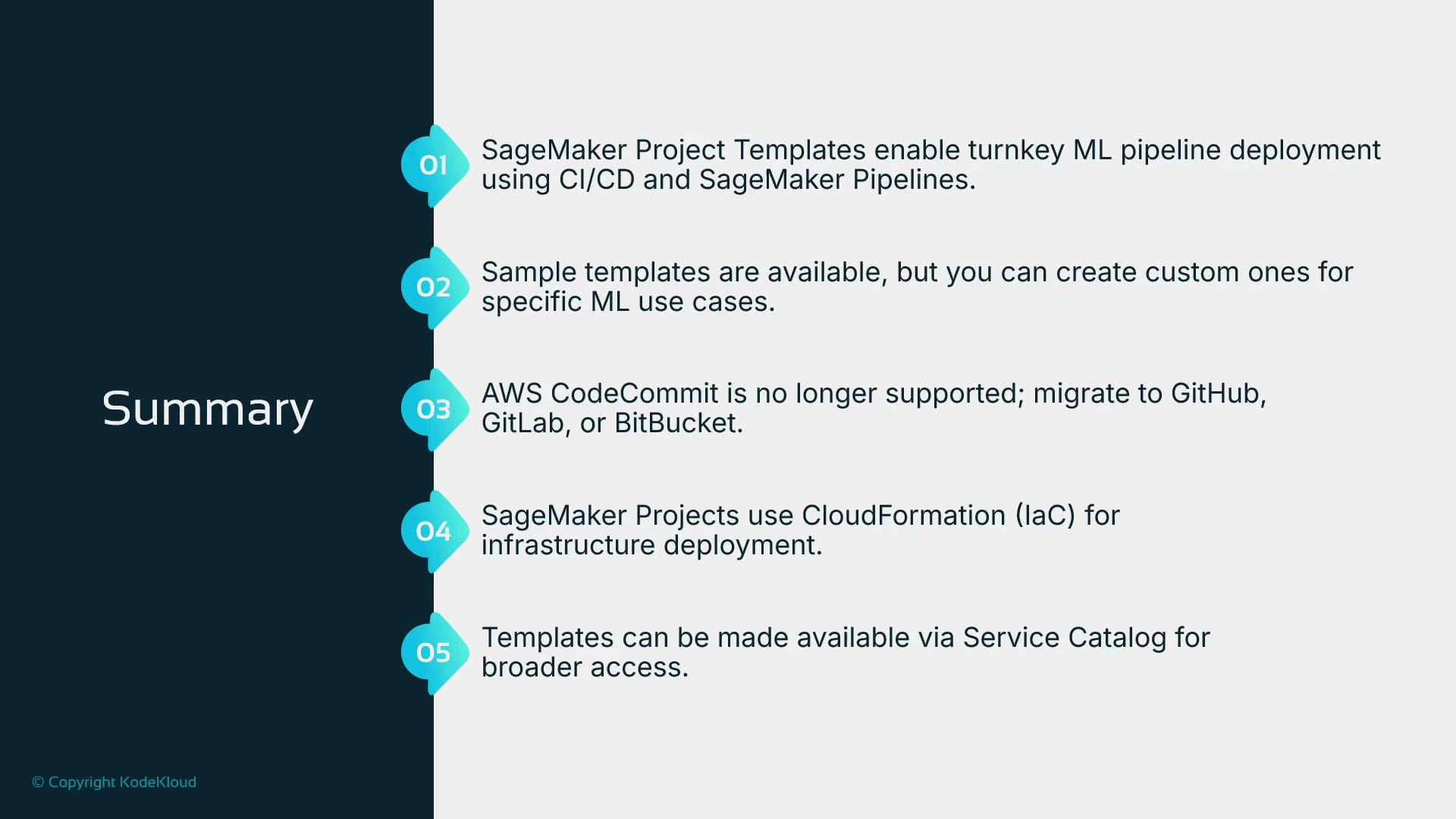
SageMaker project templates are implemented with CloudFormation templates. CloudFormation is AWS’s native Infrastructure-as-Code (IaC) tool: you declare resources in YAML/JSON and CloudFormation creates and configures them. While other IaC tools such as Terraform are popular, the SageMaker project templates rely on CloudFormation under the hood.Model build vs model deploy separation
Templates often create separate repos and pipelines for build and deploy. This separation is intentional:- Model build repository and pipeline: preprocessing, feature engineering, training, experiment tracking, and model registration into the model registry.
- Model deploy repository and pipeline: deployment manifests and scripts that consume model registry artifacts to create or update SageMaker endpoints.
Build orchestration with CodeBuild (bridge to SageMaker Pipelines)
Within CodePipeline, CodeBuild commonly runs the build steps. The repository includes a Buildspec.yml file that directs CodeBuild—typically its main responsibility is to start the SageMaker Pipeline using the AWS SDK/CLI. Example minimal buildspec snippet: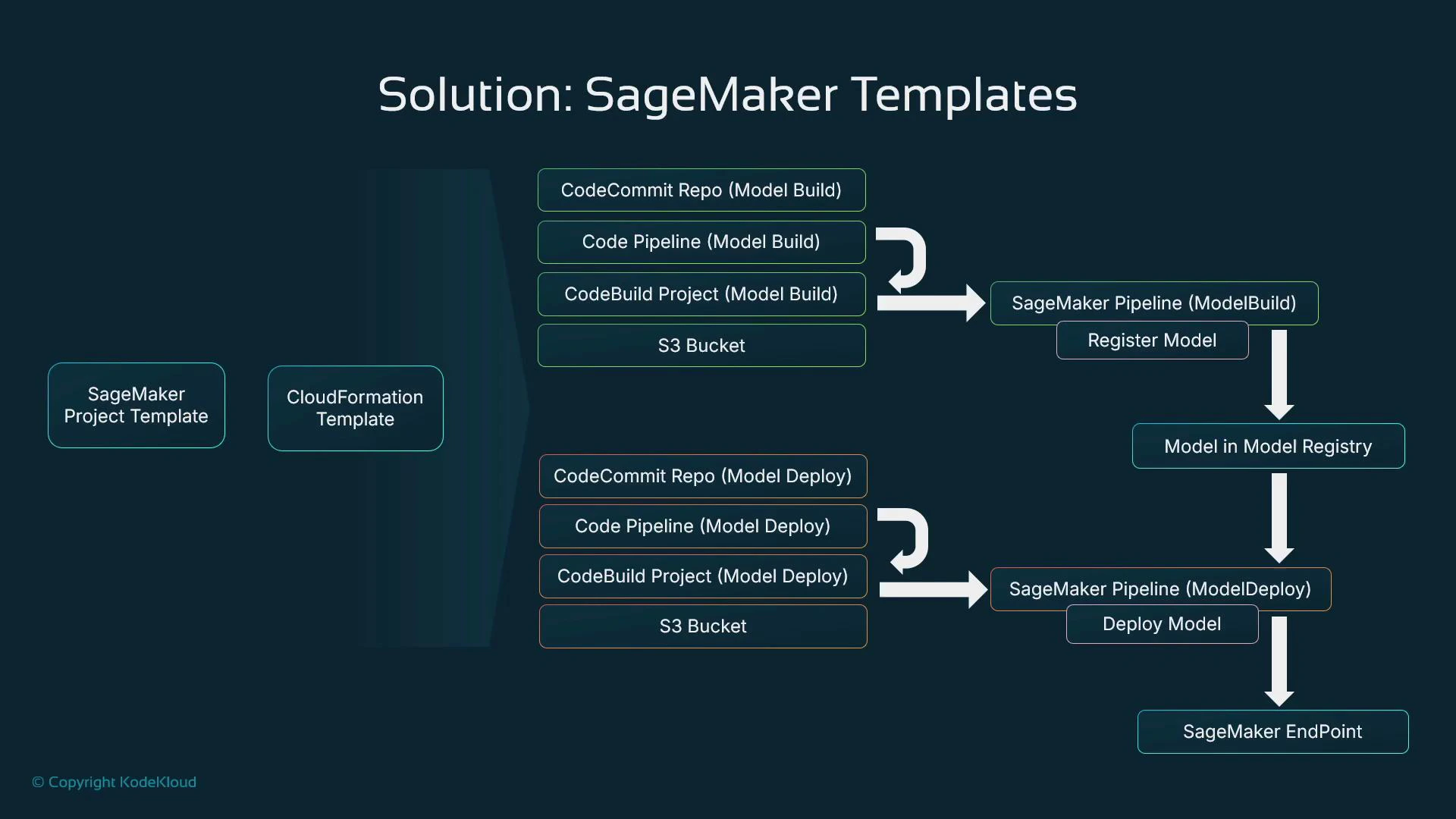
Some SageMaker templates provision AWS CodeCommit repositories automatically; others expect you to supply an external Git repo URL. Choose the Git provider that aligns with your organization’s policies and developer workflows. If using GitHub/GitLab/Bitbucket, create the repo externally and pass its URL to the template during deployment.
Third-party Git providers and template behavior
- Templates can link to any Git-compatible repository, but SageMaker does not create external third-party repos for you. You must create those repos (or ensure they exist) and supply the URL when deploying a project template.
- Templates that reference CodeCommit can create a repo automatically in supported accounts—this explains why some older or default templates may assume CodeCommit.
Model-build workflow example
A typical model-build repo (for example, hosted on Bitbucket) might include:- preprocessing scripts: process.py
- feature engineering: feature.py
- training driver: train.py
- a Buildspec.yml to instruct CodeBuild to start the SageMaker Pipeline
- A developer modifies feature.py and pushes to main.
- The pipeline source stage detects the change and starts the pipeline.
- CodeBuild runs Buildspec.yml and invokes the SageMaker Pipeline, which runs: Clean data → Feature engineering → Train → Register (→ optional deploy or test).
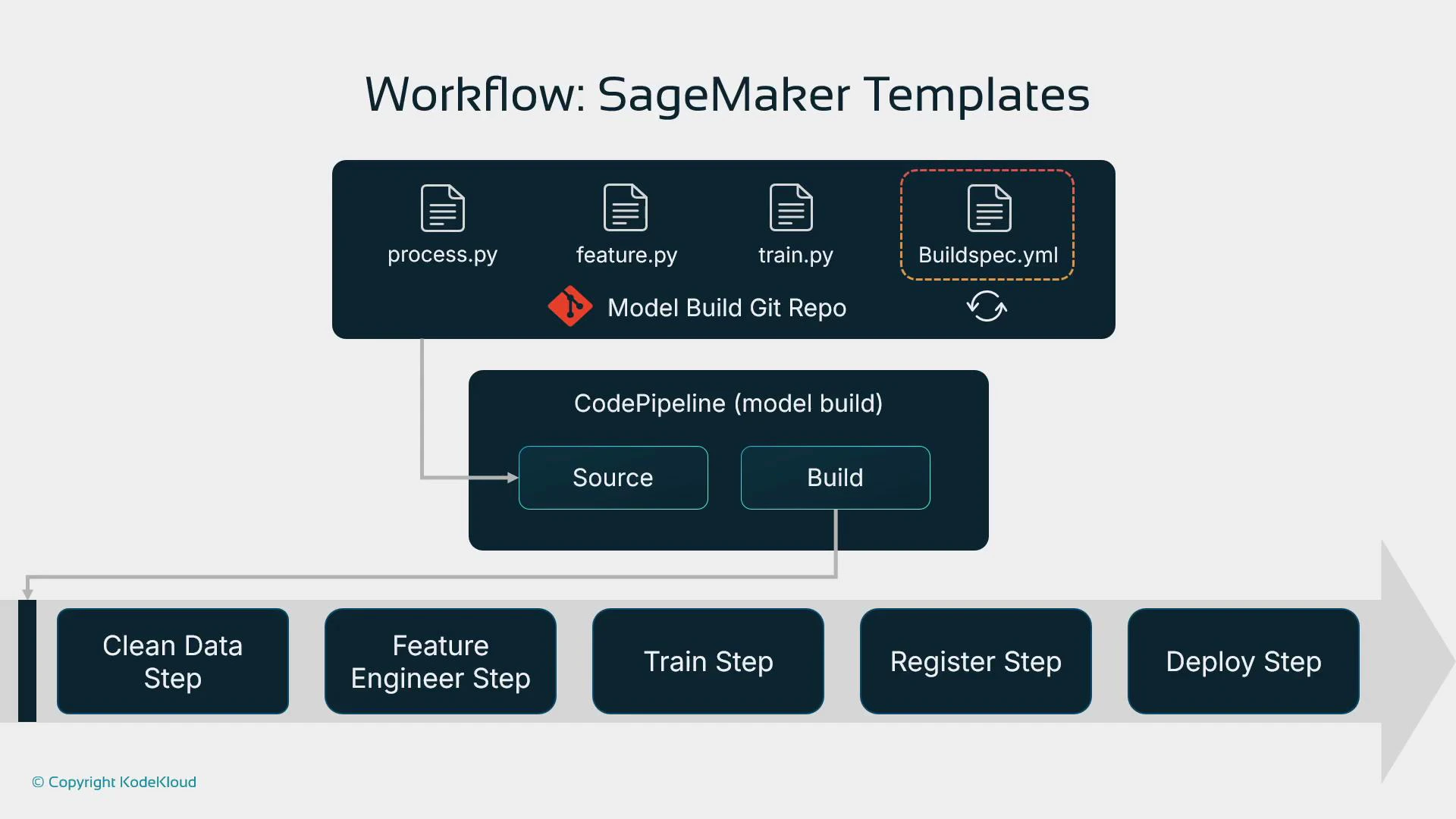
Provisioning a SageMaker project from Studio
You can create a project directly from SageMaker Studio:- Studio → Deployments → Projects → Create project
- Choose a template and supply project details (including third-party Git repo URLs when requested)
Available template variations
Common built-in template patterns include:- Model build & train with third-party Git using CodePipeline (build-only)
- Model build, train & deploy with third-party Git using CodePipeline (build + deploy)
- Model build/train/deploy with Jenkins (requires an existing Jenkins server)
- Model build/train/deploy with integrated Model Monitor
- Simple model deployment using CodePipeline and a third-party Git repo
Organization templates
Under the Organization Templates tab you can publish custom templates tailored to your enterprise policies. These enforce configuration, IAM, and networking defaults so teams start projects that already conform to organizational standards.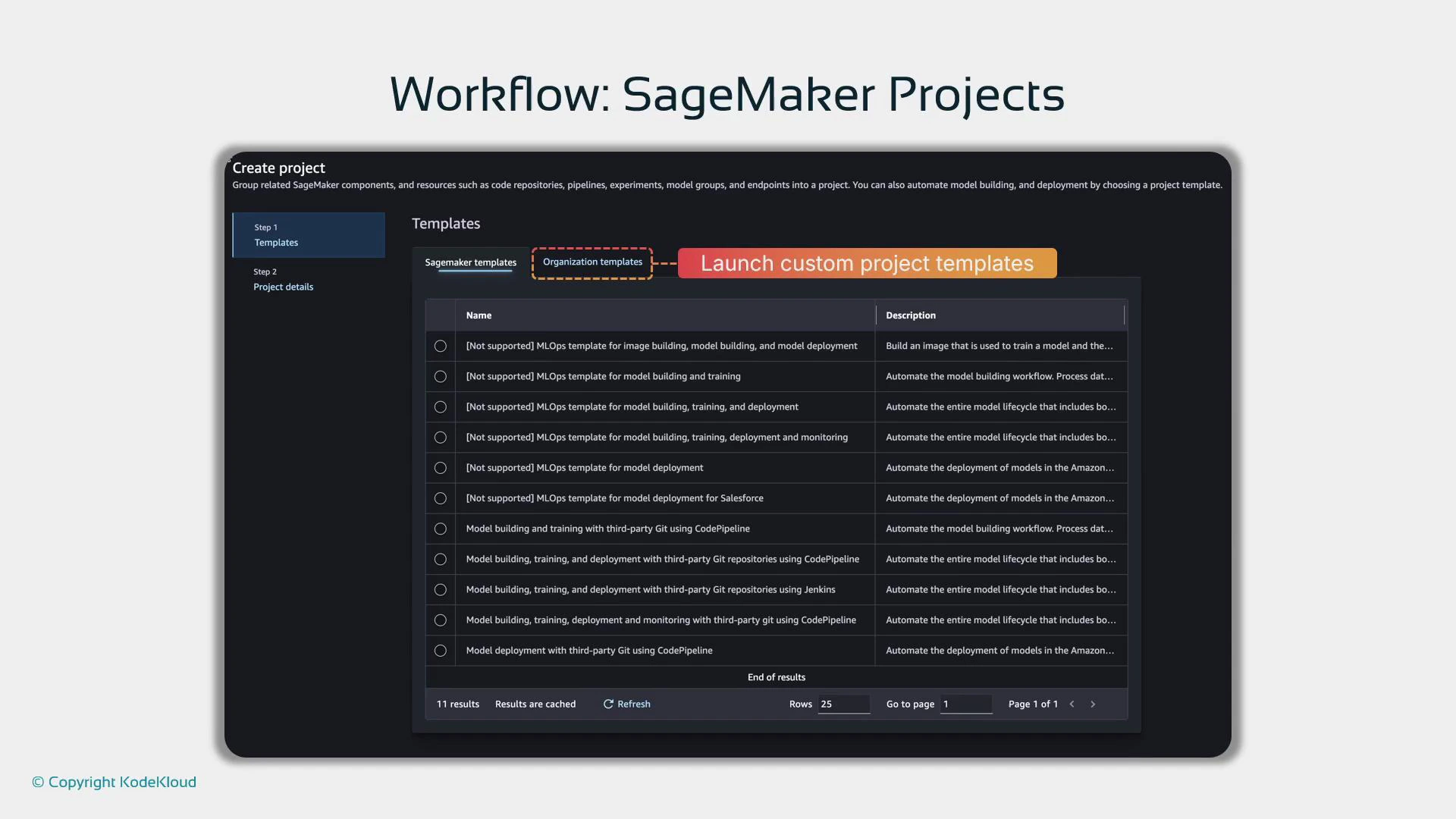
Using AWS Service Catalog with SageMaker projects
Many enterprises expose SageMaker project templates through AWS Service Catalog. Service Catalog provides a controlled, app-store-like interface where authorized users request pre-approved templates without needing direct console permissions. The Service Catalog item can launch a SageMaker project CloudFormation template on behalf of the requester—enforcing governance, role separation, and pre-approved configurations.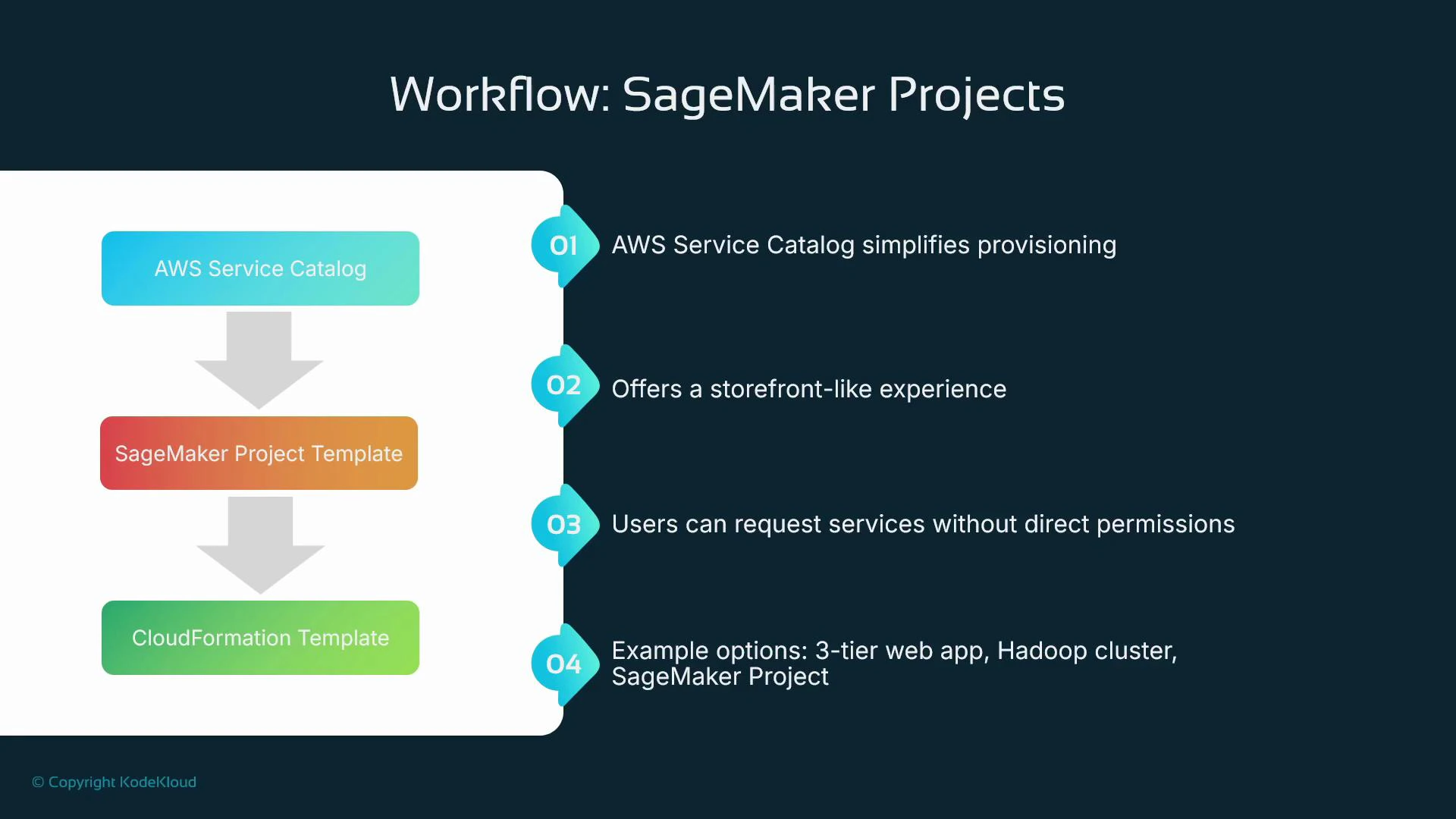
Benefits of SageMaker project templates
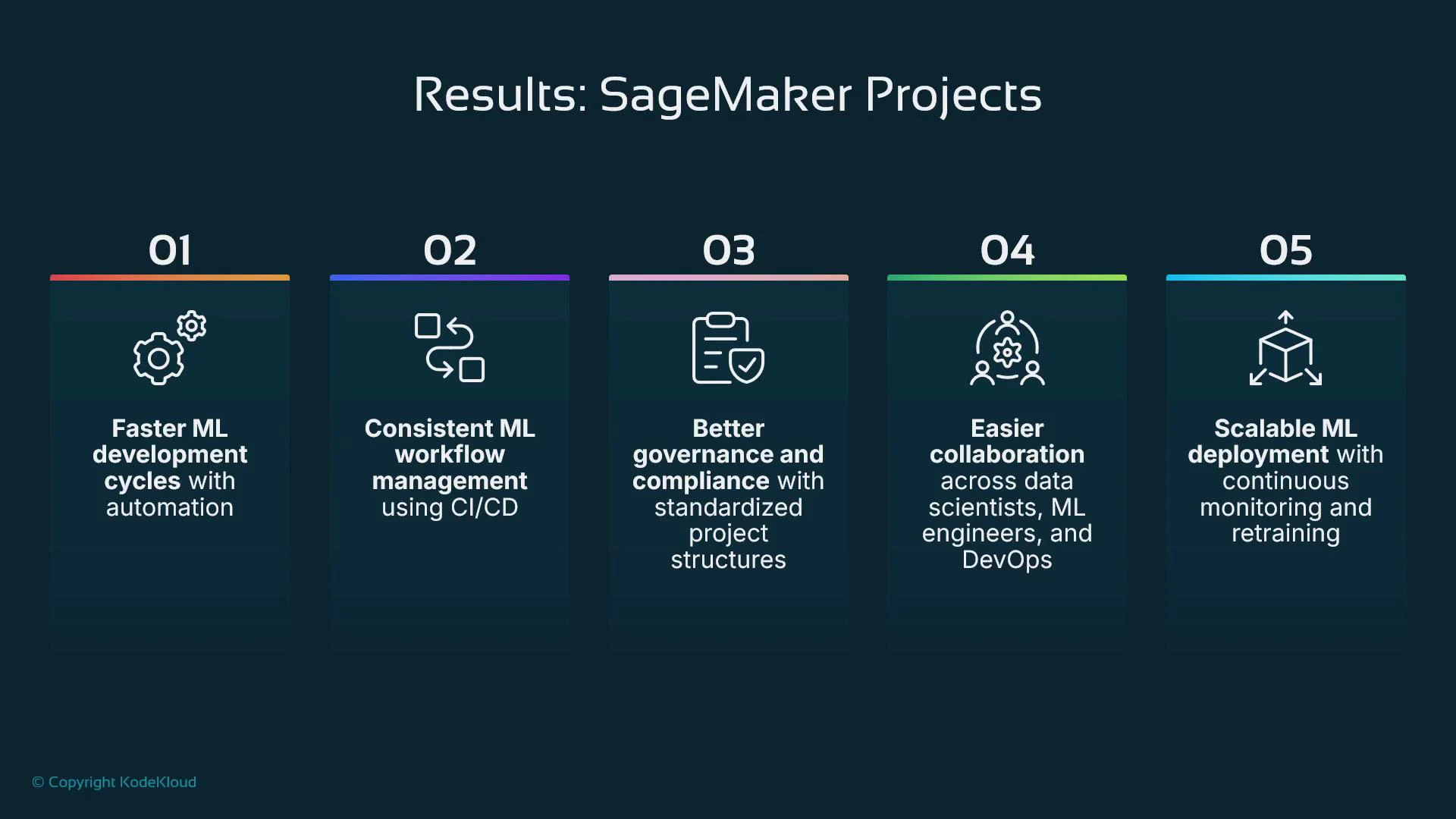
- Faster project setup — get a working scaffold on day zero.
- Consistent CI/CD — easier to maintain, debug, and scale.
- Stronger governance — enforce templates, policies, and compliance.
- Easier cross-team collaboration — standard patterns reduce re-learning.
- Scalable operations — automation minimizes manual provisioning and custom engineering.
Recap
- SageMaker project templates use CloudFormation to provision and link required resources: source repos, CodePipeline, CodeBuild (or external CI), and SageMaker Pipelines.
- Templates typically separate build and deploy pipelines; CodeBuild often acts as the bridge that invokes SageMaker Pipelines.
- Use built-in templates or publish organization-specific templates. For enterprise-level governance, surface templates via AWS Service Catalog.
- Choose your Git provider based on organizational policy and developer workflows. Templates may provision CodeCommit repos automatically, or accept external repo URLs (GitHub, GitLab, Bitbucket, etc.) as inputs.
- AWS SageMaker Projects documentation
- AWS CloudFormation documentation
- AWS CodePipeline basics
- Terraform (alternative IaC)