

- When to add a human in the loop for model inference (human review).
- How to create labeled training data at scale (data labeling).
- Providing a familiar R experience in the cloud (RStudio integration with SageMaker).
1) Human-in-the-loop: Why and when to involve people
Many applications require human validation of model predictions because of safety, fairness, or regulatory risk. Examples include medical imaging (false negatives are dangerous), loan approvals (regulatory and reputational risk), or high-value fraud decisions. Other common triggers for human review:- Low-confidence model outputs (e.g., confidence < configured threshold).
- Compliance or audit requirements.
- High-impact or ambiguous outcomes that demand human judgment.
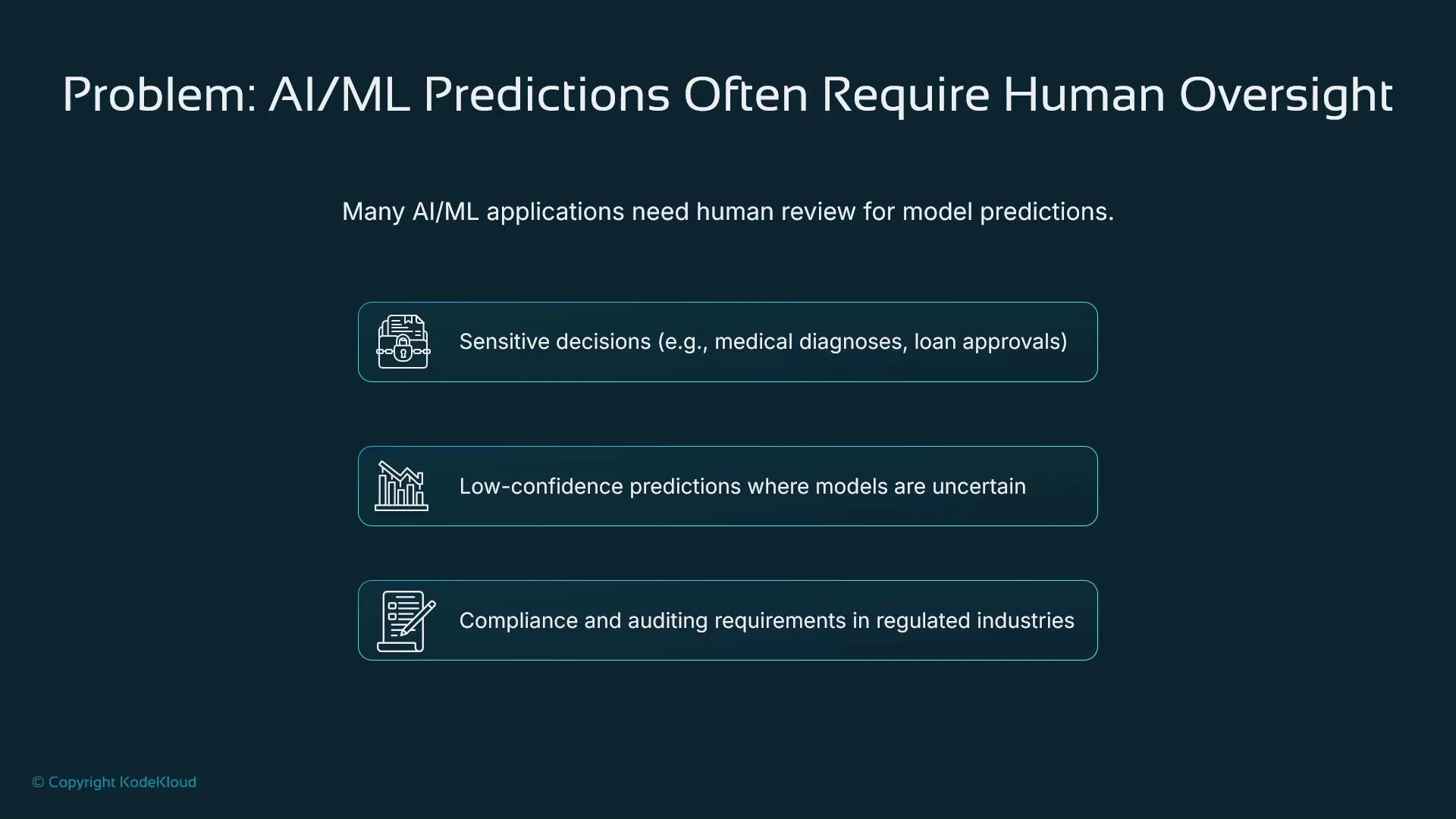
Humans-in-the-loop are appropriate when the cost of an incorrect automated decision is high or when regulations require an auditable human sign-off. You can combine ML confidence thresholds and business rules to automatically route ambiguous cases for review.
SageMaker Augmented AI (A2I)
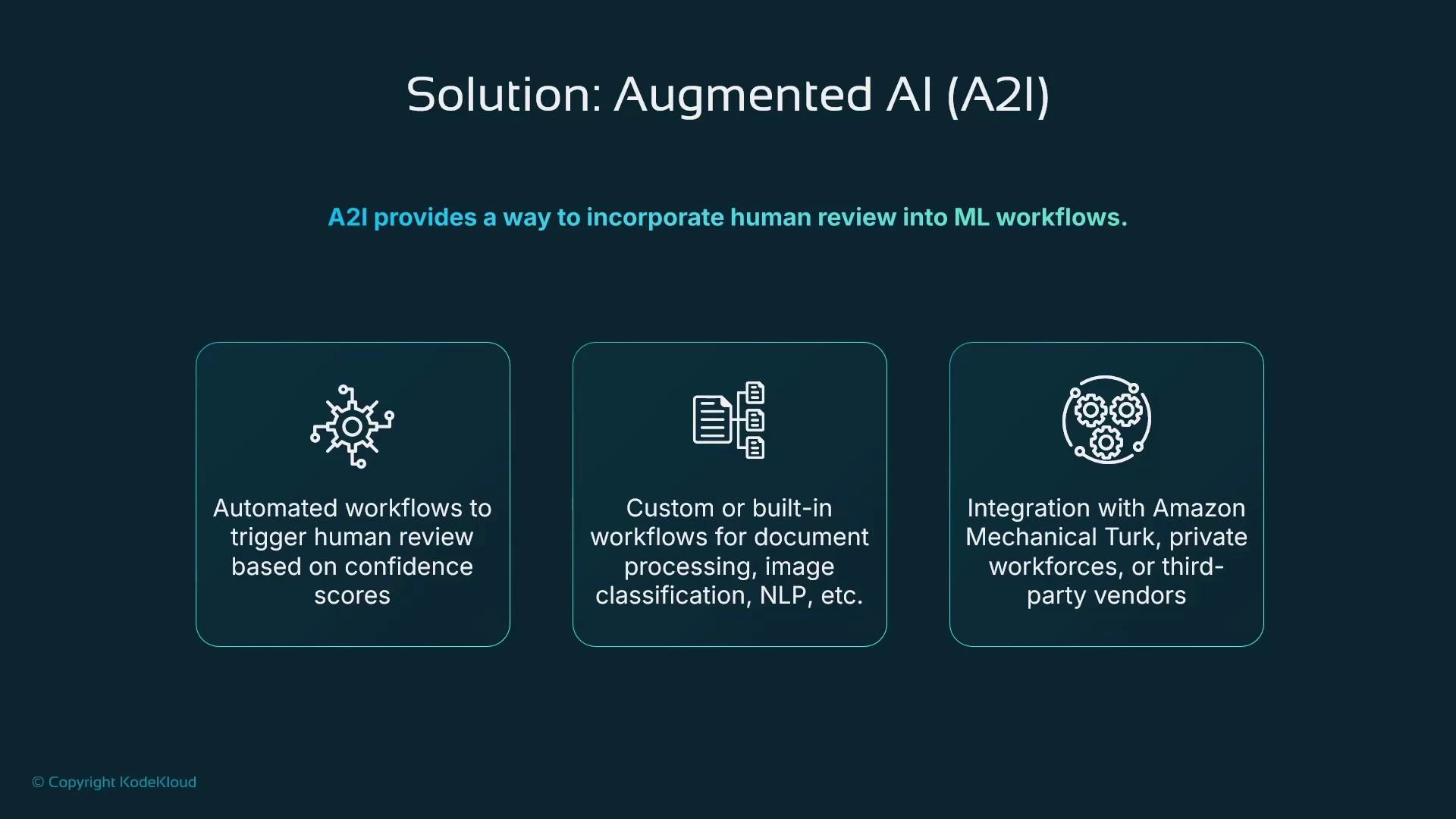
SageMaker Augmented AI (A2I) is the managed AWS service for adding human review to inference workflows. Typical pattern:- Model produces a prediction and an associated confidence score.
- If confidence is below a configured threshold (or a rule triggers), route the request into an A2I workflow.
- A2I presents the prediction and supporting context to a human reviewer and captures their response.
- The human decision is used to produce the final inference result.
A2I is suited to scenarios that require human validation for safety, legal, or business reasons. It provides routing control, reviewer UI configuration, and integration with a variety of workforces.
2) Labeling training data at scale
If your training dataset is not pre-labeled, you need a reliable, scalable labeling strategy. Manual labeling is expensive, slow, and prone to inconsistencies—especially at scale.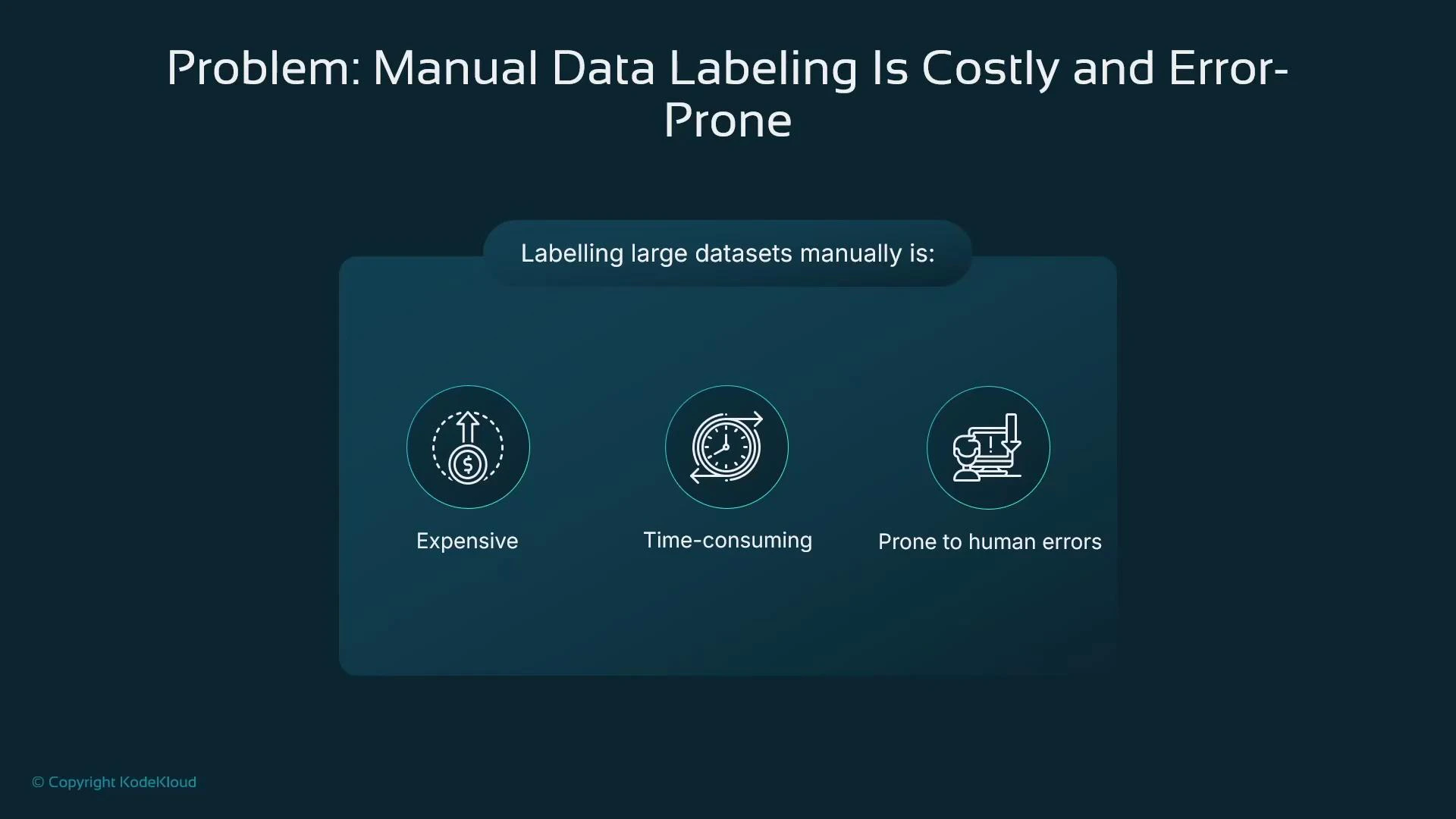
SageMaker Ground Truth
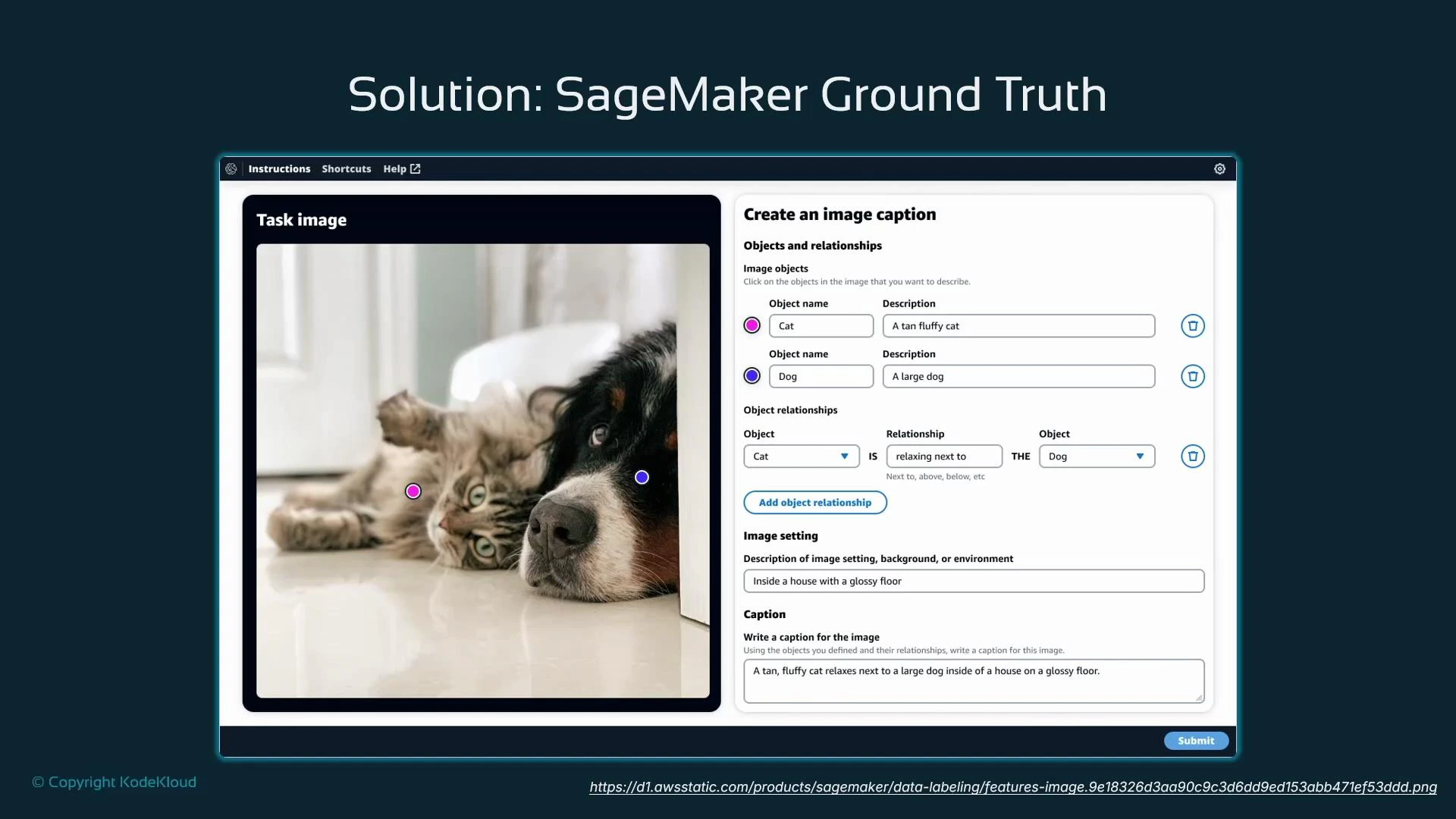
SageMaker Ground Truth coordinates human labelers, supplies UI templates and instructions, and offers automation/active-learning options to reduce cost and improve throughput. Labeling workflow overview:- Create a labeling job with clear instructions and UI templates (classification, bounding boxes, segmentation, captions, etc.).
- Select the workforce (private, Mechanical Turk, or marketplace vendor).
- Aggregate outputs and apply quality controls (consensus, review, or automated checks).
Ground Truth labeling modes
Quality controls are essential. Use redundancy (multiple annotators per item), consensus algorithms, spot-check reviews, and clear instructions to reduce label noise and achieve consistent datasets.
3) RStudio in SageMaker Studio: enabling R workflows
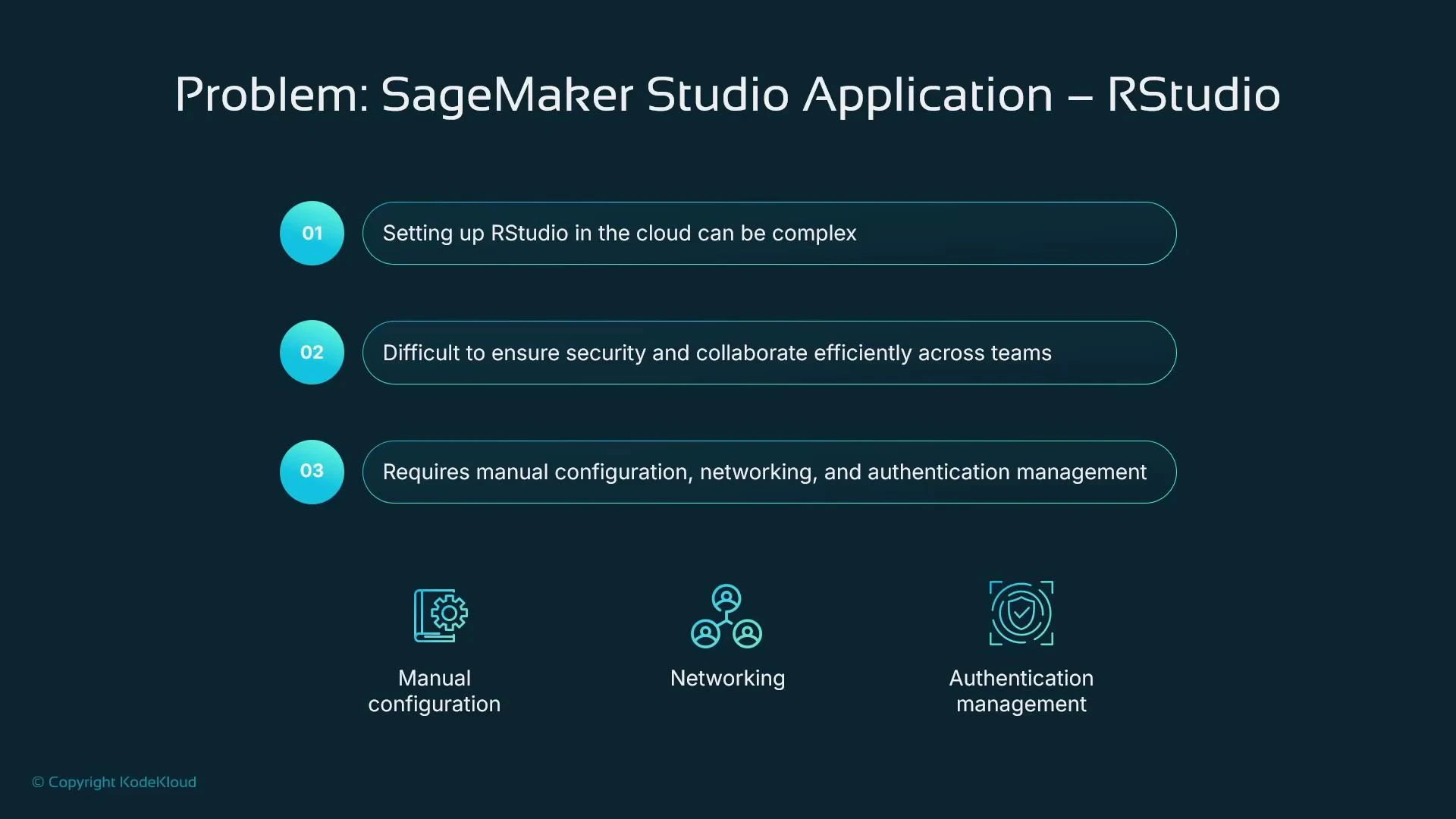
Many data scientists prefer R and the RStudio IDE. Running RStudio in the cloud requires integration with enterprise networking, security, and shared data access. Manual setup can be time-consuming for teams.
- Installing and maintaining RStudio instances.
- Secure networking and IAM-based authentication.
- Collaboration and access to shared datasets.
Managed RStudio Workbench in SageMaker Studio
SageMaker Studio includes a managed RStudio Workbench (via Posit RStudio Workbench) that integrates with IAM, S3, and SageMaker training/inference. Users get the familiar multi-tab RStudio interface and can run R workflows without manual infrastructure setup.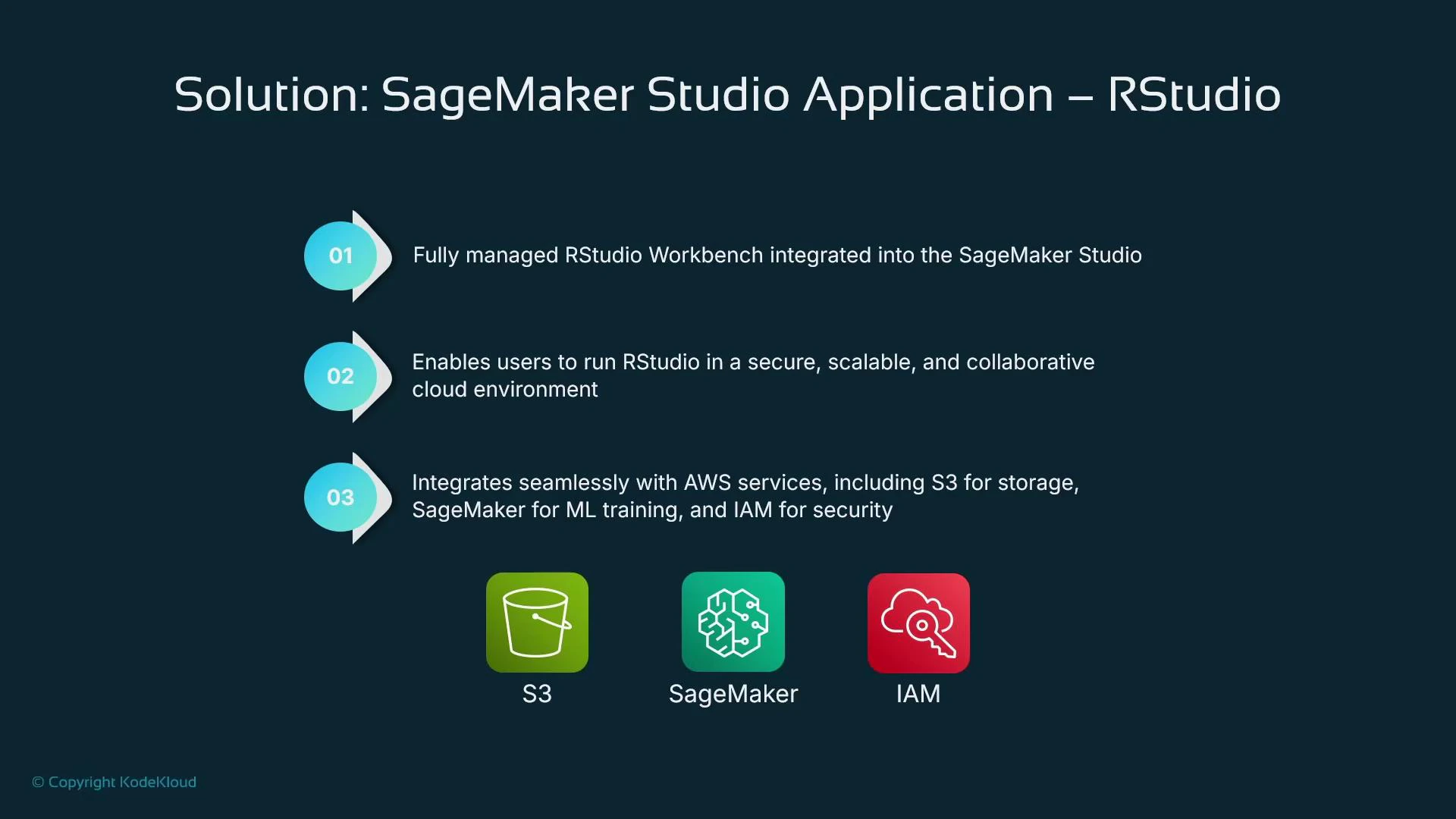
Example: training with caret in R and saving artifacts
Interoperability: calling the SageMaker Python SDK from R
Use the reticulate package to import Python modules and call the SageMaker Python SDK directly from RStudio. This allows R users to provision training jobs, endpoints, and other SageMaker resources from R.Summary
This lesson covered three production concerns and the SageMaker solutions to address them:- Human-in-the-loop inference with SageMaker Augmented AI (A2I) — route low-confidence or regulated decisions for human review.
- Scalable labeling with SageMaker Ground Truth — hybrid labeling, active learning, and automation to reduce cost and increase throughput.
- Managed RStudio Workbench inside SageMaker Studio and Python interoperability via reticulate — enable R users to work securely and integrate with SageMaker services.
- SageMaker Augmented AI (A2I)
- SageMaker Ground Truth
- SageMaker Studio
- Posit RStudio Workbench
- reticulate R package
- caret package documentation