

- Create a baseline for data quality using Model Monitor.
- Deploy an endpoint with data capture enabled (sample inference requests/responses).
- Schedule a monitoring job that compares captured data with the baseline.
- Generate inference traffic to exercise data capture.
- Inspect results and clean up resources when finished.
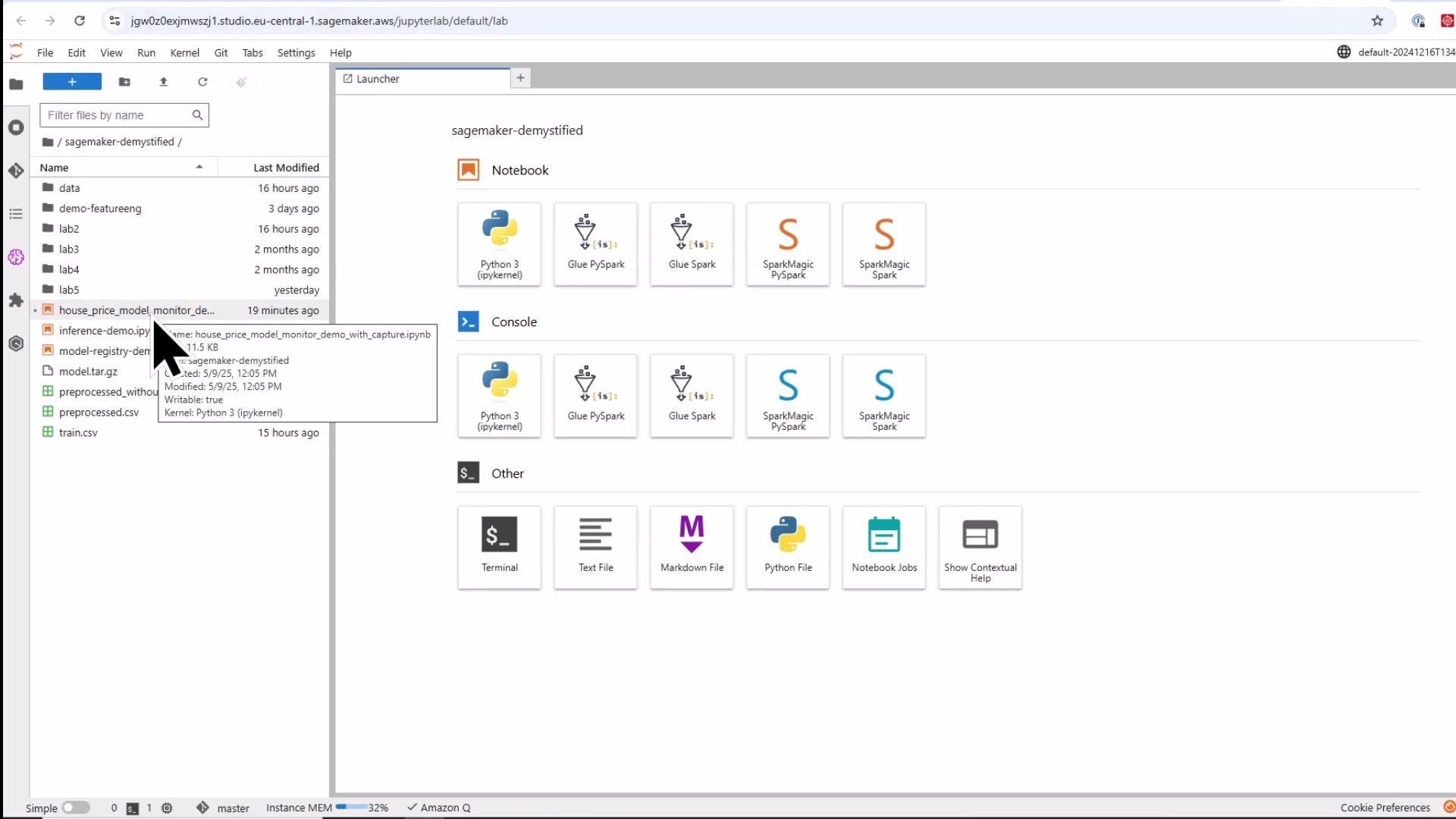
Prerequisites: run this notebook inside SageMaker Studio or an environment with the SageMaker Python SDK, boto3, and pandas installed. Ensure the executing IAM role has permissions for SageMaker, S3, and IAM (to create model/endpoint and read/write S3).
Overview of steps
- Setup imports, session, and S3 locations.
- Upload model artifact and prepare baseline data.
- Create an endpoint with Data Capture enabled.
- Create a DefaultModelMonitor and run a baseline job.
- Create a monitoring schedule.
- Generate inference traffic to produce captured data.
- Inspect captured data in S3.
- Clean up resources.
1) Setup: imports, session, S3 locations
Start by importing required SDKs and creating session/role variables. These values are used throughout the demo to manage S3 locations, create models/endpoints, and schedule monitoring.2) Upload model artifact and prepare baseline data
If your model artifact is already in S3, skip the upload step. Otherwise, upload your localmodel.tar.gz. Model Monitor expects you to explicitly specify the dataset format; in this demo we upload a CSV baseline without a header (the demo uses the training data as a baseline — in production, prefer representative inference traffic).
3) Create endpoint with data capture enabled
Create a DataCaptureConfig to capture request and response payloads. Deploy the model with that configuration so inference traffic is sampled and stored to S3 for downstream monitoring.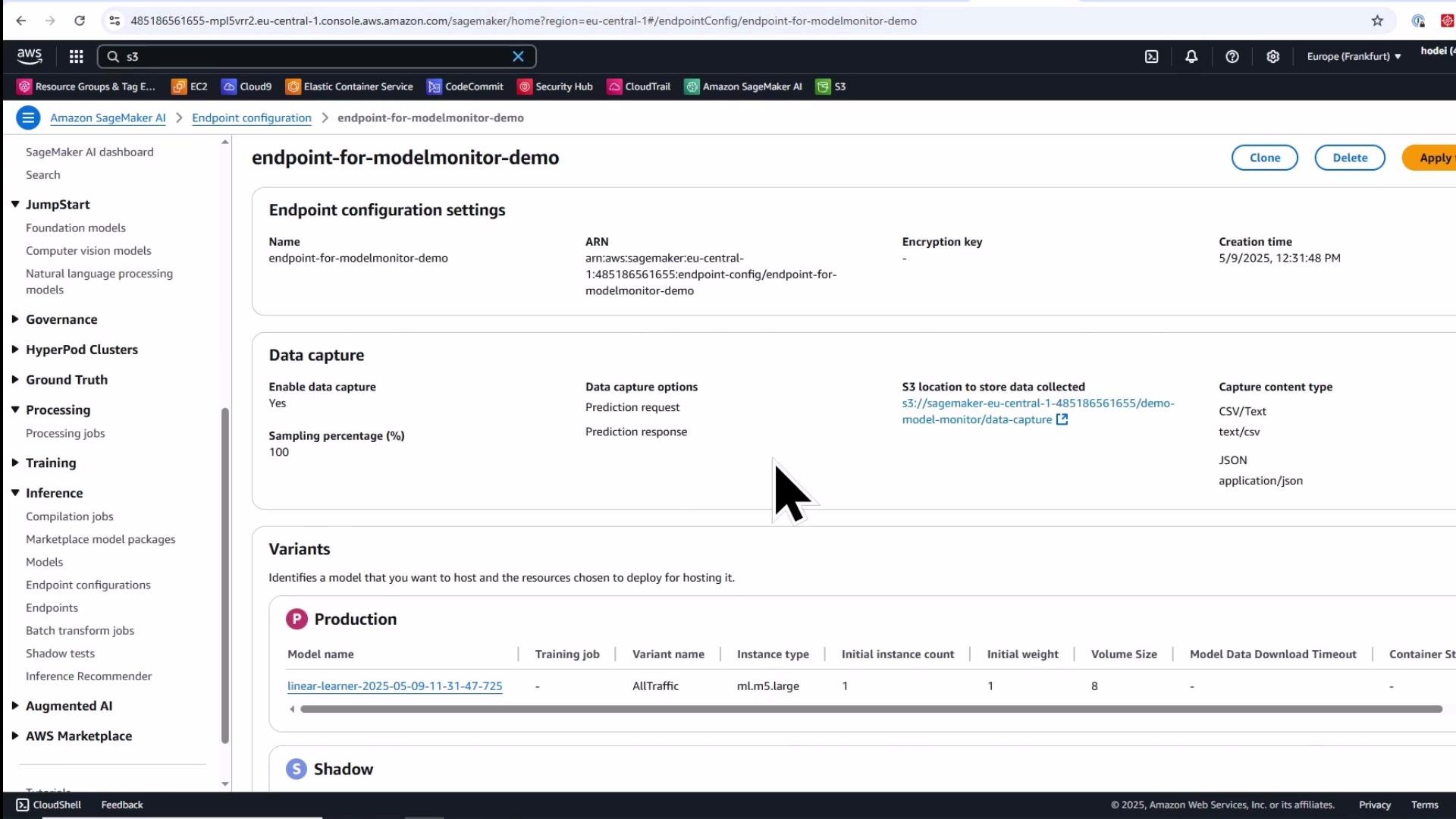
4) Create a DefaultModelMonitor and run a baseline job
A baseline job computes statistics and suggested constraints (constraints.json) from a baseline dataset. These artifacts define the expected distribution and data-quality checks for later scheduled monitoring.- S3 output (under the
baseliningprefix) includes:- statistics.json — per-feature statistics (mean, min, max, percentiles, distribution buckets)
- constraints.json — suggested constraints for data quality (e.g., completeness, bounds)
5) Create a monitoring schedule
Create a monitoring schedule to run regularly and compare the captured inference data with the baseline statistics and constraints. The schedule can run daily, hourly, or follow a custom cron expression.- Read .jsonl captured files from your data-capture S3 prefix.
- Compute statistics for the captured dataset.
- Compare these statistics against the baseline’s statistics and constraints.
- Produce violation reports and monitoring output under the
monitoring-outputS3 prefix.
6) Generate inference traffic (to produce captured data)
Invoke the endpoint to produce request/response pairs that will be captured. Note that captured files are buffered and delivered to S3 periodically — expect a short delay before files appear.Data capture delivery to S3 is not real-time. Expect a short delay (often a few minutes) before captured data appears in the S3 destination.
7) Inspect captured data in S3
After delivery, captured files are available under the data-capture S3 prefix as JSON Lines (.jsonl). Each line contains the request and response payloads (structured according to the capture options).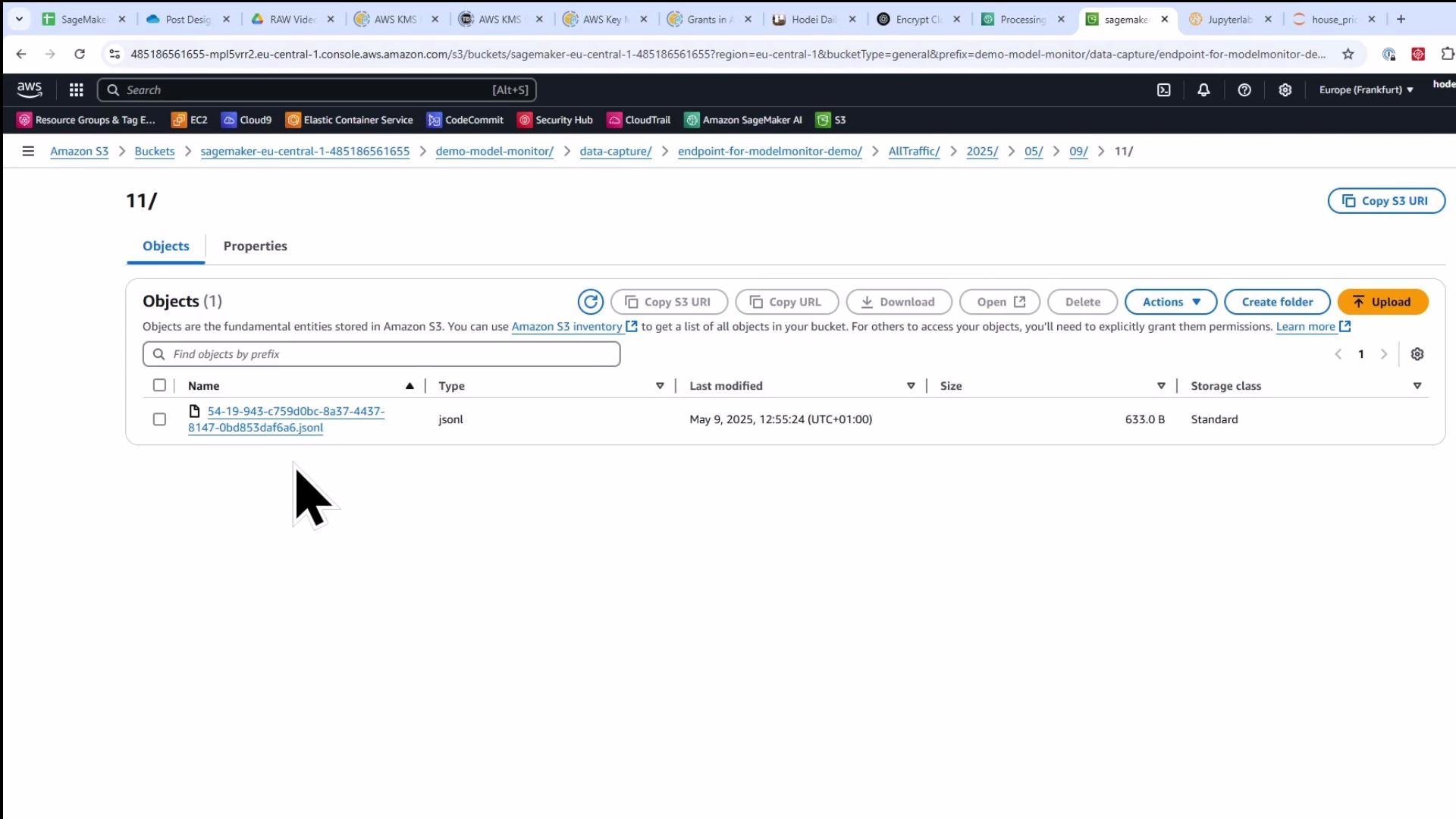
8) Clean up resources
When you finish the demo, delete the monitoring schedule and endpoint(s) to avoid ongoing charges. There can be a short propagation delay after deleting the schedule before you can delete the associated endpoint configuration — if deletion fails, wait a minute and retry.Summary and best practices
- Baseline job: builds statistics and suggested constraints for a baseline dataset. Use representative inference traffic for best results in production.
- Data capture: configure an endpoint to sample request/response payloads and store them in S3. Tune sampling percentage to balance cost and detection sensitivity.
- Monitoring schedule: regularly compare captured inference data to baseline statistics/constraints to detect data quality drift and anomalies.
- Model Monitor uses a dedicated processing container to compute statistics and constraints; the outputs are JSON artifacts you can inspect and version.
- Production tips:
- Use representative inference data for baselines (not necessarily training data).
- Tune sampling and schedule frequency based on traffic volume and cost.
- Add alerting or integration with your incident management for violations.
Links and references
- SageMaker Model Monitor documentation: https://docs.aws.amazon.com/sagemaker/latest/dg/model-monitor.html
- SageMaker Python SDK — Model Monitor: https://sagemaker.readthedocs.io/en/stable/toolkit/model_monitor.html
- Amazon S3 documentation: https://docs.aws.amazon.com/s3/
- Cron expressions (AWS): https://docs.aws.amazon.com/AmazonCloudWatch/latest/events/ScheduledEvents.html#CronExpressions