

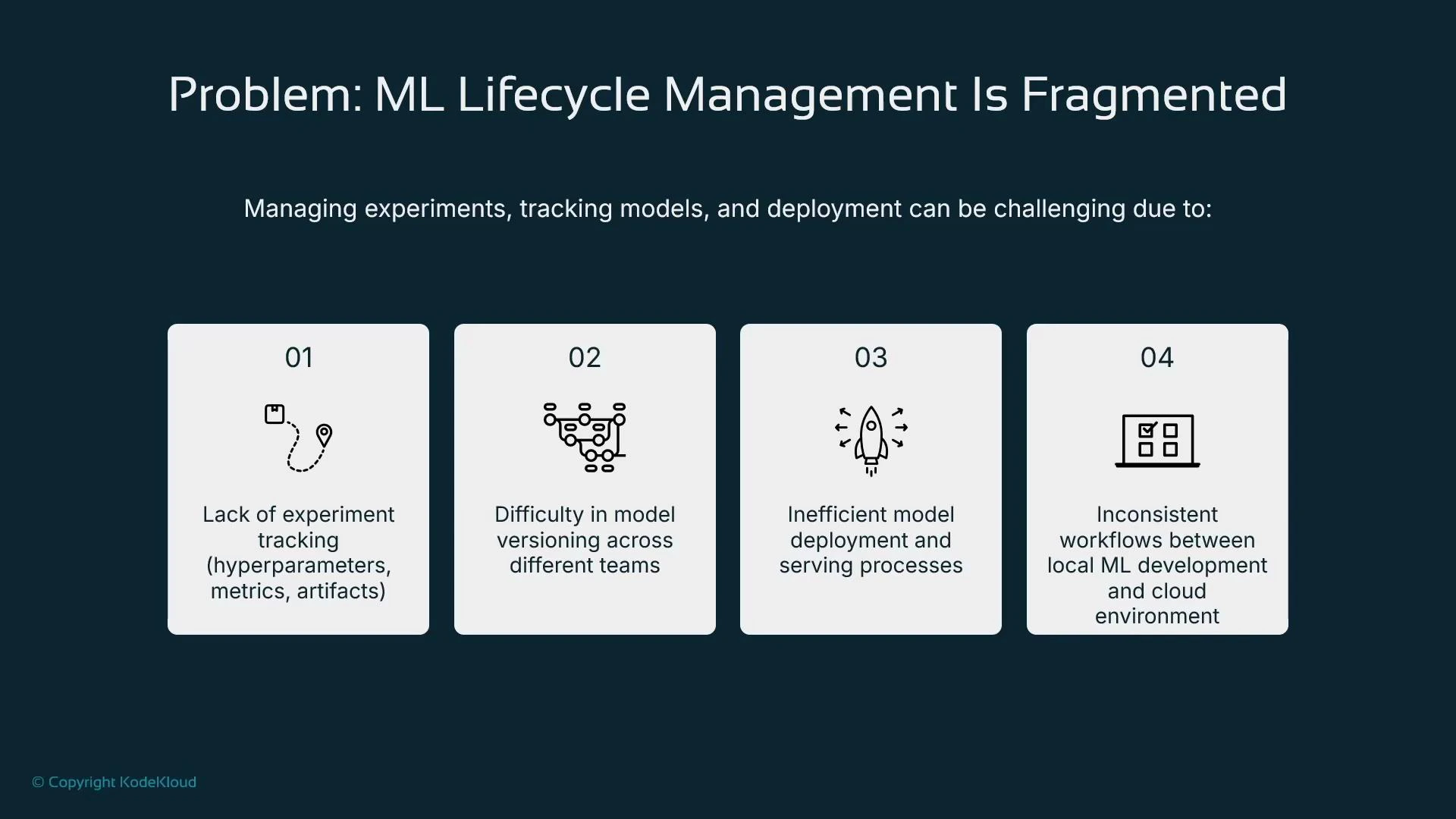
- Incomplete experiment tracking (hyperparameters, metrics, and artifacts not consistently recorded).
- Fragmented model versioning across teams and environments.
- Inefficient serving patterns when each model is containerized and hosted separately.
- Divergent local vs cloud workflows that make productionization error-prone.
What is MLflow and why use it?
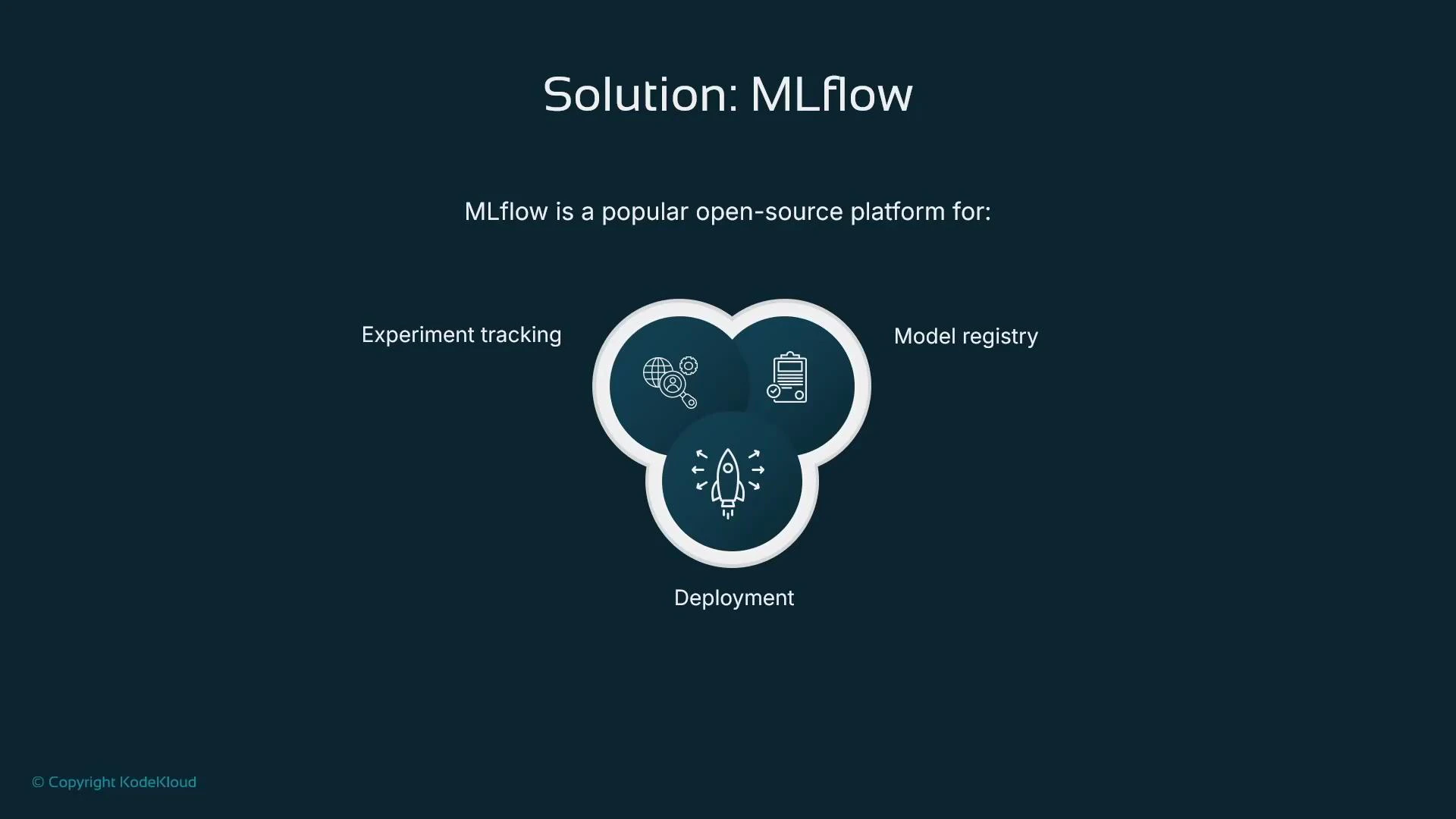
MLflow provides three core capabilities:- Experiment tracking: log parameters, metrics, and artifacts to compare runs.
- Model registry: version and promote models through stages (Staging → Production).
- Deployment management: package models for deployment to multiple targets.
MLflow and SageMaker: complementary, not competing
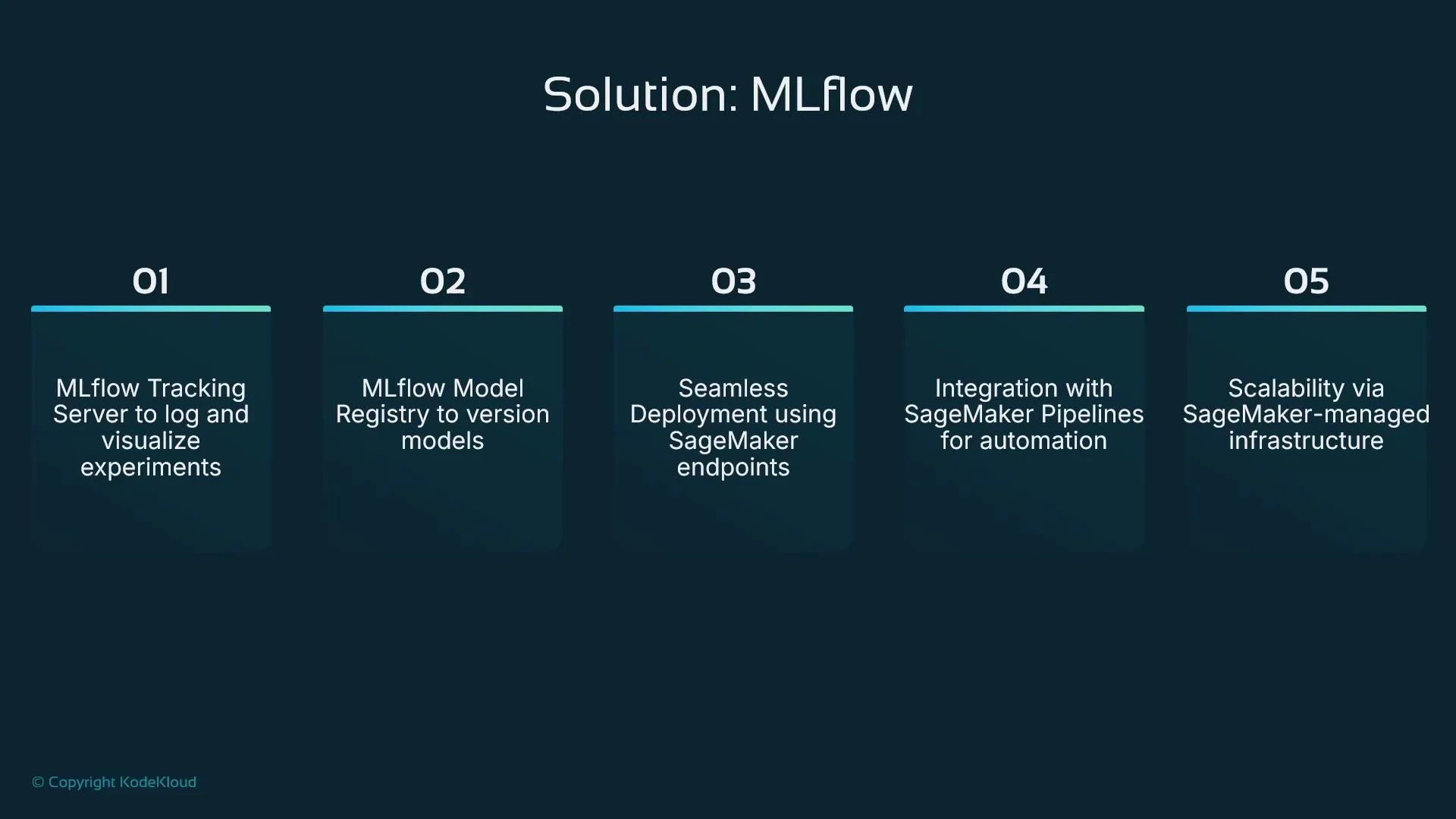
SageMaker can host MLflow as a managed application, providing a hosted tracking server, model registry, and integration points without you managing the underlying infrastructure. This setup lets teams:- Use MLflow for consistent experiment tracking and model governance across environments.
- Leverage SageMaker for managed training, scalable compute, and production-grade endpoints.
SageMaker includes native experiment-tracking and model registry features that are tightly integrated into the SageMaker experience. If you need an industry-standard, cross-platform lifecycle system, MLflow is a useful alternative for tracking and registry, while still allowing you to use SageMaker for training and hosting.
Core MLflow strengths (quick reference)
Typical MLflow + SageMaker workflow
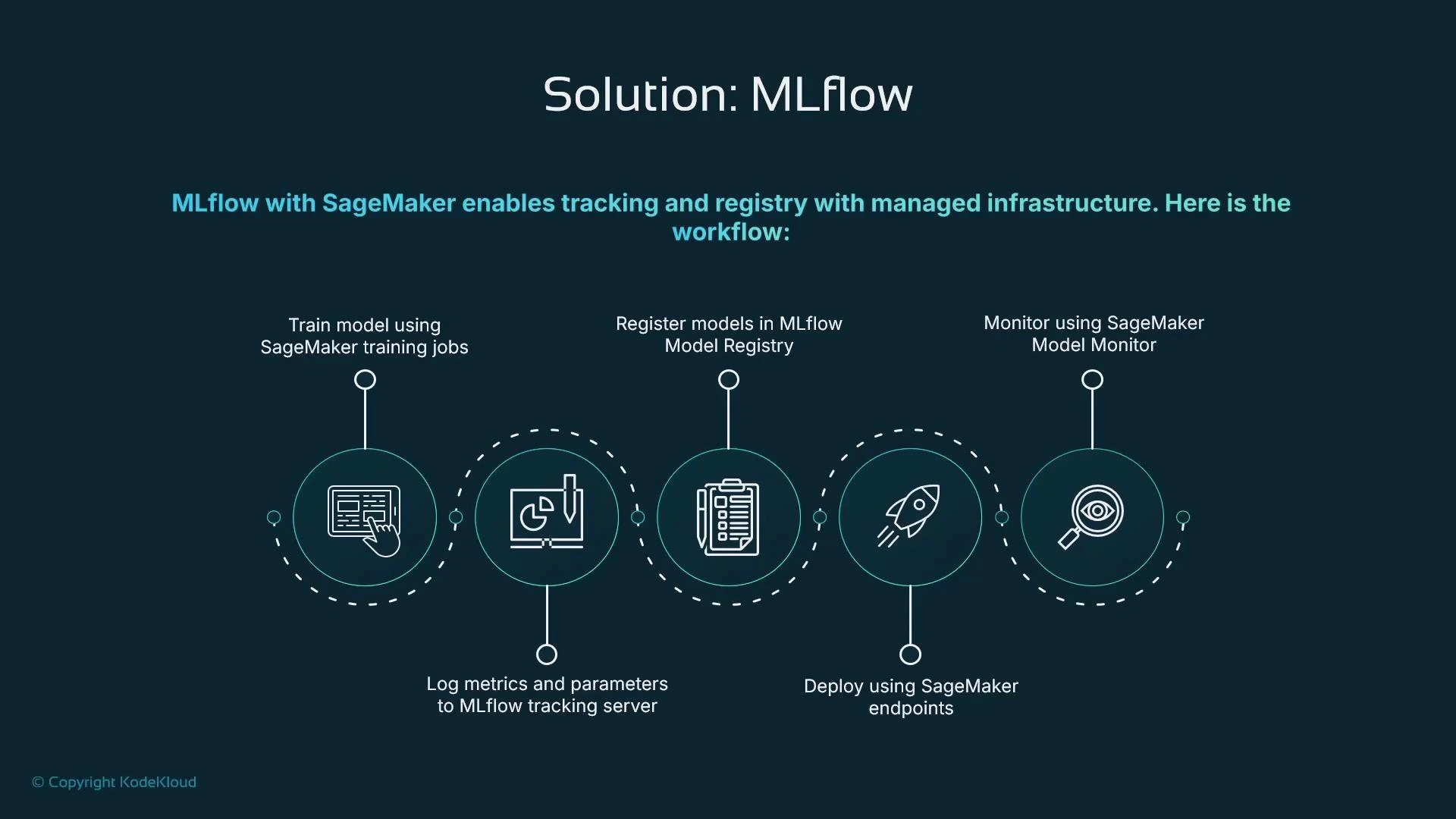
A common pattern blends MLflow’s lifecycle features with SageMaker’s managed compute. Example flow:- Train the model using SageMaker training jobs (or local/remote training).
- Log hyperparameters, metrics, and artifacts to the MLflow tracking server.
- Register the trained model in the MLflow Model Registry.
- Deploy the registered model to a SageMaker endpoint for real-time inference.
- Monitor production predictions with SageMaker Model Monitor and feed metrics back to MLflow as needed.
Deployment targets and packaging
MLflow can package models as a Docker container or a Python function and orchestrate deployments to multiple targets. This makes it easy to maintain a single source of truth (the model registry) while choosing the most appropriate serving platform.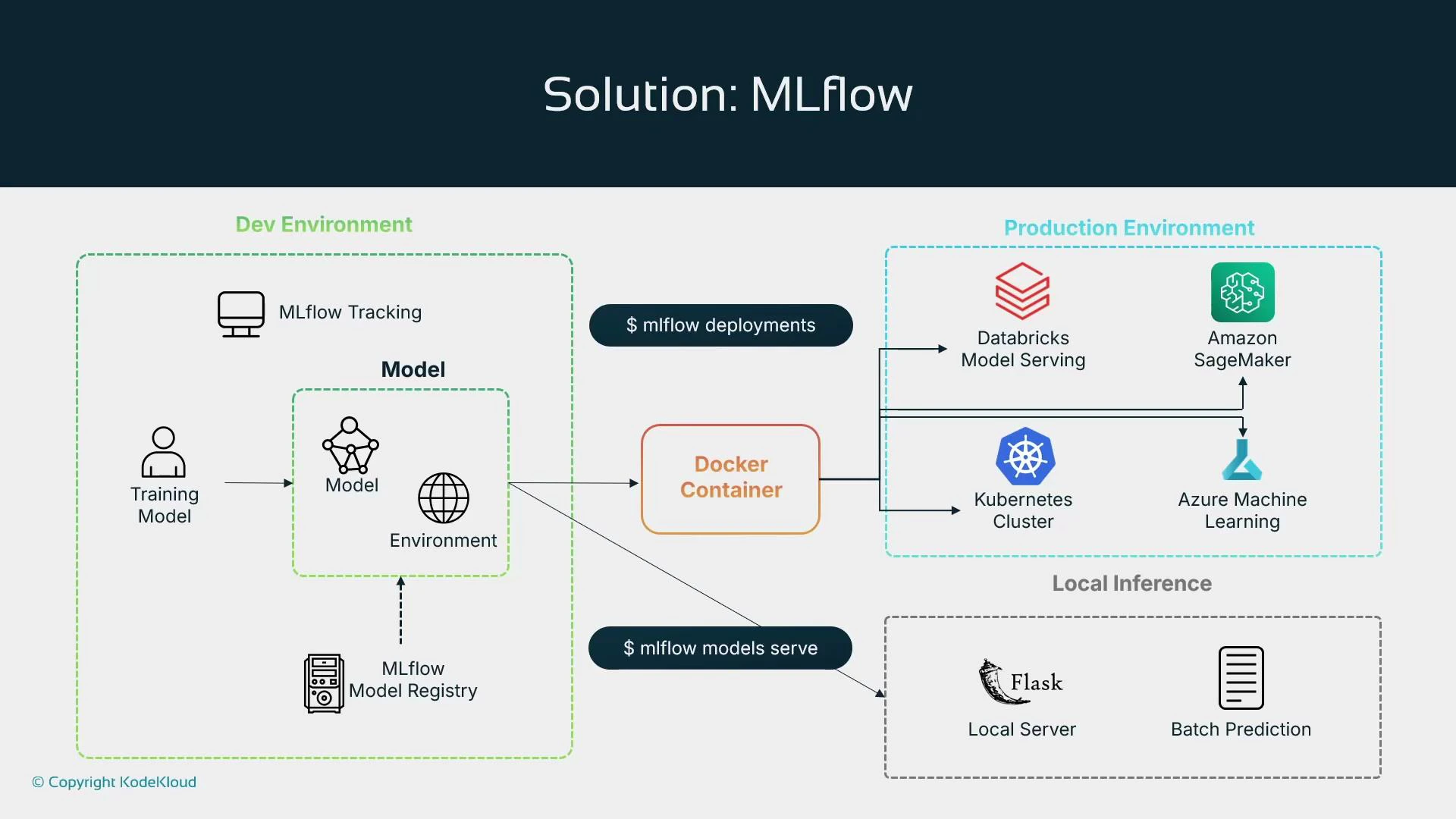
MLflow can also trigger platform-specific automation—e.g., invoking SageMaker Pipelines or CI/CD jobs—so it functions as a lifecycle orchestrator while letting platform services execute hosting, scaling, and monitoring.
MLflow is platform-agnostic and integrates with SageMaker—use MLflow for consistent experiment tracking and registry, and use SageMaker for managed training, serving, and monitoring. They can be combined rather than treated as mutually exclusive.
Lesson summary
- Foundation models: adopt pre-trained vendor models (OpenAI, Anthropic, Meta, etc.) and fine-tune or prompt-engineer for production.
- Distributed training: coordinate large-scale training with cluster controllers for networking, GPU scheduling, and recoverability.
- Human-in-the-loop: add reviewers for low-confidence or edge-case predictions to improve model quality.
- Managed data labeling: combine human workflows with model-assisted labeling to speed labeling cycles.
- Hosted RStudio: provide managed RStudio for teams that require R-based analysis and modeling.
- MLflow: use an industry-standard lifecycle tool for experiment tracking, model registry, and cross-platform deployment; optionally run MLflow as a managed app on SageMaker.
Links and references
- MLflow documentation
- Amazon SageMaker documentation
- SageMaker Model Monitor
- Databricks Model Serving
- Kubernetes documentation