

- Foundation models and fine‑tuning
- Bedrock as an alternative for hosted foundation models
- HyperPod clusters for large‑scale distributed training
- How to decide between SageMaker and Bedrock for different needs
Problem → Solution: foundation models
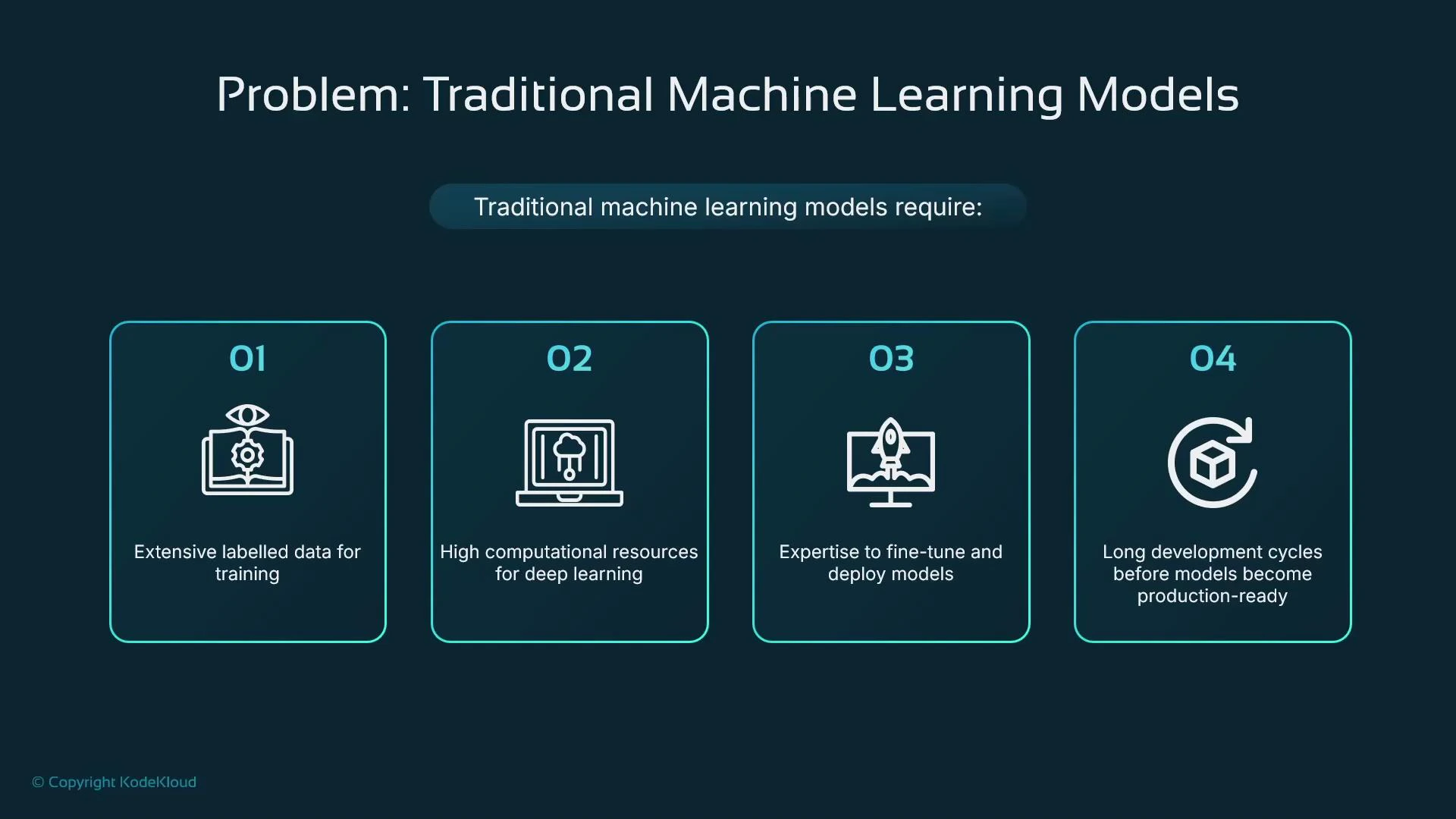
Problem 1 — Why building models from scratch is expensive
Traditional ML workflows often require:- Large, well‑labeled datasets
- Significant compute (often GPUs) for training
- Specialized expertise to build, tune, and deploy models
- Long development cycles before a model is production ready
Solution — Foundation models
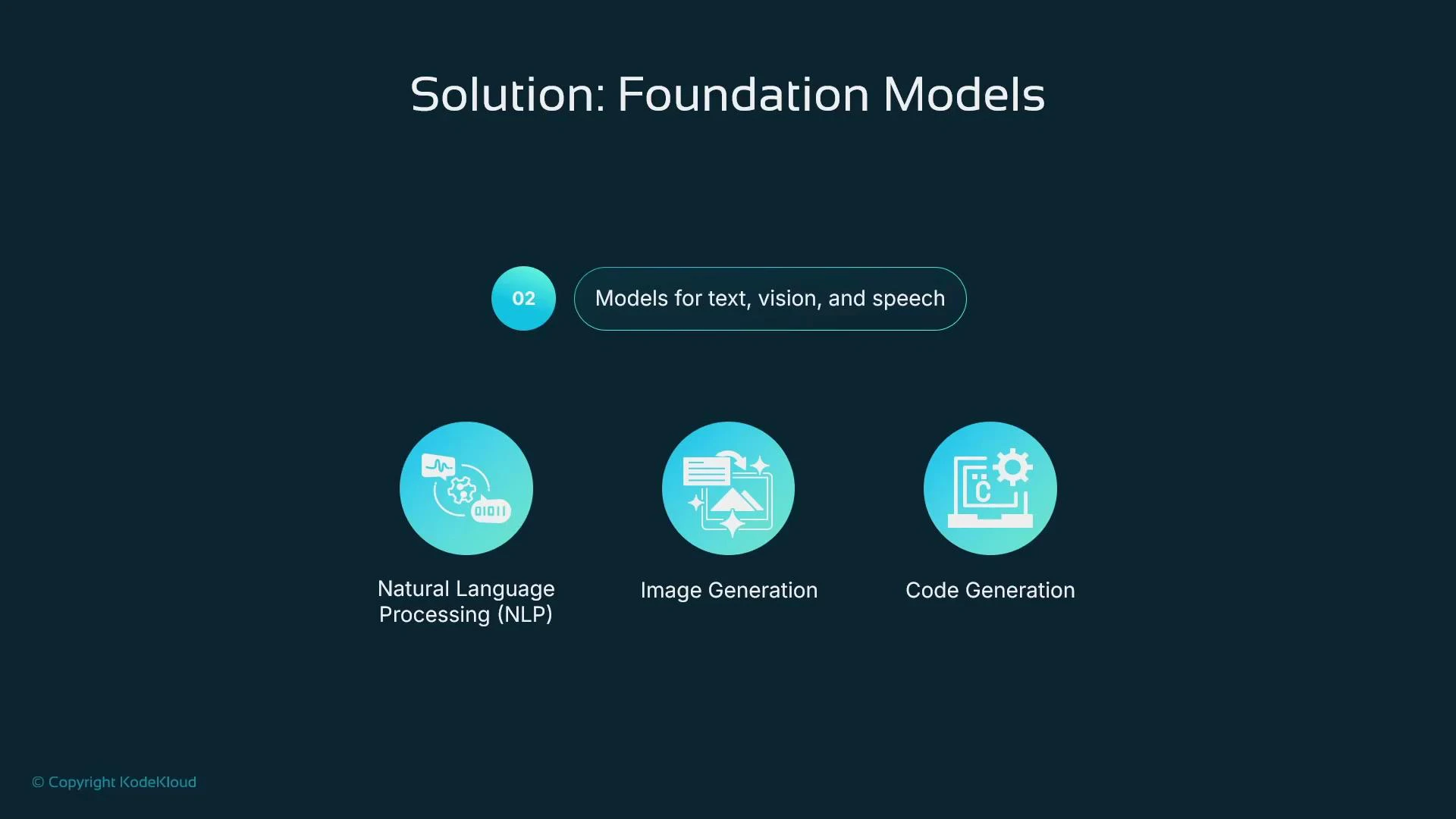
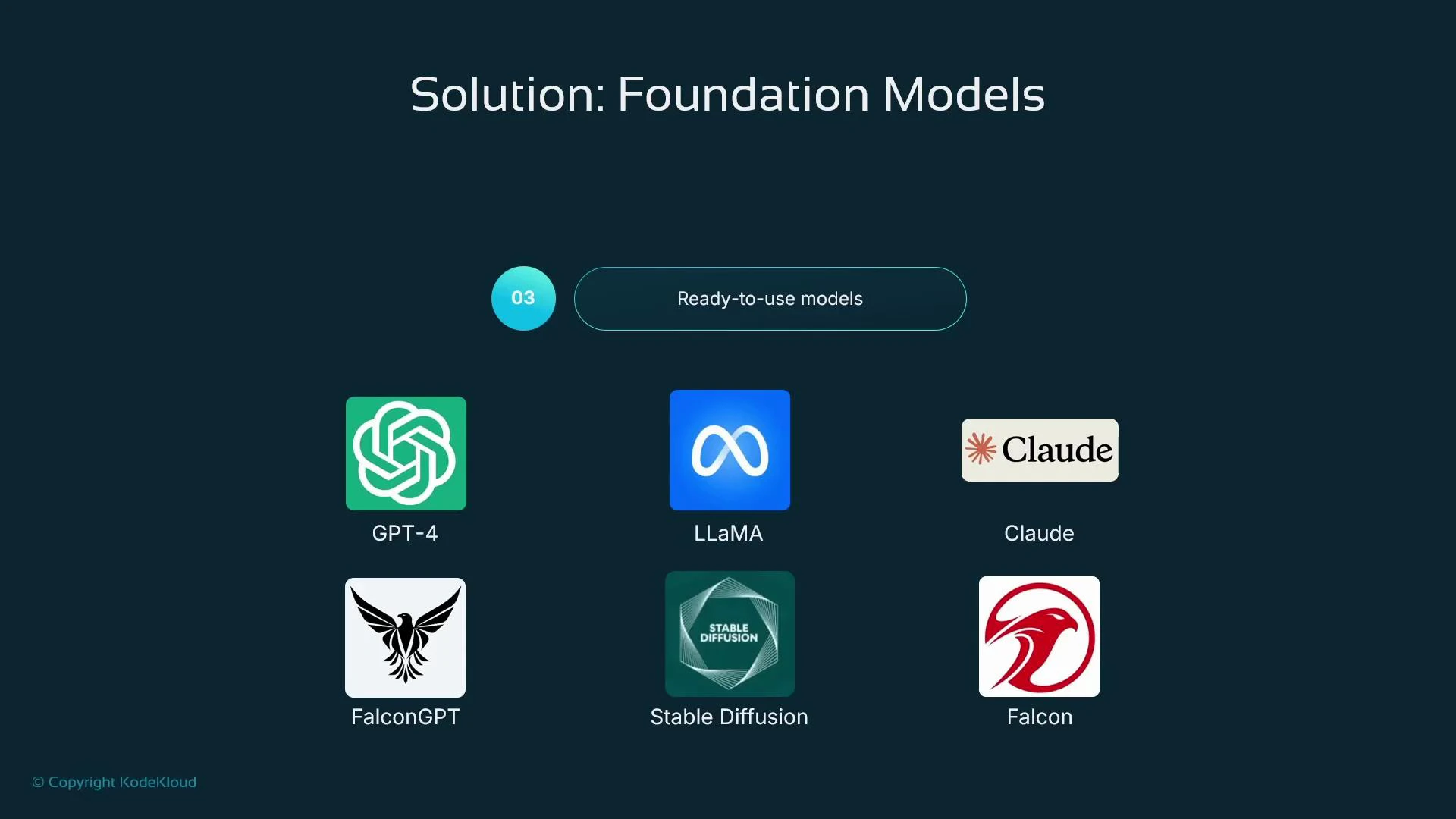
A foundation model is a large, pre‑trained model that you can use as‑is or adapt for a specific task. SageMaker supports importing and hosting many foundation models (both open source and vendor artifacts), enabling rapid experimentation and deployment for NLP, vision, speech, code generation, and more. Common examples:- LLaMA (Meta) — https://ai.meta.com/llama/
- Falcon — https://falconllm.tii.ae/
- Stable Diffusion — https://stability.ai/blog/stable-diffusion-public-release
- Vendor-hosted models like GPT‑4 (OpenAI) and Claude (Anthropic)
- Host a model artifact in SageMaker and create an endpoint for inference.
- Fine‑tune the model in SageMaker and then deploy the tuned artifact.
Browsing and selecting models in SageMaker Studio
In SageMaker Studio you can browse providers and models, inspect metadata, and import model artifacts directly into your account. Provider cards indicate model counts and sometimes show whether a model is “Bedrock Ready,” helping you select an appropriate model for import or hosted inference.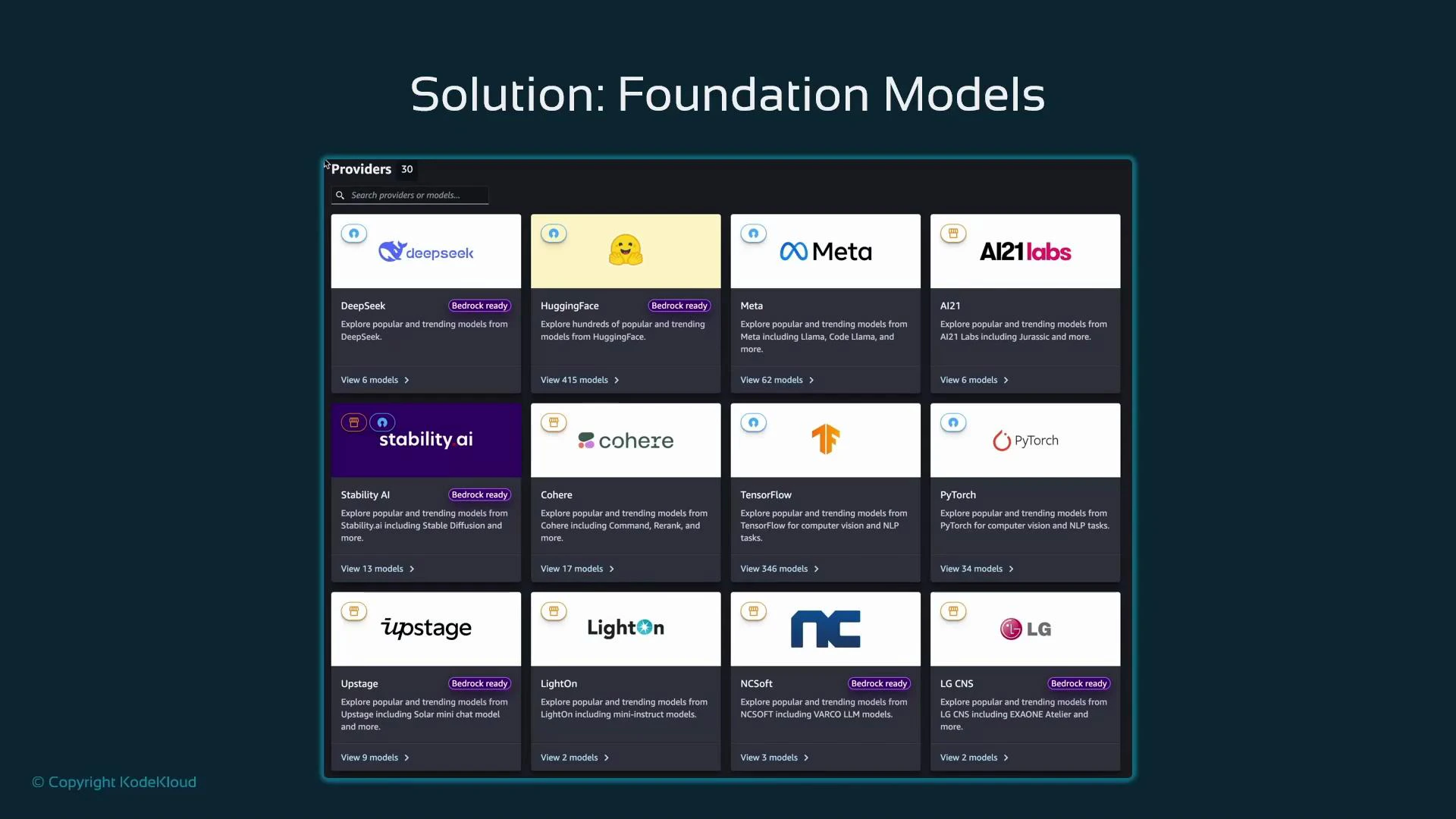
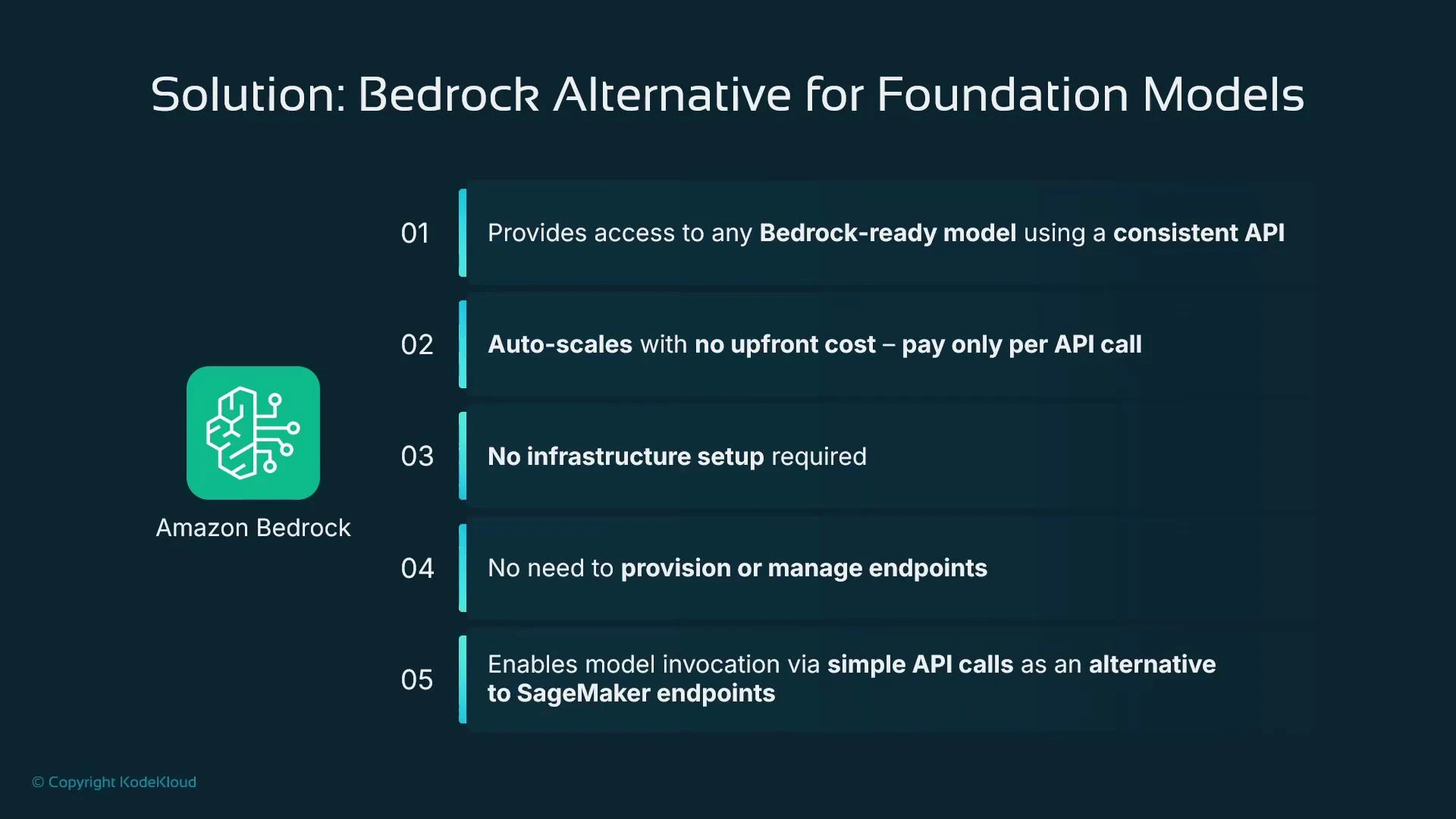
Bedrock — a hosted alternative for foundation models
Amazon Bedrock is a separate AWS service that provides managed access to Bedrock‑ready foundation models via a unified API. Key benefits:- Standardized API with pay‑per‑call pricing (no infra provisioning)
- Automatic scaling and fully managed hosting
- Ability to swap provider/model identifiers without changing client logic beyond the model name
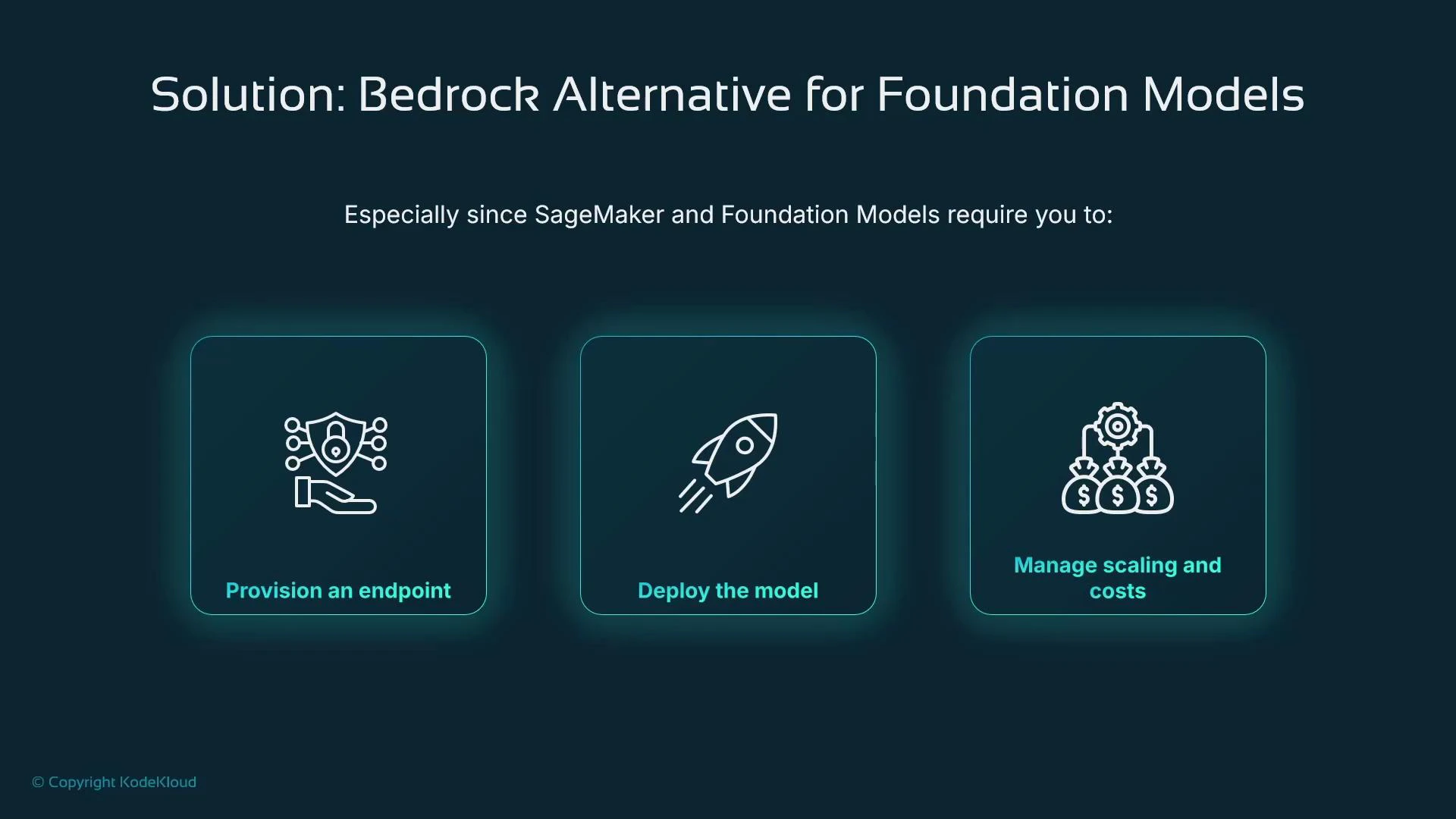
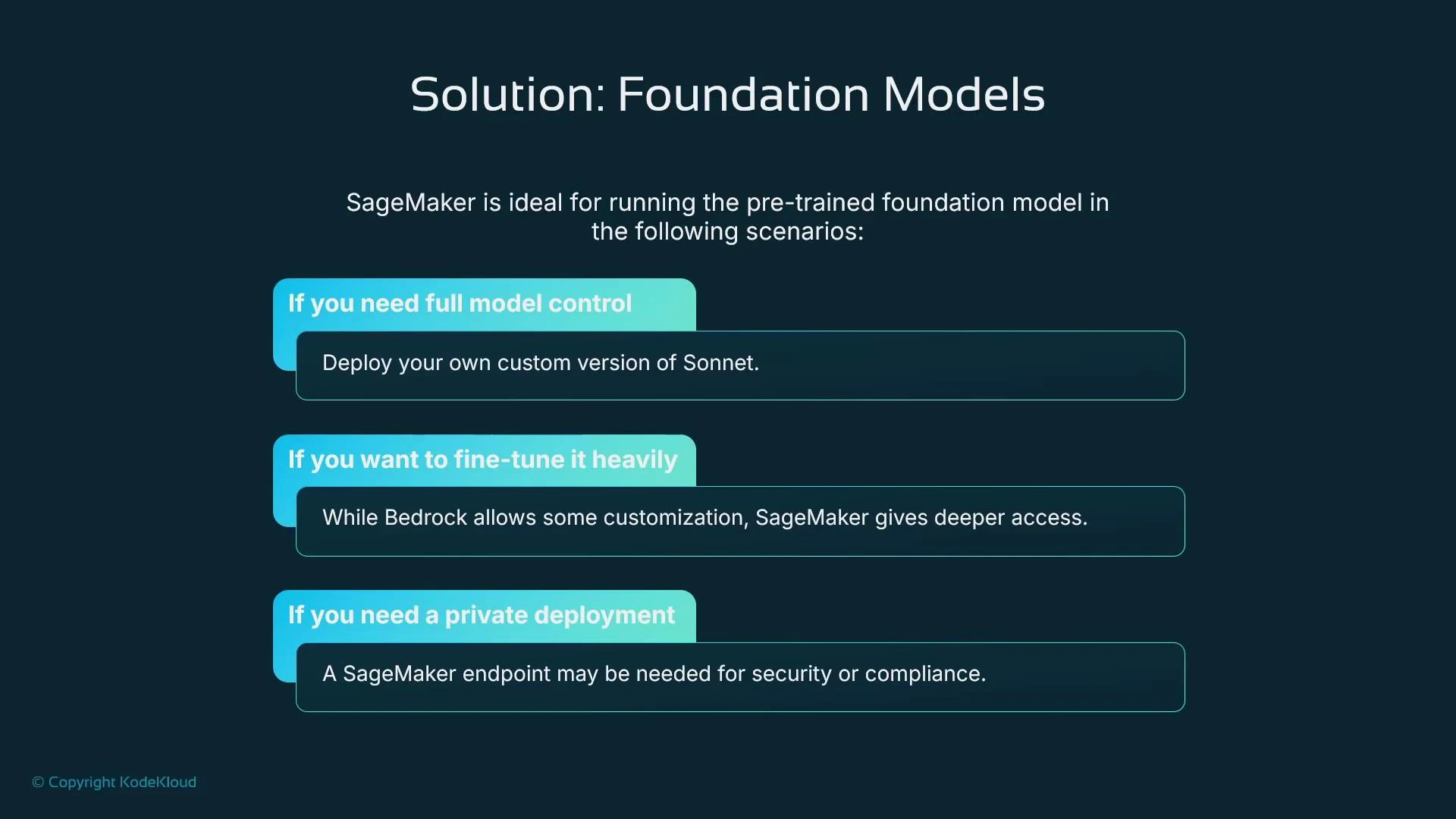
Bedrock and SageMaker solve different needs: choose Bedrock for simple, hosted model access with pay‑per‑call billing and minimal infrastructure work. Choose SageMaker if you require full control over model artifacts, training workflows, VPC isolation, or advanced fine‑tuning.
Decision table: SageMaker vs Bedrock
Problem → Solution: HyperPod for massive distributed training
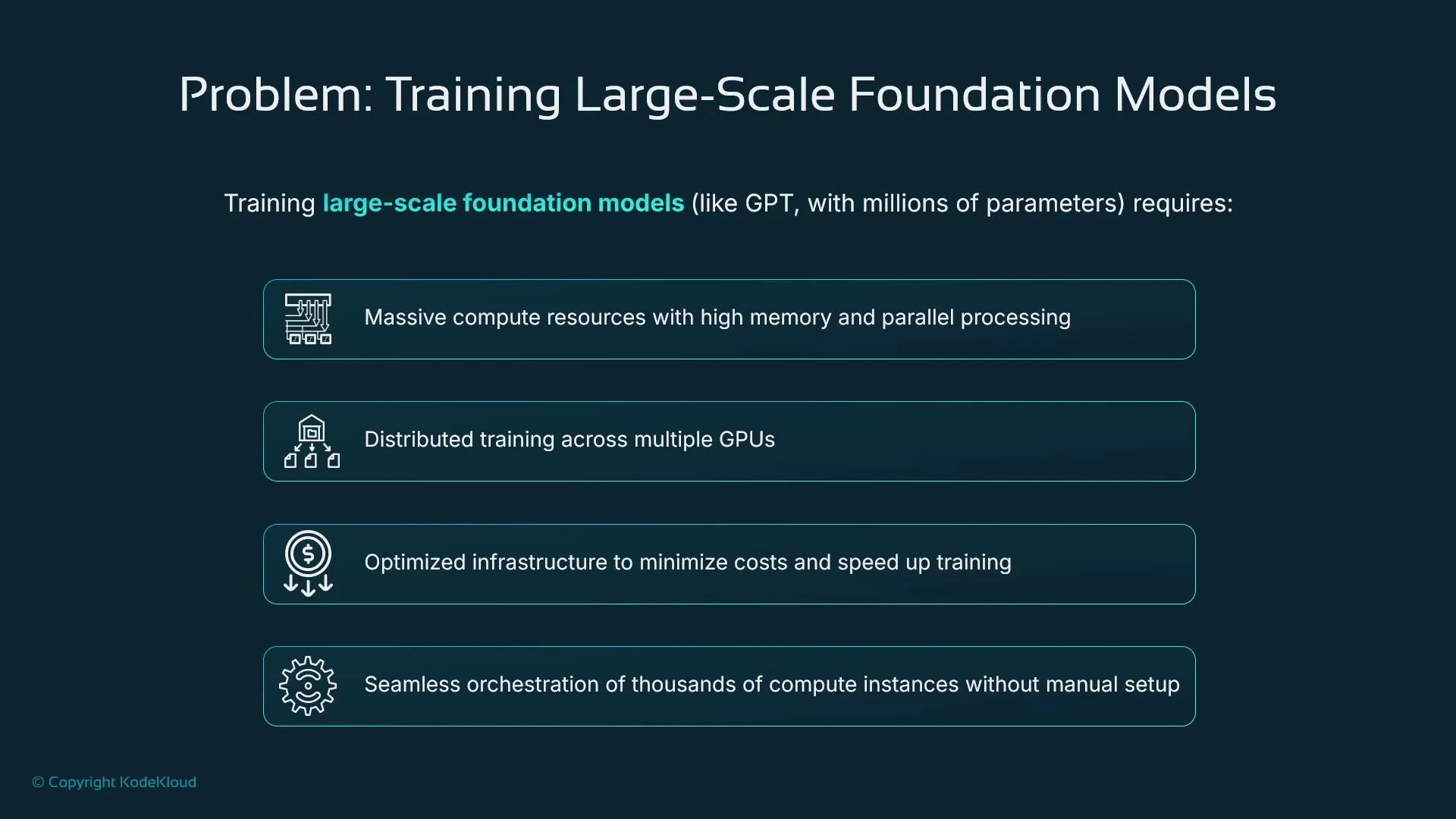
Problem — training very large models is hard
Training extremely large models often requires:- Huge compute and memory capacity (multi‑GPU, multi‑node)
- Efficient, low‑latency, high‑bandwidth networking
- Orchestration across hundreds or thousands of nodes
- Fault tolerance and automatic recovery to protect long-running jobs
Solution — HyperPod clusters
HyperPod clusters are a managed, high‑performance compute environment inside SageMaker built for coordinating very large distributed training jobs. Highlights:- SLURM‑based controller to orchestrate controller and worker nodes
- Job resilience with automatic restarts and node reallocation on failure
- Network topology optimized for low latency and high bandwidth
- Integration with shared storage (for example Amazon FSx for Lustre) and lifecycle scripts stored in Amazon S3
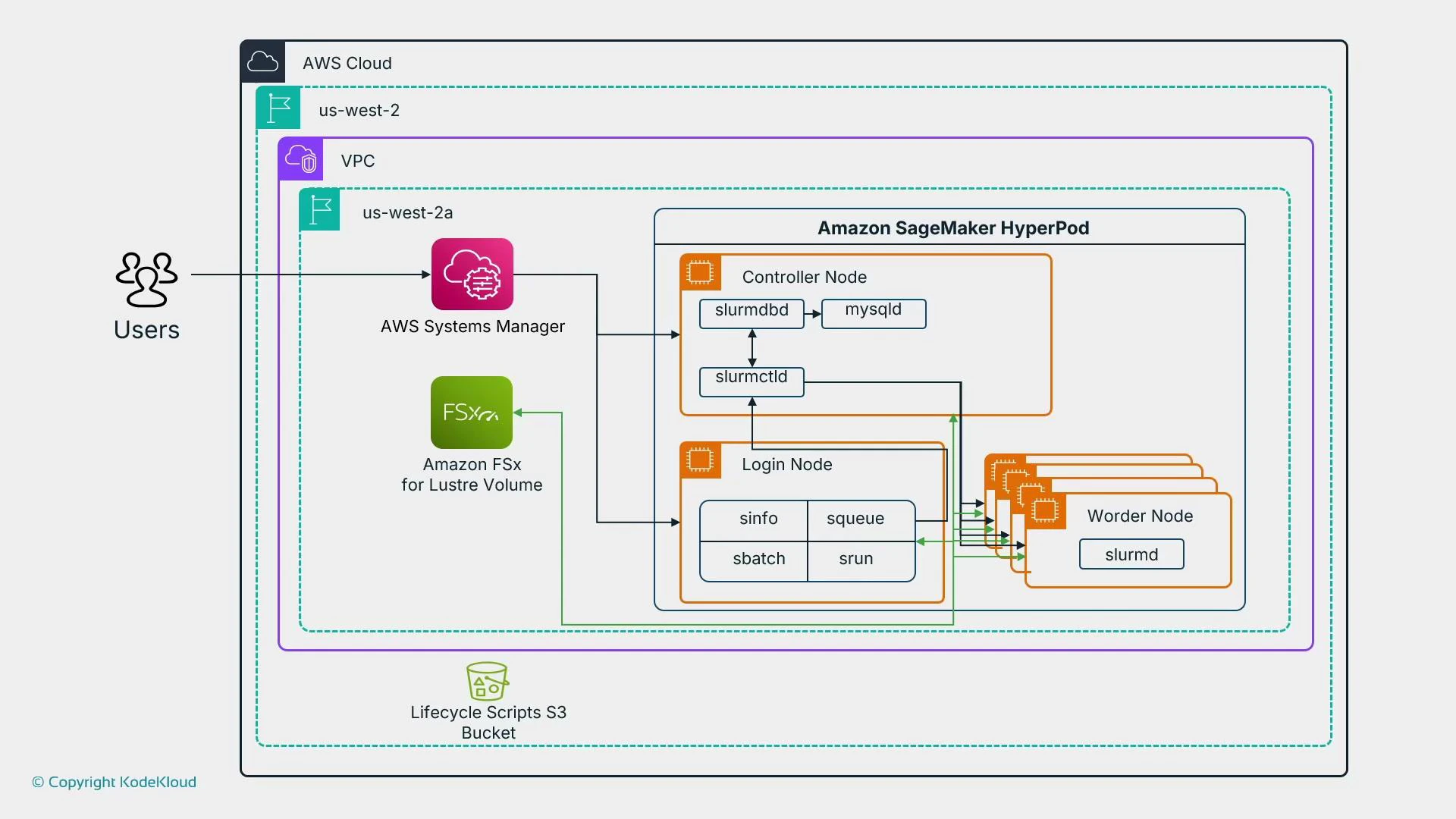
When to use HyperPod
- Use HyperPod for large foundation model training across many nodes when you need optimized networking and strong fault recovery.
- Avoid HyperPod for short experiments or models that fit on a few GPUs — prefer regular SageMaker training jobs in those cases.
Summary and quick recommendations
- Foundation models give immediate access to large pre‑trained models for NLP, vision, speech, and code tasks; you can self‑host in SageMaker or call vendor models via Bedrock.
- Fine‑tuning with PEFT methods (for example LoRA) makes customizing foundation models practical without re‑training billions of weights.
- Bedrock is a fully managed, pay‑per‑call service suitable for teams that want hosted model access with minimal infra management.
- HyperPod clusters provide SLURM‑based orchestration and optimized networking for very large, distributed training jobs that require fault tolerance and high throughput.
Links and references
- SageMaker documentation: https://docs.aws.amazon.com/sagemaker/latest/dg/whatis.html
- Amazon Bedrock overview: https://aws.amazon.com/bedrock/
- SLURM scheduler: https://slurm.schedmd.com/
- Amazon FSx for Lustre: https://aws.amazon.com/fsx/lustre/
- LoRA paper: https://arxiv.org/abs/2106.09685
- PEFT (Hugging Face PEFT): https://github.com/huggingface/peft