Explains navigating the Amazon SageMaker console, differences between Studio and legacy notebooks, and where processing, training, models, endpoints, and notebooks appear.
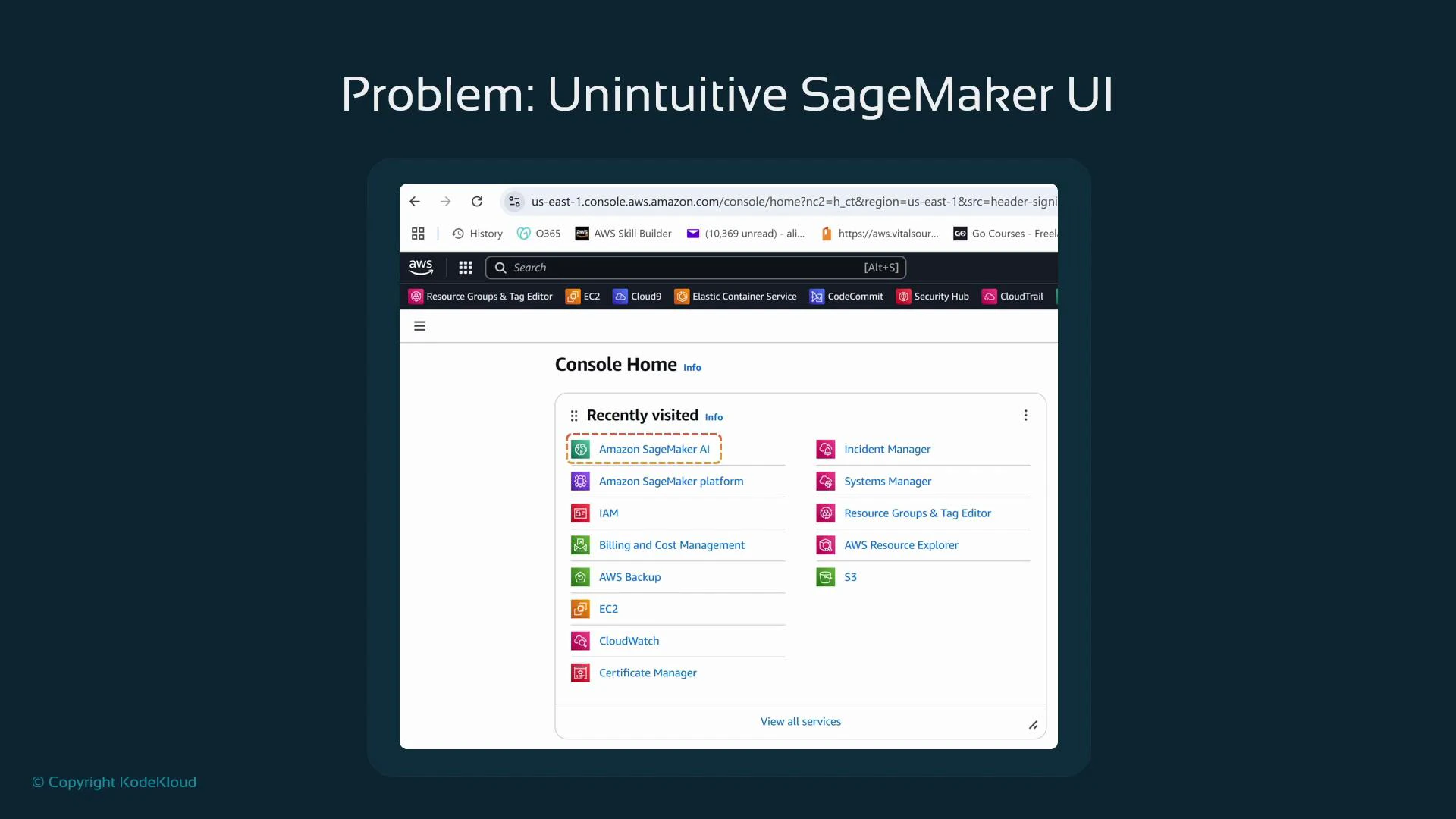
In this lesson we explore the Amazon SageMaker AI console and where to find the resources you’ll interact with during a typical machine learning workflow. The SageMaker Management Console is primarily a dashboard that reports resources and their status rather than a step-by-step wizard. Much of the activity in SageMaker is code-driven (for example, via the SageMaker SDK in Jupyter notebooks), so the console will often appear sparse until you create resources programmatically.Begin in the AWS Management Console and use the top search bar to find SageMaker. You may see two entries: Amazon SageMaker AI and Amazon SageMaker Platform. This guide focuses on the core SageMaker AI features used for processing, training, and hosting models.
The SageMaker console is best thought of as a monitoring and management dashboard. Unlike EC2, which prominently shows “Create instance,” SageMaker expects you to create processing jobs, training jobs, and endpoints from code (Jupyter notebooks, CI/CD pipelines, or SDK scripts). After you run jobs from code, the console is where you monitor status, logs, and metrics.
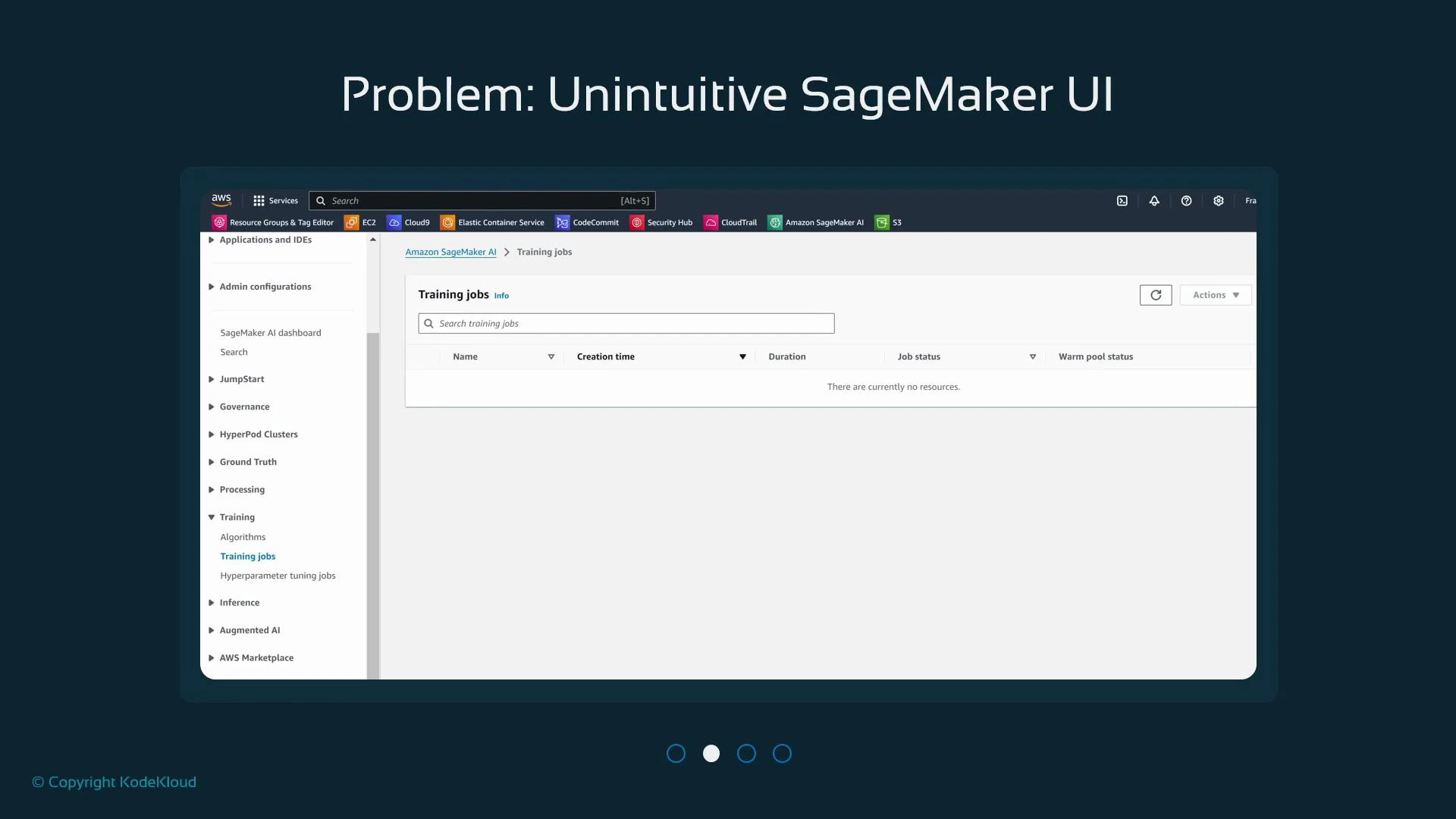
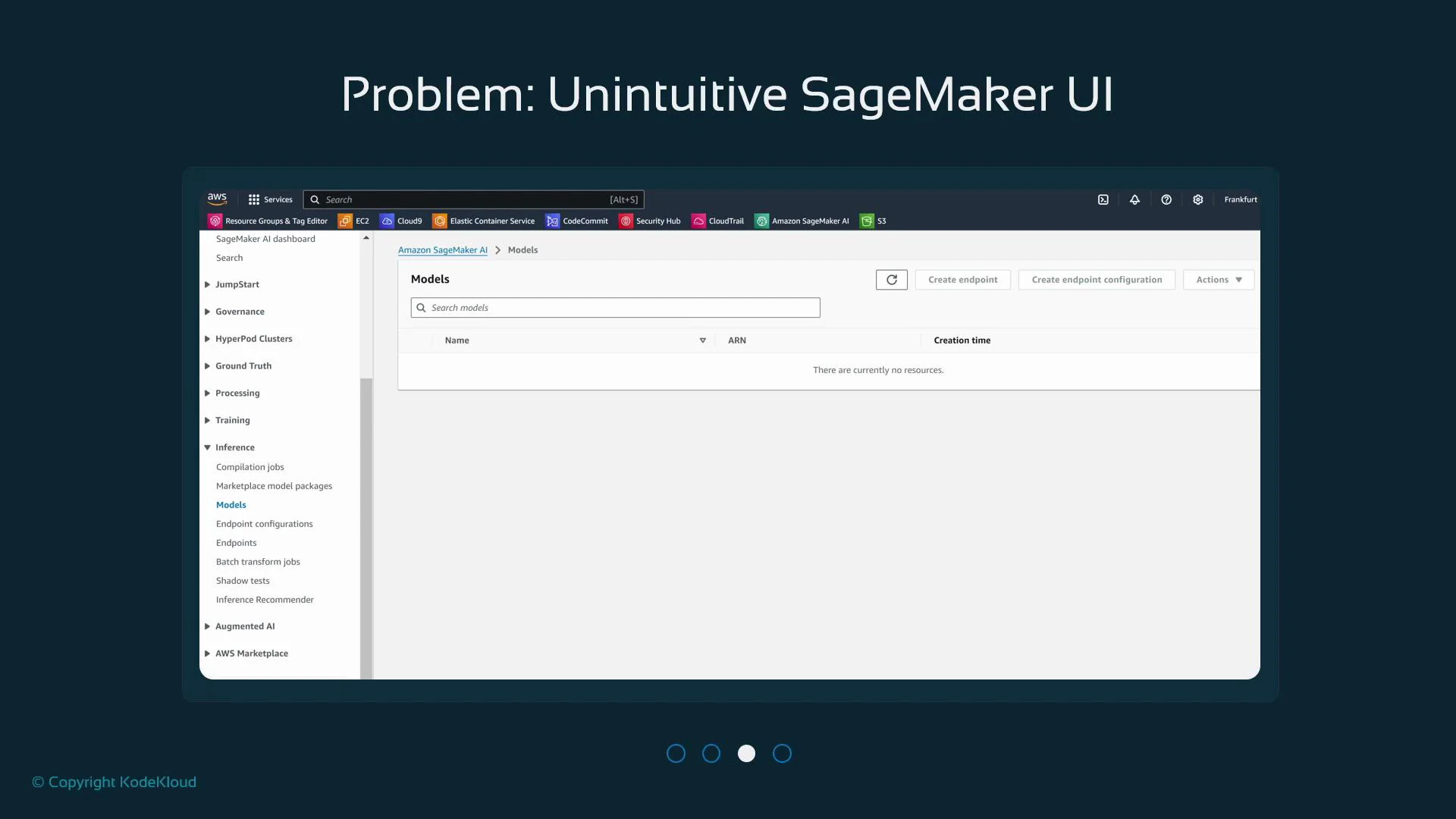
If you haven’t created resources, pages like Processing, Training, and Models will be empty.
The console surfaces outputs from programmatic actions: processing jobs, training jobs, models, and endpoints.
If you haven’t yet run any jobs, the Training view will look empty:
Similarly, the Models page (Inference → Models) remains empty until you train and register models:
Endpoints are production-hosted resources used for inference. If you haven’t deployed a model, the Endpoints page will be empty. The console is useful for monitoring and managing endpoints, but endpoint creation typically comes from SDK calls.
SageMaker provides two ways to run notebooks from the console:
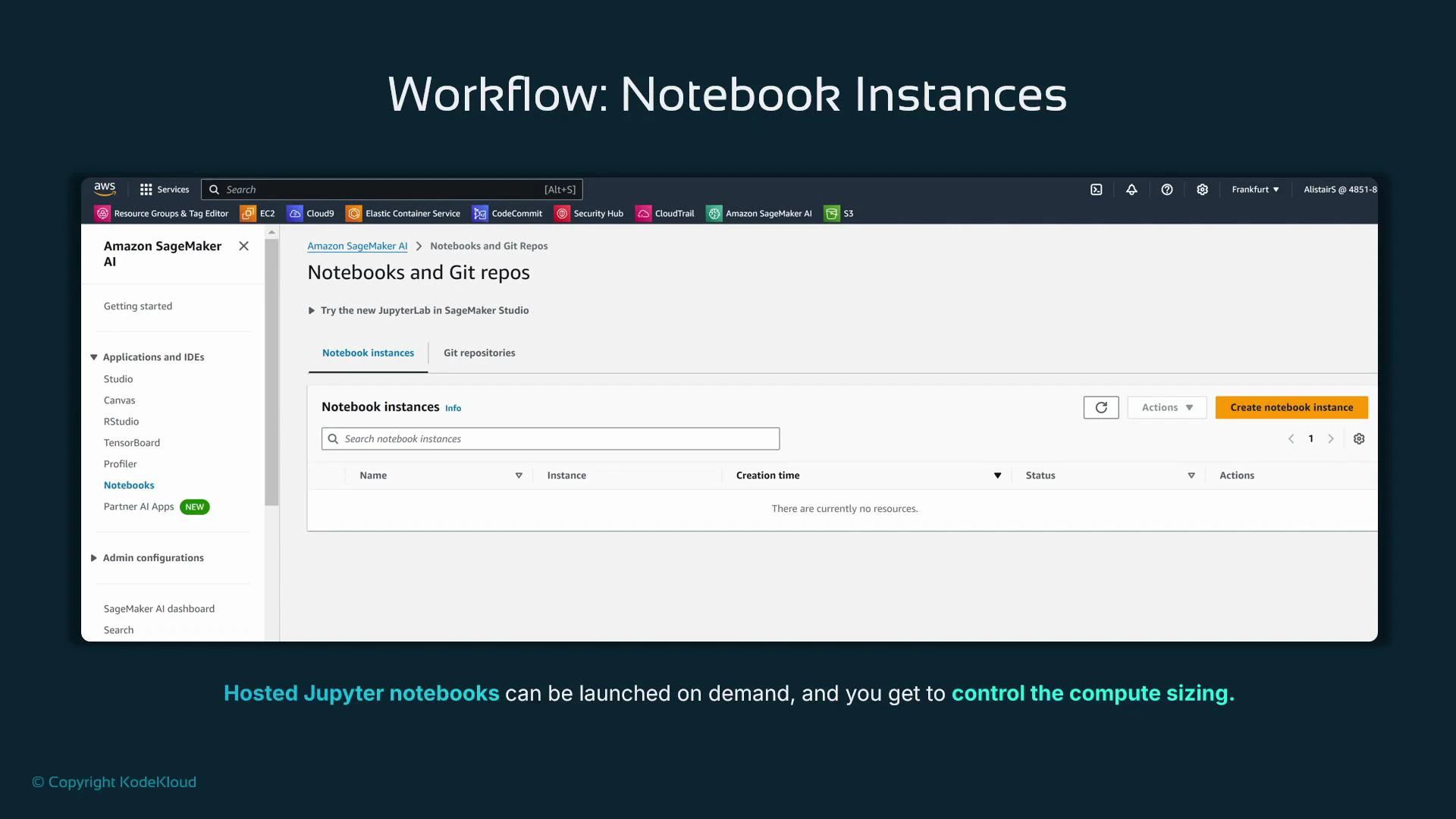
Legacy Notebook instances — managed EC2-backed Jupyter servers you create from the console.
SageMaker Studio — the modern, integrated IDE for notebooks, experiments, and ML lifecycle management. Studio is the recommended interface for most new workflows.
Creating a Notebook instance launches a managed VM with Jupyter/JupyterLab. You choose a name and an instance type (e.g., t3.medium). Notebook instances are primarily for interactive development; heavy training and processing should use separate SageMaker jobs that run on appropriately sized compute.
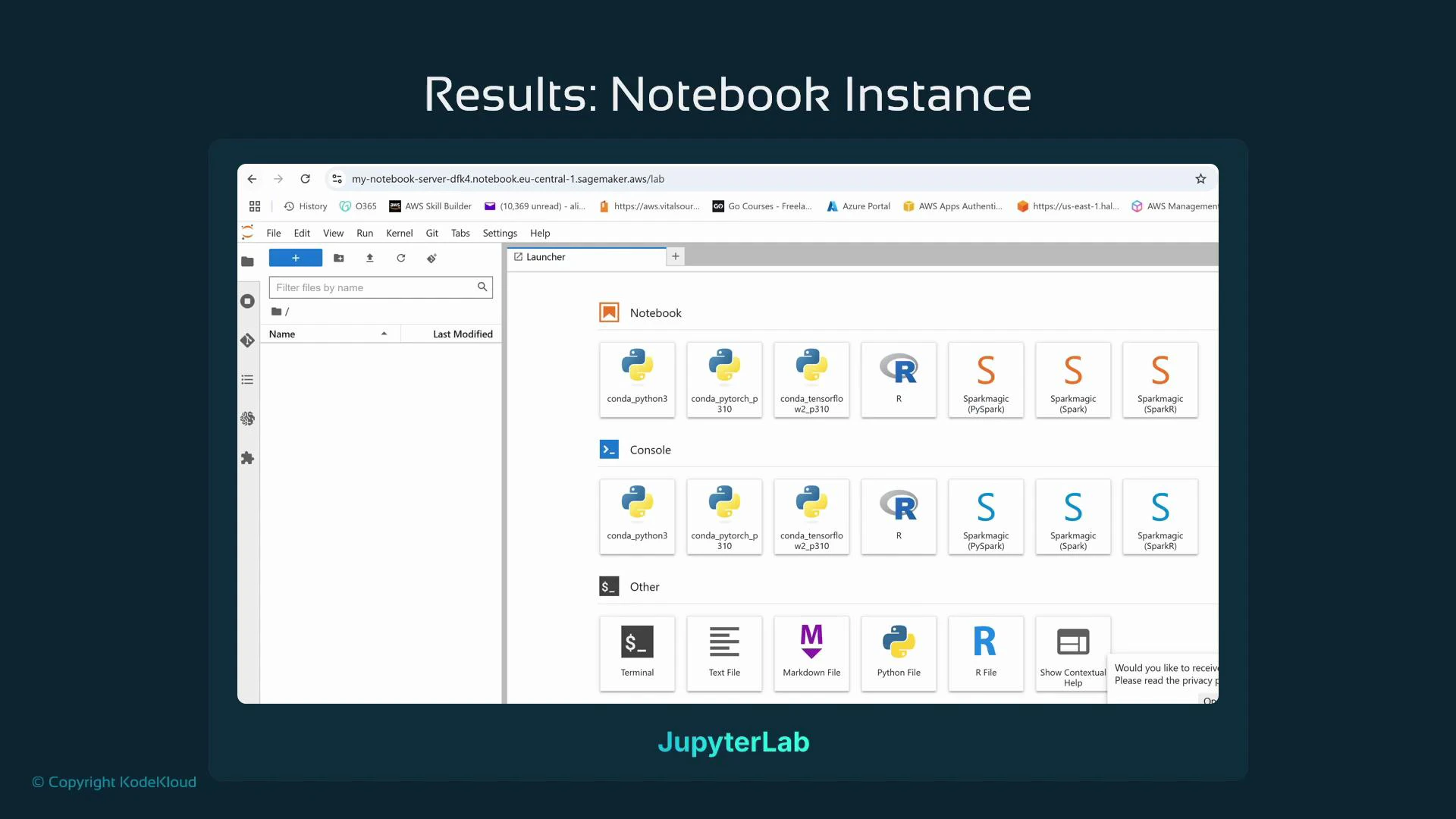
When a Notebook instance reaches InService, use the Actions column to open Jupyter (classic) or JupyterLab. JupyterLab offers a multi-tab interface with a launcher, file browser, terminals, and kernels (conda Python, R, Spark, etc.). The notebook server URL follows a predictable pattern:
The JupyterLab launcher lets you open new notebooks with different kernels, start terminals, and explore files. You can install additional packages from a terminal on the managed instance if needed.
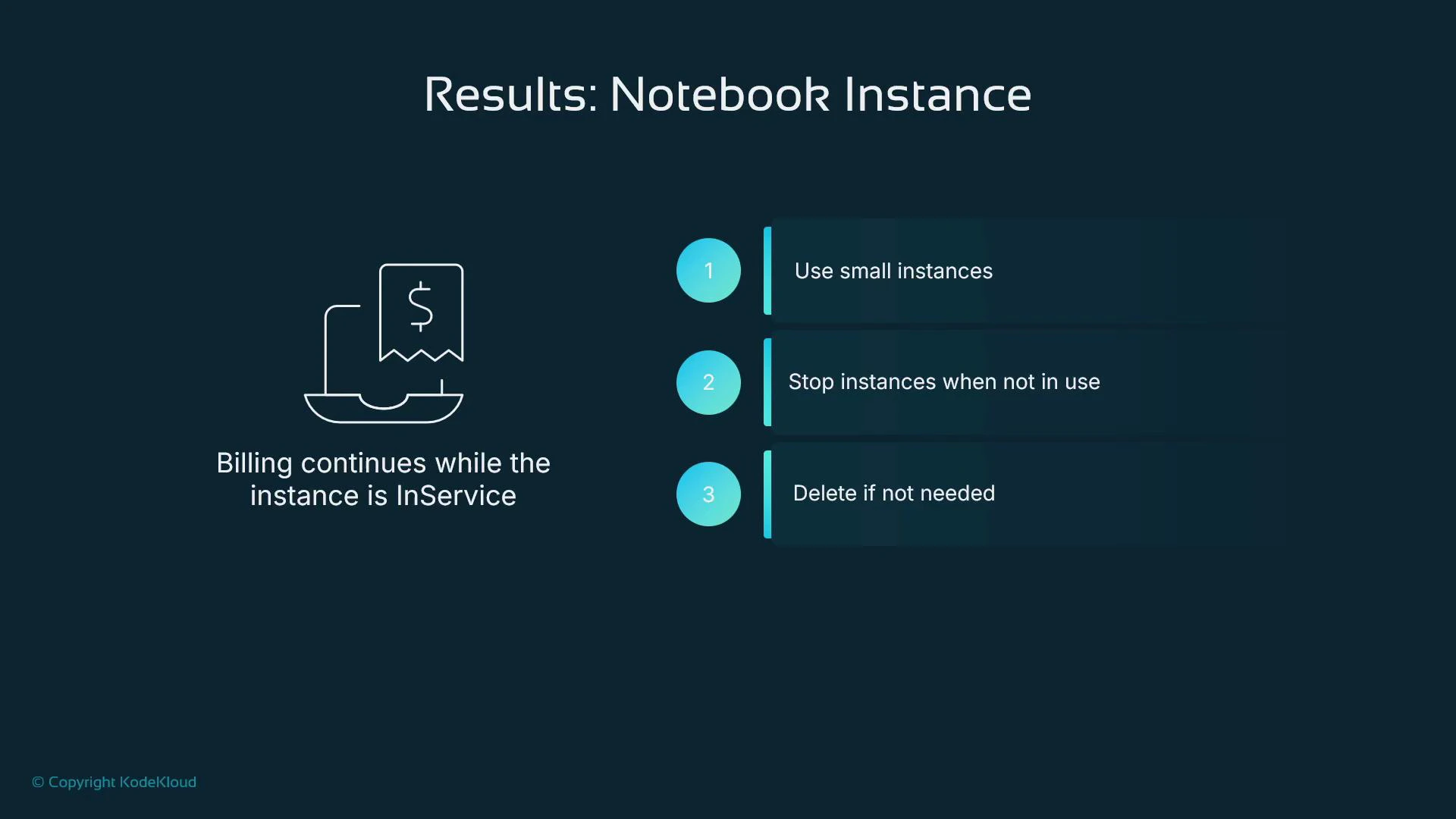
Keep the notebook instance size modest for interactive tasks. Use dedicated SageMaker training/processing jobs for heavy compute.
Billing for Notebook instances runs while the instance is InService — stop or delete when not in use.
Keep your notebooks in Git (GitHub, GitLab, or CodeCommit) so you can recreate instances without losing work.
Consider using SageMaker Studio for an integrated experience (notebooks, experiments, and model management), and reserve legacy Notebook instances for simple or legacy workflows. Keep your work in Git to make instance reprovisioning painless.
Be mindful of costs: Notebook instances and endpoints incur charges while running. Enable billing alerts and routinely stop or delete resources you no longer need.
Processing: batch data preprocessing and feature engineering jobs.
Training: training job runs, logs, and metrics.
Inference → Models / Endpoints: registered models and hosted endpoints for production inference.
Notebooks: legacy Notebook instances (or prefer SageMaker Studio for new projects).
Next steps: in the demo you’ll see a notebook use the SageMaker SDK to create and run a simple training job. This will demonstrate the typical code-first workflow: start a training job from a notebook, then monitor the job and inspect artifacts in the SageMaker console.