

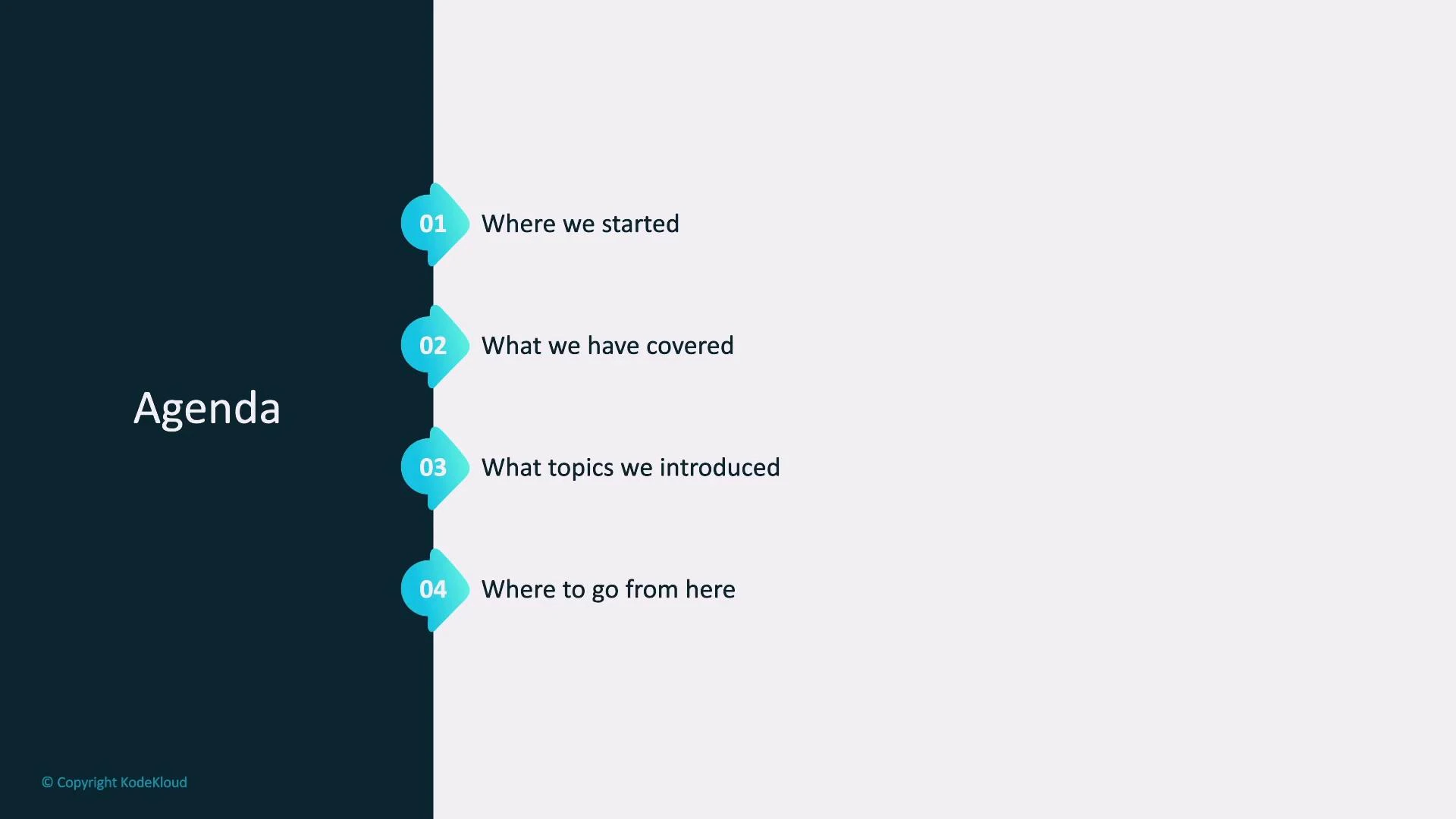
Where we started
- We began with minimal prior knowledge of machine learning and AWS SageMaker.
- We covered the foundational mathematics that underpins ML — enough math enables practical model building (training dynamics, basic statistics for data preparation). Deeper math unlocks more advanced modeling and better diagnostics.
- Our hands-on project used a real-world regression problem: predicting house prices. We introduced linear regression on a two-dimensional example for intuition, then scaled to a multi-feature Kaggle dataset. While multiple features make visualization harder, the underlying math generalizes cleanly.
From dataset to production
- Early in the course the full path from raw data to a hosted prediction service wasn’t always clear. We walked through the complete ML pipeline in SageMaker:
- data extraction and preparation,
- feature engineering,
- model training and evaluation,
- deployment and monitoring.
- We clarified roles and responsibilities across the pipeline: data extraction (for example, from relational databases), feature engineering and transformation, training and model selection, and deployment automation with version control and rollout management.
Data preparation and modeling
- Data-prep techniques we used: imputation for missing values, feature scaling, and creating derived features.
- We matched algorithms to tasks: linear regression for continuous house-price prediction and the SageMaker Linear Learner for production training.
- We emphasized good evaluation practices: train/validation/test splits (for example, ~70% training) and running multiple training jobs to compare candidate models on held-out data.
Automation and model selection
- SageMaker AutoML tools can automate algorithm selection and hyperparameter search and produce leaderboards of candidates. This reduces manual trial-and-error when exploring many model and hyperparameter combinations.
Deployment and monitoring
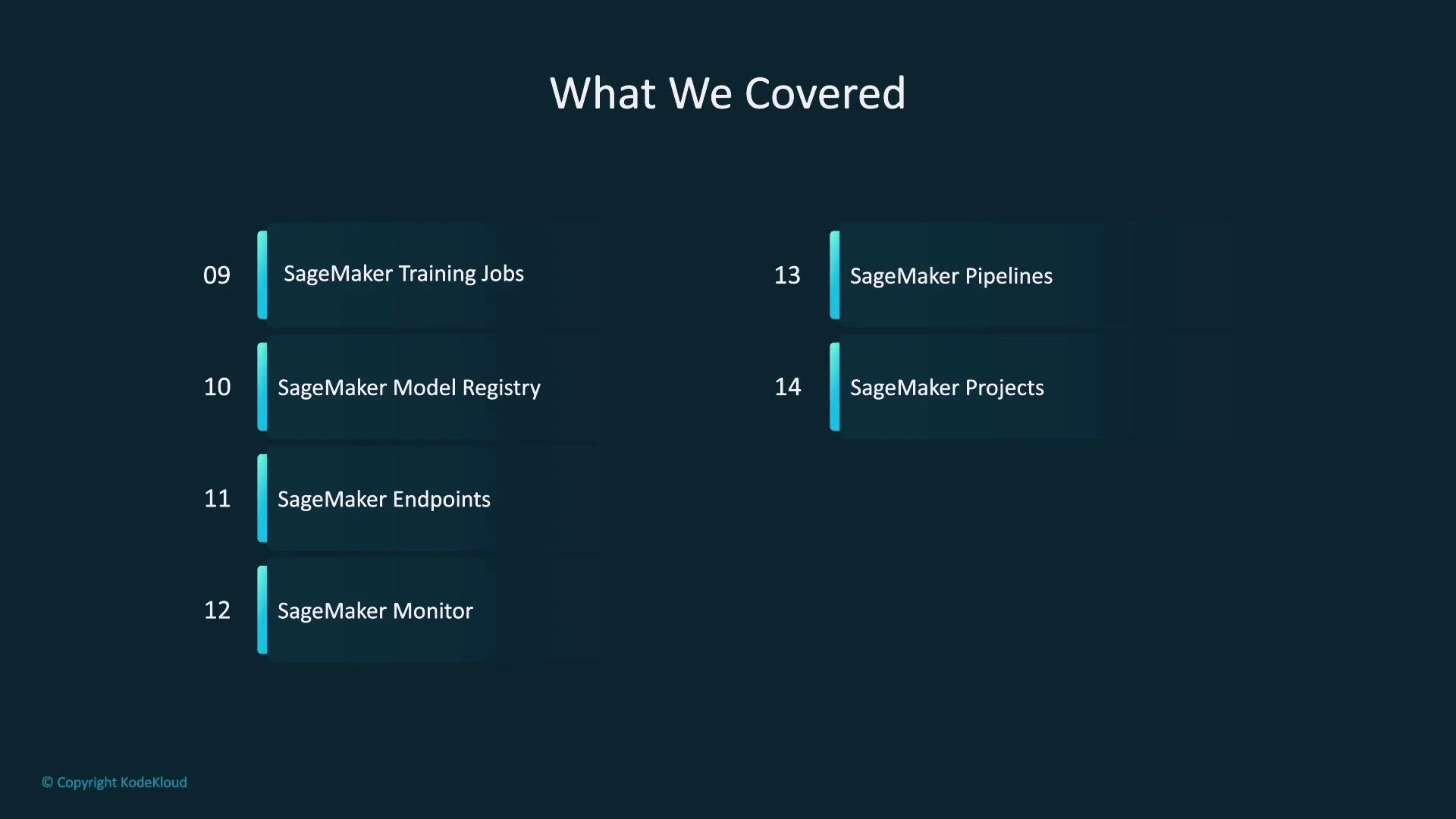
- We deployed models as SageMaker Endpoints — managed serving that runs your model in a container with inference code and scales compute as needed.
- We introduced SageMaker Model Monitor to detect data drift, concept drift, and changes in feature distributions so you can alert and retrain models when performance degrades.
Models can drift over time. Use monitoring metrics and automated pipelines to schedule or trigger retraining when drift is detected.
SageMaker features we used
Below is a concise reference of the SageMaker components we covered and when to use them.
For more details, see:
- AWS SageMaker documentation: https://docs.aws.amazon.com/sagemaker/
- Model Monitor: https://docs.aws.amazon.com/sagemaker/latest/dg/model-monitor.html
- JumpStart (for foundation models and examples): https://docs.aws.amazon.com/sagemaker/latest/dg/studio-jumpstart.html
Topics we introduced (overview)
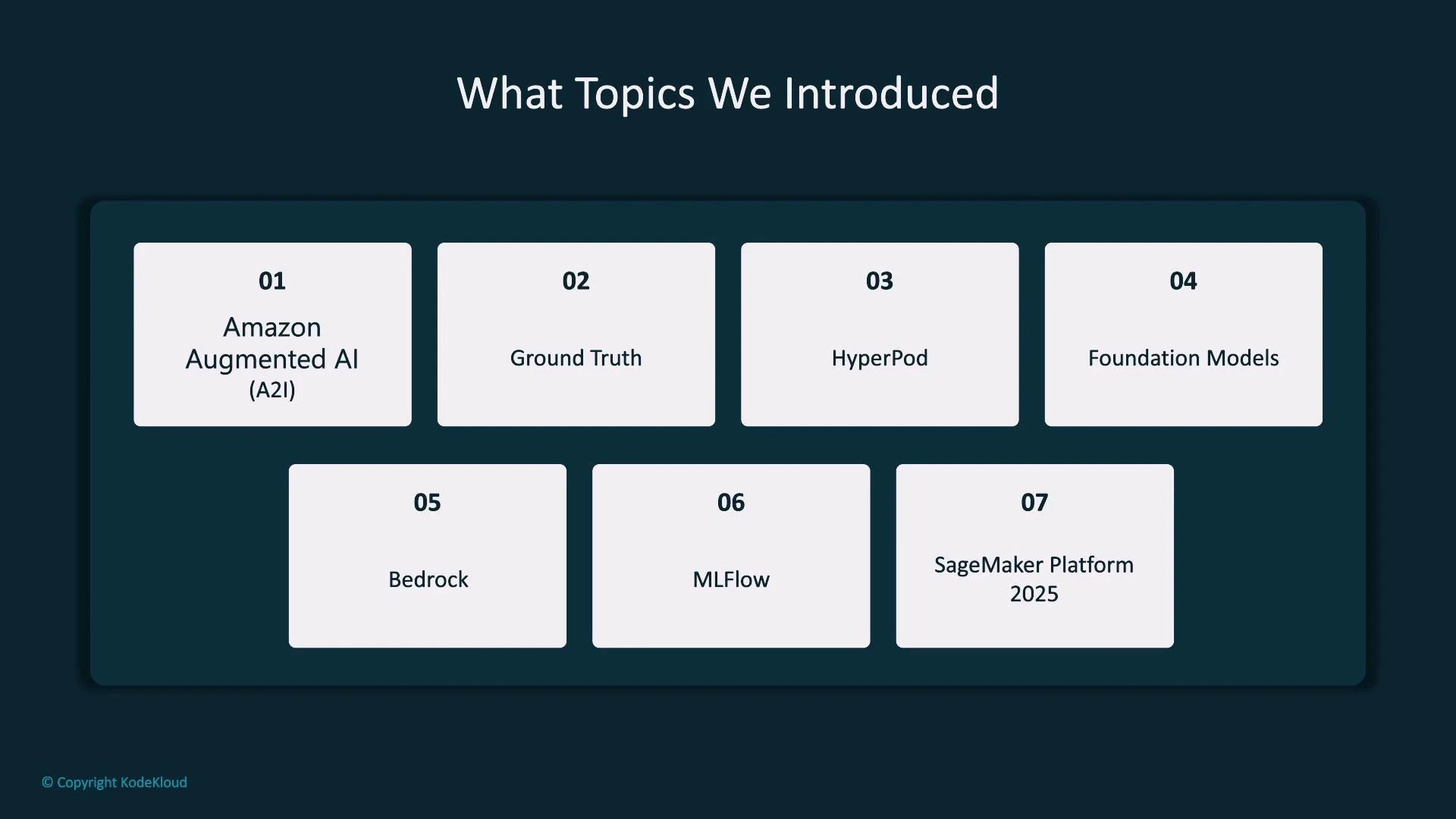
- Amazon Augmented AI (A2I): build human review workflows to route low-confidence predictions to human reviewers.
- Ground Truth: scalable labeling pipelines with a mix of human and ML-assisted labeling.
- HyperPod: orchestration patterns for interruptible/resumable distributed training on very large models.
- Foundation Models & JumpStart: pre-trained models (Hugging Face, Meta, etc.) you can import, fine-tune, and host; JumpStart provides templates to accelerate this.
- Bedrock: a separate AWS service offering hosted foundation models via a consistent API for low-friction integration.
- MLflow: open-source experiment tracking and registry; often used alongside SageMaker for experiment reproducibility.
- SageMaker Platform (preview): an evolving product (as of Q1 2025) to strengthen data governance and warehouse integration.
Where to go from here
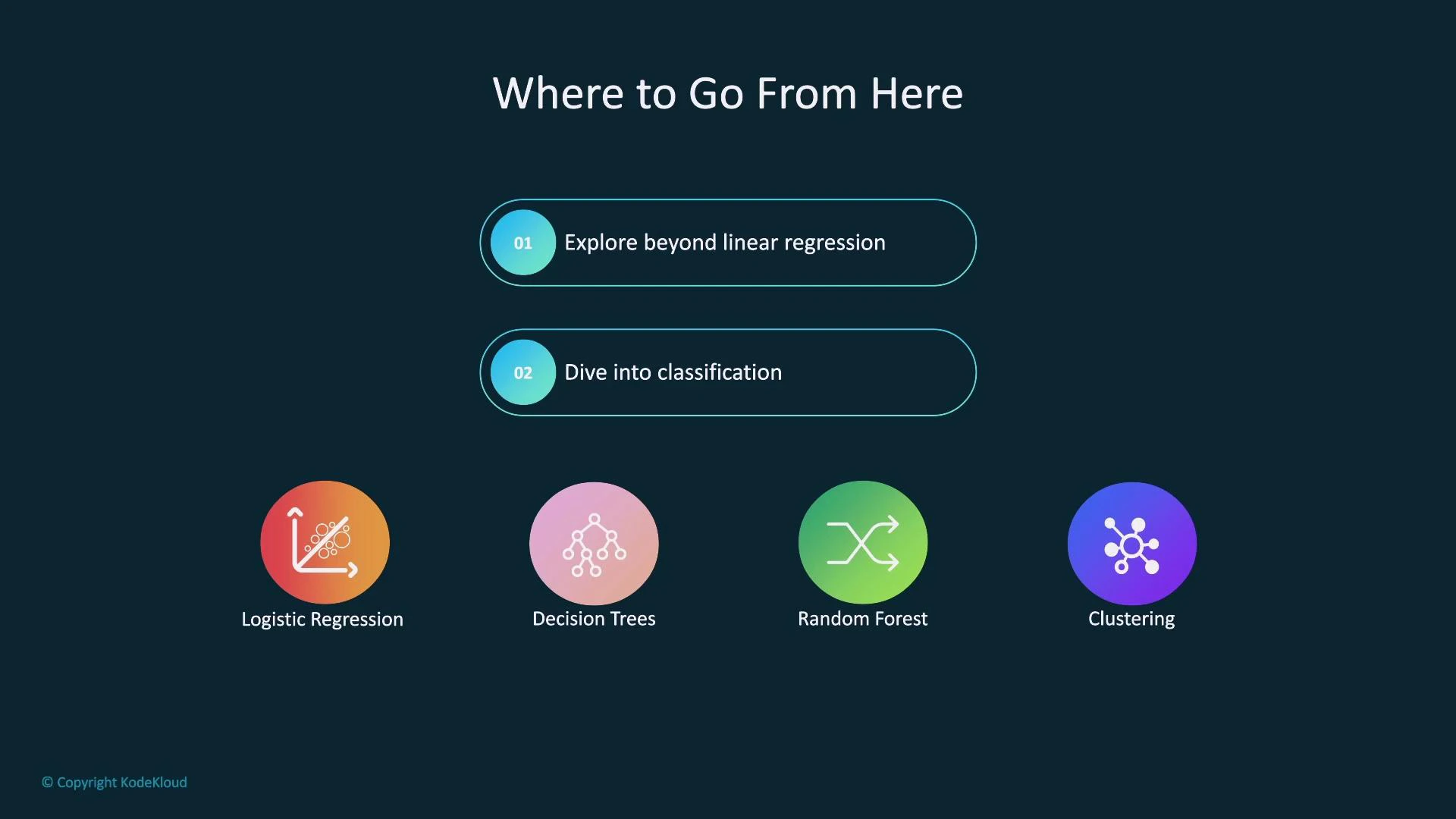
Expand your skill set beyond linear regression and breadth of tasks:- Classification — binary and multiclass problems (logistic regression, decision trees, random forests) for use cases like fraud detection or medical diagnosis.
- Clustering — unsupervised grouping for segmentation and anomaly detection.
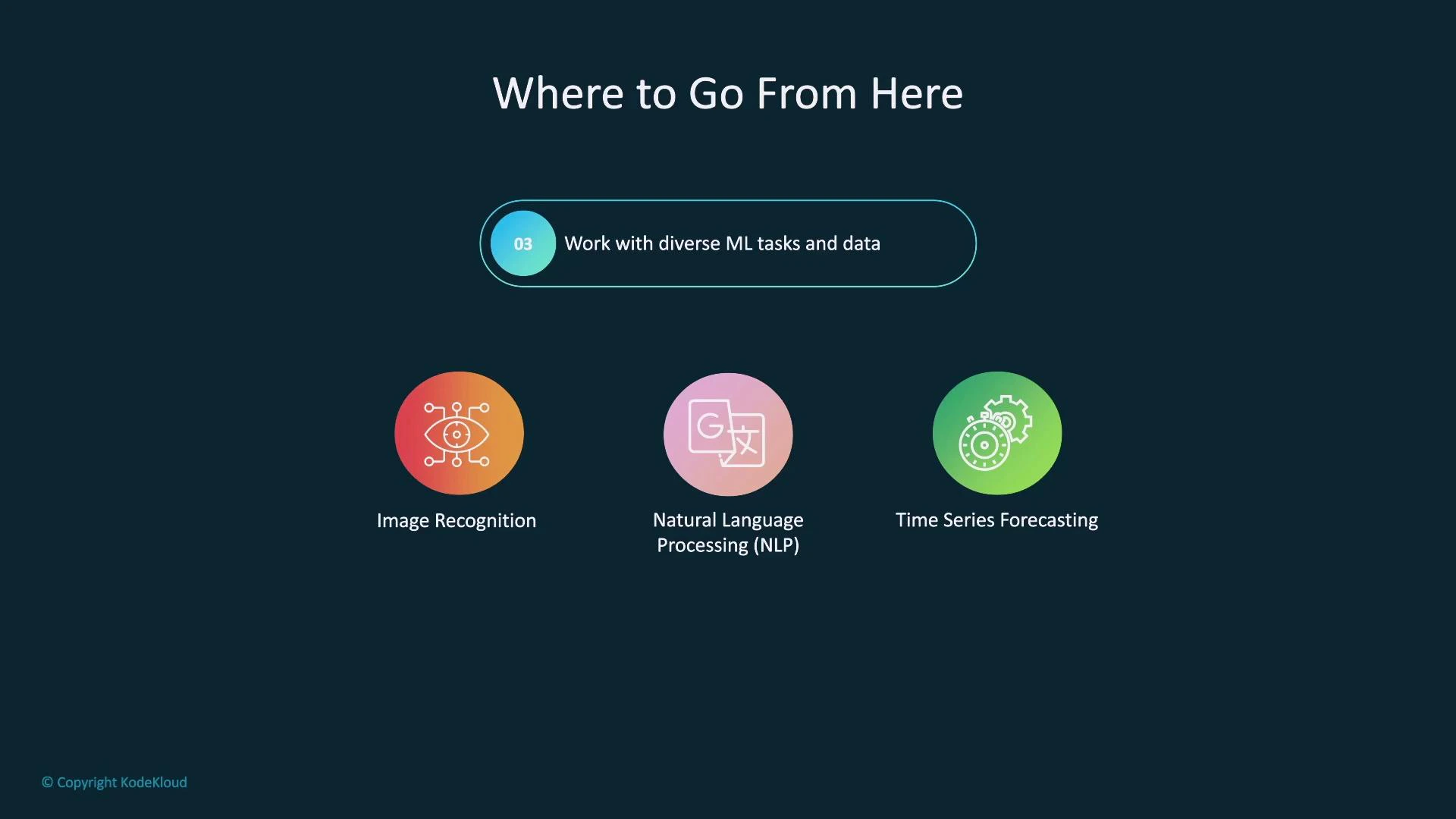
- Computer vision — image recognition and object detection.
- Natural language processing (NLP) — text classification, summarization, and generation.
- Time series forecasting — inventory, demand, and capacity planning.
Work with diverse ML tasks and data
- Practicing different domains teaches the right algorithms, preprocessing steps, feature engineering approaches, and evaluation metrics for each problem type.
Foundation models and platform choices
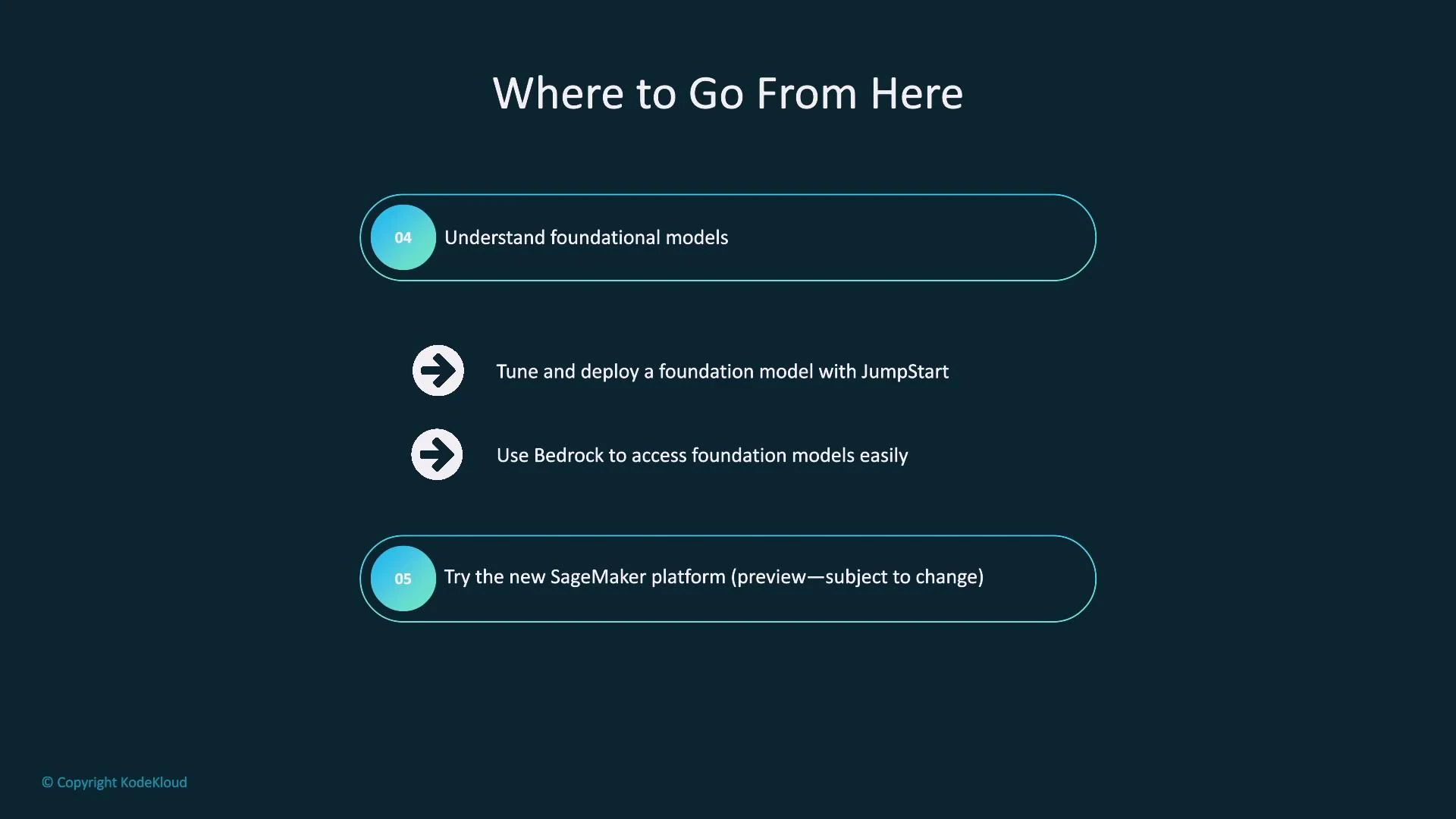
- Foundation models are a fast-growing area. Bring models from providers such as OpenAI, Anthropic, Hugging Face, and Meta into SageMaker for fine-tuning and private hosting.
- Use JumpStart to quickly fine-tune and deploy foundation models inside SageMaker.
- Compare importing and managing foundation models in SageMaker with using Bedrock. Bedrock offers hosted models via a consistent API and can be faster to integrate when you don’t want to manage model hosting.
- Start evaluating the SageMaker Platform (preview) to learn governance and data-integration features early, easing future transitions as the platform matures.
Recommended next learning step: consider the Fundamentals of MLOps course on KodeKloud to broaden skills for production ML, including CI/CD, monitoring, reproducibility, and engineering best practices. Find it here: https://learn.kodekloud.com/user/courses/fundamentals-of-mlops
Closing
- Thank you for completing this course. With the concepts and hands-on patterns covered here, you should now have a practical, end-to-end understanding of how to go from raw data to a hosted prediction service using SageMaker.
- Remember: the AWS Management Console is one way to interact with SageMaker, but most practitioners use Jupyter notebooks and the SageMaker Python SDK to automate and reproduce workflows.
- Good luck as you continue learning and building with SageMaker — practice by applying these patterns to new datasets and problem types.