

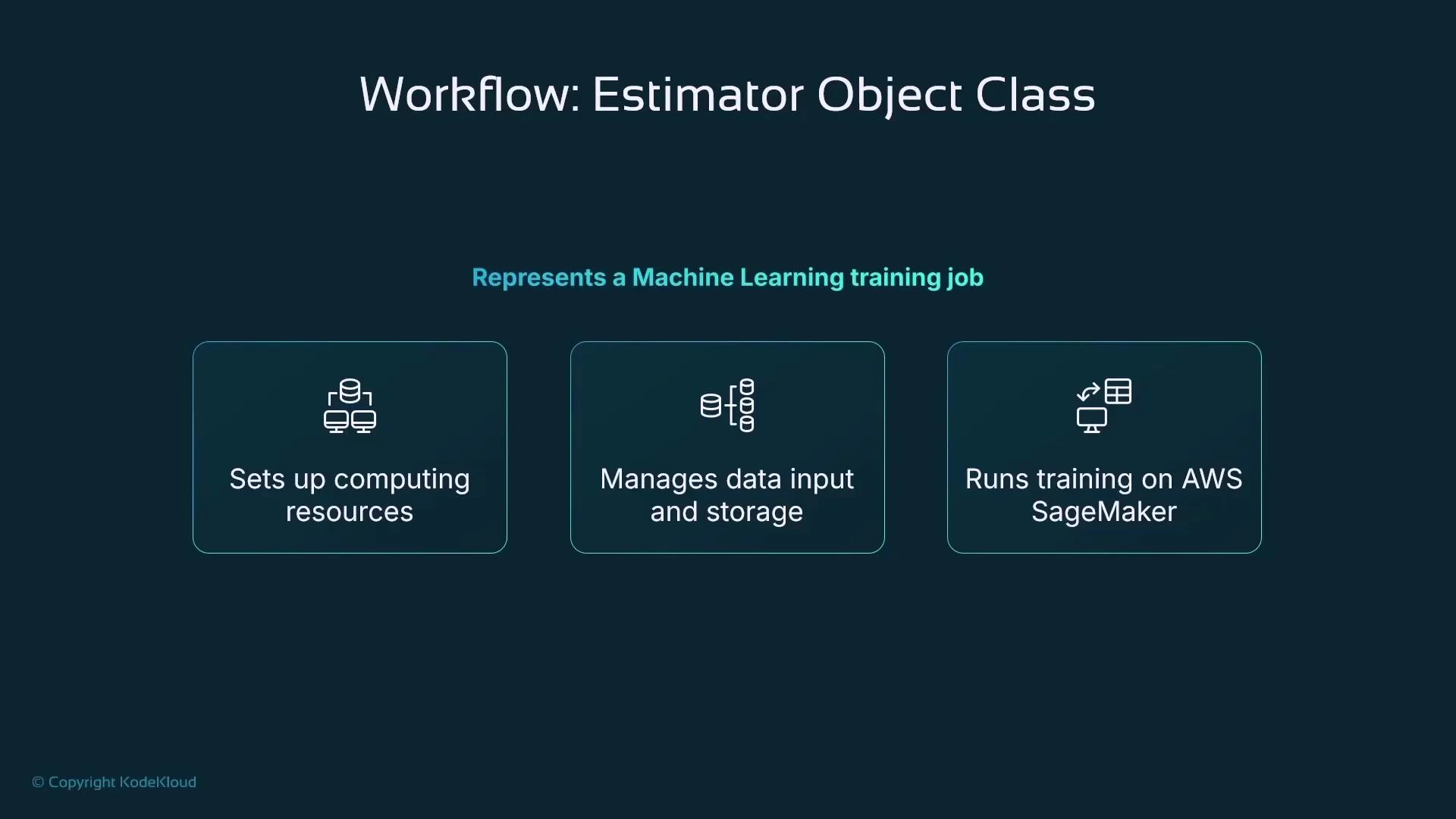
Estimator class and convenience subclasses
The Estimator base class represents generic training jobs. SageMaker also provides convenience subclasses for many built-in algorithms and frameworks (for example, LinearLearner, XGBoost wrappers, scikit-learn, PyTorch, TensorFlow). These subclass wrappers automatically pick the correct container image for the algorithm so you don’t need to specify an image URI manually. Below is a concrete example using the LinearLearner estimator subclass for a regression task. It shows creating the estimator, specifying instance type/count, S3 input/output, hyperparameters, and launching training with .fit().Replace the example role ARN with your execution role or use get_execution_role() in a SageMaker notebook. Ensure the Amazon S3 paths exist and are accessible to the execution role.
- Provision the instance(s),
- Pull the LinearLearner container,
- Read training data from S3,
- Run training using the specified hyperparameters,
- Write the model artifact (TGZ) to the specified output path.
Custom containers and the base Estimator
If you need a custom container image or an algorithm wrapper not available as a convenience class, use the Estimator base class and supply an image URI. The example below shows how to retrieve a SageMaker-provided XGBoost image URI and construct a base Estimator.Hyperparameters — controlling training behavior
Hyperparameters are preset configuration values that control training behavior. They are passed to the training container and affect optimization, regularization, preprocessing, and loss computation. Many convenience estimator classes accept a hyperparameters dictionary; otherwise set them in your training script or container. Common hyperparameters and considerations: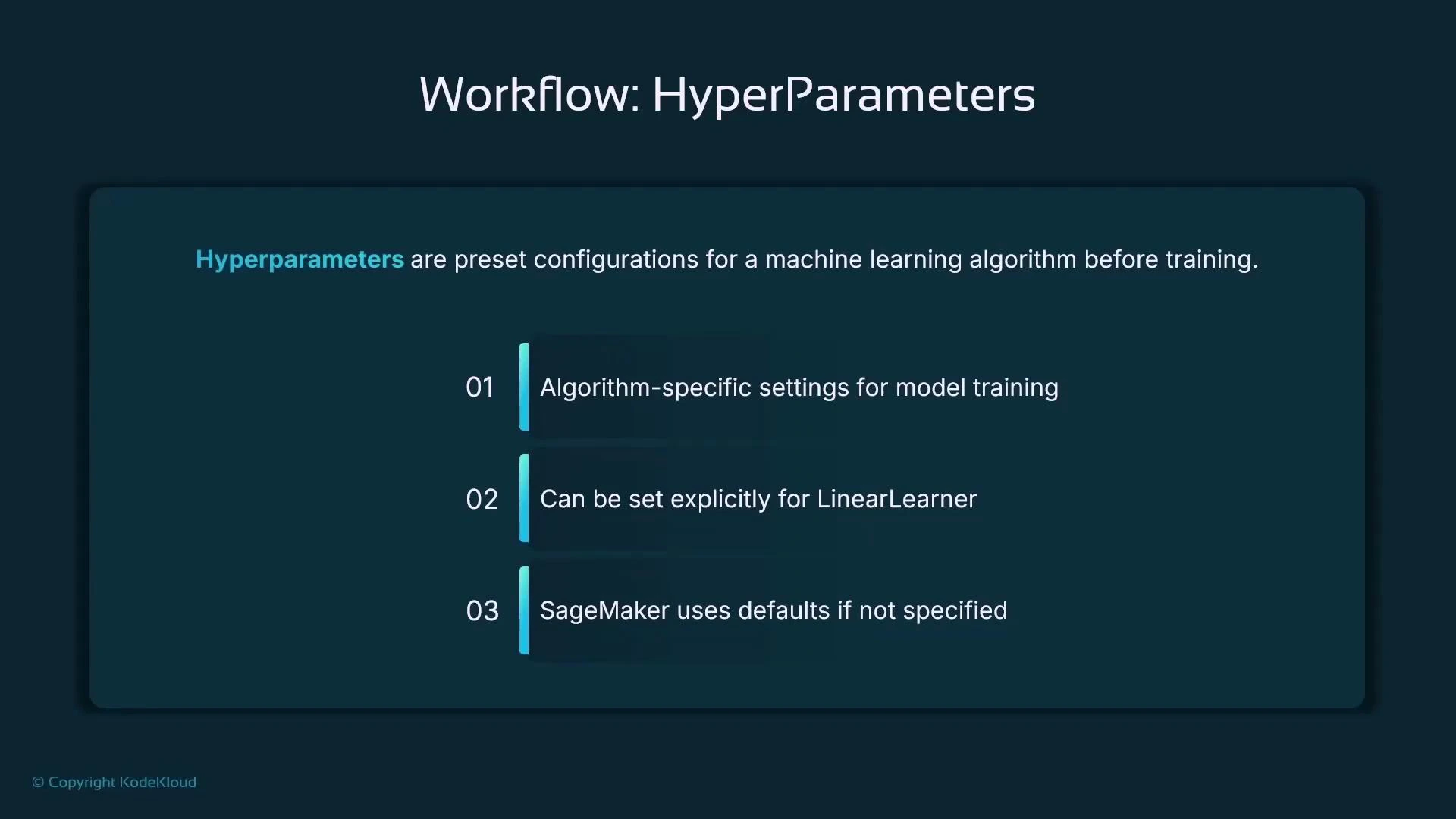
Regularization and preprocessing hyperparameters
Regularization helps prevent overfitting and improves generalization:- L1 regularization (sparsity): pushes some weights toward zero, which can effectively remove irrelevant features.
- L2 regularization (weight decay): penalizes large weights to produce smoother models.
Loss function
The loss function describes what the training process minimizes. For regression, common choices include:- absolute loss (L1): sum of absolute residuals — more robust to outliers
- squared loss (L2): sum of squared residuals — penalizes large errors more heavily
Automated hyperparameter tuning (SageMaker Hyperparameter Tuning)
Manually searching hyperparameters is time-consuming. SageMaker Hyperparameter Tuning automates this by launching multiple training jobs (trials) across a defined hyperparameter search space and selecting the best trial based on an objective metric (for example, validation RMSE or validation accuracy). You must define:- objective_metric_name: the metric to optimize and whether to minimize or maximize,
- hyperparameter_ranges: continuous or discrete ranges for each hyperparameter,
- max_jobs: total number of trials,
- max_parallel_jobs: number of concurrent trials,
- metric_definitions: regex patterns to extract the objective metric from training logs (ensure the regex matches the container’s log format).
Quick summary
- Use estimator subclasses for built-in algorithms (LinearLearner, XGBoost wrappers, etc.) — the SDK chooses the correct container image.
- Use the base Estimator to supply a custom container image.
- Configure hyperparameters to control optimization, regularization, preprocessing, and loss.
- Use SageMaker Hyperparameter Tuning to automatically search for the best hyperparameters; define search space, objective metric, and job counts.
- Always ensure S3 data paths and IAM execution roles are correctly configured and permissioned.
Links and references
- AWS SageMaker Documentation
- Amazon S3 Documentation
- Amazon EC2 Documentation
- PyTorch on SageMaker
- SageMaker SDK: image_uris.retrieve — see official SageMaker Python SDK docs for region-specific image URIs and supported frameworks.