This lesson is the first that frames data work from the perspective of a persona — typically a data engineer or data scientist. We cover the essential, repeatable steps that make tabular datasets usable for training machine learning models. A small amount of careful preparation often produces much better model performance than training directly on raw data. In this lesson we will examine common checks and transforms, and provide concrete Python examples using pandas and scikit-learn (sklearn). Topics include:
  • Handling missing values (drop vs. impute).
  • Removing duplicate rows and redundant columns.
  • Enforcing consistency of feature names and data formats.
  • Detecting outliers and applying appropriate scaling.
  • Sampling strategies for very large datasets.
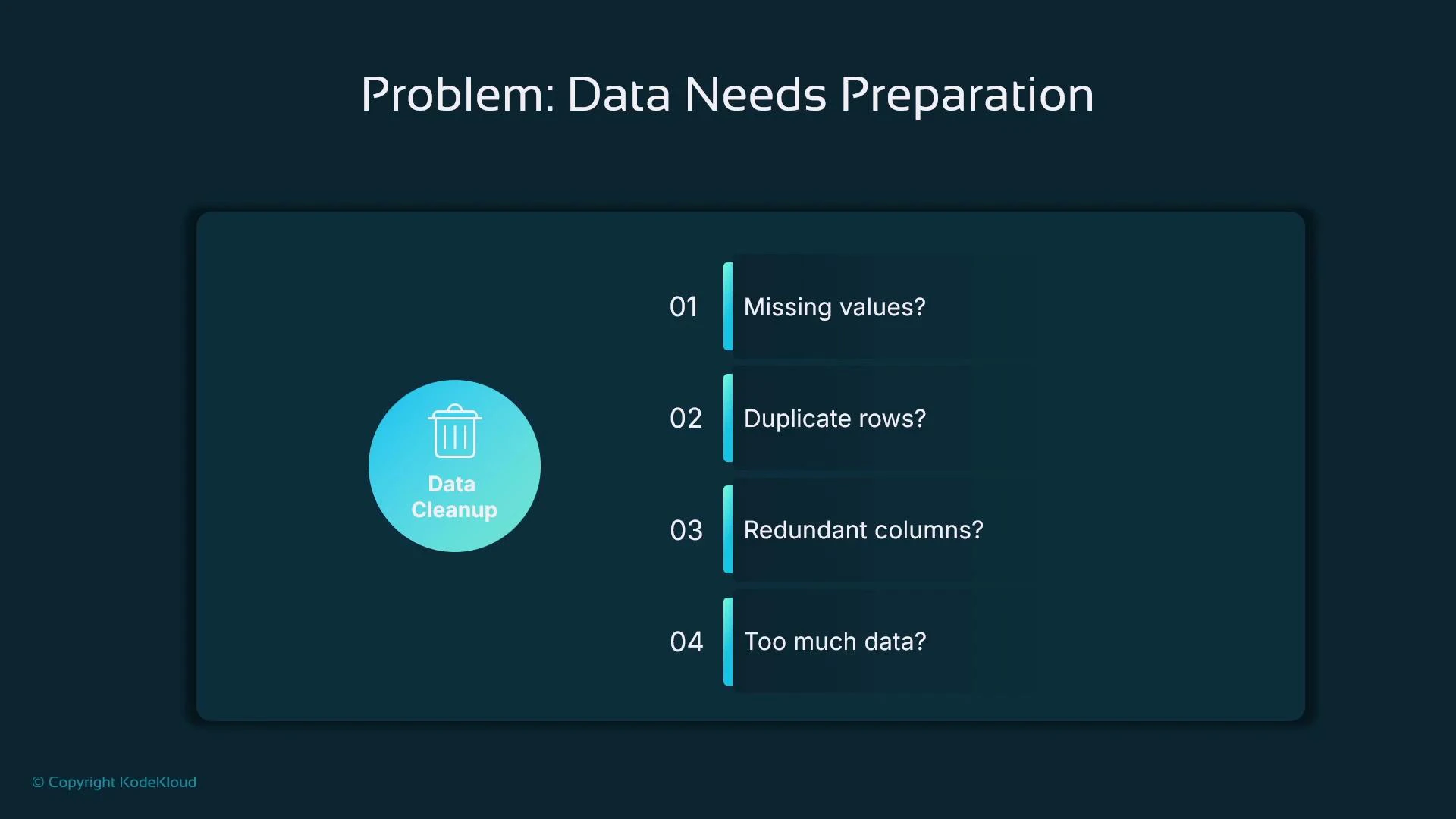
A dark-themed presentation slide titled "Problem: Data Needs Preparation" showing a "Data Cleanup" icon on the left and a numbered checklist on the right. The checklist asks: "Missing values?", "Duplicate rows?", "Redundant columns?", and "Too much data?".

Consistency checks

Before heavy EDA or modeling, look for inconsistent formatting or naming that will cause bugs or misleading statistics:
  • Are categorical values consistent? (e.g., “suburban” vs “Suburb” vs “Suburban ”)
  • Are date formats uniform (MM/DD/YYYY, DD/MM/YYYY, ISO 8601)?
  • Are numeric columns stored as numeric dtypes rather than strings?
Fixing these early prevents surprises downstream and simplifies feature engineering.
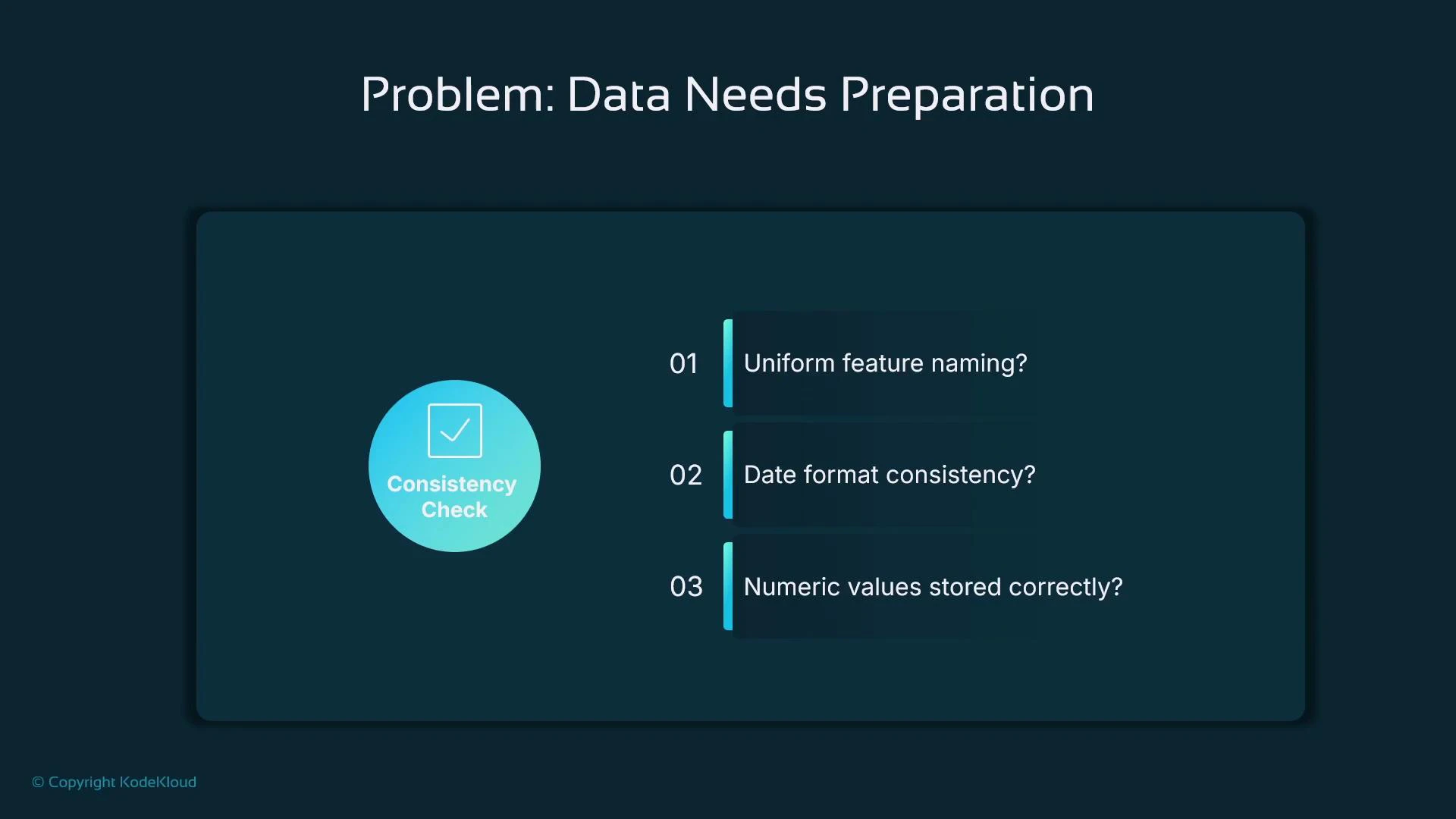
A presentation slide titled "Problem: Data Needs Preparation" with a "Consistency Check" badge on the left. On the right are three checklist questions: "Uniform feature naming?", "Date format consistency?", and "Numeric values stored correctly?".

Outliers and scaling

Outliers can skew summary statistics (mean, variance) and harm models that rely on gradient or distance calculations. Also watch for features on very different scales — e.g., square footage (hundreds to thousands) vs. number of bedrooms (1–10) — which normally need scaling for many algorithms.
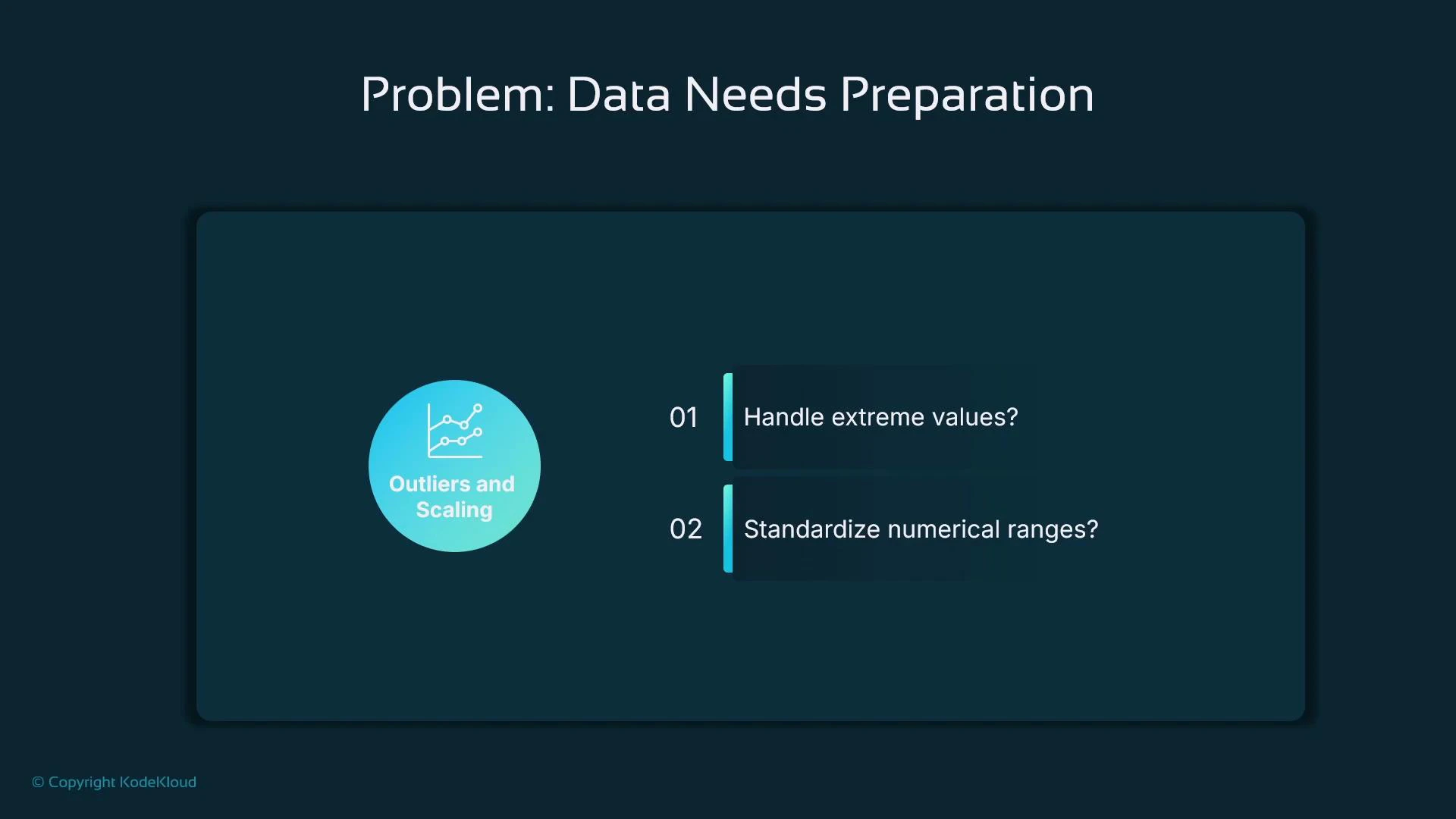
A presentation slide titled "Problem: Data Needs Preparation" highlighting "Outliers and Scaling" with a chart icon. It lists two points: "Handle extreme values?" and "Standardize numerical ranges?".

Solution: Missing data

Missing values reduce the model’s ability to learn from the full dataset. Typical choices:
  • Drop rows or columns with missing values (lossy).
  • Impute (fill) missing values with reasonable estimates (preserves rows).
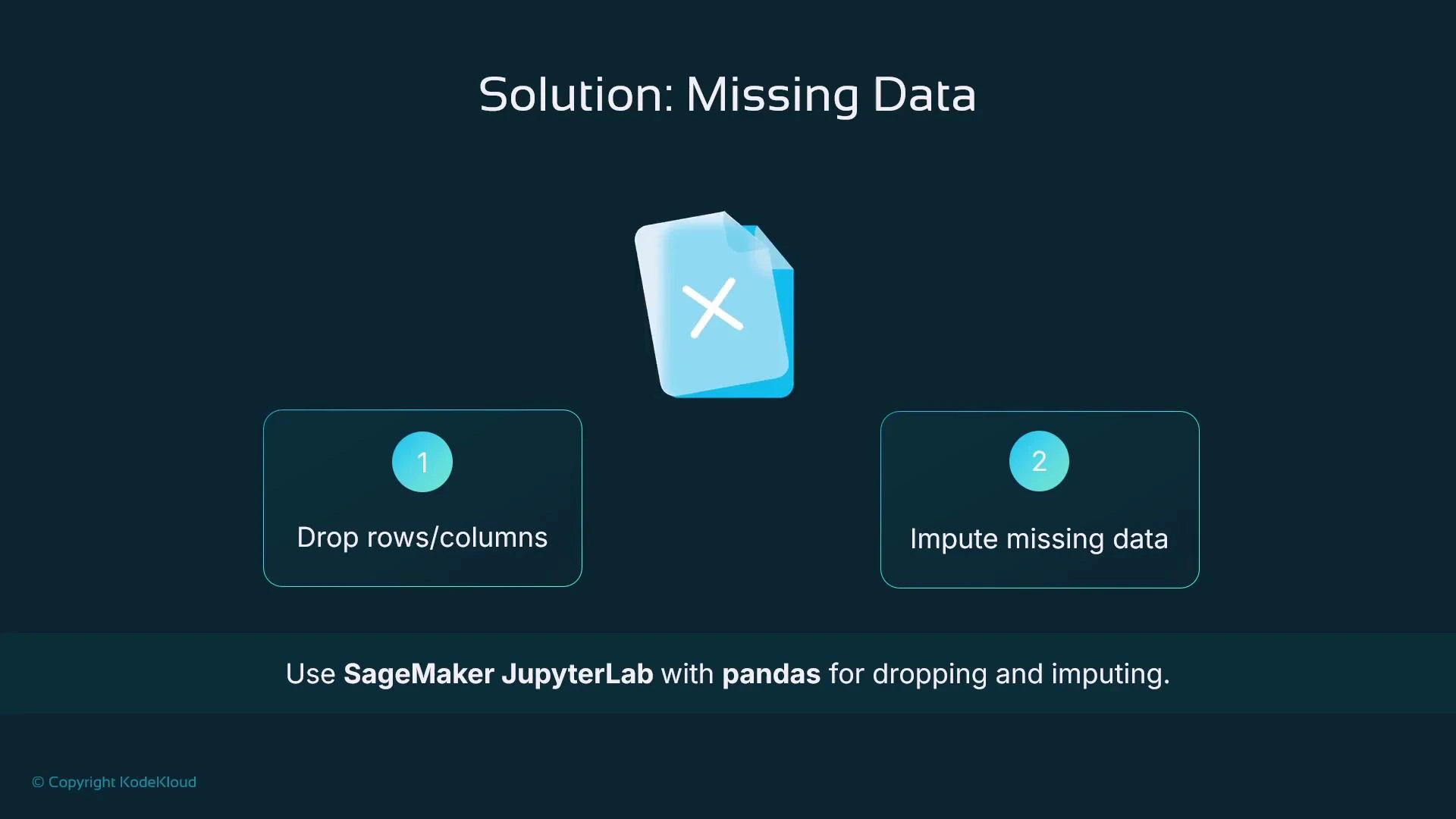
We commonly use pandas for manipulation and scikit-learn for imputation utilities. Examples below show both dropping and imputing.
A presentation slide titled "Solution: Missing Data" showing two options—1) drop rows/columns and 2) impute missing data—plus a recommendation to use SageMaker JupyterLab with pandas for dropping and imputing.

Dropping rows or columns with pandas

Use dropna when you prefer to remove missing data entirely (be mindful of how much data is lost).
import pandas as pd

# Sample dataset
data = {
    'Bedrooms': [2, 3, 4, None],
    'Price': [200000, 250000, None, 150000],
    'Neighborhood': ['Downtown', None, 'Suburb', 'Rural']
}

df = pd.DataFrame(data)

print("Original DataFrame:")
print(df)

# Drop rows with any missing values
df_dropped_rows = df.dropna()
print("\nDataFrame after dropping rows with missing values:")
print(df_dropped_rows)

# Drop columns with any missing values
df_dropped_columns = df.dropna(axis=1)
print("\nDataFrame after dropping columns with missing values:")
print(df_dropped_columns)

Imputation with scikit-learn’s SimpleImputer

Imputation preserves dataset size and often helps models when applied sensibly. Choose strategy per feature type:
  • Numeric: mean, median (robust to outliers), or a constant.
  • Categorical: most_frequent (mode) or a special token.
import pandas as pd
from sklearn.impute import SimpleImputer

# Sample house price dataset with missing values
data = {
    "Bedrooms": [3, 2, None, 4, 3, None, 5],
    "Bathrooms": [2, None, 1, 3, None, 2, 4],
    "Price": [250000, 180000, 220000, 350000, 275000, 300000, None],
    "Location": ["Urban", "Suburban", "Urban", None, "Urban", "Rural", "Suburban"]
}

df = pd.DataFrame(data)
print("Before Imputation:\n", df)

# Impute numerical features using the mean
num_imputer = SimpleImputer(strategy="mean")
df[["Bedrooms", "Bathrooms", "Price"]] = num_imputer.fit_transform(
    df[["Bedrooms", "Bathrooms", "Price"]]
)

# Impute categorical features using the mode (most frequent value)
cat_imputer = SimpleImputer(strategy="most_frequent")
df[["Location"]] = cat_imputer.fit_transform(df[["Location"]])

print("\nAfter Imputation:\n", df)
Imputation strategy matters. For skewed numeric features, prefer median over mean. For time-series or grouped data, consider group-wise imputation (e.g., median per region) rather than a global statistic.

Standardizing numeric features

Standardization (zero mean, unit variance) helps gradient-based optimizers converge faster and benefits distance-based algorithms.
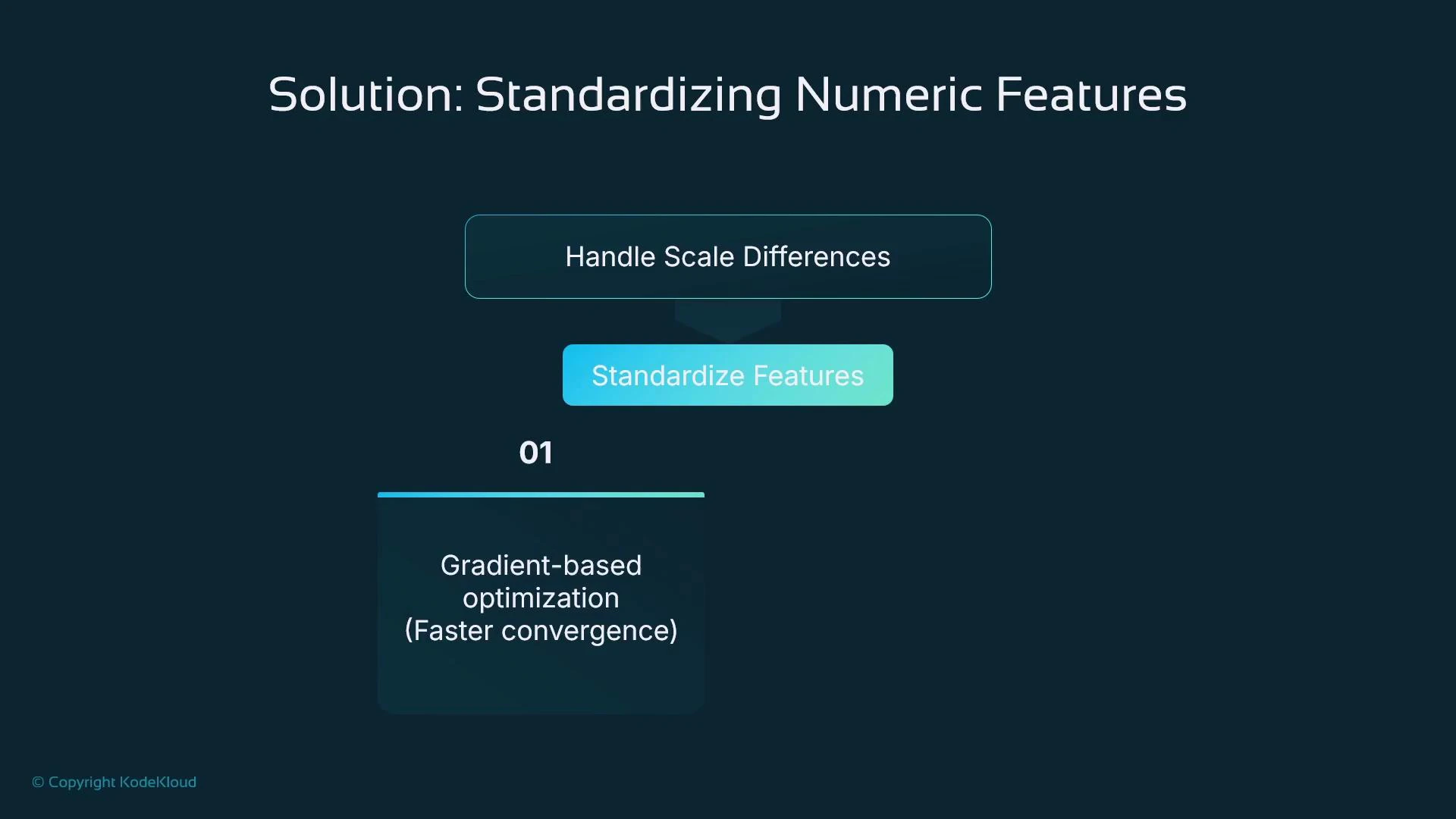
A presentation slide titled "Solution: Standardizing Numeric Features" showing a flow from "Handle Scale Differences" to a "Standardize Features" button. It lists benefit 01 as "Gradient-based optimization (Faster convergence)."
Example using StandardScaler (sklearn.preprocessing):
from sklearn.preprocessing import StandardScaler
import pandas as pd

# Sample DataFrame
data = {'Age': [25, 30, 35, 40],
        'Income': [50000, 60000, 75000, 100000]}

df = pd.DataFrame(data)

# Initialize StandardScaler
scaler = StandardScaler()

# fit_transform returns a NumPy array; convert back to DataFrame
df_scaled = pd.DataFrame(scaler.fit_transform(df), columns=df.columns)

print(df_scaled)

Where to run these transformations

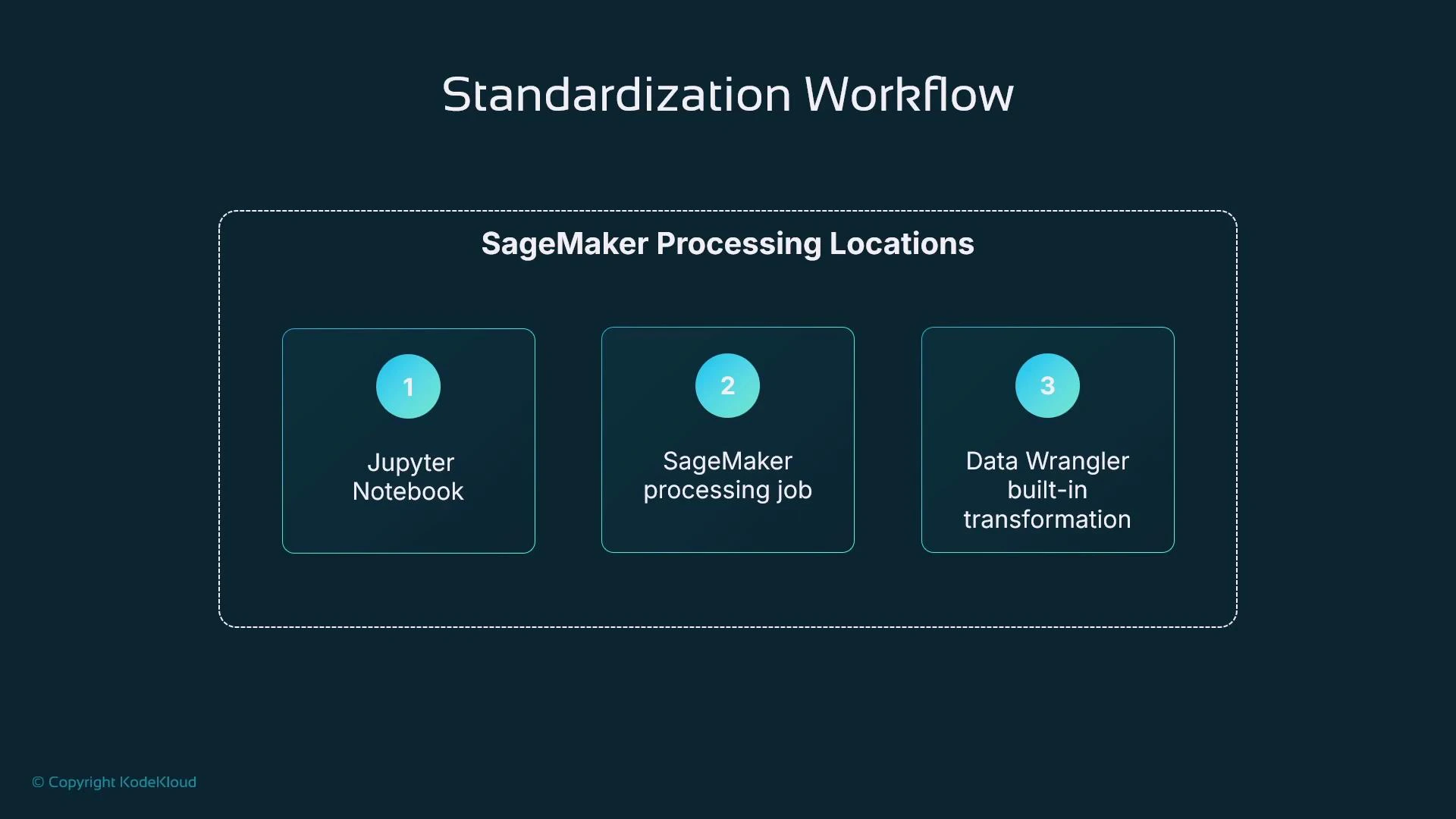
Choose the execution environment based on dataset size and reproducibility requirements.
Resource TypeUse CaseExample
Local JupyterSmall exploratory datasets and rapid iterationJupyter Notebook / JupyterLab
Managed processingLarge datasets or heavy compute, reproducible pipelinesSageMaker Processing
Low-code GUIUsers who prefer point-and-click transformationSageMaker Data Wrangler / SageMaker Canvas
A slide titled "Standardization Workflow" showing a dashed box labeled "SageMaker Processing Locations" with three numbered tiles: 1) Jupyter Notebook, 2) SageMaker processing job, and 3) Data Wrangler built-in transformation.
Relevant links:

Categorical data: encoding strategies

Most ML algorithms require numeric inputs, so convert categorical variables to numbers. Choose an encoding based on cardinality and whether categories are ordered.
  • Ordinal encoding: use when categories have a meaningful order (e.g., low < medium < high).
  • One-hot encoding: creates binary indicator columns for unordered categories.
  • Dense embeddings: learned vector representations for high-cardinality categories (useful with neural nets).
Encoding TypeBest ForNotes
OrdinalOrdered categoriesKeeps ordering but assumes uniform gaps
One‑hotLow cardinality, tree-based modelsIncreases feature width
EmbeddingsNeural networks; high-cardinalityCompact, captures relationships
One-hot increases width proportional to cardinality; embeddings are compact and can capture semantic relationships in neural models.
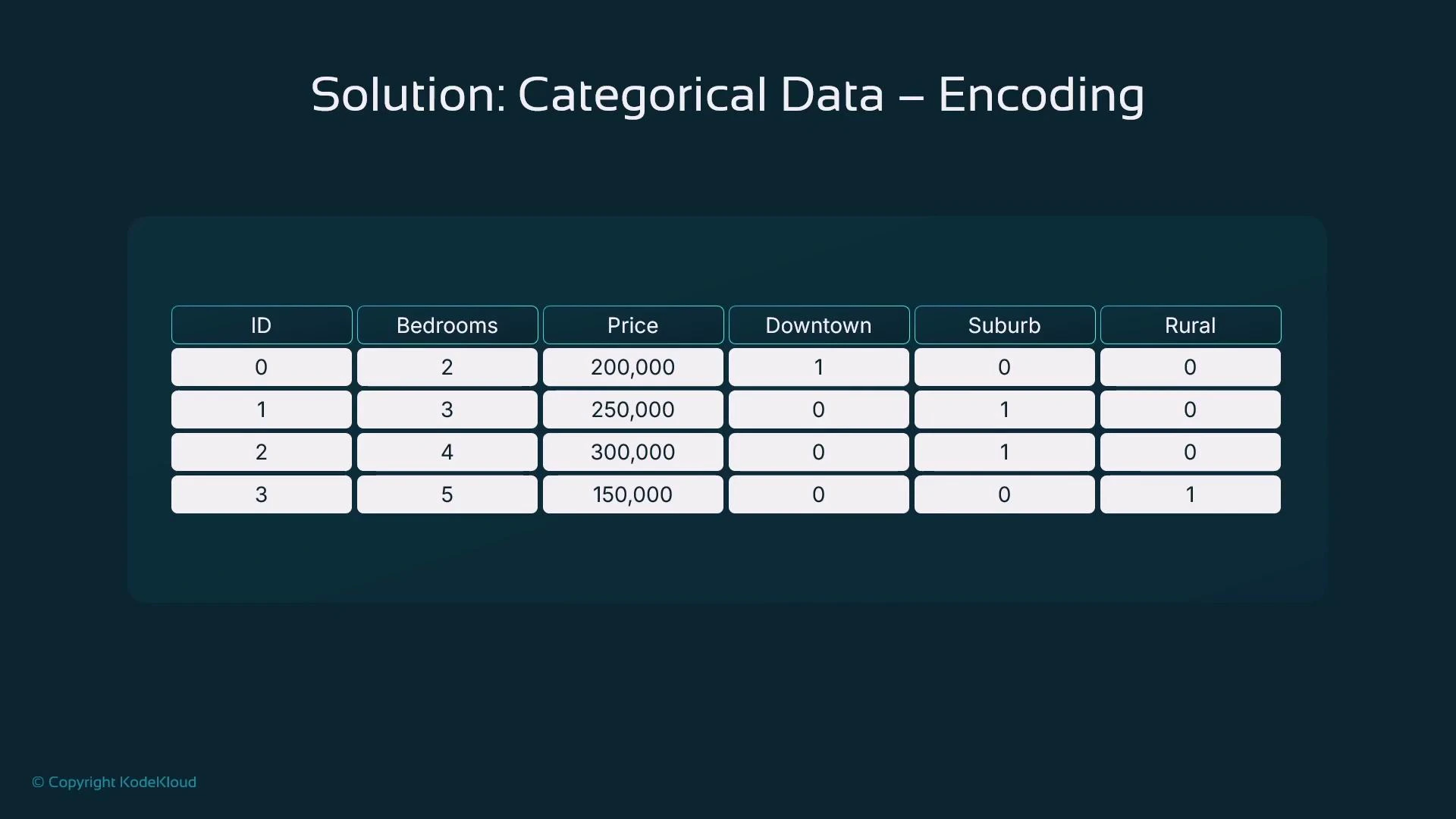
A presentation slide titled "Solution: Categorical Data – Encoding" showing a table of sample house data with columns ID, Bedrooms, Price and one‑hot encoded location columns (Downtown, Suburb, Rural). The table lists four rows of example values (e.g., 2 bedrooms, 200,000, Downtown = 1).
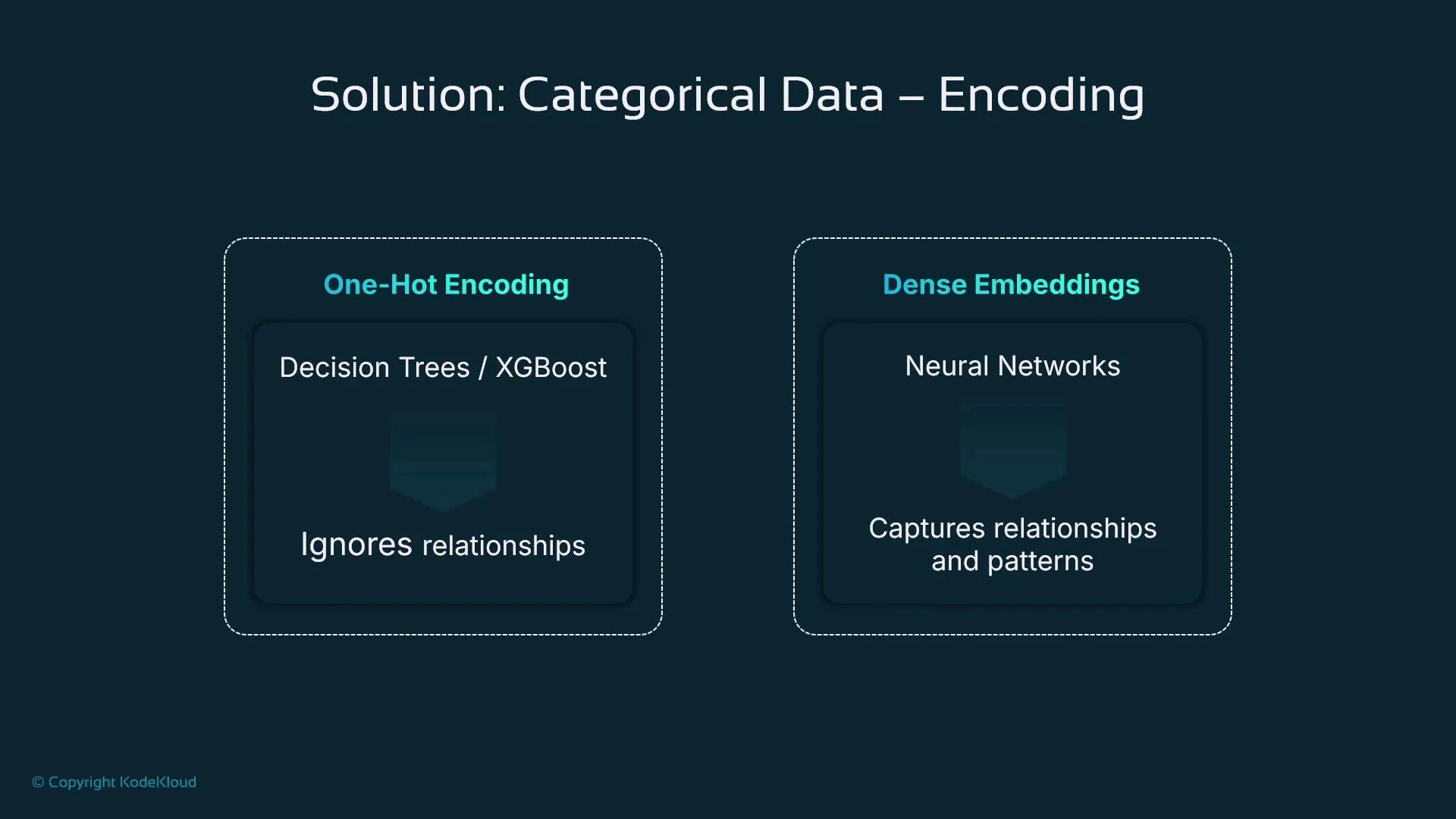
A presentation slide titled "Solution: Categorical Data – Encoding" that compares One‑Hot Encoding (used with decision trees/XGBoost, which ignores relationships) to Dense Embeddings (used with neural networks, which capture relationships and patterns). The slide has a dark teal background and a small "© Copyright KodeKloud" note.

One-hot encoding example with pandas.get_dummies

Use drop_first=True when you need to avoid perfect multicollinearity for linear models.
import pandas as pd

# Sample dataset
data = {
    'Bedrooms': [2, 3, 4, 5],
    'Neighborhood': ['Downtown', 'Suburb', 'Suburb', 'Rural'],
    'Price': [200000, 250000, 300000, 150000]
}

df = pd.DataFrame(data)

print("Original DataFrame:")
print(df)

# Apply one-hot encoding to the 'Neighborhood' column
df_encoded = pd.get_dummies(df, columns=['Neighborhood'], drop_first=True)

print("\nDataFrame after One-Hot Encoding:")
print(df_encoded)

Handling outliers

Choose an approach depending on whether you need to preserve rows:
  • IQR filtering — removes extreme outliers (row loss).
  • Percentile capping (winsorization) — replaces outliers with percentile boundaries (no row loss).
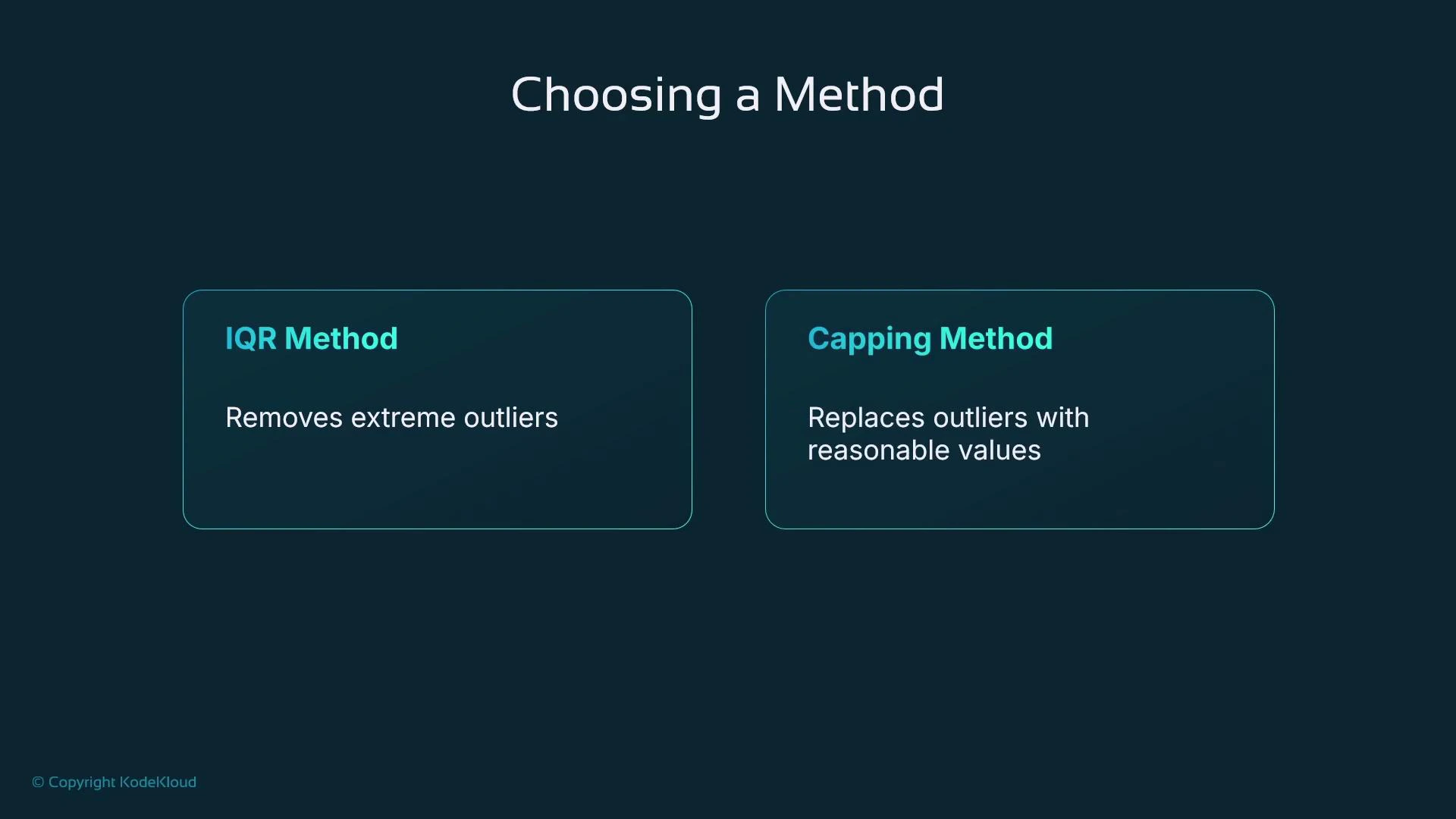
A presentation slide titled "Choosing a Method" showing two outlier-handling approaches: the IQR Method ("Removes extreme outliers") and the Capping Method ("Replaces outliers with reasonable values").

IQR filtering example

import pandas as pd

# Example dataset with house prices
data = {
    'House_Size': [800, 1500, 1200, 1000, 5000, 1800, 3000, 2500, 1200, 1100],
    'Price': [200000, 350000, 280000, 250000, 2000000, 400000, 600000, 550000, 270000, 260000]
}

df = pd.DataFrame(data)

# Calculate Q1 (25th percentile) and Q3 (75th percentile)
Q1 = df['Price'].quantile(0.25)
Q3 = df['Price'].quantile(0.75)
IQR = Q3 - Q1

# Define the upper and lower bounds for outliers (1.5 * IQR)
lower_bound = Q1 - 1.5 * IQR
upper_bound = Q3 + 1.5 * IQR

# Filter out rows that have prices outside the bounds
df_filtered = df[(df['Price'] >= lower_bound) & (df['Price'] <= upper_bound)]

print("Original dataset:\n", df)
print("\nFiltered dataset (without outliers):\n", df_filtered)

Percentile capping (clip) example

# Calculate the 1st (1%) and 99th (99%) percentiles
lower_percentile = df['Price'].quantile(0.01)
upper_percentile = df['Price'].quantile(0.99)

# Cap the outliers at these percentiles using clip
df_capped = df.copy()
df_capped['Price'] = df_capped['Price'].clip(lower=lower_percentile, upper=upper_percentile)

print("Original dataset:\n", df)
print("\nDataset with capped outliers:\n", df_capped)
Do not remove outliers blindly. Investigate whether extreme values are data errors, rare-but-valid cases, or important signals (e.g., luxury properties). Choose removal or capping based on domain context and downstream model sensitivity.
  • IQR filtering removes extreme values (reduces dataset size).
  • Capping replaces extreme values with boundary values (keeps row count).

Results you can expect from good preparation

  • Faster and more stable training (models can identify relationships more easily).
  • Greater algorithm flexibility (prepared data works across SVMs, KNN, XGBoost, neural nets).
  • Better generalization and predictive performance.
  • Ability to retain more data via imputation rather than dropping records.
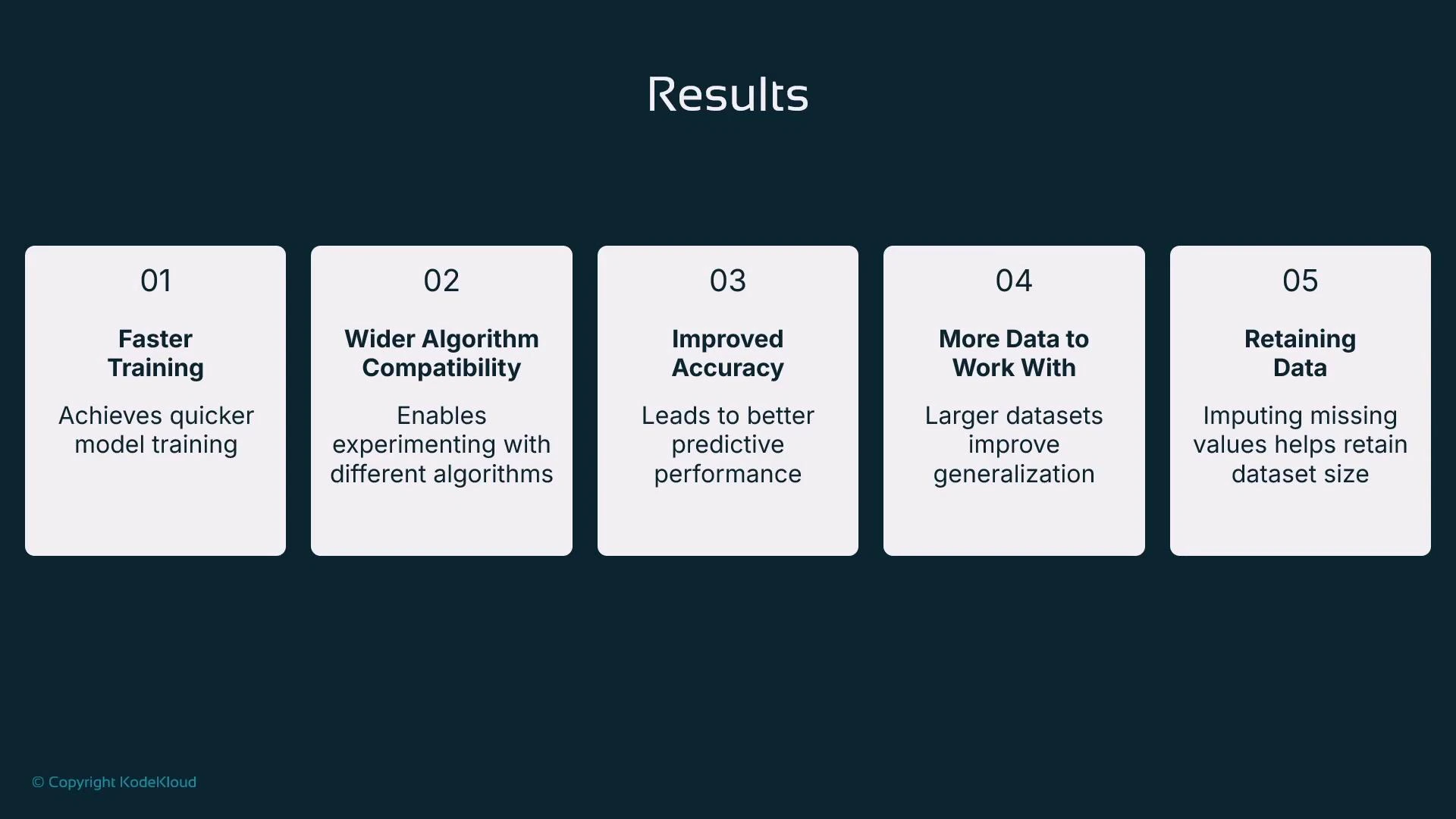
A presentation slide titled "Results" showing five cards that summarize benefits: faster training, wider algorithm compatibility, improved accuracy, more data to work with, and retaining data via imputation.

Summary

  • Preparing tabular data substantially improves readiness for training and typically results in faster convergence and better model quality.
  • Use imputation methods (mean, median, mode) to retain dataset size when sensible.
  • Standardization (StandardScaler) prevents large-scale features from dominating learning.
  • Convert categorical variables using one-hot, ordinal, or embeddings depending on model type and cardinality.
  • Handle outliers with IQR filtering or percentile capping depending on whether you want to remove or preserve rows.
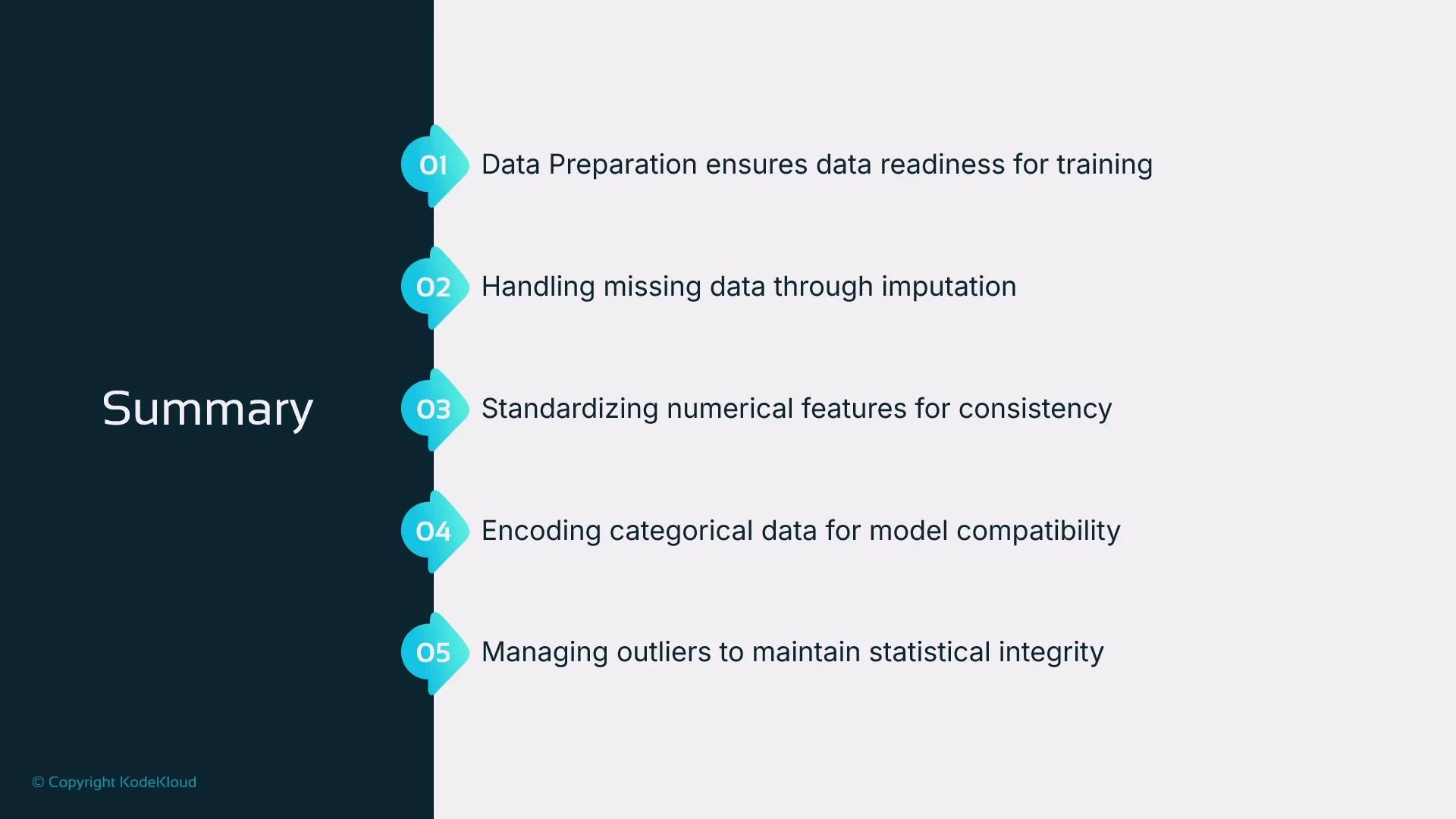
A presentation slide titled "Summary" listing five data-preparation steps for machine learning. The points cover data readiness for training, imputing missing values, standardizing numerical features, encoding categorical variables, and handling outliers.
SageMaker Canvas and Data Wrangler provide GUI-based alternatives that can run many of these preparation steps for users who prefer low-code workflows. References and further reading:

Watch Video