In this lesson we compare two primary ways to provision an Amazon SageMaker Endpoint for real-time inference: the low-level Boto3 SDK and the higher-level SageMaker Python SDK. Choose Boto3 when you need precise infrastructure control; choose the SageMaker SDK when you want ML-first convenience and faster development.
Both the Boto3 and SageMaker SDK approaches create the same underlying AWS resources (an Endpoint and an Endpoint Configuration). Choose the SDK based on whether you need fine-grained control (Boto3) or faster, ML-focused development (SageMaker SDK).
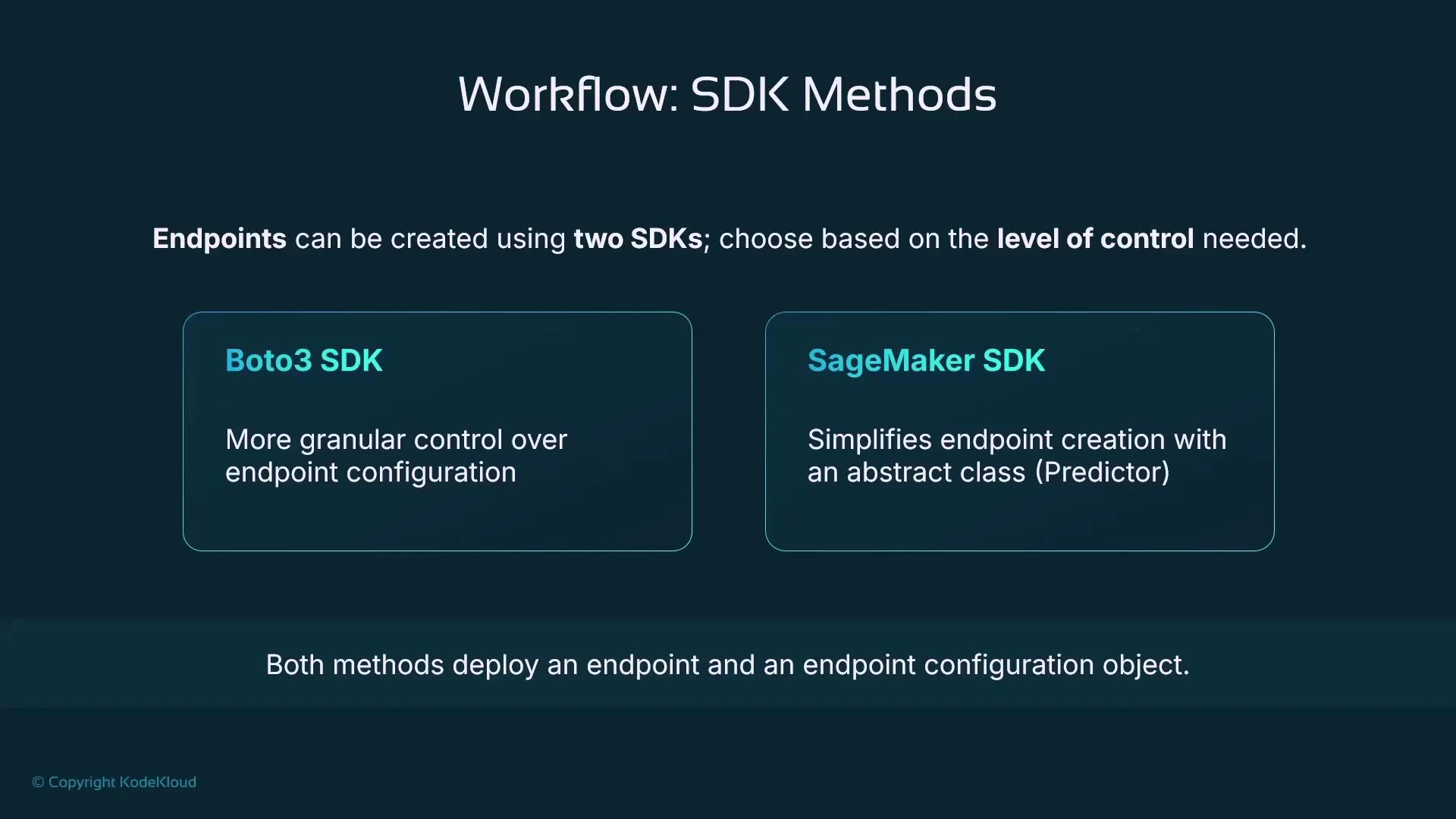
A presentation slide titled "Workflow: SDK Methods" comparing two ways to create endpoints: Boto3 SDK for more granular endpoint configuration and SageMaker SDK for simplified creation using an abstract Predictor class. It also notes that both methods deploy an endpoint and an endpoint configuration object.

Overview

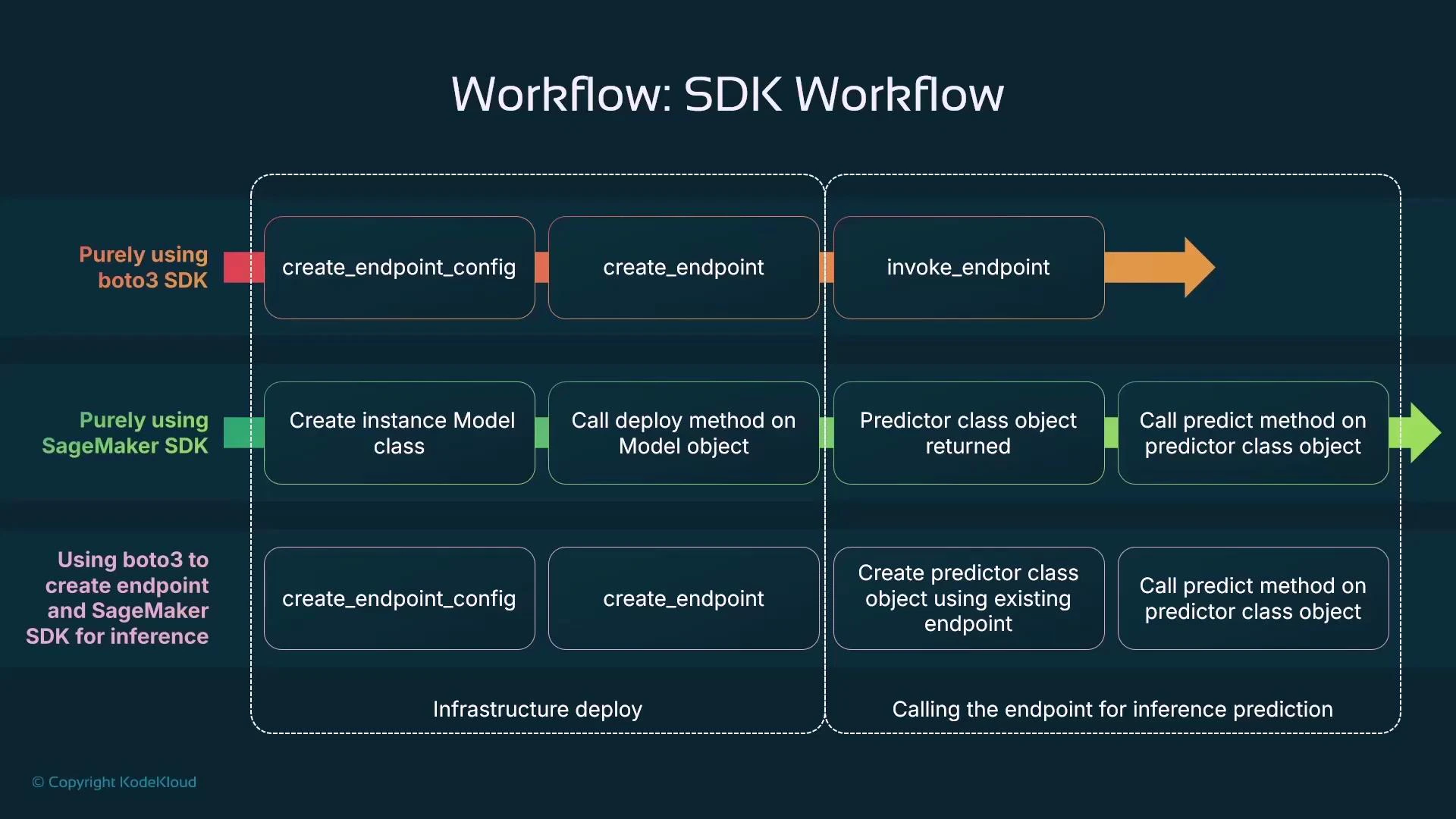
Both SDKs ultimately produce the same SageMaker resources: an Endpoint Configuration and an Endpoint. The difference is how you get there:
  • Boto3 (low-level): explicitly create an Endpoint Configuration, then create the Endpoint that references it. Gives maximal control over the infra.
  • SageMaker Python SDK (high-level): create a Model object and call its deploy method; the SDK generates the Endpoint Configuration and Endpoint for you. Faster to iterate for ML workloads.
Quick comparison
SDKBest forTypical workflow
Boto3Fine-grained infra control, custom configscreate_endpoint_config → create_endpoint → invoke via sagemaker-runtime
SageMaker Python SDKRapid ML development, simpler inference codeModel(…) → model.deploy(…) → predictor.predict(…)
HybridCustom infra with SDK ergonomicscreate infra with Boto3 → use SageMaker Predictor for inference

Boto3: create an Endpoint Configuration

With Boto3 you first create an Endpoint Configuration that describes the serving infrastructure (instance type, initial instance count, the model to serve, and other parameters). The following example assumes a SageMaker Model named “linear-learner-model” already exists in your account:
import boto3

# Initialize the SageMaker client
sagemaker_client = boto3.client("sagemaker")

# Define your model name (this model must already exist in SageMaker)
model_name = "linear-learner-model"

# Define the endpoint configuration name
endpoint_config_name = "linear-learner-endpoint-config"

# Create the endpoint configuration
response = sagemaker_client.create_endpoint_config(
    EndpointConfigName=endpoint_config_name,
    ProductionVariants=[
        {
            "VariantName": "AllTraffic",
            "ModelName": model_name,               # Reference to the existing model
            "InstanceType": "ml.m5.large",        # Choose an appropriate instance type
            "InitialInstanceCount": 1              # Number of instances for the endpoint
        }
    ]
)

print(f"Endpoint configuration '{endpoint_config_name}' created successfully.")
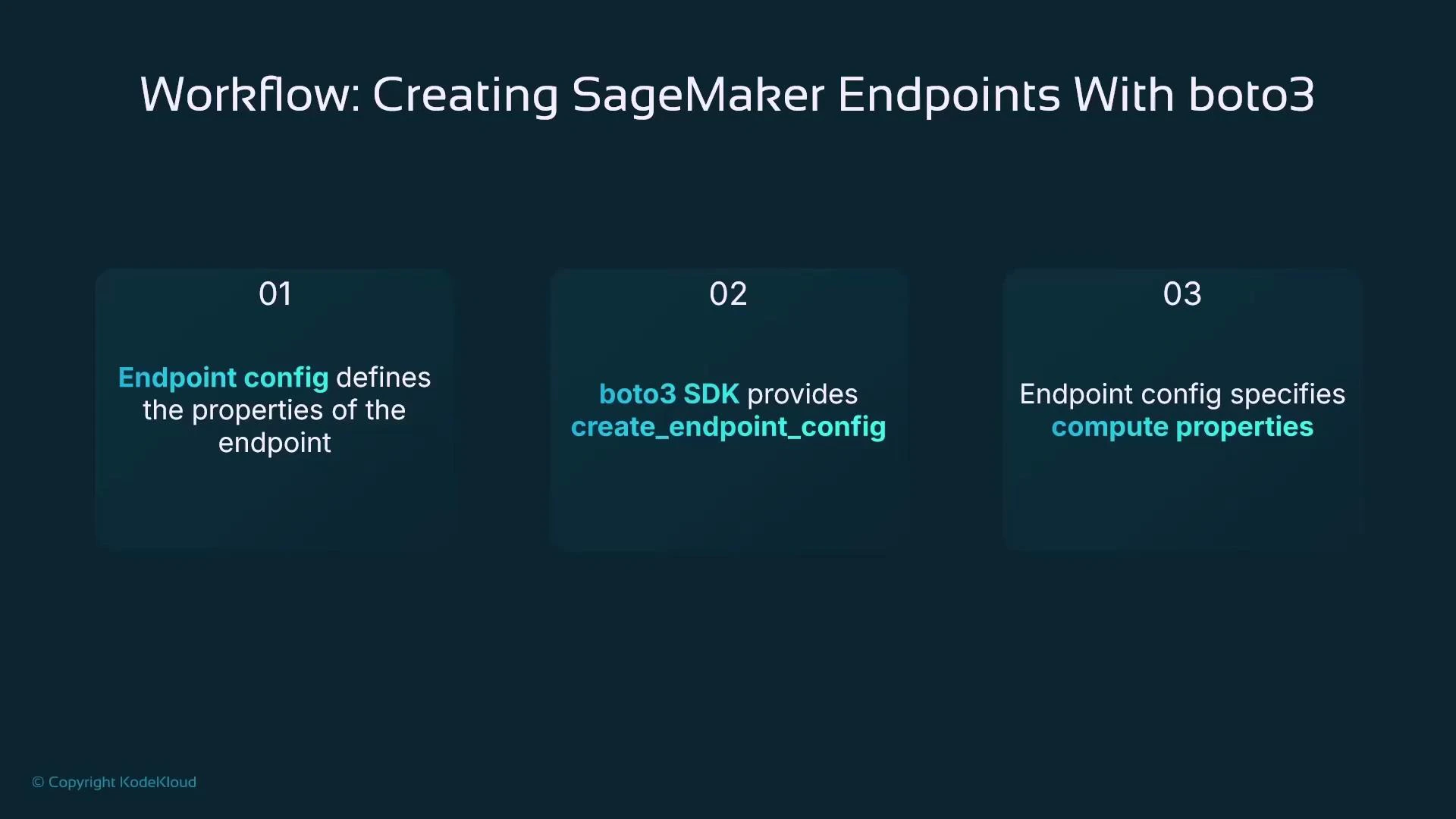
A presentation slide titled "Workflow: Creating SageMaker Endpoints With boto3" showing three teal boxes numbered 01–03. The steps state that endpoint config defines endpoint properties, boto3 provides create_endpoint_config, and endpoint config specifies compute properties.

Config ≠ Endpoint

Creating an Endpoint Configuration does not provision the actual serving endpoint. An Endpoint is a separate resource that references the Endpoint Configuration and must be created explicitly.
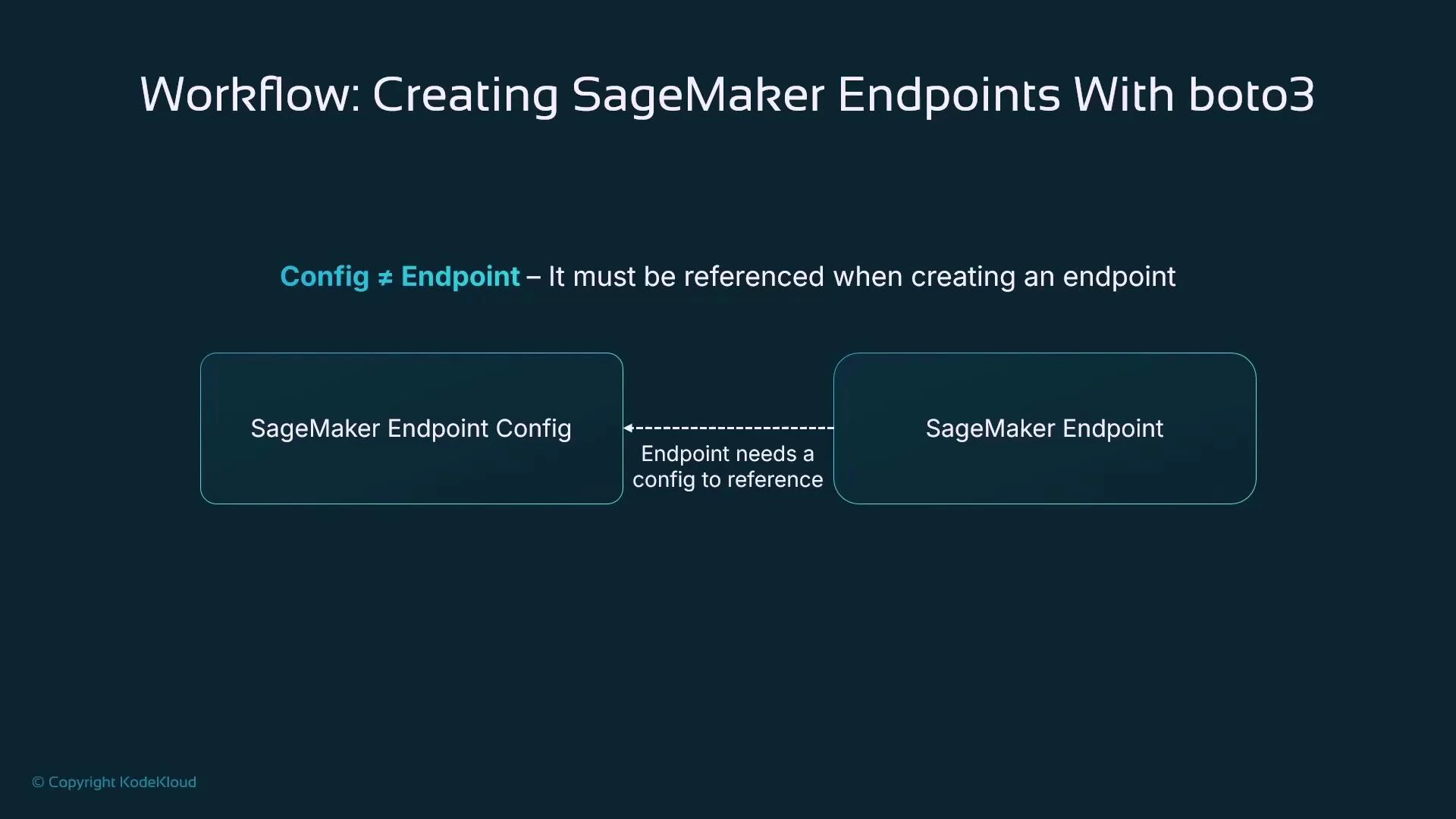
A presentation slide titled "Workflow: Creating SageMaker Endpoints With boto3" showing that a SageMaker Endpoint Config must be referenced when creating a SageMaker Endpoint, illustrated by two labeled boxes connected with a dashed arrow. The slide includes the note "Config ≠ Endpoint" and a small copyright credit to KodeKloud.

Boto3: create the Endpoint

After the Endpoint Configuration exists, create the Endpoint and point it at that config:
# Define the endpoint name
endpoint_name = "linear-learner-endpoint"

# Create the endpoint using the previously created configuration
response = sagemaker_client.create_endpoint(
    EndpointName=endpoint_name,
    EndpointConfigName=endpoint_config_name  # Reference to the endpoint configuration
)

print(f"Endpoint '{endpoint_name}' is being created. This may take a few minutes...")
The endpoint provisioning takes a few minutes. Monitor status via the AWS Management Console (SageMaker → Inference → Endpoints) or SageMaker Studio (Deployments). Both UIs reflect the same underlying Endpoint object and offer a “Create endpoint” button if you prefer a UI approach.

Invoke a SageMaker Endpoint with Boto3 Runtime

To send prediction requests to a deployed endpoint using Boto3, use the SageMaker Runtime client (sagemaker-runtime) and its invoke_endpoint method. Ensure the payload and ContentType header match your model’s expected serialization:
import boto3
import json

# Initialize the SageMaker Runtime client
sagemaker_runtime = boto3.client("sagemaker-runtime")

# Define the endpoint name (must be an existing deployed endpoint)
endpoint_name = "my-deployed-endpoint"

# Sample input data (formatted as JSON)
payload = json.dumps([[5.1, 3.5, 1.4, 0.2]])  # Example for a model expecting numerical inputs

# Send request to the endpoint
response = sagemaker_runtime.invoke_endpoint(
    EndpointName=endpoint_name,
    ContentType="application/json",  # Adjust based on your model's expected format
    Body=payload
)

# Read and decode the response
result = json.loads(response["Body"].read().decode())

# Print the model's prediction
print(result)
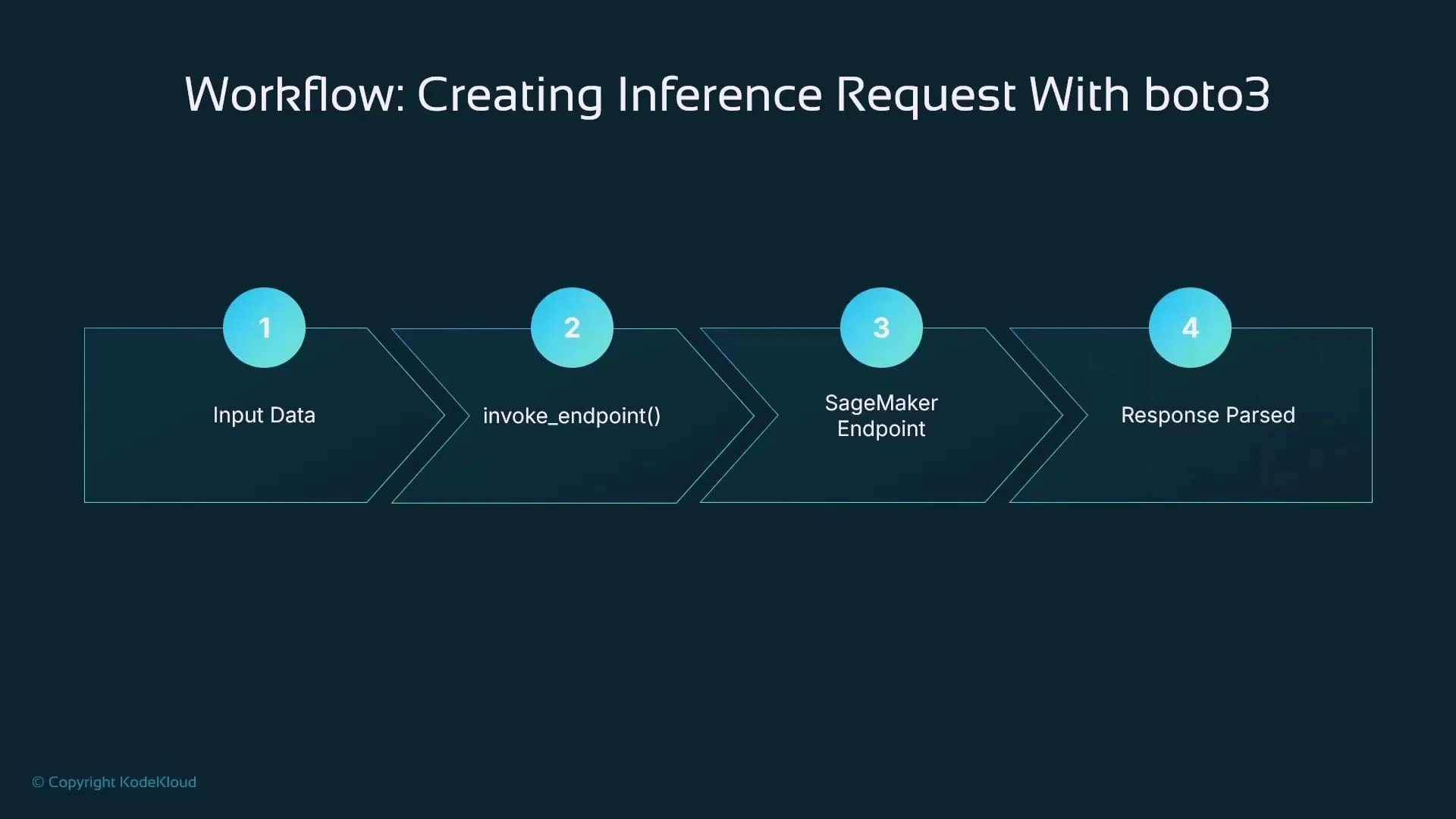
A slide titled "Workflow: Creating Inference Request With boto3" showing a four-step flow: 1) Input Data, 2) invoke_endpoint(), 3) SageMaker Endpoint, and 4) Response Parsed. The steps are displayed as teal chevrons with numbered blue circles.

SageMaker Python SDK: Model.deploy (higher-level)

The SageMaker Python SDK provides an ML-focused abstraction. Instead of manually creating an Endpoint Configuration, you define a Model object and call deploy; the SDK creates the Endpoint Configuration and Endpoint for you. This reduces boilerplate and lets you focus on model code and iteration.
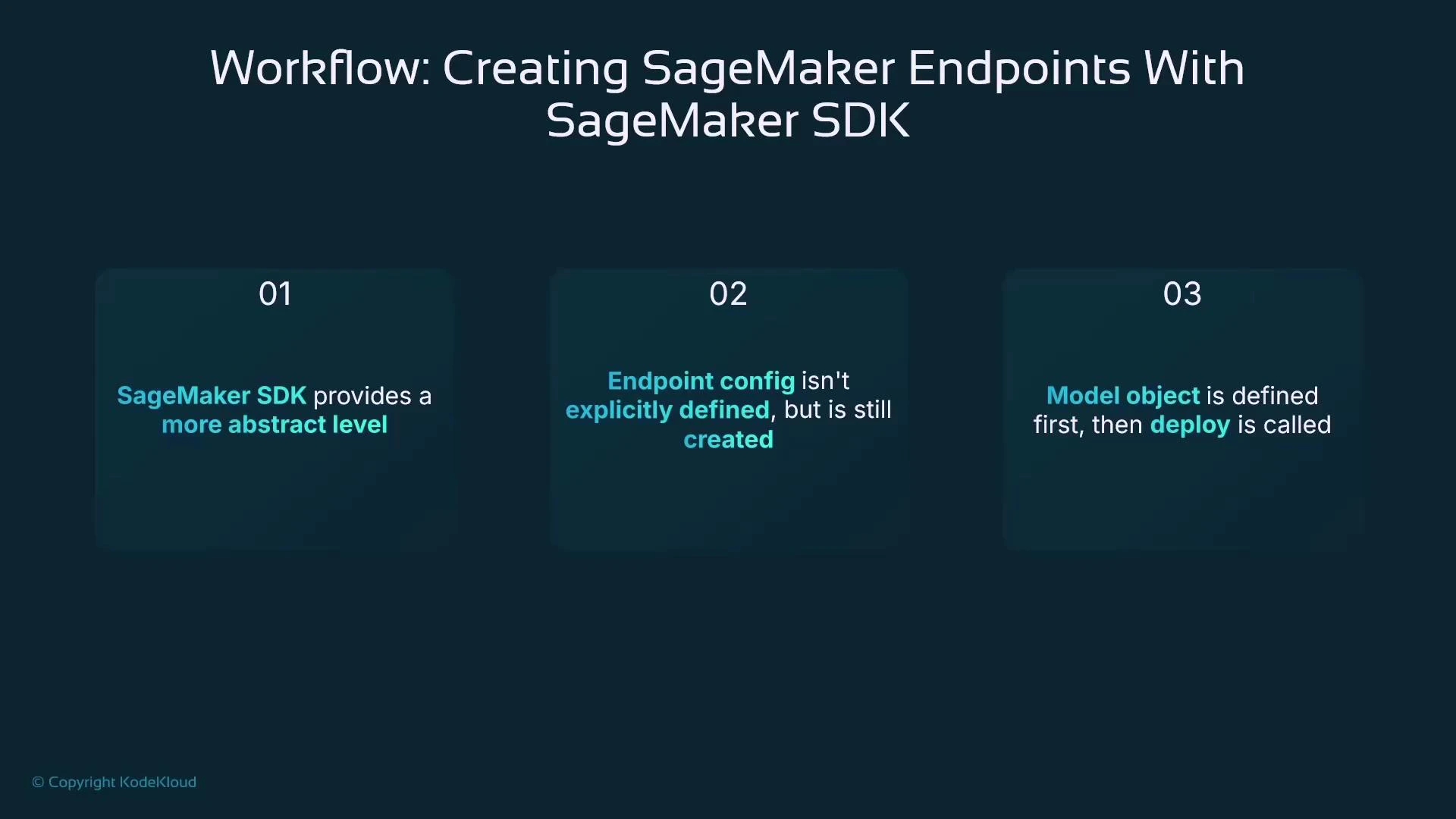
A presentation slide titled "Workflow: Creating SageMaker Endpoints With SageMaker SDK" showing three numbered panels. The panels note: (1) SageMaker SDK provides a more abstract level, (2) endpoint config isn't explicitly defined but is still created, and (3) the model object is defined first then deploy is called.

Example: create a Model and deploy it (SageMaker SDK)

This example shows how to use the SageMaker SDK to create a Model pointing to a model artifact in S3 and an inference container image, then deploy it as an endpoint.
import sagemaker
from sagemaker import Model

# Initialize SageMaker session and role
sagemaker_session = sagemaker.Session()
iam_role = "arn:aws:iam::123456789012:role/service-role/AmazonSageMaker-ExecutionRole"

# Define the S3 location of your trained model artifact (output from a training job)
model_artifact_s3_uri = "s3://your-bucket/path-to-model/model.tar.gz"

# Retrieve an appropriate container image for inference (e.g., linear-learner)
container_image_uri = sagemaker.image_uris.retrieve(
    framework="linear-learner",
    region=sagemaker_session.boto_region_name
)

# Create the Model object
model = Model(
    image_uri=container_image_uri,
    model_data=model_artifact_s3_uri,
    role=iam_role,
    sagemaker_session=sagemaker_session
)
Deploying returns a Predictor-like object that simplifies inference calls—the SDK handles serialization for you.
# Deploy the model as an endpoint
predictor = model.deploy(
    initial_instance_count=1,
    instance_type="ml.m5.large",
    endpoint_name="linear-learner-endpoint"
)

print("Endpoint deployed successfully!")
Using the returned predictor:
response = predictor.predict([[5.1, 3.5, 1.4, 0.2]])  # Example input data
print(response)

Mixed approach: custom infra with Boto3, inference with SageMaker SDK

If you need a custom Endpoint Configuration the SageMaker SDK cannot express, combine the two approaches: create the configuration and endpoint with Boto3, then use the SageMaker SDK’s Predictor to call that existing endpoint for ergonomic inference code:
from sagemaker.predictor import Predictor

# If endpoint already exists (created by Boto3), create a Predictor wrapper
predictor = Predictor(endpoint_name="existing-custom-endpoint", sagemaker_session=sagemaker_session)

# Use predictor.predict which will handle serialization depending on the predictor implementation
result = predictor.predict([[5.1, 3.5, 1.4, 0.2]])
print(result)
This hybrid approach gives you advanced infrastructure control while keeping inference client code clean.
A flowchart titled "Workflow: SDK Workflow" comparing three approaches (pure boto3, pure SageMaker SDK, and a mixed approach) for deploying and invoking AWS SageMaker endpoints. It shows steps like create_endpoint_config, create_endpoint, model deploy/returning a Predictor object, and calling invoke_endpoint/predict, split into "Infrastructure deploy" and "Calling the endpoint for inference prediction."

Why use SageMaker Endpoints?

SageMaker Endpoints are the native, managed option for real-time inference. Key benefits:
  • Deploy quickly: minimal infra code required to go from a trained model to a hosted endpoint.
  • Scalable: integrates with autoscaling to handle traffic spikes and variable load.
  • Easy updates: supports multiple production variants, enabling canary, blue-green, and A/B testing.
  • Cost control: right-size instances and use autoscaling to reduce hosting costs.
  • Production-ready: built for enterprise workloads and integrated with AWS monitoring and security.
Running real-time endpoints incurs compute and networking costs while the instances are provisioned. Use autoscaling, smaller instance types for development, or alternatives (asynchronous/batch inference) when strict real-time latency is not required.
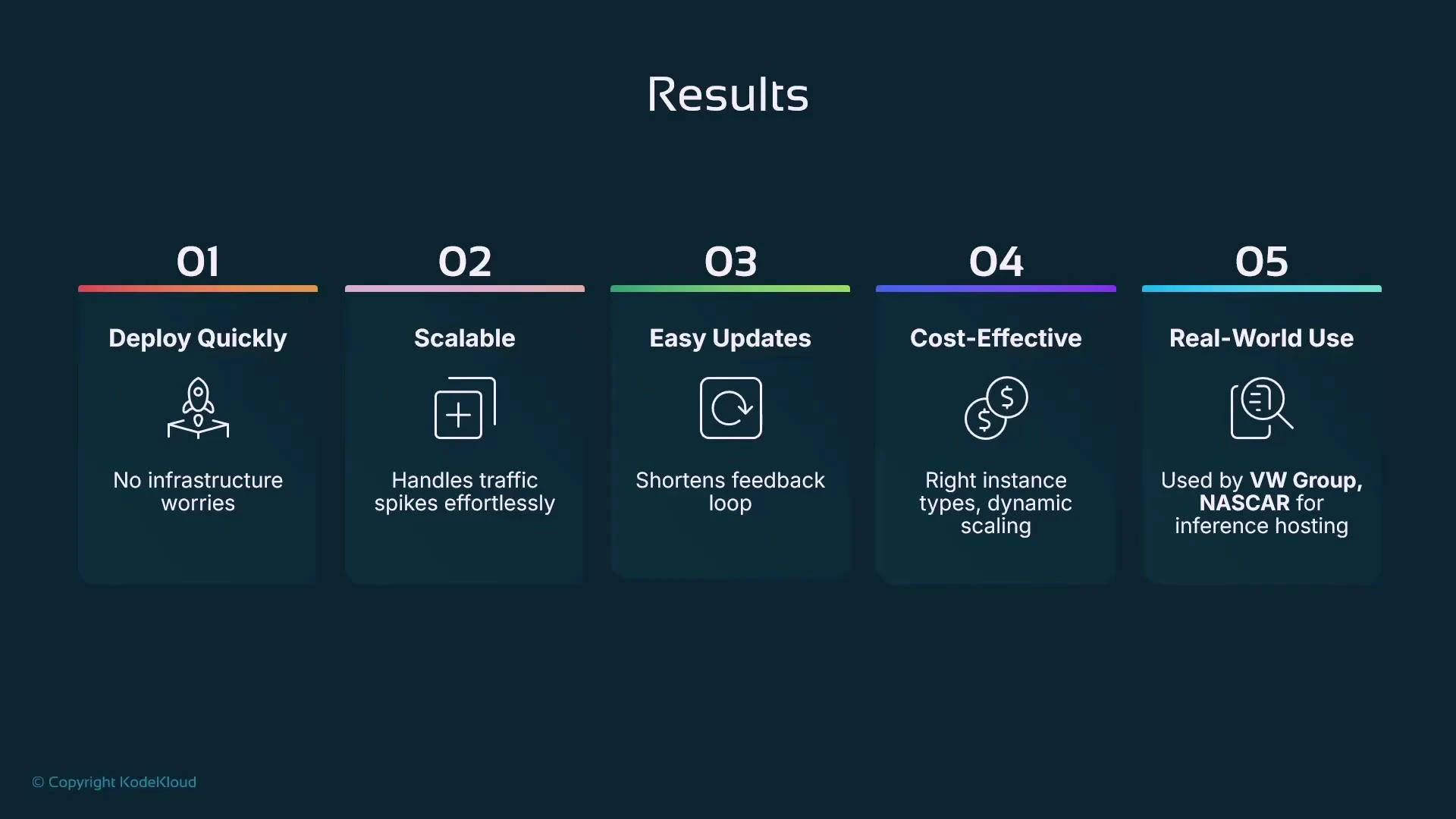
A presentation slide titled "Results" showing five numbered benefit cards. They list: Deploy Quickly (no infrastructure worries), Scalable (handles traffic spikes), Easy Updates (shortens feedback loop), Cost-Effective (dynamic scaling), and Real-World Use (used by VW Group and NASCAR for inference hosting).

Key takeaways

  • Amazon SageMaker Endpoints provide managed hosting for real-time inference and can be created via Boto3 (fine-grained control) or the SageMaker Python SDK (higher-level abstraction).
  • With Boto3: create an Endpoint Configuration, then create an Endpoint, and invoke it via the sagemaker-runtime client.
  • With the SageMaker SDK: create a Model object and call deploy; the SDK creates the Endpoint Configuration and Endpoint for you, returning a Predictor that simplifies inference calls.
  • You can mix approaches: use Boto3 to provision custom infra and the SageMaker SDK Predictor for ergonomics when invoking the endpoint.
  • Consider alternatives (asynchronous inference, batch transform) for workloads that do not require low-latency, always-on endpoints.
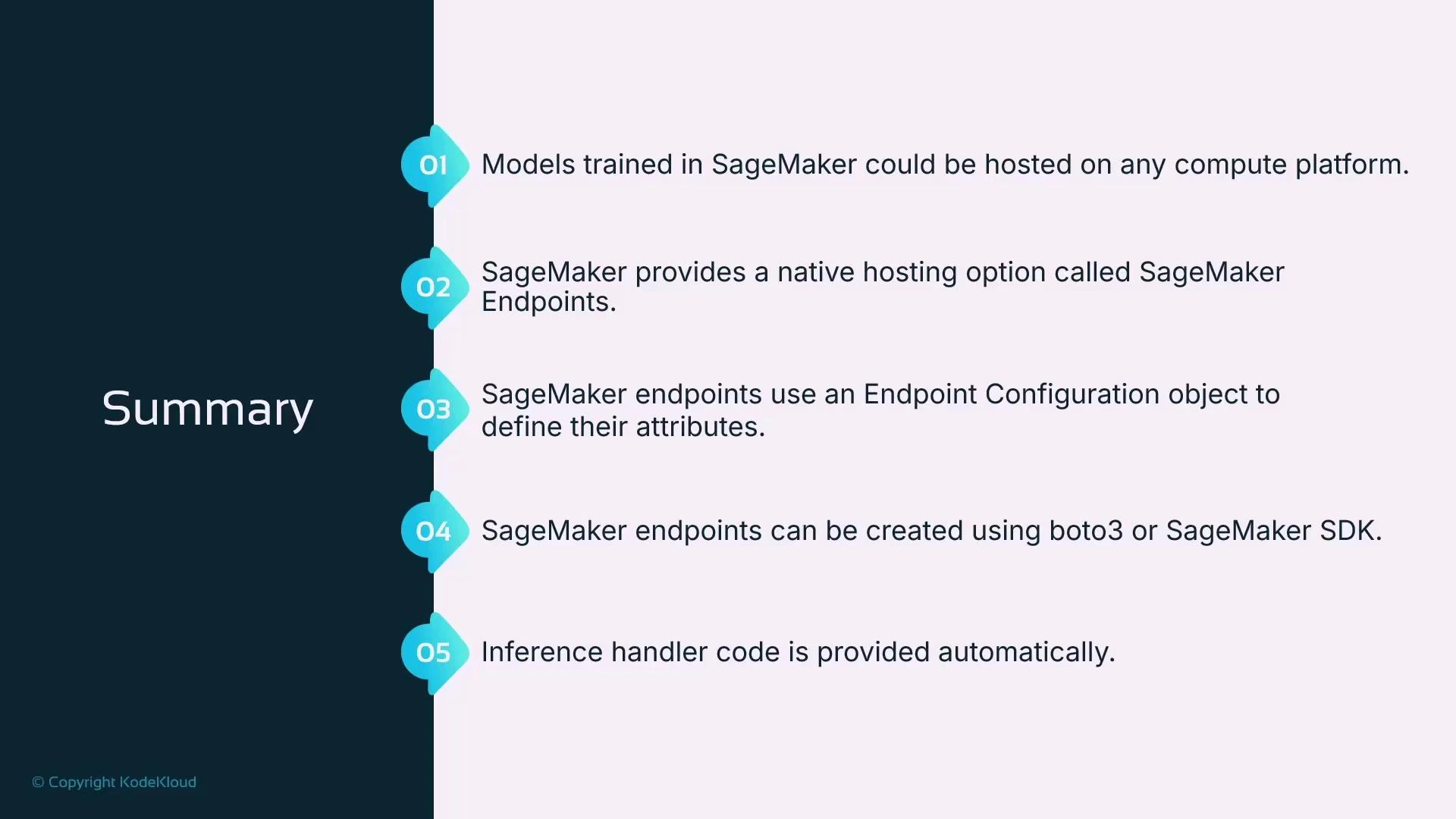
A presentation slide titled "Summary" that lists five key points about Amazon SageMaker hosting. It notes that models can be hosted on any compute platform, SageMaker Endpoints are the native hosting option using an Endpoint Configuration, endpoints can be created with boto3 or the SageMaker SDK, and inference handler code is provided automatically.

Further reading and references

This wraps up the lesson. Next topics to consider: asynchronous inference and batch transform jobs, which are excellent alternatives when real-time low-latency serving is not required.

Watch Video