

Challenges & key realizations
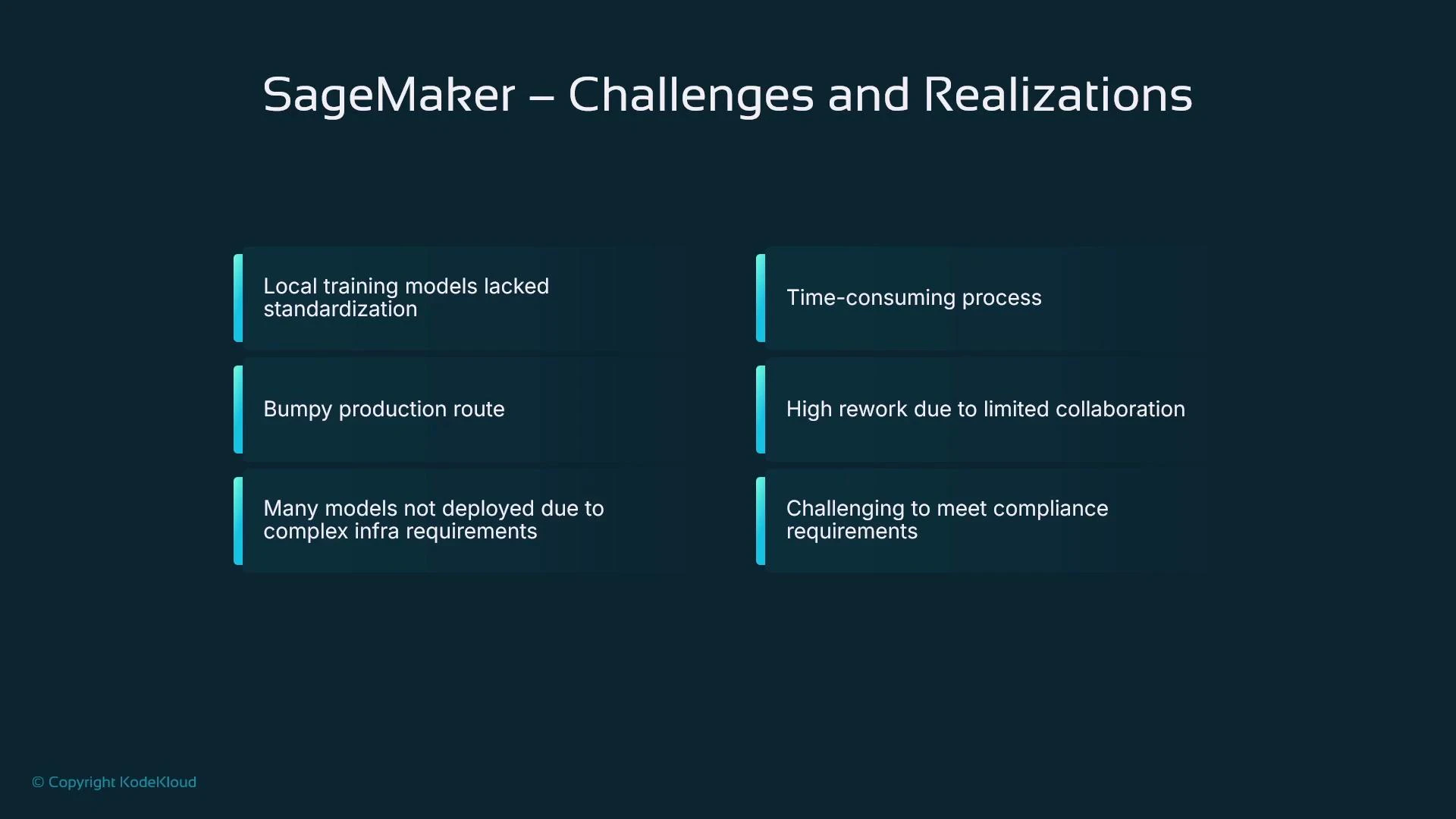
When you first explore AWS, it’s common to use the Management Console interactively. Services such as EC2 reveal clear concepts (instances, start/stop), and the console alone gives you useful feedback. SageMaker is different: it’s a set of developer-focused tools intended for code-first workflows. The console exposes models, training and processing jobs, endpoints, and more — but many entries are empty until you understand the underlying sequence of steps and code required to build and deploy a model.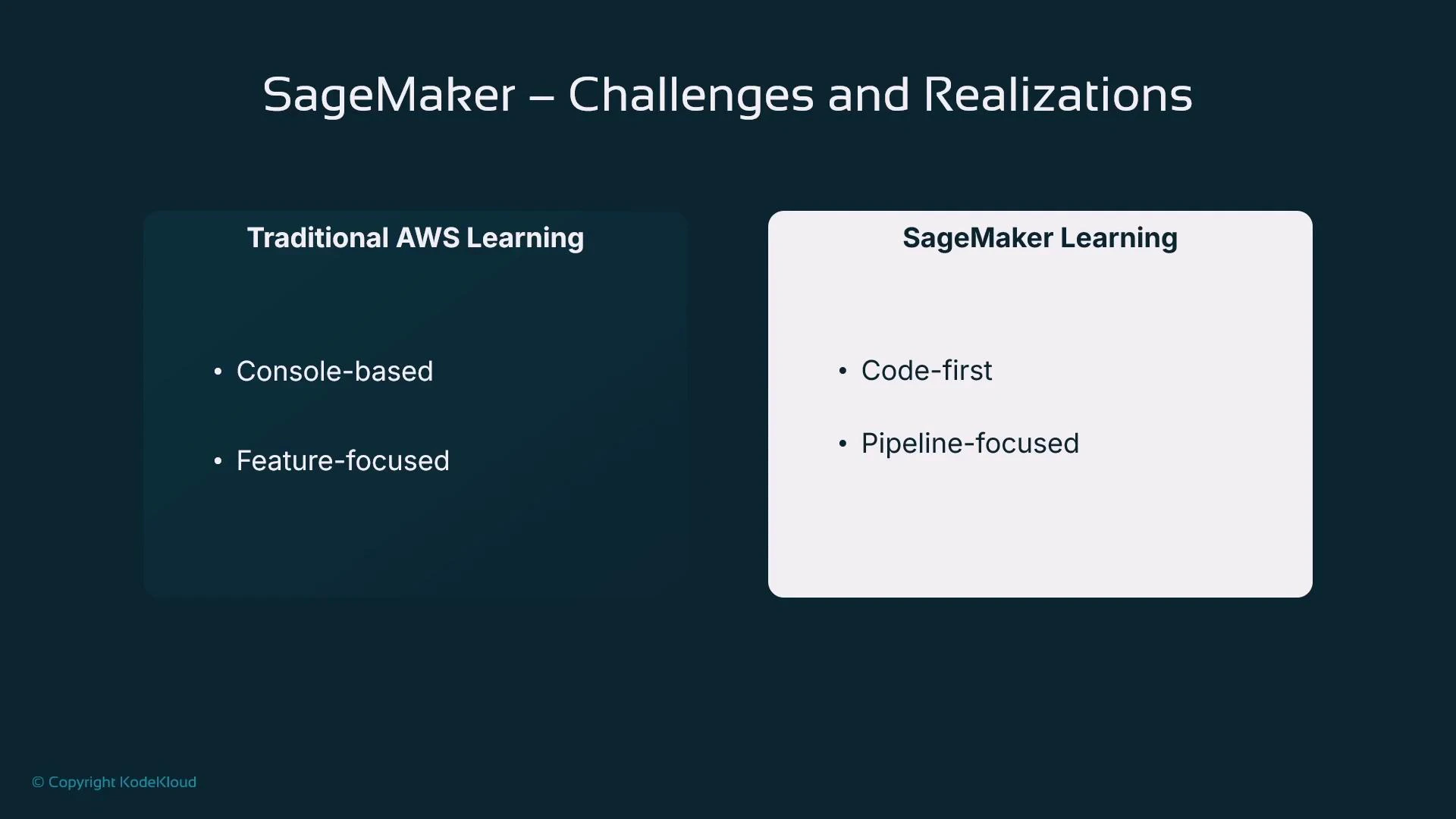
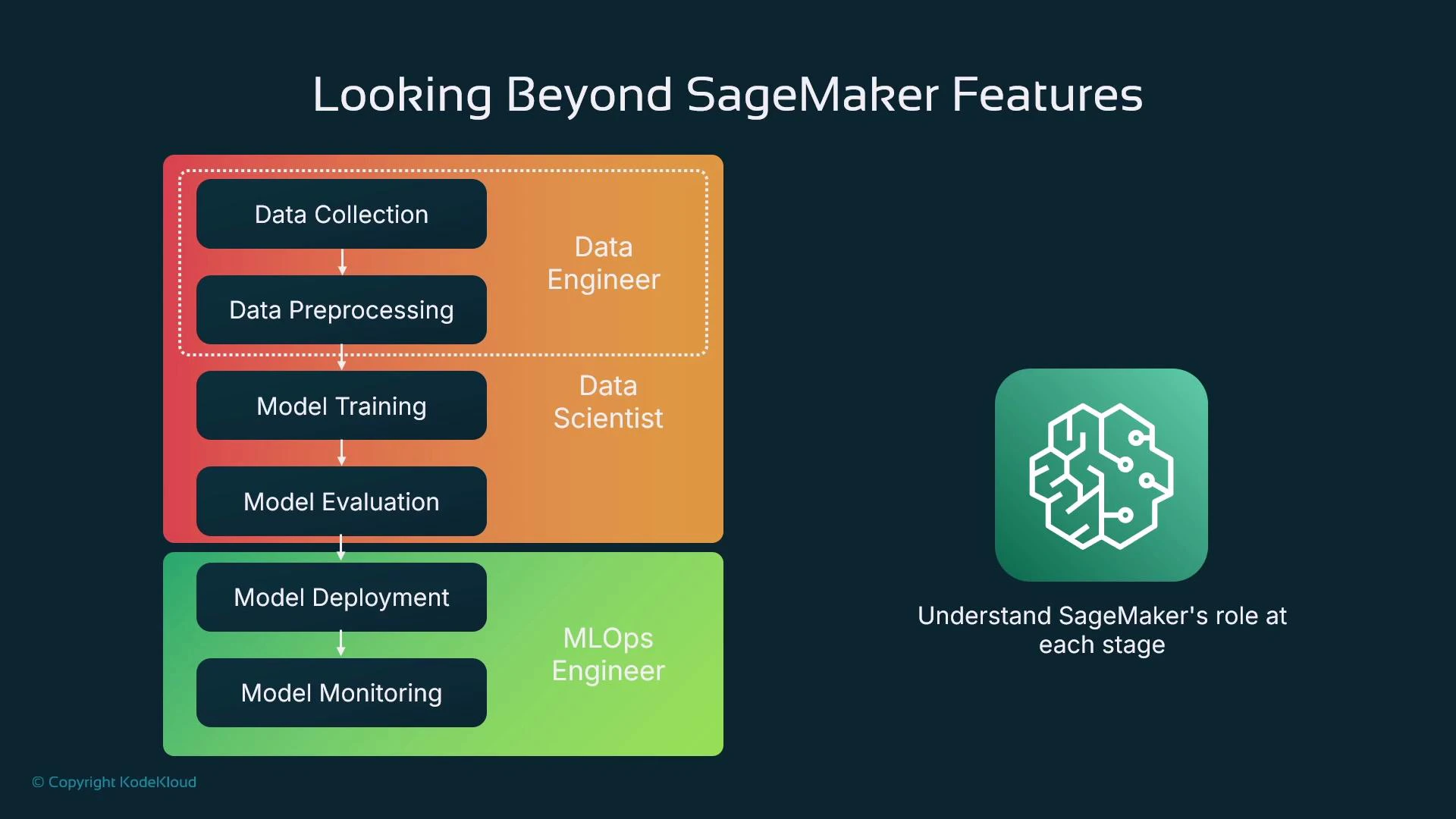
SageMaker is best learned as a pipeline: data preparation → training → evaluation → deployment → monitoring. The console helps manage resources, but you’ll usually interact through notebooks or Python code (the SageMaker SDK) to run reproducible workflows.
Intuition: a simple example
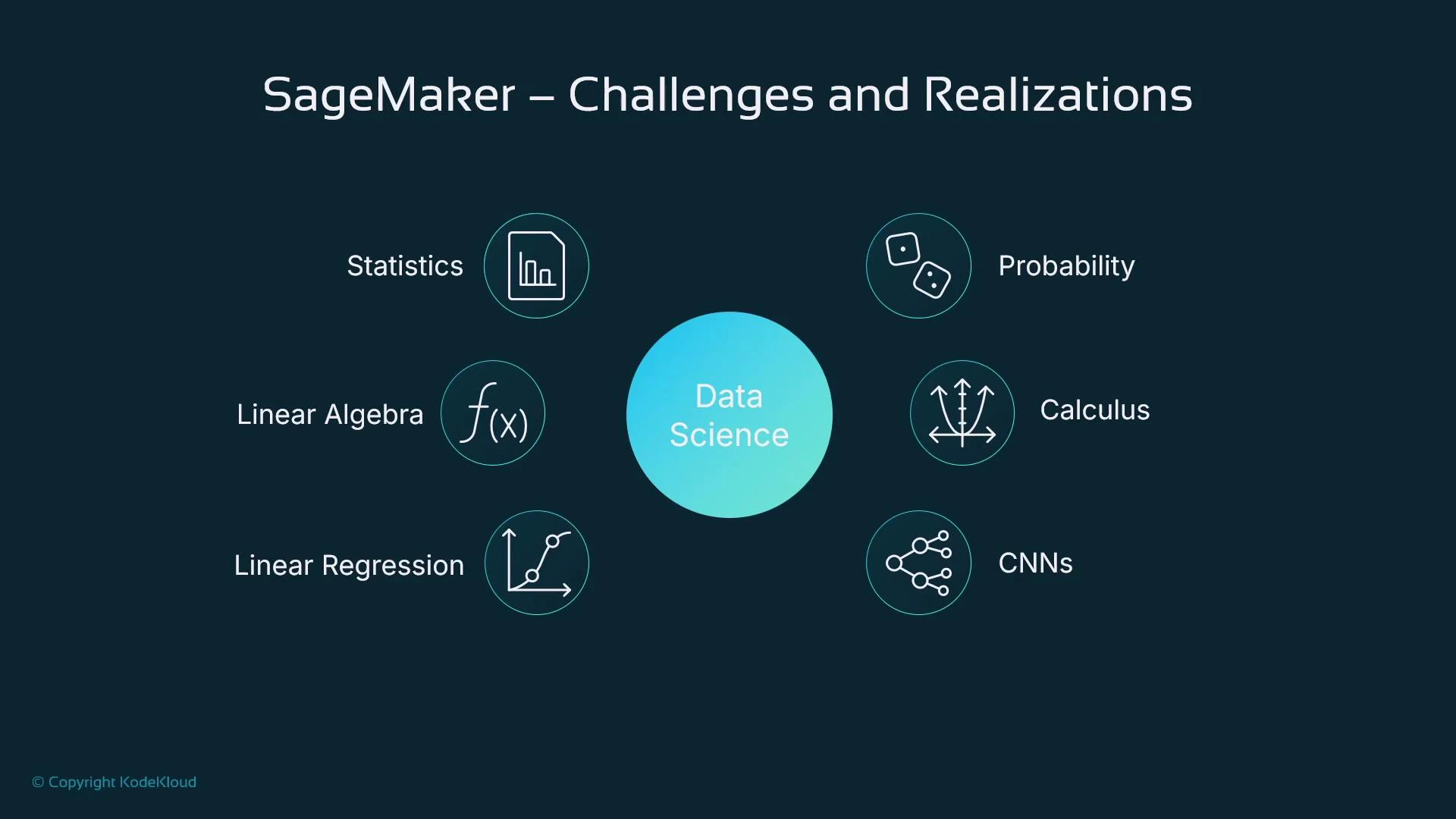
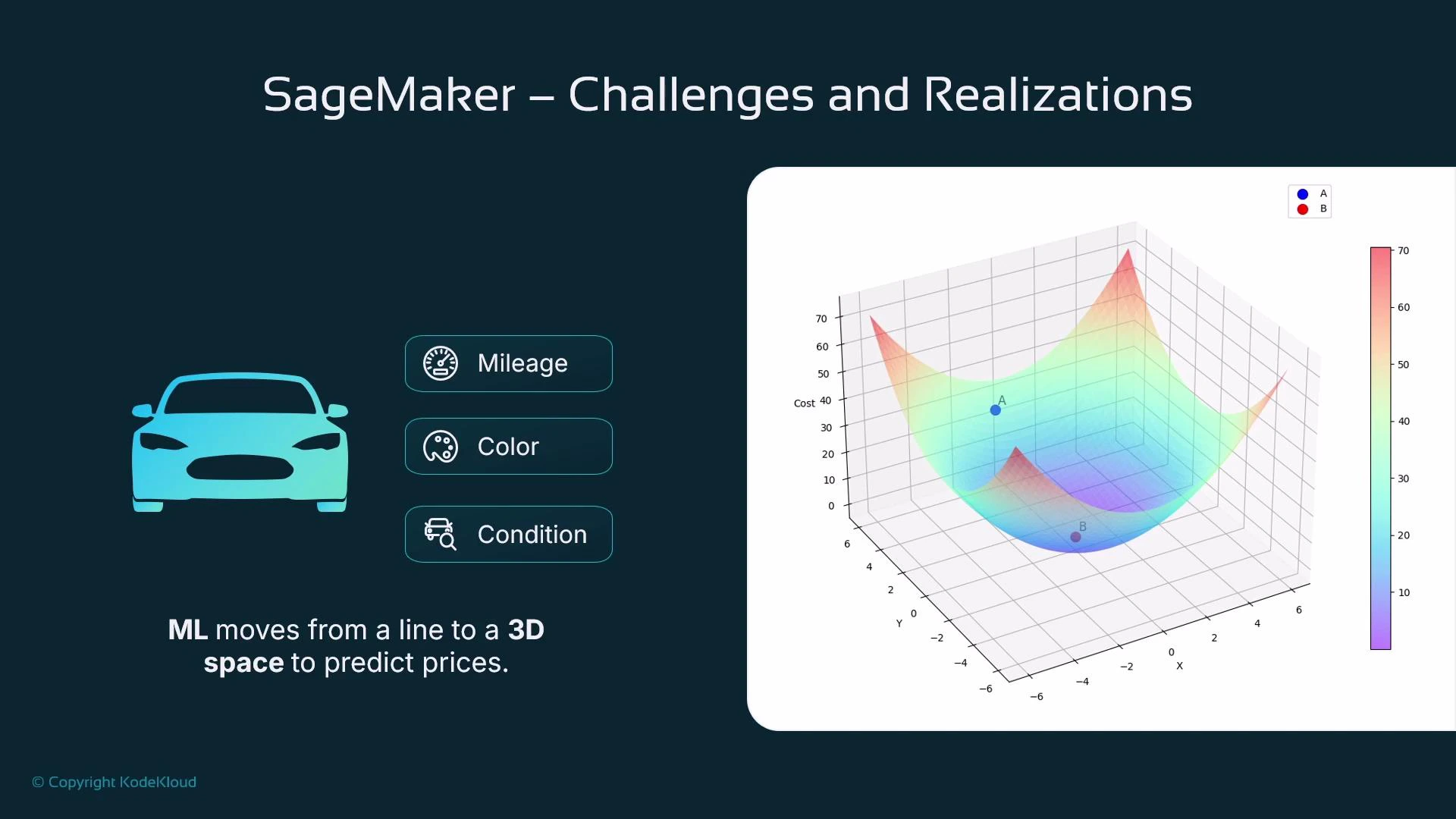
Imagine trying to predict the price of a used car. A single feature like car age often correlates with price: older cars tend to be cheaper. If you plot price vs. age and fit a line, you can use that line to predict price for any age — this is linear regression in a nutshell.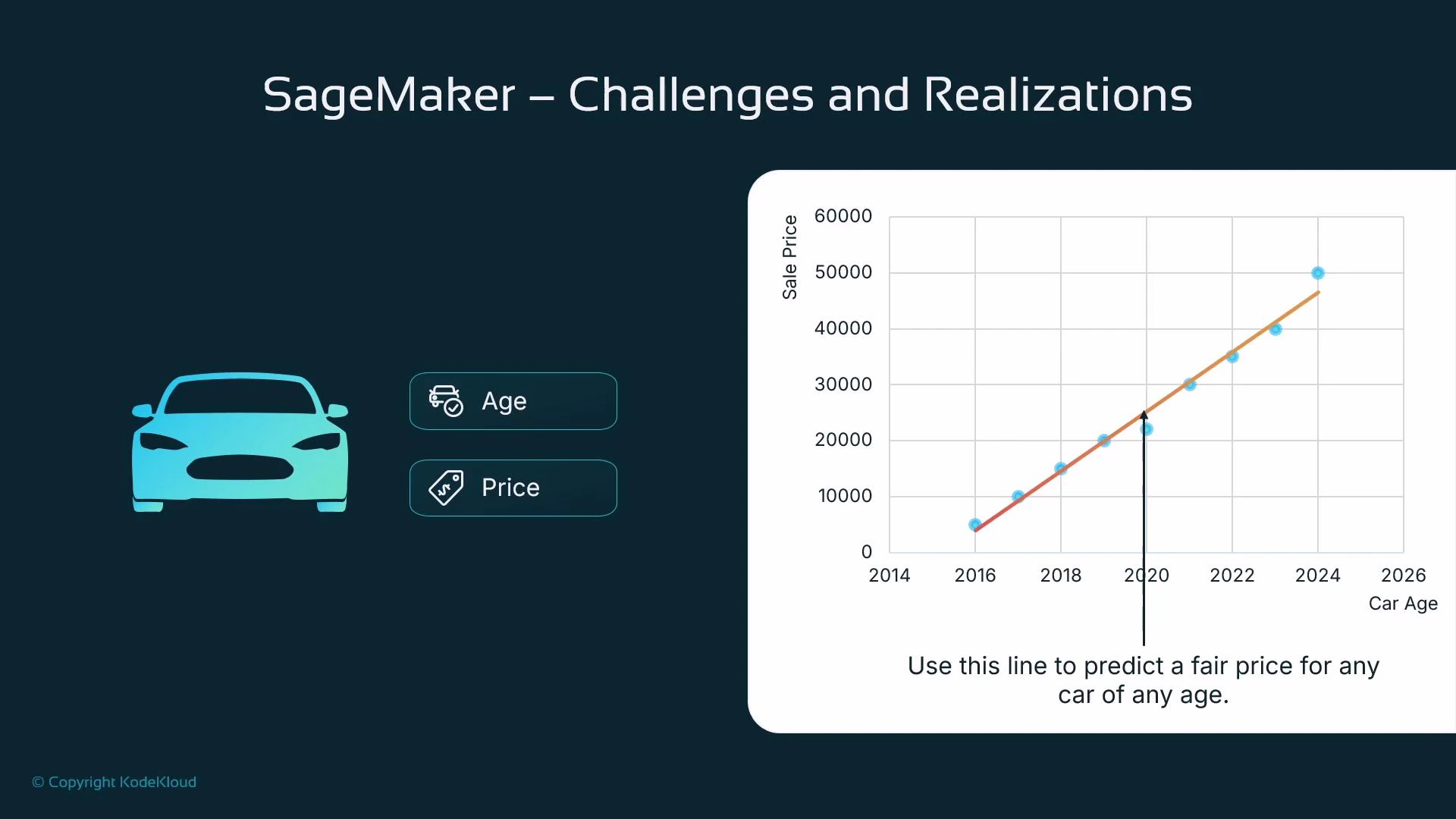
The ML pipeline (conceptual sequence)
When we say “pipeline” here, we mean the sequence of steps that takes raw data to a hosted model:- Collect data (e.g., scraped car listings with prices)
- Prepare and shape data (cleansing, feature engineering)
- Train the model (fit parameters to minimize loss)
- Evaluate the model (measure generalization on held-out data)
- Deploy the model (host for online or batch inference)
- Monitor the model in production (performance, drift, fairness, and alerts)
Roles & responsibilities
When teams scale, responsibilities typically split as follows:
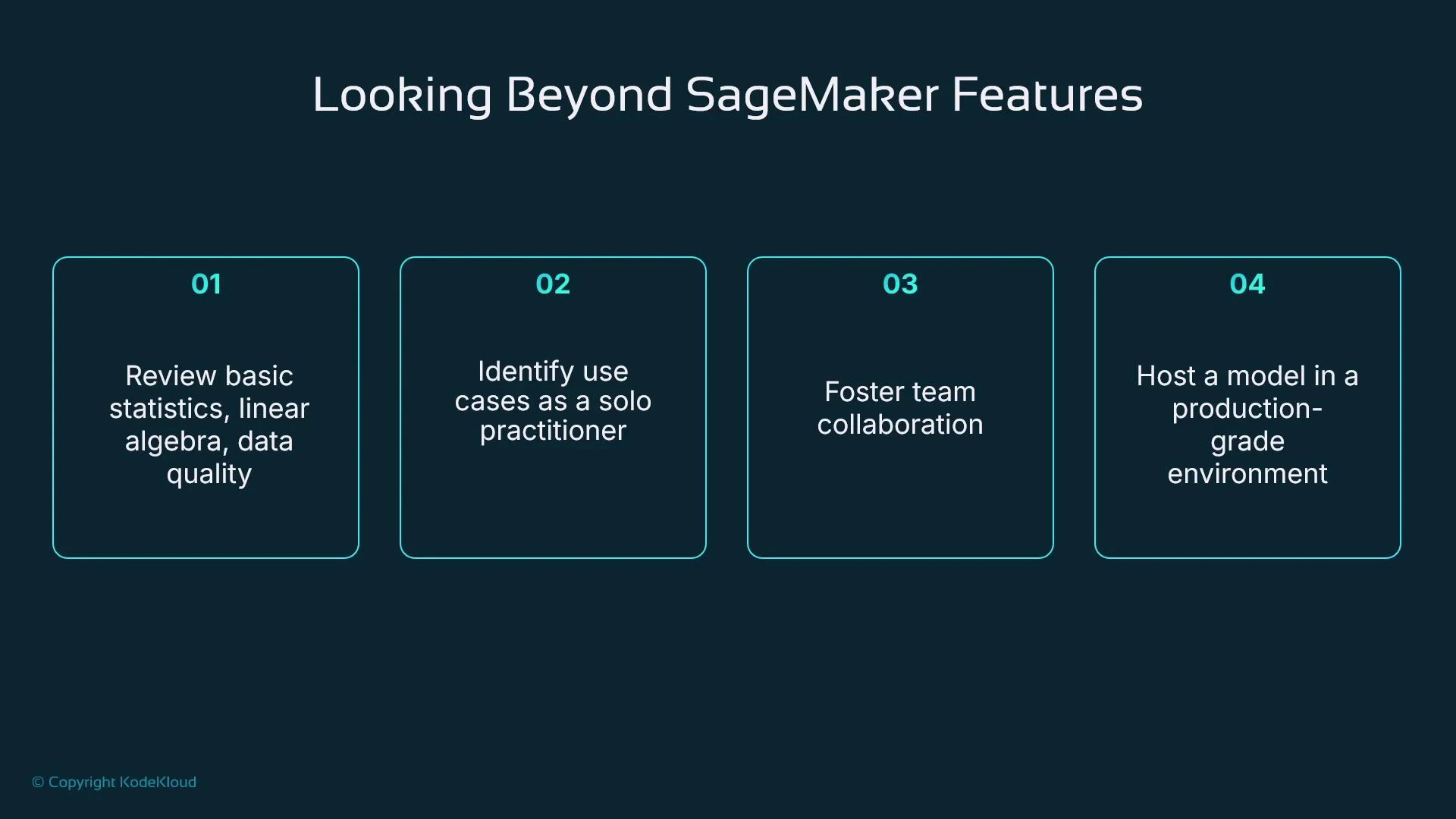
In this course you’ll often act as a solo practitioner wearing multiple hats, but understanding the division of work helps when you move to team-based MLOps.
Scope and topics (what we’ll cover)
We focus on core, practical topics that get you productive with SageMaker and ML engineering: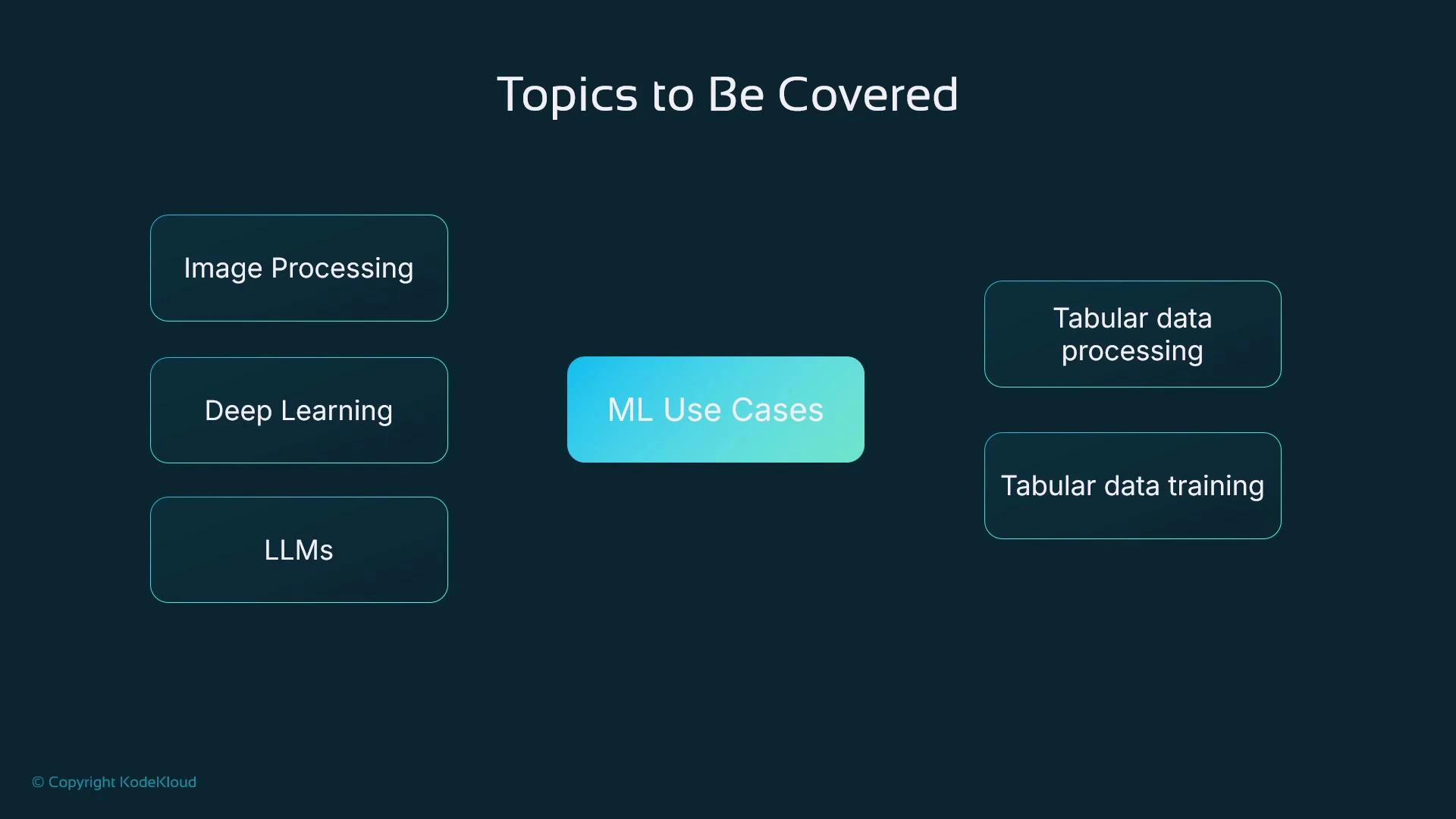
Our running example: house price prediction
Throughout the course we’ll use a single, practical example — predicting house prices using a tabular dataset (available on Kaggle). The dataset has postcode, bedroom count, square footage, sale price, and other features. It’s ideal for demonstrating data preparation, feature engineering, model training, evaluation, and deployment end-to-end.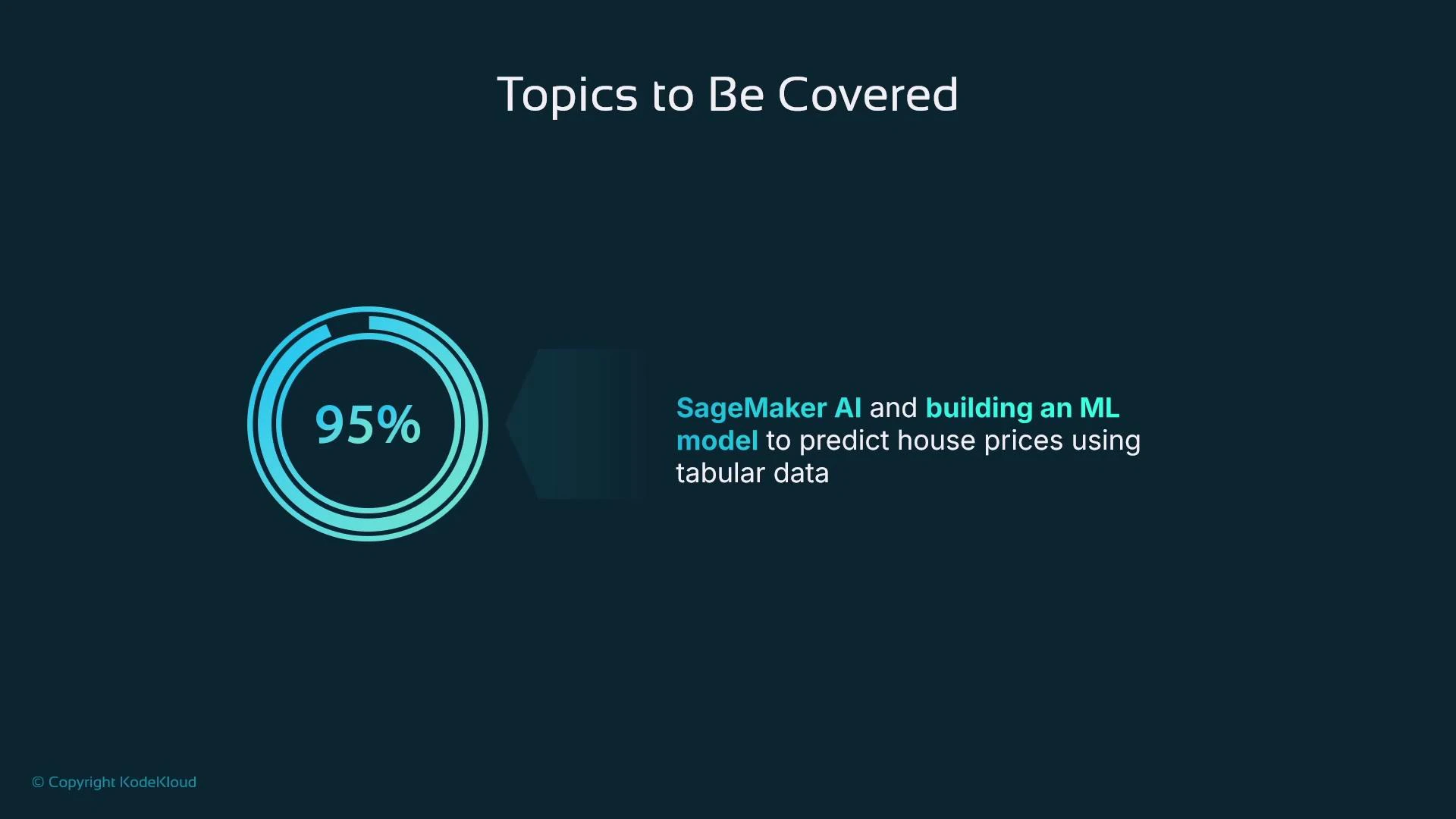
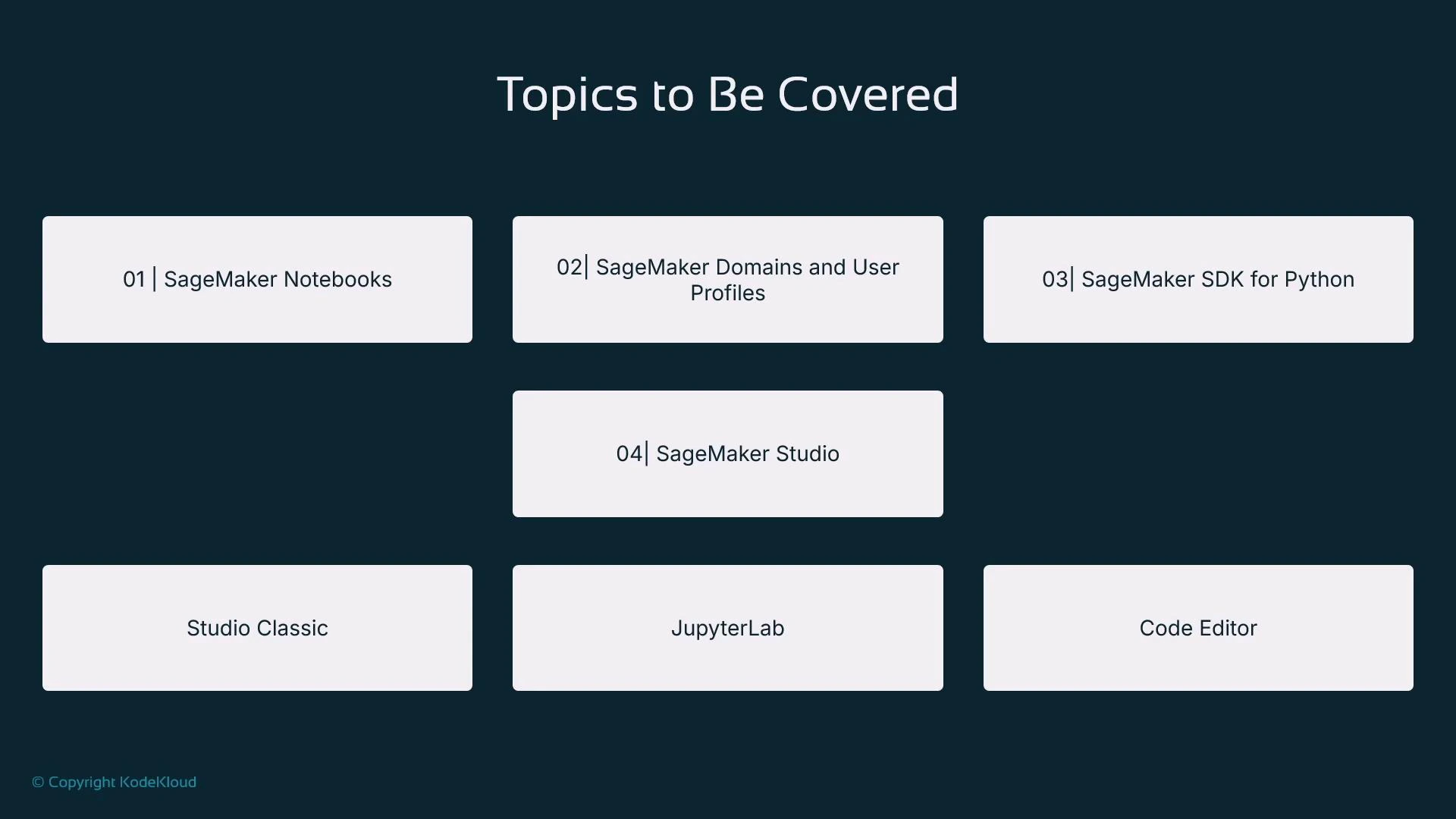
- SageMaker notebooks and SageMaker Studio (JupyterLab and hosted VS Code)
- The SageMaker Python SDK to automate training and hosting from code
- Model registries for artifact versioning and traceability
- Deploying models to SageMaker endpoints for online inference
What you’ll be able to do
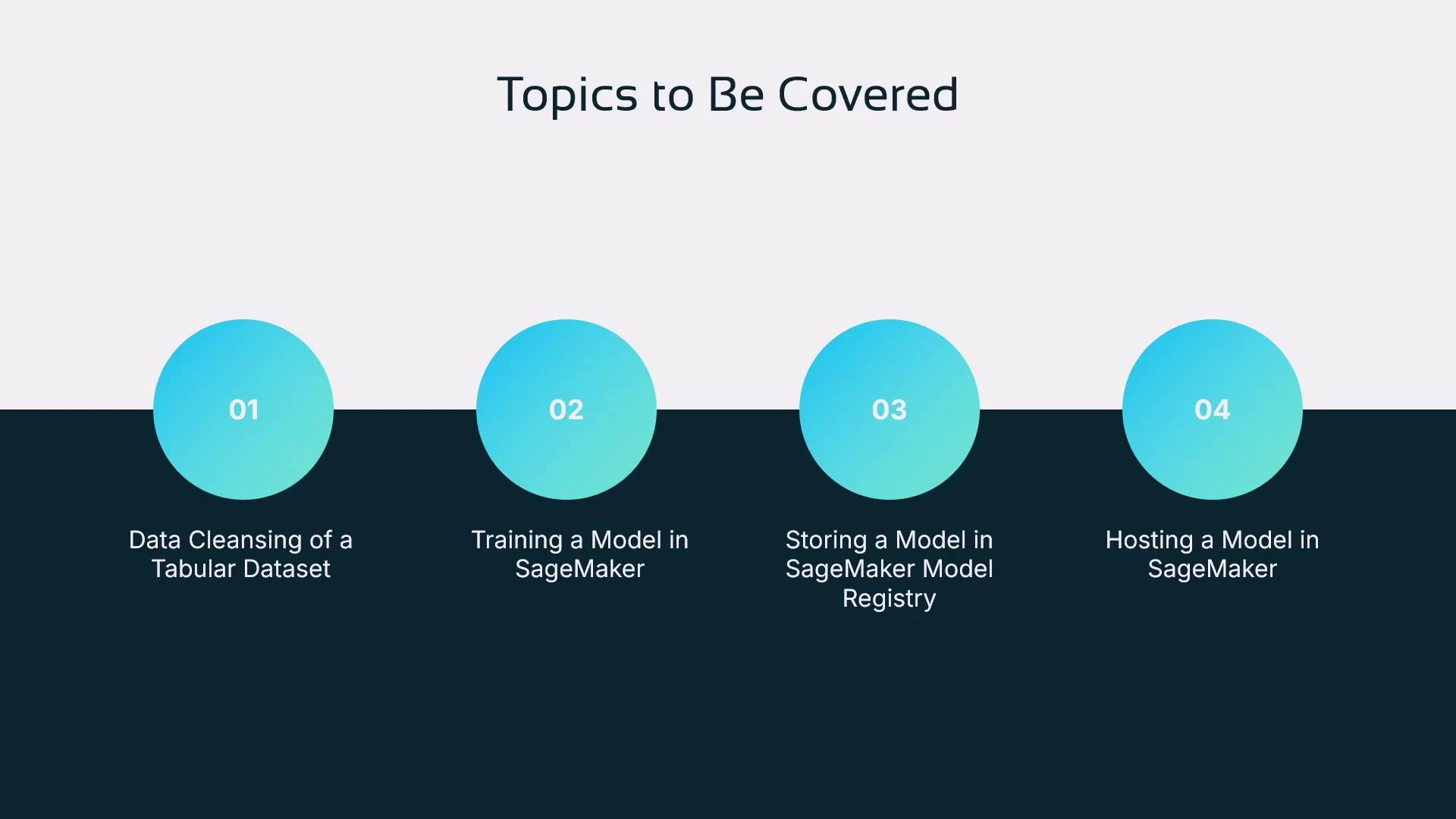
By the end of the course you will:- Prepare and cleanse a tabular dataset (house price dataset)
- Train a model in SageMaker using the SageMaker Python SDK from a Jupyter notebook
- Store and version models in a SageMaker model registry
- Deploy a model to a SageMaker endpoint and make inference requests
Key takeaways
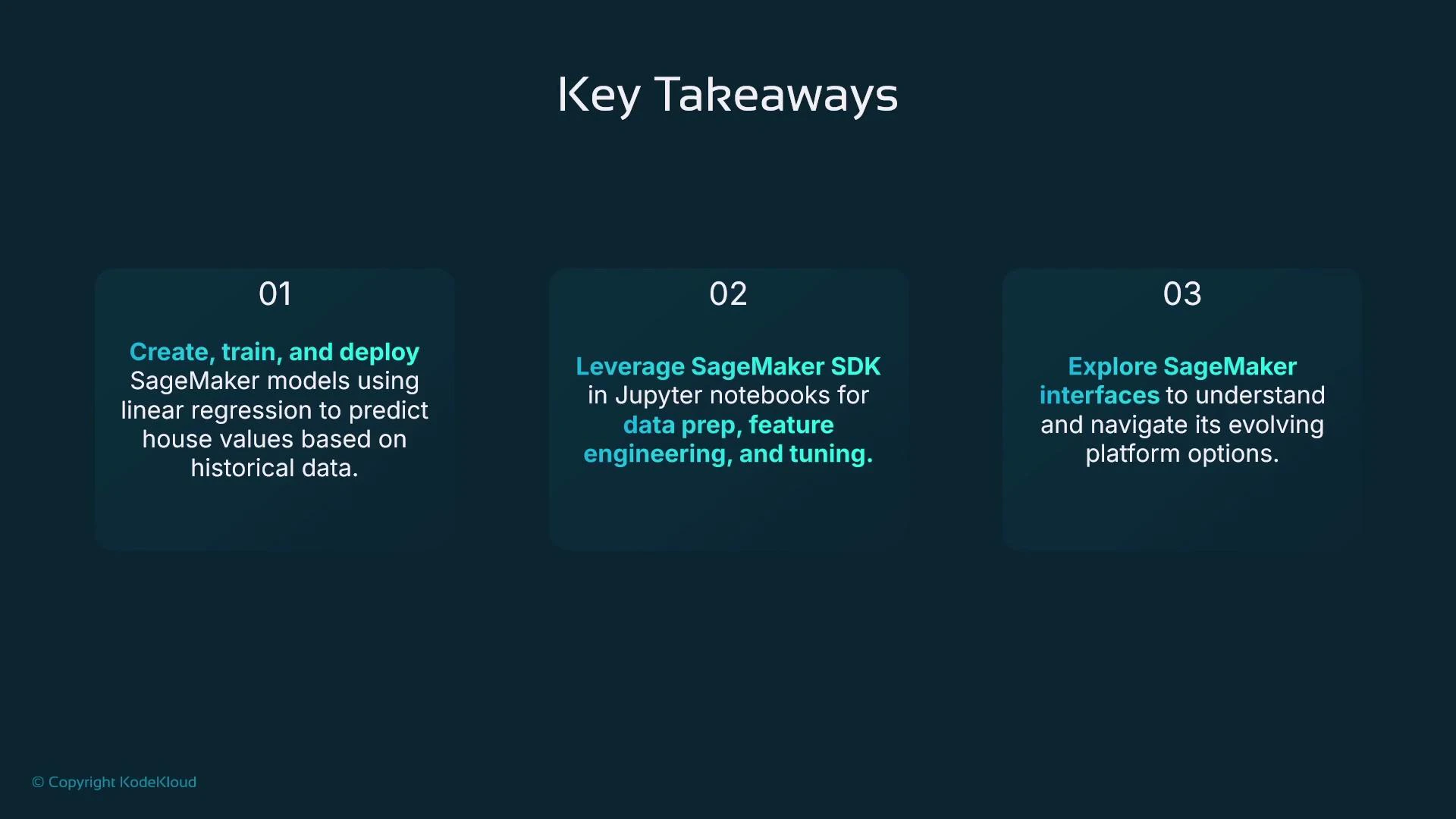
- You’ll learn how to build, train, and deploy models using tabular data (house price example).
- You’ll use the SageMaker SDK within Jupyter notebooks for reproducible data preparation, feature engineering, and hyperparameter tuning.
- You’ll become familiar with SageMaker interfaces: the SageMaker console, SageMaker Studio (JupyterLab and hosted VS Code), and JupyterLab itself.
- You’ll understand the ML pipeline as a conceptual sequence of activities — and who typically performs each activity on a team.
Productionizing models introduces new responsibilities: security, governance, explainability, and monitoring. Plan for these non-functional requirements early in your development workflow to avoid last-mile delays.
Links and references
- House price dataset (Kaggle): https://www.kaggle.com
- SageMaker documentation: https://docs.aws.amazon.com/sagemaker/latest/dg/
- Git basics (recommended): https://learn.kodekloud.com/user/courses/git-for-beginners
- EC2 fundamentals (context): https://learn.kodekloud.com/user/courses/amazon-elastic-compute-cloud-ec2