

This lesson focuses on conceptual differences and practical consequences of choosing managed vs unmanaged services, with concrete examples (EC2, RDS) and how SageMaker leverages managed service patterns for ML workflows.
- Define unmanaged vs managed services.
- Illustrate with EC2 (unmanaged) and RDS (managed).
- Describe benefits and challenges of managed services.
- Map managed-service concepts to Amazon SageMaker (notebooks, training, hosting).
- Summarize expected results when using SageMaker.
- First, contrast a low-level compute example (EC2) to show what “unmanaged” means.
- Next, compare that to a straightforward managed example (RDS) to highlight the operational differences.
- Finally, apply those same principles to SageMaker to explain how it abstracts infrastructure while exposing the controls ML teams need.
Unmanaged services — EC2 example
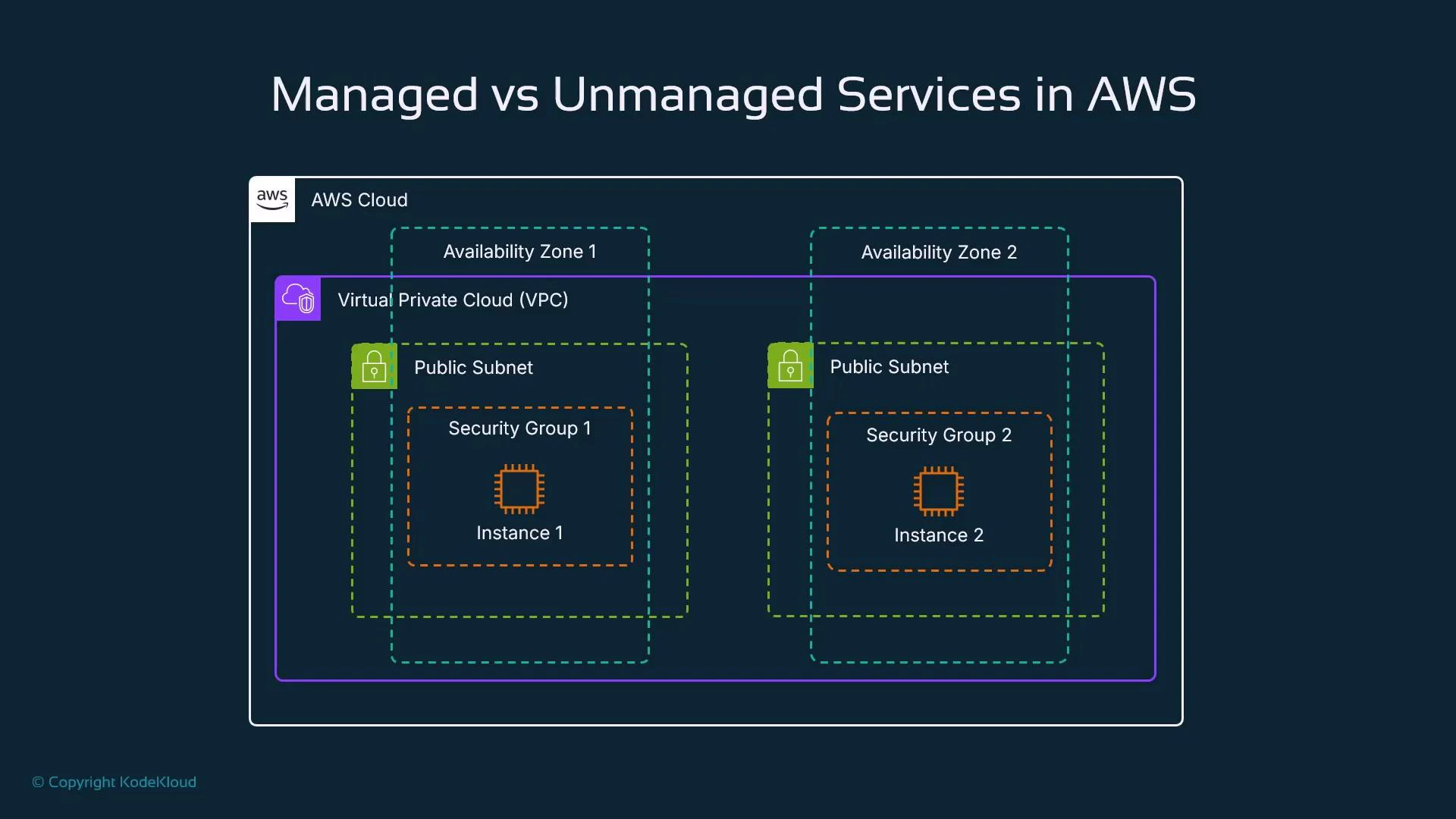
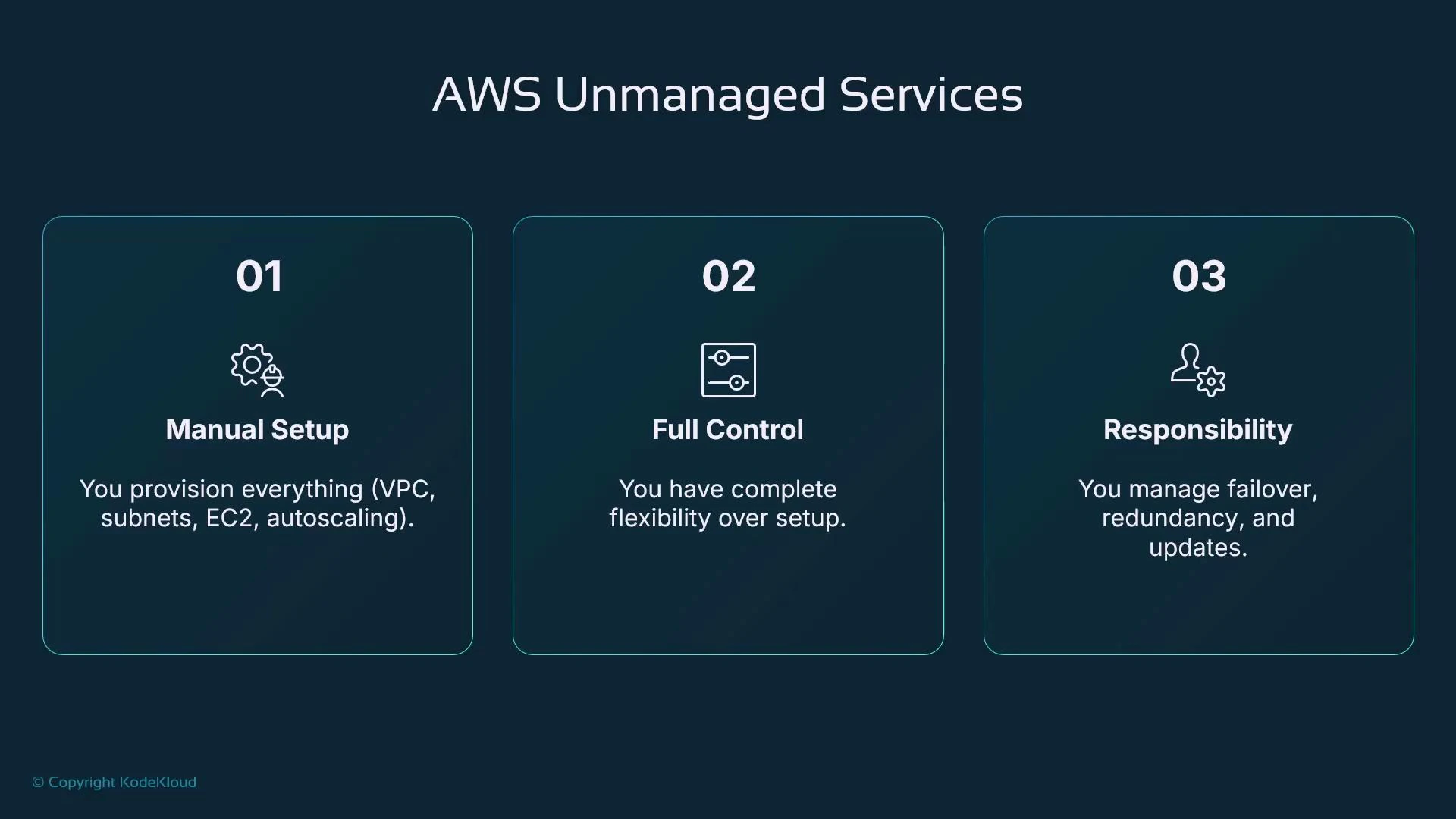
Amazon EC2 (Elastic Compute Cloud) is a representative unmanaged service. When you launch and maintain EC2 instances, you are responsible for the full stack required to run and operate them:- Create and manage an AWS account.
- Provision a VPC (virtual private cloud) and define subnets.
- Configure security groups, routing, and NACLs.
- Launch and manage the instance OS: patching, monitoring, backups.
- Configure high availability across Availability Zones, scaling, and failover.
Managed services — concept and example
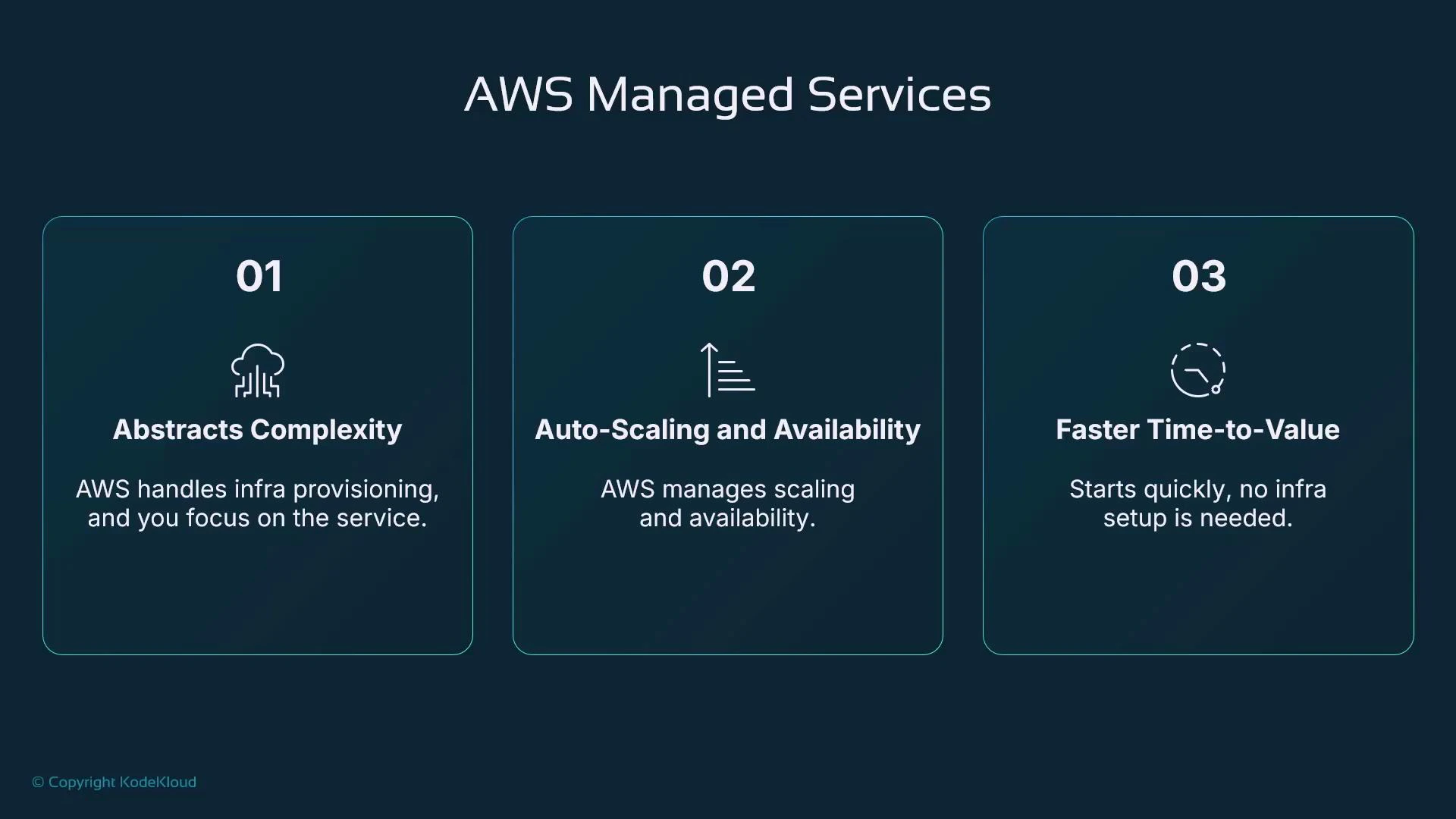
Managed services abstract and operate the underlying infrastructure for you. The cloud provider (AWS) provisions, monitors, patches, and maintains the service components while you consume higher-level primitives. Example: Amazon RDS- With RDS you request a managed database instance and optionally enable high availability.
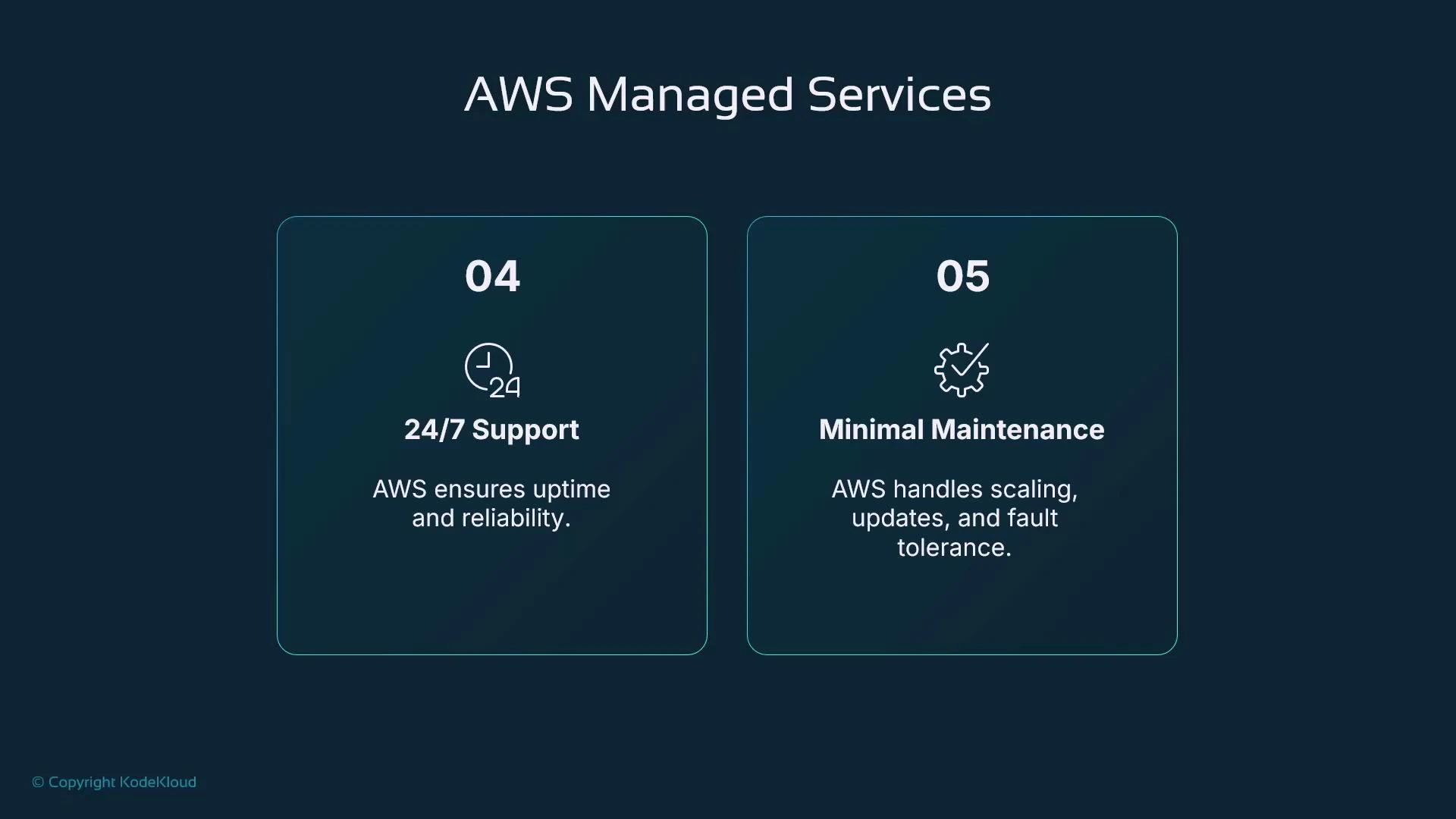
- AWS takes care of provisioning, replication, automated backups, OS and database patches, and failover.
- A single configuration change or checkbox can enable replication and automatic failover across AZs.
- Reduces infrastructure complexity.
- Provides built-in scaling and availability patterns.
- Delivers faster time-to-value by removing low-level provisioning tasks.
SageMaker as a managed service for ML workflows
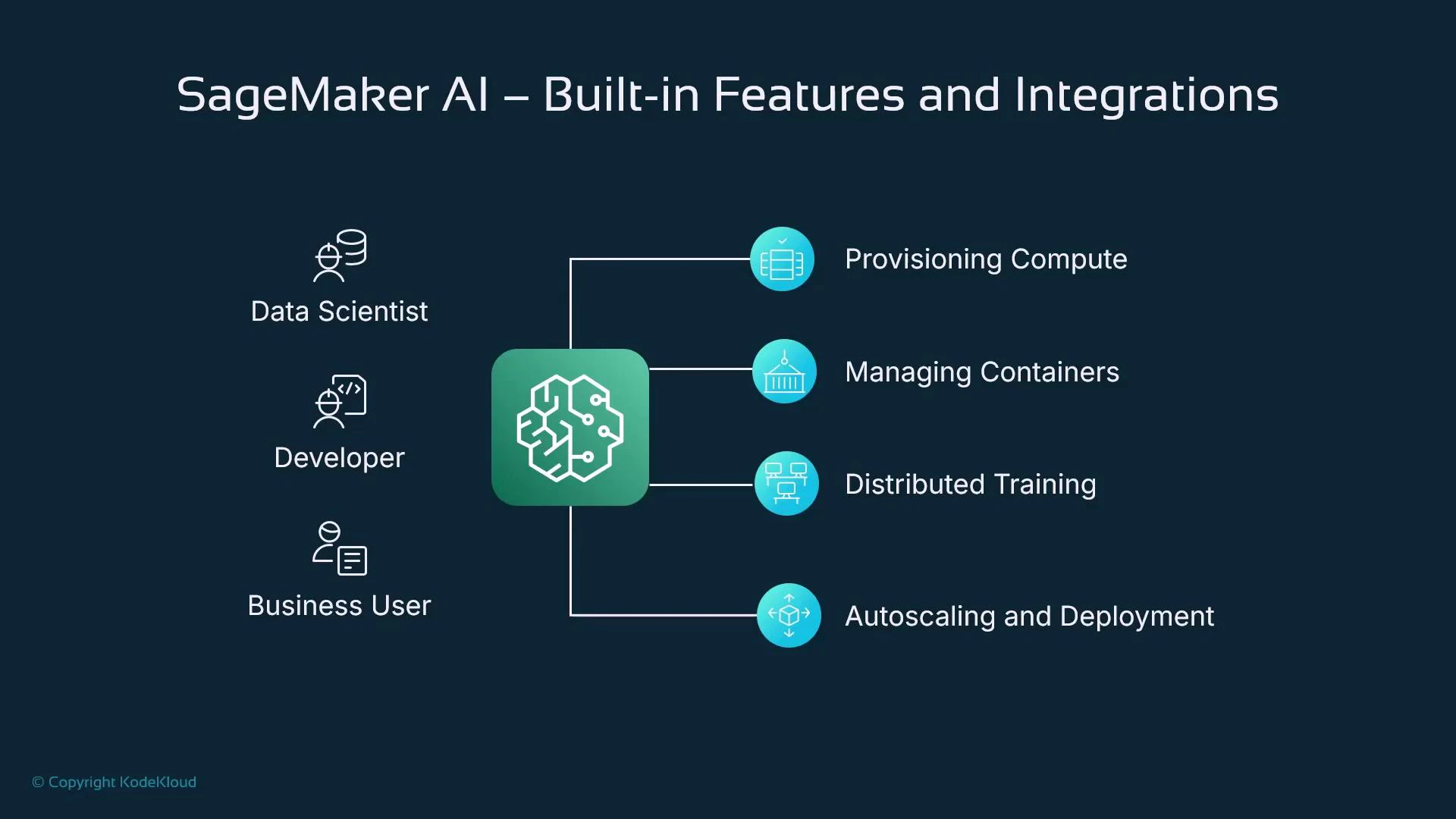
Amazon SageMaker applies the managed-service model specifically to ML development and production. It exposes higher-level constructs—hosted notebooks, training jobs, and endpoints—while AWS manages the underlying compute, networking, and container orchestration. Key stages SageMaker supports and what it manages for you:-
Exploratory data analysis
- Hosted, managed JupyterLab notebooks close to your data.
- Avoids local hardware limits and simplifies secure data access.
-
Data processing and training
- Create discrete processing jobs or training jobs by declaring compute requirements and container images.
- SageMaker provisions the necessary compute (EC2 instances), networking, and storage, and runs jobs reliably.
-
Model hosting and inference
- Deploy models to managed endpoints where SageMaker handles instance provisioning, autoscaling, rolling updates, and traffic-splitting (A/B, canary).
- Supports managed multi-model endpoints and serverless inference (depending on use case).
Key integrations and built-in capabilities
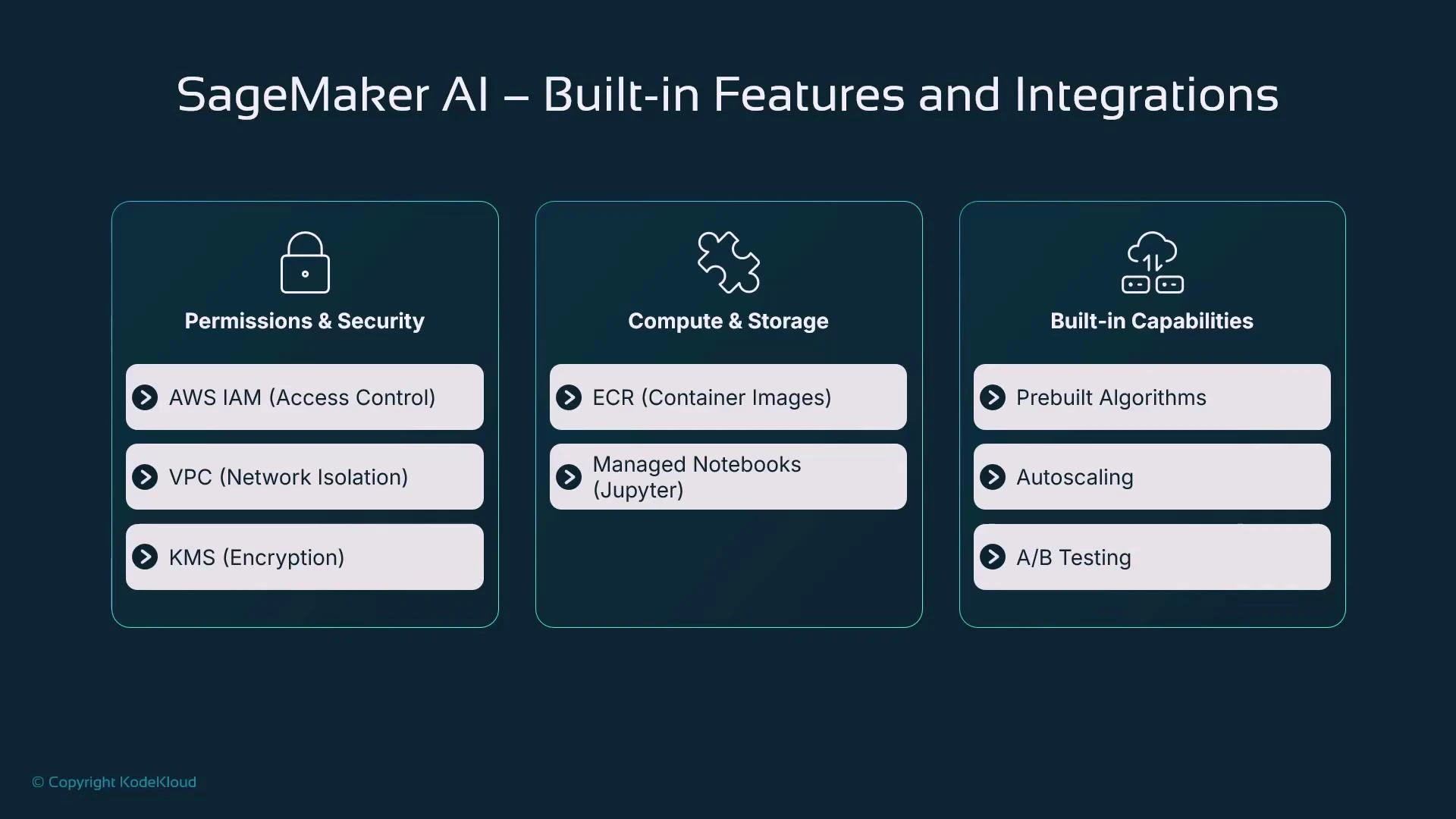
SageMaker leverages many AWS services to provide a secure and scalable managed ML platform. The table below maps core integrations to their purpose:
These integrations allow SageMaker to provide managed compute and storage while giving you the configurability needed for a variety of ML workloads.
Operational behavior and flexibility
SageMaker manages infrastructure but keeps important levers in your control:- Compute sizing: choose instance types (vCPU, memory, GPU).
- Parallelism and distribution: pick single-node or distributed training.
- Autoscaling and capacity: define autoscaling policies for endpoints.
- Deployment strategies: perform blue/green or canary rollouts and traffic-splitting.
Managed services provide strong operational benefits, but be aware of trade-offs: reduced control over low-level configuration, potential vendor lock-in, and the need to monitor managed costs. Evaluate these factors when designing your ML platform.
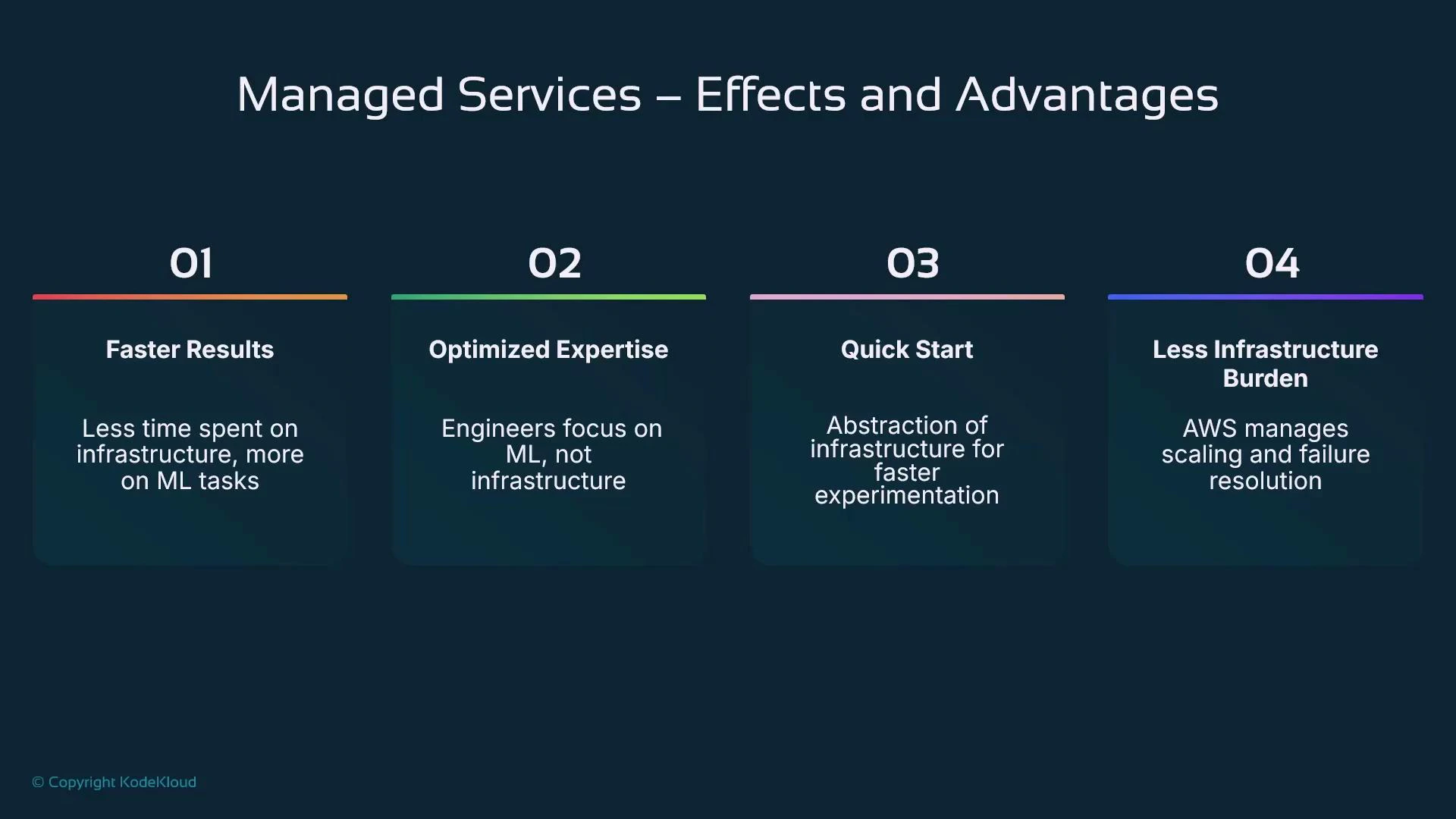
Practical effects and advantages of using managed services like SageMaker
- Faster time-to-value: skip manual provisioning and move quickly into data work and model development.
- Focused expertise: data scientists spend more time on ML problems and less on ops.
- Rapid experimentation: quickly iterate on ideas with on-demand compute and managed environments.
- Reduced operational burden: AWS handles patching, monitoring, scaling, and failure remediation.
Summary
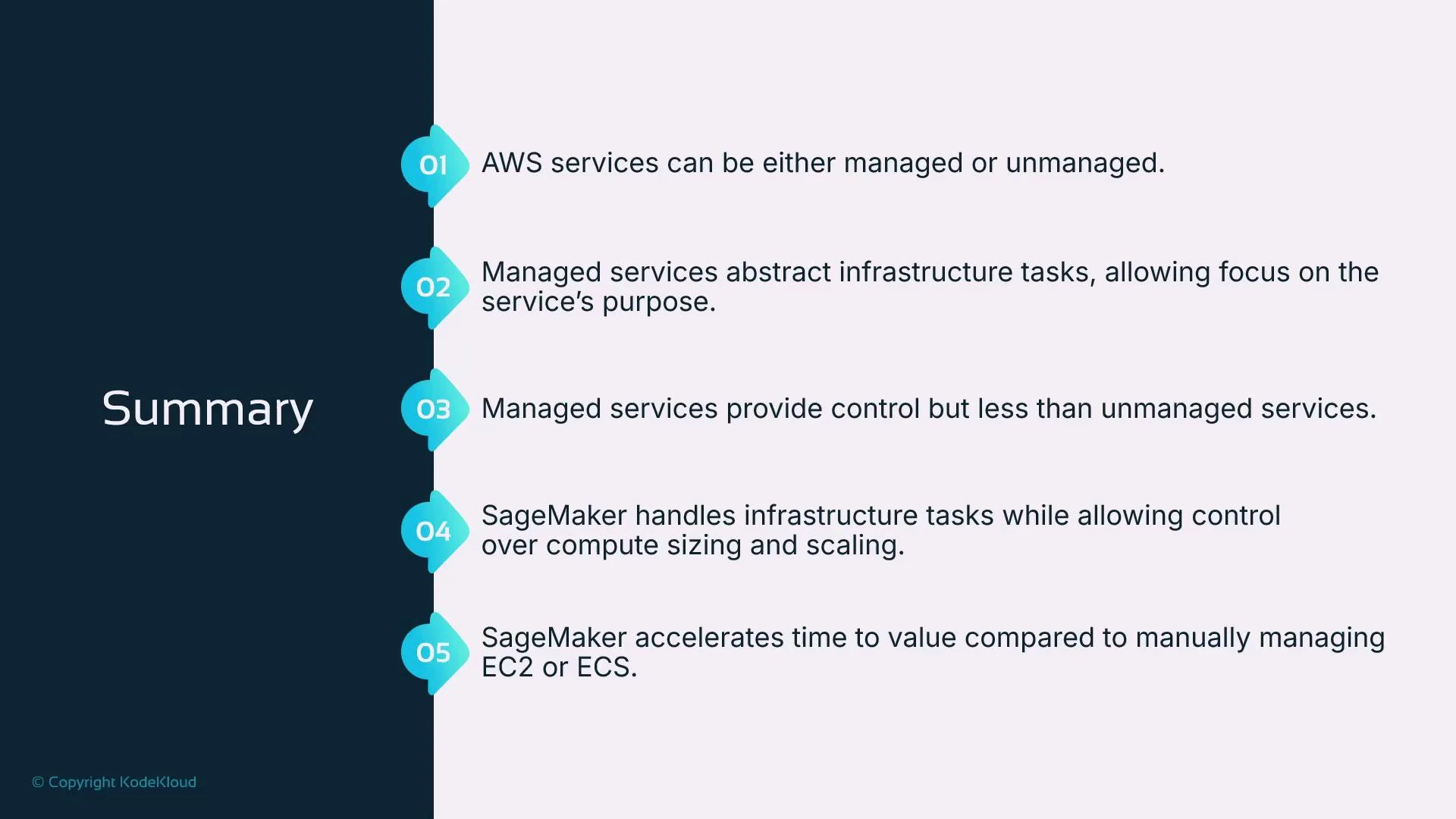
- AWS offers both managed and unmanaged services. EC2 is a typical unmanaged service; RDS, S3, and SageMaker are examples of managed services.
- Managed services abstract much of the infrastructure provisioning and operations, reducing time to value and operational costs.
- The trade-off is less low-level control, but you retain the ability to specify compute sizing (CPU, memory, GPUs), distributed training behavior, and endpoint autoscaling.
- SageMaker applies managed-service principles to ML: hosted notebooks, managed training and processing jobs, containerized algorithms, distributed training, and autoscaled endpoints—helping teams prototype quickly and deploy models to production without managing the underlying infrastructure.
- Amazon SageMaker documentation: https://docs.aws.amazon.com/sagemaker/latest/dg/whatis.html
- AWS general documentation: https://docs.aws.amazon.com/
- EC2 overview: https://docs.aws.amazon.com/ec2/index.html
- Amazon RDS overview: https://docs.aws.amazon.com/rds/index.html