

Prefer a code-first workflow using the SageMaker SDK from a notebook (Jupyter / JupyterLab) for reproducible, versioned, and automatable ML work. The Console is useful for exploration and quick experiments, but production-grade pipelines benefit from code, CI/CD, and infrastructure-as-code.
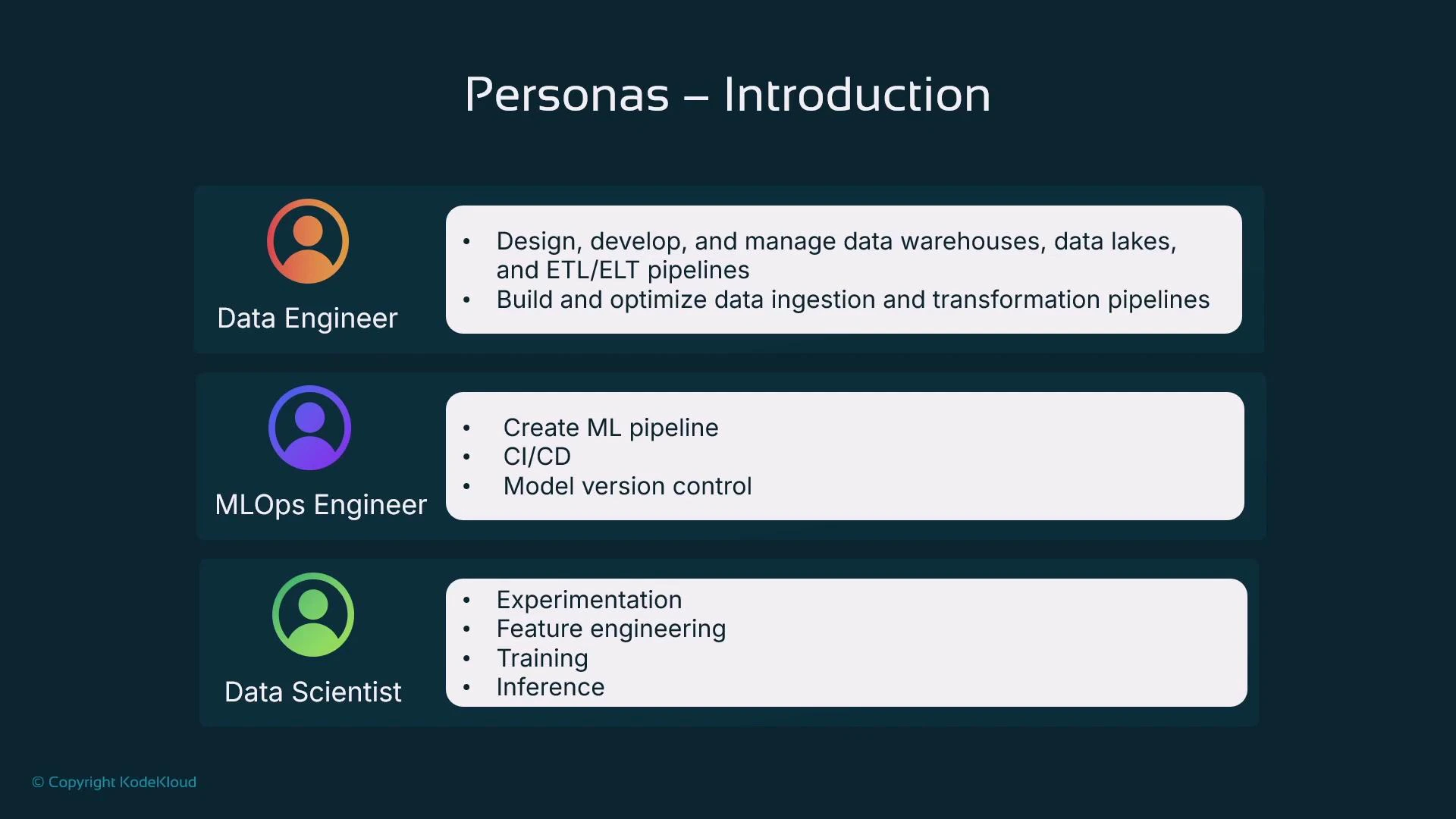
Now we’ll examine each persona in detail and list the SageMaker capabilities they commonly use.
Data Engineer
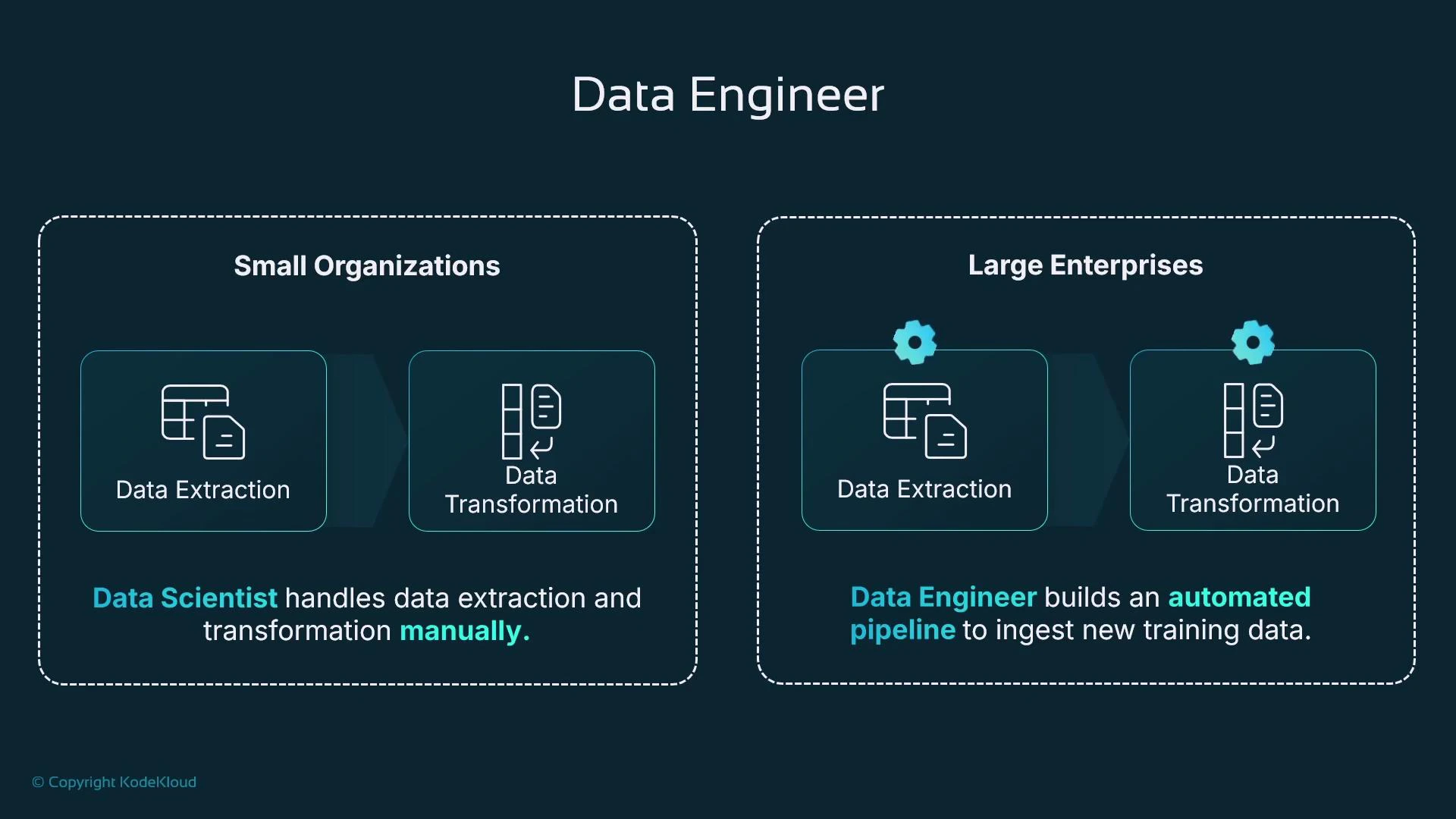
Data Engineers locate, ingest, and transform source data so it becomes reliable training data. Sources include relational databases (MySQL, PostgreSQL, SQL Server, Oracle) and non-relational stores (DynamoDB, MongoDB, Redis). Ingestion can be ad hoc exports for experimentation or fully automated pipelines for production retraining. Transformations often required before training:- Select relevant columns and types.
- Aggregate records or compute rolling statistics.
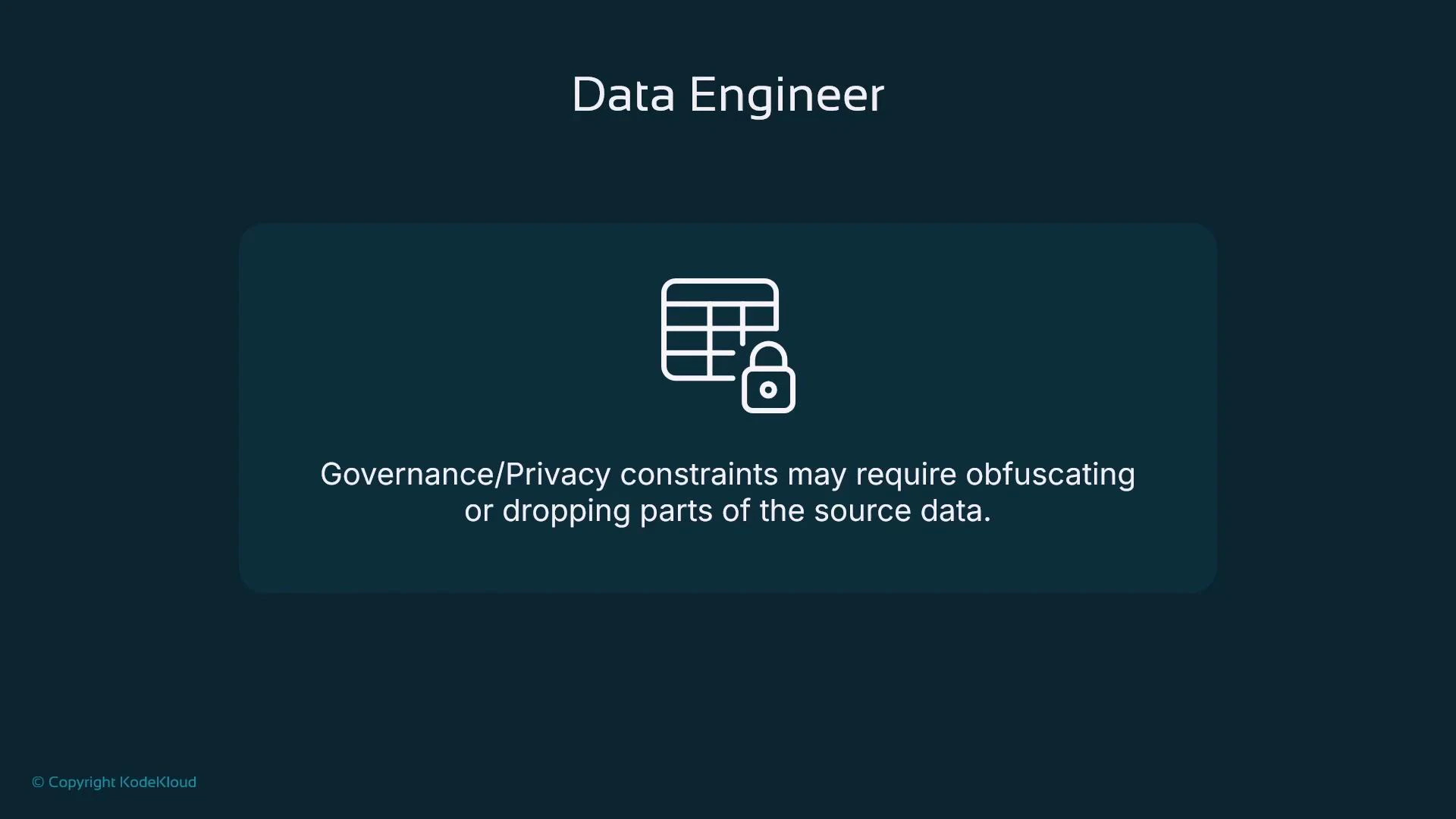
- Remove or obfuscate personally identifiable information (PII).
- Reformat to efficient columnar formats (Parquet) for large-scale training.
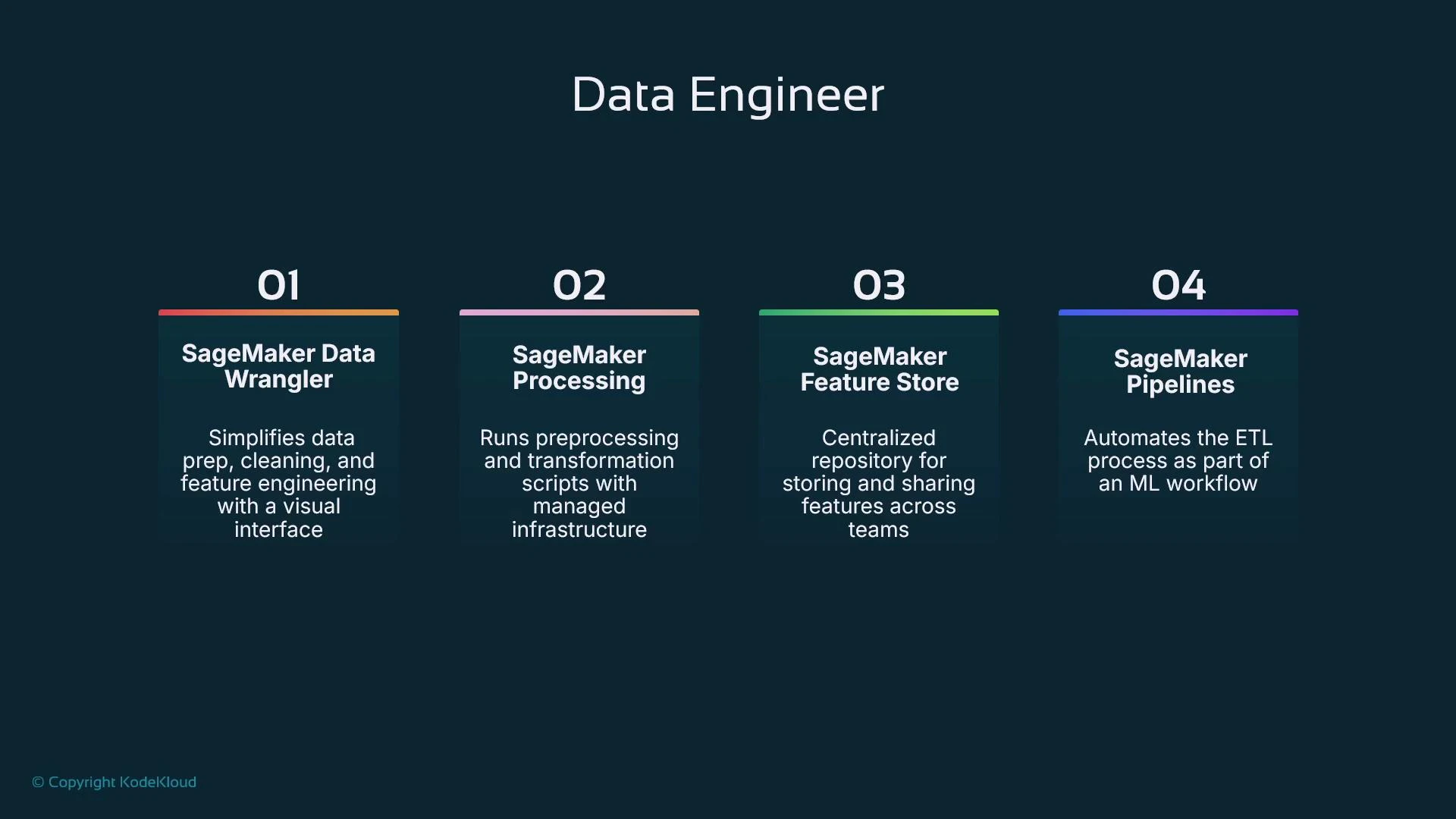
- Data Wrangler: low-code visual transformations and repeatable ETL-like flows.
- SageMaker Processing: run scalable Spark or Python processing jobs outside notebooks.
- SageMaker Feature Store: persist and serve engineered features to ensure consistency across training and inference.
- SageMaker Pipelines: orchestrate extract/transform/load and handoffs into training/validation stages.
MLOps Engineer
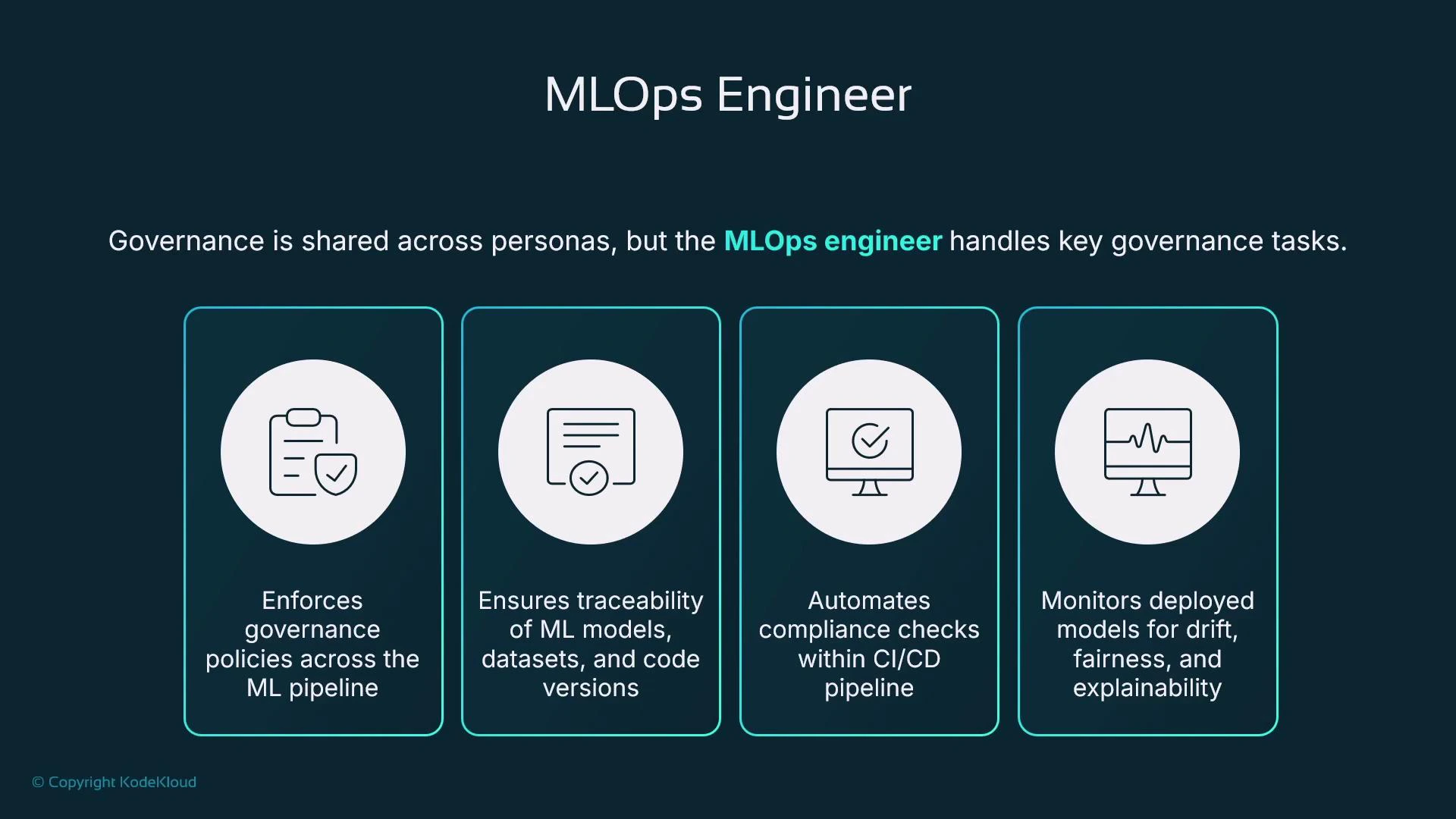
MLOps Engineers focus on safely getting models from experiments into production and keeping them reliable, performant, and compliant. Their responsibilities span deployment, autoscaling, lifecycle automation, monitoring, and governance. Core MLOps responsibilities:- Design CI/CD pipelines that test code and data, run training, register models, and gate deployments.
- Manage a model registry for versioning artifacts and controlling approvals.
- Deploy models (SageMaker Endpoints or other hosting) with autoscaling, A/B/blue-green strategies, and rollback mechanisms.
- Monitor production models for performance drift, data drift, latency, fairness, and explainability; trigger retraining when necessary.
- Maintain lineage and traceability: which code, dataset, algorithm, and model created a prediction.
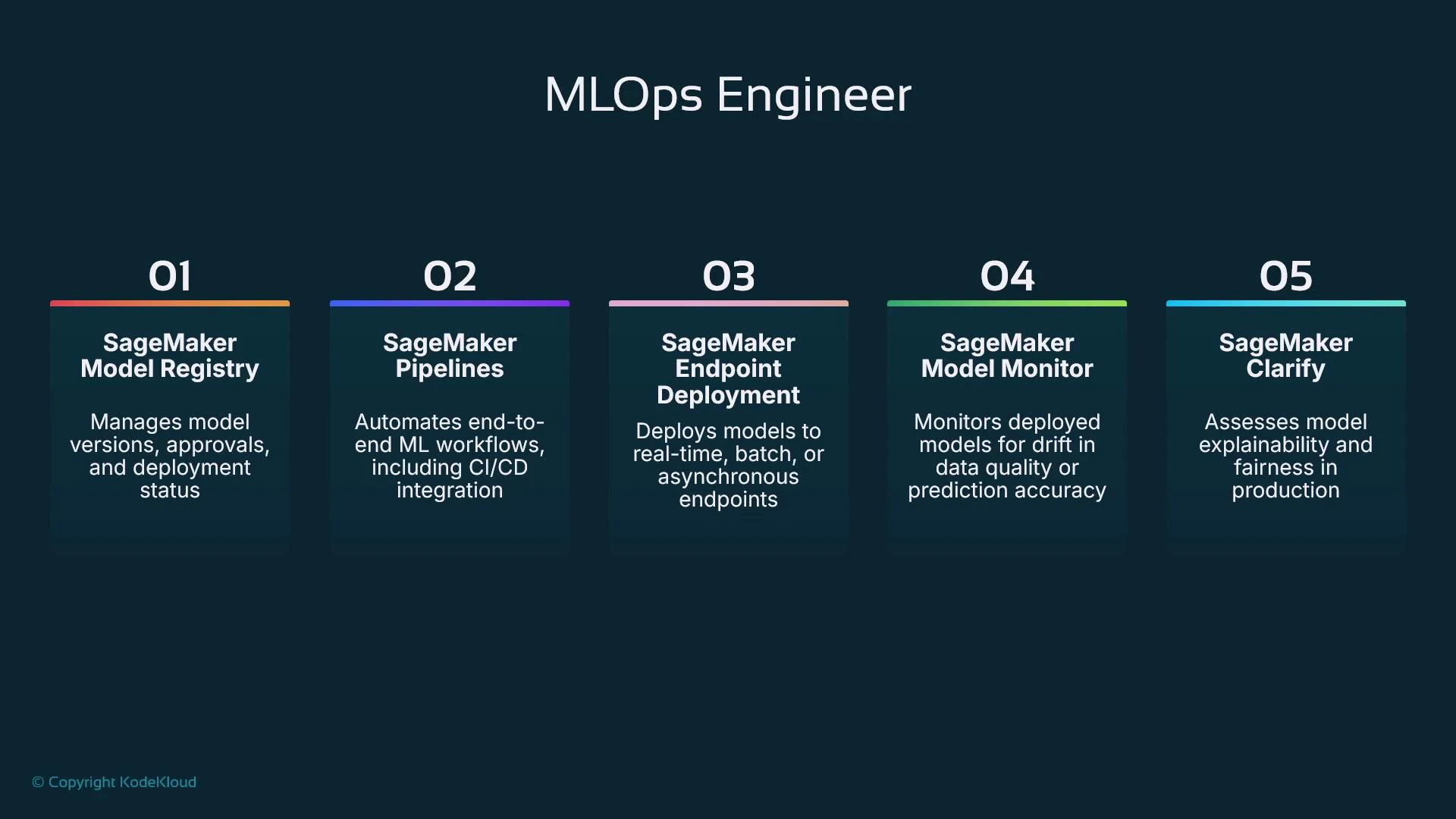
- Model Registry: version models and manage approval workflows.
- SageMaker Pipelines: orchestrate training, validation, registration, and deployment steps.
- Endpoint deployment: host models for real-time inference (or integrate with other hosting).
- Model Monitor: continuously detect data or prediction drift and anomalies.
- SageMaker Clarify: run bias detection and explainability analyses during training and inference.
Governance, Lineage, and Explainability
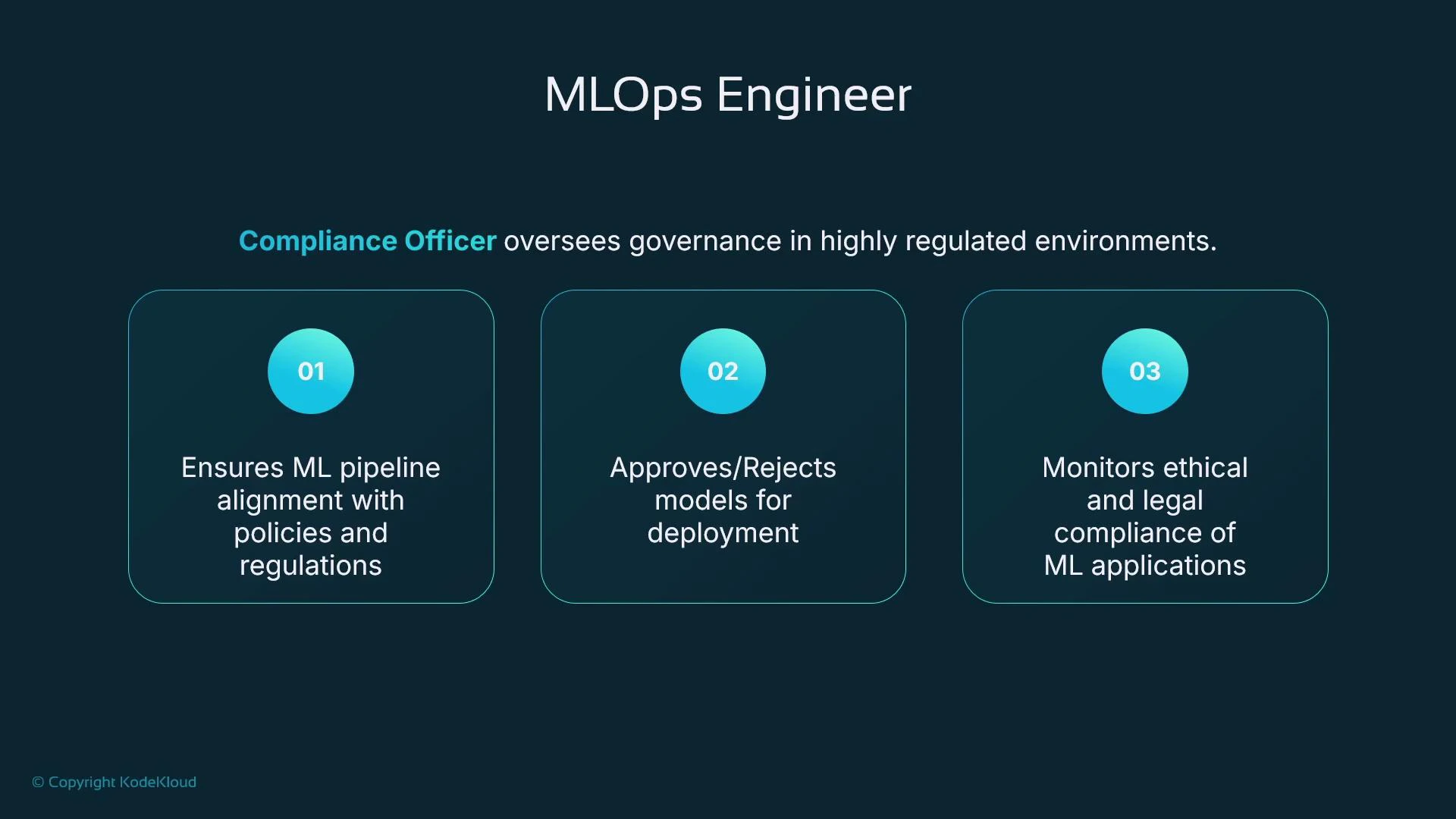
Governance must be enforced across the entire ML lifecycle—from data ingestion to deployment. Lineage is essential: for any prediction you should be able to trace the dataset, model version, training code, and algorithm that produced it. Capturing lineage enables reproducibility, auditing, and regulatory compliance. Explainability and fairness are critical in regulated or high-stakes domains (finance, healthcare, hiring). Use tools like SageMaker Clarify to run bias detection and produce explainability reports. Model Monitor and telemetry help detect drift in input distributions or prediction quality; pipelines can automatically kick off retraining and redeployment when thresholds are breached.Enforce governance and automated checks (data validation, fairness tests, security scans, lineage capture) inside CI/CD pipelines. Manual changes are a frequent source of risk—automation reduces errors and improves auditability.
By mapping SageMaker capabilities to the roles that use them, teams can design secure, repeatable ML workflows that support rapid experimentation and robust production operations.
Links and references
- Amazon SageMaker documentation: https://docs.aws.amazon.com/sagemaker/latest/dg/whatis.html
- Amazon S3 overview: https://docs.aws.amazon.com/s3/index.html
- SageMaker Clarify: https://docs.aws.amazon.com/sagemaker/latest/dg/clarify.html
- SageMaker Pipelines: https://docs.aws.amazon.com/sagemaker/latest/dg/pipelines.html
- SageMaker Model Monitor: https://docs.aws.amazon.com/sagemaker/latest/dg/model-monitor.html
- SageMaker Feature Store: https://docs.aws.amazon.com/sagemaker/latest/dg/feature-store.html
- Data Wrangler: https://docs.aws.amazon.com/sagemaker/latest/dg/data-wrangler.html
- SageMaker Processing: https://docs.aws.amazon.com/sagemaker/latest/dg/processing.html
- AWS CodePipeline (CI/CD Pipeline)
- Amazon Simple Storage Service (Amazon S3)
- Fundamentals of DevOps