

Problem context: where are notebook files stored?
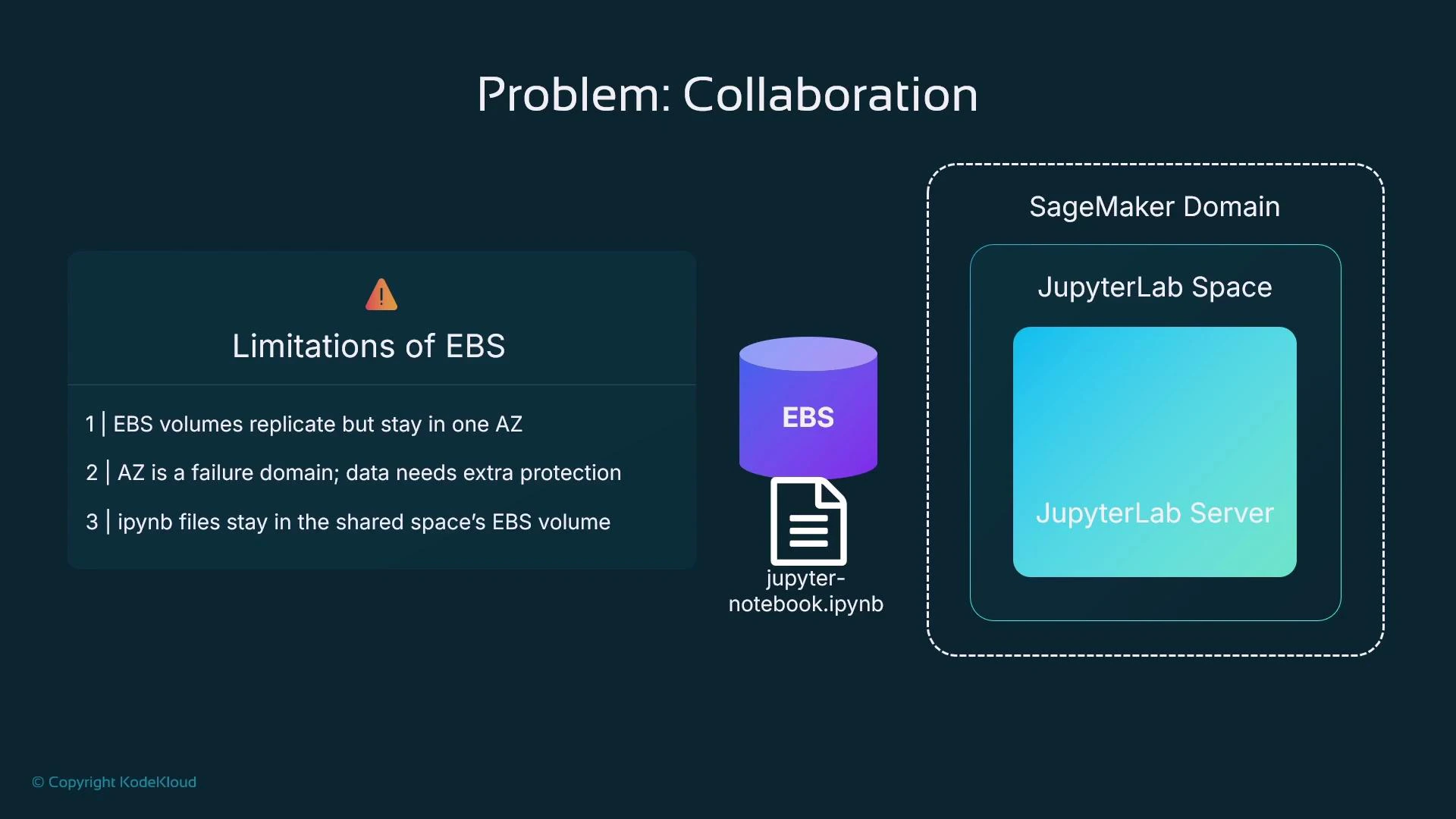
A JupyterLab space in SageMaker Studio runs on a managed compute “app” (the JupyterLab server). Depending on the Studio configuration the app’s filesystem may be:- Backed by an EBS volume attached to the compute instance, or
- Mounted from a shared EFS filesystem.
- EBS volumes are replicated across underlying hardware but are scoped to a single Availability Zone (AZ).
- An AZ is a failure domain within a region; EBS volumes do not cross AZ boundaries.
- EBS is not a version-control system. Saving files to EBS alone does not provide shareable commit history or collaboration primitives.
EFS (Elastic File System) and Studio
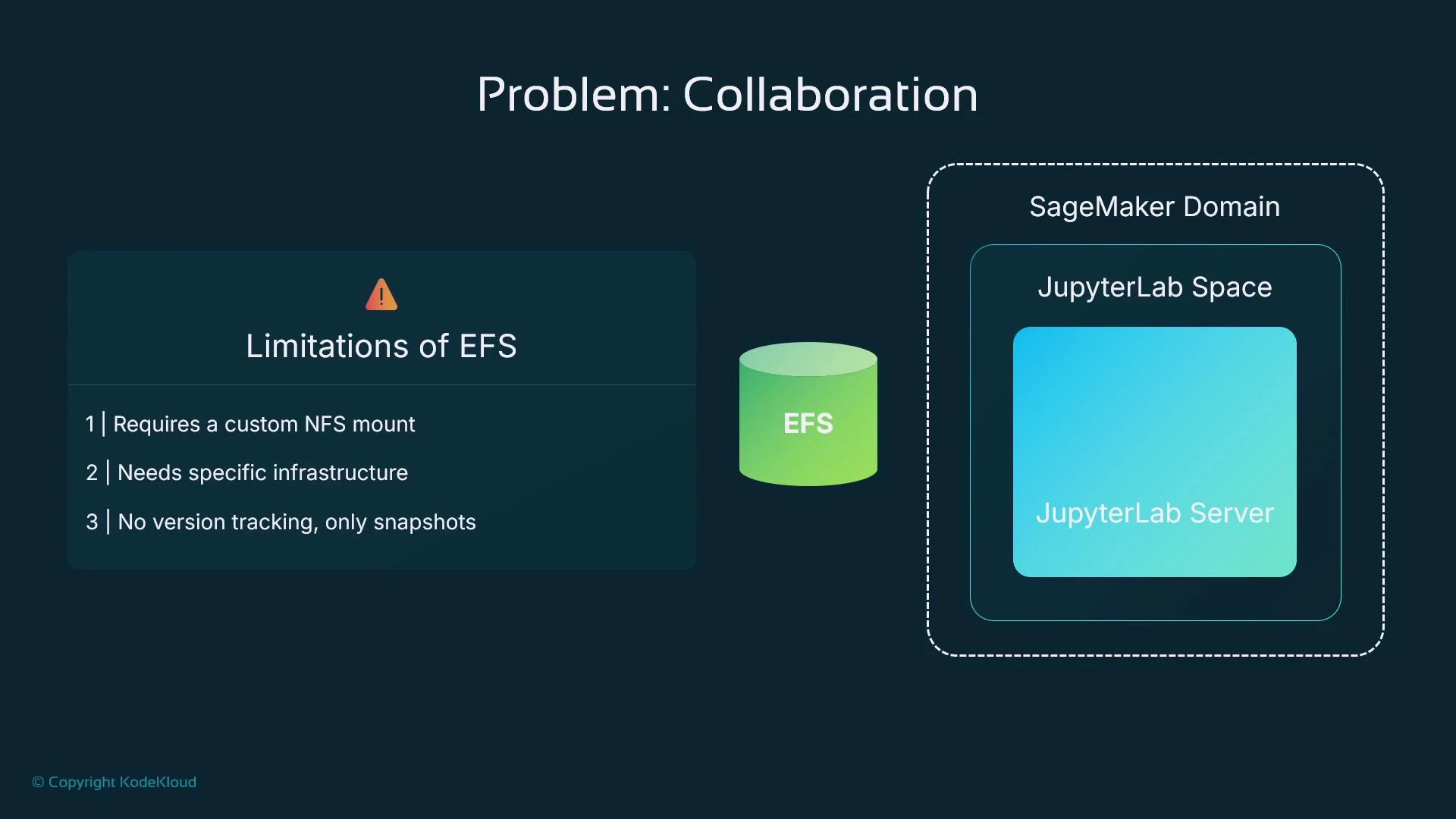
Many SageMaker Studio deployments use EFS to provide a persistent home directory shared across app sessions. EFS can simplify sharing a home directory across multiple app sessions and supports snapshots, but it is not a replacement for Git-based versioning. Key points about EFS in Studio:- EFS provides shared storage that multiple app sessions can mount.
- Snapshots are not the same as granular commit history: snapshots are coarse-grained and not suited to code review workflows.
- EFS requires NFS mounts and possibly additional configuration in custom deployments.
Storage options — quick comparison
A better approach: Git inside JupyterLab
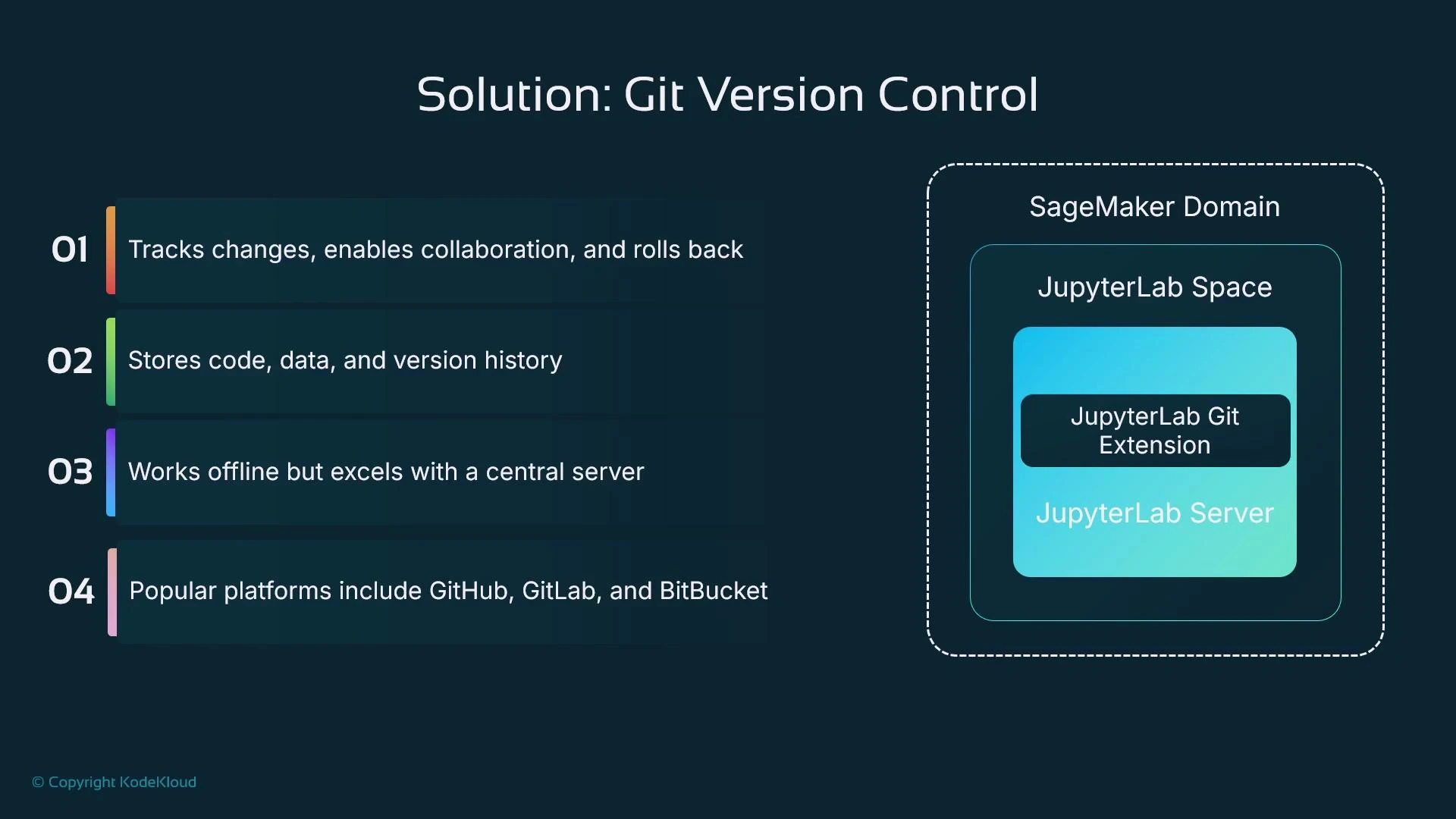
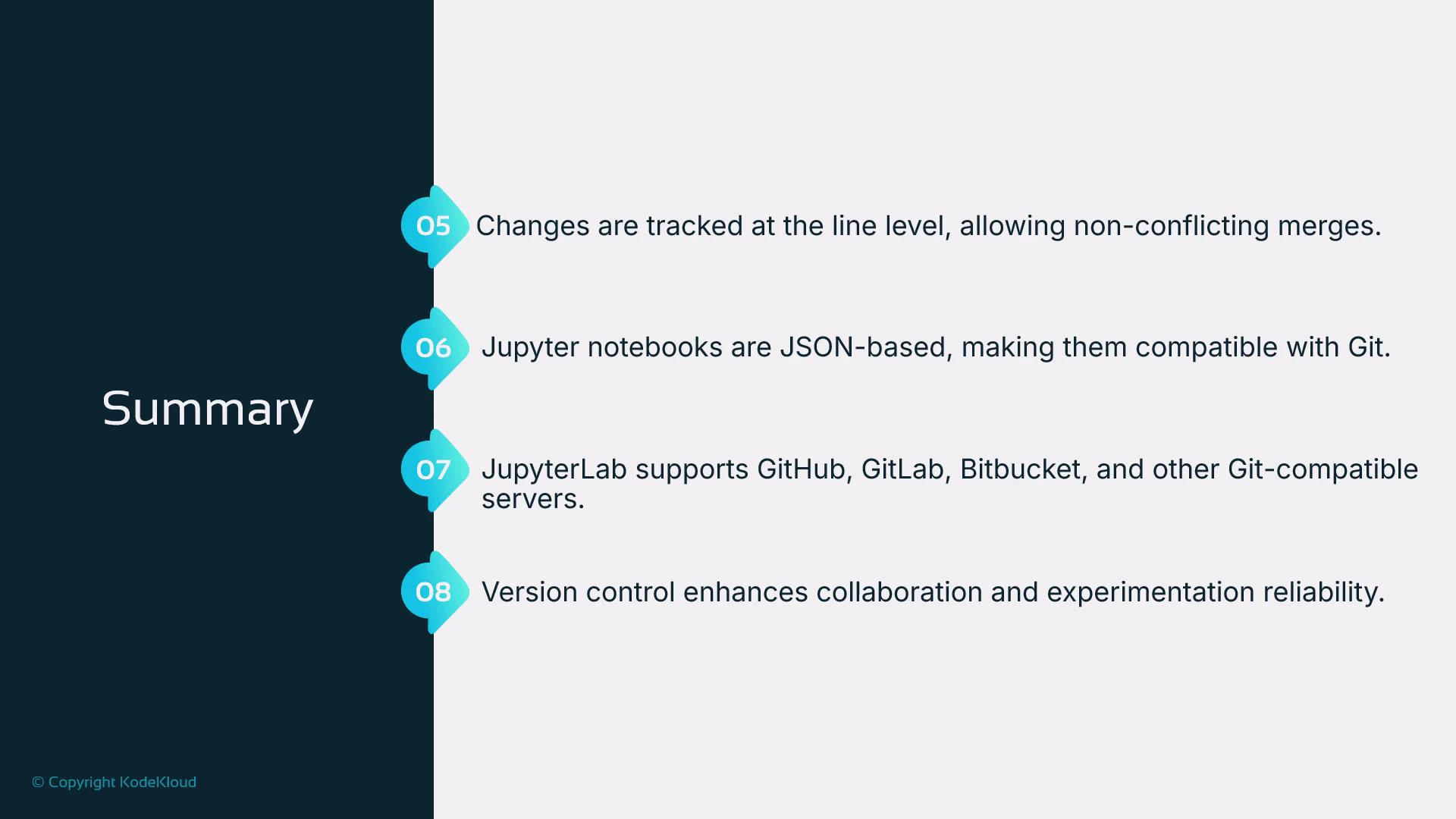
JupyterLab is extensible, and SageMaker Studio includes the JupyterLab Git extension. Using Git from inside JupyterLab gives you:- Line-level change tracking (who changed what and when).
- The ability to create commits and push/pull to a central Git server (GitHub, GitLab, Bitbucket, or self-hosted).
- Support for branching, pull requests (code review), and CI/CD integrations.
- Offline local commits that can be pushed when connectivity is available.
Terminology and roles
- Git — the version control system and the command-line tool.
- Git servers — hosting providers that implement Git over HTTP/SSH and add collaboration features (e.g., GitHub, GitLab, Bitbucket, or private servers).
- JupyterLab Git extension — the UI layer inside JupyterLab/Studio that lets you clone, stage, commit, push, and pull without leaving the notebook environment.
Typical workflow using the JupyterLab Git extension
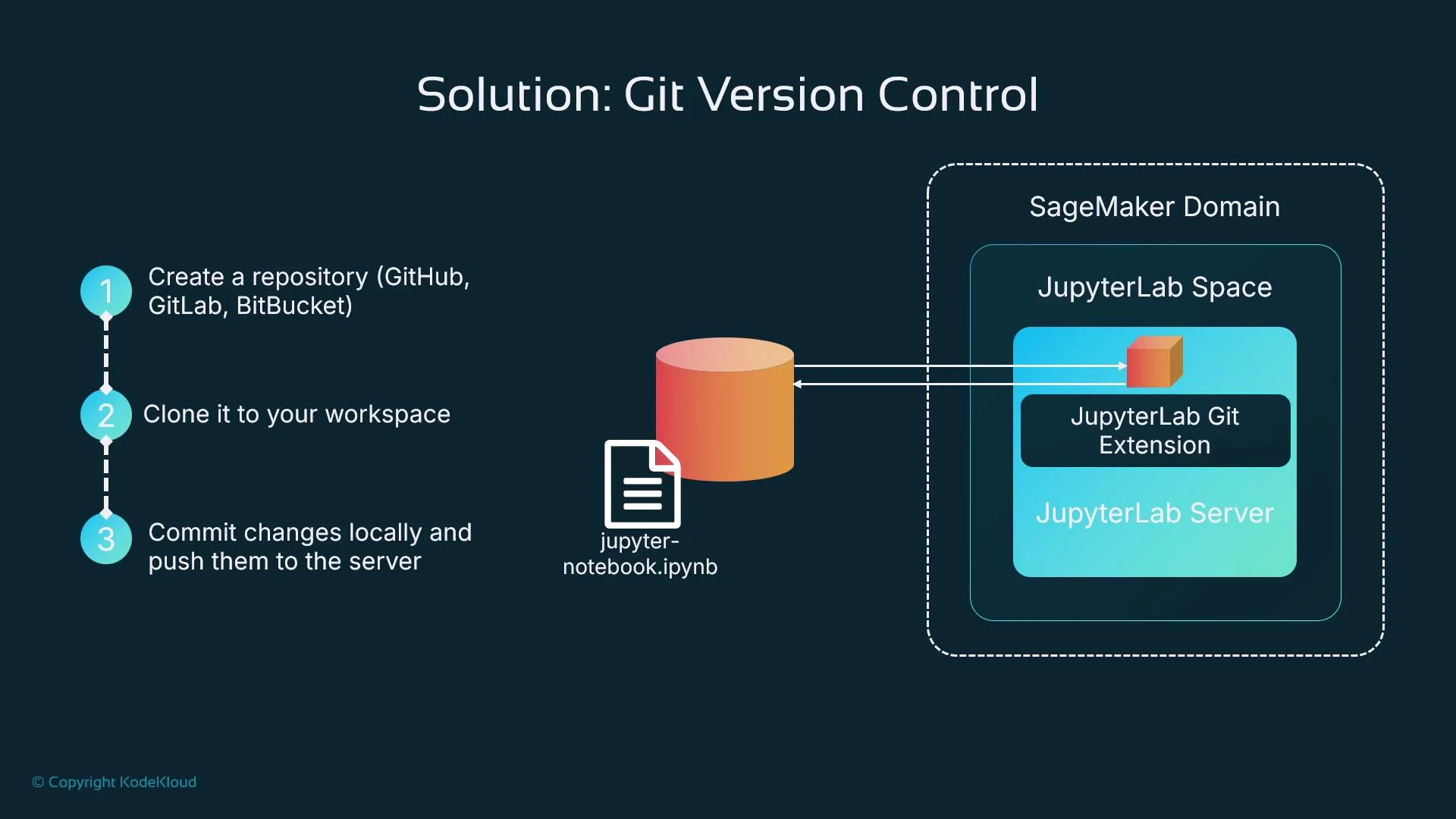
- Create an empty repository on your Git server or use an existing repo.
- In JupyterLab, open the Git extension and clone the repository into your workspace (this copies files into your workspace storage — EBS or EFS).
- Create or edit notebooks and scripts inside the cloned repository.
- Stage changes, write a commit message, and commit locally.
- Push commits to the central Git server so teammates can fetch or open pull requests.
You can still run these commands in a terminal inside Studio if you prefer the CLI.
User interface experience in JupyterLab
- The Git icon appears in the left sidebar. If the current directory is not a Git repo, the extension prompts to initialize or clone.
- The clone dialog accepts a repository URL and an optional local target directory; you can also opt to open README.md after cloning.
- After cloning, the file browser shows the repository root and you can open and edit files as normal.
- The Git view shows unstaged/staged changes, lets you write commit messages, and exposes push/pull controls.
- Use branches and the Git extension to create feature branches, switch contexts, and manage PR workflows.
Why Git works well for notebooks
- Jupyter Notebook files (.ipynb) are JSON text files; Git can diff, track, and merge text files.
- Notebook diffs can be noisy because of cell metadata and output. Use notebook-aware tools to improve diffs and merges:
- nbdime: a dedicated diff/merge tool for notebooks — https://nbdime.readthedocs.io
- jupytext: pairs notebooks with plain-text representations (e.g., .py), making diffs much cleaner — https://jupytext.readthedocs.io
- Git enables reproducibility: by tagging commits or checking out specific commit SHAs, you can reproduce experiments with the exact code used for training or evaluation.
- For large datasets, avoid committing binaries to Git. Store bulk data in Amazon S3 (https://aws.amazon.com/s3/) or use a data-versioning system such as DVC (https://dvc.org) and keep pointers/metadata in Git.
Avoid adding large datasets directly into Git repositories. For large input data, use S3 or a data-versioning system (for example, DVC) and keep pointers or metadata in Git.
Collaboration workflows and quality control
- Use feature branches and pull requests to enable code review and approvals before merging to main branches.
- Commits and push events can be triggers for CI/CD systems and for SageMaker automations such as SageMaker Pipelines (https://docs.aws.amazon.com/sagemaker/latest/dg/pipelines.html).
- Enforce policies (branch protection, required reviews) on the Git server to improve code quality and reduce accidental merges.
Benefits recap
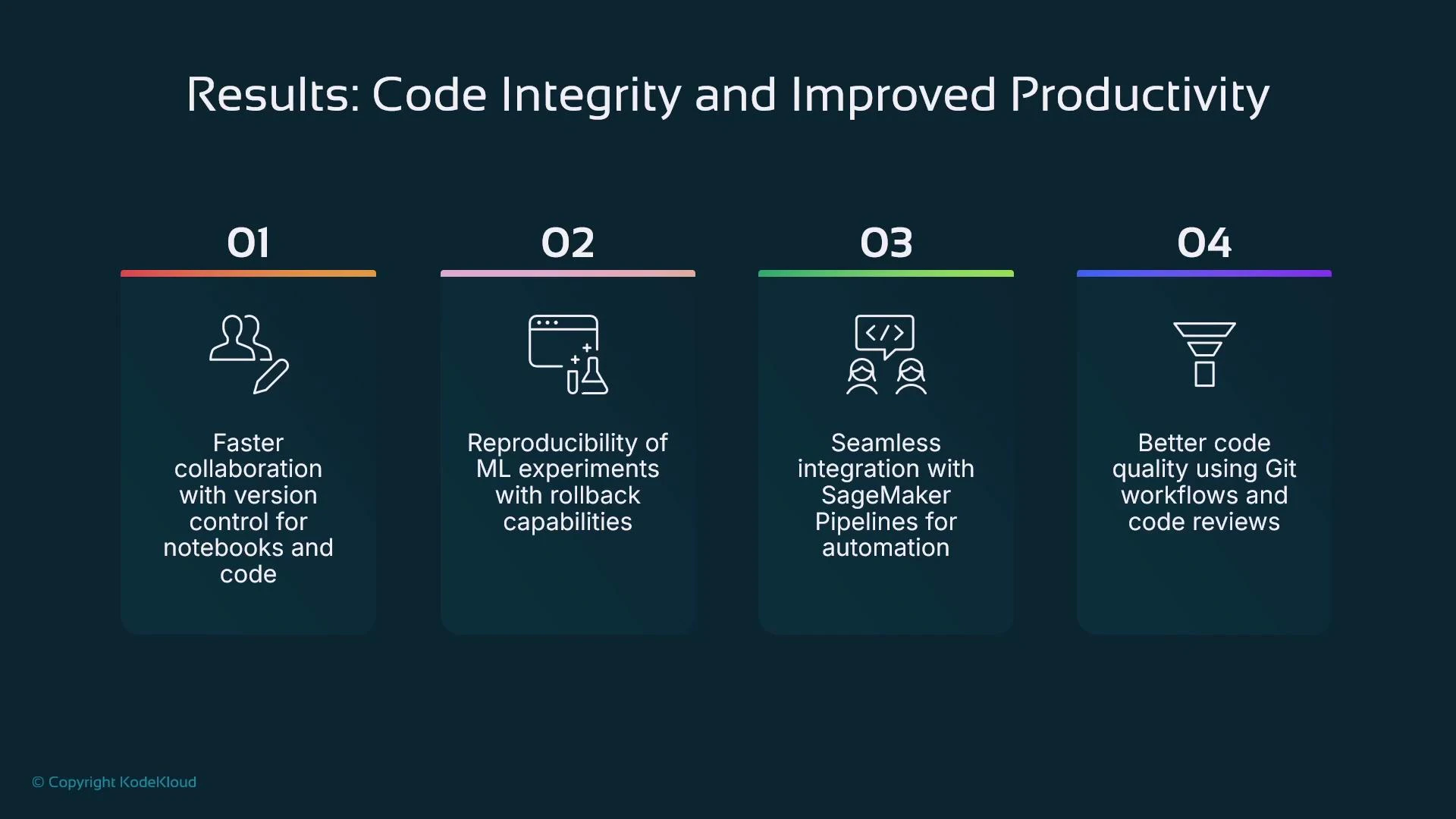
- Better collaboration: track who changed what and when; support code review workflows.
- Reproducible ML experiments: checkout exact commit snapshots for training and evaluation.
- Automation: commits and merges can trigger CI/CD pipelines and SageMaker automation.
- Code quality: pull requests and reviews help catch issues before they reach production.
Summary
- SageMaker Studio’s JupyterLab is extensible and includes a Git extension to clone, initialize, commit, and synchronize repositories from the UI.
- Studio workspaces use attached storage (EBS or EFS) depending on configuration; these filesystems are not substitutes for Git-based version control.
- Git is the appropriate tool for line-level versioning of code and JSON-based notebooks; central Git servers add hosting, access control, and collaboration features.
- Combine Git with S3 or data-versioning tools for large datasets, and integrate commits with CI/CD and SageMaker Pipelines for reproducible automation.
- Git official docs: https://git-scm.com/doc
- nbdime: https://nbdime.readthedocs.io
- jupytext: https://jupytext.readthedocs.io
- DVC: https://dvc.org
- SageMaker Pipelines: https://docs.aws.amazon.com/sagemaker/latest/dg/pipelines.html