In this lesson we cover Amazon SageMaker Experiments — a structured way to track iterative machine learning runs across datasets, algorithms, and hyperparameter combinations. Experiment management addresses the common challenge of rapidly iterating models and losing reproducibility or provenance for a particular training run. What you’ll learn:
  • The problem of tracking iterative experiments in SageMaker Studio.
  • How SageMaker Experiments helps with tracking and reproducibility.
  • A code-first workflow using the SageMaker SDK.
  • How to capture and compare runs to reproduce results.
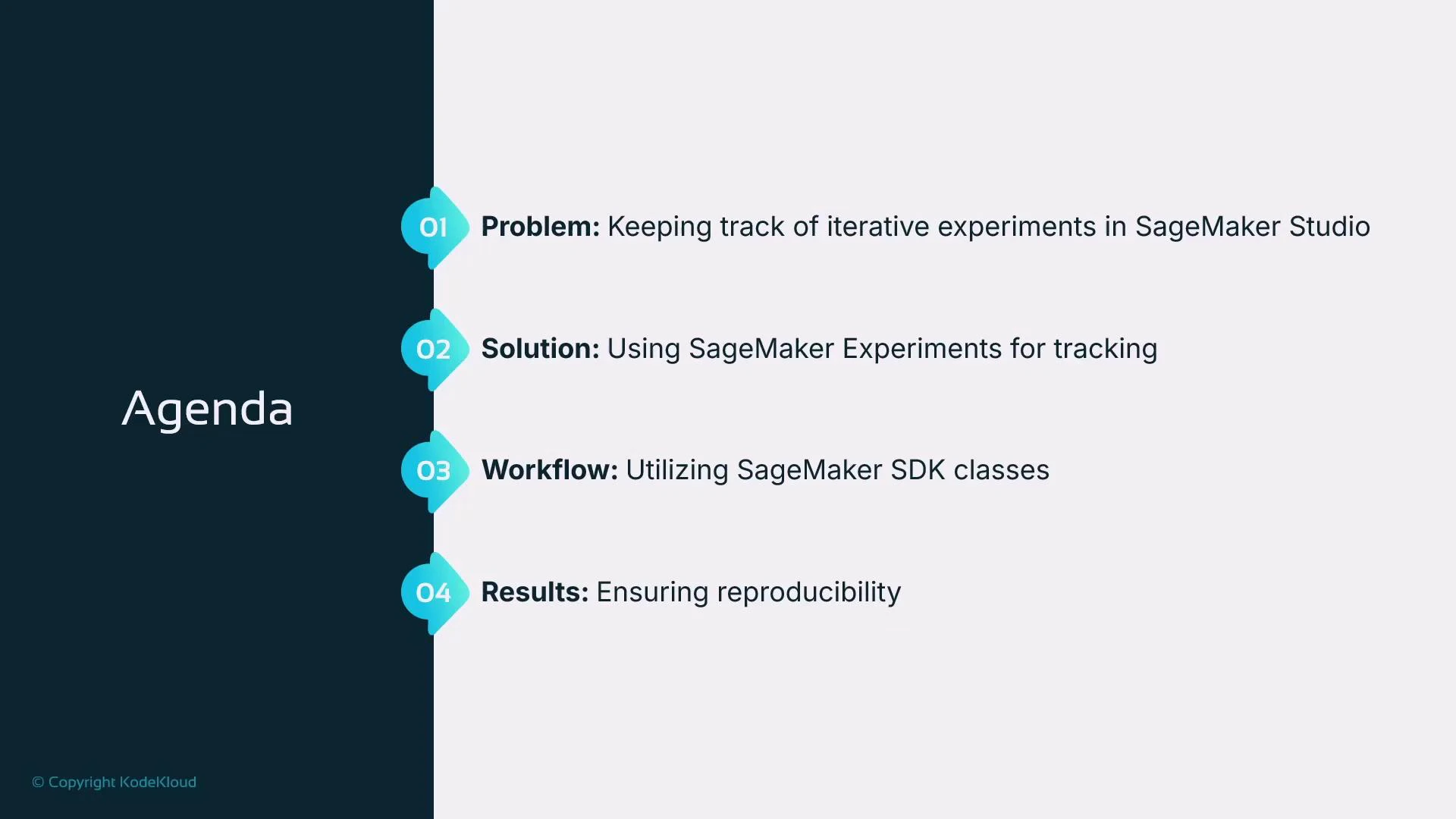
A presentation slide titled "Agenda" with four numbered items. It lists: Problem — keeping track of iterative experiments in SageMaker Studio; Solution — using SageMaker Experiments; Workflow — utilizing SageMaker SDK classes; Results — ensuring reproducibility.

The problem: many iterative experiments, poor traceability

Data scientists and ML engineers routinely run multiple experiments that differ by:
  • Model type (e.g., RandomForest, XGBoost)
  • Hyperparameters and optimization schedules
  • Feature engineering or preprocessing pipelines
  • Dataset versions or label corrections
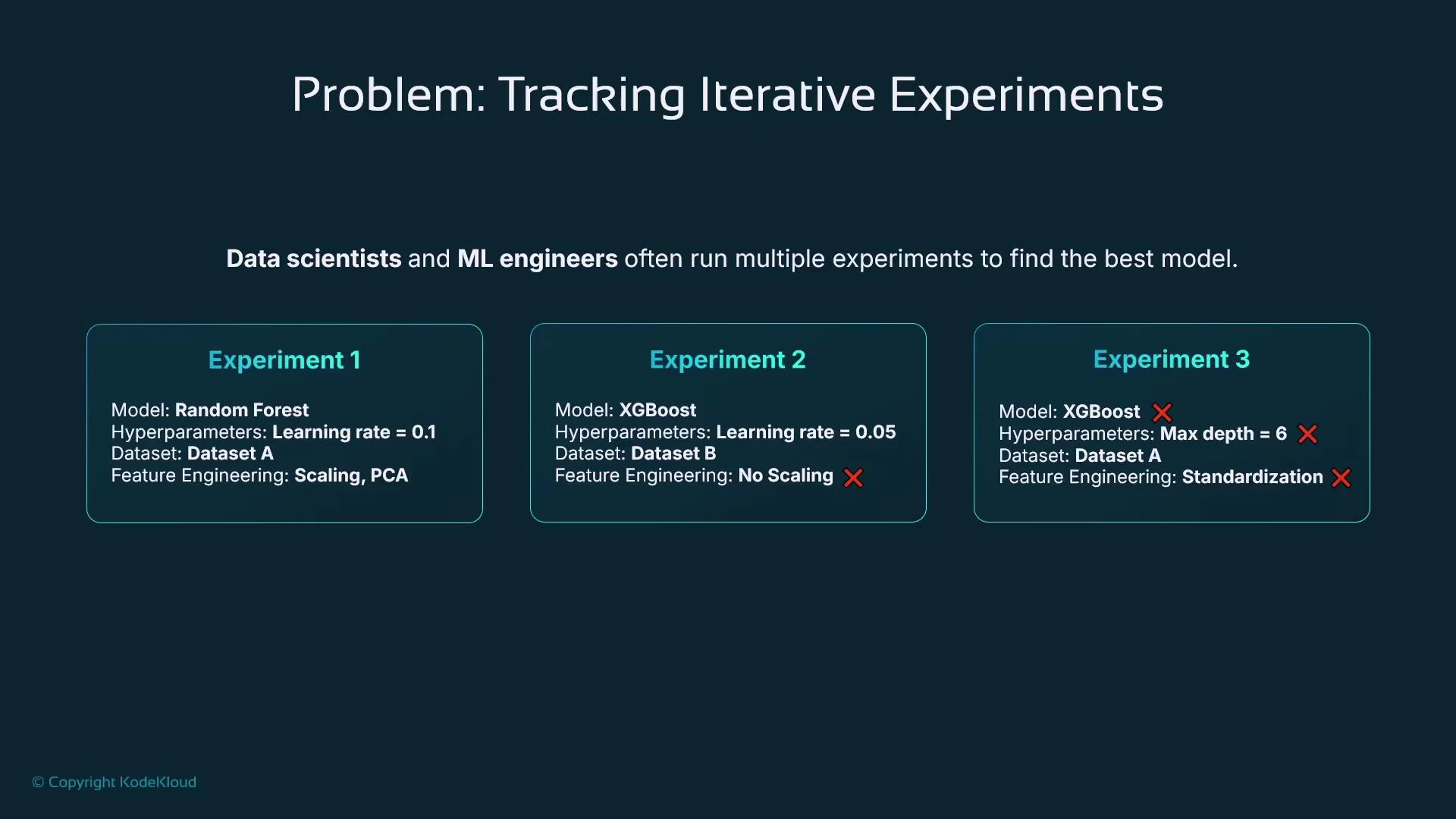
Example runs:
  • Experiment 1: RandomForest with scaling and PCA
  • Experiment 2: XGBoost without scaling with a different learning rate
  • Experiment 3: XGBoost with alternate hyperparameters and feature set
Each run produces metrics (accuracy, RMSE, F1, etc.) and artifacts (trained model, logs). Without a structured tracking system, it is easy to lose which configuration produced the best model or how to reproduce a prior run.
A slide titled "Problem: Tracking Iterative Experiments" illustrating three example ML experiments that list model types (Random Forest, XGBoost), hyperparameters, datasets, and feature-engineering choices. It emphasizes how data scientists and ML engineers run multiple experiments to find the best model.
Common ad-hoc solutions — spreadsheets, notes, ad-hoc directory naming — are error-prone and often omit important details such as algorithm/container versions, dataset commits, or the exact preprocessing code path.
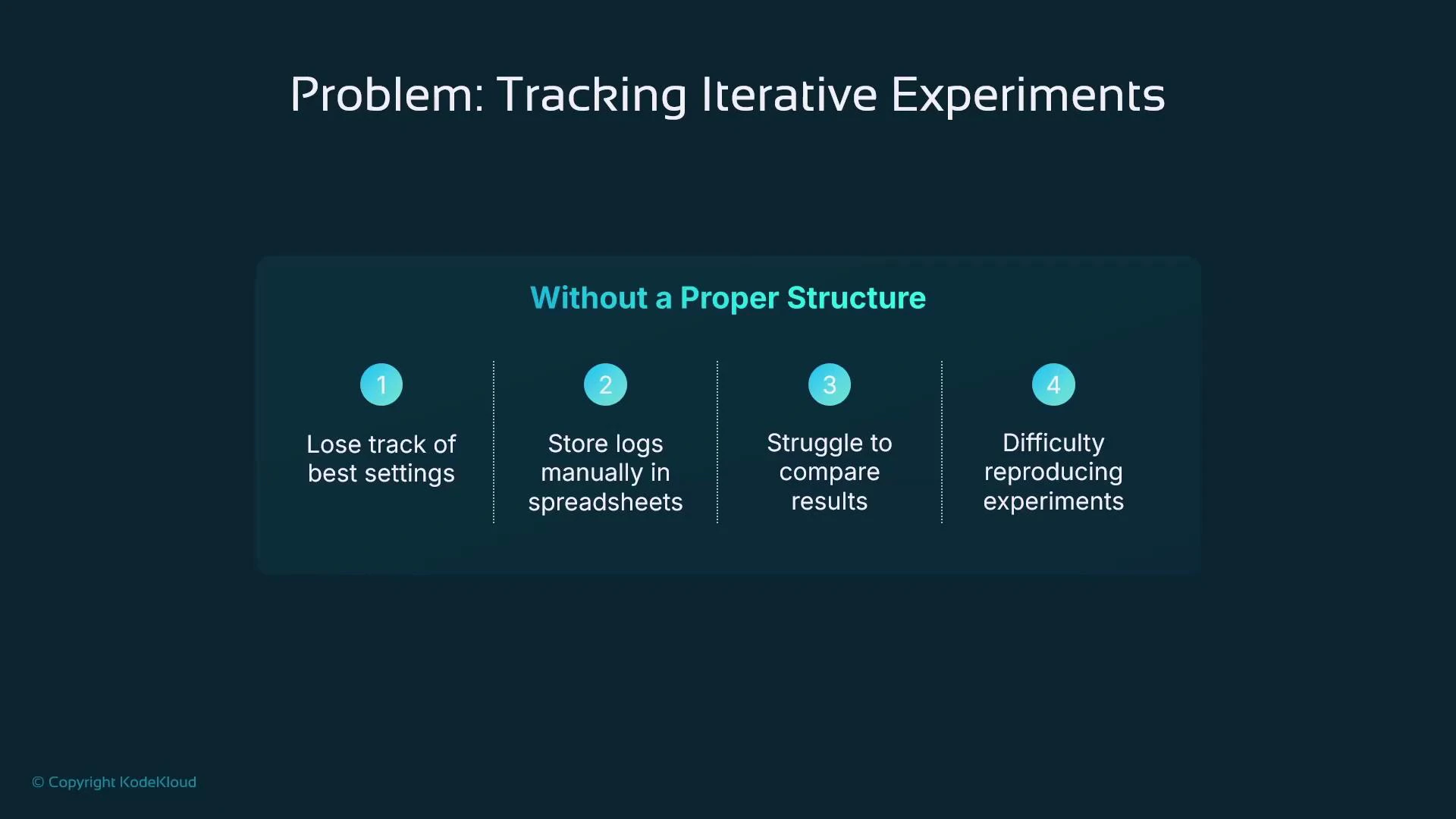
A presentation slide titled "Problem: Tracking Iterative Experiments" with a section "Without a Proper Structure." It lists four issues: losing track of best settings, storing logs manually in spreadsheets, struggling to compare results, and difficulty reproducing experiments.

Solution: experiment management with SageMaker Experiments

SageMaker Experiments provides a built-in mechanism to record metadata, hyperparameters, metrics, and artifacts for each run so you can compare, analyze, and reproduce experiments. Note: AWS Studio experiences are evolving. Some newer Studio versions surface MLflow integration or other experiment UIs instead of the native SageMaker Experiments dashboard. Confirm your Studio configuration and roadmap when selecting a tracking approach for long-term projects.
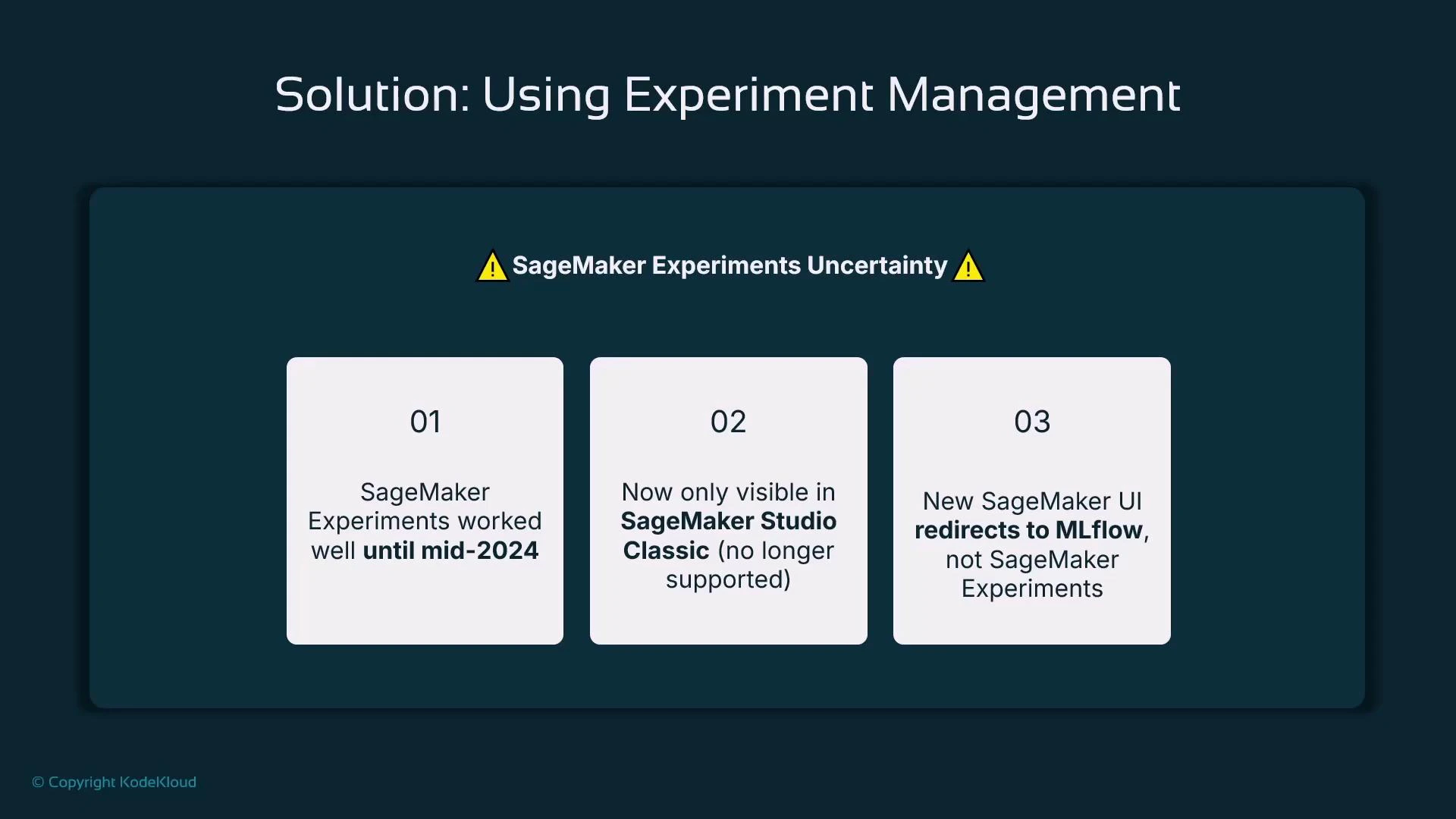
A presentation slide titled "Solution: Using Experiment Management" warning about "SageMaker Experiments Uncertainty." It lists three points: SageMaker Experiments worked well until mid‑2024, is now only visible in SageMaker Studio Classic (no longer supported), and the new SageMaker UI redirects to MLflow instead of SageMaker Experiments.
SageMaker Studio Classic continues to expose the original SageMaker Experiments UI, but newer Studio experiences increasingly surface MLflow or third‑party integrations. Consider this when choosing an experiment-management tool for long‑term projects.
There are also popular third-party and open-source experiment-management systems that integrate with SageMaker:
ToolTypeNotes / Link
MLflowOpen-source experiment trackingmlflow.org — widely adopted and supported in some Studio experiences.
Weights & Biases (W&B)Commercial / hostedwandb.ai — rich visualizations, collaboration features.
Neptune AICommercial / hostedneptune.ai — experiment metadata store and visualizations.
TensorBoardVisualizationTensorBoard — common for TensorFlow workflows.
ClearMLOpen-sourceclear.ml — tracking, orchestration, and dataset management.
Why use experiment management?
  • Automatically capture algorithm/container versions, hyperparameters, dataset identifiers, and training artifacts.
  • Compare metrics and visualize trends across runs.
  • Reproduce successful runs by restoring the recorded inputs and hyperparameters.
  • Filter and analyze many runs (for example, show only runs with RMSE < X).
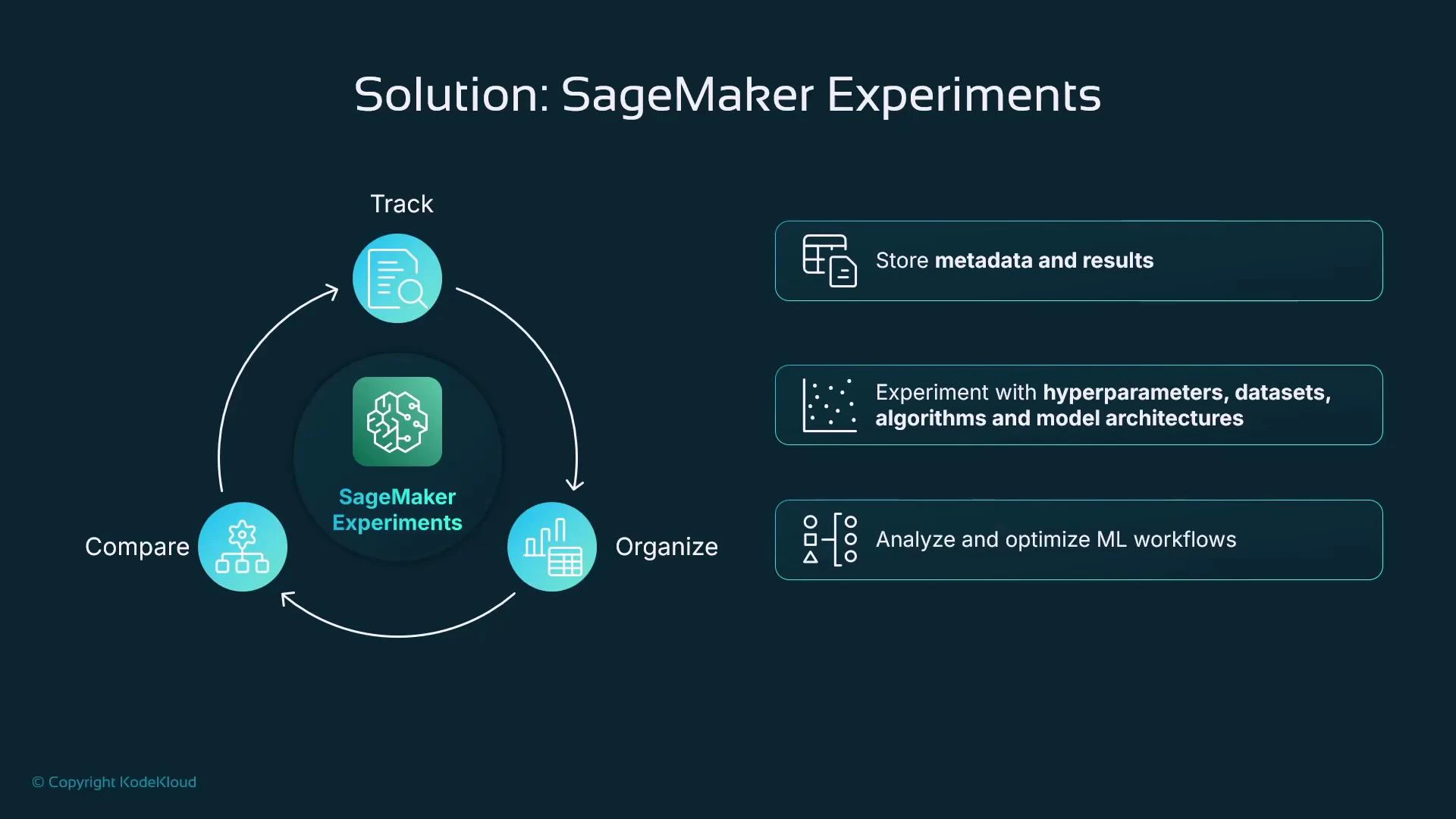
A dark presentation slide titled "Solution: SageMaker Experiments" showing a circular workflow around a SageMaker Experiments icon with three steps labeled Track, Organize, and Compare. To the right are three highlighted points: store metadata and results; experiment with hyperparameters, datasets, algorithms and model architectures; and analyze and optimize ML workflows.

SageMaker Experiments: structure and terminology

SageMaker organizes experiment metadata with a small set of hierarchical objects:
ObjectPurpose
ExperimentHigh-level collection grouping related trials (project or objective).
TrialA logical attempt or series of steps (often a single model run). The SDK also exposes a Run context for logging.
Trial componentChild artifacts of a trial (e.g., preprocessing, training, evaluation). Many SDK jobs automatically create trial components.
The experiment tracker manages relationships between these objects and provides hierarchical organization for artifacts, parameters, and metrics.
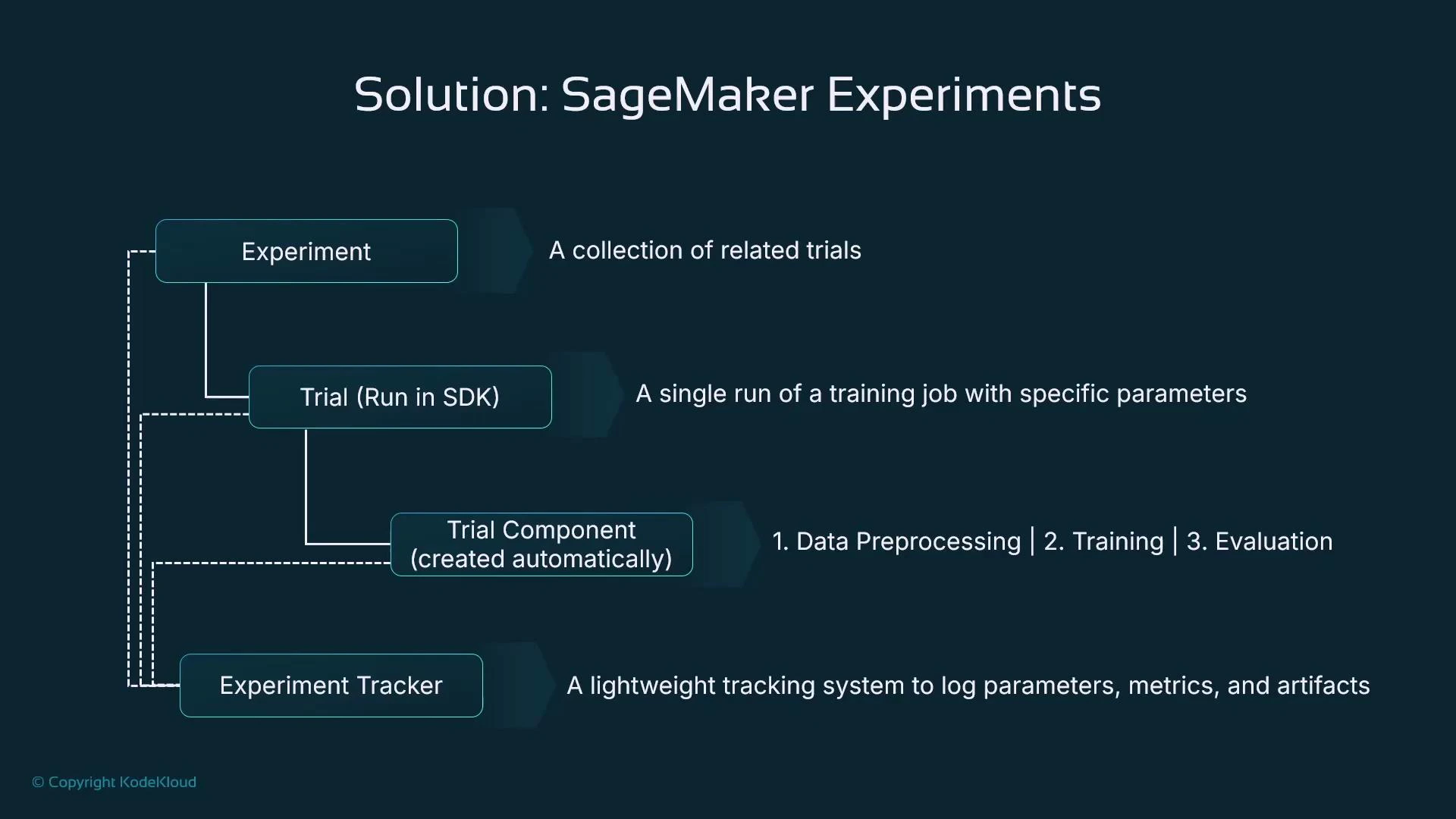
A presentation slide titled "Solution: SageMaker Experiments" showing a diagram of components—Experiment, Trial (Run in SDK), Trial Component (created automatically), and Experiment Tracker—with short descriptions. It also notes trial steps like data preprocessing, training, and evaluation and illustrates their relationships.

Using the SDK — a code-first workflow

Below is a concise example that demonstrates the typical pattern:
  1. Create an Experiment and Trial.
  2. Open a Run context.
  3. Log parameters and metrics.
  4. Execute a training job inside the Run so that SageMaker automatically associates the training job as a trial component.
# Example: Using SageMaker Experiments with an Estimator (XGBoost)
import sagemaker
from sagemaker.experiments.run import Run
from sagemaker.experiments.experiment import Experiment
from sagemaker.experiments.trial import Trial
from sagemaker.estimator import Estimator

# Initialize SageMaker session and role
sagemaker_session = sagemaker.Session()
role = "arn:aws:iam::123456789012:role/service-role/AmazonSageMaker-ExecutionRole"

# Create or get an Experiment
experiment = Experiment.create(
    experiment_name="house-price-prediction-exp",
    description="Tracking different ML model runs for house price prediction",
    sagemaker_boto_client=sagemaker_session.boto3_client("sagemaker"),
)

# Create a Trial within the Experiment
trial = Trial.create(
    trial_name="trial-001",
    experiment_name=experiment.experiment_name,
    sagemaker_boto_client=sagemaker_session.boto3_client("sagemaker"),
)

# Define hyperparameters
hyperparameters = {
    "eta": 0.1,               # learning rate (XGBoost uses 'eta' for learning rate)
    "max_depth": 5,
    "num_round": 100,         # number of boosting rounds
    "early_stopping_rounds": 10,
}

# Define the Estimator (XGBoost built-in example)
estimator = Estimator(
    image_uri=sagemaker.image_uris.retrieve("xgboost", sagemaker_session.boto_region_name, version="1.3-1"),
    role=role,
    instance_count=1,
    instance_type="ml.m5.large",
    output_path="s3://my-bucket/house-price-model/",
    hyperparameters=hyperparameters,
    sagemaker_session=sagemaker_session,
)

# Associate Estimator Training Job with the Trial and log hyperparameters/metrics.
# Execute estimator.fit() inside the Run context so the training job is associated automatically.
with Run(
    experiment_name=experiment.experiment_name,
    trial_name=trial.trial_name,
    sagemaker_session=sagemaker_session,
) as run:
    # Log hyperparameters explicitly (optional — some are auto-captured)
    for name, value in hyperparameters.items():
        run.log_parameter(name, value)

    # Start the training job (the job will be recorded as a trial component)
    estimator.fit("s3://my-bucket/house-price-data/")
Practical notes on the example:
  • Always call estimator.fit(…) inside the Run context. That ensures the training job becomes a trial component and training metadata are captured automatically.
  • The SDK often captures container image, algorithm name, and training-job identifiers for you; explicitly logging hyperparameters and custom metrics improves clarity and searchability.
  • Use algorithm-appropriate hyperparameter names (e.g., XGBoost uses “eta” and “num_round”).

Where do results appear?

SageMaker stores experiment metadata and metrics in the backend. Visualization availability depends on your Studio experience:
  • SageMaker Studio Classic: exposes the original SageMaker Experiments visual dashboard with charts and comparison views.
  • Newer Studio experiences: may surface MLflow or other experiment UIs; consider integrating MLflow or a third-party tool if you rely on a consistent UI.
If you depend on Studio UI visualizations, verify which experiment-tracking UI your Studio instance exposes. Many teams adopt MLflow or tools like Weights & Biases for a stable, long‑term visualization and collaboration experience.
Using the Studio Classic UI (or equivalent tracking UIs) you can:
  • Visualize metrics across trials (line charts, bar charts).
  • Compare multiple runs with side-by-side metric views and confusion matrices.
  • Filter runs by metric thresholds or parameter values to find promising experiments quickly.
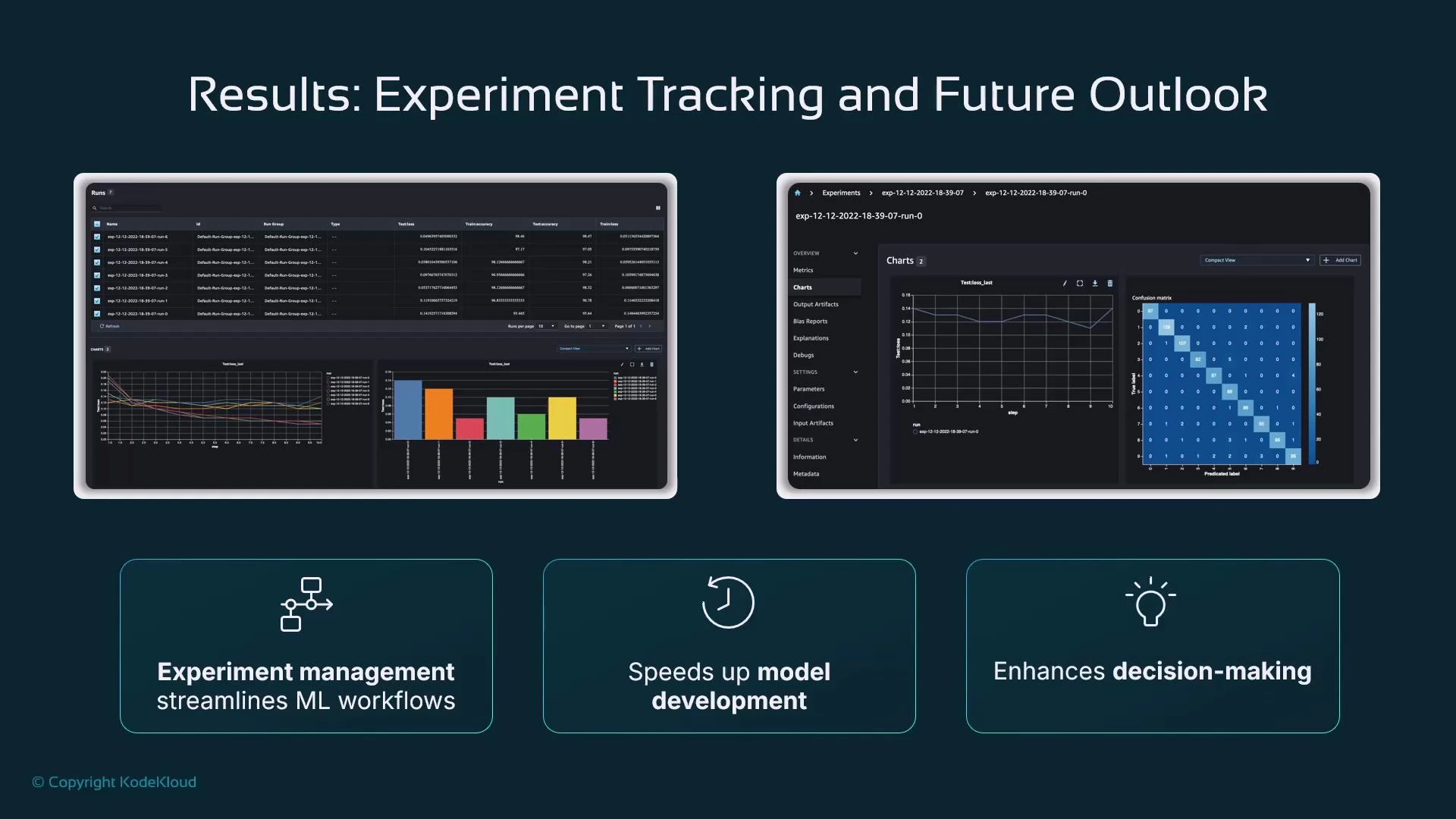
A presentation slide titled "Results: Experiment Tracking and Future Outlook" showing two dark-themed experiment-tracking dashboards with charts, tables, and a confusion matrix. Below are three highlighted benefits: "Experiment management streamlines ML workflows," "Speeds up model development," and "Enhances decision-making."
  • Experiment tracking is essential to organize model development and to make results reproducible.
  • SageMaker Experiments (via the SDK) provides a hierarchical model: Experiment → Trial (use Run contexts) → Trial Component.
  • Execute training and evaluation jobs inside Run contexts to automatically capture hyperparameters, metrics, and artifacts.
  • Because Studio experiences are evolving, evaluate whether to use the native SageMaker Experiments UI, MLflow, or a third-party tool depending on your long-term needs for UI continuity and collaboration.
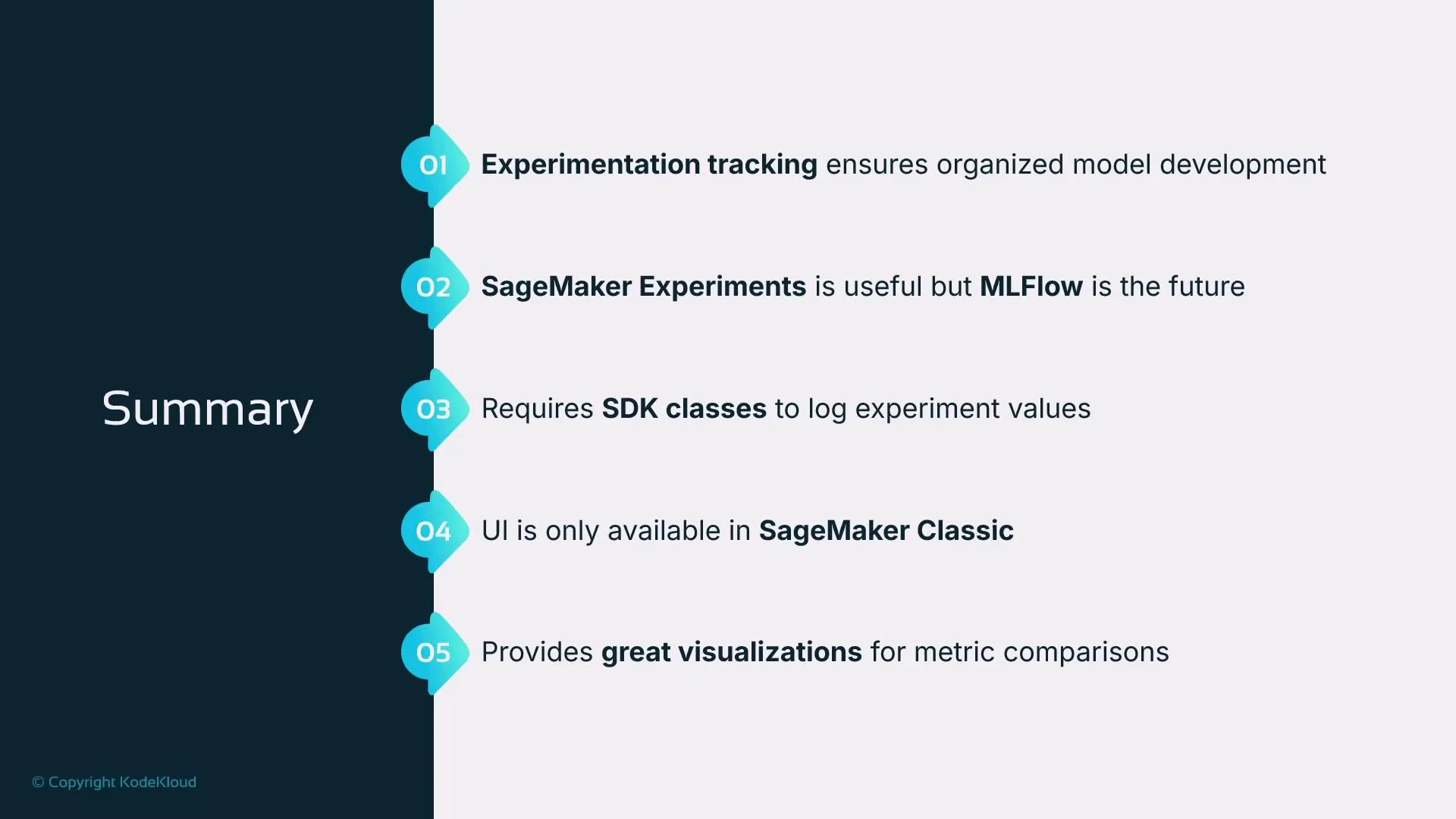
A presentation slide titled "Summary" showing five numbered takeaways about experimentation tracking, SageMaker Experiments vs. MLflow, required SDK classes, the SageMaker Classic UI limitation, and strong metric visualizations.
Further reading and references: This concludes the lesson on experiment management with SageMaker Experiments.

Watch Video