

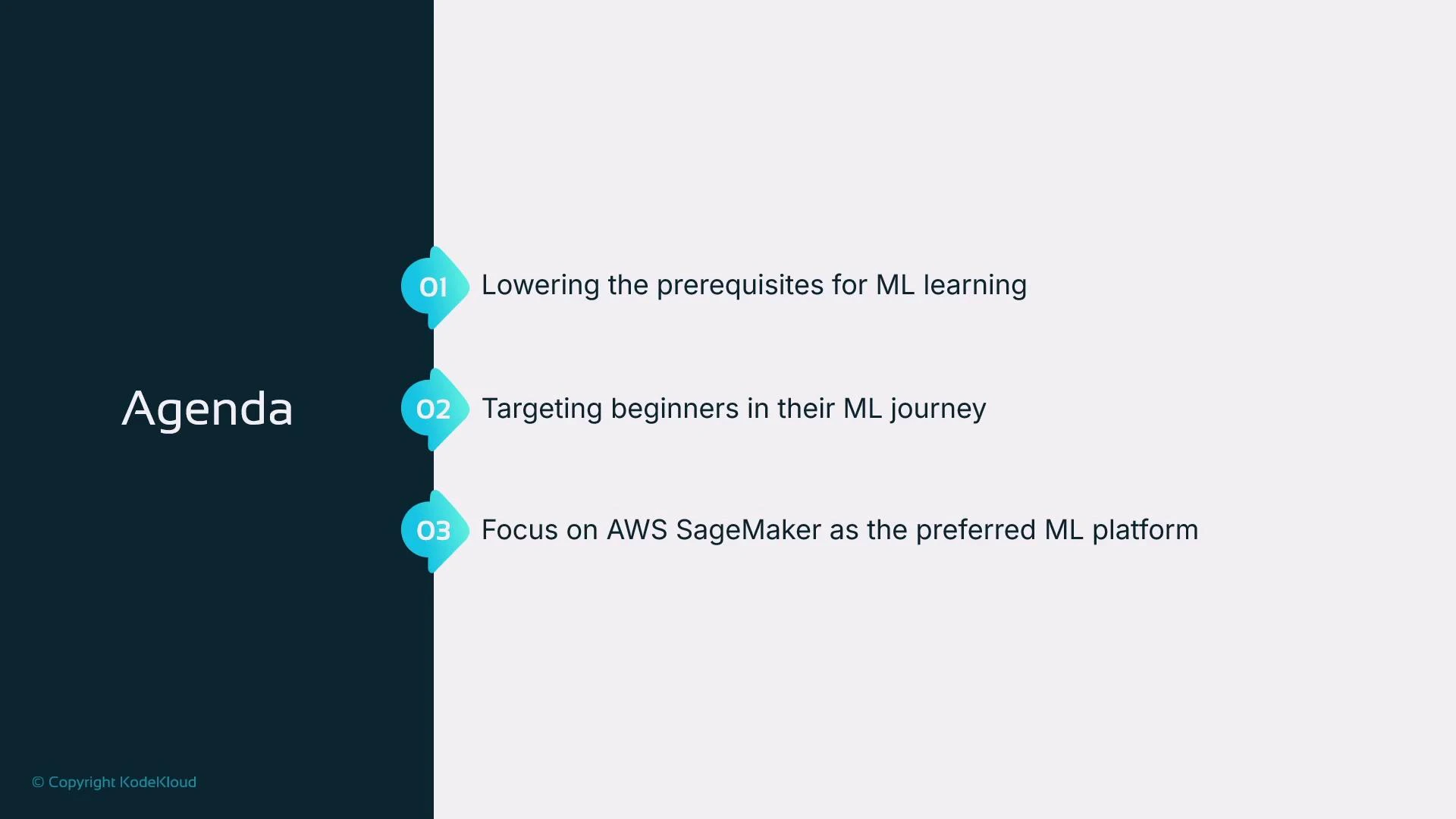
- Lower the prerequisites for beginning your machine learning journey.
- Target beginners with little or no ML experience.
- Use AWS SageMaker as the platform for building, training, and hosting models.
This course uses Python to demonstrate ML workflows on AWS SageMaker. Basic Python knowledge (functions, lists, loops, conditionals, print) is sufficient. We introduce additional libraries and SageMaker utilities as needed.
Python basics we expect
To follow the hands-on exercises, you should be able to:- Define and call simple functions (using def).
- Work with lists and basic variables.
- Use iteration (for loops) to process collections.
- Use conditional statements (if/else) to branch logic.
- Print output to the console (print()).
number % 2 == 0identifies even numbers.- The loop accumulates even numbers into
sum_of_evens. print(...)displays the result — a simple I/O pattern you’ll use when inspecting model outputs or debugging data transforms.
AWS basics we expect
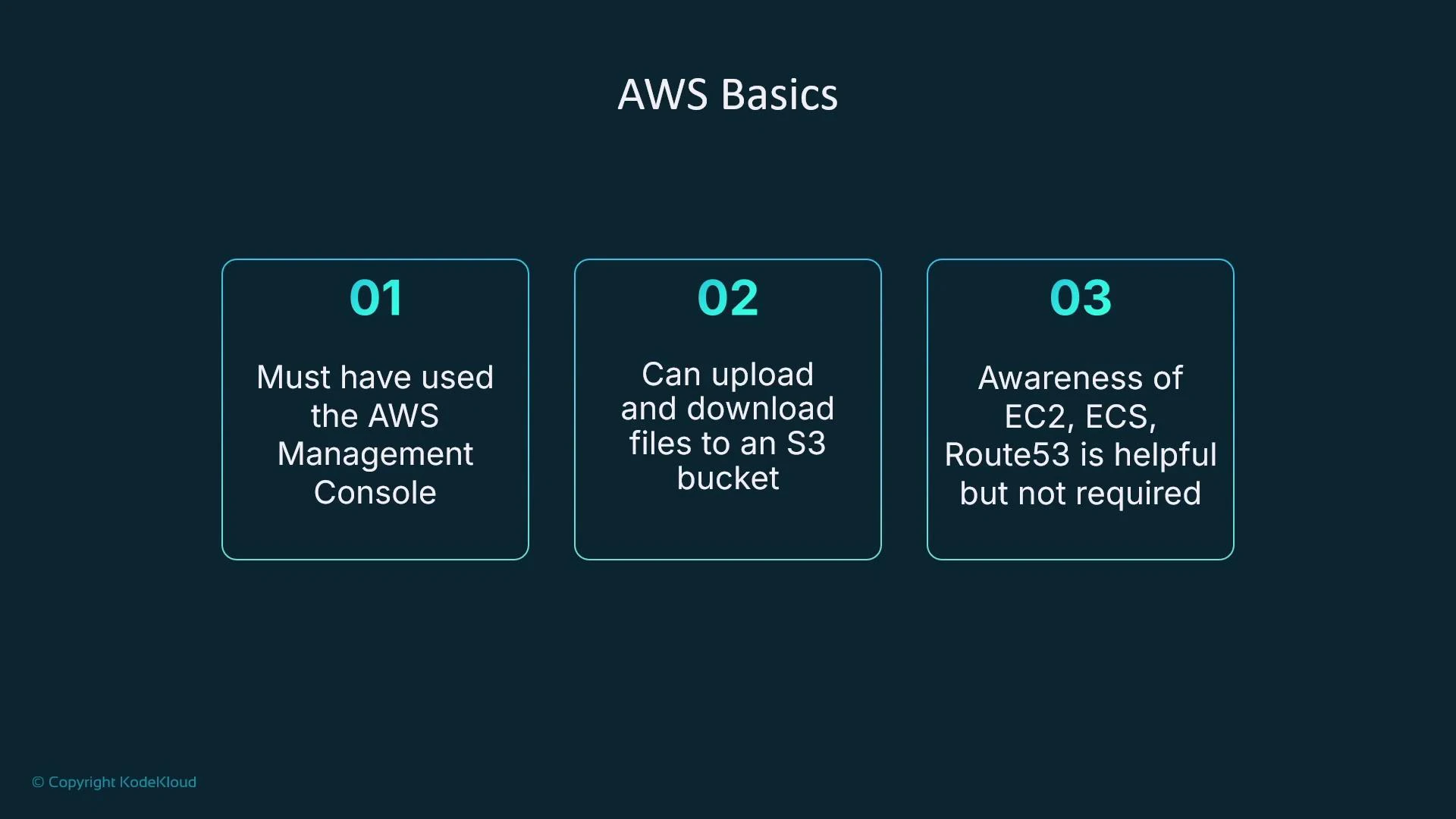
You should be comfortable with:- Having an AWS account and signing in to the AWS Management Console.
- Uploading and downloading files (for example, CSVs) to/from an Amazon S3 bucket using the Console. This basic S3 interaction is sufficient to run the hands-on labs.
- Being aware of other AWS compute and networking services (EC2, ECS, Route 53) is helpful for context but not required.
If you haven’t used Amazon S3 before, practice by creating a bucket in the Console, uploading a small CSV, then downloading it back to confirm access. This hands-on step removes a common friction point when training models on SageMaker.
Machine learning awareness (high-level)
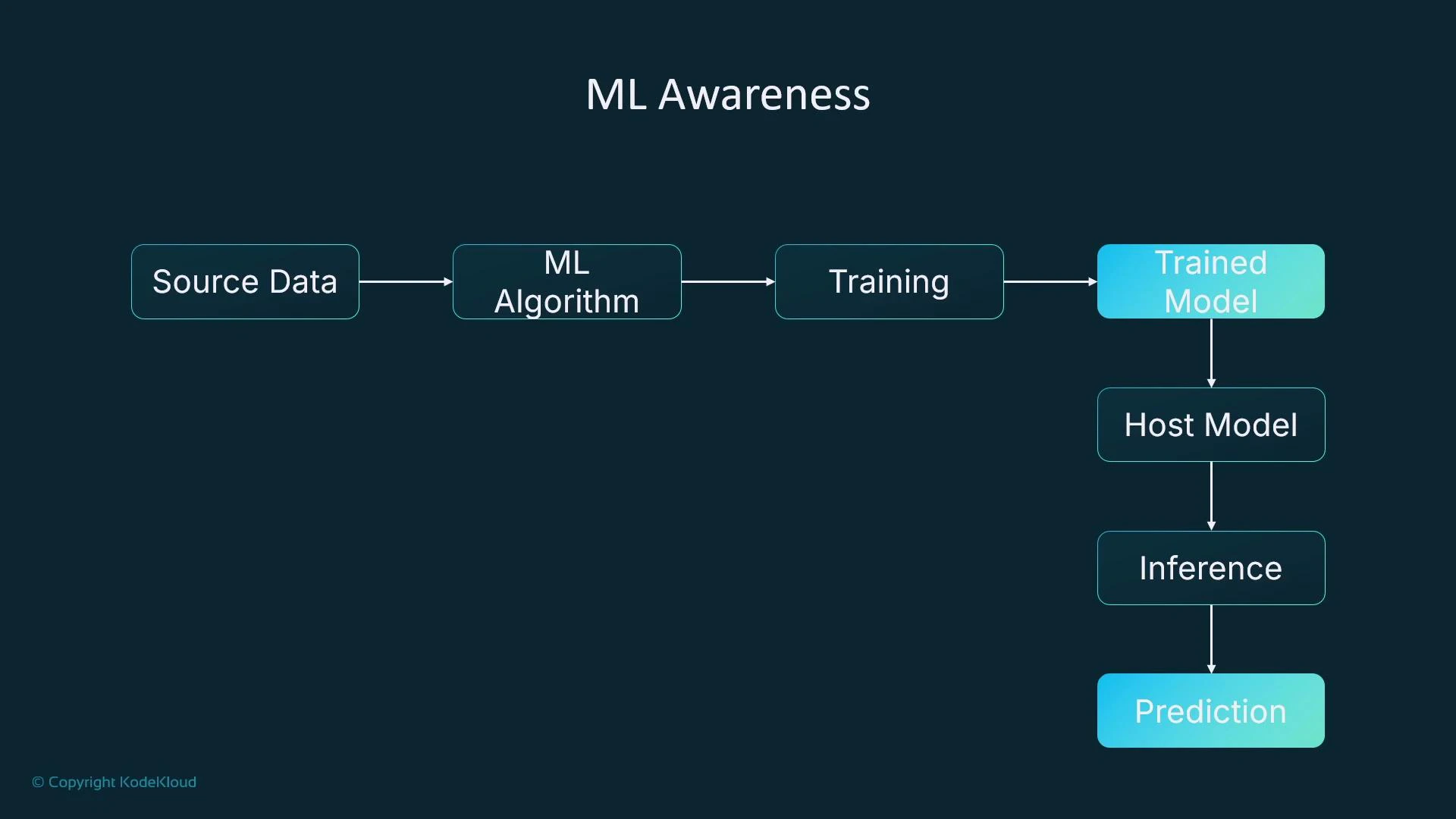
This course is designed for beginners. You don’t need deep ML theory up front, but it’s useful to understand the typical ML pipeline at a conceptual level:- Source data (e.g., tabular house-price dataset).
- Select a candidate algorithm (we’ll demo linear learning; other choices include XGBoost, LightGBM, etc.).
- Create and run a training job to let the algorithm learn patterns from the data.
- Training produces a model artifact (e.g., model.tar.gz) that contains learned parameters.
- Host the model on compute (a VM, container, or a managed service) to serve predictions (inference). In this course we’ll use SageMaker hosted endpoints for inference requests.
Prerequisite checklist (quick reference)
What you’ll learn in this course
- Choose an appropriate algorithm for a problem and data type.
- Create and run a SageMaker training job.
- Register, package, and host your trained model on a SageMaker endpoint.
- Send inference requests to the hosted model and interpret predictions.
Summary
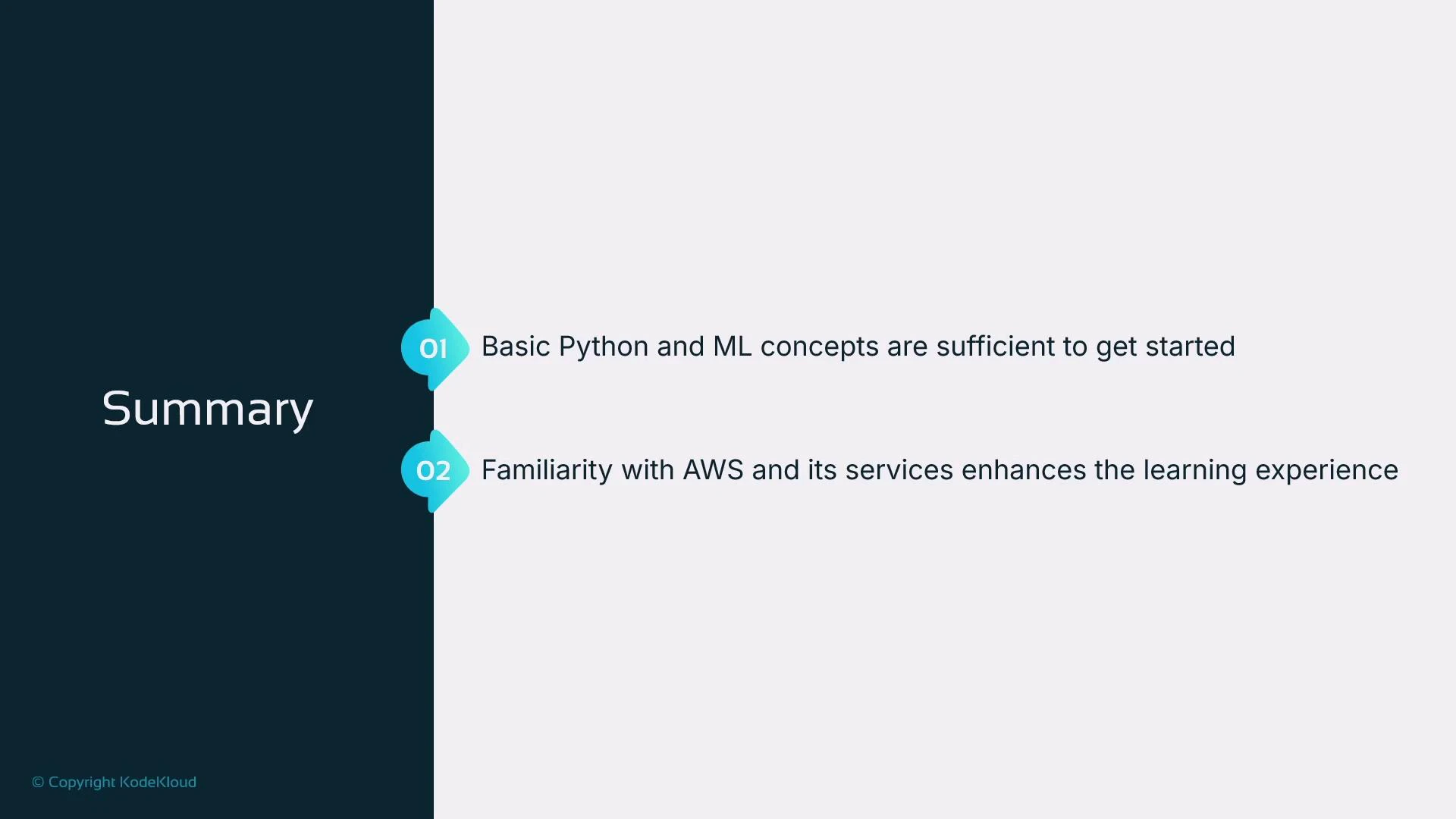
If you understand basic Python (lists, loops, conditionals, print) and the high-level ML workflow (data → training → model artifact → hosting → inference), you’re ready to begin. Familiarity with AWS and S3 will make the hands-on portions smoother, while knowledge of EC2, ECS, or Route 53 is optional background. This completes the short prerequisites lesson. In the next lesson we’ll cover key machine learning fundamentals to give you a clear view of what happens during training and inference.Links and references
- AWS SageMaker documentation
- Amazon S3 documentation
- Amazon EC2 documentation
- Amazon ECS documentation
- Route 53 documentation