

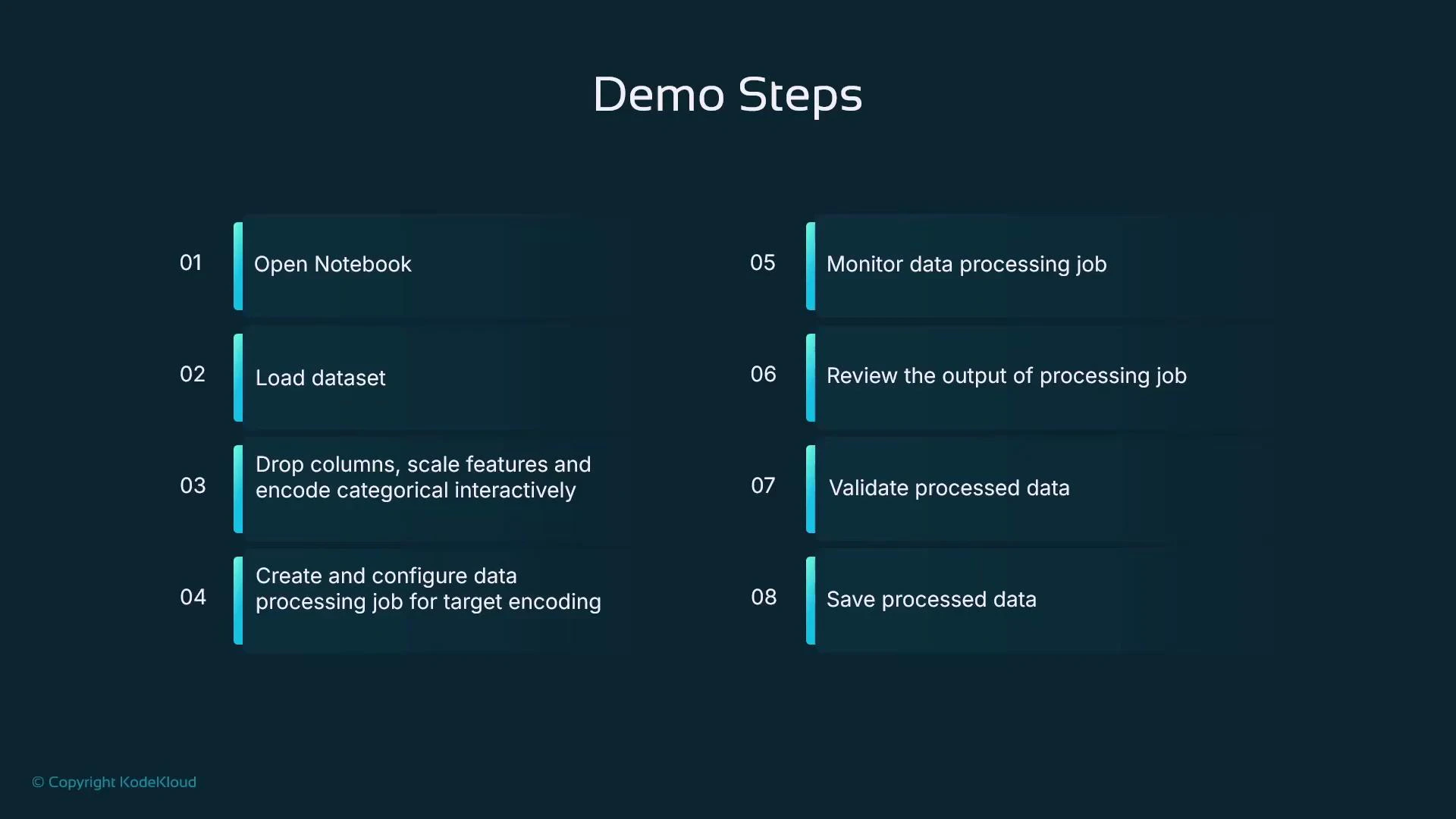
- Open a Jupyter Notebook in SageMaker Studio
- Load a sample dataset into a pandas DataFrame
- Interactively engineer features: create derived features, drop columns, scale numeric features, one-hot encode categorical features
- Save the intermediate result and upload it to S3
- Create and run a SageMaker Processing job (scikit-learn processor) to perform postcode target encoding
- Monitor the processing job, download and validate the output
Open the notebook in SageMaker Studio
Start a Studio user and open the notebook namedfeature_engineering_house_prices.ipynb (or a similarly named notebook). Select an appropriate Python kernel (e.g., conda_mle_p38) and run the first cell to import libraries and prepare the environment.
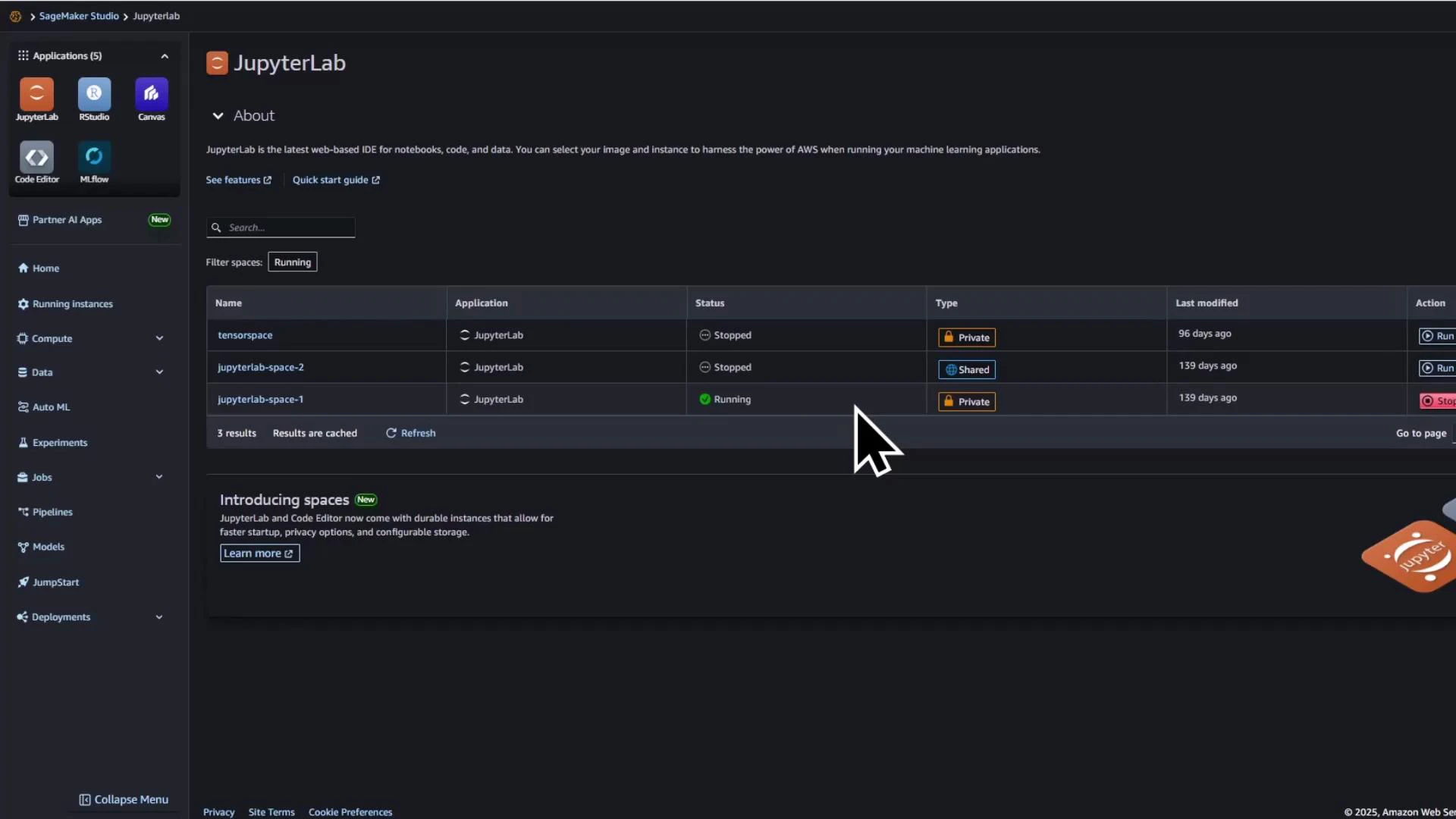
Prepare the notebook kernel and imports
Run the imports below to enable interactive feature engineering and SageMaker integration:Load a small sample dataset
Load a small example dataset into a pandas DataFrame for rapid iteration and demonstration:Create derived features
Add arithmetic-derived features that may help your model, such as total rooms and price per square foot:Drop irrelevant columns, scale numeric fields, and one-hot encode categorical fields
Example steps to clean and prepare the dataset for modeling:Summary of transformations
These interactive steps are great for exploration and iteration. For reproducibility and larger datasets, run repeatable transformations as part of a batch processing job.
Save transformed data and upload to S3
Save the transformed DataFrame to CSV and upload it to S3 to serve as input for the processing job: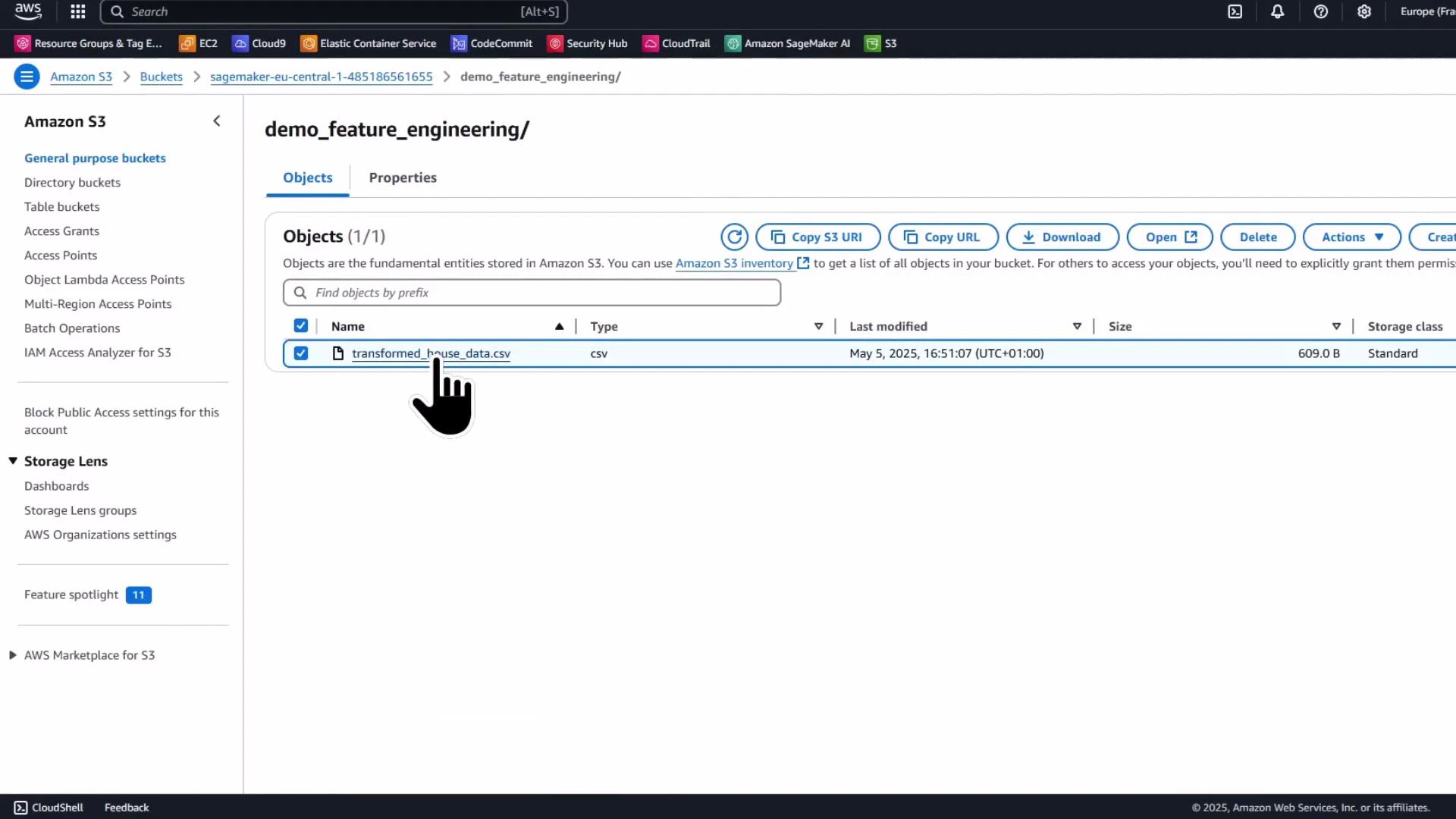
Offload heavier transformations to a SageMaker Processing job
For heavier or repeatable transforms (e.g., target encoding high-cardinality categories), use a SageMaker Processing job. Processing jobs run your script in a managed container and use the container paths (by convention) /opt/ml/processing/input and /opt/ml/processing/output to read and write data.Processing jobs read from and write to paths inside the container (by convention /opt/ml/processing/input and /opt/ml/processing/output). Use ProcessingInput and ProcessingOutput to map S3 locations to these container paths when you call run().
Create and run an SKLearnProcessor
Package a Python script (exampletarget_encoding.py) in the notebook’s working directory and run it inside the SKLearnProcessor container:
Processing script (target_encoding.py)
Create this file in your notebook working directory before submitting the processing job. It reads the CSV from /opt/ml/processing/input, computes mean price per postcode, merges the result back into the DataFrame aspostcode_target_encoded, and writes the processed CSV to /opt/ml/processing/output.
Ensure the IAM role you supply to the processor has permissions to read from/read to the configured S3 bucket and to create processing jobs. In Studio, get_execution_role() typically returns a valid role, but verify it outside Studio.
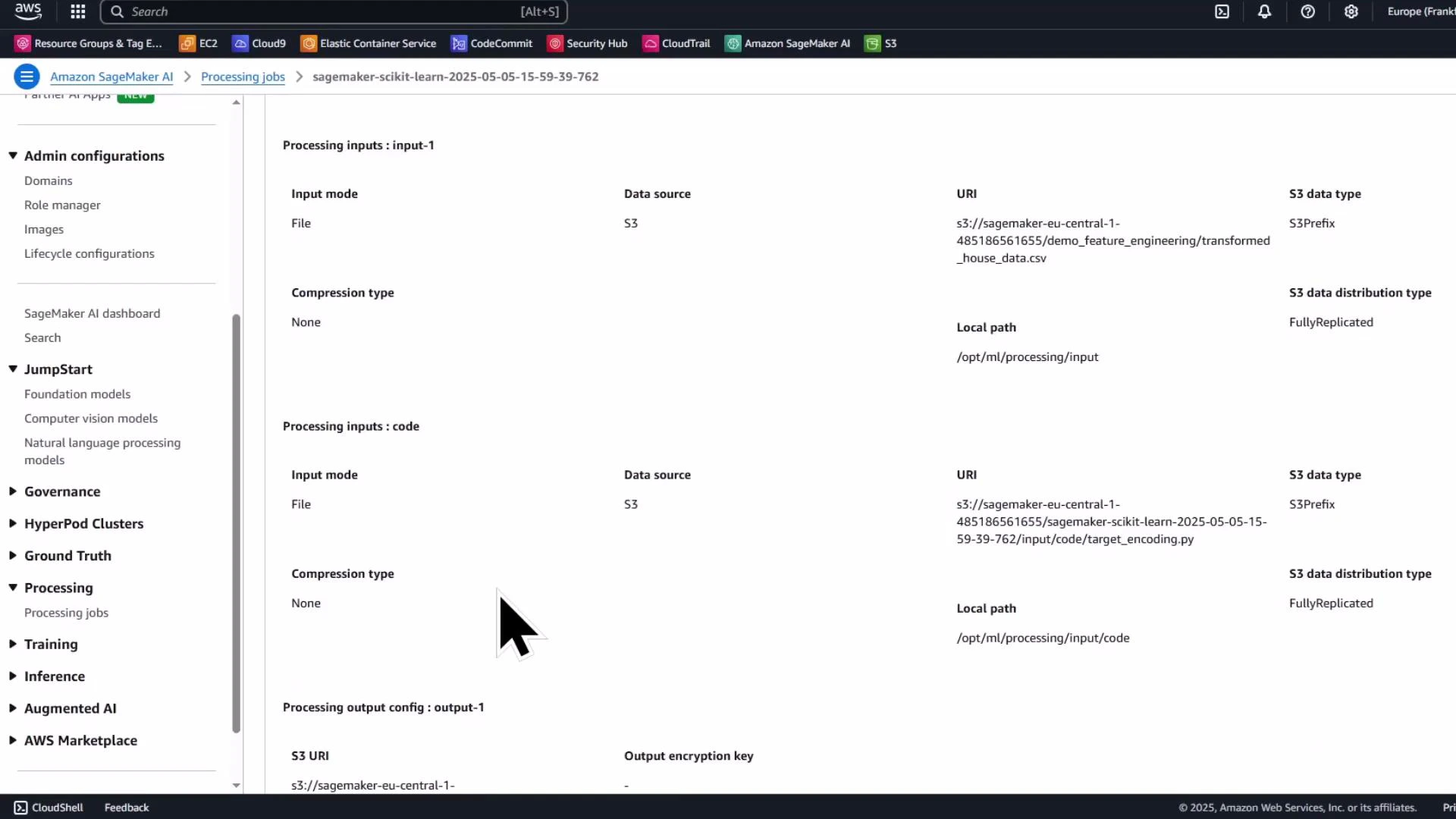
Monitor the processing job in the SageMaker console
The Processing jobs list and job details pages show the job name, status, instance type, entry point, input S3 URI, output configuration, and logs. Use the console to troubleshoot and view container logs.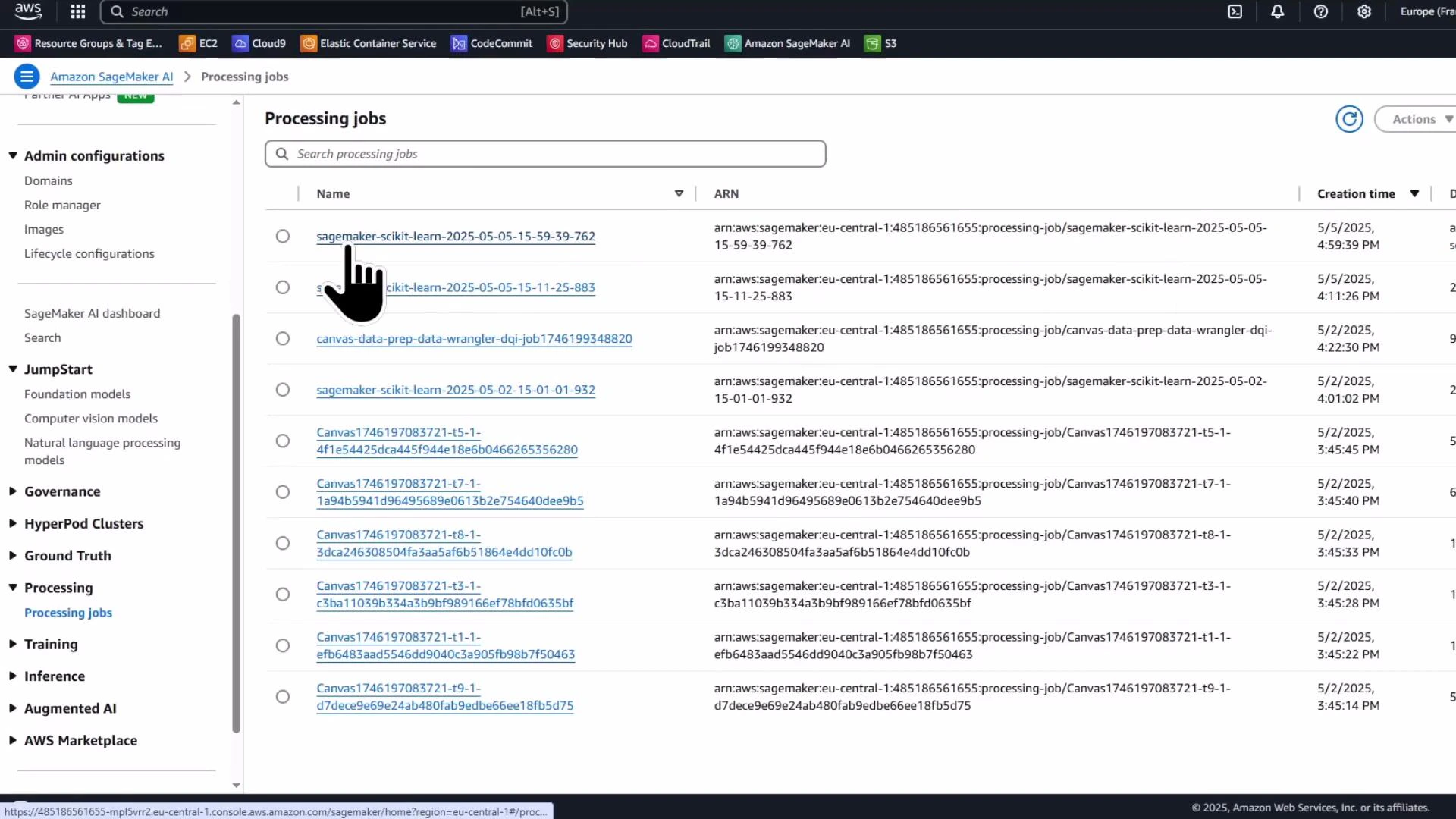
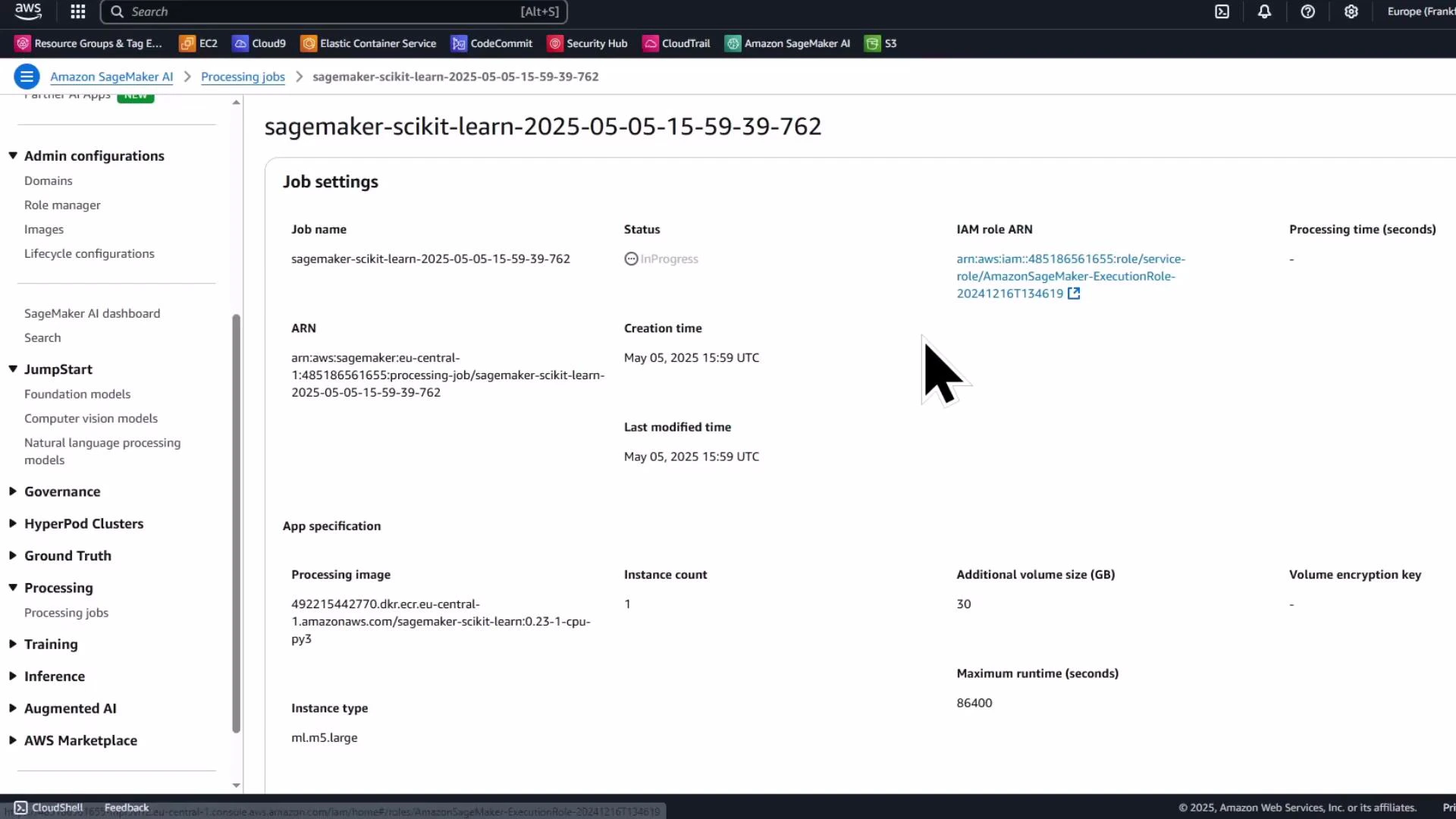
Verify processed output in S3
When the processing job completes, the processed CSV will be written to the S3 output path you specified. Verify the object in the S3 console and download it back to the notebook for inspection.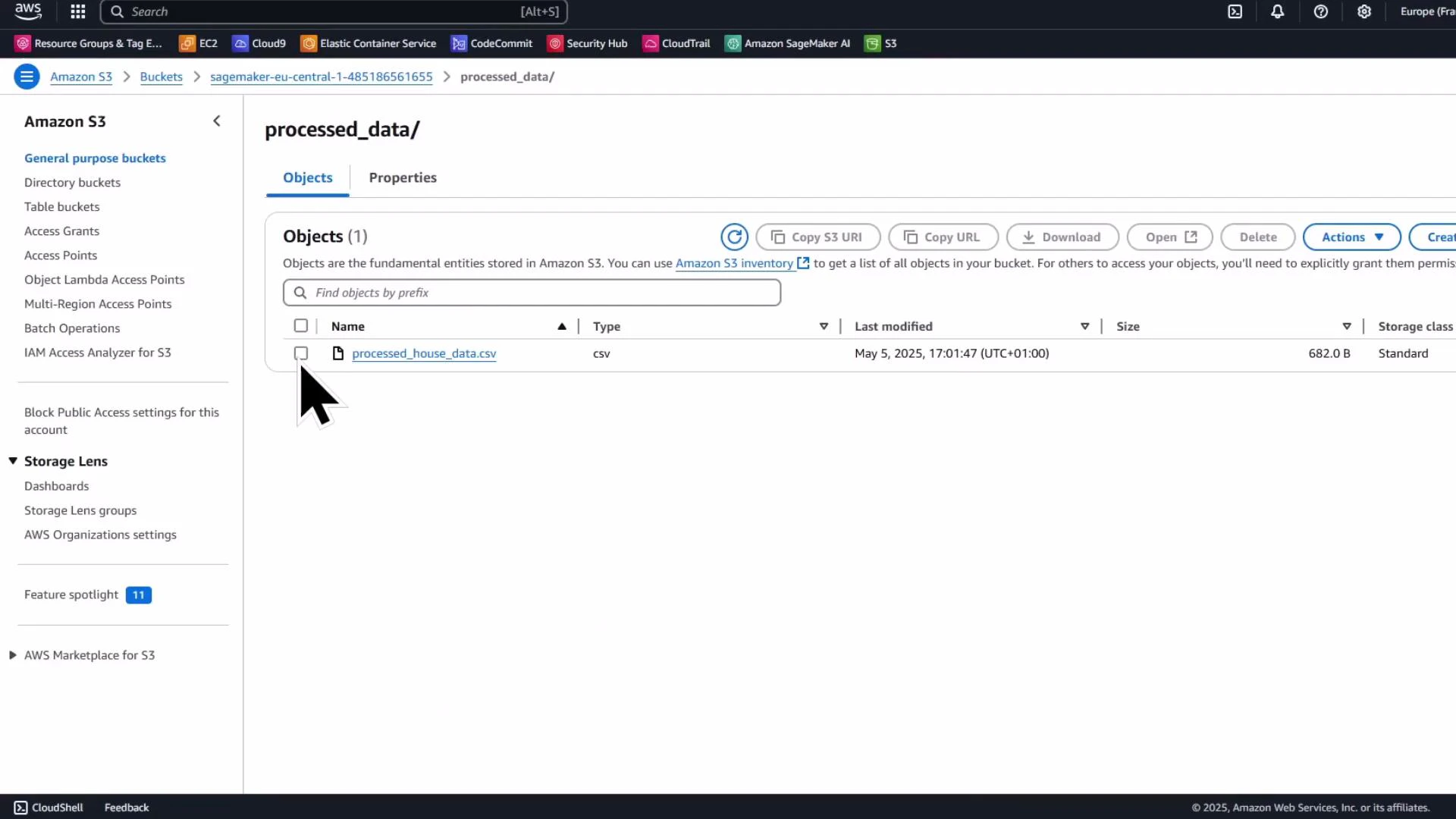
- the previously engineered features (total_rooms, price_per_sqft)
- scaled numeric feature (sqft_scaled)
- one-hot encoded property type columns
- the newly added postcode_target_encoded column (mean price per postcode)
postcode column and keep postcode_target_encoded instead.
Summary
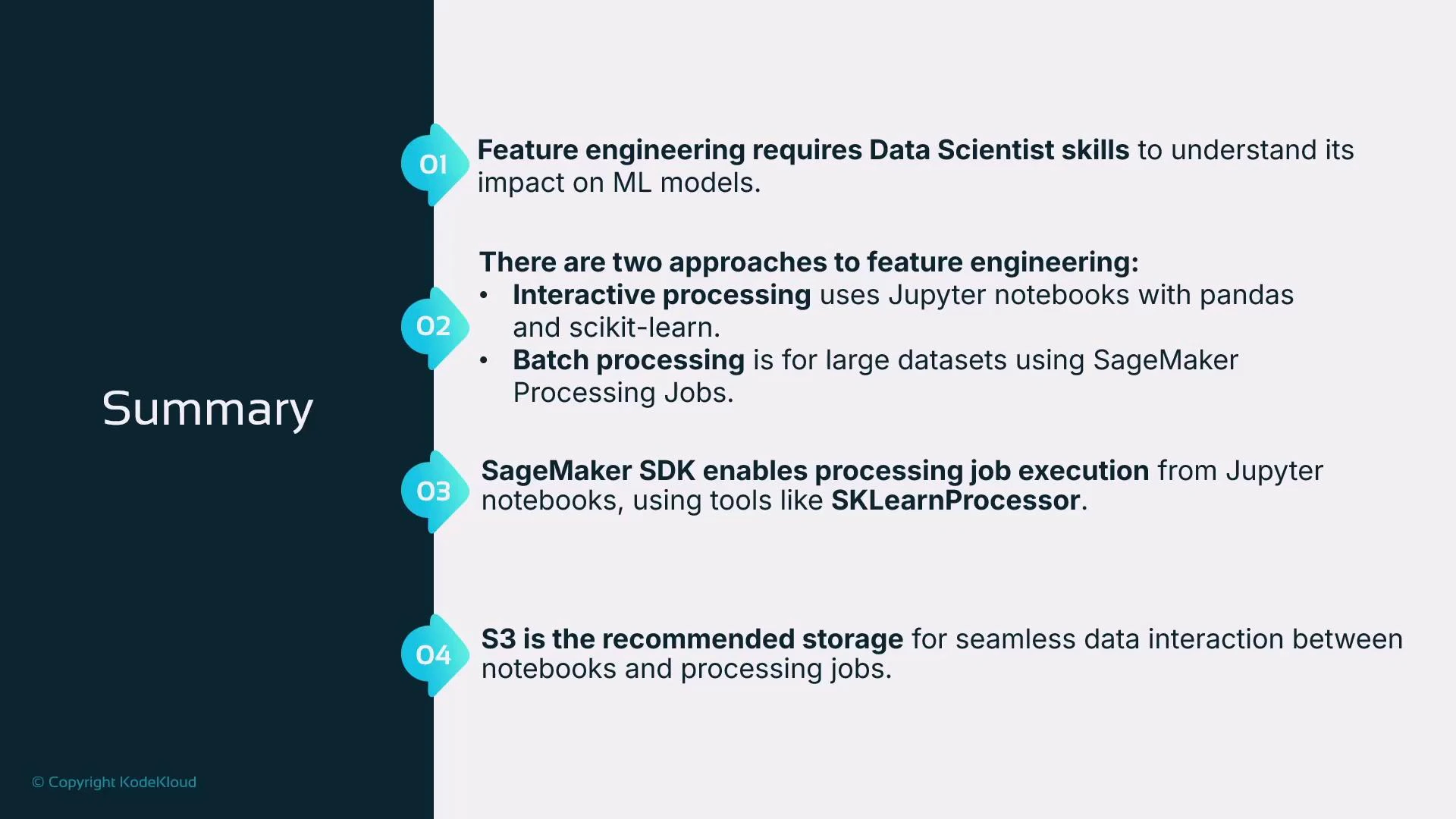
- Use Jupyter/pandas and scikit-learn for interactive feature engineering and quick experimentation.
- For repeatable or computationally heavy transforms (e.g., target encoding, large-scale feature generation), use SageMaker Processing jobs (SKLearnProcessor) to run scripts in managed containers.
- Processing jobs copy inputs into the container (commonly /opt/ml/processing/input) and expect outputs under /opt/ml/processing/output; map S3 paths using ProcessingInput and ProcessingOutput.
- Store inputs and outputs in S3 so compute resources can be terminated when jobs finish and results persist.
Next steps and references
- Consider creating a SageMaker Training job that consumes the processed data for model training and hyperparameter tuning.
- Explore additional encoding strategies (target smoothing, leave-one-out encoding) for high-cardinality categorical variables.
- Amazon SageMaker Processing documentation
- SageMaker Python SDK — SKLearnProcessor
- Amazon S3 documentation
- scikit-learn preprocessing documentation