

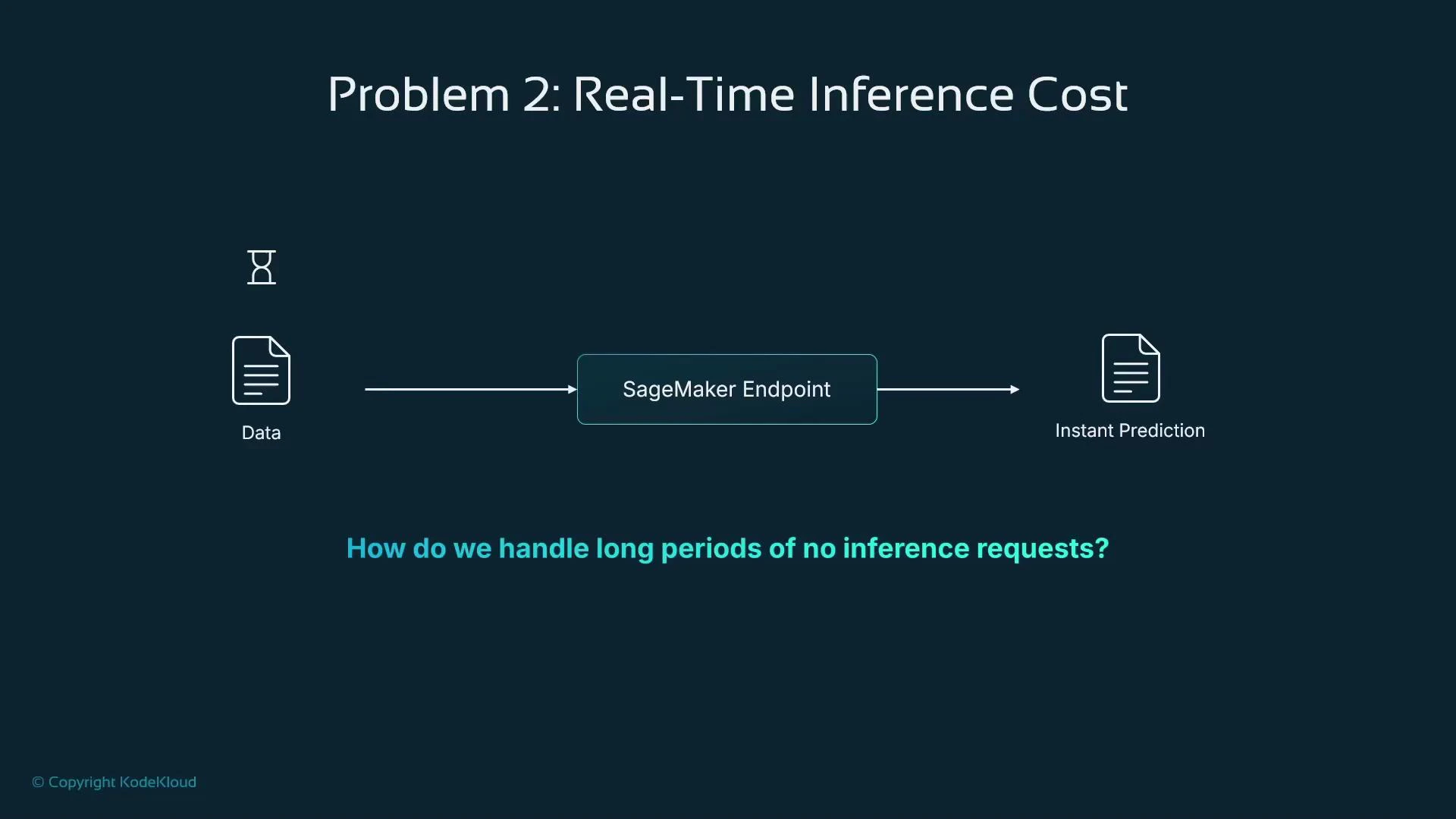
- maximum memory per invocation (memory_size_in_mb), and
- maximum concurrency (max_concurrency).
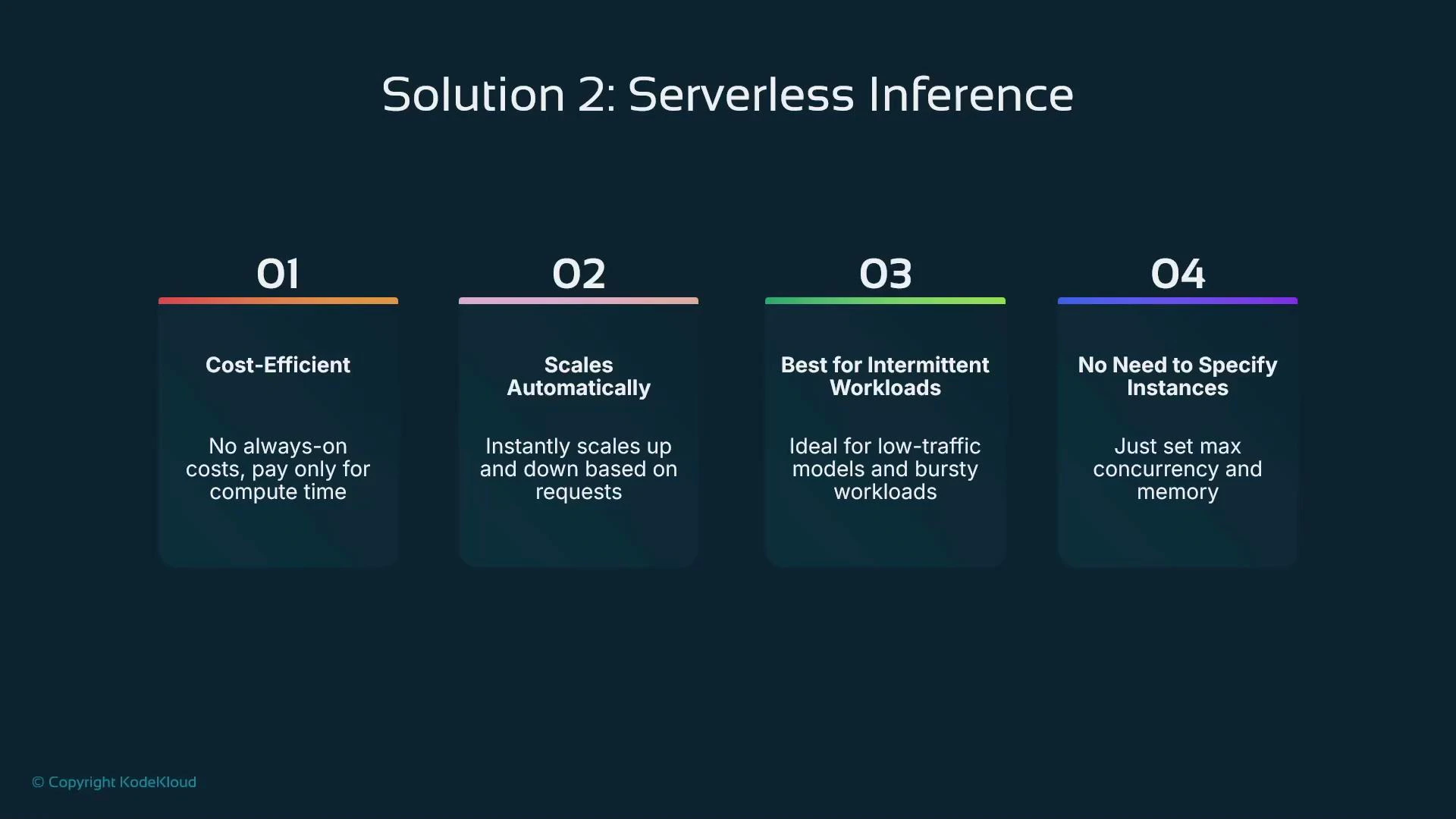
- Use serverless inference for cost-sensitive, unpredictable real-time workloads with modest concurrency needs.
- Avoid serverless for sustained high-throughput real-time inference — dedicated endpoints with provisioned instances (or autoscaling on real-time endpoints) are better for sustained heavy load.
- Avoid serverless when the application requires ultra-low latency (e.g., sub-100 ms) because cold-starts can add noticeable latency.
- For large offline or scheduled processing, Batch Transform is the appropriate, cost-optimized choice.
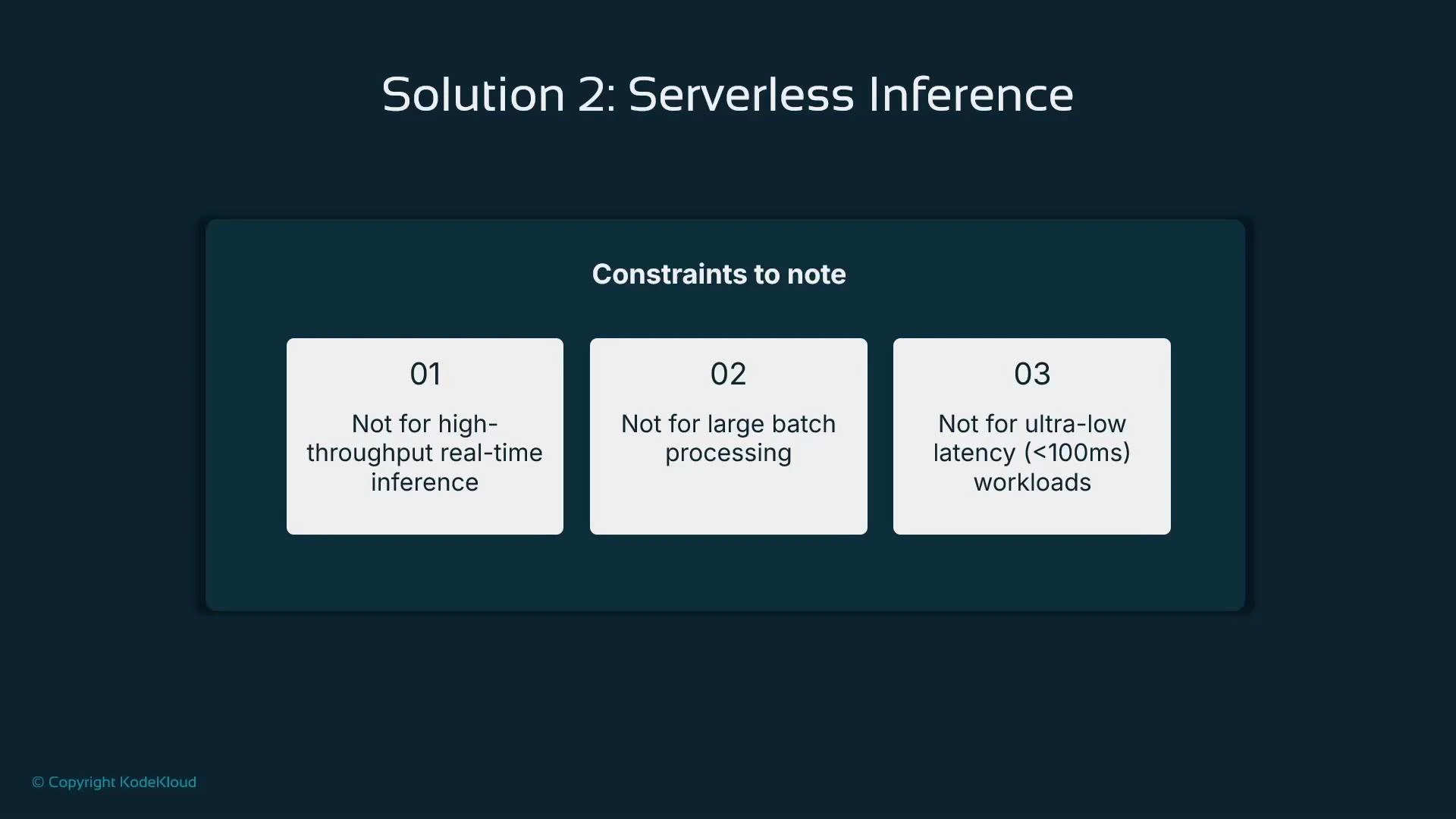
Serverless inference can be throttled when concurrency is exceeded (clients may receive 429 TooManyRequests). For workloads that require guaranteed sustained throughput or strict low-latency SLAs, provisioned endpoints are usually a better fit.
- memory_size_in_mb controls the per-invocation memory allocation; CPU is tied to memory in the serverless execution environment.
- max_concurrency caps parallel invocations; excess requests may be throttled with HTTP 429 responses.
- You don’t choose instance types or counts — the service abstracts the topology.
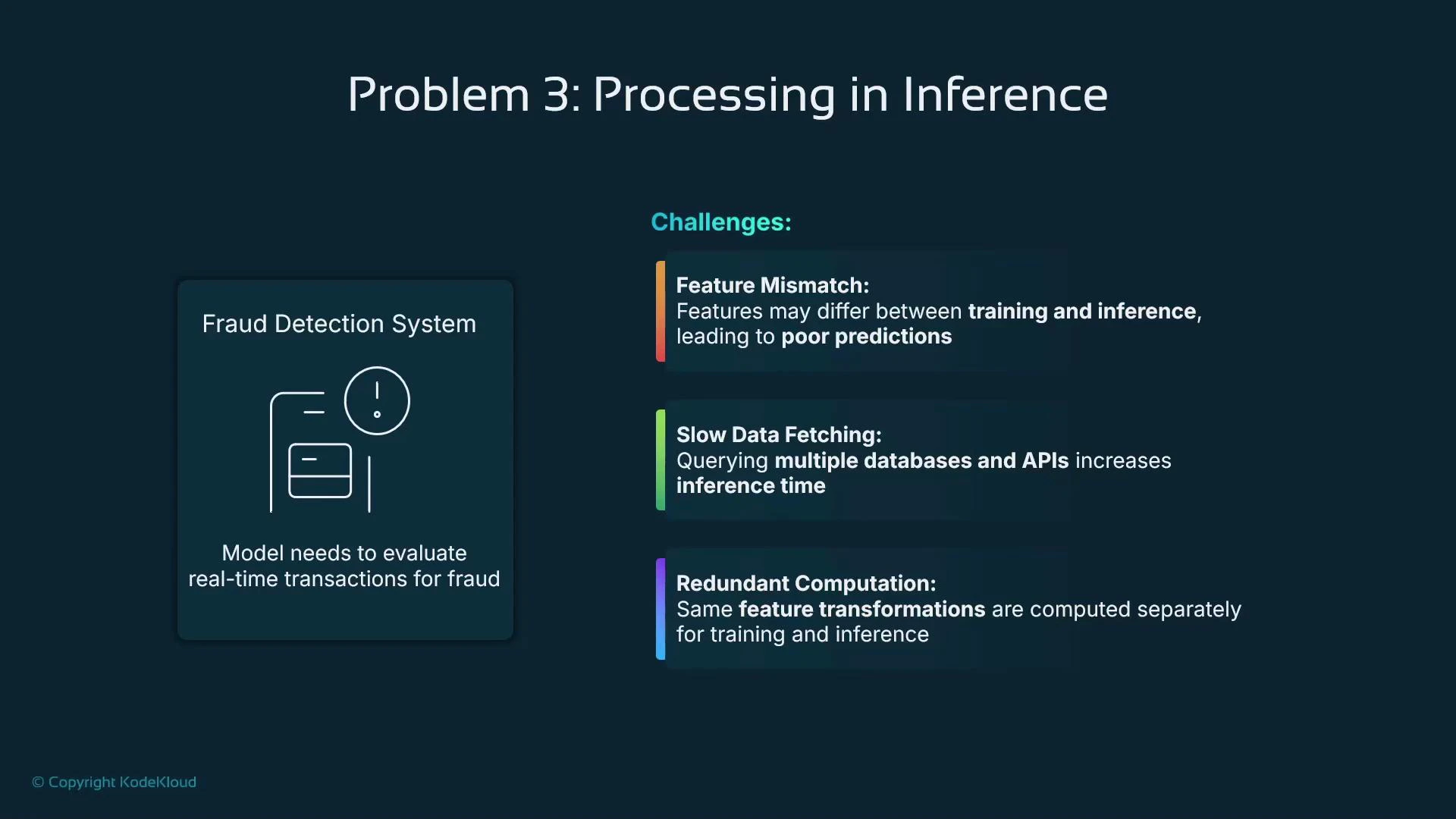
- Feature mismatch: training and inference use different feature definitions or derivations.
- Slow data fetching: inference requires queries to multiple databases or external APIs.
- Redundant computation: expensive feature transformations are repeated at inference time even though they could be precomputed.
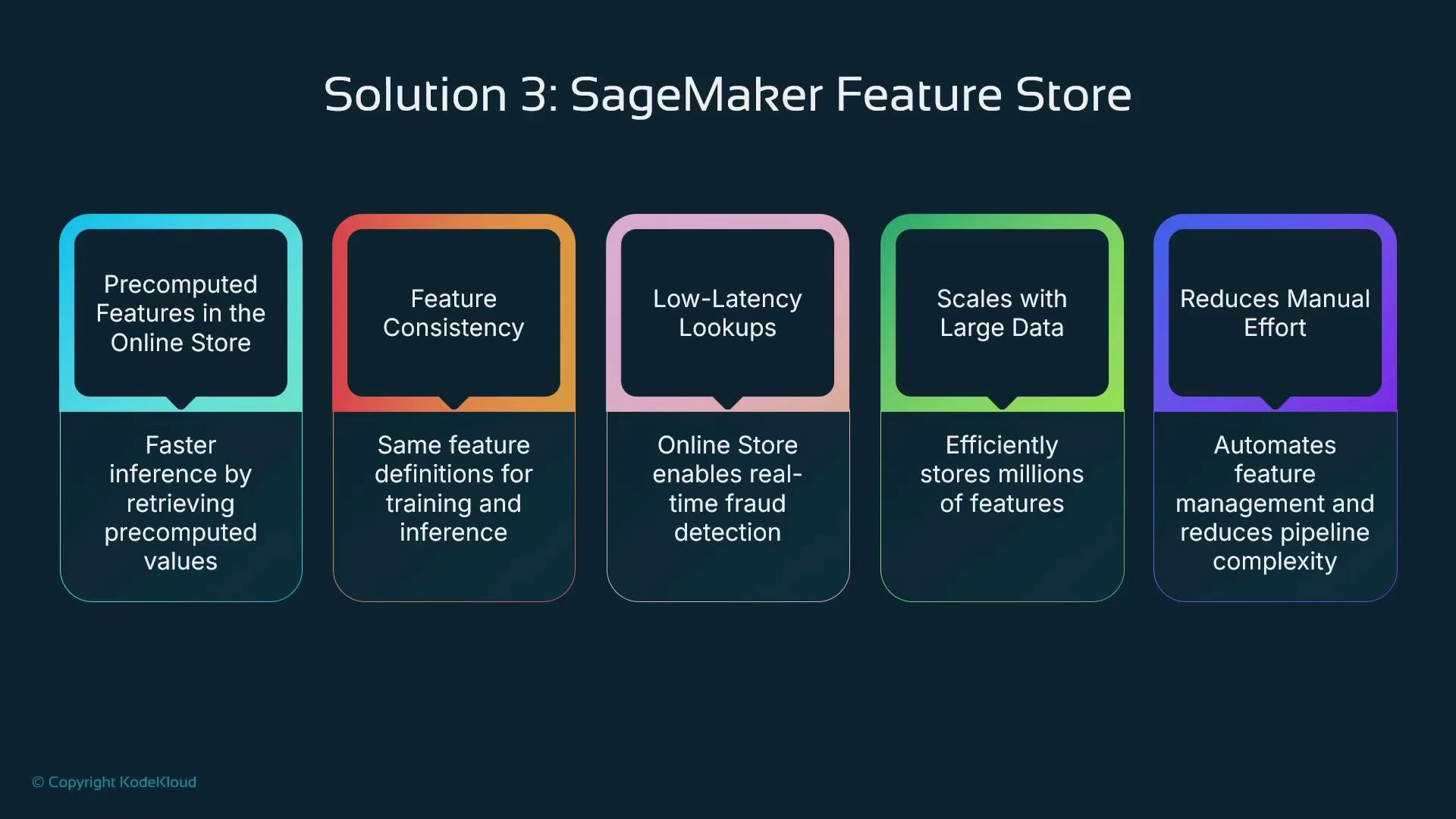
- Ensure consistent feature definitions between training and inference.
- Precompute expensive transformations and write them to the store so inference can fetch them quickly.
- Reduce inference latency by retrieving features instead of recomputing them on the critical path.
- Scale feature lookups to production traffic levels.
How the feature store fits into an inference pipeline
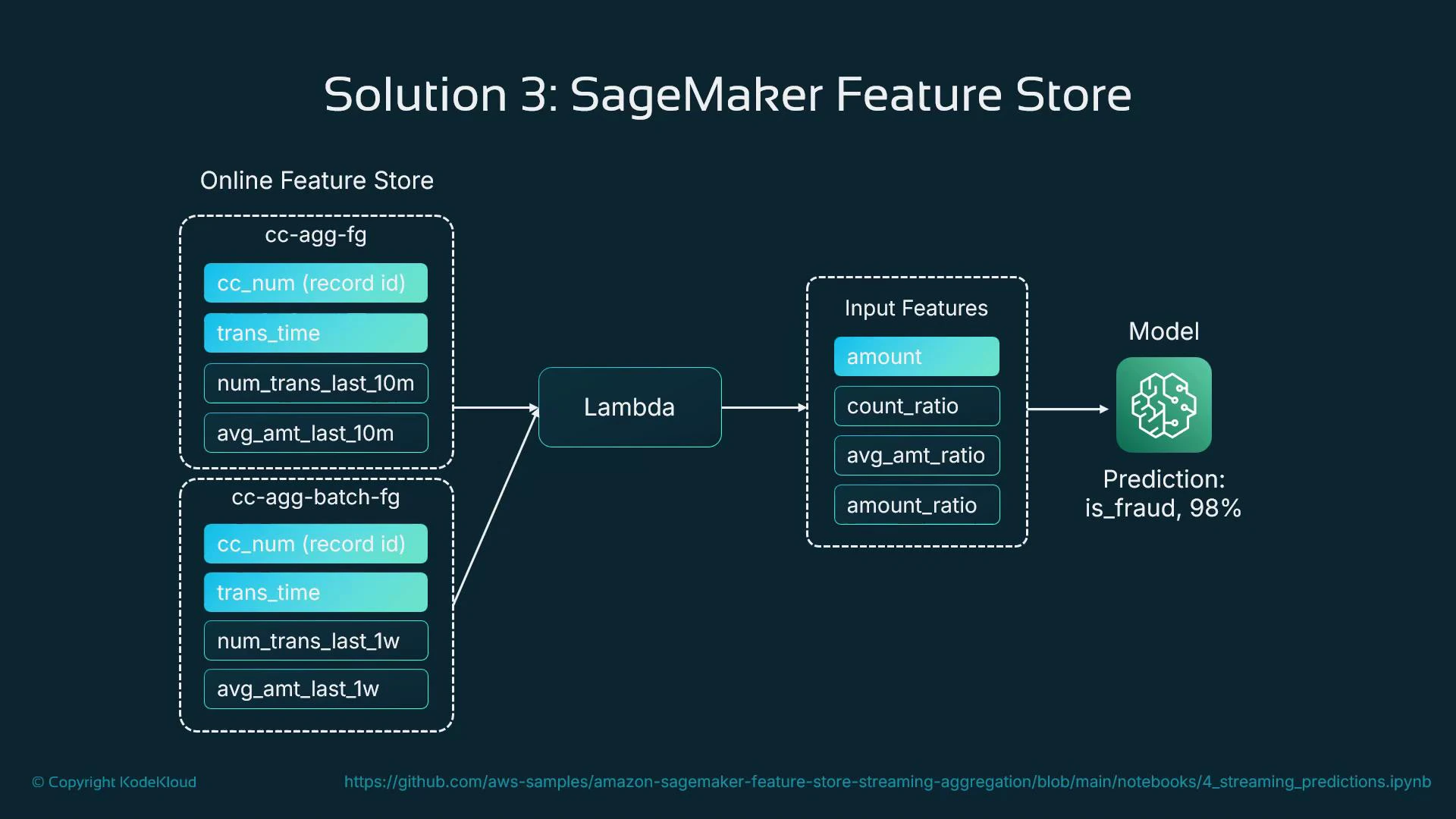
In a fraud-detection example you might maintain two feature groups:
- Batch feature group — weekly aggregates and historical signals computed in batch.
- Online feature group — near-real-time aggregates (e.g., last 10 minutes) written by a streaming processor or Lambda as transactions arrive.
- Receive transaction and identifier (e.g., card or customer ID).
- Query the online feature store for recent aggregates and signals.
- Enrich the incoming request with retrieved features.
- Call the model with the enriched feature vector for a prediction.
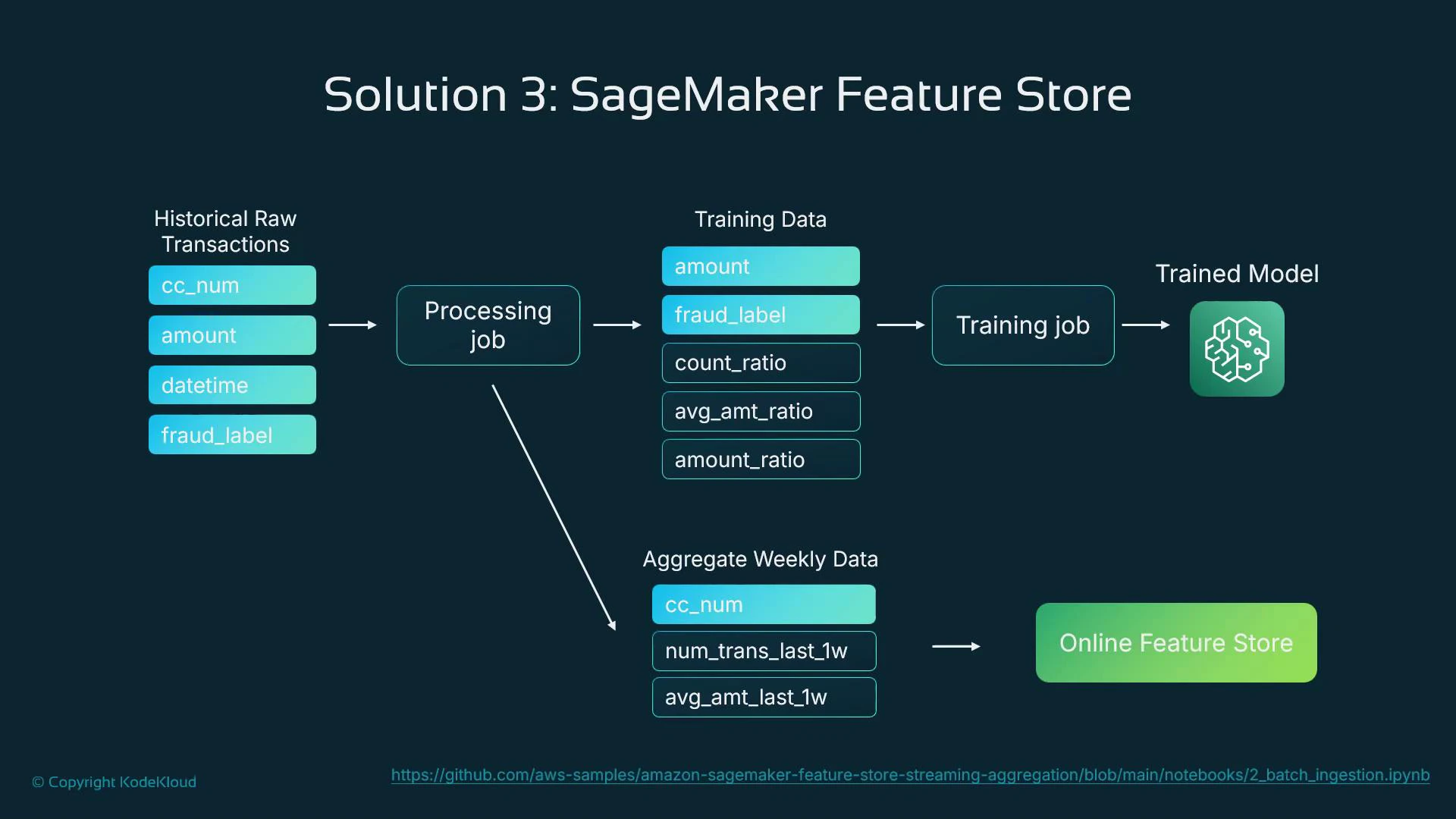
- Extract historical transactions from the source datastore.
- Derive features and populate:
- training feature groups (for offline model training),
- batch aggregates and the online feature store (for runtime lookups).
- Train the model using feature store data (ensures feature parity).
- Serve the model in production and read online features at prediction time.
- SageMaker Feature Store examples: https://github.com/aws/amazon-sagemaker-examples
- Amazon SageMaker documentation: https://docs.aws.amazon.com/sagemaker/latest/dg/whatis.html
- SageMaker Feature Store docs: https://docs.aws.amazon.com/sagemaker/latest/dg/feature-store.html
- AWS DynamoDB: https://aws.amazon.com/dynamodb/
Use serverless inference to minimize costs for intermittent, unpredictable real-time workloads. For real-time systems requiring consistent, precomputed features (like fraud detection), use SageMaker Feature Store to centralize feature engineering and reduce inference-time overhead.