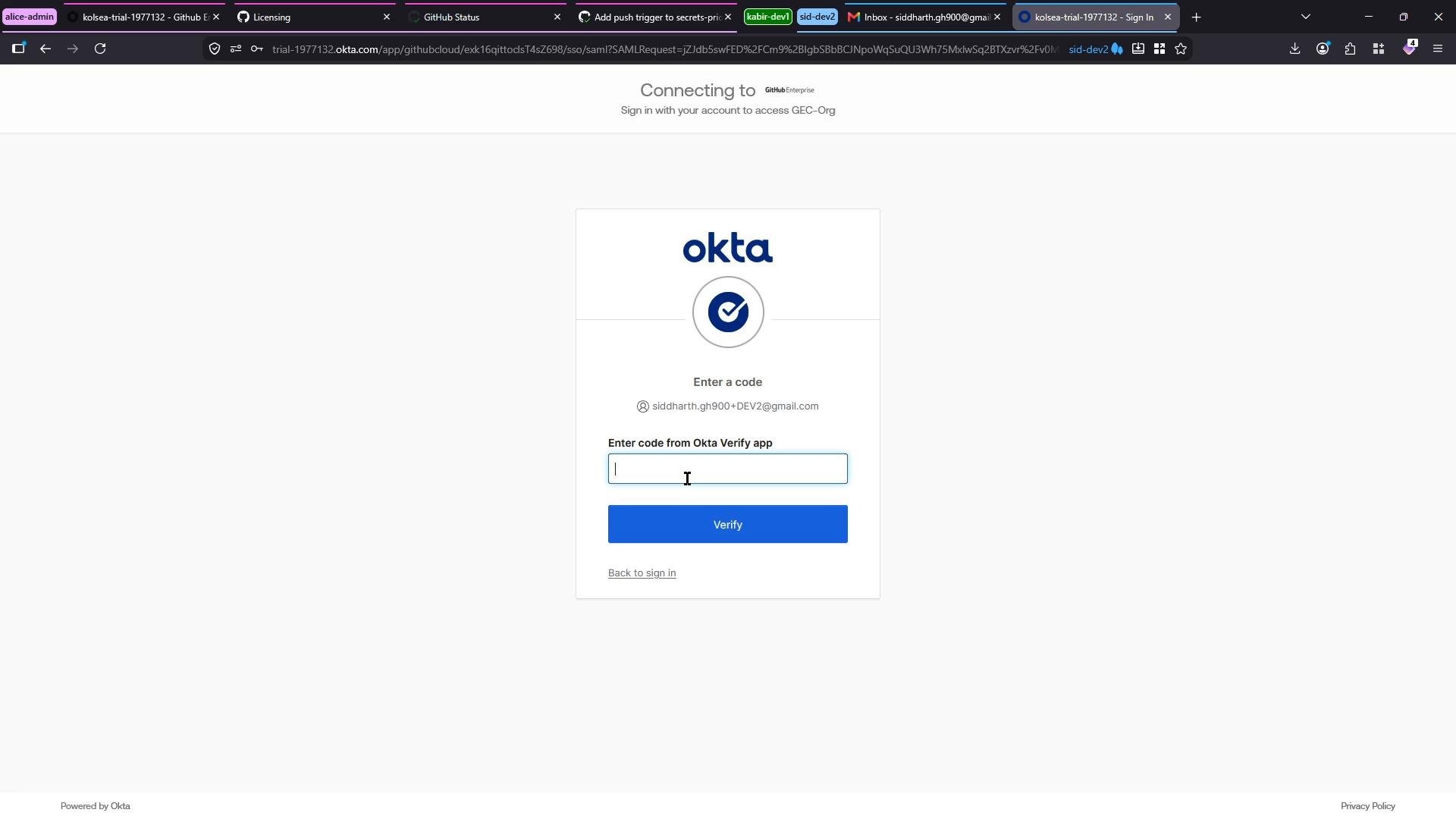
This guide summarizes the responsibility split between a GitHub organization administrator and the GitHub Support team. It focuses on identity recovery for SAML single sign-on (SSO), SAML certificate and provisioning maintenance (SCIM/team sync), self-hosted Actions runners, and when to escalate to GitHub Support. Scenario — lost second-factor device with SAML SSO You are a developer who signs into your organization using a federated identity provider (SAML SSO). When you attempt to access the organization, GitHub redirects you to the IdP. After entering your username and password, you are prompted to provide a one-time token from the Okta Verify app. If you have lost the device running Okta Verify, you cannot complete the second-factor step and will be unable to access the organization.
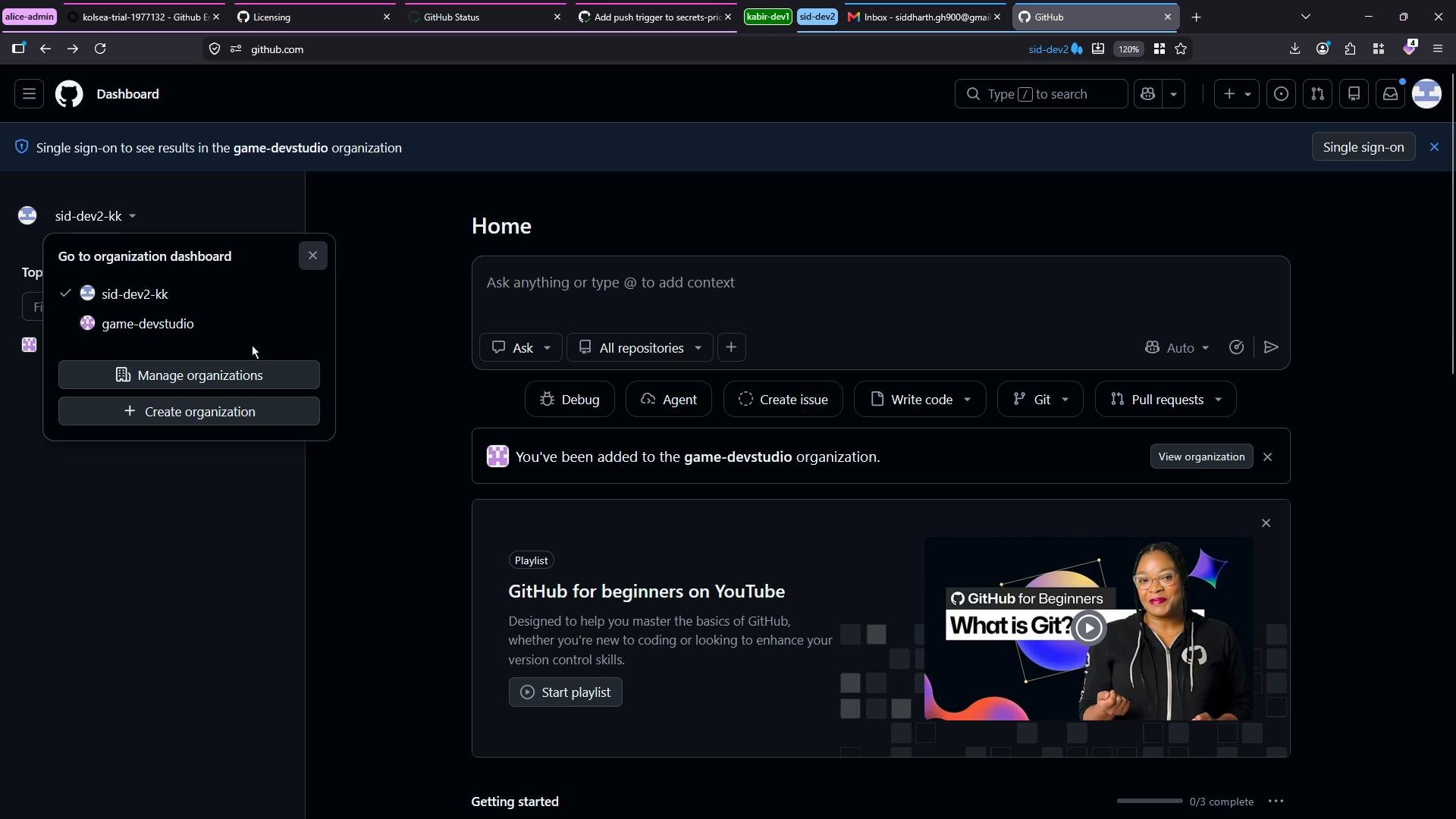
A dark-mode GitHub dashboard screenshot showing the Home page with an organization switcher dropdown open (sid-dev2-kk and game-devstudio) and action buttons like Create issue, Write code, and Pull requests. A "GitHub for beginners" playlist card with a video thumbnail appears lower on the page.
A web screenshot of an Okta multi-factor authentication page prompting the user to enter a code from the Okta Verify app. The header shows it's connecting to a GitHub Enterprise account.
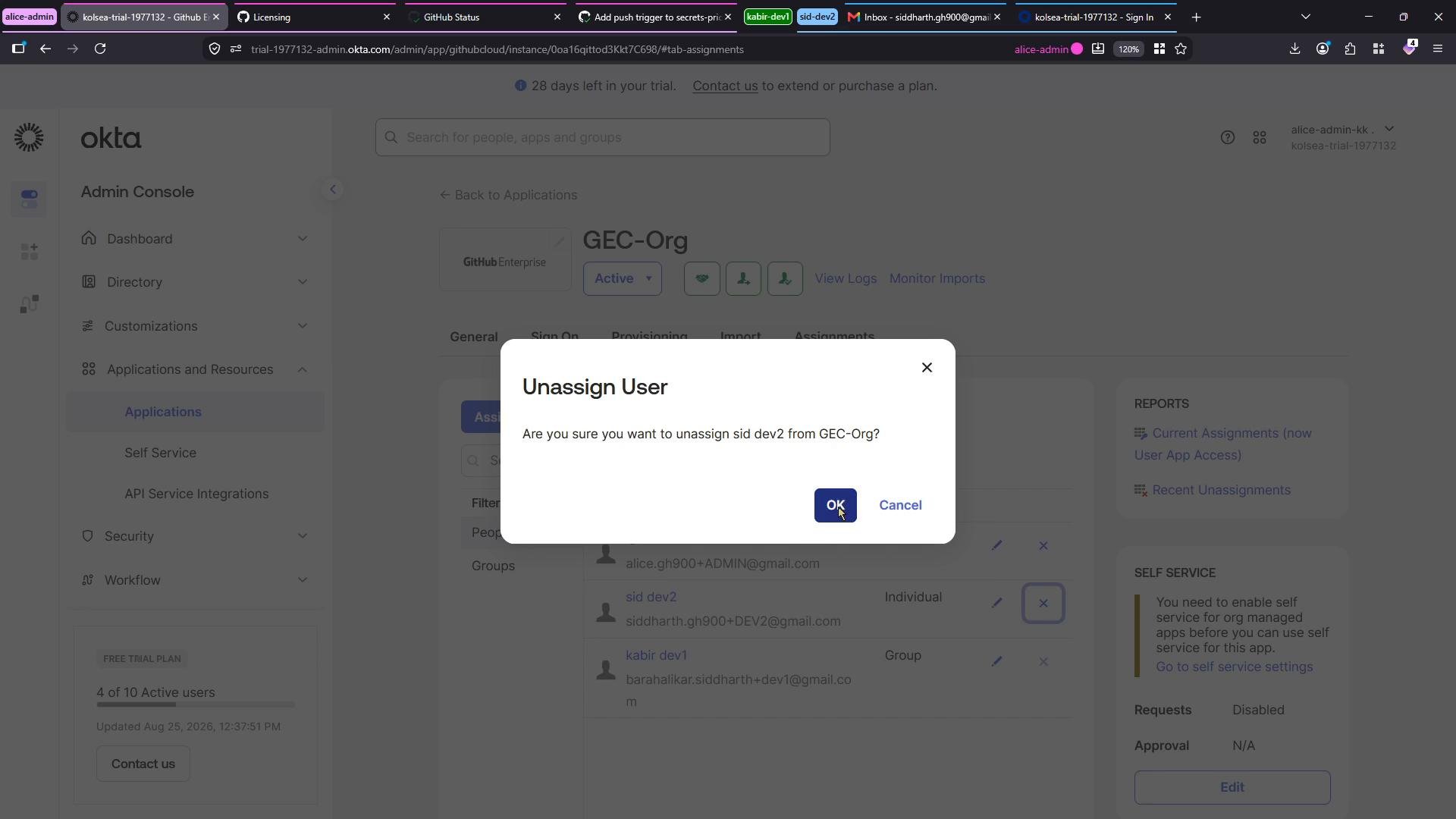
Recovering access — administrator responsibilities If a user loses their second-factor device, restoring access is an identity/IdP administration task. Organization admins (or the IdP administrator) must unassign and then reassign the user in the IdP so they can re-enroll a new authenticator device. This process is handled entirely on the IdP side and requires re-provisioning or re-inviting the user to the GitHub application. To unassign the user from the application in Okta (example):
A screenshot of the Okta Admin Console with a confirmation dialog asking to unassign a user from an organization/app. The modal shows "OK" and "Cancel" buttons over the applications/assignments page.
Recommended unassign/reassign steps for org admins
  1. Unassign the user from the GitHub application in the IdP.
  2. If the user is in groups used for provisioning or team sync, remove them from those groups where appropriate.
  3. Reassign the user to the application so they receive a new invitation.
  4. Confirm the user can register the Okta Verify app (or your chosen authenticator) on the replacement device.
  5. Validate the user’s group membership if your organization relies on group-based provisioning or team sync.
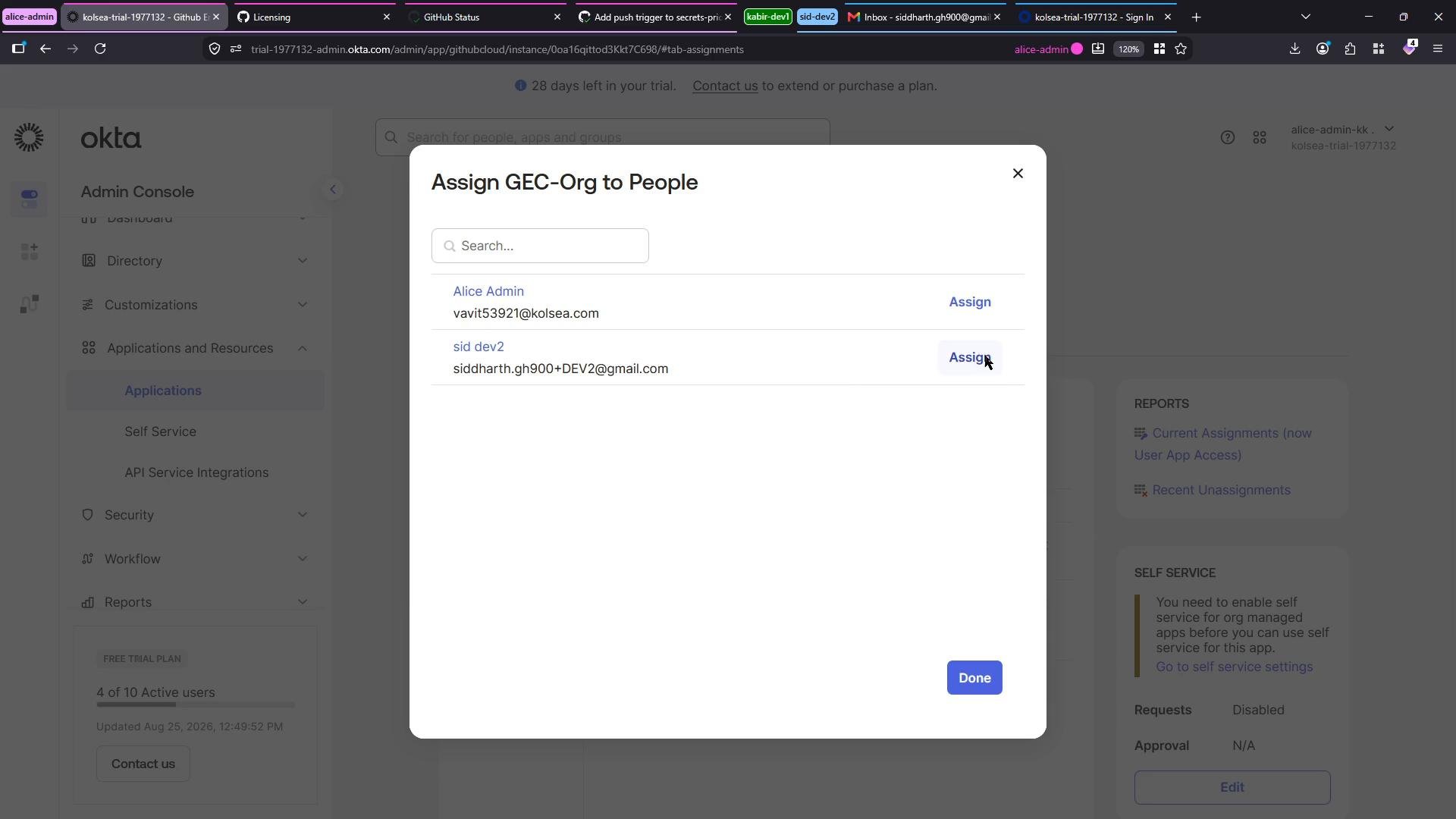
A screenshot of the Okta Admin Console with a modal titled "Assign GEC-Org to People" showing a search box and a list of users with "Assign" buttons. The background shows the admin navigation and dashboard.
If your organization separates IdP administration from GitHub org administration, coordinate both roles: the IdP admin performs the unassign/reassign steps, and the GitHub org admin confirms provisioning/team sync completes successfully.
SAML certificates, team sync, and SCIM provisioning Organization administrators are responsible for maintaining SAML configuration and provisioning/SCIM integrations. Typical admin tasks include:
  • Rotating SAML certificates before expiration in both the IdP and the GitHub organization’s SAML settings.
  • Monitoring IdP and GitHub audit/provisioning logs for errors.
  • Validating SCIM tokens, API credentials, and provisioning mappings.
  • Re-running provisioning or team sync after resolving IdP-side issues.
Troubleshooting checklist for SCIM/team sync failures
  • Check IdP logs for authentication or provisioning errors.
  • Confirm SCIM/API tokens and credentials are valid and unexpired.
  • Inspect GitHub organization audit logs and provisioning failure messages.
  • Coordinate certificate token rotations and retries with the IdP admin.
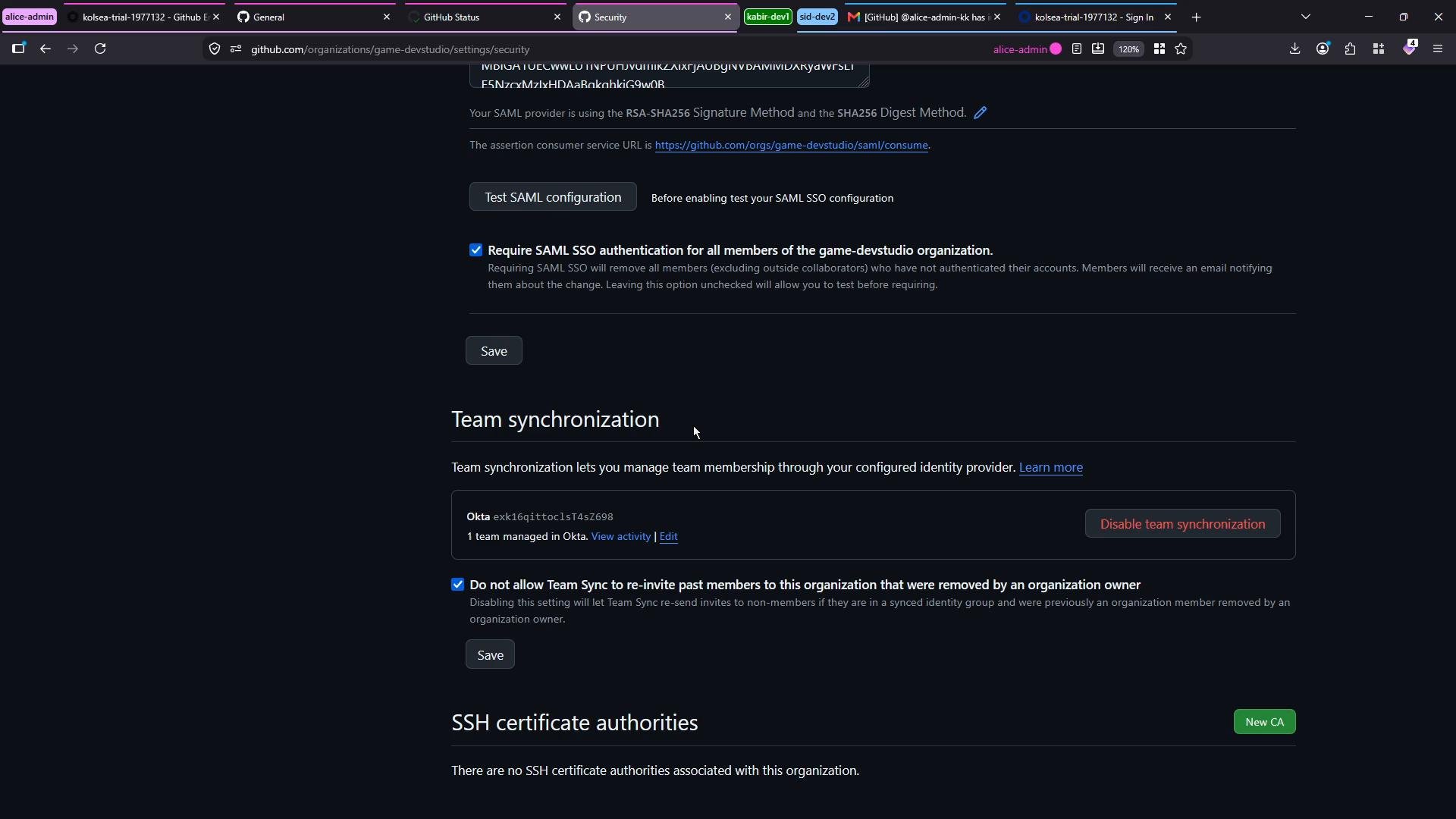
Note: When your organization has a separate IdP administrator, certificate and provisioning updates are a shared responsibility between the GitHub org admin and the IdP admin.
Dark-mode screenshot of a GitHub organization's security settings page. It shows SAML SSO configuration (with "Require SAML SSO" checked), team synchronization controls, and an SSH certificate authorities section.
Self-hosted runners Maintaining and troubleshooting self-hosted GitHub Actions runners is an administrator (or runner operator) responsibility. When a runner goes offline, the owner should inspect logs, check connectivity, restart services, or reprovision the host. Example runner start output (abridged):
Self-hosted runner troubleshooting steps
  • Review the runner logs for errors or job failures.
  • Verify network connectivity to GitHub (API endpoints).
  • Ensure the runner service/process is running and configured to auto-restart.
  • Update or reprovision the host when the runner software is corrupted or outdated.
GitHub Support involvement GitHub Support handles platform-level issues and billing/licensing concerns:
  • Platform outages or degraded services (Actions, API, Pages, etc.) — check the GitHub Status page first.
  • Billing and enterprise licensing disputes should be opened as a support case with GitHub.
  • If an issue appears to be platform-wide or requires intervention beyond your organization’s scope, open a support ticket at GitHub Support Contact.
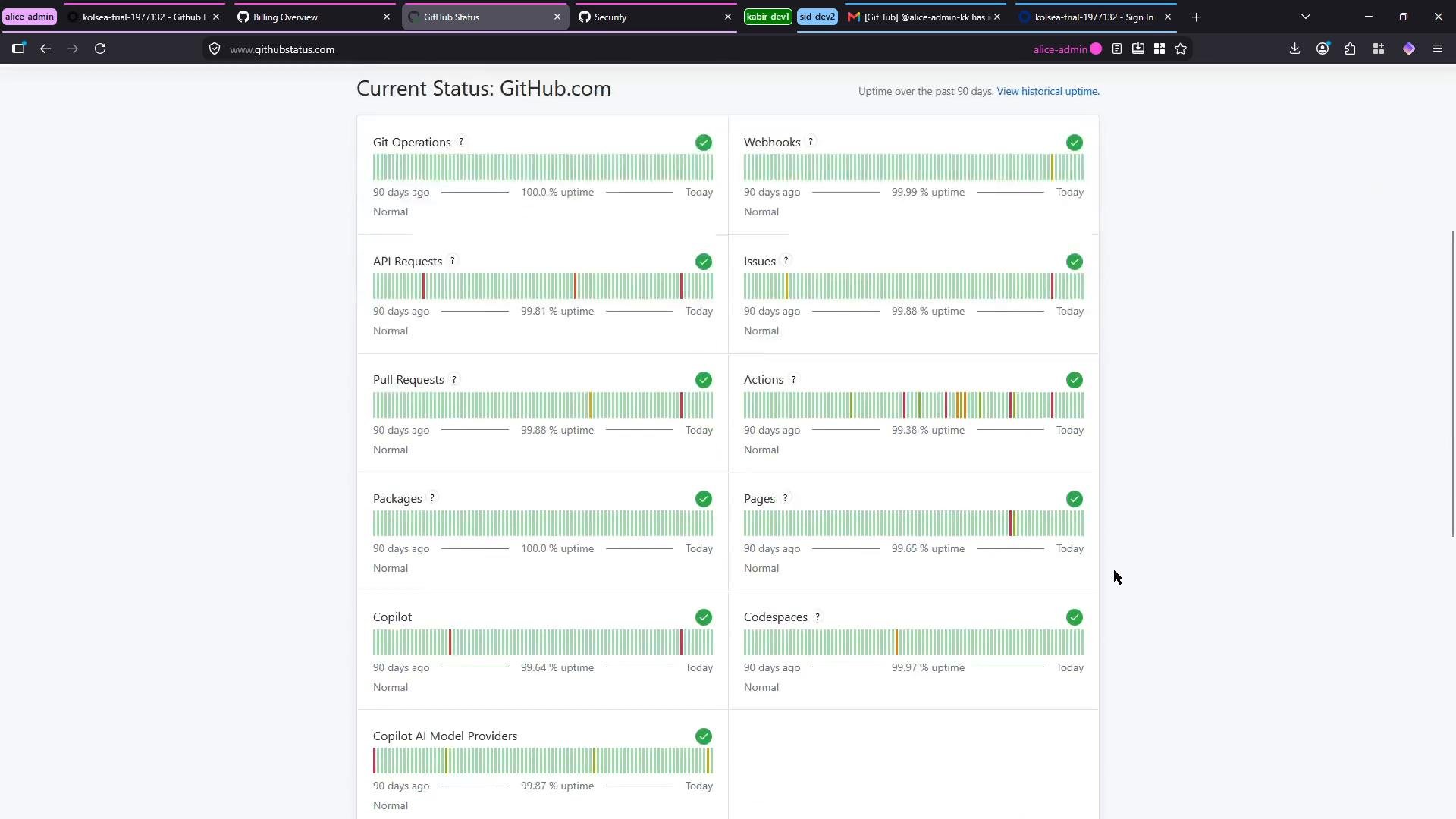
A screenshot of the GitHub status page showing service components (Git Operations, API Requests, Pull Requests, Actions, Pages, Copilot, etc.) with uptime bars, percentages, and green checkmarks indicating mostly normal operation. The view is in a browser window with multiple tabs visible across the top.
Do not contact GitHub Support for IdP-level identity resets (lost MFA devices). Those are handled via your IdP and organization admins. Contact Support for billing, platform outages, or proven GitHub service defects only.
Responsibilities at a glance Summary
  • Organization administrators (and IdP administrators where applicable) are responsible for identity recovery (lost 2FA devices), SAML certificate rotations, SCIM/team synchronization troubleshooting, and self-hosted runner maintenance.
  • GitHub Support handles platform-level outages, service bugs, and billing/licensing issues.
  • Use the GitHub Status page to confirm platform health first; then open a support case if the issue requires GitHub’s intervention.
Links and references

Watch Video