

- Create branch rulesets and choose enforcement modes.
- Target specific organizations and repositories.
- Combine rules across layers and understand precedence.
- Use bypasses for emergency exceptions.
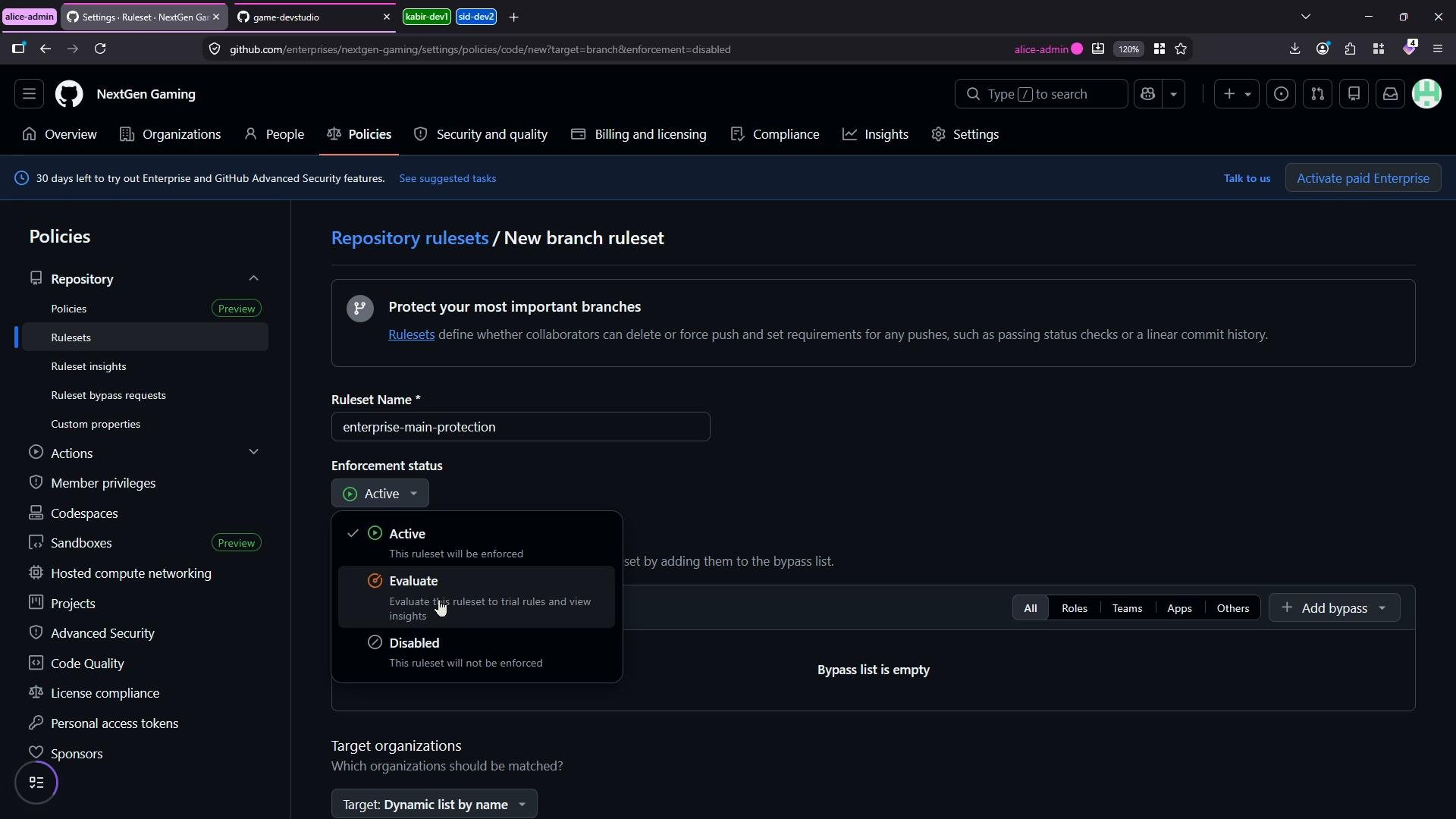
Rulesets can be created for branches, tags, or pushes and set to one of three enforcement modes: Active (enforced), Evaluate (trial mode), or Disabled. Use Evaluate to test without blocking workflows.
1) Create an enterprise-level branch ruleset
Start inside the enterprise account (Next Gen Gaming). Create a new branch ruleset to centrally protect important branches across many repositories.- Name: “Enterprise Clean Protection”
- Type: Branch ruleset
- Enforcement: Active
- Bypass: leave empty for now (we’ll configure bypasses later)
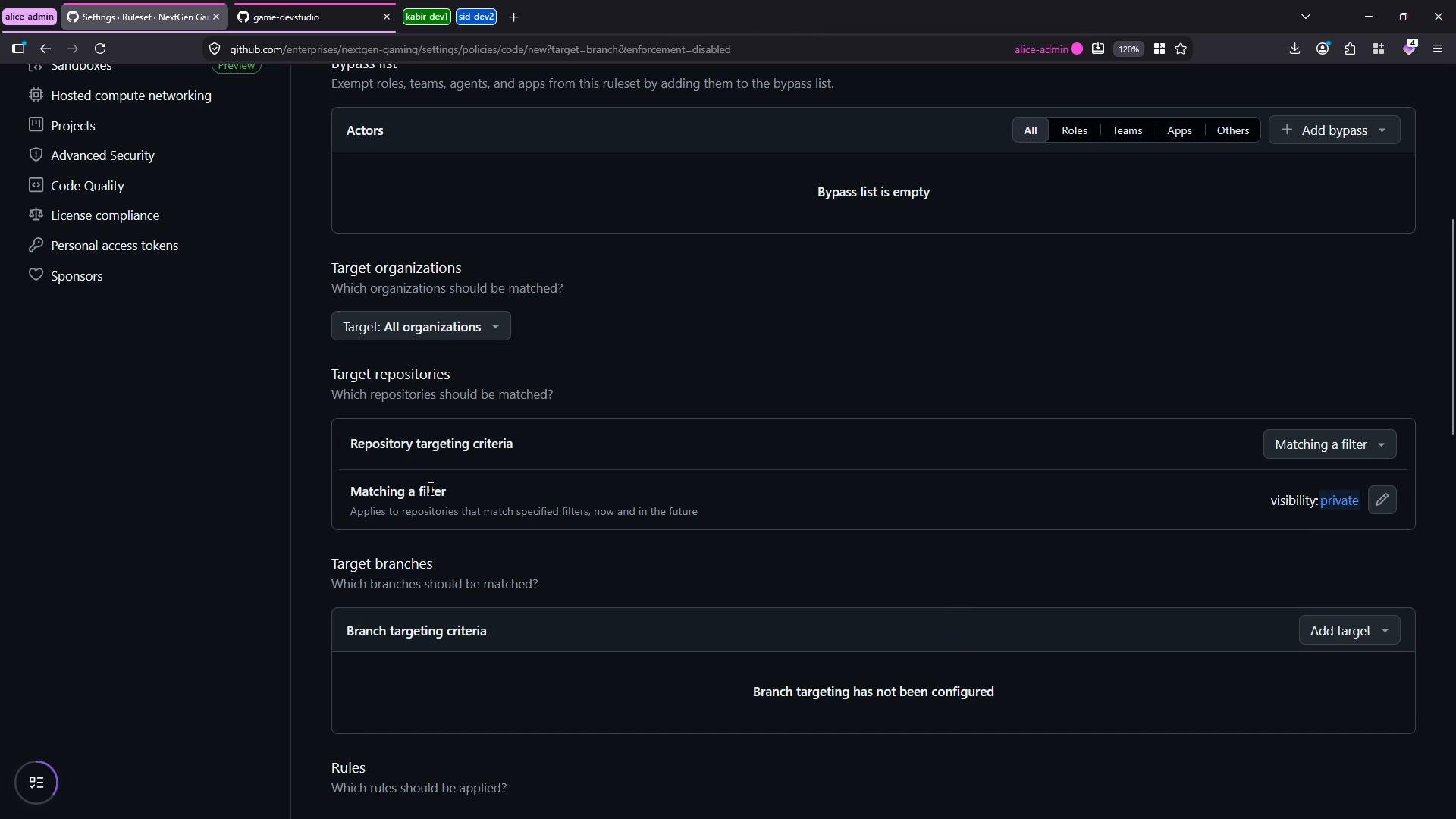
main branch (you can use include/exclude patterns for feature branches). Remove default rules if needed and add a single rule:
- Require a pull request before merging
- Require at least 1 approving review
2) Verify enforcement in a repository
Open the target repository (App Backend). Under Settings → Rulesets you will see the enterprise-managed ruleset listed and enforced. Enterprise-managed rulesets cannot be edited at the repository level — developers will see the enterprise rules applied when they attempt to modify protected branches. If you attempt to edit the README and commit directly tomain, the UI will block the direct commit and prompt you to create a branch and open a pull request. Example local/inline change:
3) Add an organization-level ruleset
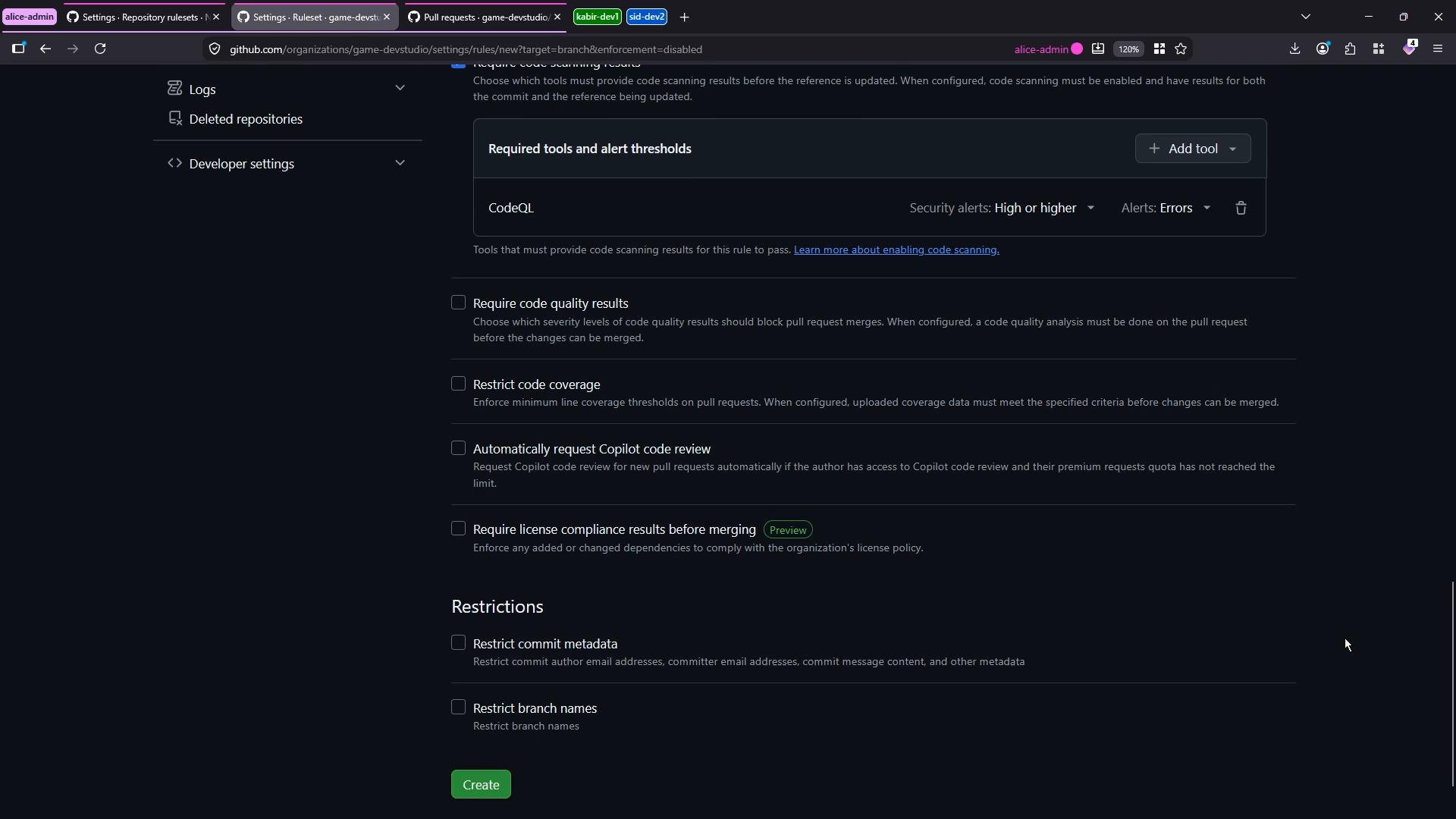
Next, create a ruleset at the organization level (game-devstudio). This lets you enforce additional requirements for all the organization’s repositories.- Name: “organization port scanning ruleset”
- Type: Branch ruleset
- Enforcement: Active
- Target: All repositories in the organization
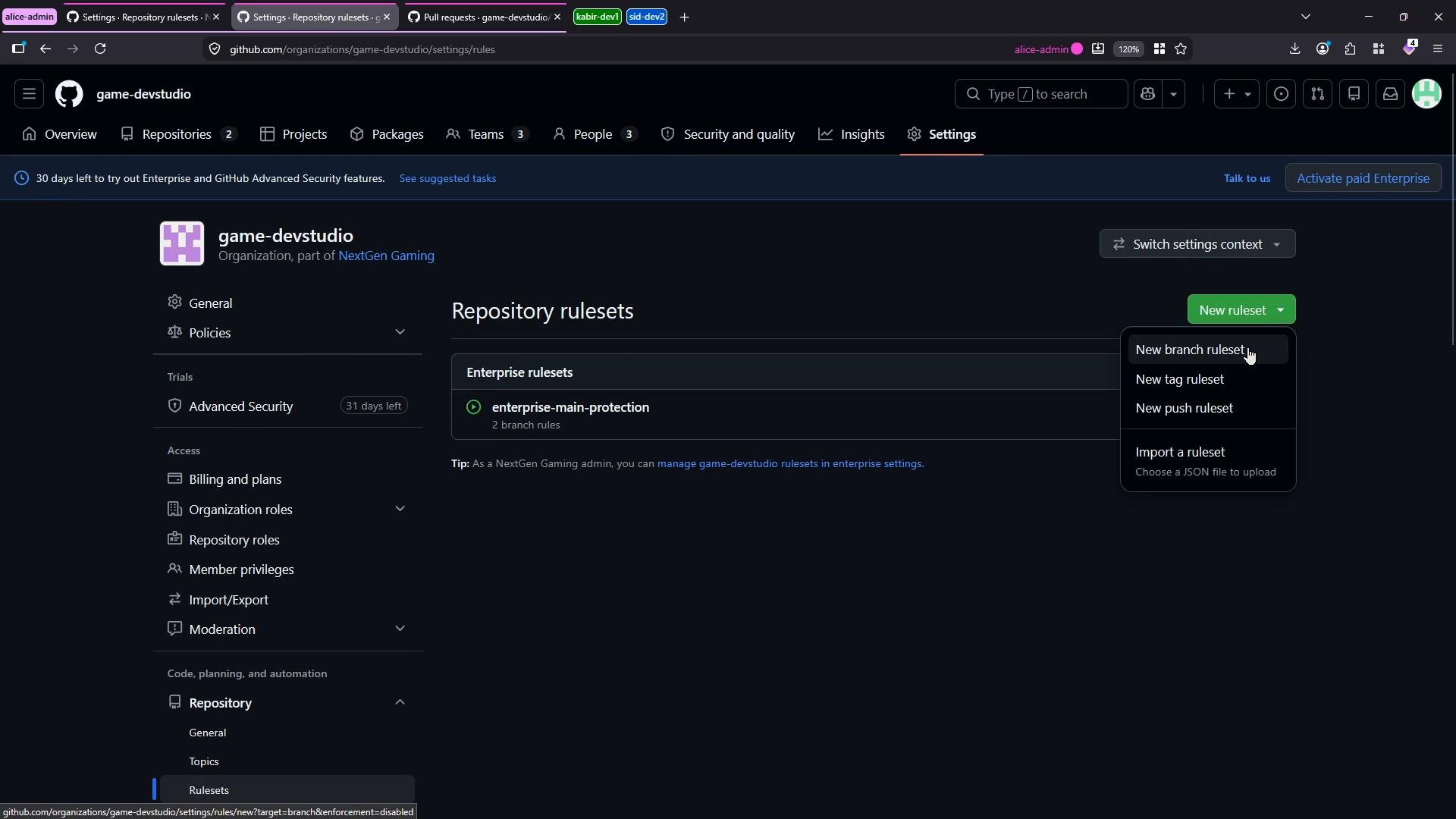
main for this demo).
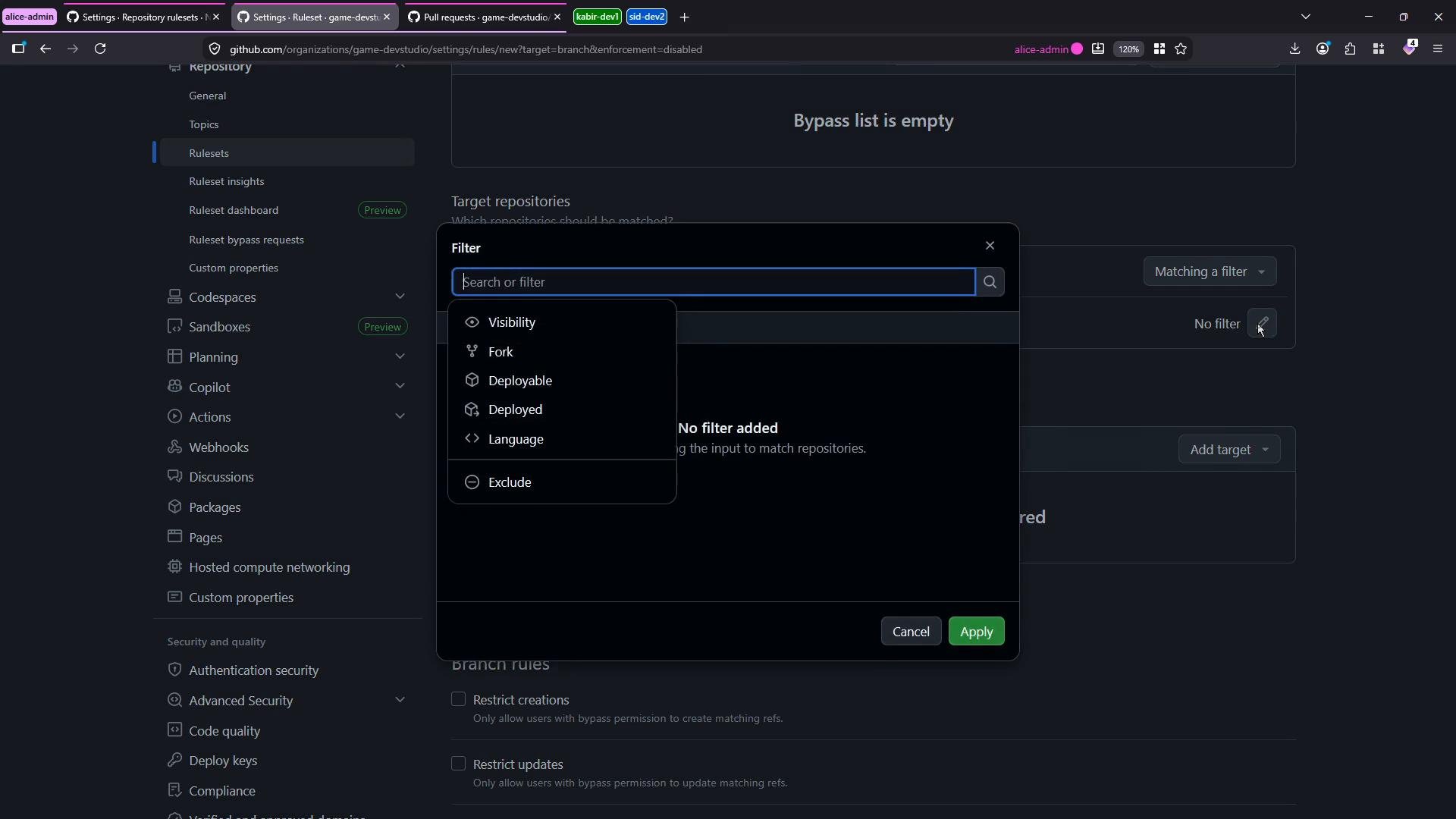
4) Add a repository-level ruleset
In the App Backend repository create a branch ruleset named “Repository Multi-PR Approval”:- Type: Branch ruleset
- Enforcement: Active
- Branch:
main - Rule: Require 2 approving reviewers for pull requests
- The repository’s requirement for 2 approvals overrides the enterprise requirement for 1 approval (the stricter value wins).
- The organization rule still requires successful CodeQL scan results.
- The repository-level rule requires two approving reviews (stricter than the enterprise-level one).
- The organization-level rule requires a successful CodeQL scan result on the relevant branch; if no scan results exist GitHub indicates merging is blocked for missing required scan results.
5) Configure bypasses (use sparingly)
If you need emergency exceptions, add bypass entries at the enterprise, organization, or repository levels. Bypasses can be scoped to roles (e.g., enterprise owners, organization admins, repository admins) and limited to specific rule types (for example, allow bypass only for pull request rules). Bypasses override protections, so apply them sparingly.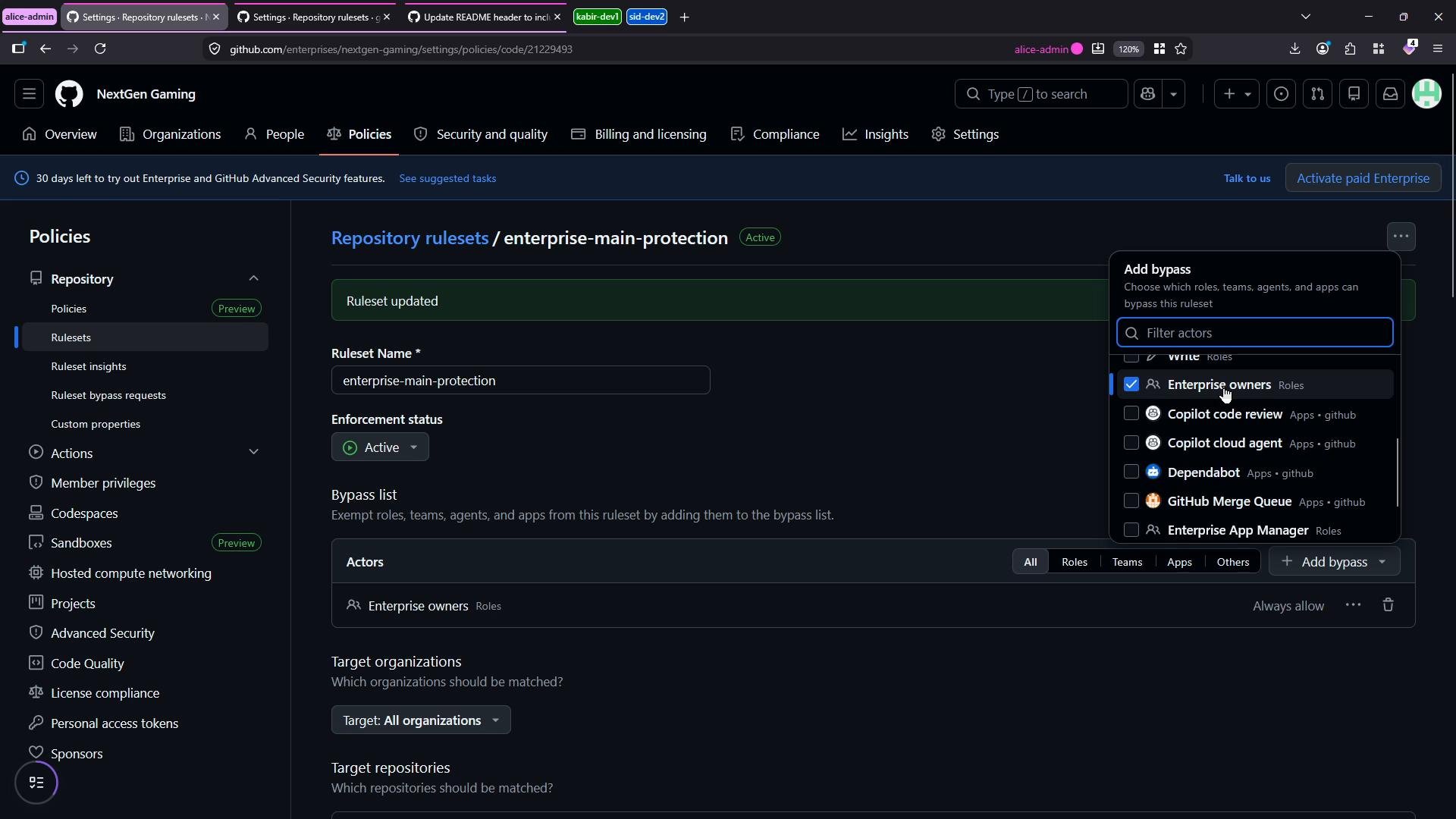
Ruleset precedence: when multiple rulesets apply, GitHub enforces the strictest combination of rules. Bypasses are a powerful override and should be used only when necessary.
Quick reference: ruleset levels and typical use
Links and references
- GitHub docs: Repository rulesets — https://docs.github.com/en/enterprise-cloud@latest/admin/enterprise-admin/repository-rulesets
- CodeQL: About code scanning — https://docs.github.com/en/code-security/code-scanning/automatically-scanning-your-code-for-vulnerabilities-and-errors/about-code-scanning