

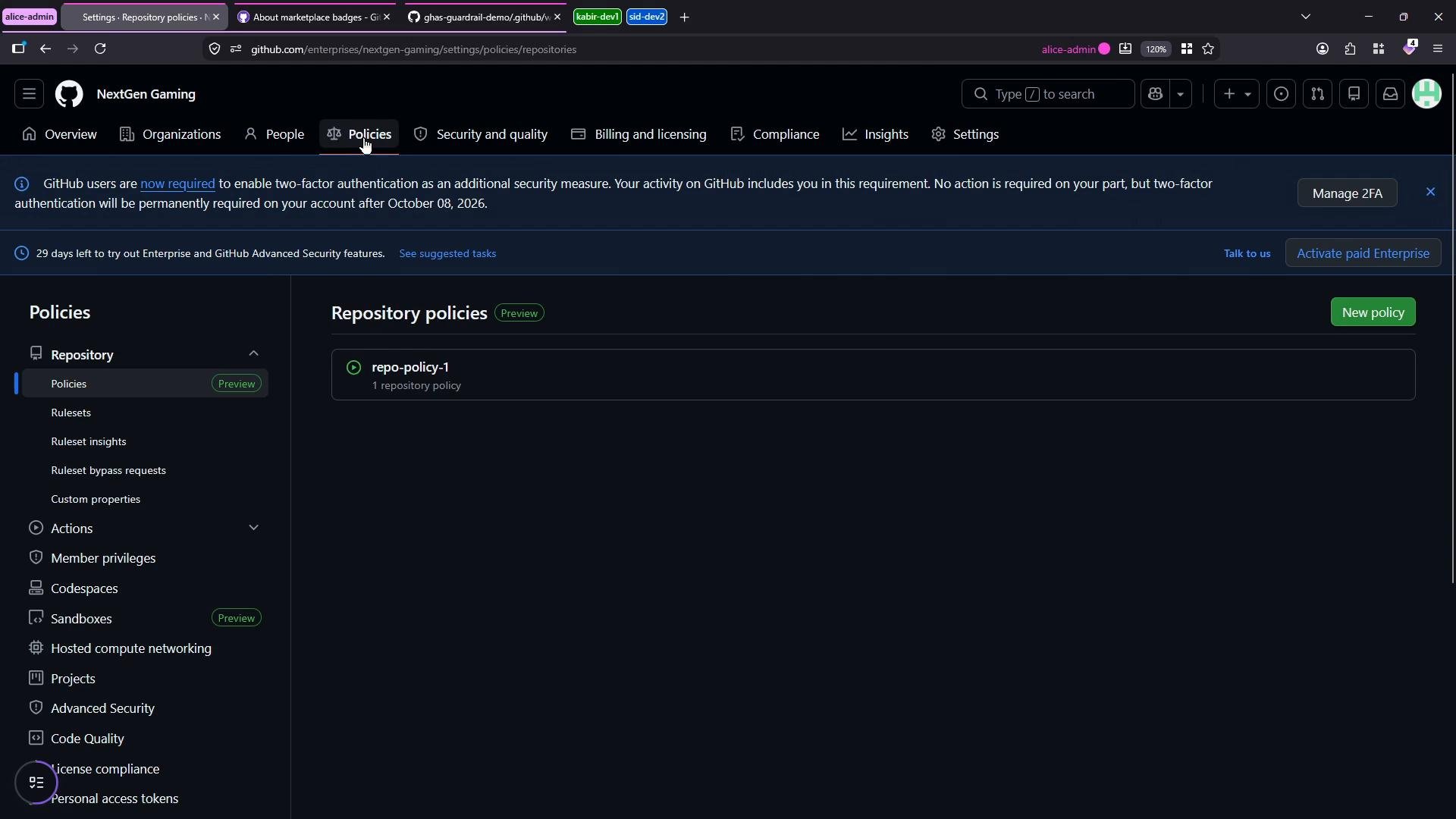
Actions policy — General tab
In the Actions policies’ General tab you choose which Actions and reusable workflows are permitted. The most common configurations are:- Allow all actions and reusable workflows (no creator restrictions).
- Allow only enterprise actions and reusable workflows (actions created within repositories owned by your enterprise).
- Allow only certain creators: GitHub-created actions, or Marketplace actions with a verified creator badge.
- Specify an explicit allow/block list for particular actions or reusable workflows using comma-separated entries, wildcards, tags, or SHAs. Prefix an entry with
!to block it.
Allow/block list examples (plain text input)
Marketplace “verified creator” badge
One recommended option is to restrict allowed actions to those with the Marketplace “verified creator” badge. That badge indicates GitHub has validated the publisher’s domain and email and that the publisher meets organization-level security requirements (for example, two-factor authentication).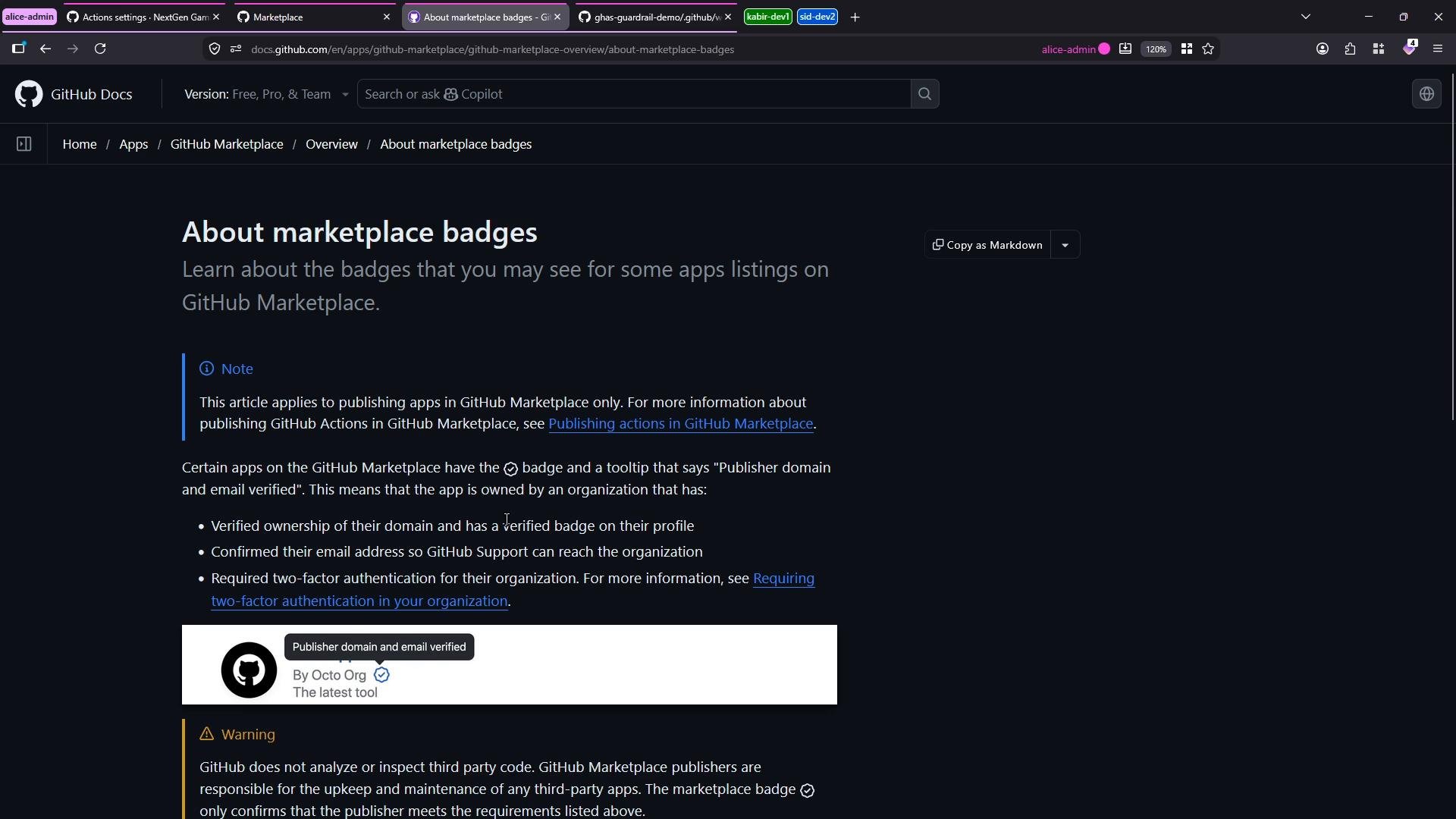
The “verified creator” badge helps reduce risk from unverified third-party actions by confirming the publisher’s domain/email and basic security posture. Combining this with an explicit allow/block list gives fine-grained control.
Mixing policies
You can combine a broad rule (for example, “enterprise-only” or “verified creators”) with a specific allow/block list. Use! to explicitly block an action that broader rules would otherwise permit. After you edit the policy, save it — the UI will confirm that the policy has been updated (for example, “Policy has been updated”).
Testing the policy
To validate your configuration, test it against a repository governed by the enterprise policy. The test below modifies a workflow to include:- actions/checkout
- a local composite action
- a deliberately unverified third-party action (to trigger blocking)
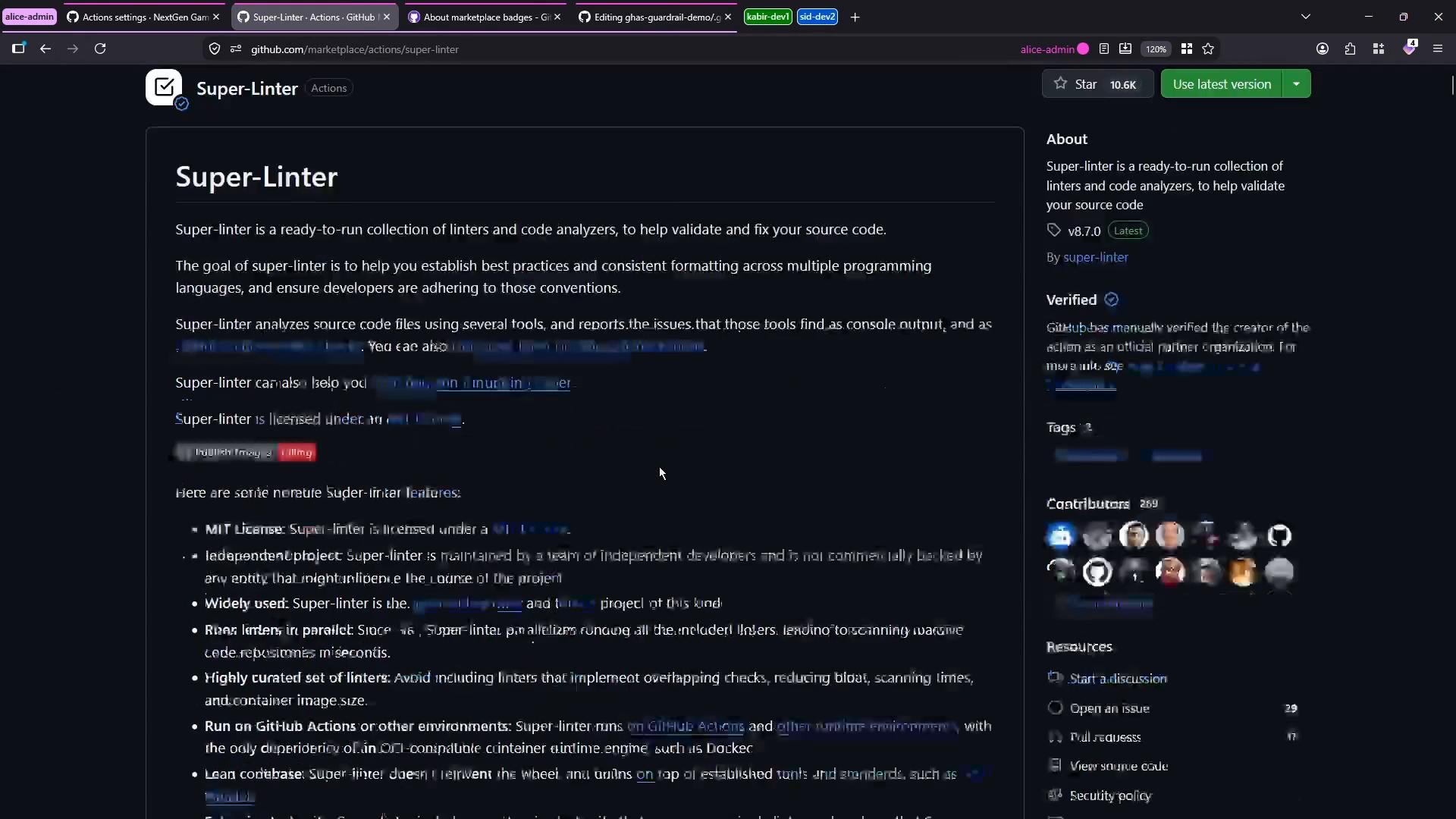
- Super-Linter (a verified Marketplace action expected to be allowed)
main) and watch the Actions run. If your enterprise policy blocks the unverified action, the workflow will fail at startup with a policy-enforcement message indicating which actions were blocked.
Policy enforcement can cause workflow startup failures. Before enforcing strict policies in production, test in a staging environment and ensure required third-party actions are explicitly allowed or replaced with approved alternatives.
Diagnosing a blocked run
Open the failed run to inspect the startup failure and the enforcement message. The run page shows which steps were prevented from executing and why.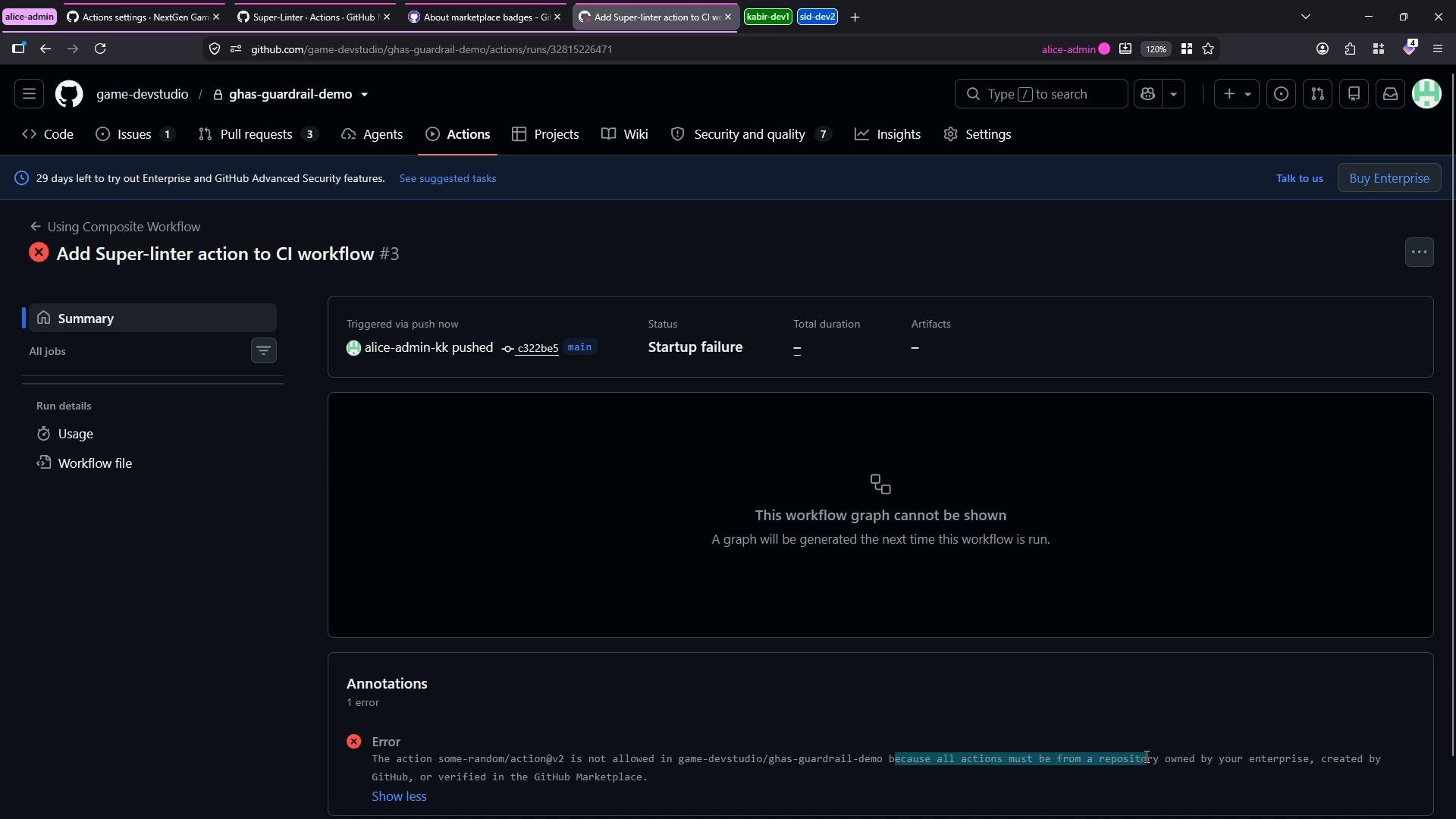
owner/repo@ref identifiers or wildcards (for example, owner/*) to allow multiple actions. To explicitly deny an action that would otherwise be allowed, prefix it with !.
Other Actions settings to review
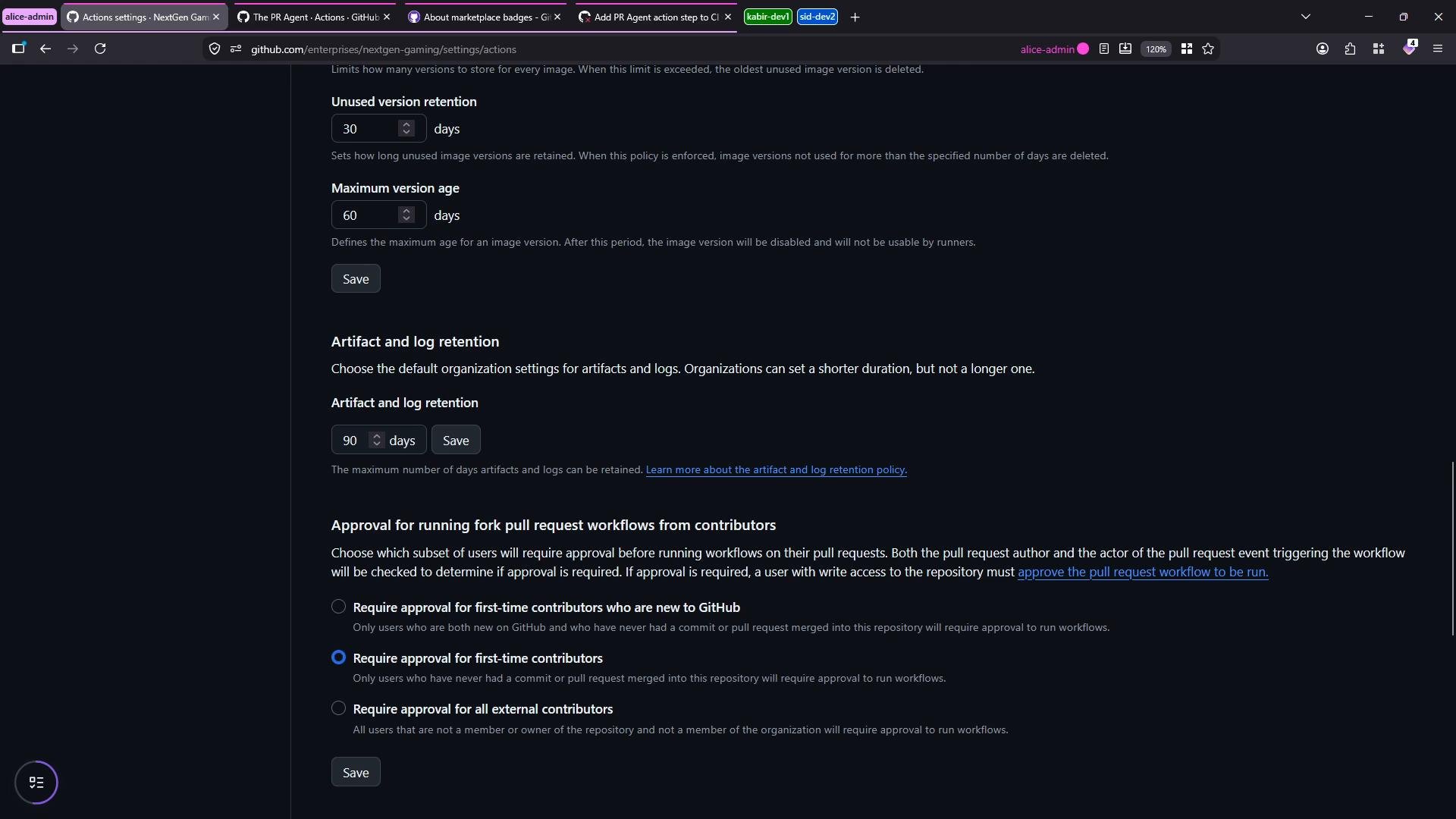
The Actions settings UI also includes additional controls you should consider:- Artifact and log retention (configure how long artifacts and logs are stored).
- Approval requirements for workflows from forks or run by first-time contributors.
- Controls for self-hosted runner usage and access.
- Approvals/whitelists for reusable workflows.
Best practices and resources
- Start with a conservative policy (for example, verified creators + enterprise-only) and open up with explicit allow entries as needed.
- Use staging repositories to test policy changes before applying them to production.
- Maintain a documented allow list so teams understand which external actions are permitted.
- Regularly review allowed actions and update versions (pinning by SHA or tag helps ensure reproducibility).
- GitHub Actions policies: https://docs.github.com/en/enterprise-cloud@latest/admin/policies/enforcing-actions-policies (replace with your GitHub Docs reference relevant to your environment)
- About marketplace badges: https://docs.github.com/en/marketplace/marketplace-badges/about-marketplace-badges
- Super-Linter Marketplace: https://github.com/marketplace/actions/super-linter