

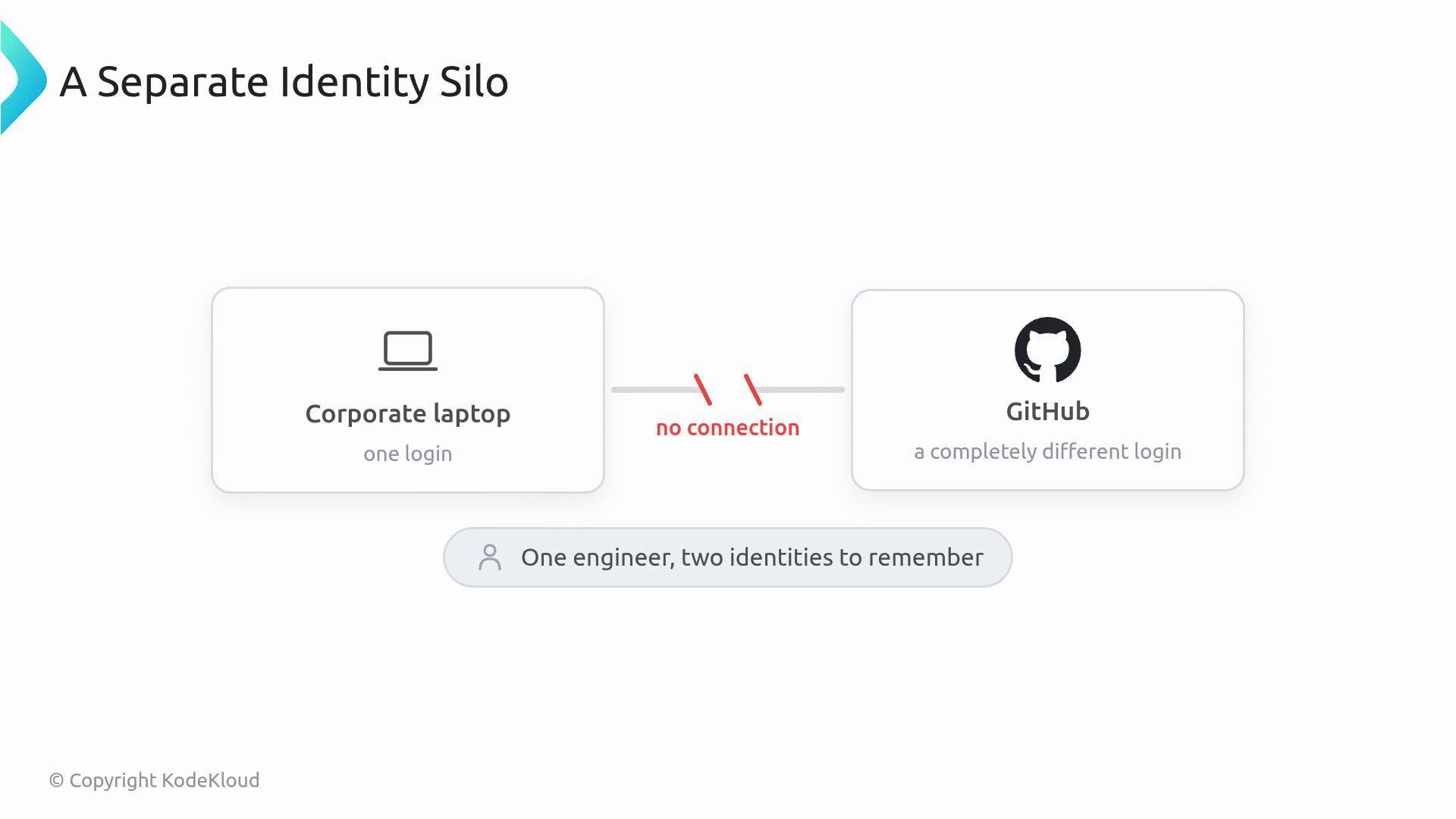
How SAML SSO works (an analogy)
Think of SAML like a security checkpoint at a federal building. In this analogy, GitHub is the building. GitHub issues the visitor pass (the SAML session token), but it doesn’t verify identities itself—the identity provider (IdP) does that. Your IdP is the “federal ID office” (for example, Okta or Azure AD). When someone tries to enter, the GitHub guard asks the IdP whether the person is cleared.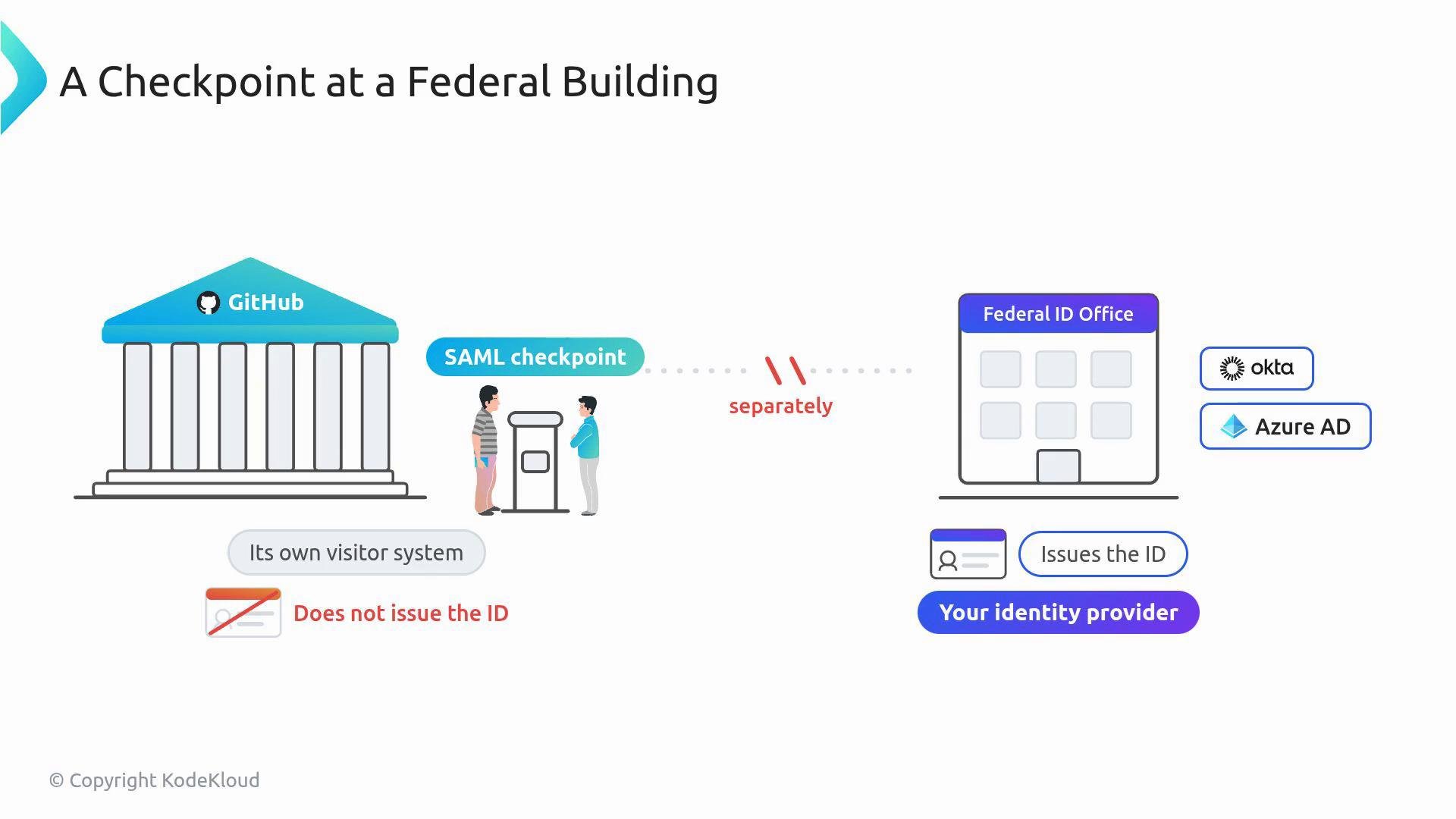
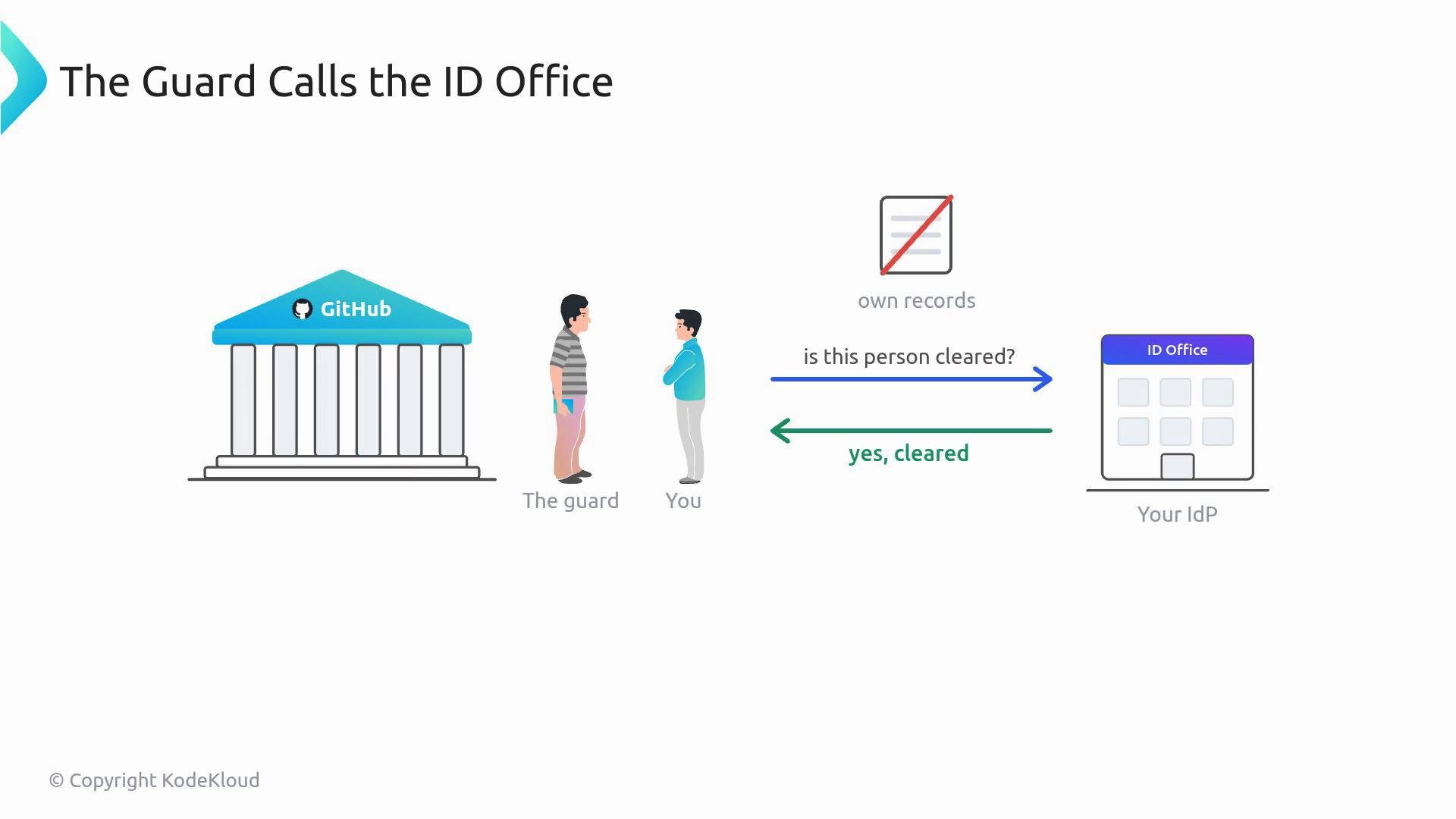
Session lifetime
A SAML session is time-limited (commonly 24 hours). After expiry, users must re-authenticate with the IdP to receive a fresh session token.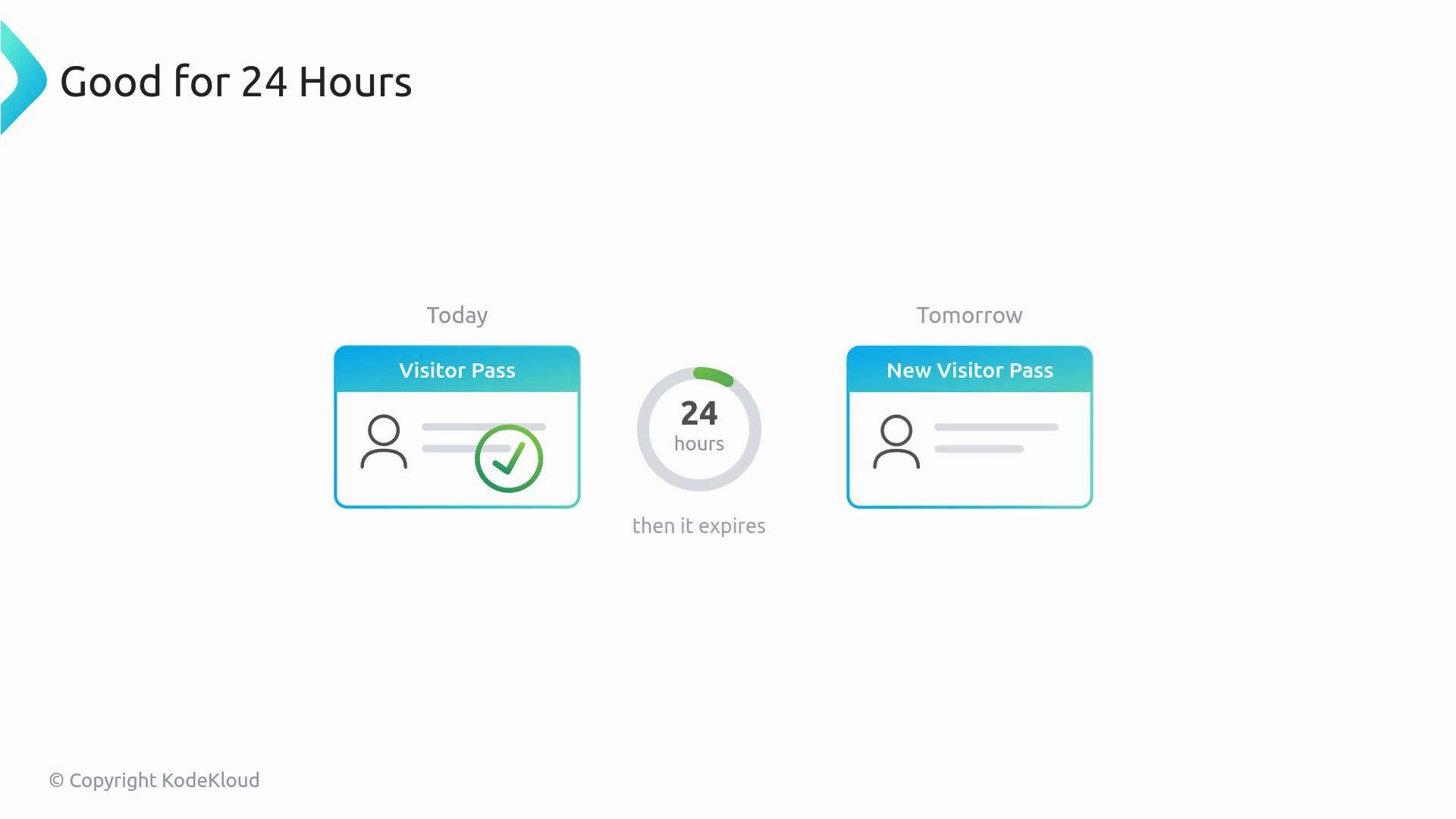
Availability dependency
Because GitHub defers authentication to your IdP, GitHub’s access becomes partly dependent on the IdP’s availability. If your IdP’s systems (authentication service, MFA provider, phone gates) are down, users cannot obtain a session token—effectively blocking access to the organization.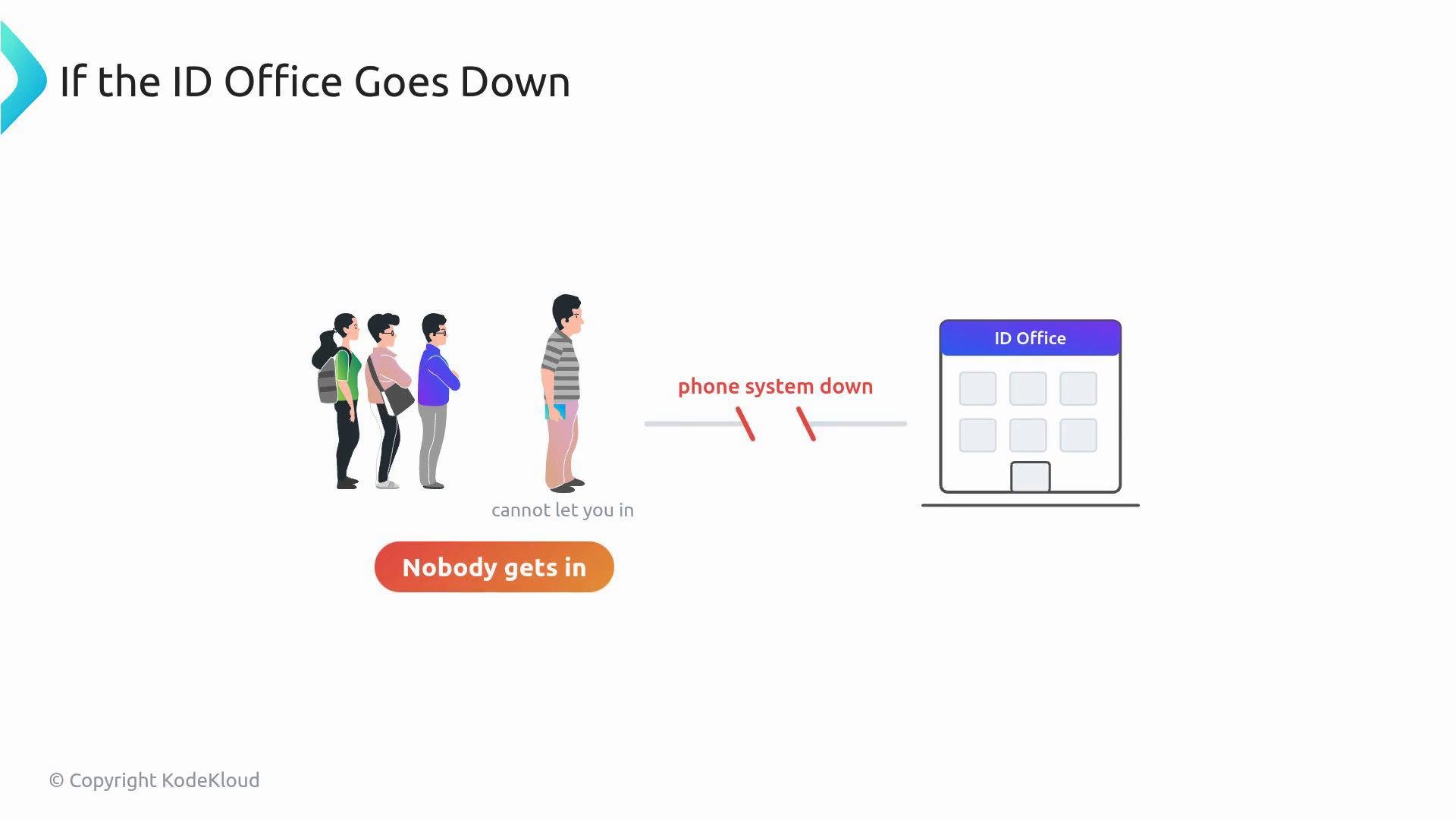
Enabling vs Enforcing SSO
A common operational pitfall is confusing “enabled” with “enforced.” The difference is critical:
If you switch to Enforced while your admin account lacks an active IdP session (or while you haven’t authorized critical automation credentials), you can lock organization owners and admins out immediately.
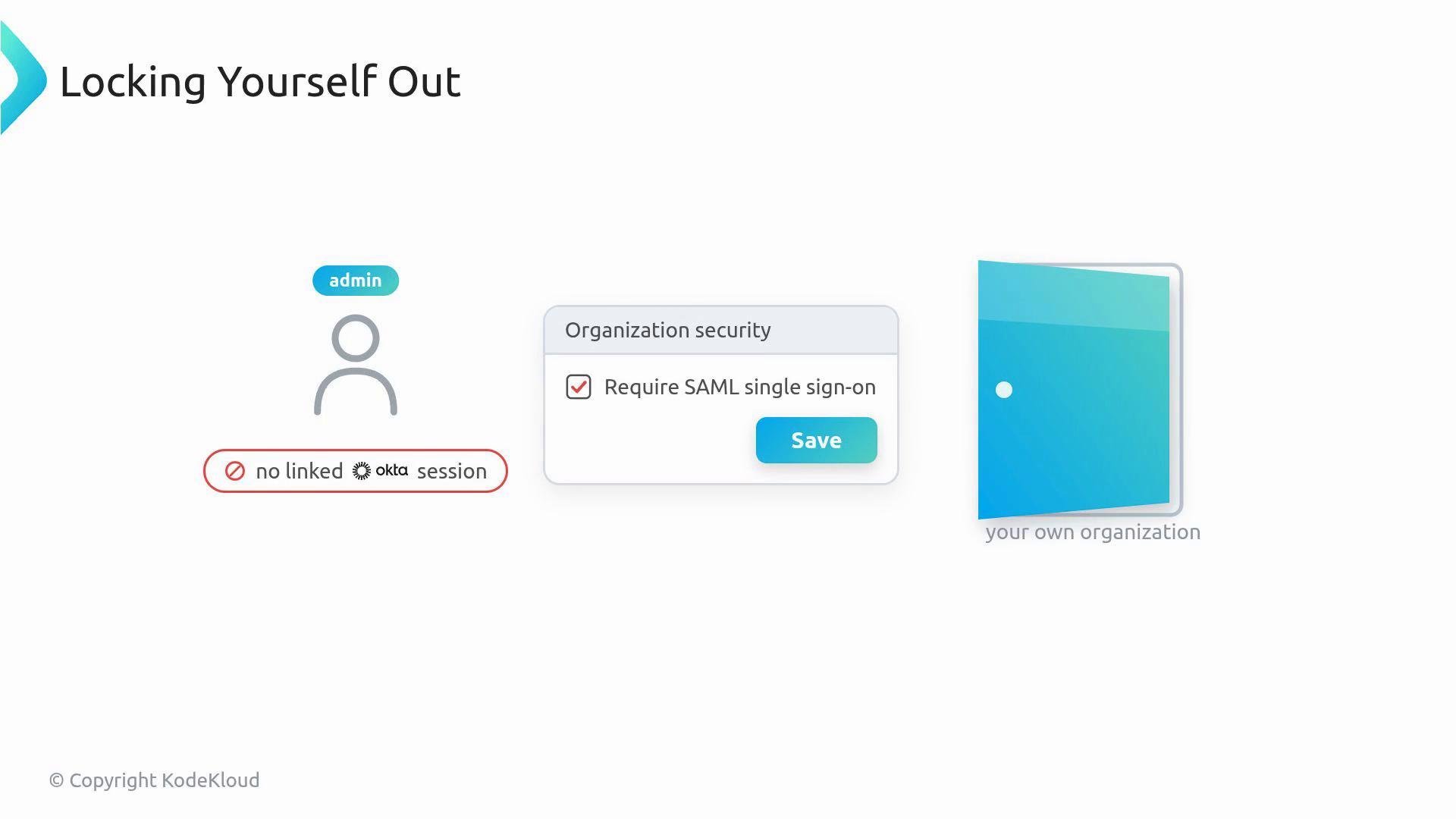
Always verify an active IdP session for at least one org owner/admin account before switching SSO from enabled to enforced. Enforcing SSO without a valid admin session will lock owners and admins out of GitHub.
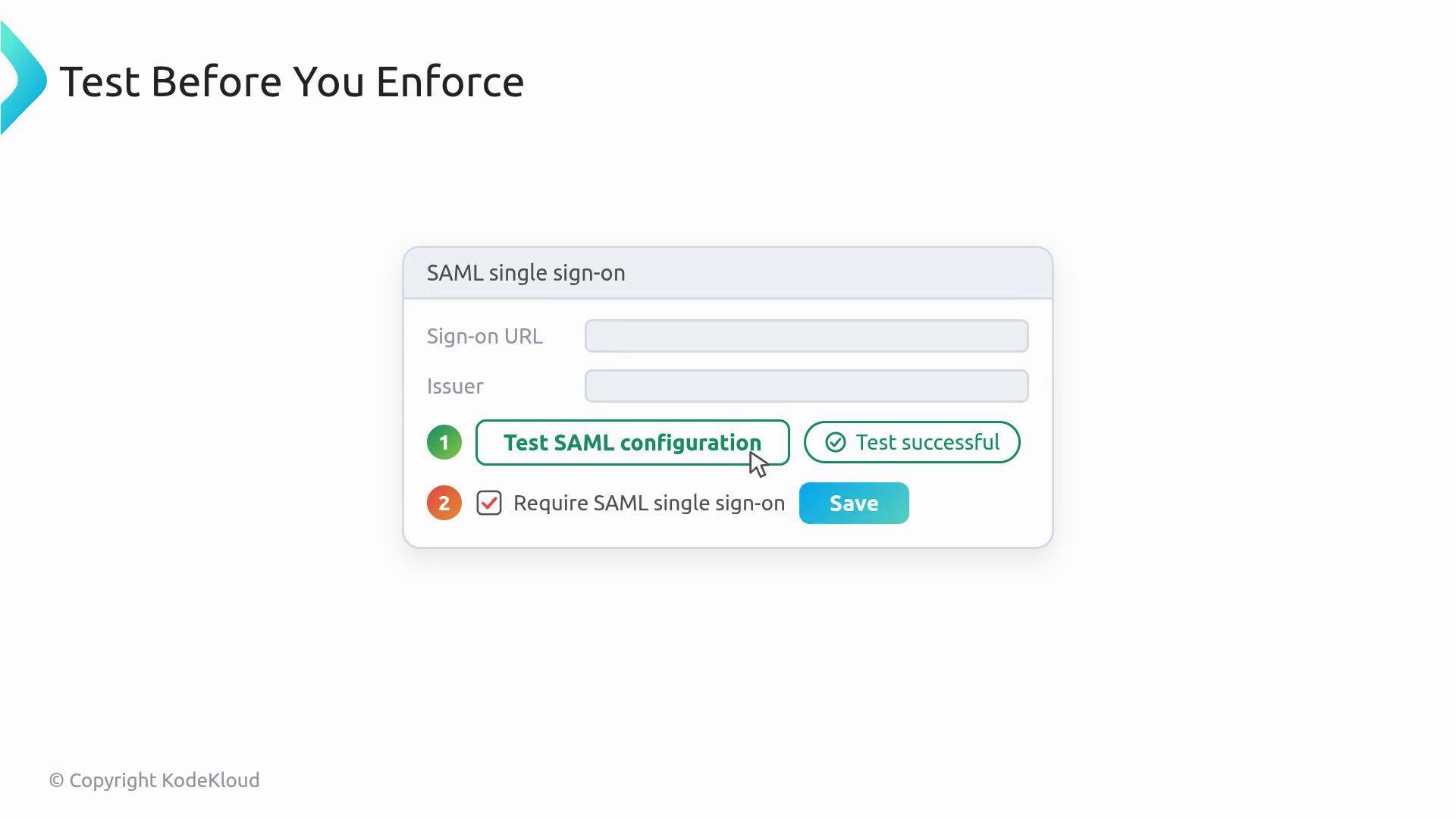
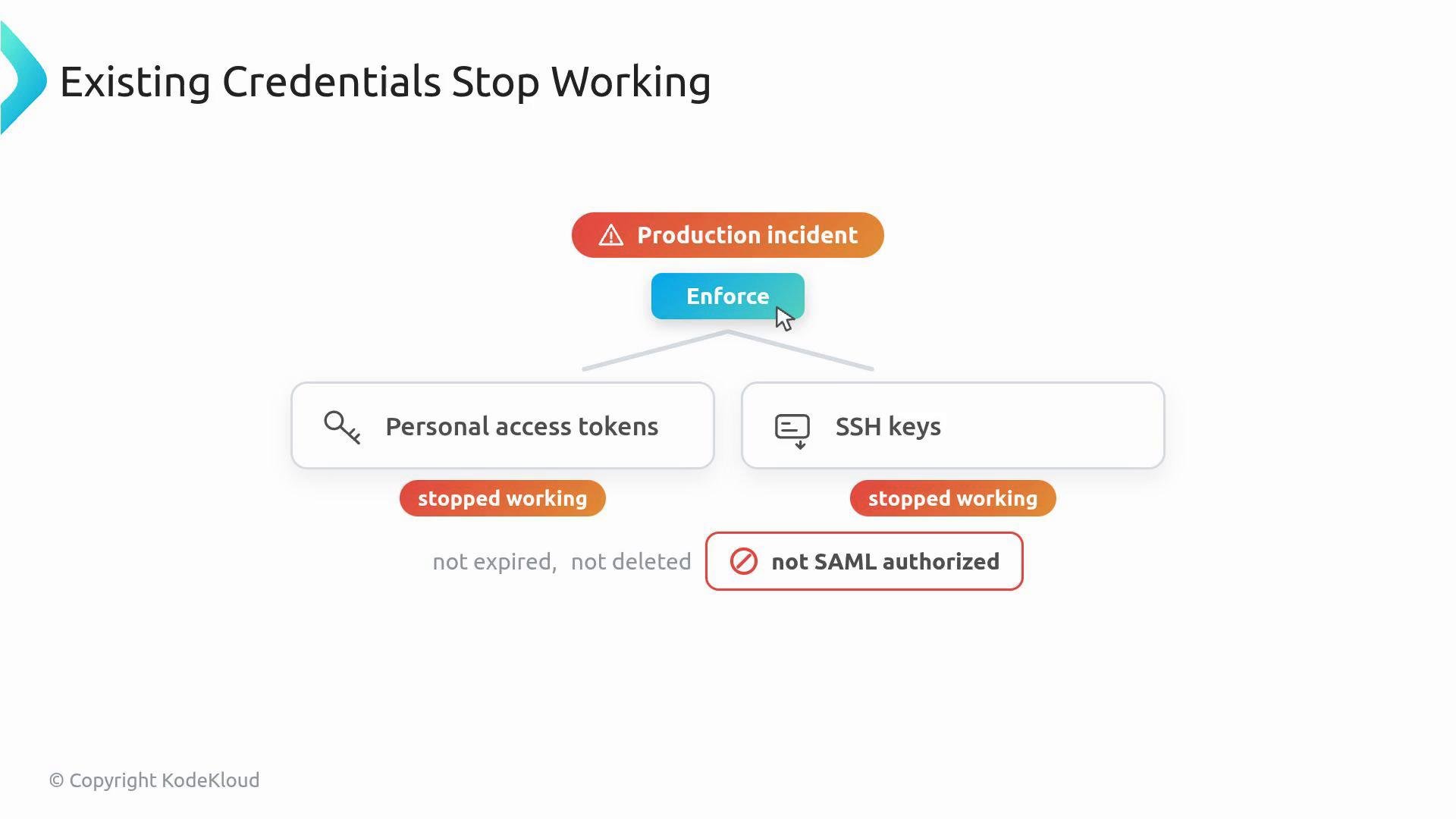
What breaks immediately when you enforce SSO
When you flip enforcement on, any credentials that are not SAML-authorized for the organization will stop working—even though they still exist. This includes:- Personal Access Tokens (PATs) used by automation and scripts
- OAuth apps that haven’t been granted organization access
- SSH keys that haven’t been explicitly authorized for the organization
Recovery: how to restore access
To get things working again after enforcement, users and automation must explicitly authorize their credentials for the organization:- Personal access tokens and OAuth apps: Users must authorize these tokens/apps for the organization from their GitHub account settings (SAML authorizations).
- SSH keys: Users must open Settings → SSH and GPG keys, locate the key, and click Authorize next to the organization.
Before enforcing SSO, prepare a step-by-step guide for developers and CI owners that explains how to authorize PATs, OAuth apps, and SSH keys. Include exact menu paths and screenshots if possible to reduce help-desk load.
- Identify owners and ensure at least one owner has an active IdP session linked to their GitHub account.
- Communicate the change widely (developers, CI/CD teams, release engineers, automation owners).
- Ask teams to pre-authorize automation tokens and verify CI systems’ credentials.
- Use the GitHub “Test SAML configuration” button to validate settings.
- Enforce SSO during a low-impact window and monitor CI and repo access logs.
- Provide a fast-response channel (Slack, email alias) for immediate troubleshooting.