What happens when a third-party tool—like a CI/CD pipeline, a project management board, or a code quality scanner—needs access to your repositories?
A slide titled "When a Third-Party Tool Wants In" showing three blue app-style icons labeled "CI/CD pipeline", "Project board", and "Code quality scanner."
There are hundreds of integrations available in the GitHub Marketplace. Architecturally, most of these tools integrate in one of two ways: as an OAuth app or as a GitHub App. Knowing the difference is important for secure, reliable automation and for exam-ready understanding.

OAuth apps: acting on behalf of a user

An OAuth app authenticates as a specific user — effectively borrowing that person’s identity and permissions. For example, when Jane (a lead developer) installs an OAuth app to run automated tests, the app makes API calls and performs actions with Jane’s privileges.
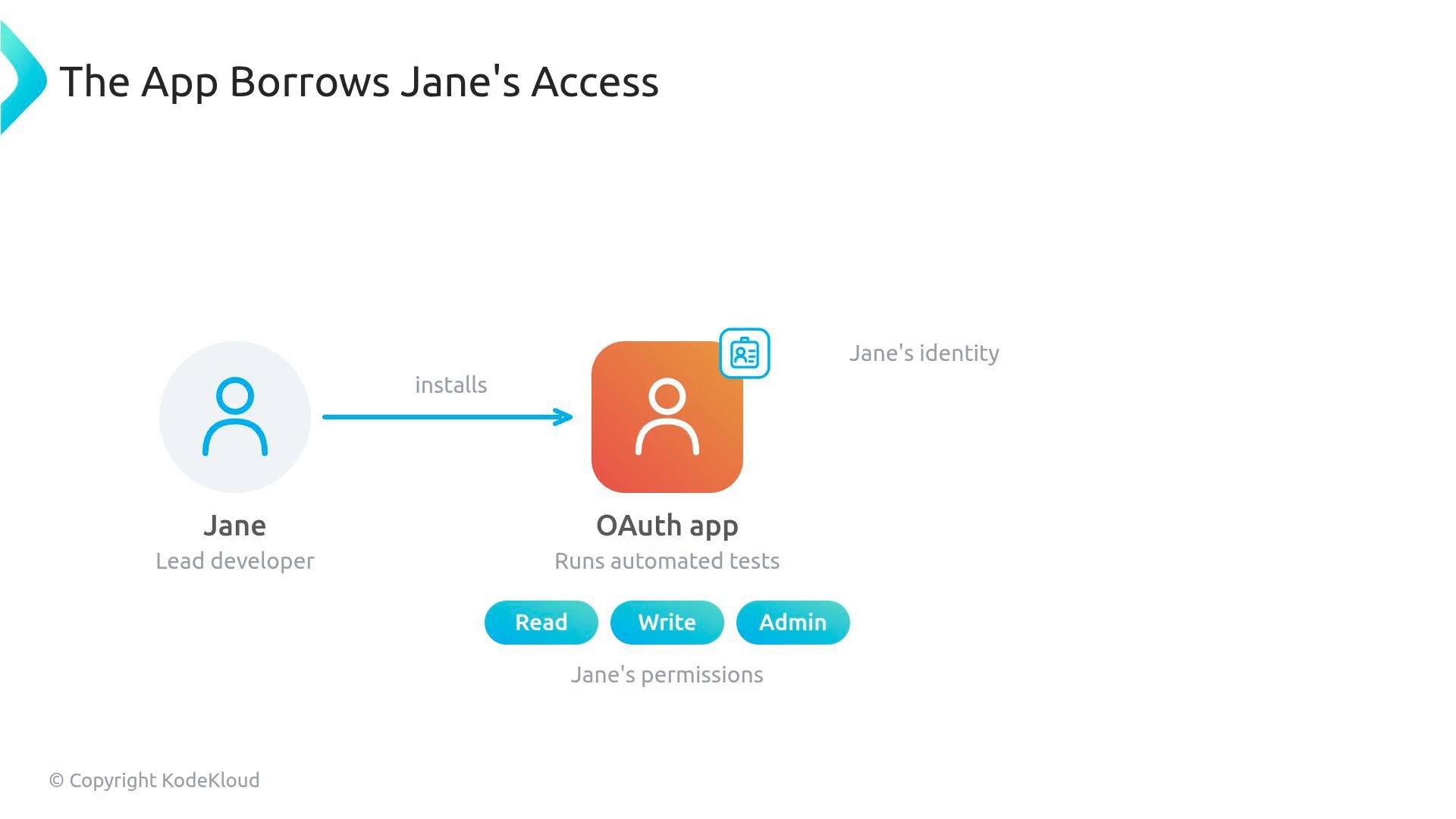
A diagram showing a user labeled "Jane (Lead developer)" installing an OAuth app that borrows her identity. The app is shown running automated tests with Jane's permissions (Read, Write, Admin).
This model creates an operational risk: if Jane leaves the company and her account is deprovisioned, any OAuth apps authorized through her account lose access immediately — potentially breaking CI/CD pipelines, automated deployments, or other workflows.

GitHub Apps: first-class identities with fine-grained permissions

A GitHub App is a first-class actor that authenticates as itself. You install a GitHub App on an organization, on specific repositories, or on a user account. Because it has its own identity, it’s independent of individual employees and isn’t affected by user churn. A single GitHub App can serve many repositories simultaneously, and installations can have distinct, fine-grained permissions per repository or organization.
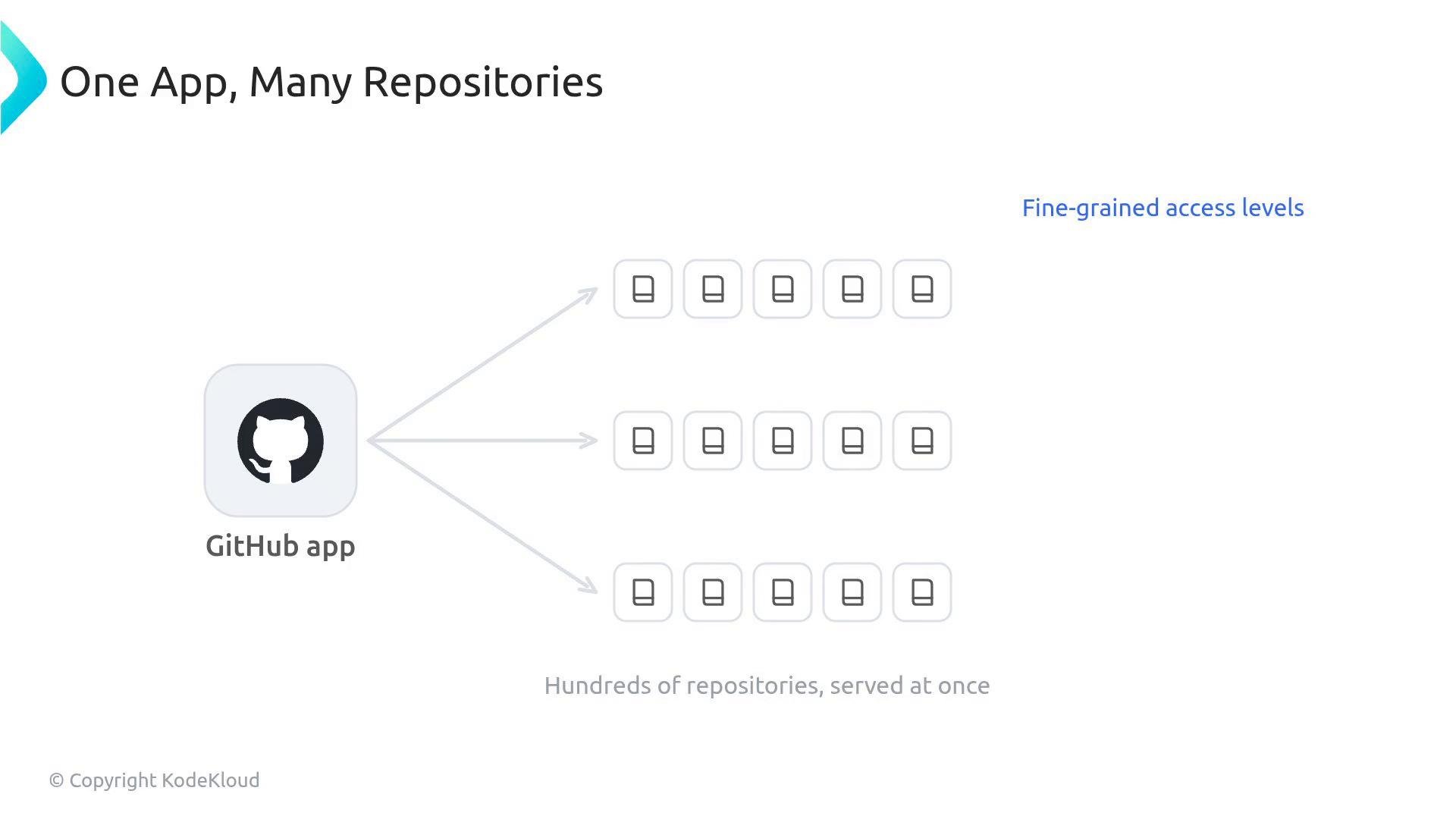
A diagram titled "One App, Many Repositories" showing a GitHub app icon on the left with arrows branching to many repository icons on the right, illustrating fine-grained access levels. A caption at the bottom reads "Hundreds of repositories, served at once."
When building automations, AI-driven systems, or installing tools from the GitHub Marketplace, GitHub Apps are the recommended secure choice: they authenticate as themselves and support precise, repository- or organization-level permissions.
Use GitHub Apps for long-lived, organization-level automations and integrations. Reserve OAuth apps only when you need an app to explicitly act as a specific user.

Quick comparison

Admin checklist for choosing integrations

  • Prefer GitHub Apps for organization-wide automation and CI/CD.
  • Use OAuth apps only when an integration must perform actions explicitly as a user.
  • Review installation-level permissions before approving any app.
  • Monitor app installations and rotate credentials or revoke access when necessary.
For the exam, remember the architectural distinction:
  • OAuth apps authenticate as the user and consume the user’s permissions.
  • GitHub Apps authenticate as themselves and are installed on organizations, repositories, or user accounts.
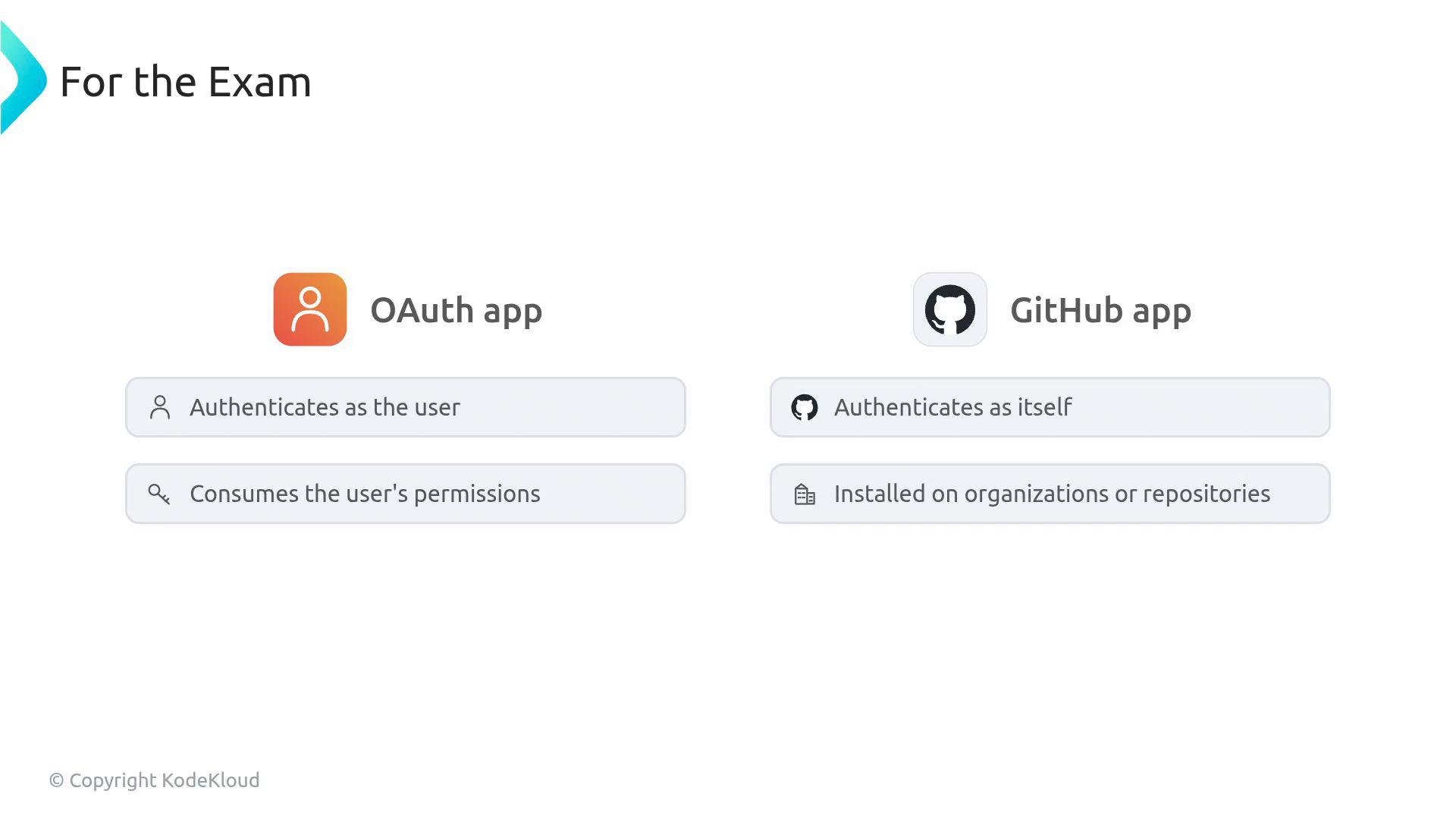
A slide titled "For the Exam" comparing an OAuth app (orange user icon) — which authenticates as the user and consumes the user's permissions — with a GitHub app (GitHub cat icon) — which authenticates as itself and is installed on organizations or repositories.
Links and references

Watch Video