

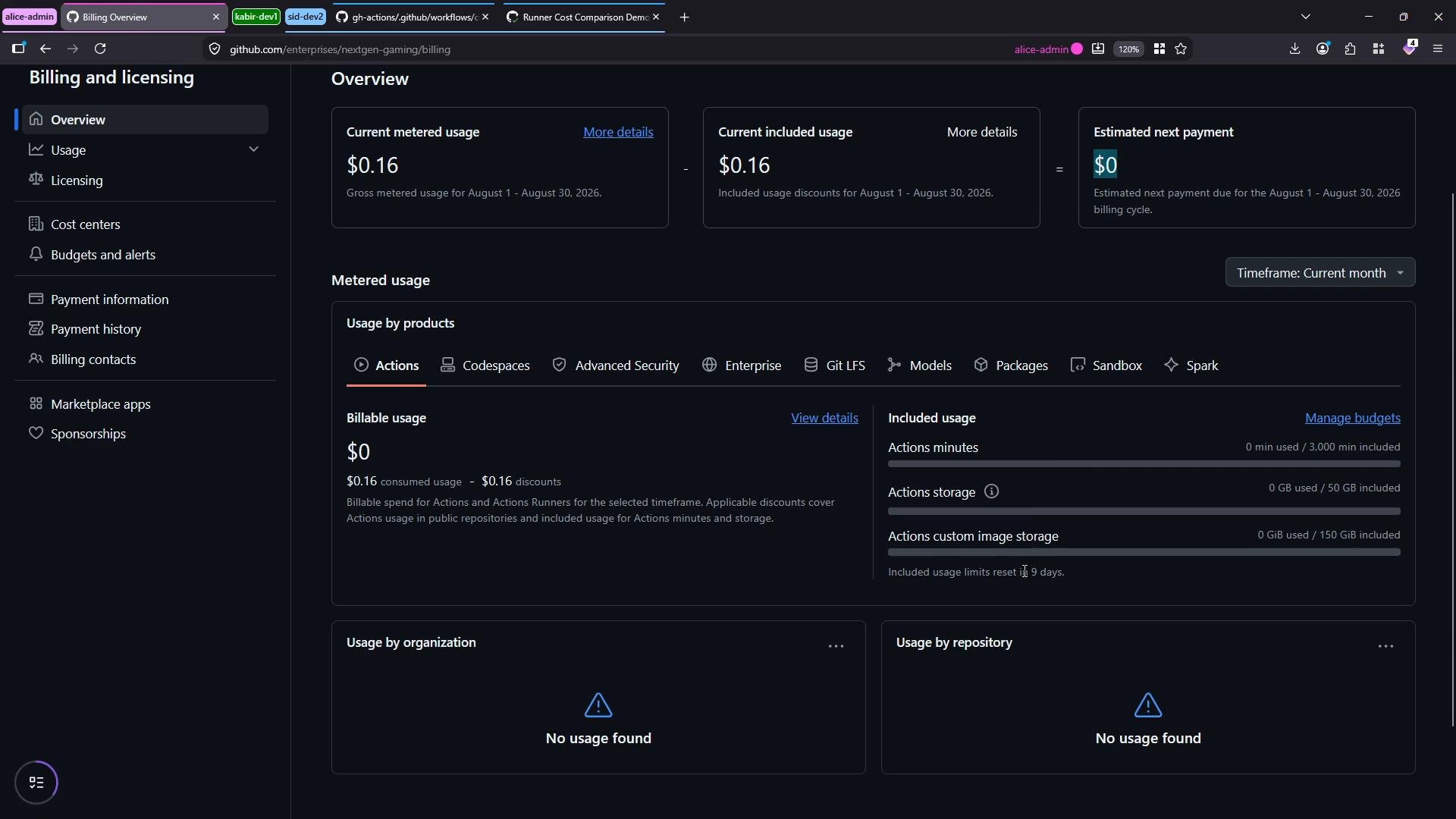
To view enterprise-level billing and metered usage you must have appropriate enterprise admin or billing permissions. If you only have repository-level access you can still run workflows but won’t see enterprise billing breakdowns.
- Create and run a simple cross-platform GitHub Actions workflow that runs the same job on Ubuntu, Windows, and macOS runners.
- Observe how GitHub records metered runtime and how costs vary by runner SKU.
- Locate detailed usage and exportable billing reports in the Enterprise Billing UI.
gh-actions into the Game Dev Studio org. (If you want to restrict visibility to the enterprise, you can choose the internal visibility option during import.)
Open the repository and inspect the workflow file under .github/workflows.
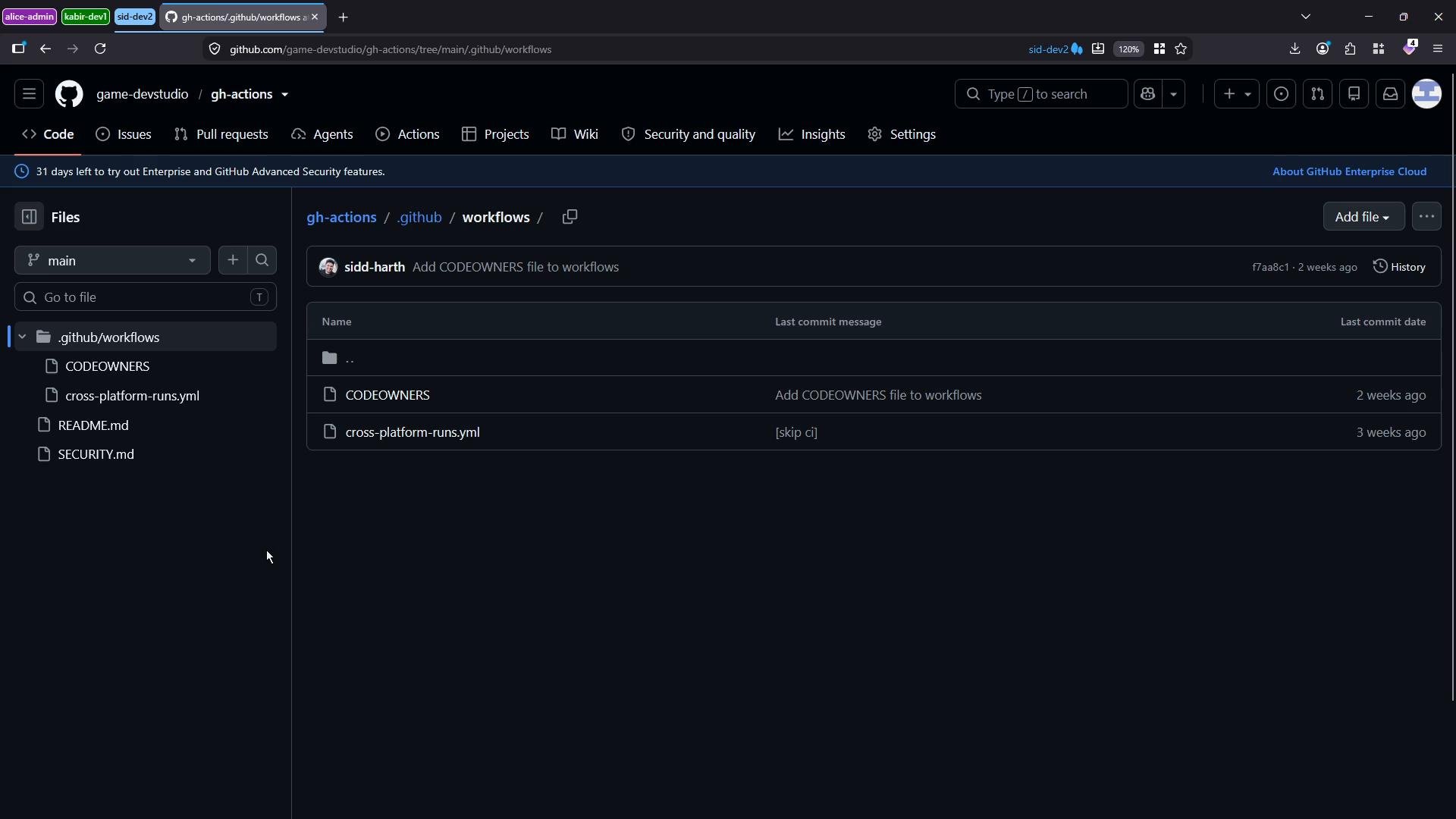
- Trigger:
pushandworkflow_dispatch(manual runs supported). - Jobs: Three parallel jobs that execute the same simple workload on different OS runners so runtime is comparable.
- Purpose: Keep runtime equal across runners (6 seconds sleep) to compare billable minutes/units and cost per runner SKU.
- Ensure Actions are enabled for the repository (Settings → Actions → Enable Actions).
- Open the Actions tab, select “Runner Cost Comparison Demo” and click “Run workflow” to trigger a manual run (or push a commit to trigger the
pushevent).
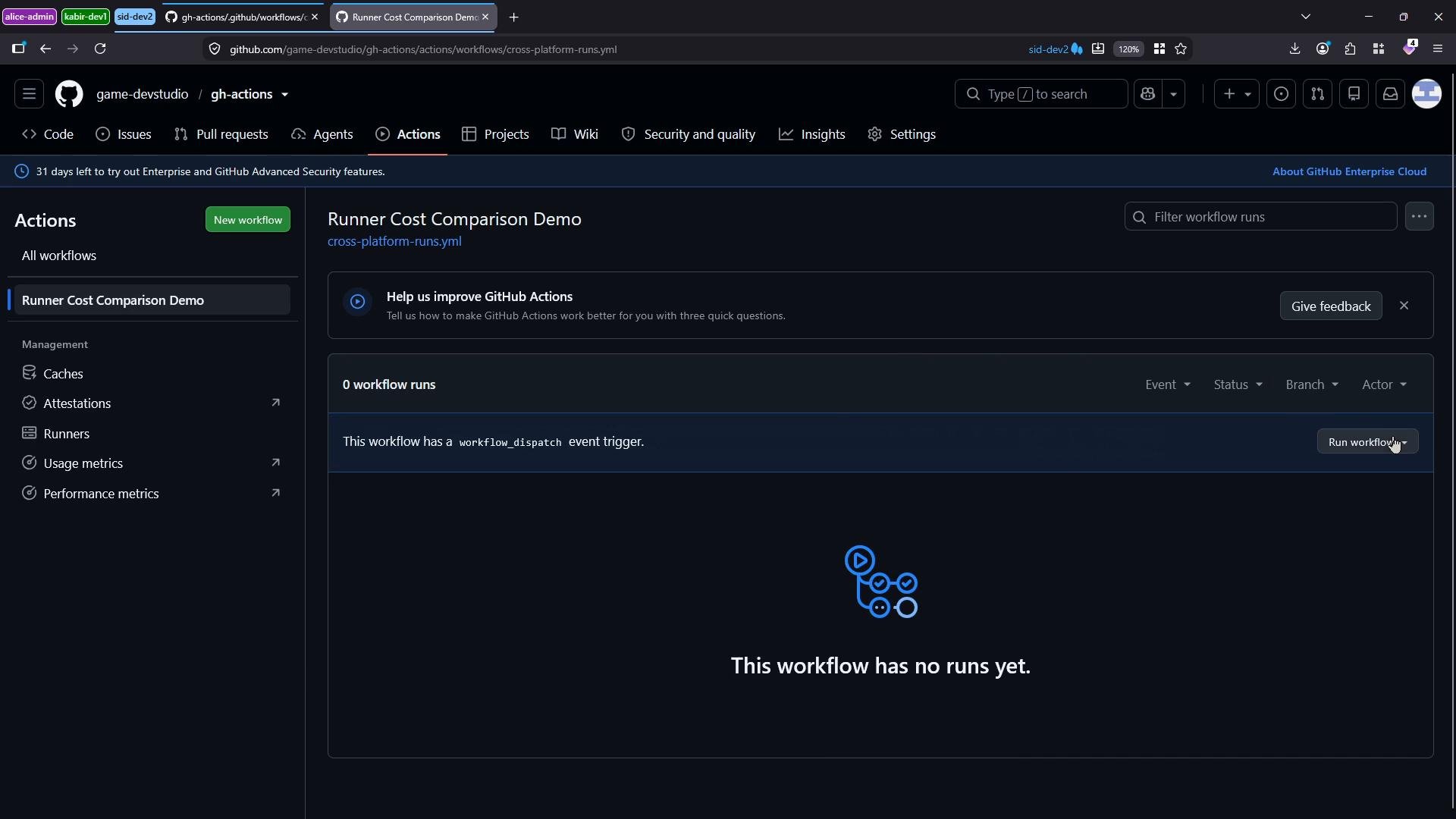
- All three jobs complete successfully and each job consumes a short, equal amount of runtime.
- The workflow itself validates functionality and provides a controlled measurement point for billing differences.
- Sign in to your enterprise admin account.
- Go to Settings → Billing and licensing → Overview to see current metered usage, included usage, and estimated next payment.
- For itemized detail, open Usage → Metered usage where you can filter and group by date, product, or SKU.
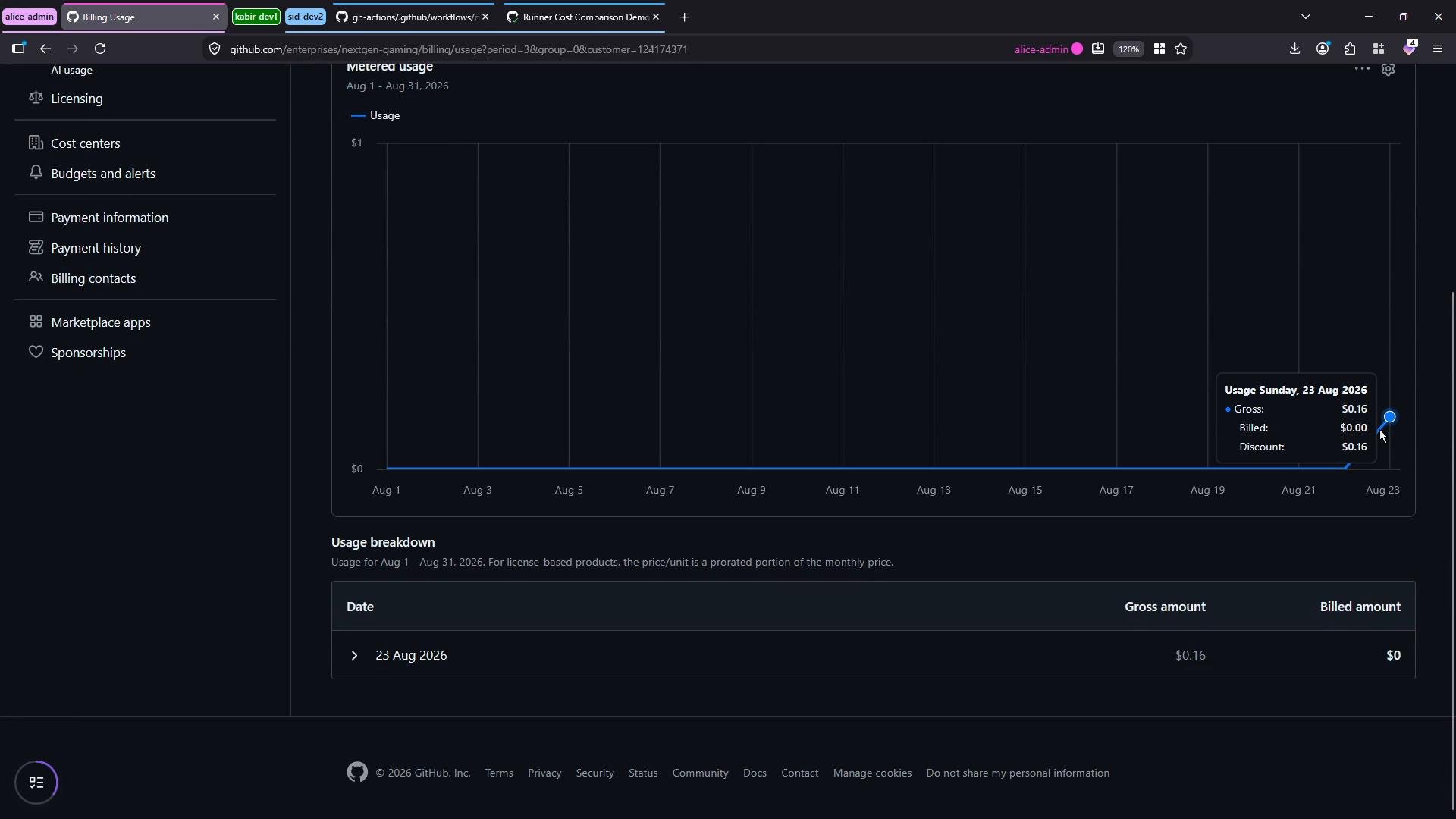
- Which runner SKUs were used (e.g.,
UBUNTU-LATEST,WINDOWS-LATEST,MACOS-LATEST). - Number of billing units consumed.
- Price per unit and gross amounts.
Notes:
- Exact pricing and SKU names vary by region and account type; always reference your enterprise billing UI for precise unit prices.
- You can download either a summarized or a detailed CSV usage report for accounting, chargeback, or audit purposes.
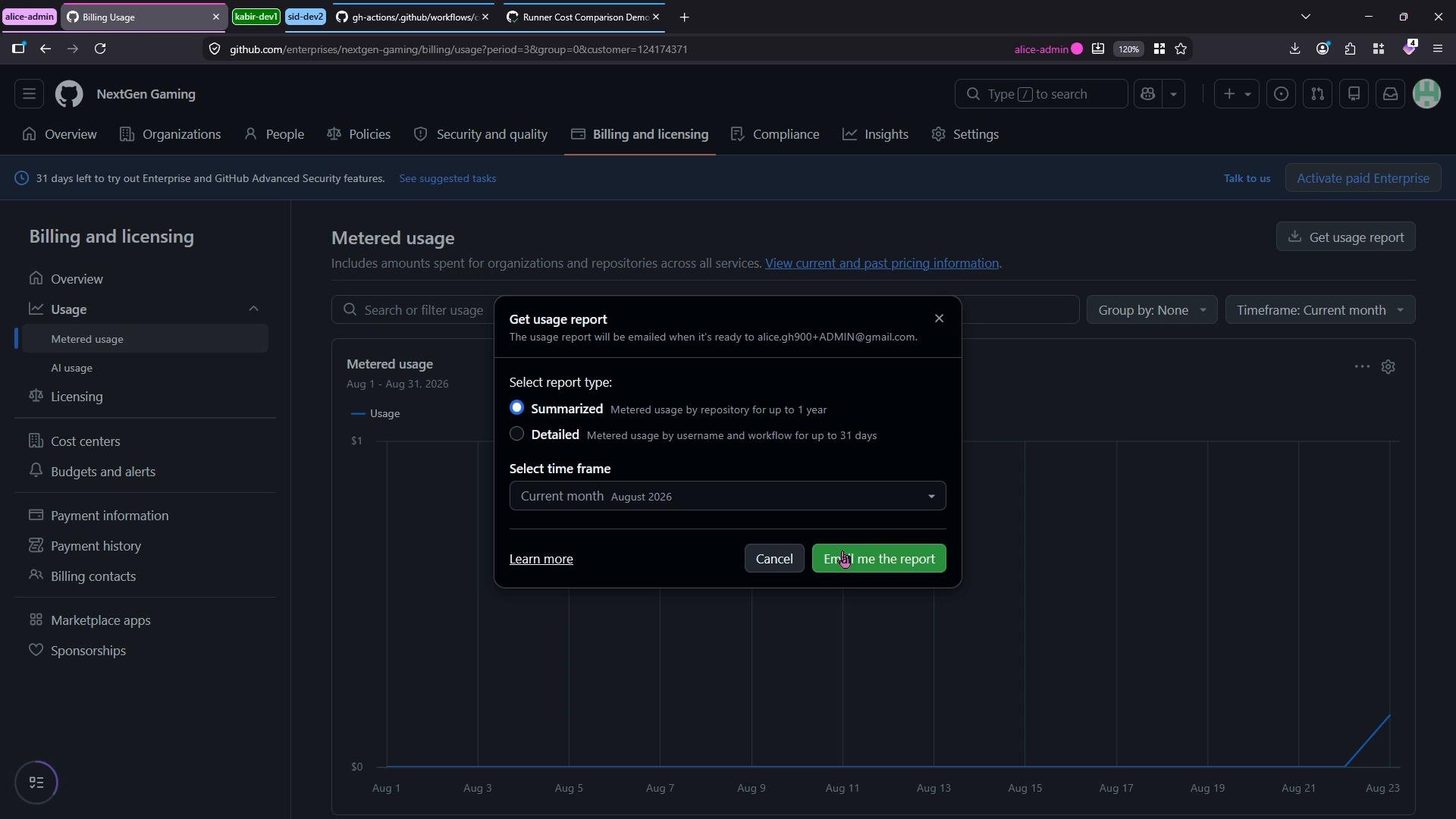
Runner pricing varies by OS and SKU. Use Linux runners for the most cost-effective execution when macOS-specific or Windows-specific environments are not required. Download detailed usage reports from the Billing UI when you need precise cost allocation.
- Use Linux runners whenever possible to minimize metered Actions costs.
- Reserve macOS runners for build or test steps that require macOS-specific tools or hardware.
- Regularly export and review
Metered usagereports for accurate chargeback and cost optimization. - If you manage an enterprise, enforce policies for runner selection and consider self-hosted runners where appropriate to control spend.
- GitHub Actions documentation
- GitHub Billing documentation
- For the demo workflow and a tutorial on cross-platform runs, see the linked GitHub repository in this lesson.