

Compute options: quick analogies
- GitHub-hosted runners — like Uber: ephemeral, maintained by the provider, no OS patching or scaling concerns, but limited to public network access and the provider’s connectivity.
- Self-hosted runners — like a company car fleet: you own, patch, and manage them; they can access private networks and internal services.
- Azure Private Networking for GitHub-hosted runners — like a premium limo: provider-managed compute with private-network access inside your Azure Virtual Network.
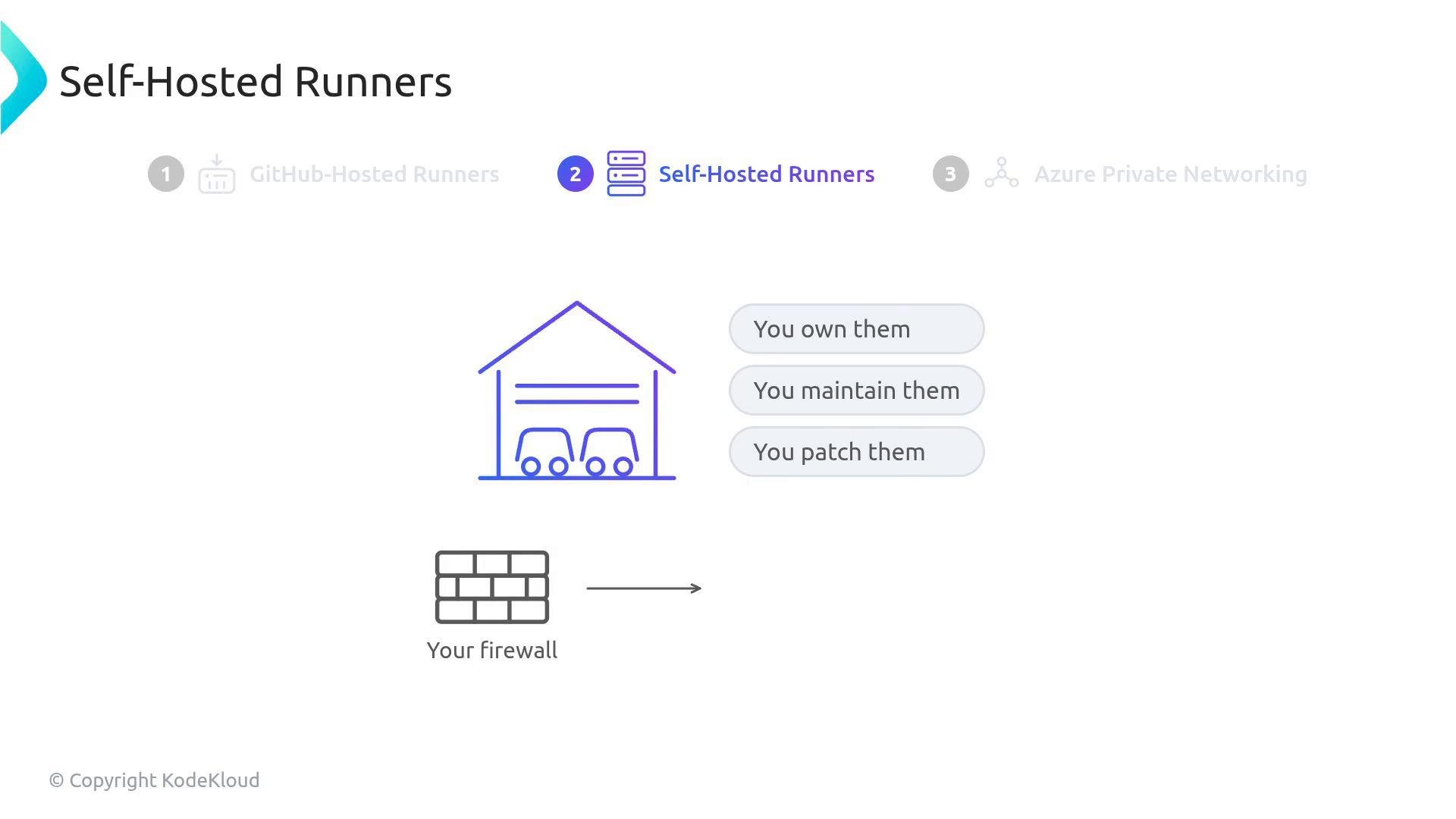
Side-by-side comparison
Useful references:
- GitHub Actions: About runners
- Azure Private Link / Private Networking guidance for GitHub-hosted runners
Azure Private Networking (managed runners with private network access)
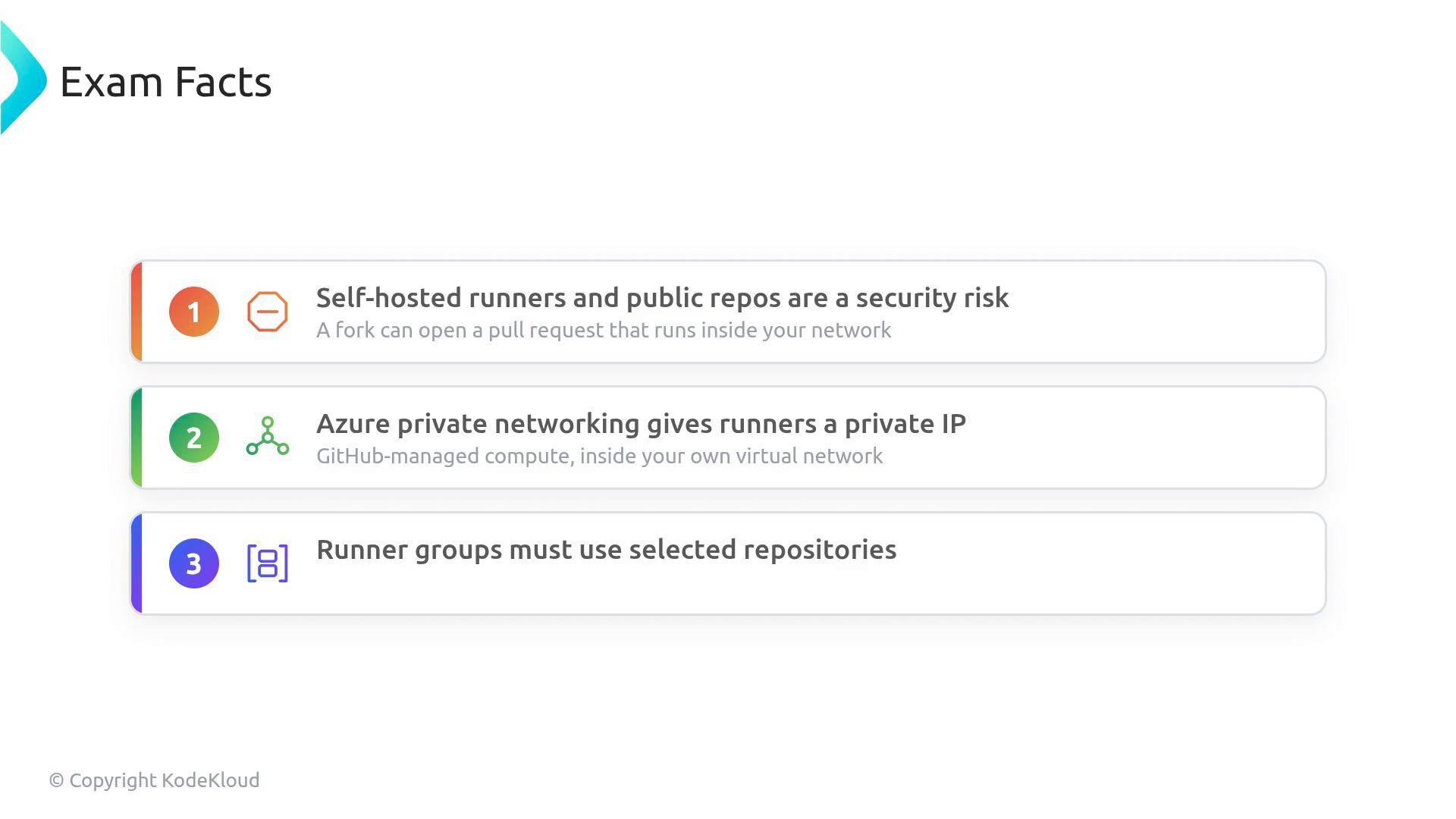
If you need provider-managed runners but also require private connectivity to internal services, Azure Private Networking lets GitHub provision managed runners directly inside your Azure Virtual Network. This gives you the convenience of managed compute with private-network access.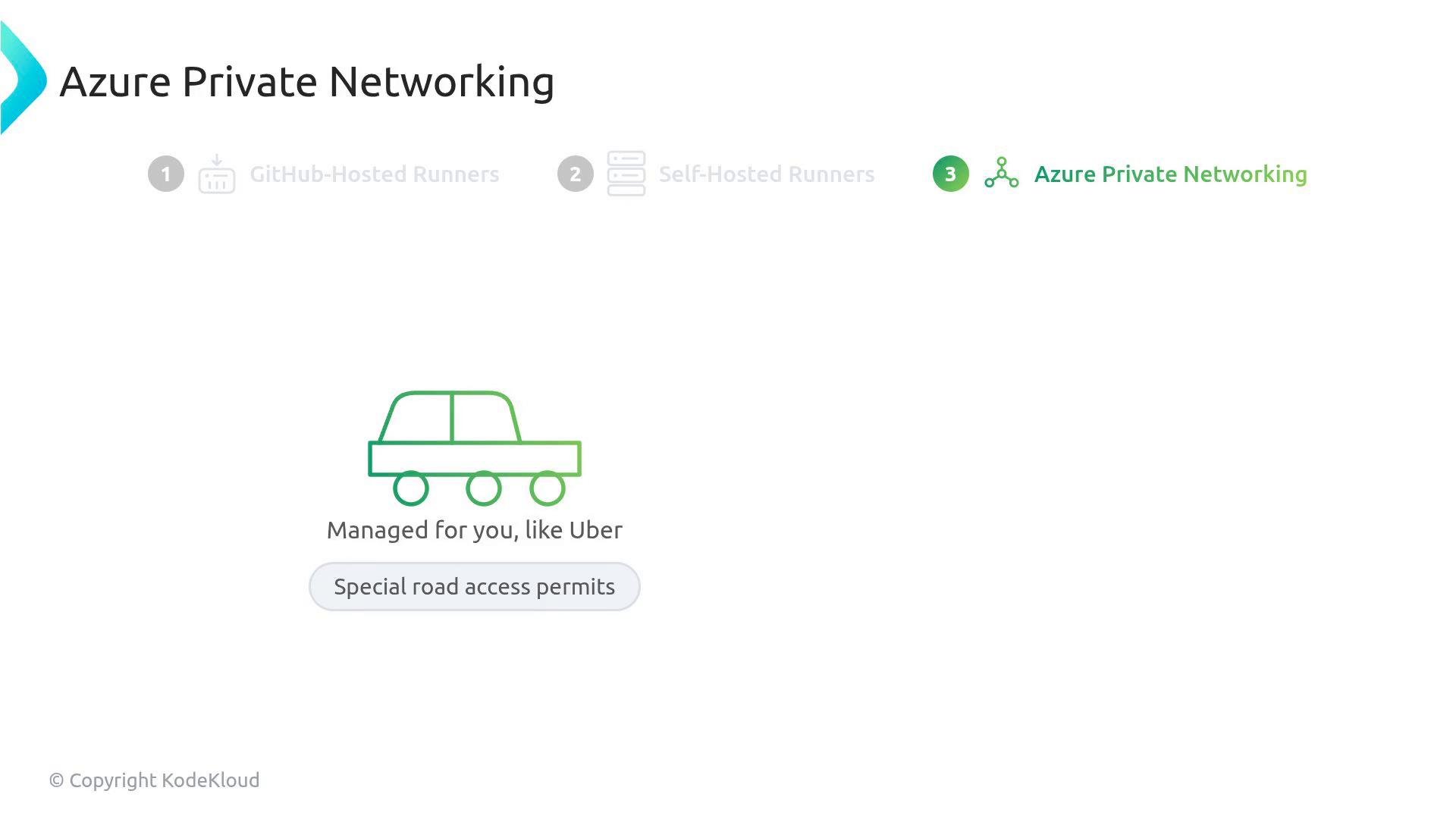
Self-hosted runners: governance and access control
If you choose self-hosted runners, enforce strict access control using runner groups. Runner groups determine which repositories are allowed to use a given set of runners. By default, a newly registered self-hosted runner is placed in the organization’s Default runner group, which is visible to all repositories in the organization. That default visibility is a governance risk: any repository (and any developer with push rights) can run code on infrastructure that may have internal network access. Recommended steps to secure self-hosted runners:- Change a runner group’s visibility from “All repositories” to “Selected repositories”.
- Explicitly check only the repositories authorized to use those runners.
- Create separate runner groups for different trust levels (e.g., production, staging, developer sandboxes).
- Enforce least privilege — only enable repositories that absolutely need access.
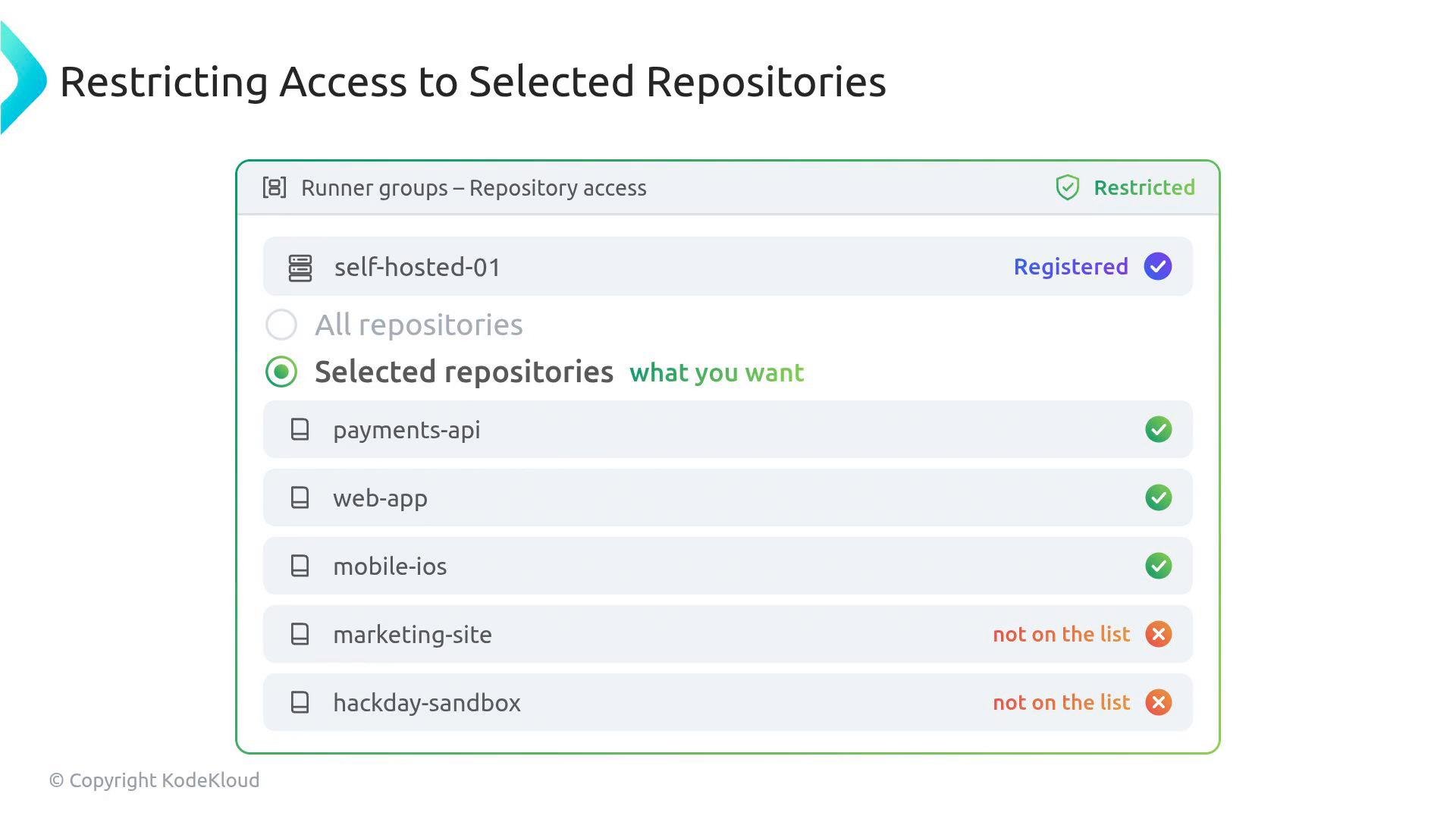
Operational tip: Use naming conventions and tags for runner groups (e.g.,
prod-runner, dev-sandbox-runner) and document which teams or repositories are allowed. Regularly audit runner group membership and runner OS/image patch levels.Critical security rule (do not ignore)
Never run workflows from public repositories on self-hosted runners. An attacker can fork a public repository, add a malicious workflow, open a pull request, and—if that PR triggers a workflow on your self-hosted runner (which may have internal network access)—achieve remote code execution inside your corporate network.
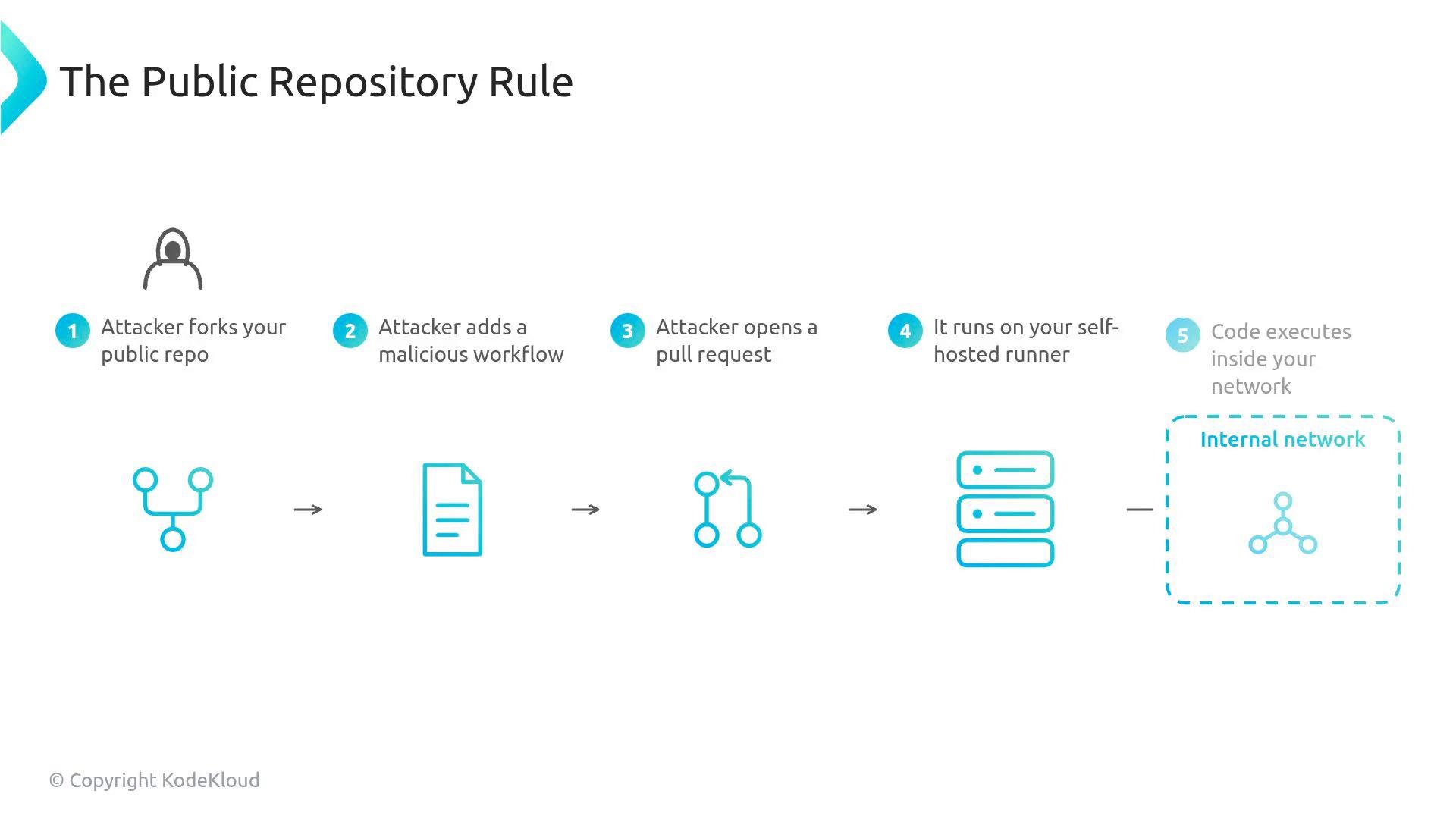
Quick operational checklist (for exams and day-to-day ops)
- Do not run public repo workflows on self-hosted runners — unacceptable security risk.
- If you need provider-managed runners with private connectivity, use Azure Private Networking.
- Configure runner groups to “Selected repositories” and explicitly authorize only required repos.
- Separate runner groups by trust level and enforce least privilege.
Additional resources
- GitHub Actions runners: https://docs.github.com/en/actions/hosting-your-runners
- Runner group settings and repository restrictions: https://docs.github.com/en/organizations/keeping-your-organization-secure/managing-access-to-your-organizations-repositories
- Azure Private Networking / Virtual Network integration docs: https://learn.microsoft.com/azure/virtual-network/