Before you change a single configuration, answer the most consequential question a GitHub Enterprise architect faces: which deployment model fits my organization? This decision is made exactly once for most organizations. Changing it later is a migration project that can take months and cost significant money.
Choosing the wrong deployment model can force a large migration. Treat this decision as strategic and involve compliance, security, and operations stakeholders early to avoid unexpected costs and downtime.
A slide titled "Made Exactly Once" showing an orange icon labeled "migration project" with a dashed arrow pointing to a larger blue square (a module/target) that has a red handle on its right. The image includes a small "© Copyright KodeKloud" note at the bottom.
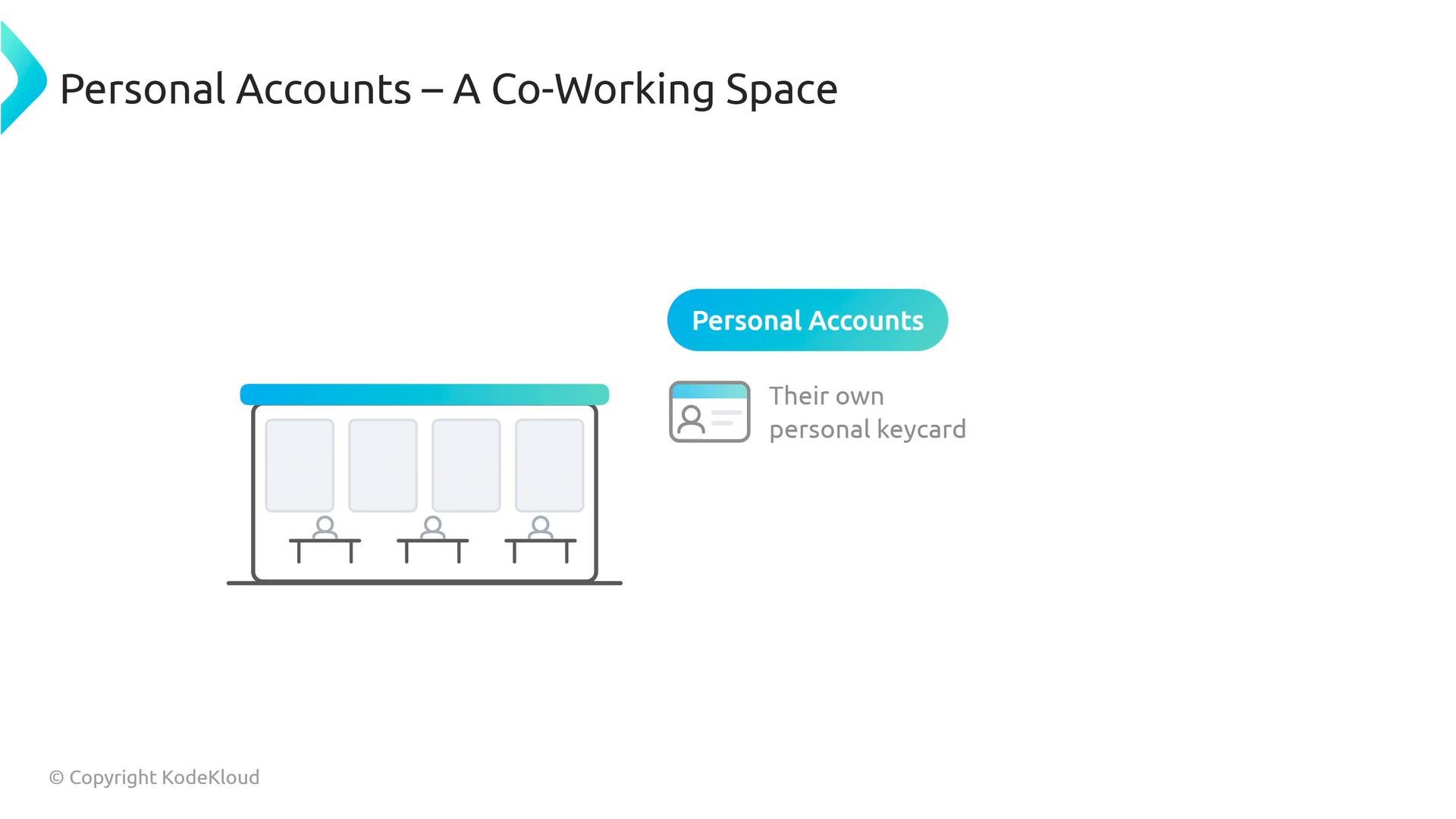
Use this office-space analogy to compare GitHub Enterprise deployment options and map real requirements (data location, identity, network isolation) to the right model. GitHub Enterprise Cloud with personal accounts is like a co-working space: your employees work there using their own personal keycards and can easily visit other locations.
A slide titled "Personal Accounts – A Co-Working Space" with a simple illustration of a coworking room showing three desks and seated user icons. To the right is a rounded badge labeled "Personal Accounts" and an icon of a personal keycard with the note "Their own personal keycard."
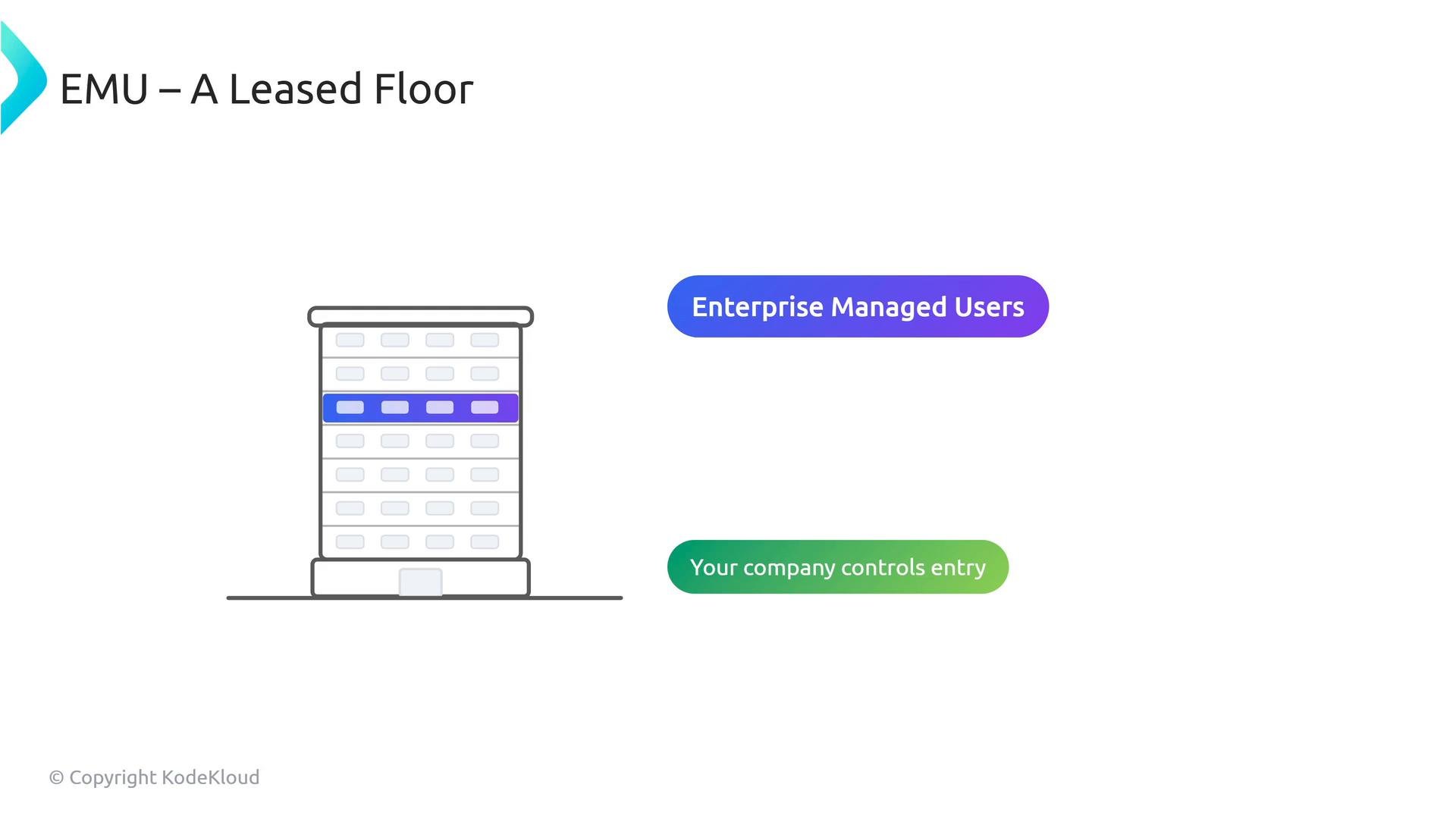
Enterprise Cloud with Enterprise Managed Users (EMUs) is like leasing a dedicated floor in a corporate tower: your company controls entry badges for that floor and prevents employees from wandering into other companies’ spaces.
A slide titled "EMU – A Leased Floor" showing a simple illustration of a multi‑story building with one floor highlighted. Labels read "Enterprise Managed Users" and "Your company controls entry."
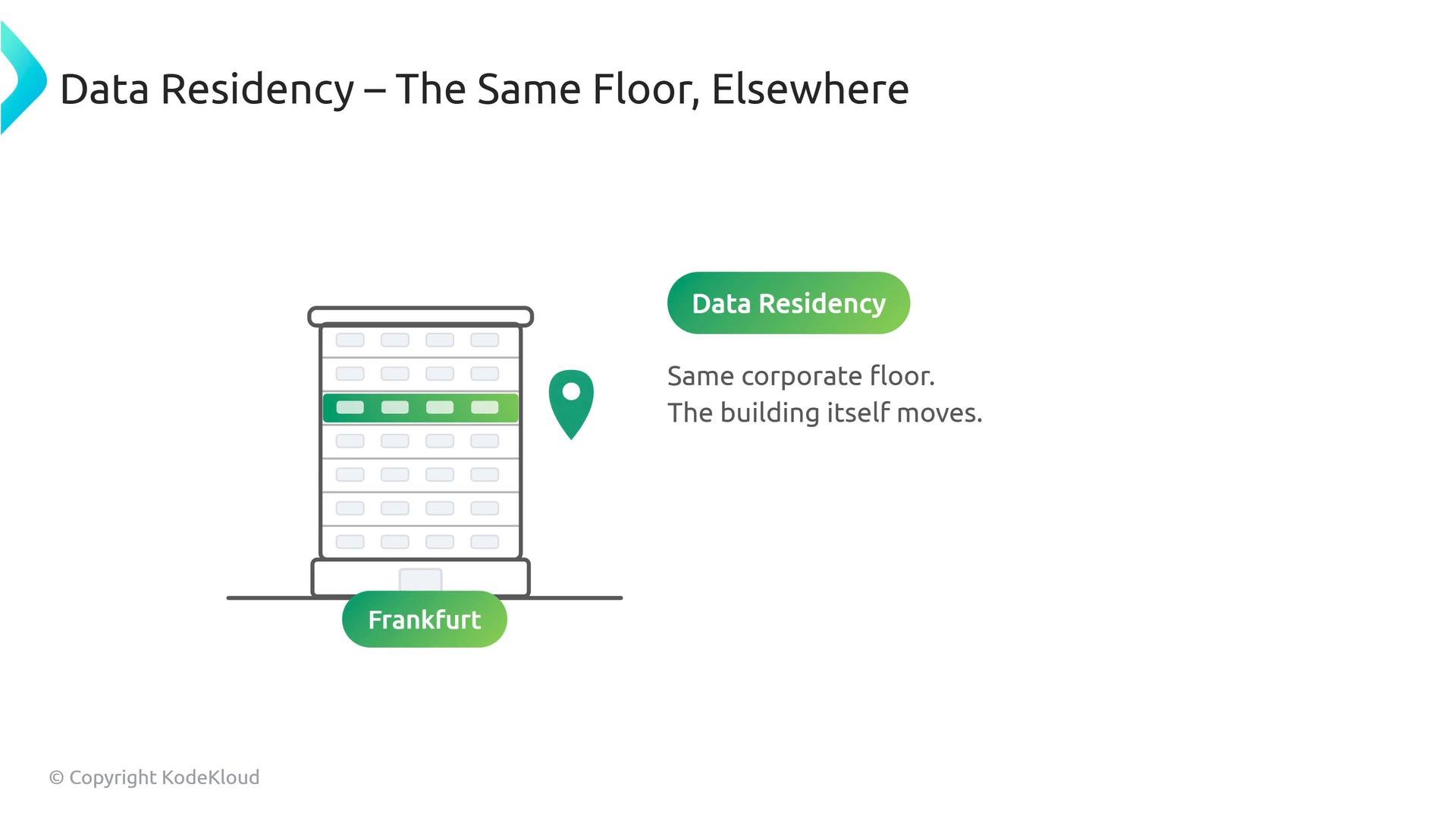
Enterprise Cloud with data residency keeps the same leased-floor model but places the whole building in a specific region (for example, Frankfurt) to satisfy legal or regulatory data-location requirements.
An infographic titled "Data Residency – The Same Floor, Elsewhere" showing a multi-story building with one floor highlighted in green, a location pin, and a "Frankfurt" label. The accompanying text reads "Data Residency" and "Same corporate floor. The building itself moves."
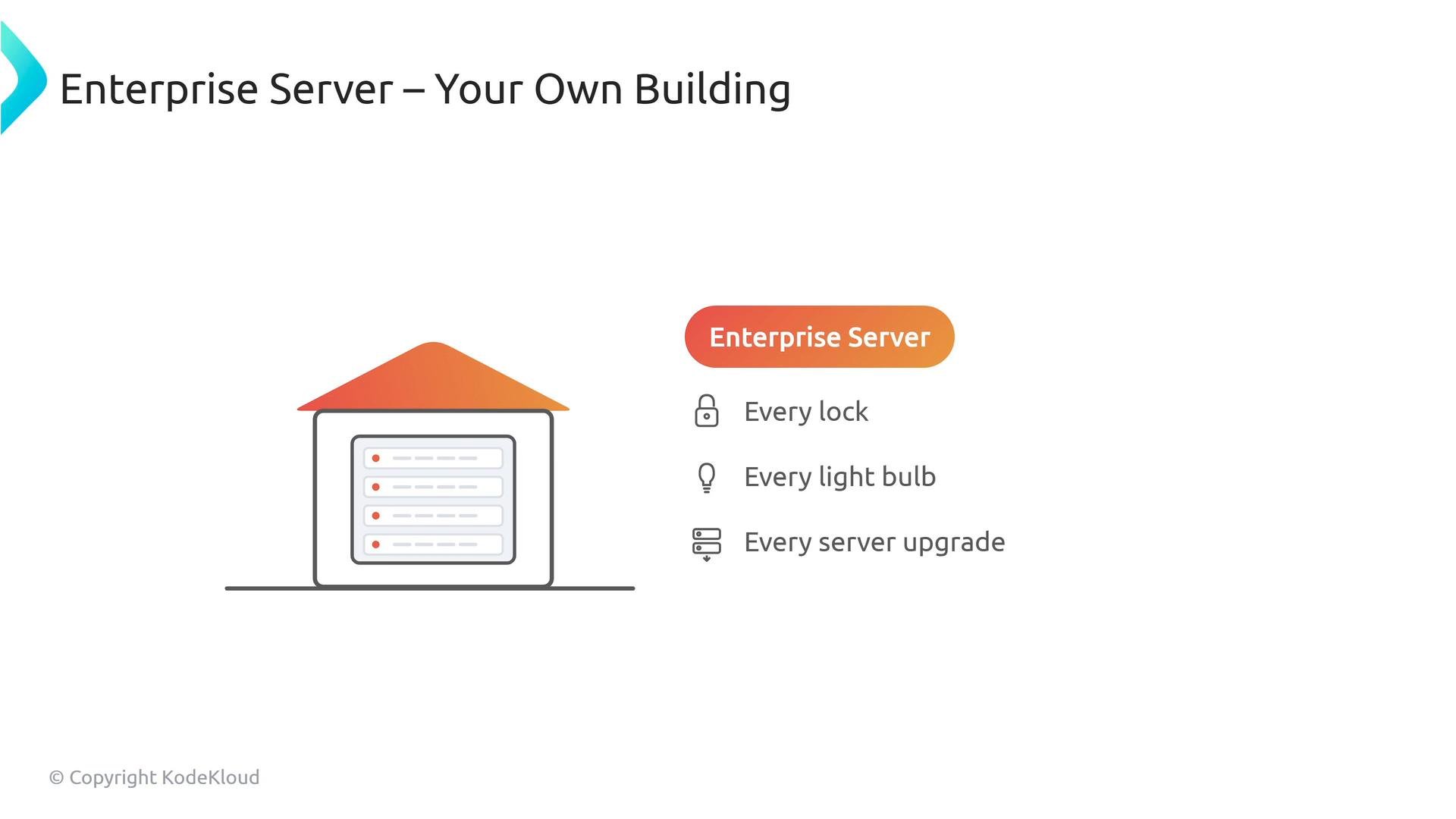
GitHub Enterprise Server is like buying and operating your own building: you control every lock, every light bulb, every upgrade, and every network connection — and you own the operational responsibility, including outages and backups.
A slide titled "Enterprise Server – Your Own Building" with an illustration of a small building containing server racks. To the right is a badge "Enterprise Server" and a short bullet list: "Every lock, Every light bulb, Every server upgrade."
Which model is right?
  • Compliance and legal constraints usually determine the correct model more than developer preferences.
  • Examples:
    • Defense contractors or investment banks: likely Enterprise Managed Users (EMUs), possibly combined with data residency to control identities and data location.
    • Tech startups relying on external open-source contributions: typically personal accounts on GitHub Enterprise Cloud.
    • Government agencies or organizations with air-gapped networks: typically GitHub Enterprise Server.
Key technical differentiators
  • Enterprise Managed Users (EMUs)
    • Provisioned and managed through your identity provider (SCIM/IdP); no self-registration for EMUs.
    • Scoped to the enterprise; administrative policies can restrict EMUs from interacting with external public repositories (for example, limiting forks or outside contributions).
    • Use a username namespace and naming conventions that distinguish them from personal accounts.
  • GitHub Enterprise Server
    • Full operational control: updates, backups, network isolation, and access control are your responsibility.
    • Requires infrastructure operations, planning for upgrades, disaster recovery, and availability SLAs.
Decision guide (quick reference) Exam and architecture tips
  • Watch for trigger phrases in scenarios:
    • “Code must remain in the EU” → Enterprise Cloud with data residency.
    • “Users must not be allowed to contribute to public repositories” or “centralized identity” → EMUs.
    • “Air-gapped”, “no cloud”, or “full operational control” → Enterprise Server.
  • Map scenario constraints (data residency, identity management, network isolation) to the three main models. That mapping helps you choose quickly and justify the decision.
Links and references
Map constraints to deployment models: data residency → Enterprise Cloud (data residency); identity control → EMUs; network isolation/air-gap → Enterprise Server. This mapping is the fastest way to pick the correct deployment for architecture decisions and exam questions.

Watch Video