

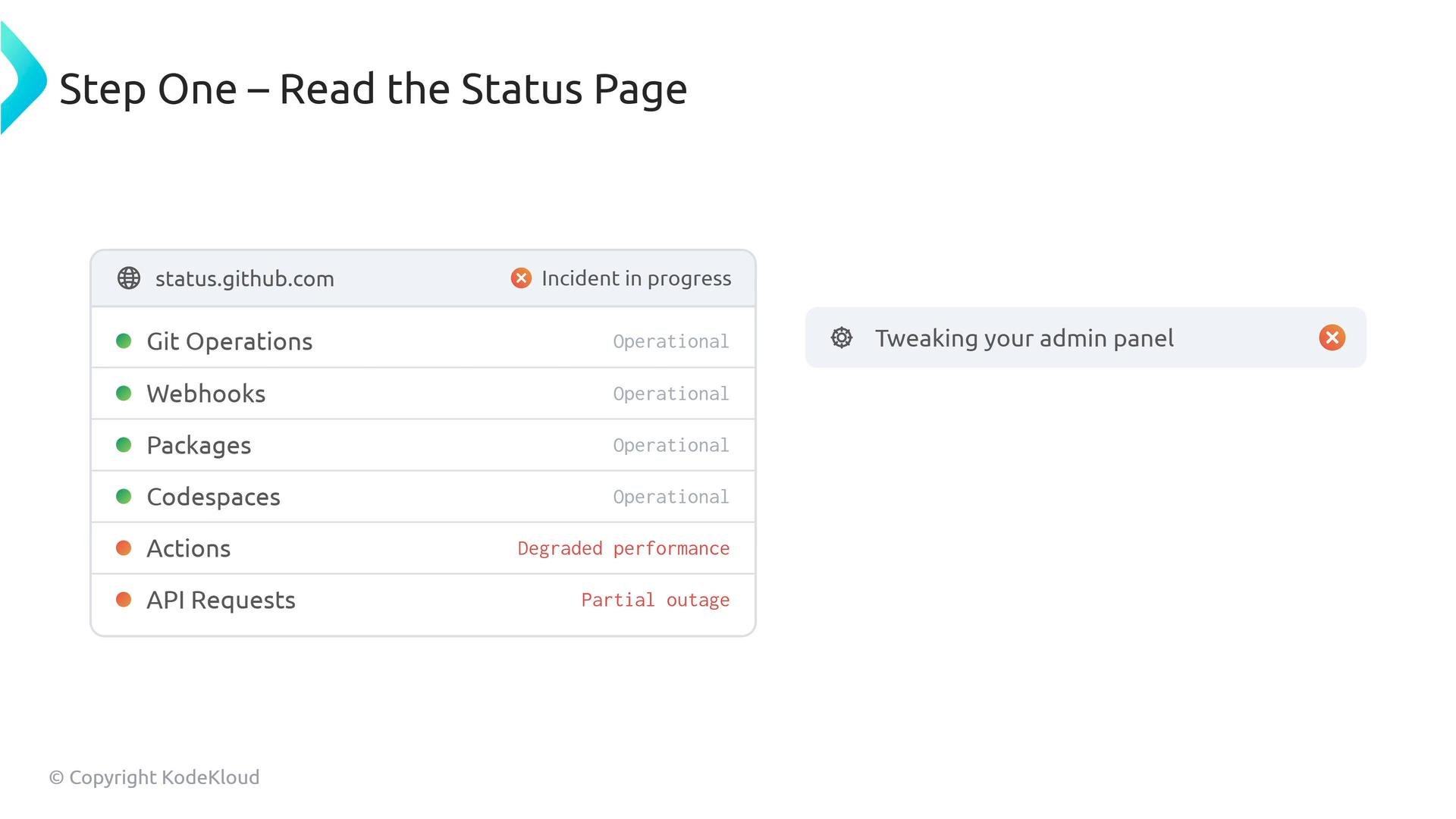
Your very first check should be the GitHub Status dashboard at status.github.com. If GitHub is reporting degraded performance or an outage, administrative changes in your org will not resolve it.
- Check the GitHub Status dashboard: https://www.githubstatus.com
- Ask the reporter for exact time, affected users, and a clear description of the error (screenshots, request IDs).
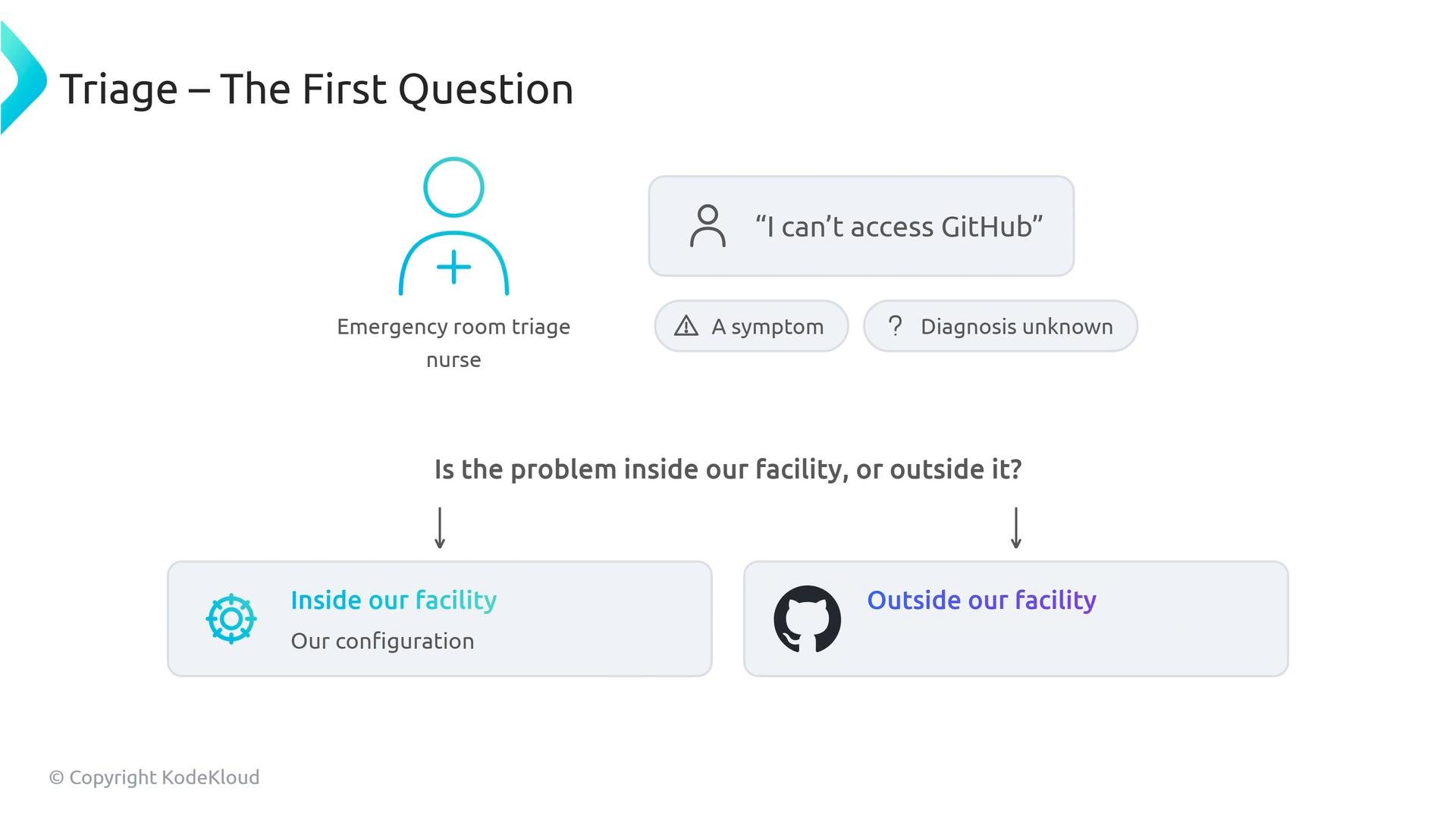
- Determine scope: single user, single repo, organization-wide, or global.
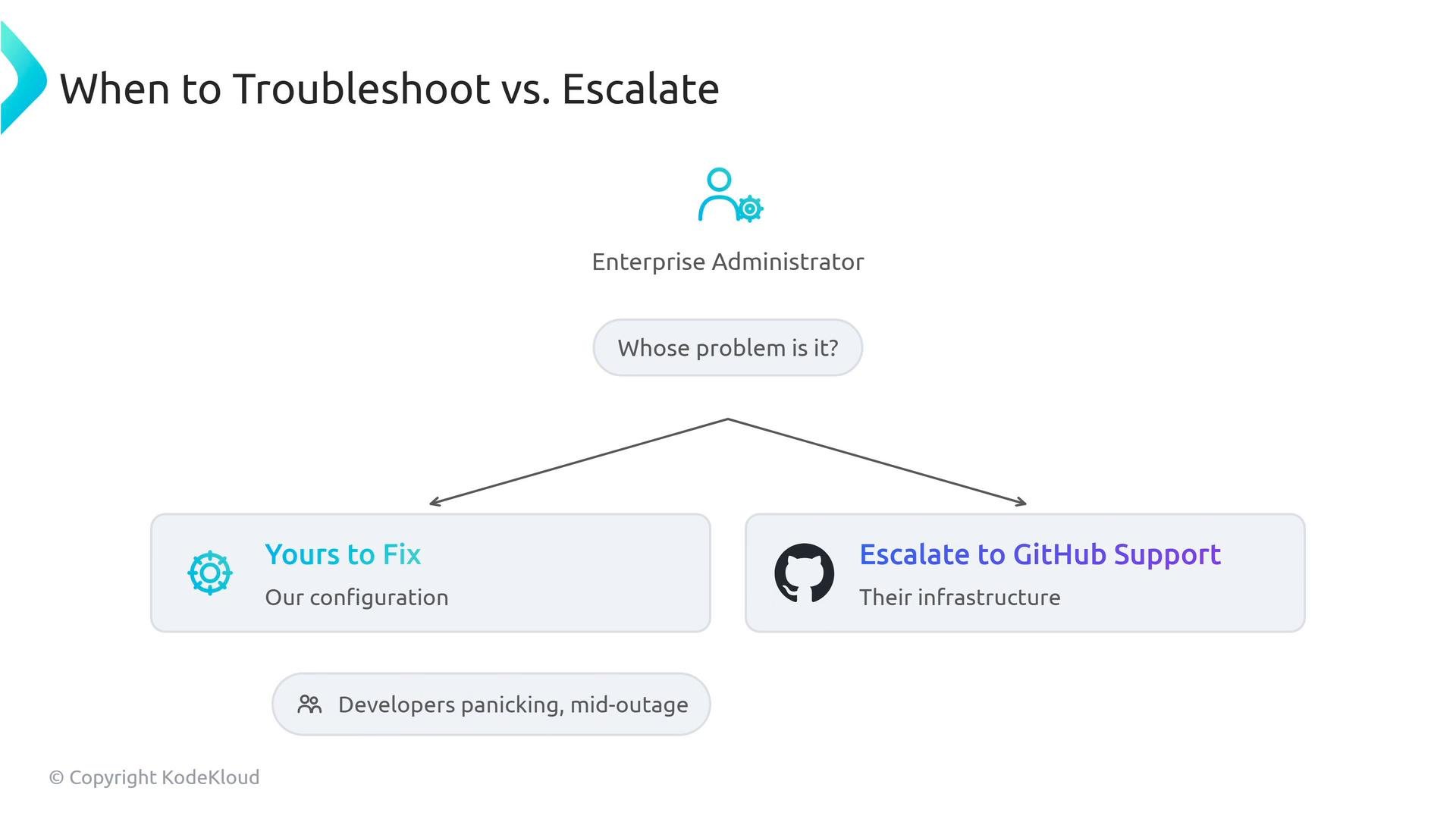
- Verify whether impacted components are GitHub-hosted (infrastructure) or org-managed (configuration/IdP/runners).
Two detailed examples
- Two-factor authentication (2FA) and account recovery
- Ownership: Your organization.
- Why: For security, GitHub Support will not bypass 2FA.
- Runbook:
- Remove the affected user from the organization (so they can use account recovery).
- Direct the user to the Account Recovery documentation.
- Once they regain access, re-invite them to the org and verify access.
Never attempt to bypass two-factor authentication yourself or request that Support bypass it—this is a security policy and cannot be done.
- SAML SSO and SCIM provisioning failures
- Ownership: Administrative — you + your IdP admin.
- Common causes: expired SAML certificates, expired SCIM bearer token, attribute-mapping errors.
- Troubleshooting: check IdP logs for failed SAML assertions, verify SCIM token expiry, confirm attribute mappings (username/email) and certificate chain validity. After fixes, test provisioning with a single user before bulk operations.
- Exact timestamps (UTC), e.g., 2026-10-30T14:00:00Z
- Scope (user, org, repo, enterprise)
- Component affected (API, Actions, Runners, Web UI)
- Full API response payloads, request IDs, and trace IDs when available
- Screenshots or logs showing the error
- Steps already tried and results
Exam-focused ownership summary
- User loses 2FA: Administrator must remove the user from the organization so they can complete GitHub account recovery and then be re-invited.
- SAML certificate expiry or SSO misconfiguration: Joint responsibility between the GitHub admin and the IdP admin—check certificates, mappings, and IdP logs.
- GitHub API 503 / degraded service: Infrastructure issue for GitHub Support—verify the GitHub Status dashboard and, if the status is green, collect diagnostics before opening a ticket.
- Verify GitHub service health (status.github.com).
- Narrow the scope (user vs. org vs. global).
- Determine ownership (configuration/IdP/self-hosted infra vs. GitHub infra).
- Collect precise evidence and escalate with the details required to resolve the incident quickly.