

GitHub 2FA methods (overview)
GitHub supports three primary 2FA methods. Use this table to compare security, usability, and typical use cases.
First — security keys
- Hardware security keys (FIDO2/WebAuthn) require a physical device and mitigate phishing and remote account takeover risks.
- Best practice for privileged accounts (admins, CI deploy keys owners, and service accounts with elevated access).
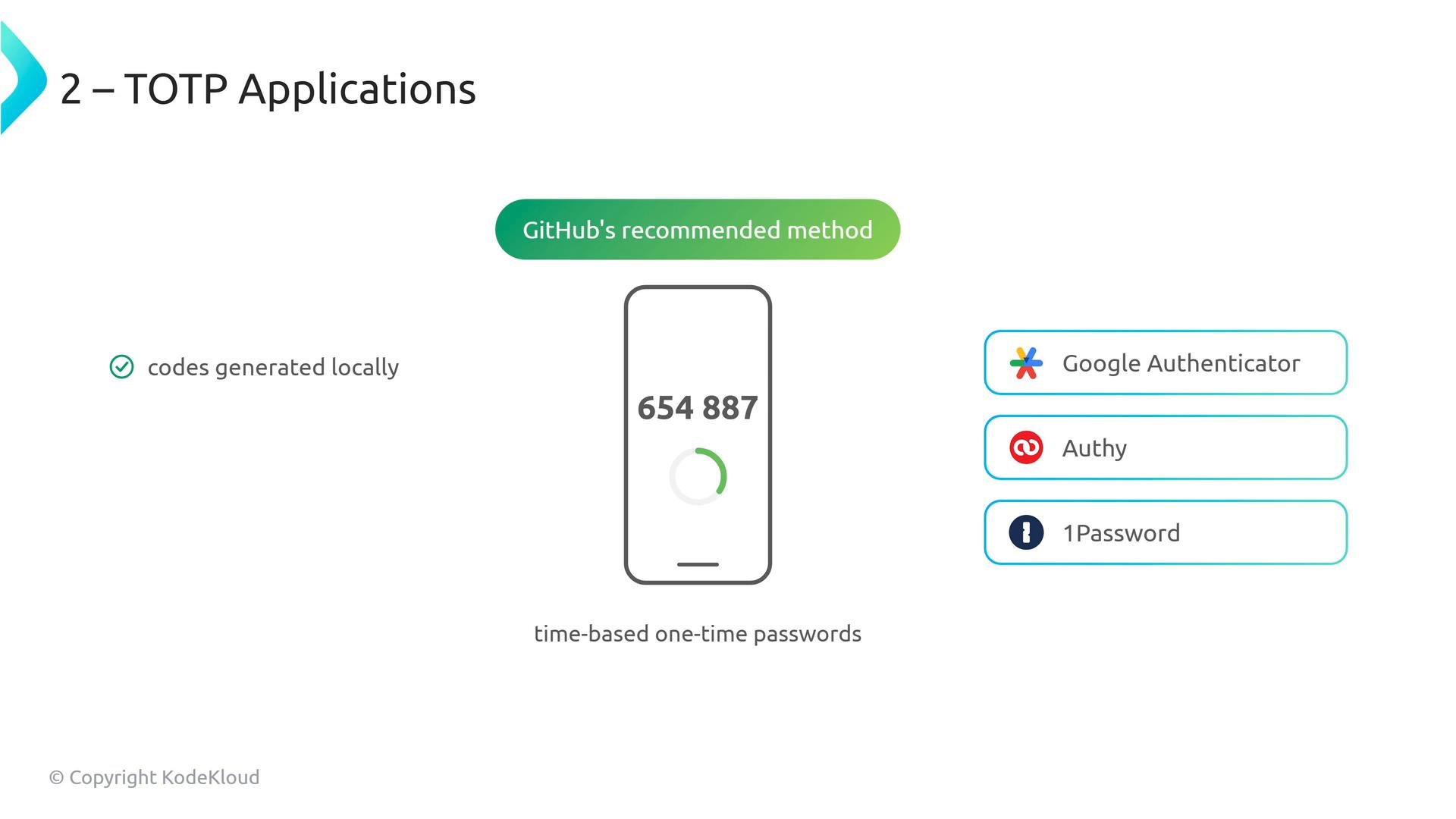
- TOTP apps (Google Authenticator, Authy, 1Password) generate local, time-based codes.
- They work offline and, depending on the app, can support multi-device backups and account recovery.
TOTP apps are typically the best balance of security and usability for most teams — they avoid phishing risks from SMS, work offline, and support recovery options in many authenticators.
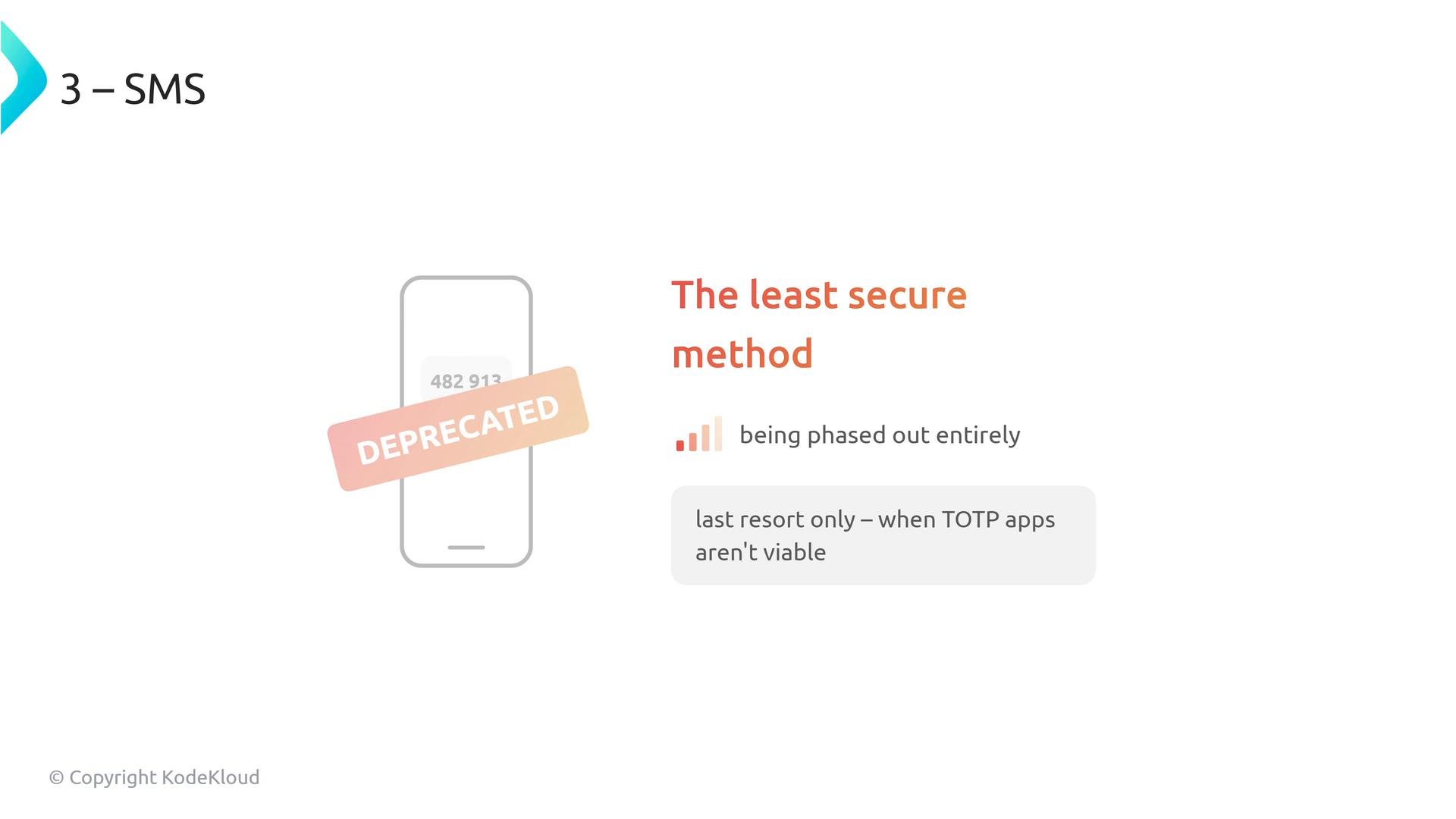
- SMS is the least secure option due to SIM swapping and interception risks.
- GitHub is deprecating SMS for 2FA; plan to migrate users off SMS where possible and use it only as a last resort.
Why enterprise-wide enforcement is dangerous
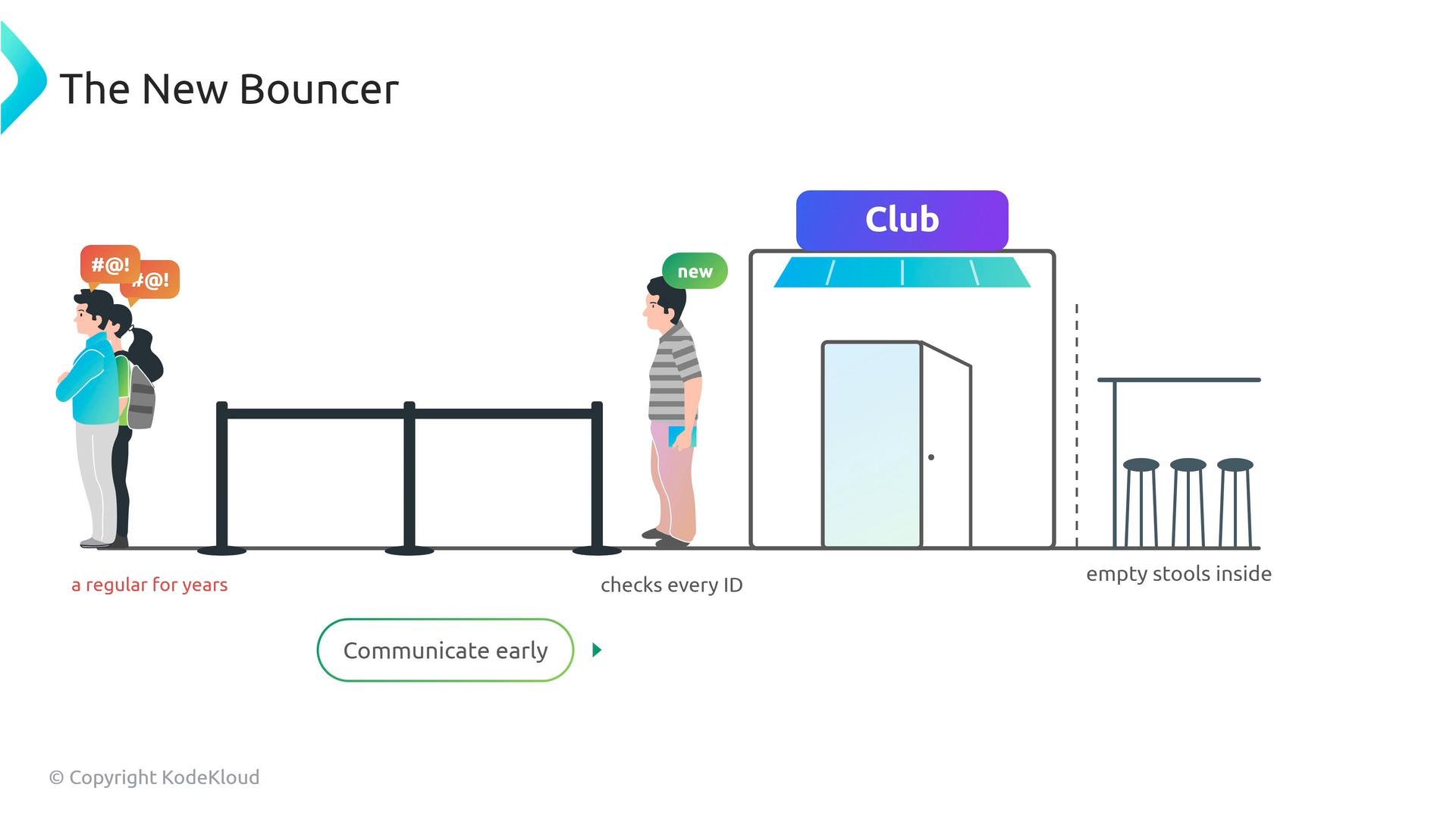
Turning on “Require two-factor authentication for everyone” at the enterprise level is conceptually simple — flip a switch — but operationally destructive if you haven’t audited and prepared your users. When you enable this setting for all organizations under an enterprise, GitHub immediately evaluates every member’s 2FA status. Any account without an active 2FA method is removed from every organization in the enterprise with no warning and no grace period. This is true for user accounts and bot/service accounts.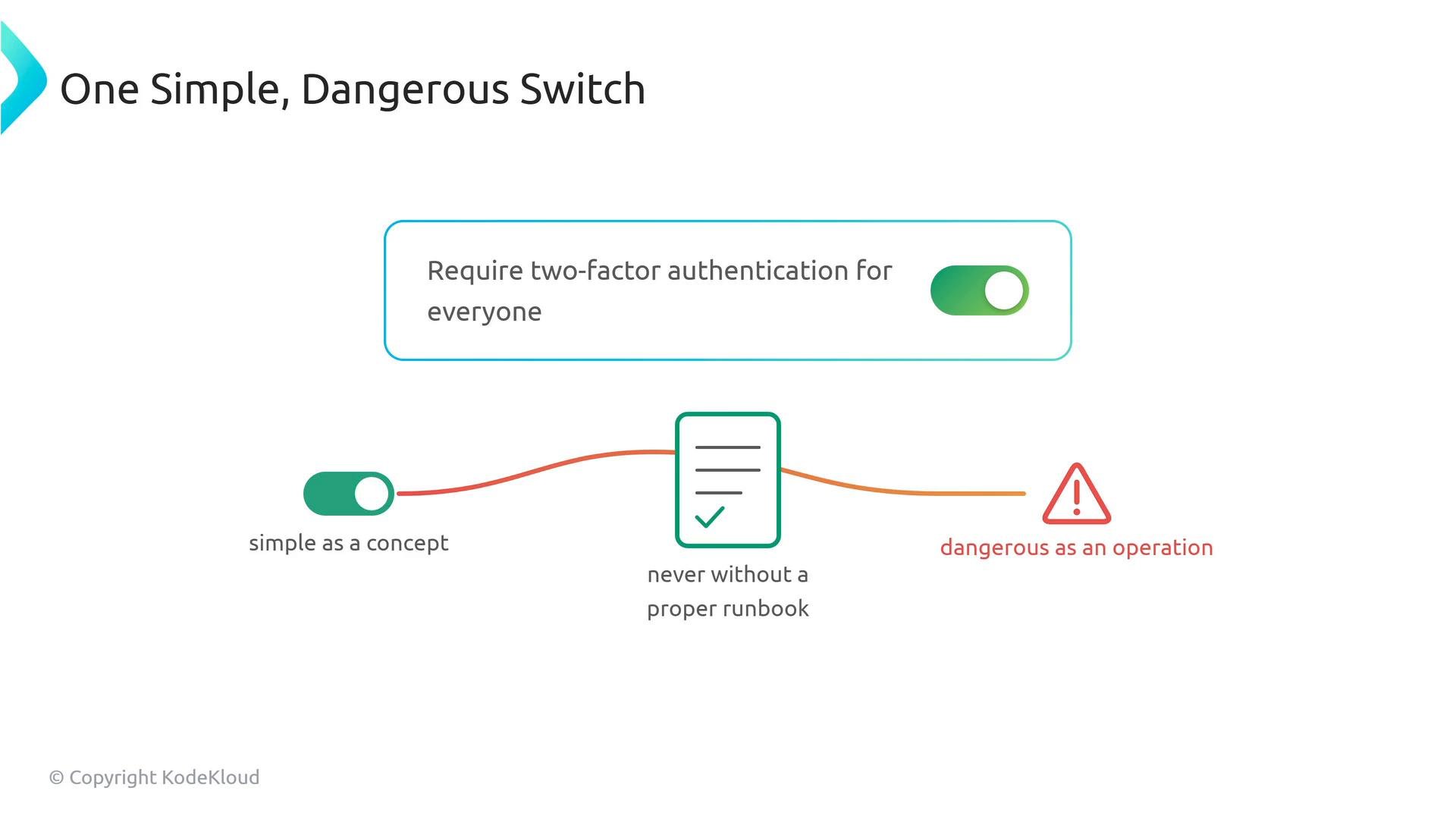
- If you have 3,000 developers and 400 have not enabled 2FA, enabling enterprise-wide enforcement instantly removes 400 developers and any associated bots from all organizations. Expect high-priority incident tickets, blocked CI, and disrupted deployments.
Practical runbook to enable 2FA safely
Follow these operational steps to minimize disruption:-
Audit current 2FA status
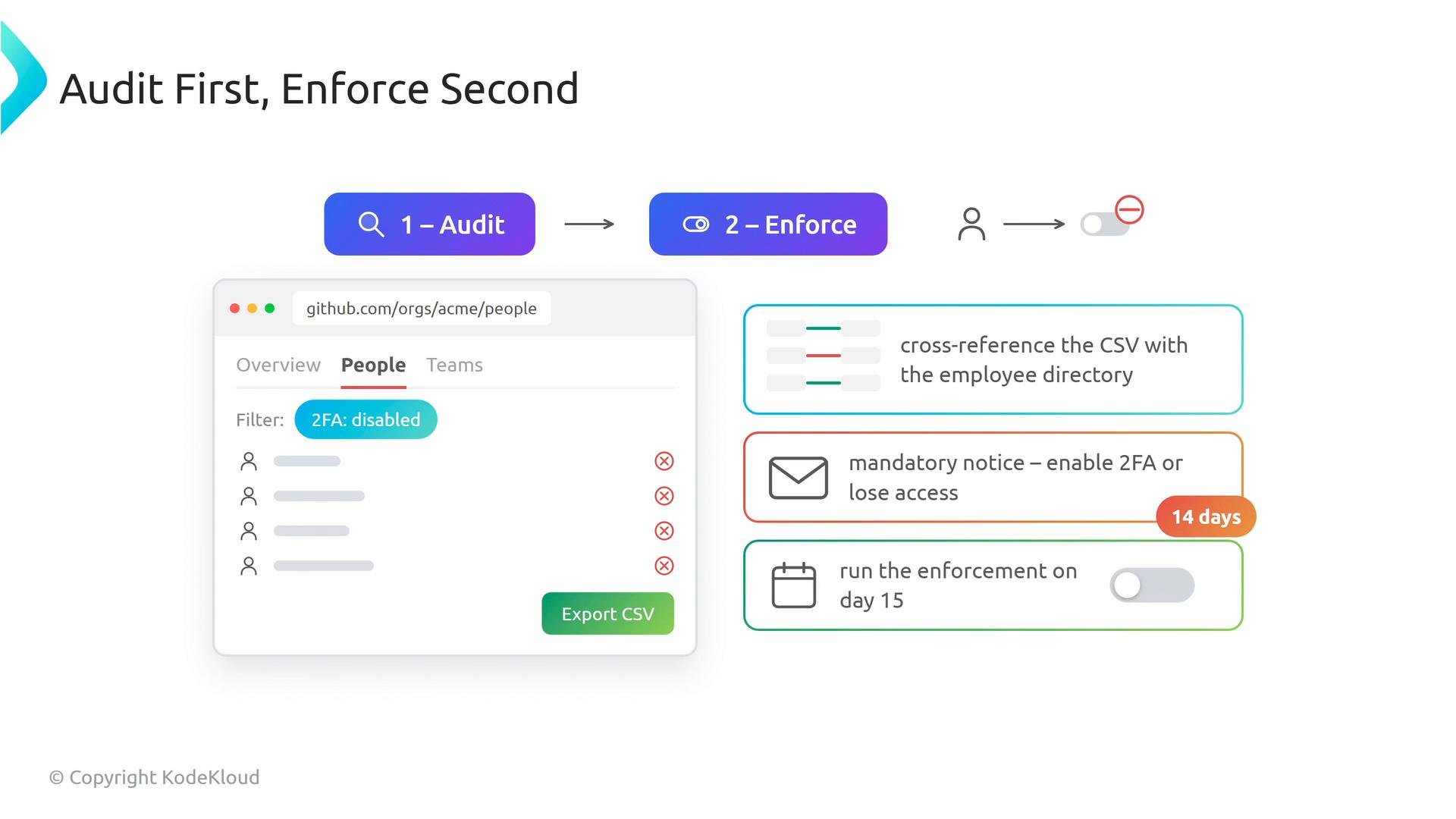
- For each organization: open the People tab, apply the two-factor authentication filter, and export the CSV of users lacking 2FA.
- Aggregate CSVs across organizations to create a master list.
-
Cross-reference and prioritize
- Compare the master list against your employee directory and service-account inventory to identify active staff, contractors, and bots.
- Prioritize high-risk accounts (admins, CI users, deploy keys) to bring into compliance first.
-
Communicate and provide resources
- Announce the enforcement timeline and provide step-by-step setup guides for security keys and TOTP apps.
- Offer help channels and scheduled office hours for users needing assistance.
-
Set a compliance window
- Provide a reasonable compliance period (example: 14 days) and send automated reminders during the window.
-
Validate before enforcing
- Re-run exports after the compliance window to validate progress.
- Manually confirm any remaining accounts that must be handled by exception (e.g., onboarding new hardware keys).
-
Enable enforcement and monitor
- Enable enterprise-wide 2FA enforcement only after confirmation of compliance targets.
- Monitor support queues, CI runs, and org membership logs for any unexpected removals.
Key facts to remember (for exams and operations)
- Enterprise-level enforcement of required two-factor authentication immediately removes non-compliant members from organizations; there is no grace period and no warning.
- Enterprise-level enforcement overrides organization-level 2FA settings.
- Prioritize security keys and TOTP apps; deprecate SMS where possible.
Do not enable enterprise-wide “Require two-factor authentication for everyone” without auditing members, notifying users, and providing a compliance window. The action is immediate and can remove active users and bots from organizations.
Links and references
- GitHub Docs: About two-factor authentication (2FA)
- GitHub Docs: Enforcing required 2FA for your enterprise
- FIDO2 / WebAuthn overview
- Authenticator apps: Google Authenticator, Authy, 1Password