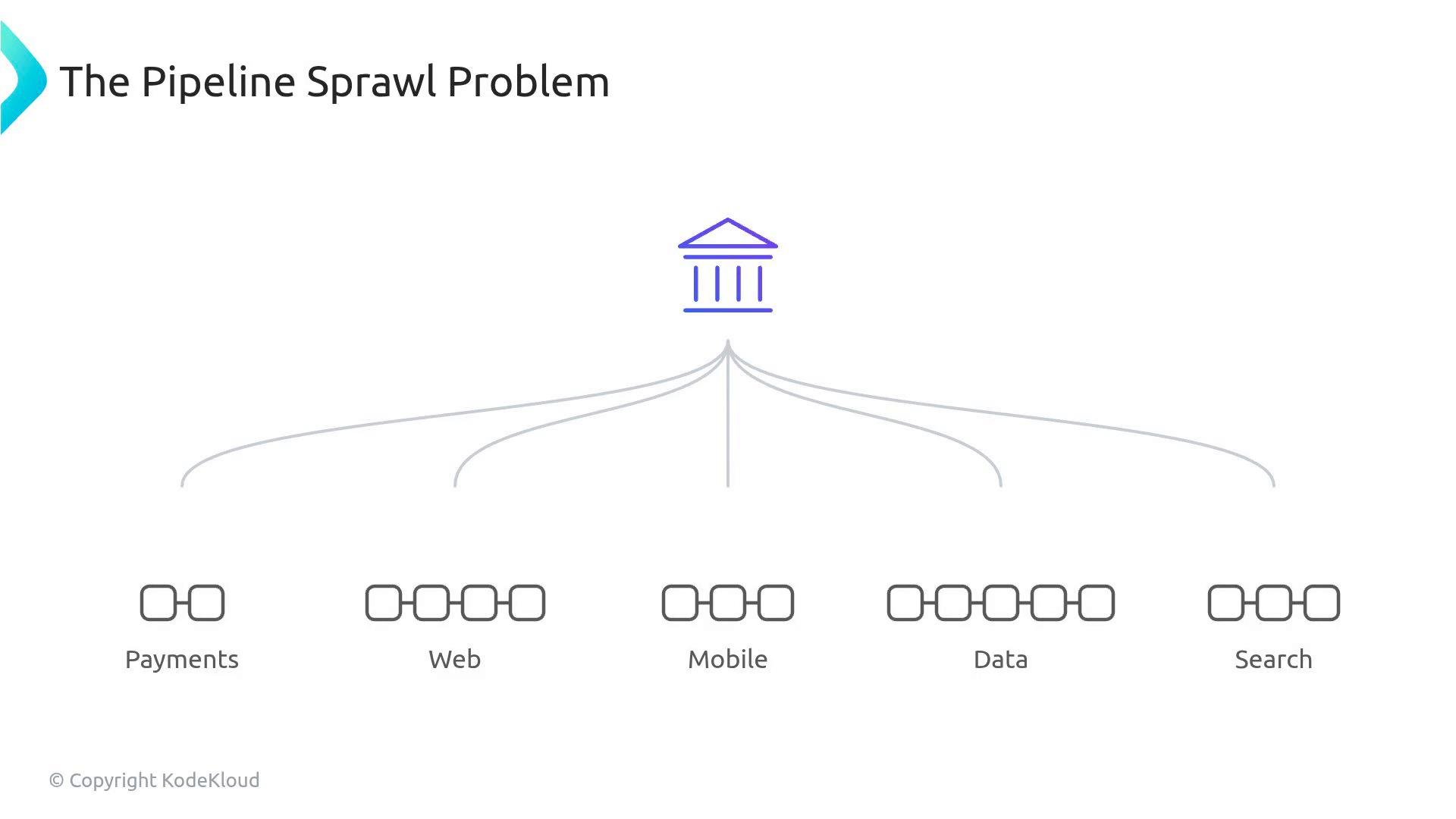
Without a centralized workflow strategy, large organizations accumulate many divergent CI pipelines. When each team writes its own pipeline, you get inconsistent security, varying update practices, and high maintenance overhead.
A slide titled "The Pipeline Sprawl Problem" showing a stylized building icon at the top with several curved lines branching downward. The lines connect to five labeled areas—Payments, Web, Mobile, Data, and Search—each represented by small square pipeline icons.
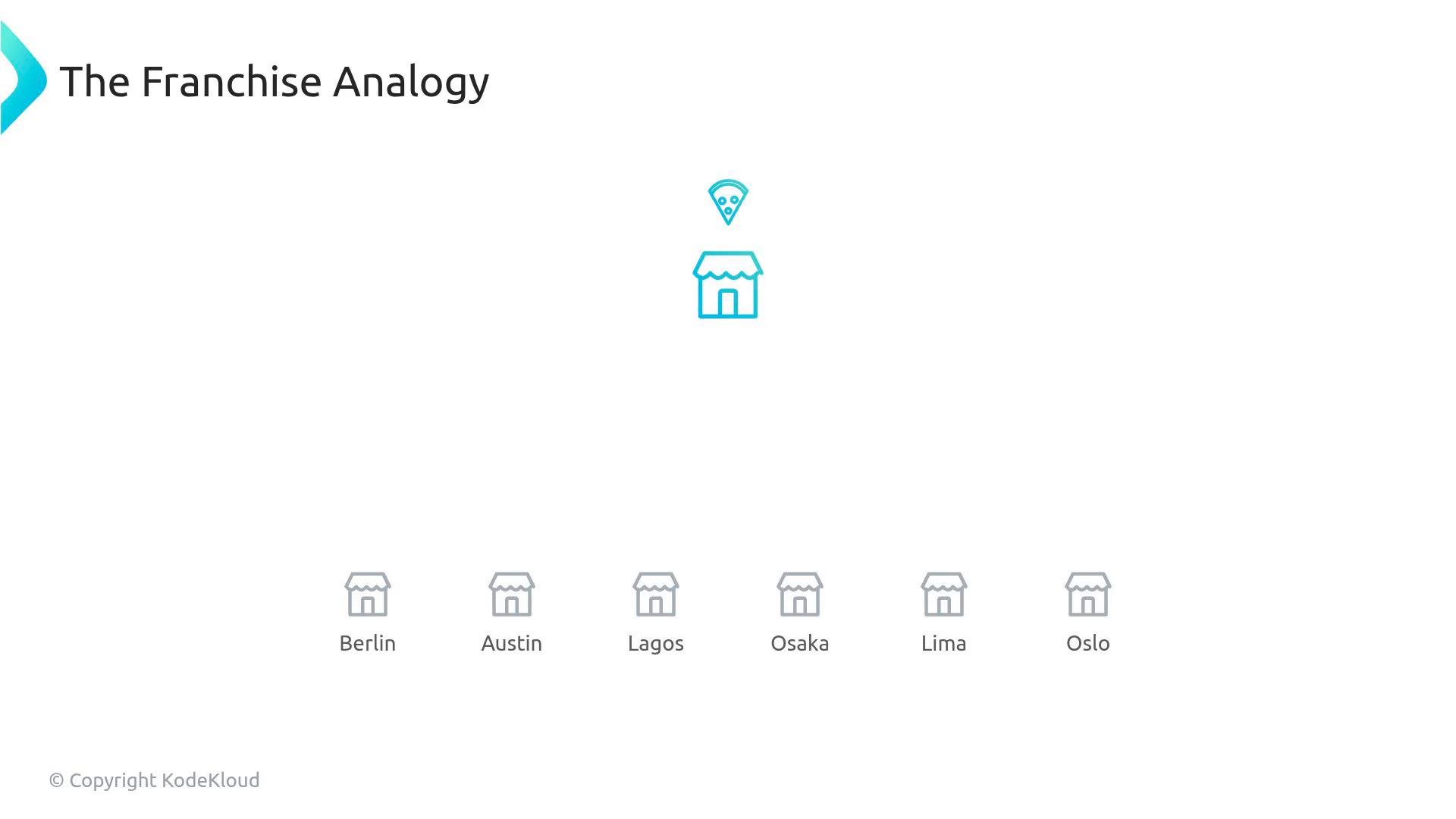
If you manage 200 repositories, that can become 200 different CI implementations and 200 separate security configurations. When a critical vulnerability appears in a build tool, patching every workflow individually is time-consuming and error-prone. Reusable workflows let platform teams centralize CI best practices and reduce that operational cost. Think of a reusable workflow as the global franchise recipe. Without it, each shop invents its own dough and outcomes vary wildly.
A minimalist slide titled "The Franchise Analogy" showing a highlighted shop icon with a pizza slice above it. Below are smaller shop icons labeled Berlin, Austin, Lagos, Osaka, Lima, and Oslo.
A platform team maintains a single, security-vetted reusable workflow. Product teams call that workflow with a single uses line at the job level and can still supply job-specific inputs, secrets, or extra steps. Example: caller workflow in a product repository (.github/workflows/ci.yml)
To allow a workflow to be invoked this way, the called workflow must declare the workflow_call trigger. That exposes inputs and secrets so callers can pass values explicitly. Example reusable workflow in the platform repo (.github/workflows/reusable-ci.yml):
Reusable workflows are invoked at the job level using uses and can accept inputs and secrets. To forward all allowed caller secrets, use secrets: inherit in the caller workflow.
Do not confuse reusable workflows with composite actions. Key differences: Illustration of the structural difference:
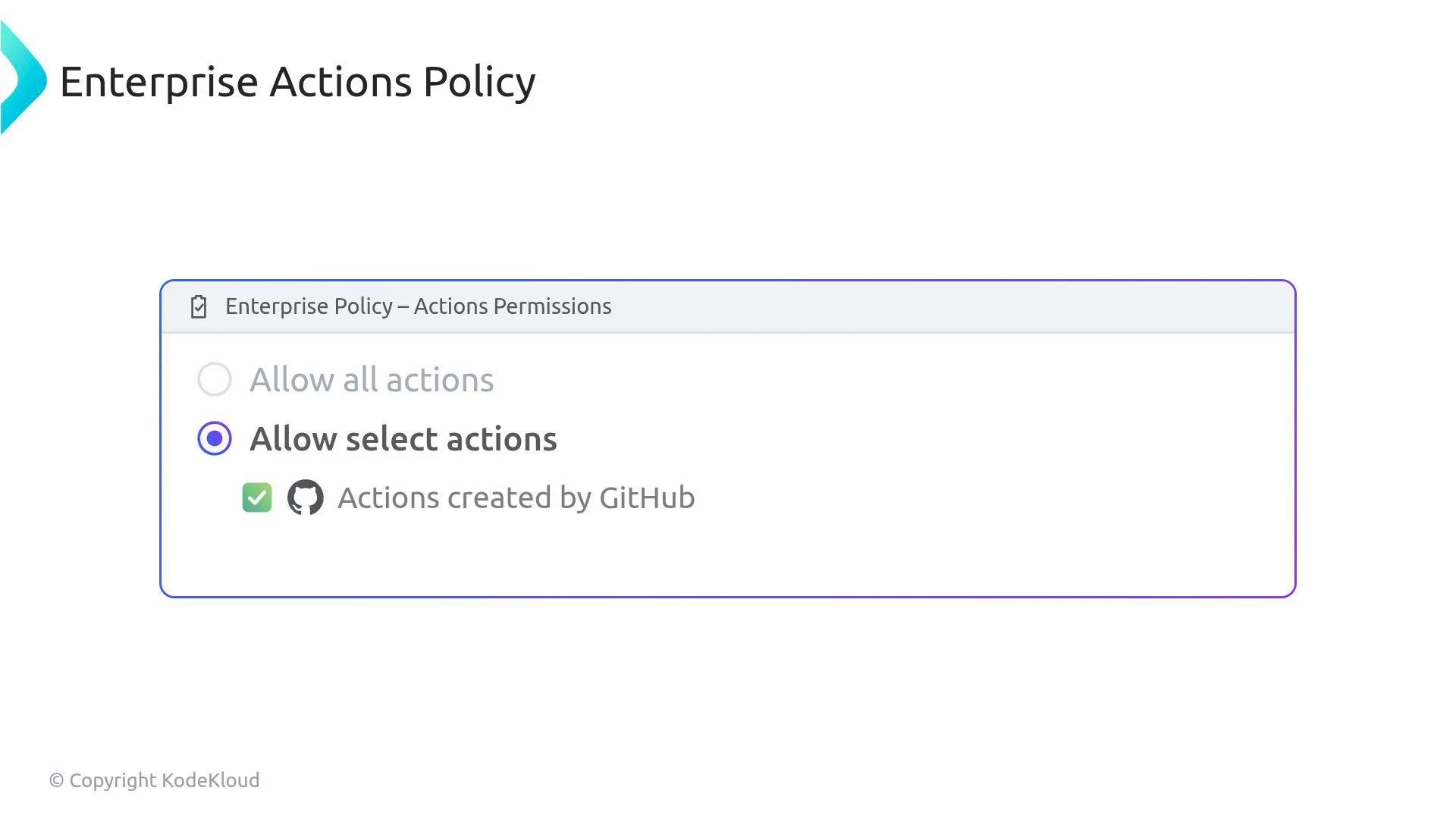
Enterprise-level governance sits above this, controlling where developers may source actions. By default, workflows can reference actions from anywhere; as an admin you should restrict that using organization-level allowed actions (see GitHub docs: https://docs.github.com/en/organizations/keeping-your-organization-secure/managing-github-actions-settings-for-your-organization#configuring-allowed-actions-for-your-organization). You can restrict actions to one of these modes:
Screenshot of an "Enterprise Actions Policy" settings panel with the "Allow select actions" radio button selected and a checked item for "Actions created by GitHub."
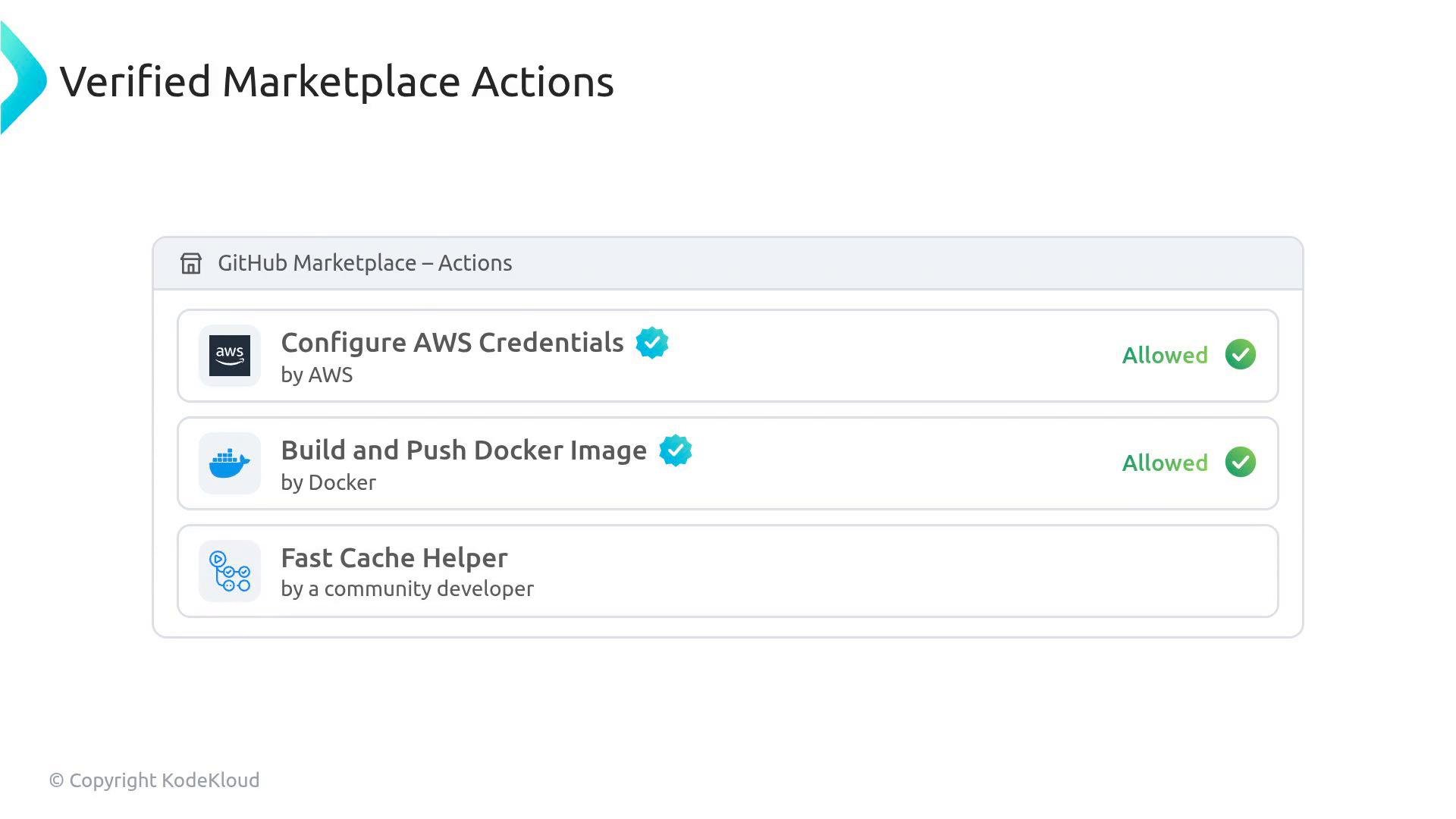
When browsing the GitHub Marketplace (https://github.com/marketplace/actions), verified partner actions display a blue checkmark. You can permit those while blocking unverified community actions.
A screenshot of a "Verified Marketplace Actions" panel (GitHub Marketplace - Actions) listing actions like "Configure AWS Credentials" and "Build and Push Docker Image," both marked "Allowed" with green checkmarks. The list also includes a "Fast Cache Helper" entry by a community developer.
If a workflow tries to use an action not on the enterprise allow list, the run fails immediately during the policy check (see About allowed and blocked actions: https://docs.github.com/en/actions/learn-github-actions/security-hardening-for-github-actions#about-allowed-and-blocked-actions).
Important: Restricting allowed actions protects your environment but can cause immediate workflow failures if teams reference blocked or unverified actions. Communicate policy changes and provide a curated list of approved alternatives.
For both the exam and practical governance, keep these concise facts top of mind:
  • Reusable workflows use the workflow_call trigger and are invoked at the job level.
  • Composite actions are invoked at the step level and group multiple commands inside a step.
  • Enterprise allow lists (including the “verified creators” filter in the Marketplace) determine which third-party actions are permitted.
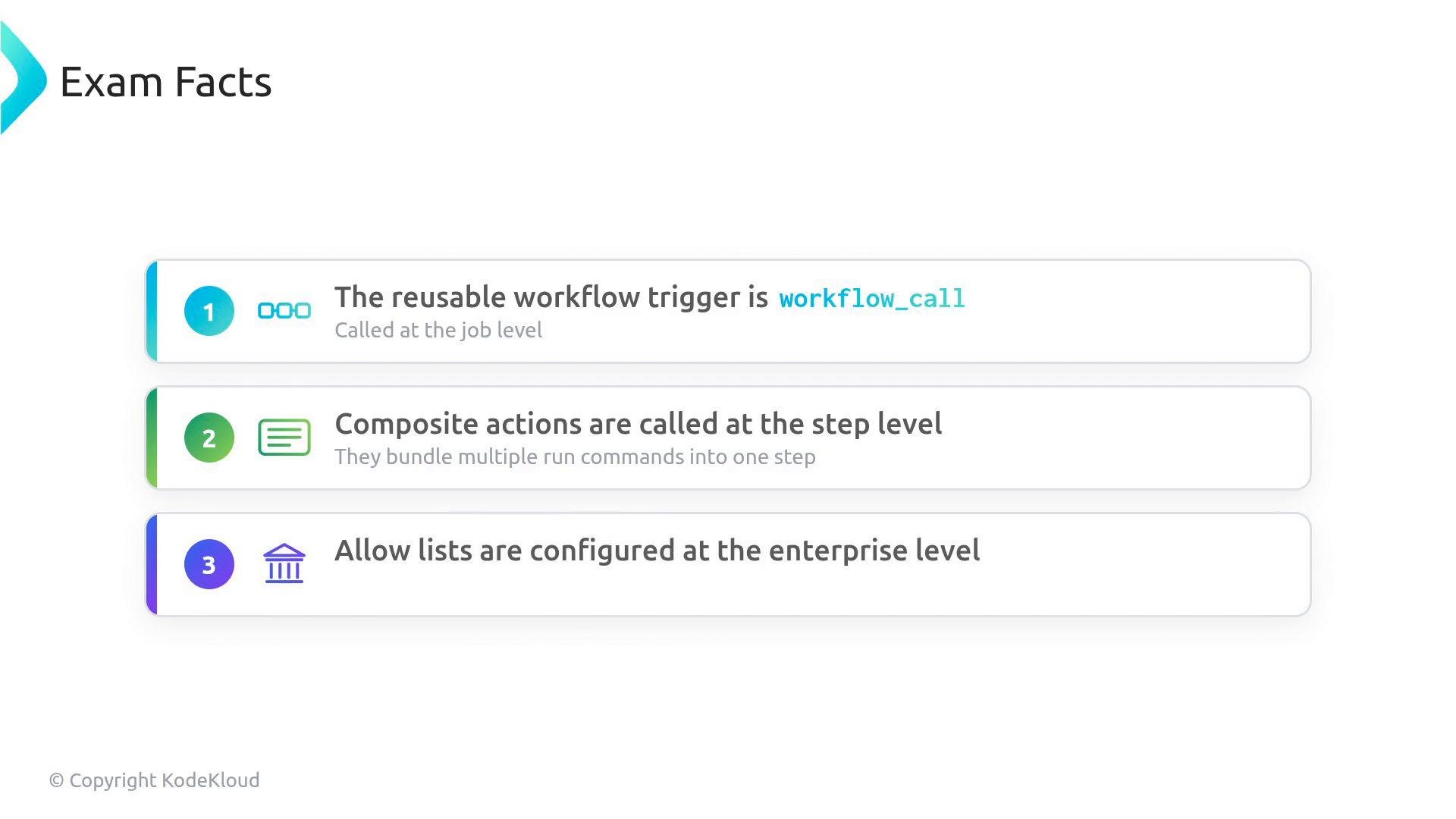
A slide titled "Exam Facts" with three numbered items: the reusable workflow trigger is workflow_call (called at the job level), composite actions are called at the step level (they bundle multiple run commands), and allow lists are configured at the enterprise level.
Further reading and references:

Watch Video