

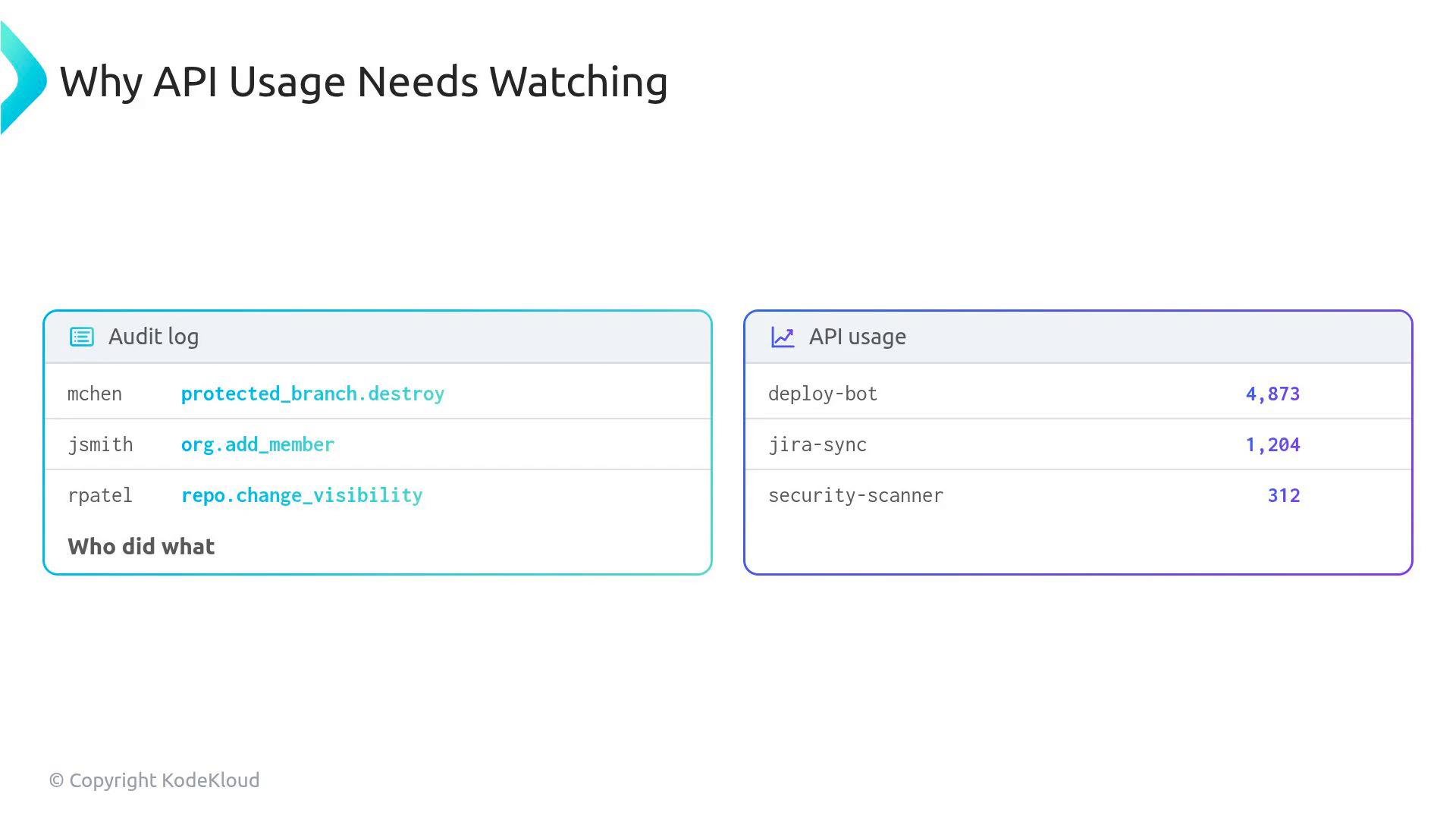
- Prevent unexpected outages or failed automation from exceeded quotas.
- Improve CI/CD reliability by reducing throttling and retries.
- Allocate improvements (migrate to GitHub Apps, add caching) where they’ll have the biggest impact.
Understanding rate-limit headers
Every API response contains headers that tell you where you stand in real time. Monitor these fields to make informed decisions without issuing extra API calls.
Example: an authenticated curl request and the rate-limit headers it returns
You can safely poll GET /rate_limit to inspect usage without eating into your main quota, but avoid extreme polling rates to prevent hitting secondary rate limits.
- REST API: simple request-count model (requests per time window).
- GraphQL API: point-based cost model. You have a 5,000-point-per-hour budget; cost depends on query complexity rather than raw request count.
- Small queries often cost 1 point.
- Complex, deeply nested queries can cost hundreds of points.
- A single well-designed GraphQL query can be more efficient than many REST calls, but an unoptimized one can exhaust points quickly.
cost returned by GraphQL responses and paginate or split large requests when necessary.
Secondary rate limits (burst/concurrency protection)
Even within hourly quotas, GitHub enforces secondary rate limits to prevent bursts, high concurrency, or abusive polling. Secondary limits protect platform health and apply dynamically.
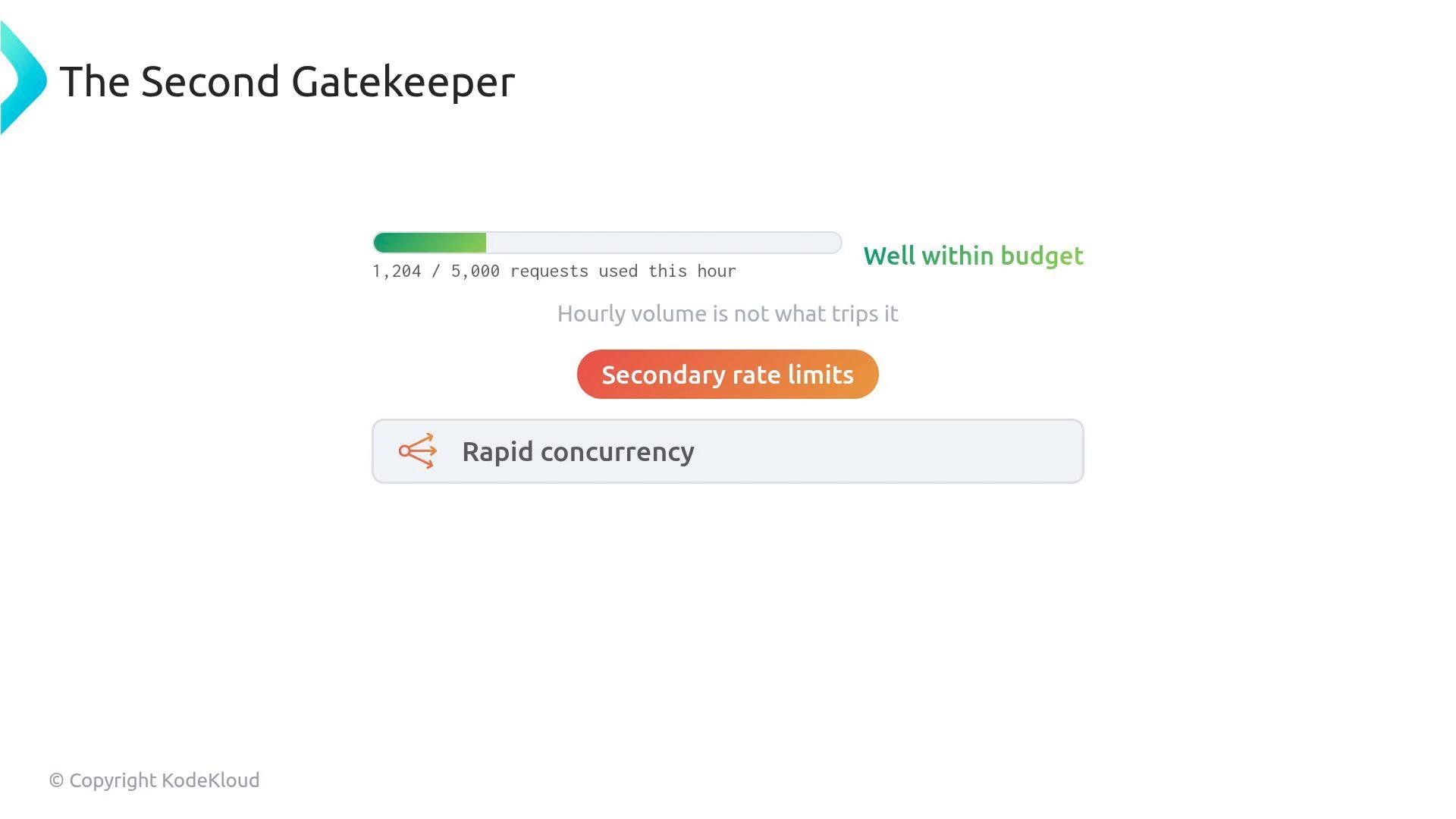
Retry-After header. Your integrations must handle 429 responses gracefully using exponential backoff (ideally with jitter) and by reducing concurrency.
Example: high concurrency producing 429 responses
Secondary rate limits are not resolved by increasing hourly quotas alone. Implement exponential backoff with jitter and reduce concurrency to avoid repeated 429s and protect platform stability.
- Monitor usage per integration
- Identify integrations consistently using >80% of their hourly quota and prioritize them for optimization.
- Prefer GitHub Apps for heavy automation
- Migrate tools that frequently get 403/429 from PATs to GitHub App installations to gain higher capacity.
- Enforce best practices in CI/CD and tooling
- Batch requests, cache results, and paginate large responses.
- Use GraphQL efficiently (limit fields and depth) when appropriate.
- Implement resilient retry strategies
- Exponential backoff with jitter and respect
Retry-After. - Reduce concurrency (throttle workers or queue tasks) rather than reissuing requests immediately.
- Exponential backoff with jitter and respect
- Audit and enforce at scale
- Use monitoring dashboards and alerts for integrations that spike usage or generate repeated 429/403 responses.
GET /rate_limit judiciously, optimizing GraphQL queries, and handling secondary limits with backoff and reduced concurrency, you can keep integrations reliable without destabilizing the platform.
Links and references
- GET /rate_limit — REST API
- REST API rate limiting
- GraphQL resource limitations
- Exponential backoff and jitter (AWS Blog)
- HTTP 429 Too Many Requests (MDN)