

- Enterprise owner
- Full control over the enterprise account and all organizations beneath it.
- Can perform organization-wide configuration, access control, and administrative tasks.
- Enterprise billing manager
- Scoped to finance: can manage payment methods and view invoices.
- Cannot access repository code or change repository settings.
- Organization owner
- Full control of the organization, including repositories, teams, and organization settings.
- Can add or remove owners and change organization-wide policies.
- Organization billing manager
- Manages the organization’s billing and invoices without access to repository source code or settings.
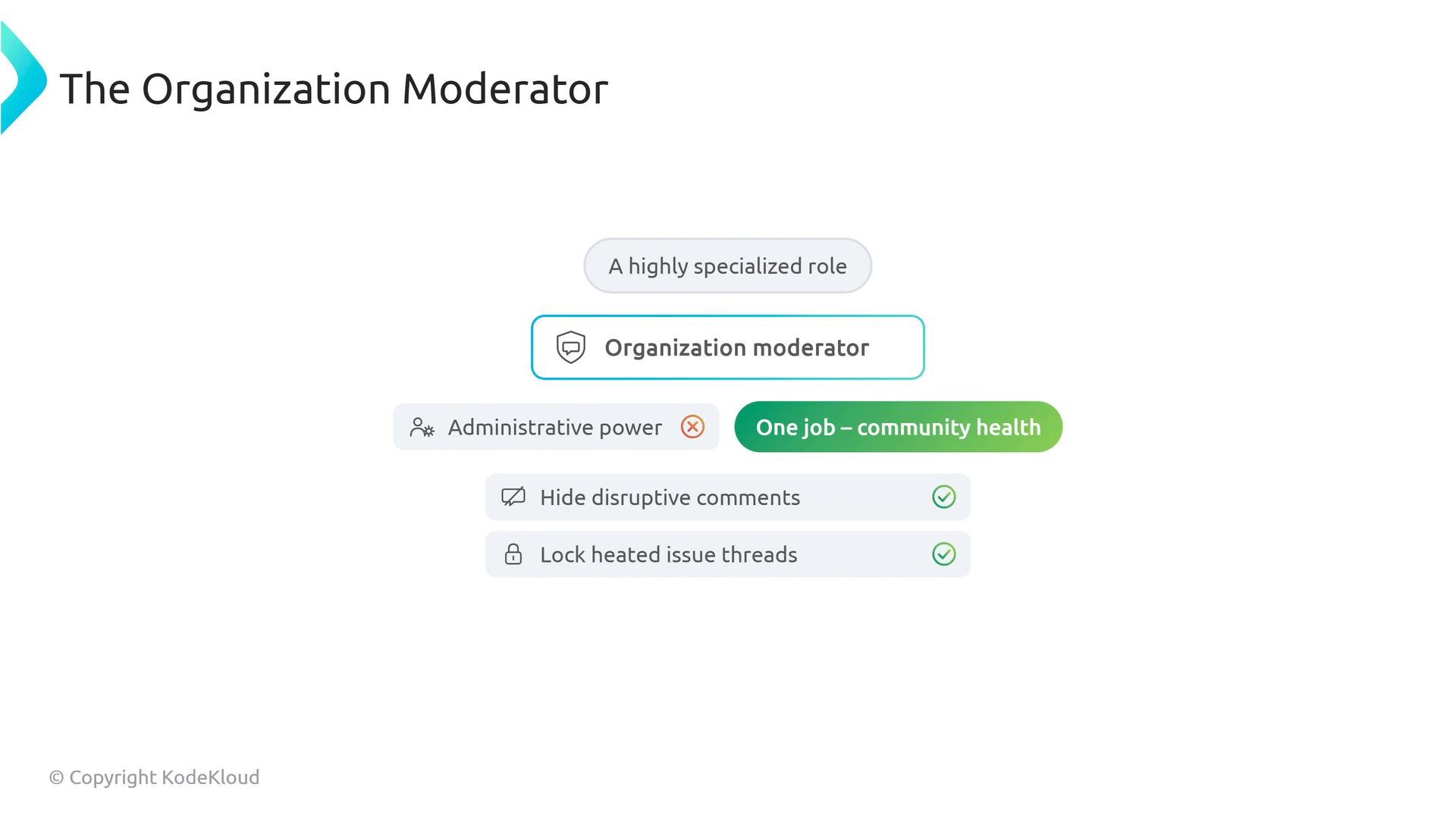
- Organization moderator
- A highly specialized, non-administrative role focused on community health.
- Duties include hiding disruptive comments, locking heated threads, and blocking abusive users.
- Does not receive repository or organization administration privileges.
Repository roles — the ladder of trust
At the repository level, GitHub provides five standard permission roles. Treat these as progressively more trusted rungs, from least to most powerful.
-
Read
- Can view and clone the repository and participate in conversations (issues and pull requests).
- Cannot modify issue/PR metadata beyond participating in discussions or push code.
-
Triage
- Can organize the project: apply labels, assign issues, open/close issues, and manage issue and PR metadata.
- Cannot push commits or create branches.
-
Write
- The standard developer role: can push commits, create branches, and open/submit pull requests.
- Can review and participate in the code workflow, but cannot change higher-level repository settings.
-
Maintain
- Intended for technical leads and release managers: can merge PRs, manage releases, and maintain many repository settings and workflows.
- Performs day-to-day operational tasks but cannot always perform destructive or organization-wide admin actions (for example, transfer or delete organization resources in some contexts).
-
Admin
- Full control over the repository: change branch protection rules, modify settings, transfer or delete the repository, and manage access for other users.
Key distinctions to remember:
- Billing managers (enterprise or organization) can manage billing and view invoices but do not have access to repository code.
- A team maintainer manages team membership and team-level settings; a repository maintainer (role: Maintain) manages repository operations like merging and releases.
Triageis the highest repository role that cannot push code;Writeis the role that grants push access.
- Use organization-level owners sparingly and prefer team-based admin delegation for routine tasks.
- Assign billing manager roles to a dedicated finance account, not to developer accounts.
- Use
Triagefor community managers and moderators who should manage issues without write access. - Reserve
Adminfor a small group of trusted operators and use audit logs to monitor admin actions.
- GitHub Docs — Repository permission levels
- GitHub Docs — Moderation tools
- Kubernetes Documentation — concepts reference (example governance patterns)