

- GitHub Enterprise Server = you own the servers and must collect diagnostic evidence.
- GitHub Enterprise Cloud = GitHub owns the infrastructure; you provide context so GitHub Support can find relevant traces.
GitHub Enterprise Server (self-hosted)
When you run GitHub Enterprise Server, you have direct access to the appliance and must gather diagnostic artifacts for troubleshooting and for GitHub Support. Key points:- Run diagnostics over SSH as the
adminuser. - Use
ghe-support-bundleto collect system logs, database diagnostics, Git repository health checks, and configuration state into a compressed tarball. - Use
ghe-support-bundle -uto upload the bundle to an open GitHub Support ticket. - Use
ghe-diagnosticsfor a quick JSON-style report (disk usage, memory pressure, and other immediate indicators).
GitHub Enterprise Cloud (hosted)
For GitHub Enterprise Cloud you cannot generate support bundles because you do not control the underlying servers. GitHub Support engineers already have access to the hosting infrastructure, so they rely on the context you provide to filter their internal logs and trace problems. What to provide when filing a support case:- Your organization (and if applicable, repository/team) name.
- Precise timestamps (start and end) for when the issue occurred — timezone noted.
- Full API request and response bodies (including headers) if the issue relates to API calls.
- For UI performance, timeouts, or intermittent network errors: a HAR file (HTTP Archive) captured from your browser.
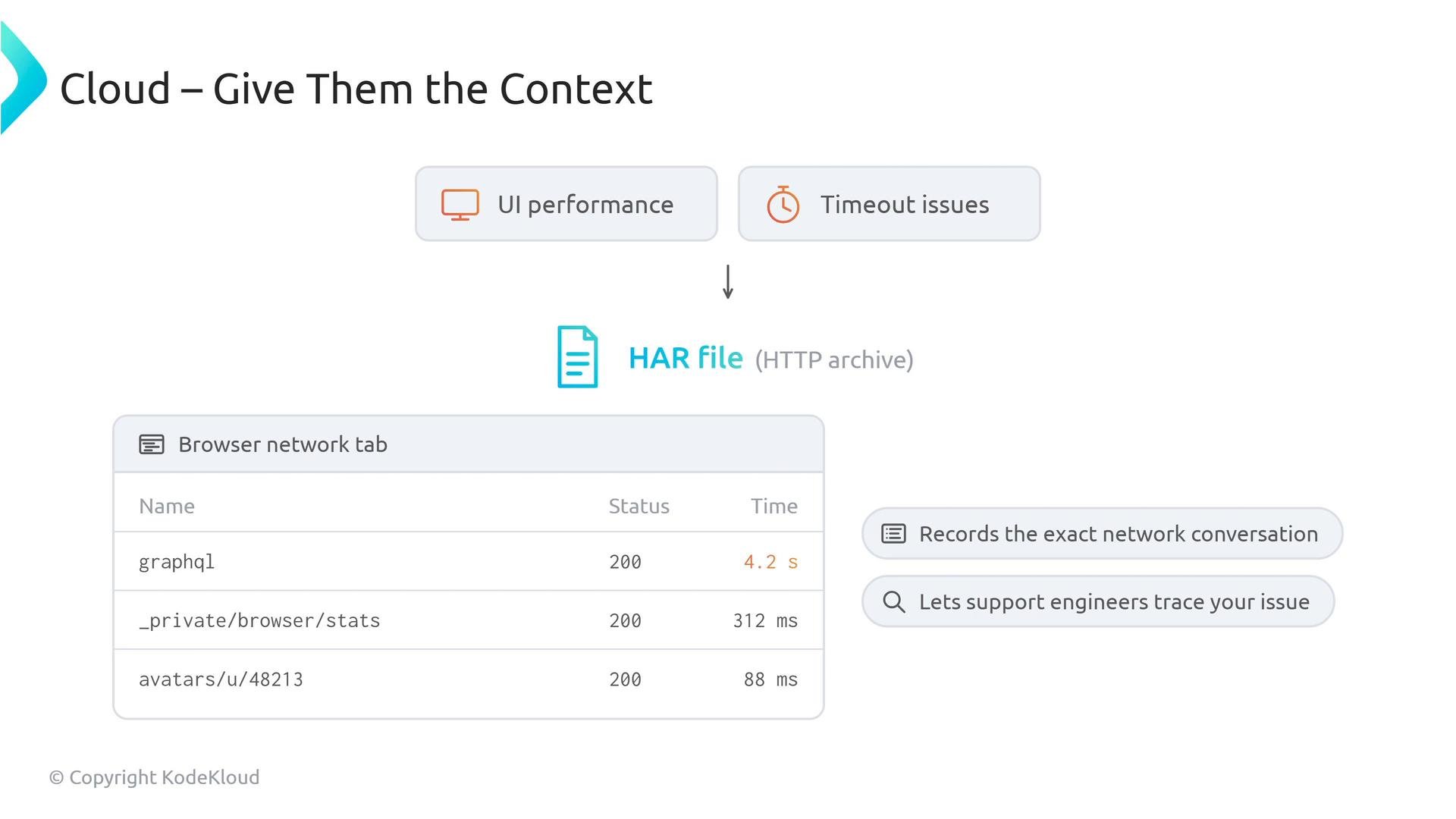
When capturing a HAR file, include the exact time range when the issue occurred, and reproduce the problem while the Network tab is recording. Attach the HAR and any relevant API request/response bodies to your support case.
Comparison at a glance
Exam tip and quick summary
- Support bundles are exclusive to GitHub Enterprise Server. If asked how to generate a support bundle for GitHub Enterprise Cloud, the correct answer is that you cannot.
- For GitHub Enterprise Server: connect via SSH and use
ghe-support-bundleandghe-diagnostics. - For GitHub Enterprise Cloud: provide precise context — organization name, exact timestamps, complete API request/response payloads, and HAR files for UI/network issues.
- Always reproduce issues while recording and capture timestamps in UTC or clearly state the timezone.
- HAR file specification: https://w3c.github.io/web-performance/specs/HAR/Overview.html
- GitHub Enterprise documentation and support: https://docs.github.com/ and https://support.github.com/