

git-filter-repo (or replace the exact string across all commits).

git-filter-repo, and force-pushing rewritten history.
Lesson overview
- Create a small test repo on GitHub.
- Simulate a leaked secret by committing a test file.
- Revoke the secret in any external service.
- Use
git-filter-repo --replace-textto remove or replace the value across history. - Force-push the new history and coordinate with collaborators.
Create a test repository on GitHub
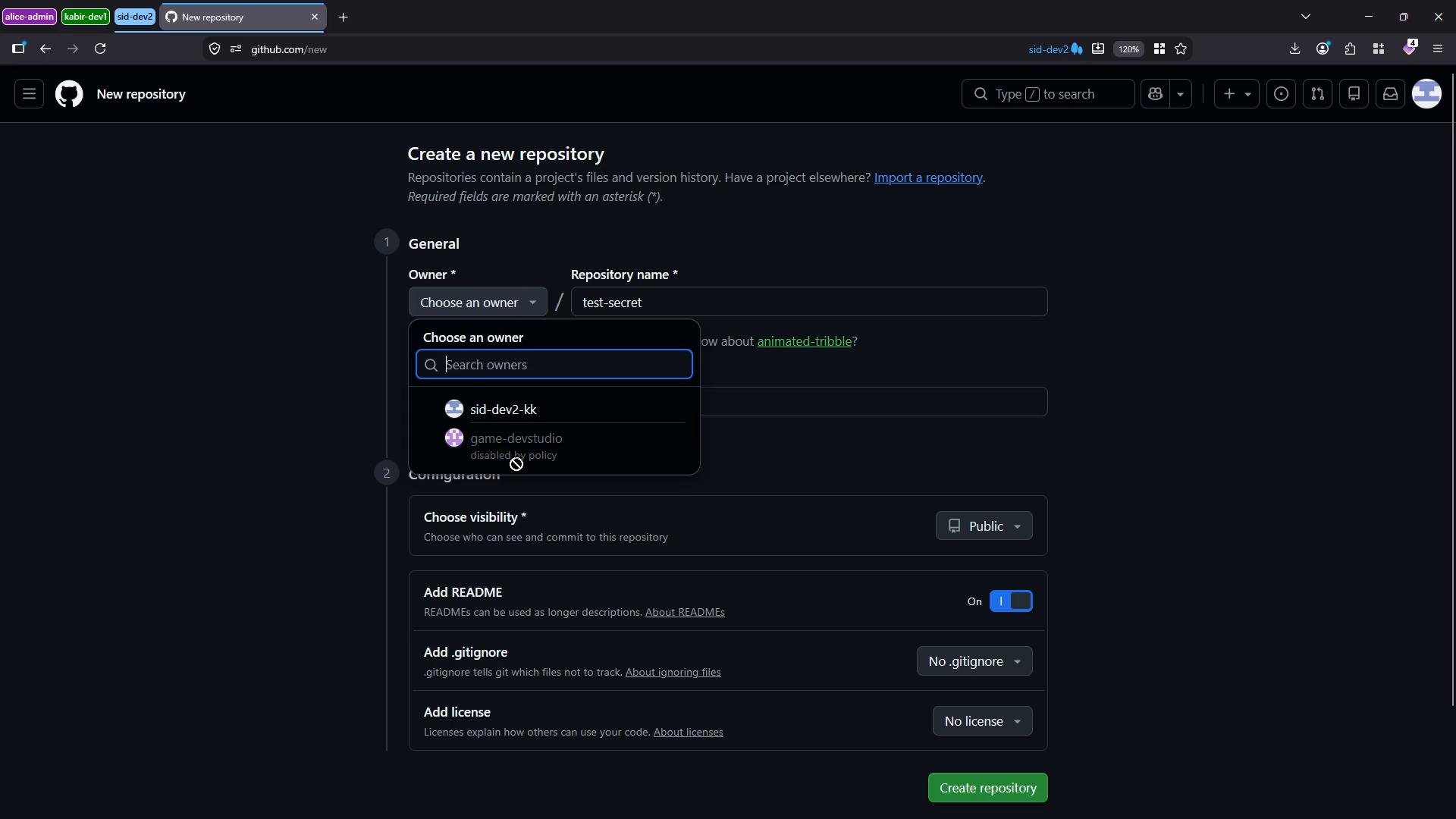
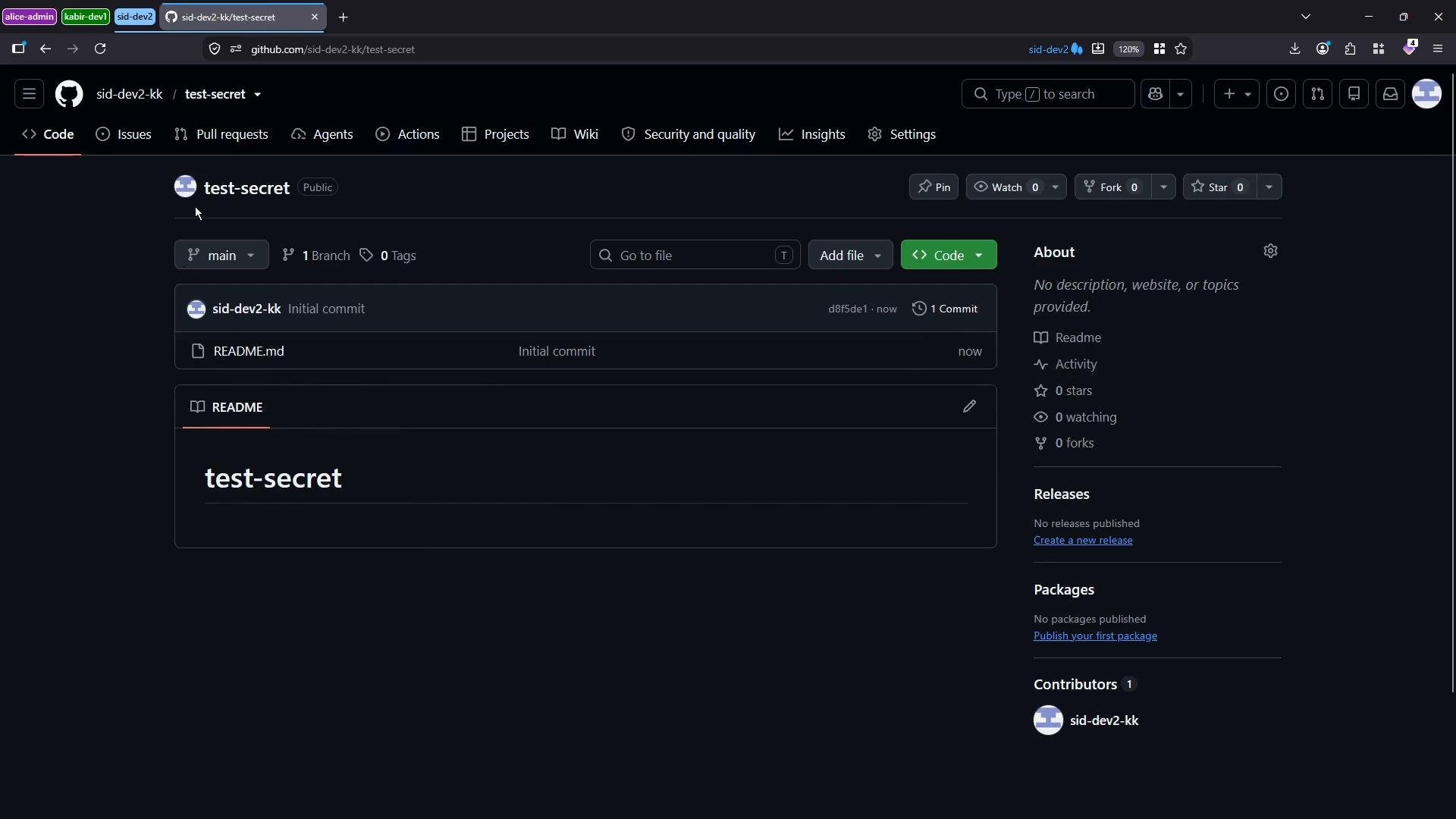
For this demo we used a repo namedtest-secret (public) with a single README.md.
main branch and the README.md.
Simulate a leaked secret (local)
- Clone the repo locally.
- Create a
secret.txtfile containing a mock secret:
- Commit and push the file:
Always rotate or revoke any exposed credentials immediately. Rewriting Git history removes the secret from the repo, but external systems, CI logs, or third parties may have already copied or used the secret.
Removing the file from the tip (does not remove it from history)
If you simply delete the file and push, the secret is removed only from the latest tree — earlier commits still contain the secret:Use git-filter-repo to replace the secret across history
Prerequisite: install git-filter-repo (not included with core Git). Official repo: https://github.com/newren/git-filter-repo Install via pip on many systems:- Operate on a fresh clone in a separate directory to avoid corrupting active clones.
- Rewriting history requires a force-push and coordination with all collaborators because commit IDs will change.
- For rewriting all refs and tags, use a mirror clone.
- Clone the repo into a fresh folder (example
cleanup-repo):
- Create a replace-file listing the target text and replacement. Format is
OLD==>NEW. For this demo we replace1234567with***REMOVED***. Save it as/tmp/mock-expression.txt:
- Lines beginning with
#are comments. - Matches are literal by default; include exact surrounding characters if needed.
- Run git-filter-repo with the replace-text option:
- Re-add remote (if needed) and force-push the rewritten history back to GitHub:
Verify the result on GitHub
- Refresh the repository and inspect older commits that previously contained the secret. The sensitive value should now be replaced by
***REMOVED***(or the replacement text you specified) across rewritten commits. - Keep in mind scrubbing Git history does not affect copies of the repository cloned elsewhere, CI logs, or third-party backups. Search for other exposures and rotate credentials where necessary.
Quick reference — common commands
Links and references
- git-filter-repo GitHub: https://github.com/newren/git-filter-repo
- GitHub guide to removing sensitive data: https://docs.github.com/en/authentication/keeping-your-account-and-data-secure/removing-sensitive-data-from-a-repository
- Git official docs: https://git-scm.com/docs
Rewriting history changes commit IDs. After a force-push, all collaborators must reclone or reset their local clones to avoid conflicts. Communicate the change clearly and update any CI/CD pipelines or automation that rely on the repository.
Summary
- Immediately revoke or rotate any compromised secrets before attempting history edits.
- Use
git-filter-repo --replace-textto remove or replace sensitive strings across all commits. - Work on a fresh clone (or mirror clone for all refs), force-push the rewritten history, and coordinate with collaborators because history rewriting is disruptive and irreversible for existing clones.