

Protecting your most valuable asset: source code
Your objective as a governance or platform owner is to act as a gatekeeper — preventing unreviewed code, destructive changes, or accidentally committed secrets from reaching protected production branches.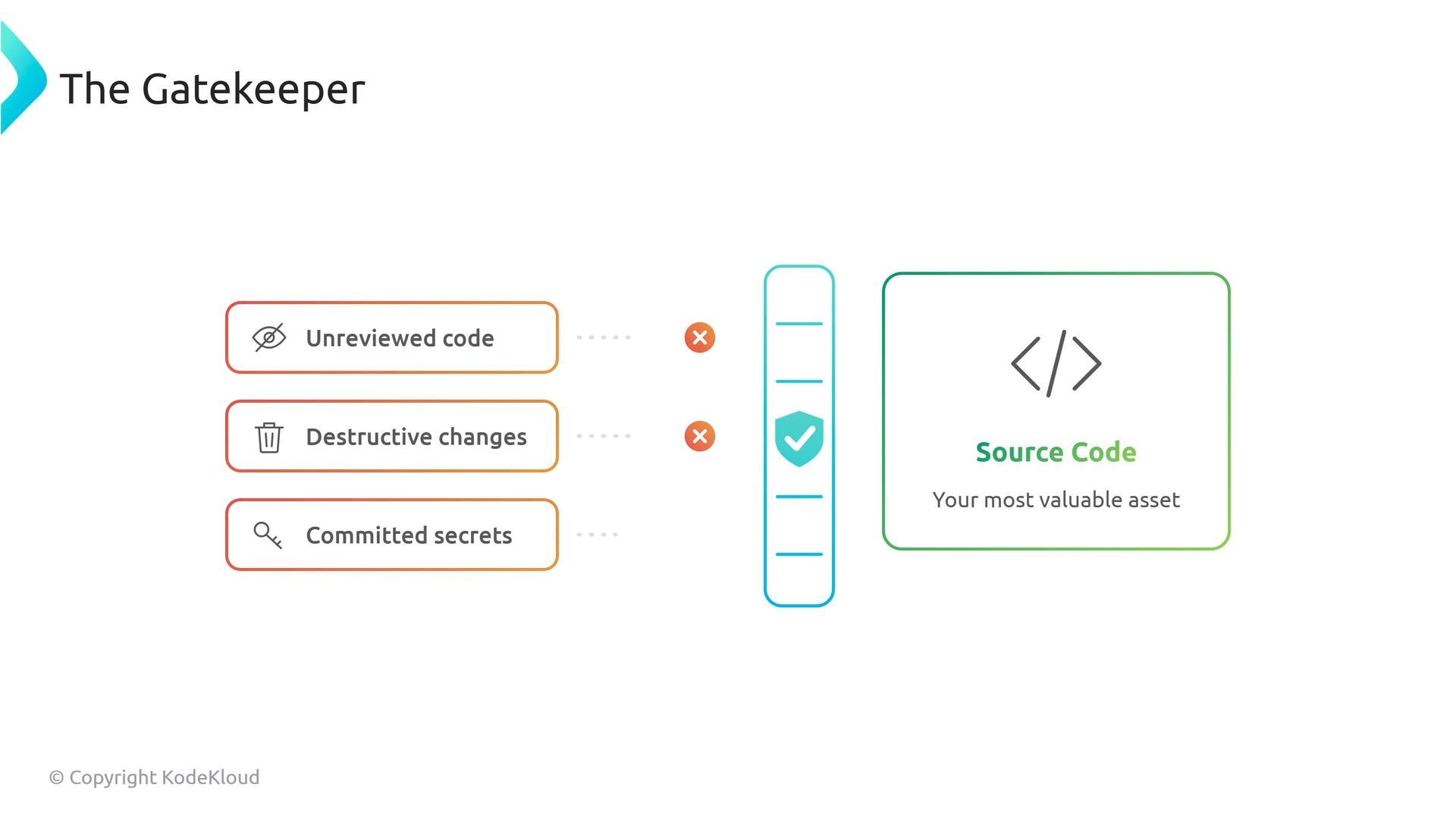
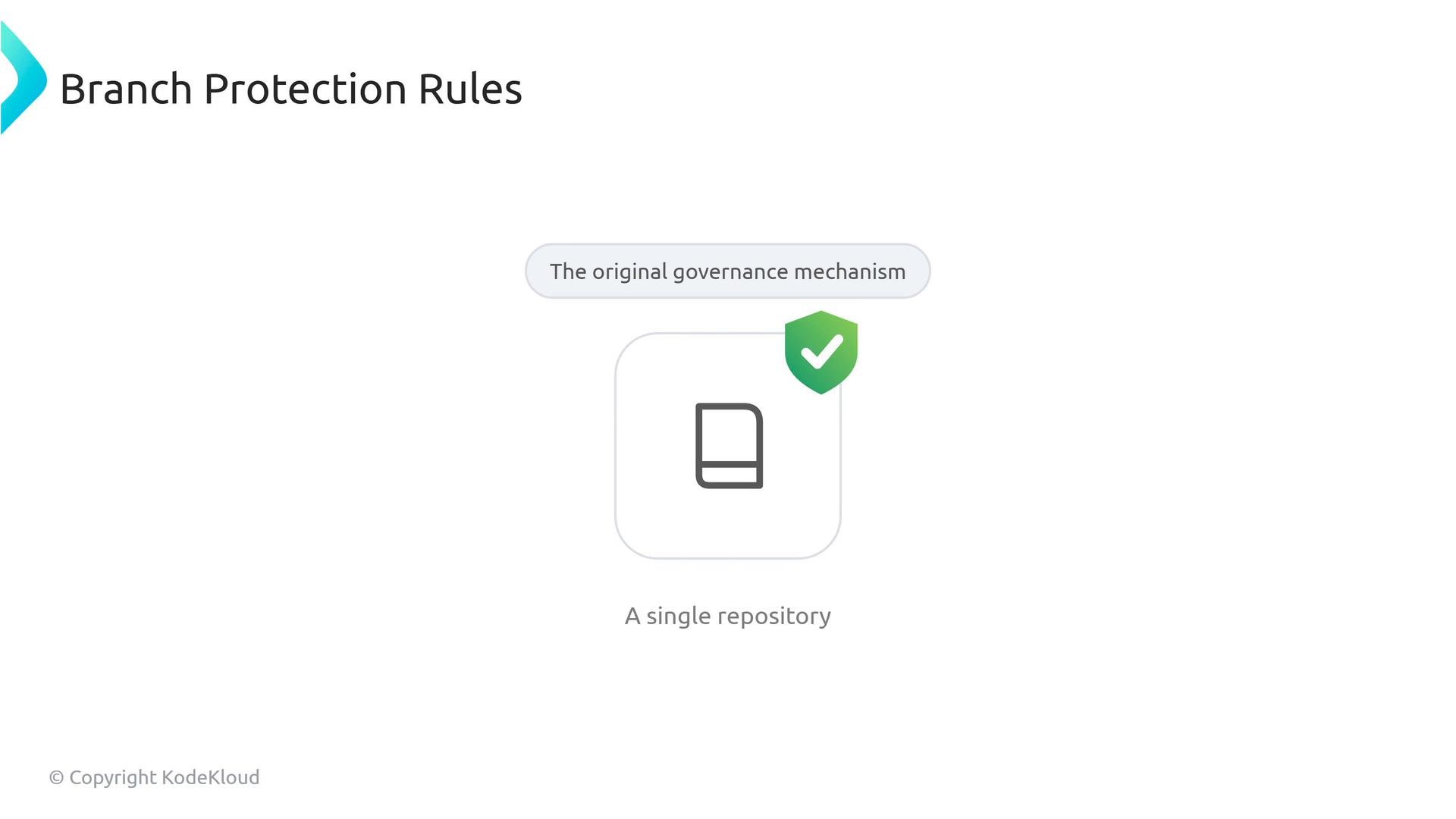
Why branch protection doesn’t scale
At enterprise scale, manually setting the same rule (for example, “require pull request reviews”) across hundreds of repositories is error-prone and slow. When policy changes, updating each repo individually becomes a maintenance burden.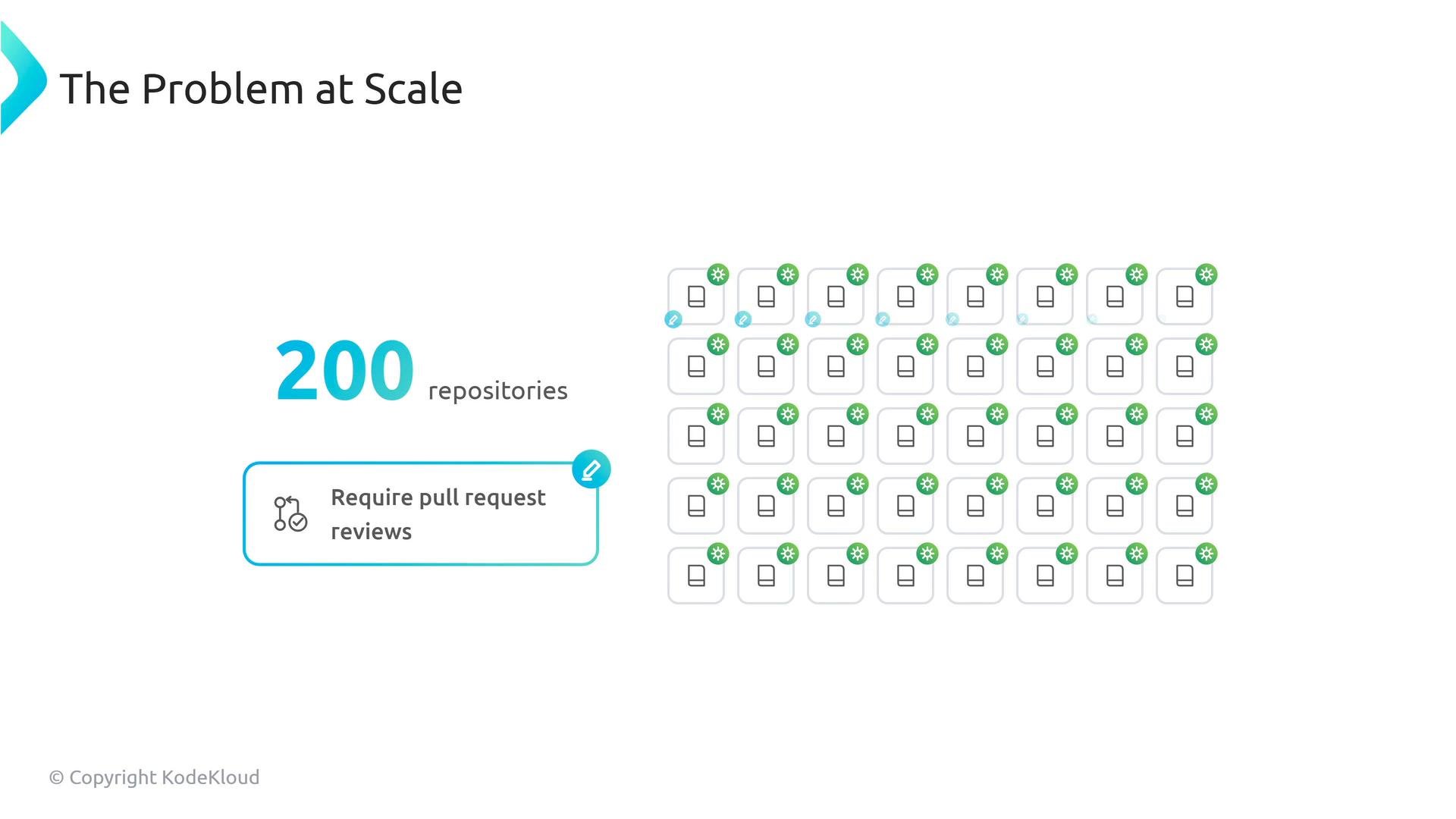
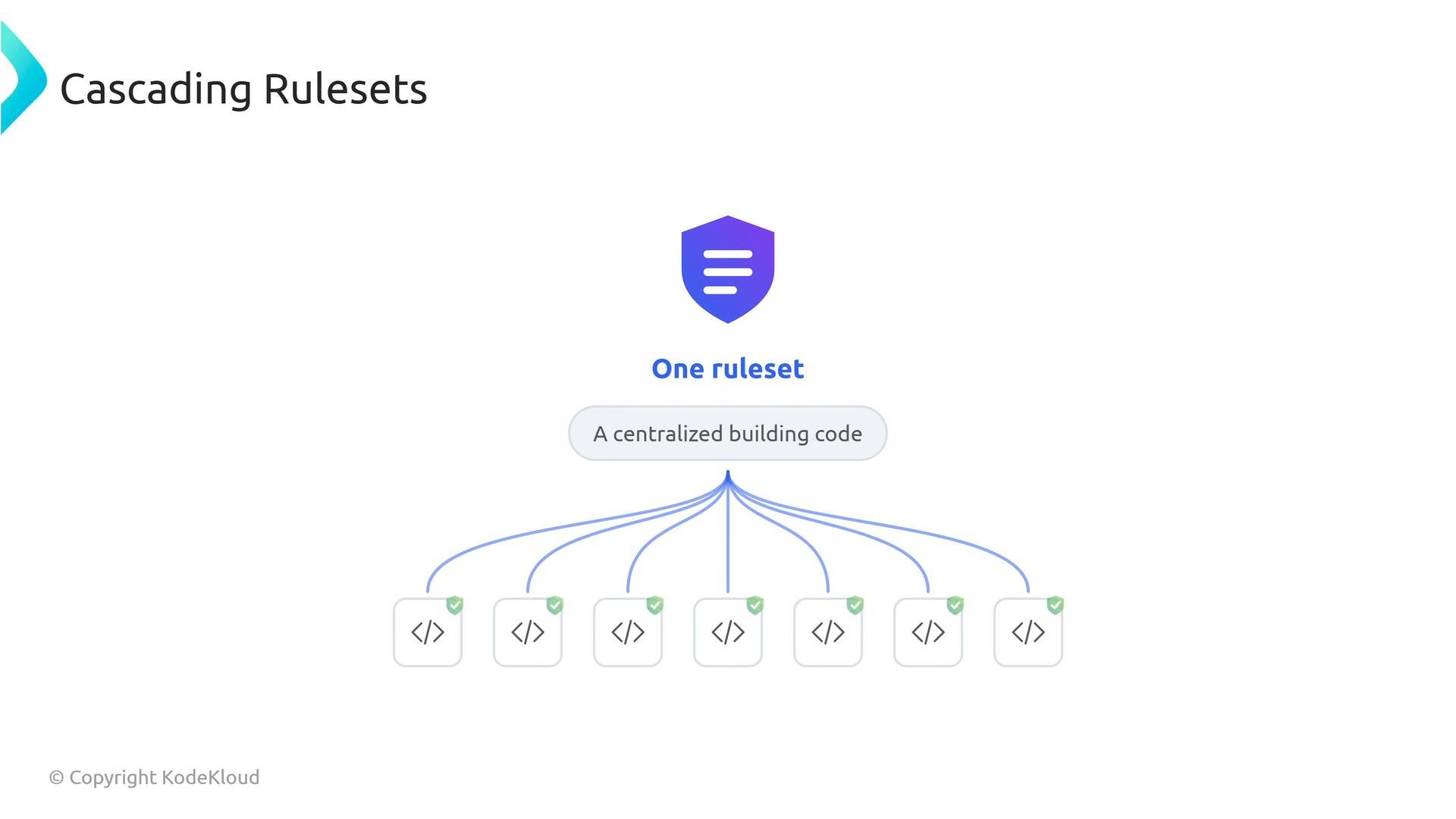
Rulesets: a centralized building code
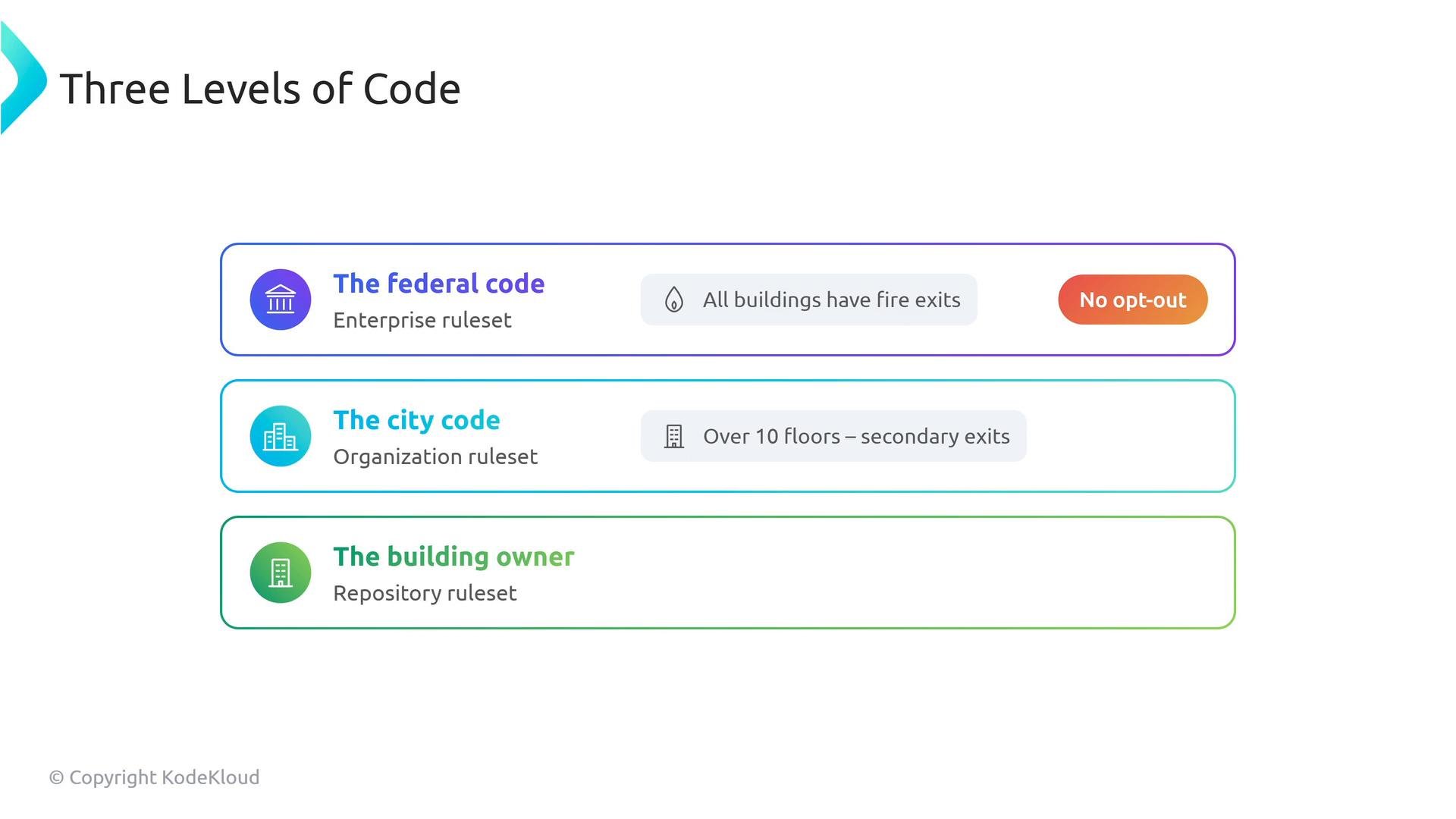
Rulesets provide a hierarchical, cascading model—similar to federal/state/city building codes—so policies can be applied and inherited across multiple levels:- Enterprise (federal): organization-wide minimums that cannot be opted out of.
- Organization (city): additional organization-specific requirements.
- Repository (building owner): repository maintainers may add tighter constraints on top of higher-level rules.
Layering and conflict resolution
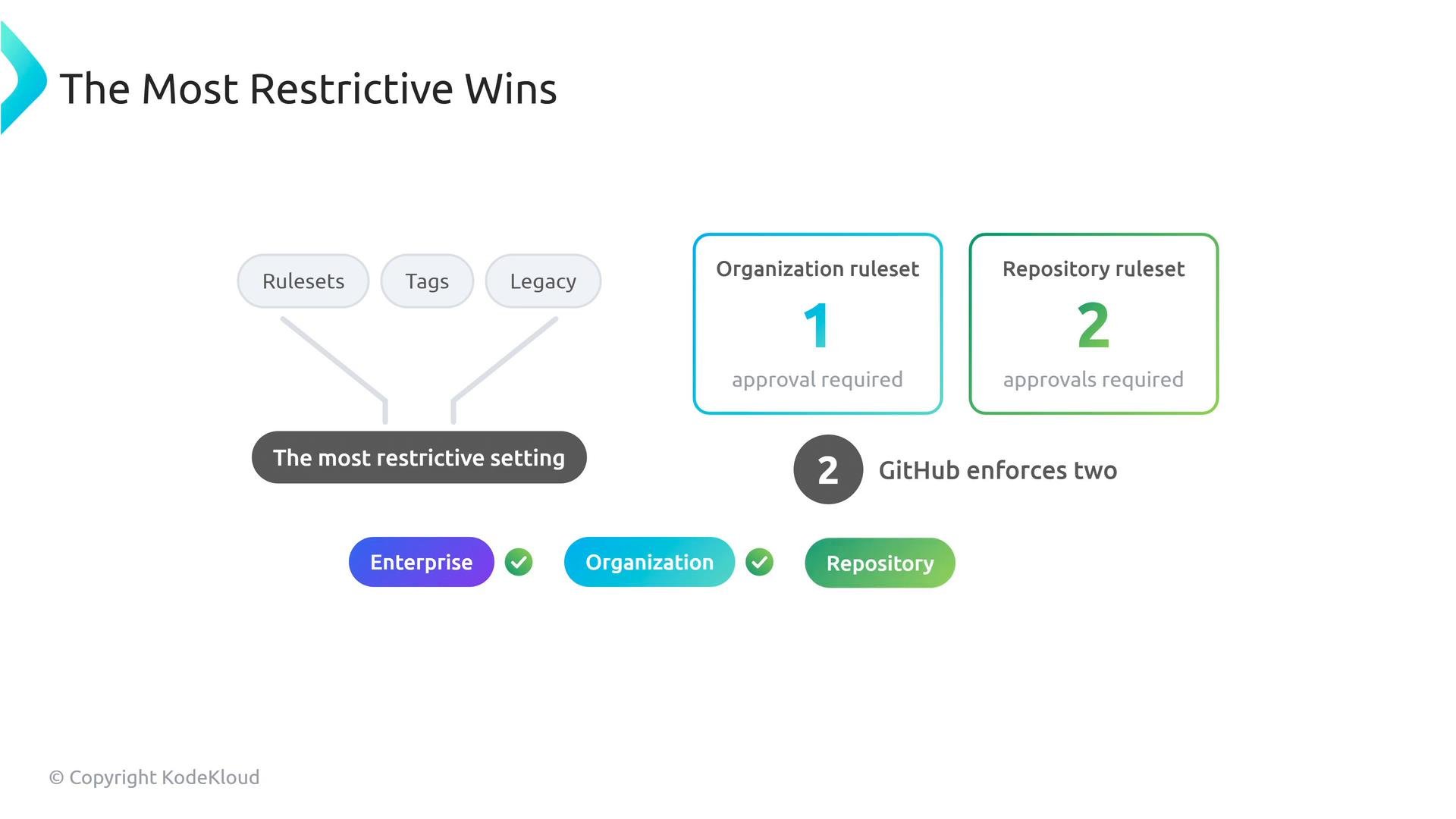
Multiple protections can apply to the same ref (branch or tag): enterprise rulesets, organization rulesets, repository rulesets, tag protections, and legacy branch protection. GitHub aggregates all applicable protections and enforces the most restrictive effective setting.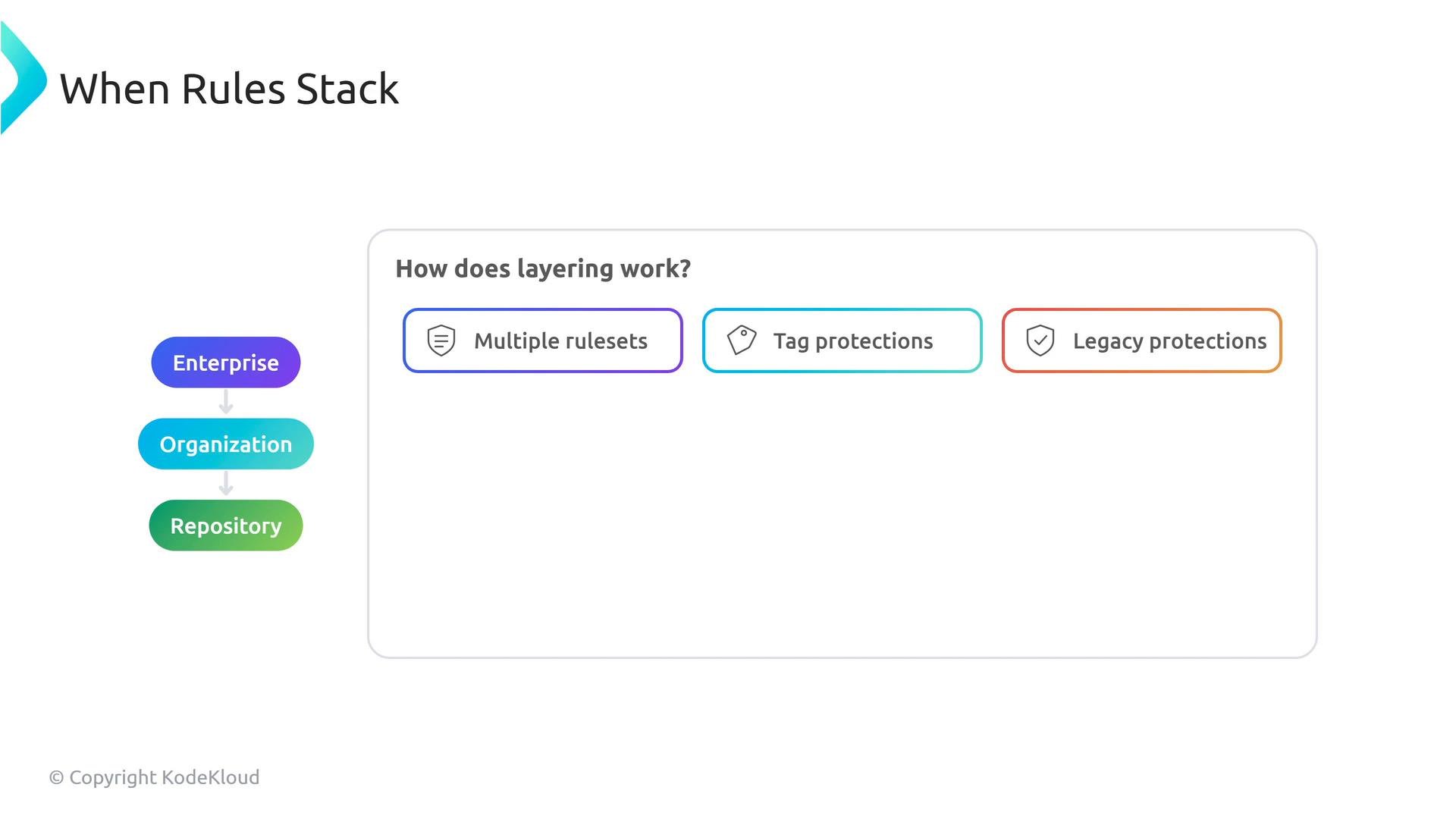
Common protections you can enforce with rulesets
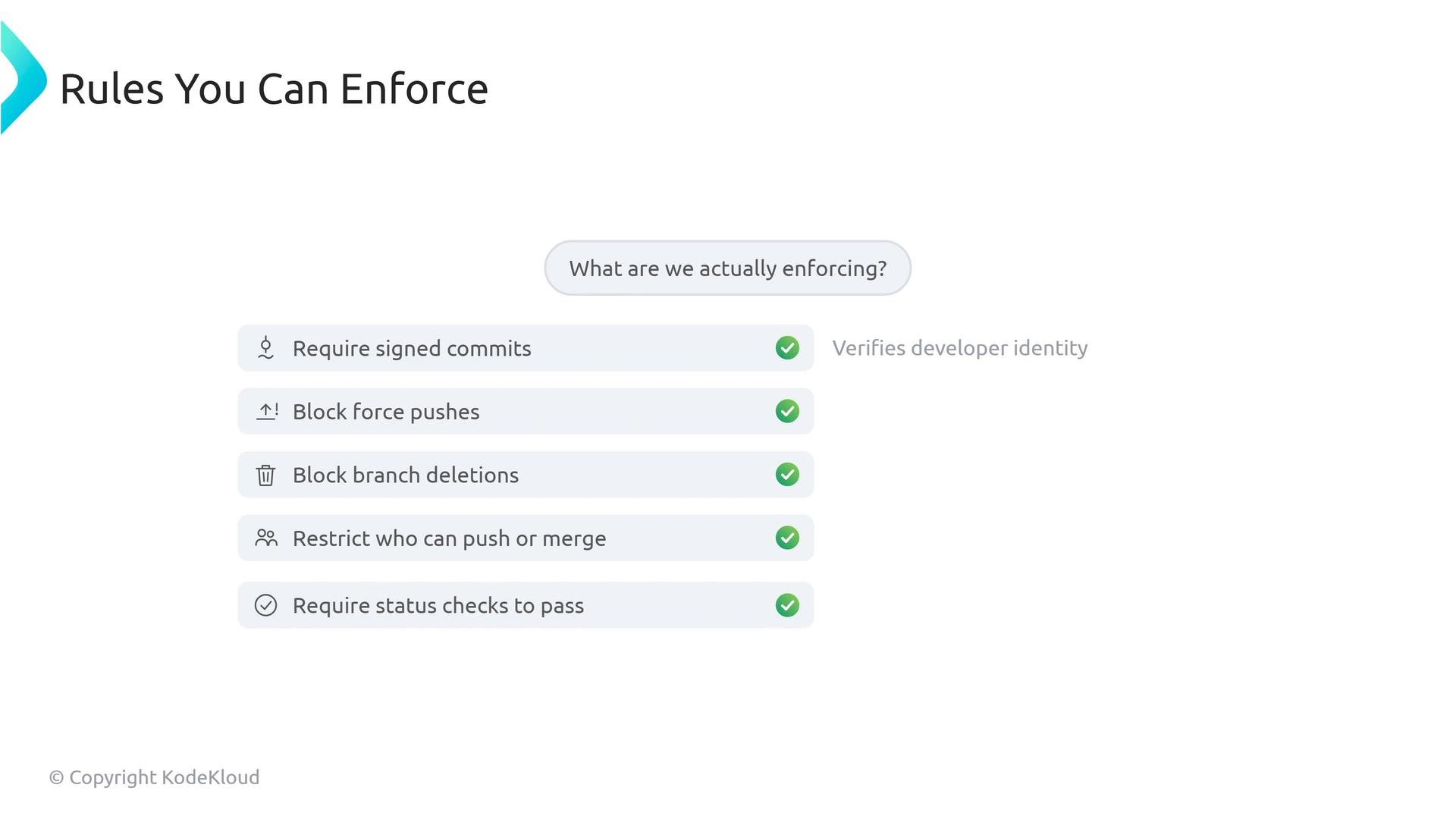
Rulesets extend legacy branch protections with additional capabilities and centralized control. Typical protections include:- Requiring signed commits to verify developer identity.
- Blocking force pushes and branch deletions.
- Restricting who can push or merge code.
- Requiring status checks (CI workflows) to pass before merges, such as CodeQL scans or dependency reviews.
Make your CI/CD pipelines authoritative by configuring key workflow runs as required status checks. If the build or scan fails, the merge should be blocked to prevent broken or vulnerable code from reaching protected branches. See GitHub Actions and required status checks for implementation guidance.
Additional ruleset capabilities that matter
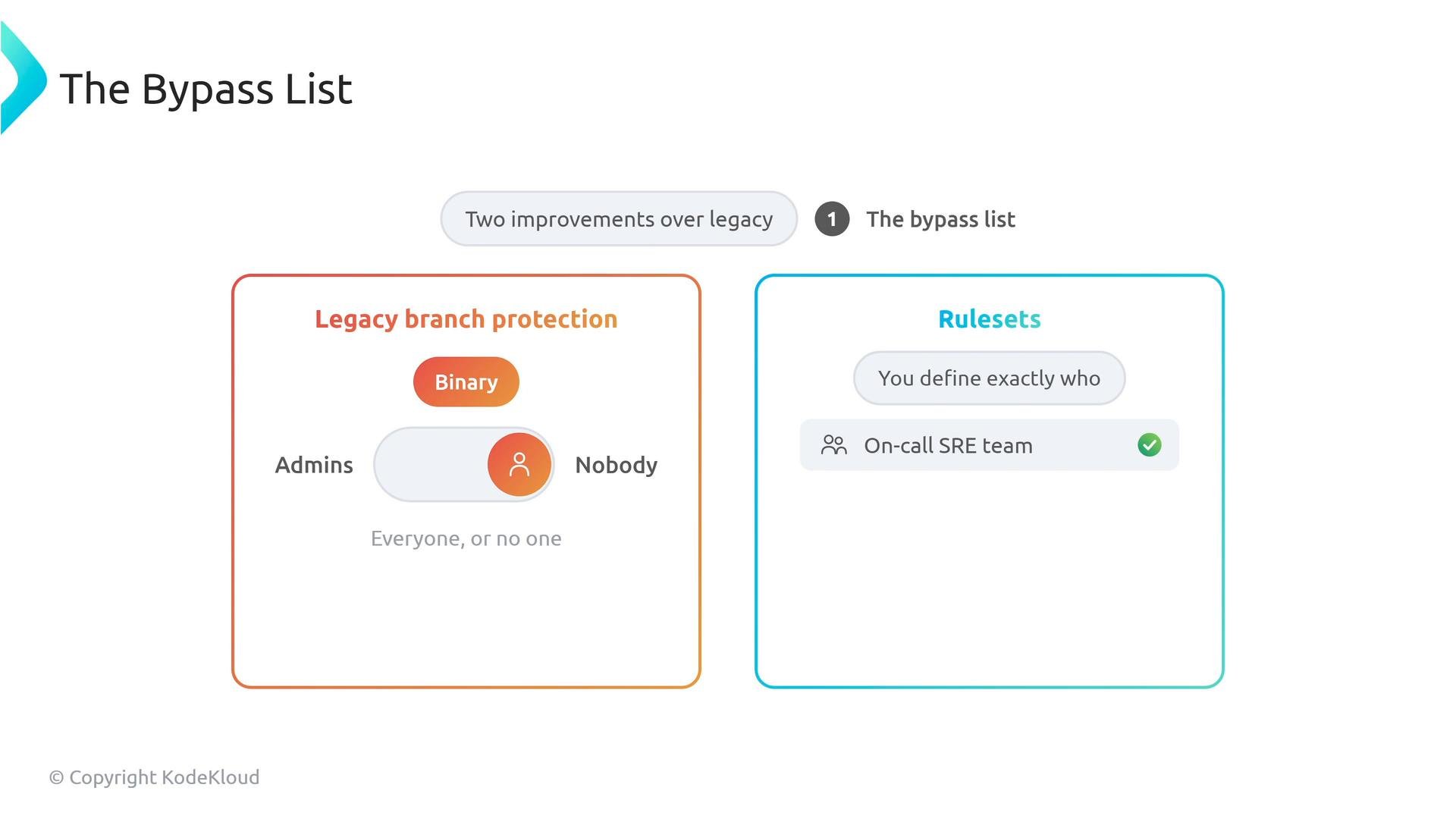
Two important enhancements rulesets provide over legacy branch protection:- Bypass lists — Fine-grained, auditable exceptions:
- Legacy protection had a binary bypass (admins or nobody).
- Rulesets let you define exactly who may bypass protections (for example, a designated on-call SRE team during incidents), and that access is auditable.
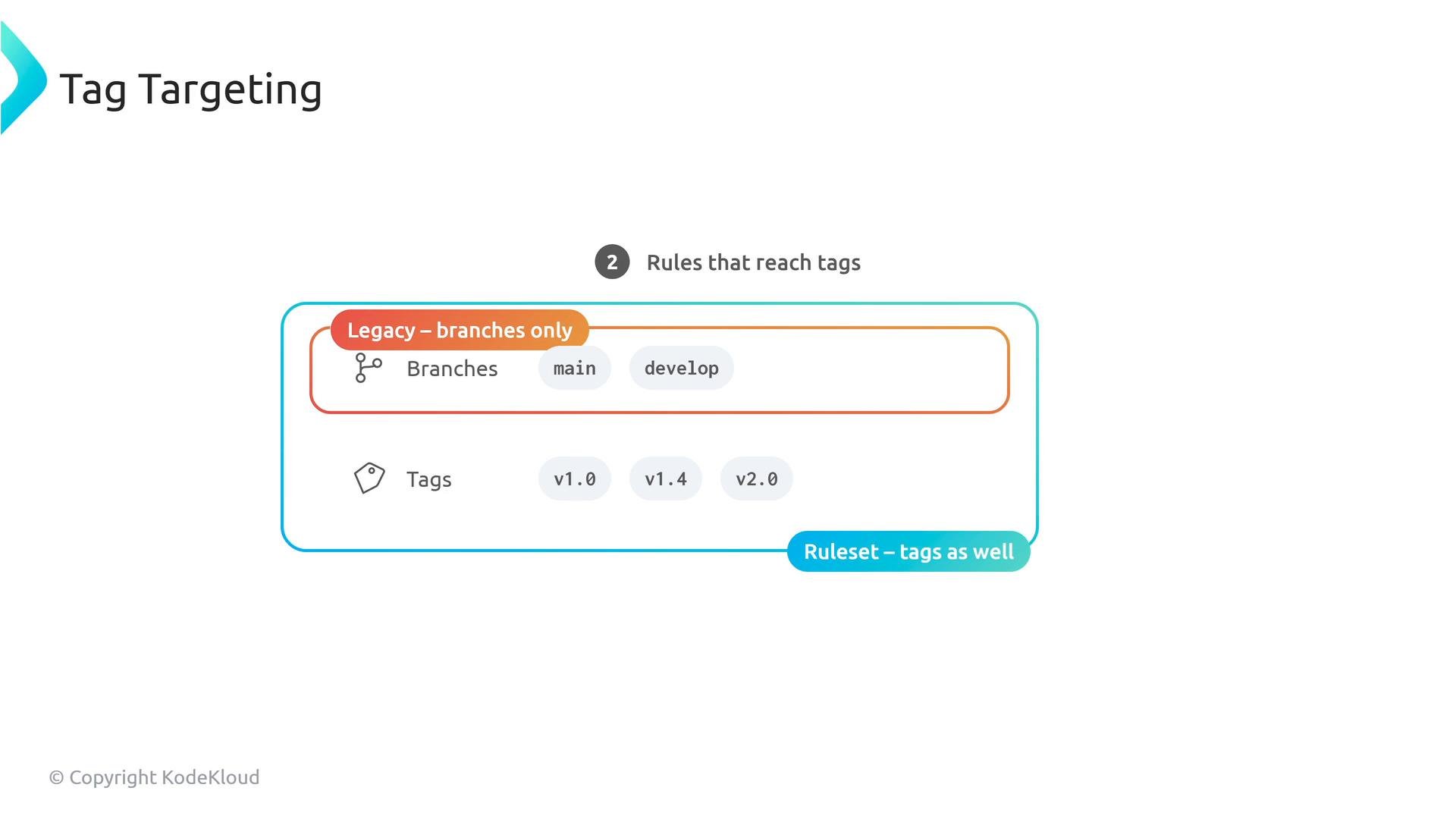
- Tag targeting — Protect release tags:
- Legacy protections apply only to branches.
- Rulesets can target tags (for example, protecting tags matching
v*) to prevent accidental or malicious deletion of release artifacts.
Remember: enterprise rulesets cascade downward and cannot be opted out of. Design enterprise-wide minimums carefully and use organization- and repository-level rulesets to add stricter controls when necessary.
Quick comparison: Rulesets vs Legacy Branch Protection
Operational guidance and design pattern
- Define enterprise-wide minimums (security baseline) as enterprise rulesets that cannot be opted out of.
- Create organization-level rulesets for team-specific constraints (compliance, workflows).
- Allow repositories to add stricter requirements where necessary, but avoid fragmenting policy semantics.
- Use bypass lists sparingly and make exceptions auditable.
- Protect release tags with tag-targeting rulesets in addition to branch protections.
- Declare key CI/CD workflows as required status checks to make pipelines authoritative.
Key takeaways
- Rulesets provide scalable, centralized governance for GitHub at enterprise scale.
- When multiple protections apply, GitHub enforces the most restrictive effective setting.
- Rulesets add important features: fine-grained bypass lists and tag targeting.
- Design governance using a layered approach: enterprise minimums → organization policies → repository-specific tightening.
- GitHub documentation on rulesets and protected branches
- Code scanning with CodeQL: https://docs.github.com/en/code-security/code-scanning/using-codeql-code-scanning
- Dependency review: https://docs.github.com/en/code-security/supply-chain-security/understanding-your-software-supply-chain/about-dependency-review