

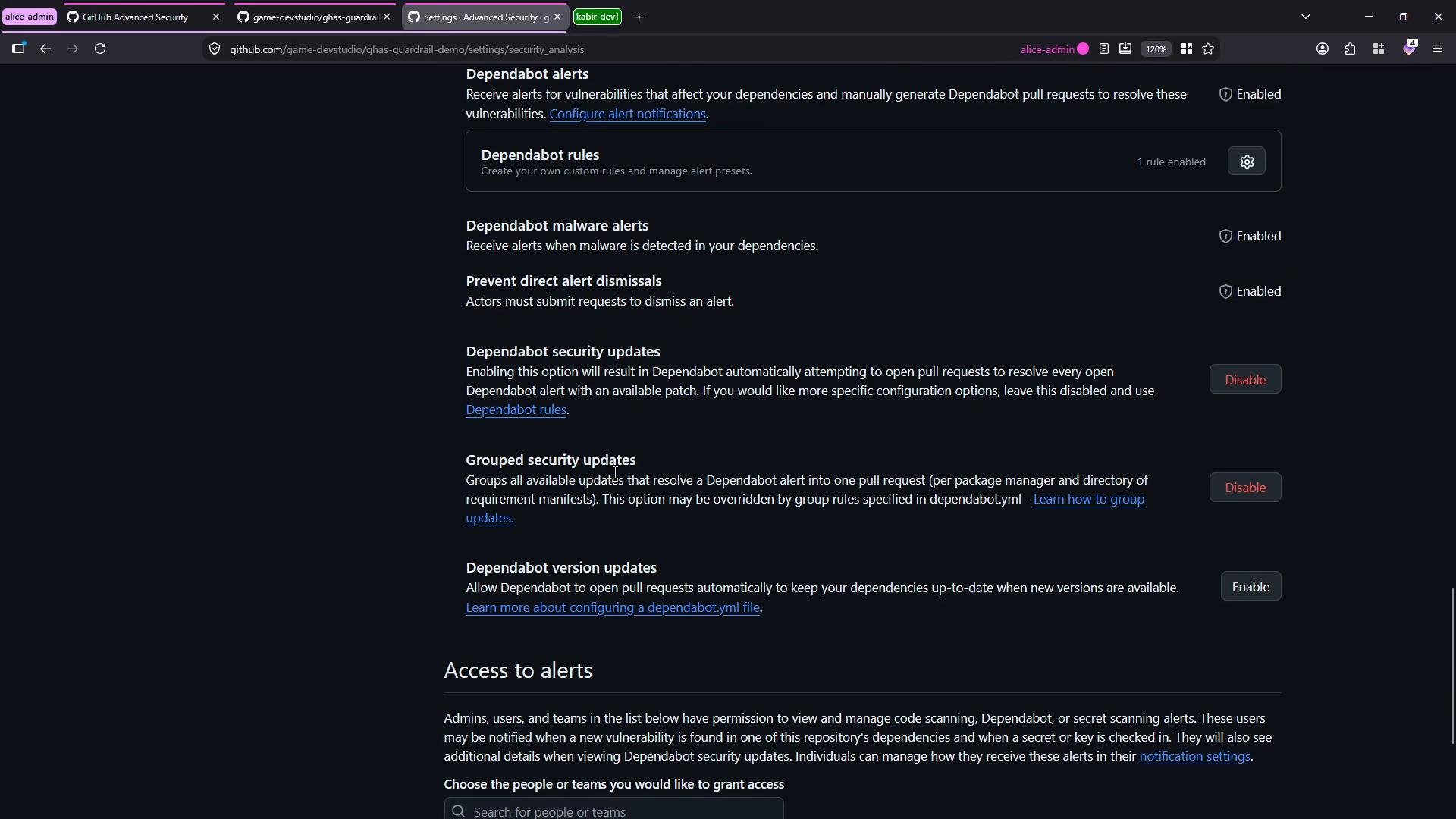
Add a dependabot.yml to your repo
Dependabot reads configuration from.github/dependabot.yml on the repository’s default branch. In this repository (Node.js, npm packages), I used version 2 of the configuration format and targeted the repository root (/) because package.json lives there.
Create .github/dependabot.yml with the ecosystems, locations, schedule, limits, and reviewer assignments you want. Example used in this repository:
If you assign a team as a reviewer, use the exact format
org/team-name (for example, game-devstudio/PC-Devs). Set open-pull-requests-limit to control noise by limiting concurrent Dependabot PRs.main). Dependabot will run on the schedule you defined and open PRs when updates are detected.
Key configuration fields
For full options and advanced configuration (e.g., ignored versions, security updates only, or custom registries), see the official documentation: https://docs.github.com/code-security/dependabot/dependabot-version-updates/configuration-options-for-the-dependabot.yml-file
Inspect Dependabot activity and logs
Dependabot runs as a workflow (the updater action pulls container images and executes the update process). To review recent jobs and logs, navigate to: Insights → Dependency graph → Dependabot There you can view update job history and click “View logs” for details.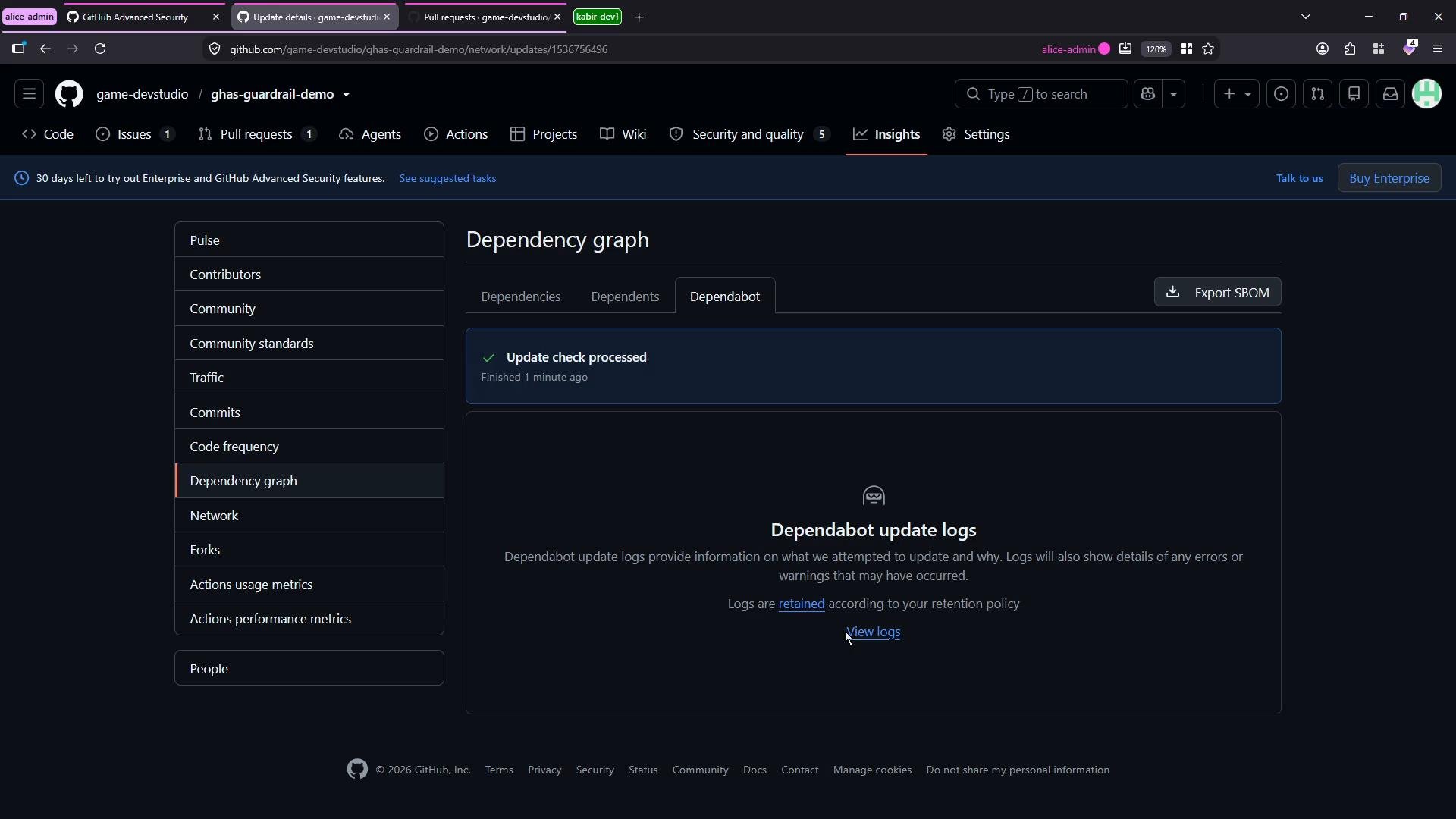
Pull requests and merging
When Dependabot finds available updates, it opens pull requests that list the dependency bumps. You can review, test, and merge these PRs just like any other contribution. In the repository’s Pull Requests page you’ll see Dependabot-created PRs and any manual PRs created to support the updates.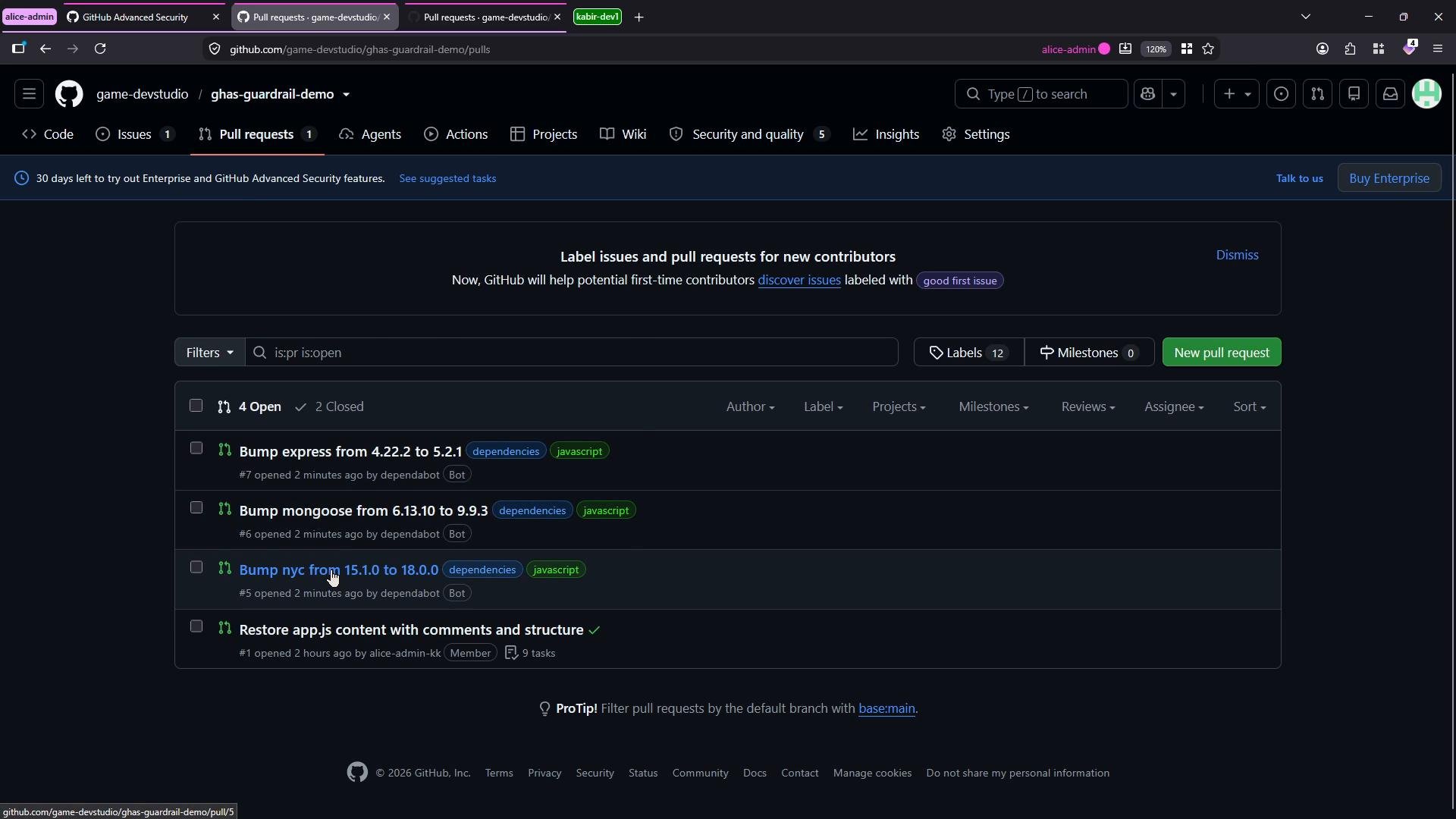
package.json (or the appropriate manifest/lockfile), and the commit history will show the merge commits from Dependabot.
Summary
- Configure Dependabot version updates by adding
.github/dependabot.ymlto the repository default branch. - Define
package-ecosystem,directory,schedule,open-pull-requests-limit, andreviewersin the YAML file. - Dependabot executes as a workflow, produces logs, and opens PRs for version bumps.
- Use Insights → Dependency graph → Dependabot to inspect runs and logs.
- Control how much noise Dependabot creates with
open-pull-requests-limitand by assigning reviewers or using ignored updates.