-
Branch mapping — restrict which branches are allowed to deploy to this environment
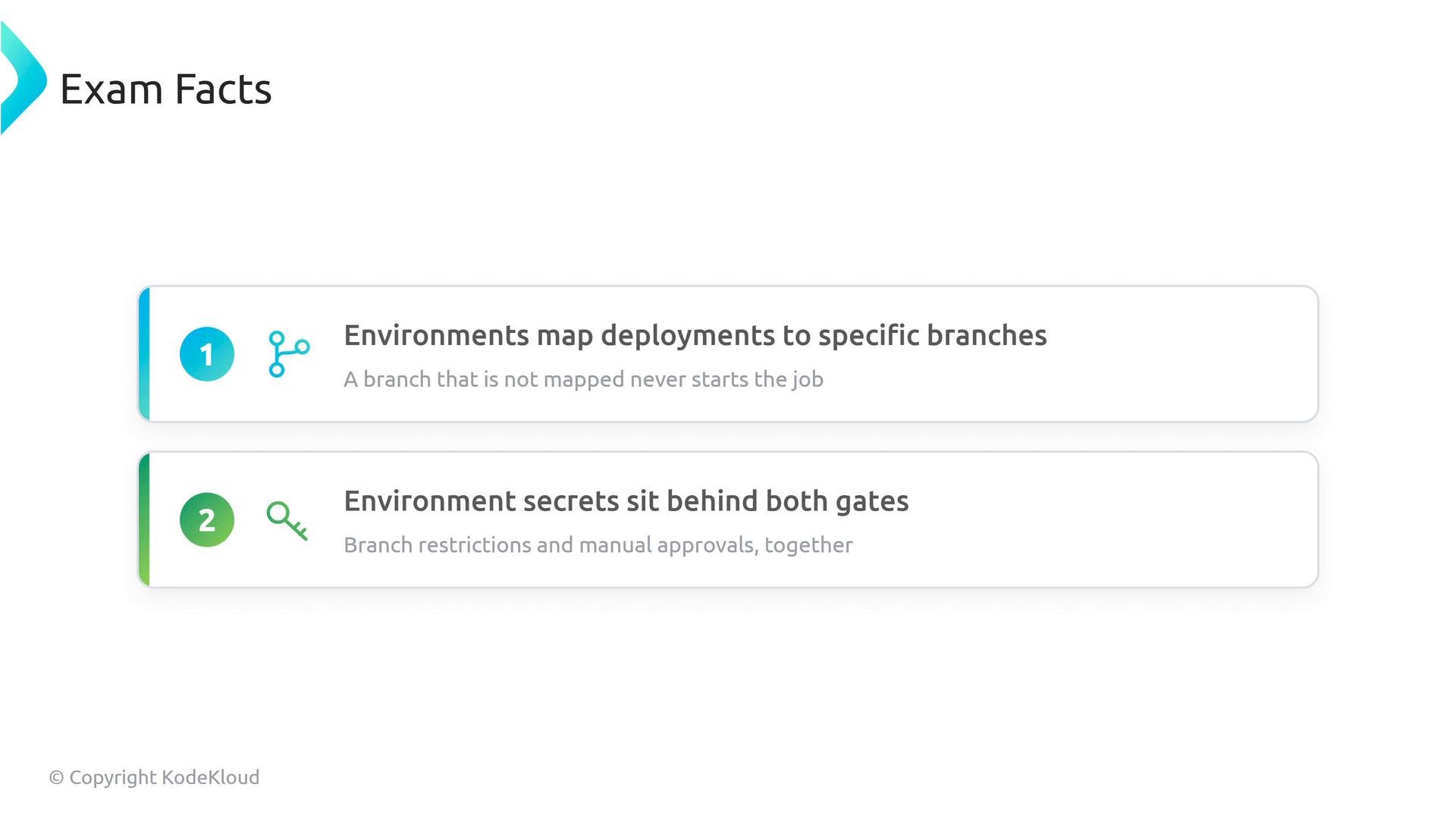
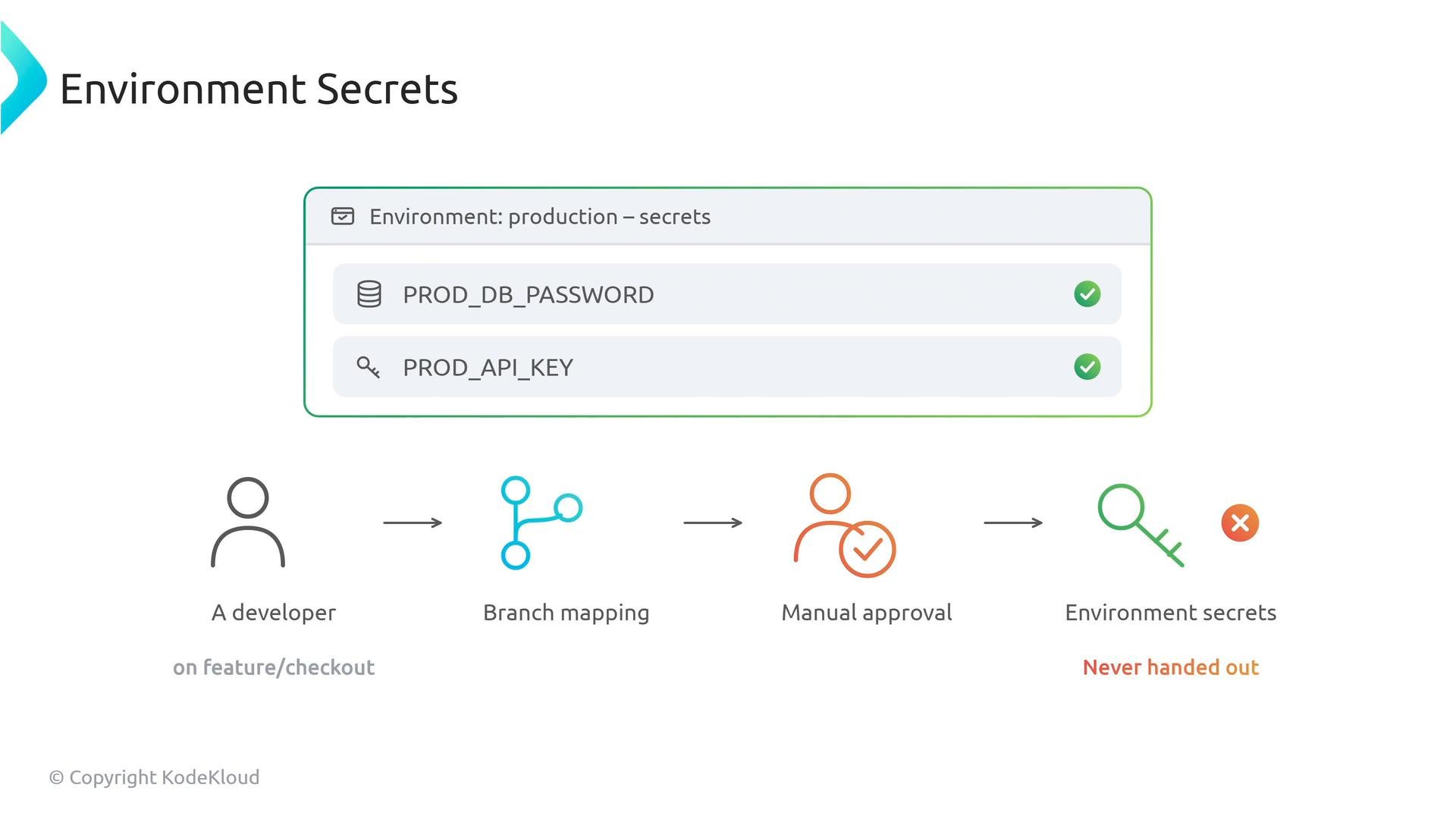
First, map which branches may deploy to a given environment. For example, configure yourproductionenvironment to accept deployments only frommain, or from branches that match a pattern. If someone attempts to trigger a production deployment from an unmapped feature branch, GitHub blocks the job immediately before it starts. This prevents accidental exposure of environment-scoped secrets or unintended deployments from experimental branches. -
Manual approvals — the human gate
Second, require manual approval by specifying required reviewers for the environment. When a workflow targets an environment that requires review, GitHub pauses the run and notifies the designated reviewers. The deployment will not proceed until one of the reviewers clicks Approve. This built-in change-control step produces an audit-ready trail of who approved the deployment and when.
Require reviewers to enforce a human checkpoint. This is useful for enforcing release policies, performing safety checks, or ensuring compliance before sensitive secrets are used.
- Environment secrets — scoped and locked behind the other gates
Third, store sensitive values (for example, production database passwords) as environment secrets on the environment itself. Because these secrets are scoped to the environment, they are inaccessible unless both the branch mapping and manual approval gates are satisfied. A developer cannot read or expose those secrets from an unmapped feature branch because the branch mapping prevents the job from starting and the manual approval step is never triggered.
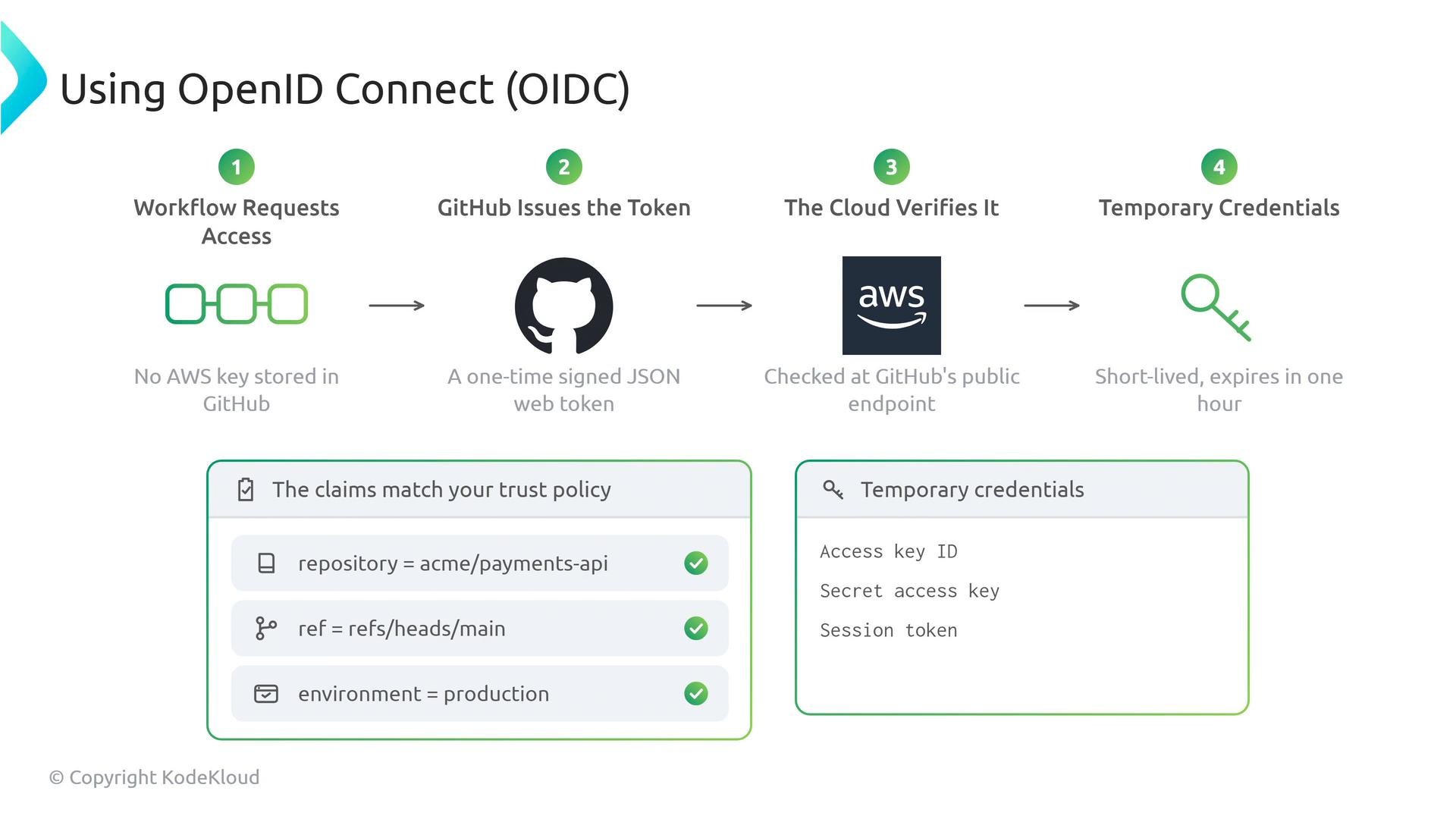
For cloud deployments you can avoid storing long-lived cloud credentials in GitHub by using OpenID Connect (OIDC). Instead of keeping a permanent AWS key in GitHub, the workflow requests an OIDC token from GitHub. GitHub issues a signed JSON Web Token (JWT) that contains precise claims such as repository, ref, workflow, and environment. Example OIDC token claims:
Do not store long-lived cloud credentials in your repository. Use OIDC where possible so your cloud provider issues short-lived credentials tied to the workflow context.