

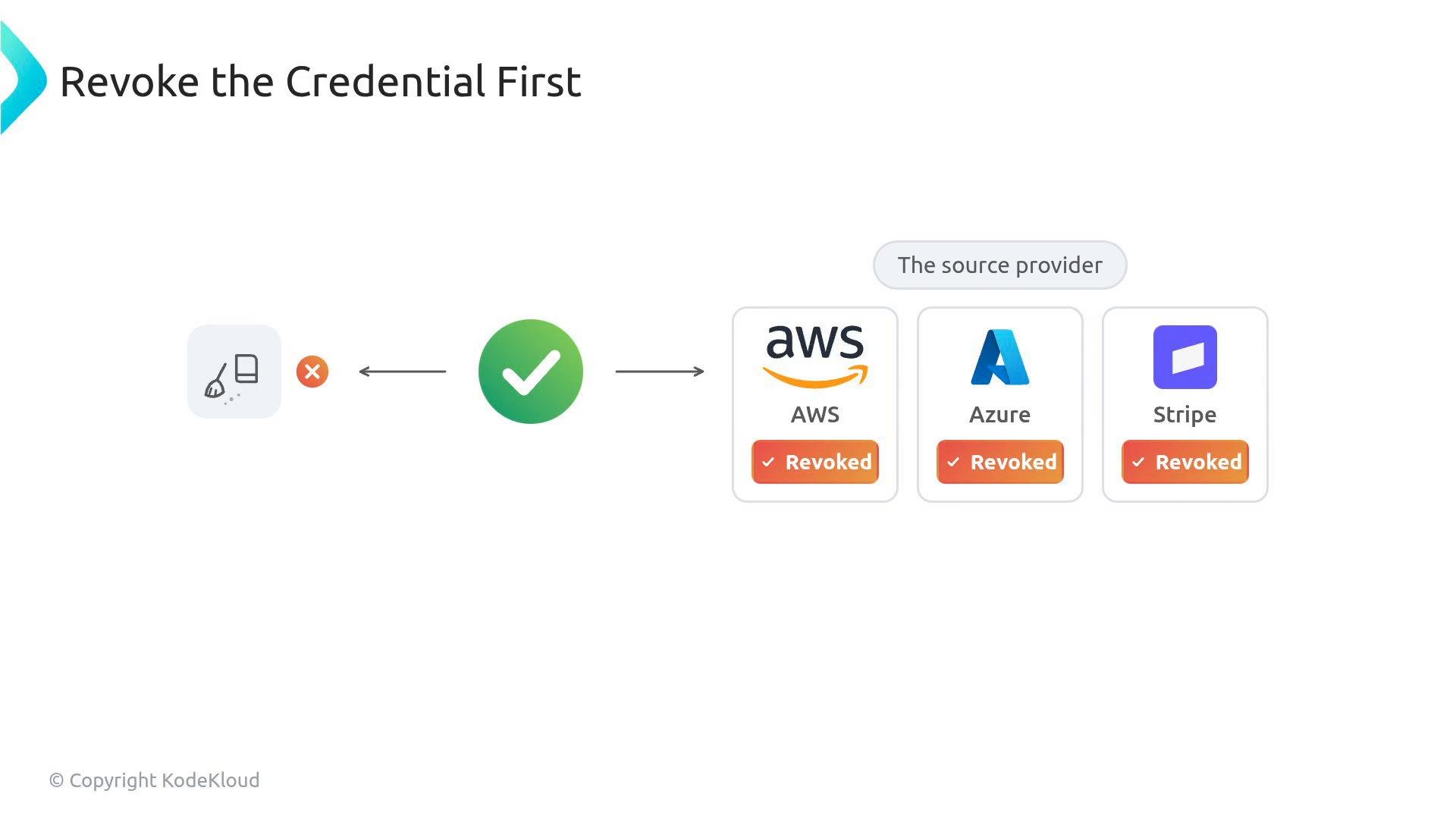
Revoke credentials at the source (rotate API keys, delete the secret, enforce new credentials) before attempting repository cleanup.
- git-filter-repo — modern, maintained, and flexible (git-filter-repo on GitHub)
- BFG Repo-Cleaner — simpler wrapper for common tasks (BFG Repo-Cleaner docs)
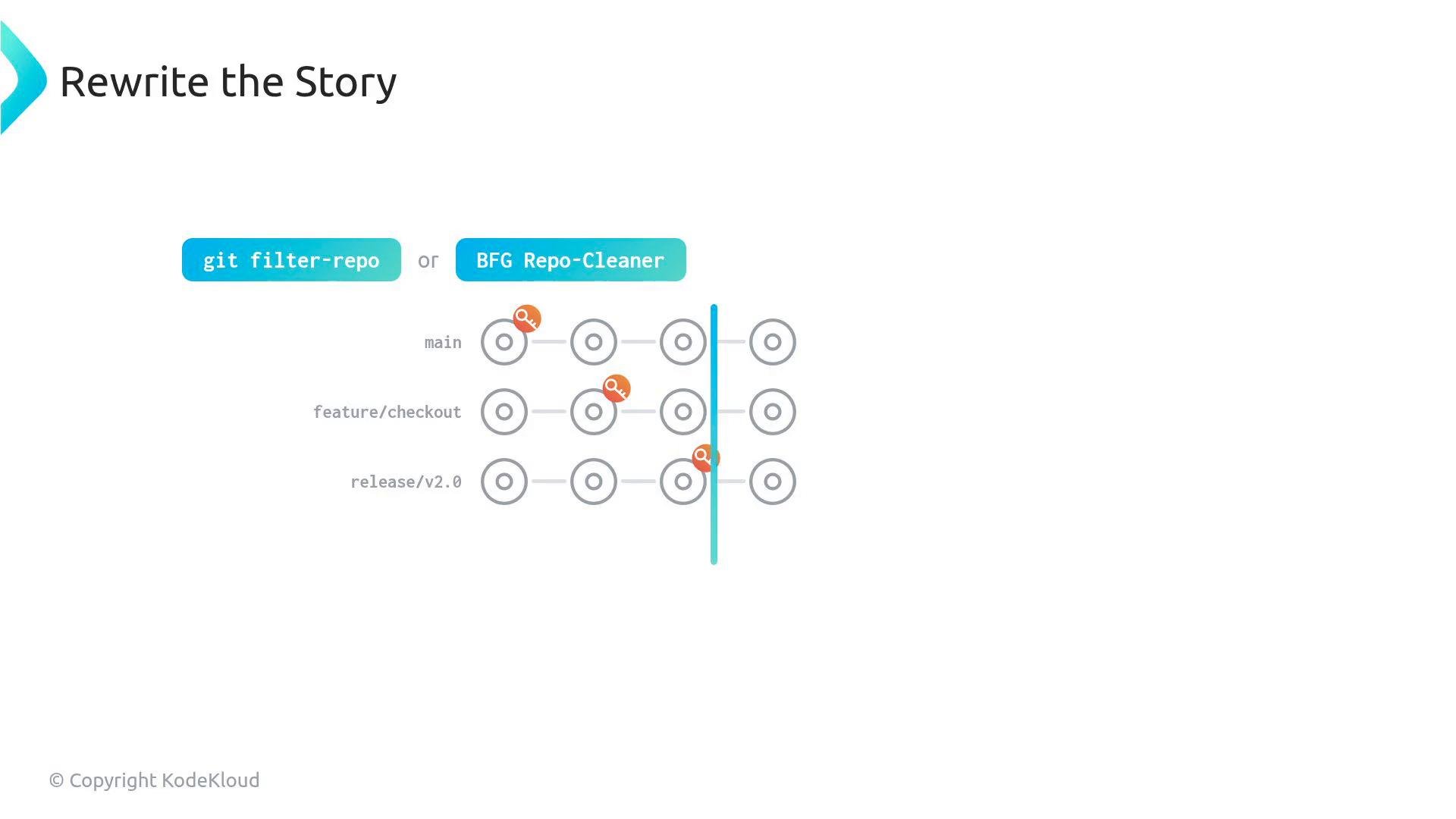
- git-filter-repo: remove a file from all commits
- git-filter-repo: replace specific secret strings using a mapping file
replacements.txt:
- BFG Repo-Cleaner: delete a file from history
- Always operate on a mirrored clone (
--mirror) so you capture all refs, branches, and tags. - Test the workflow on a disposable copy or run a dry run first. Mistakes in history rewriting are destructive.
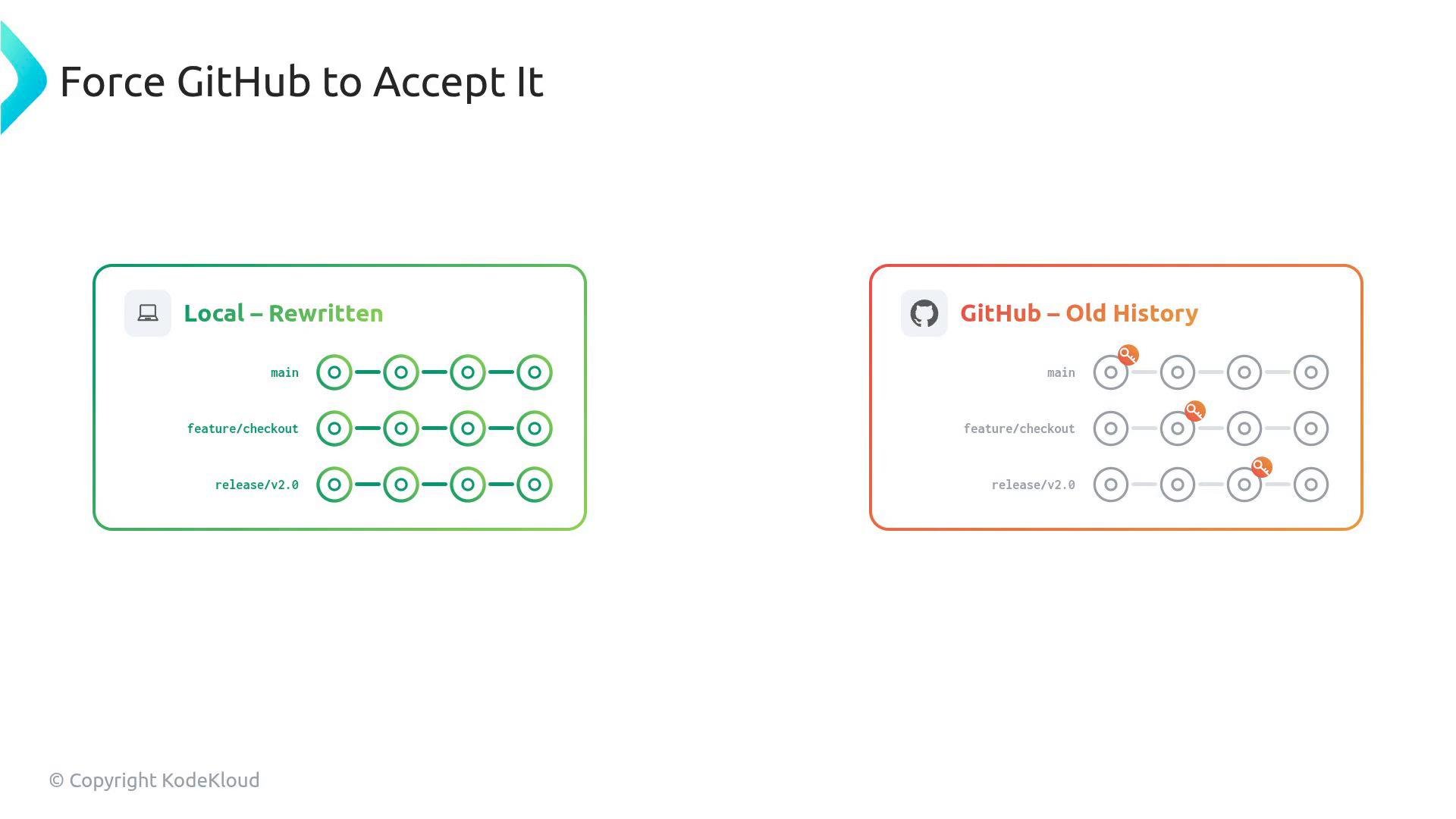
- After rewriting history locally, you must push the rewrites to GitHub with force pushes.
History-rewriting and force-pushing are destructive: notify your team, coordinate a maintenance window, and ensure you have backups before you proceed.
- Re-clone (simplest and safest):
- If a collaborator must preserve local work: create patches or branches, then reset to the new remote
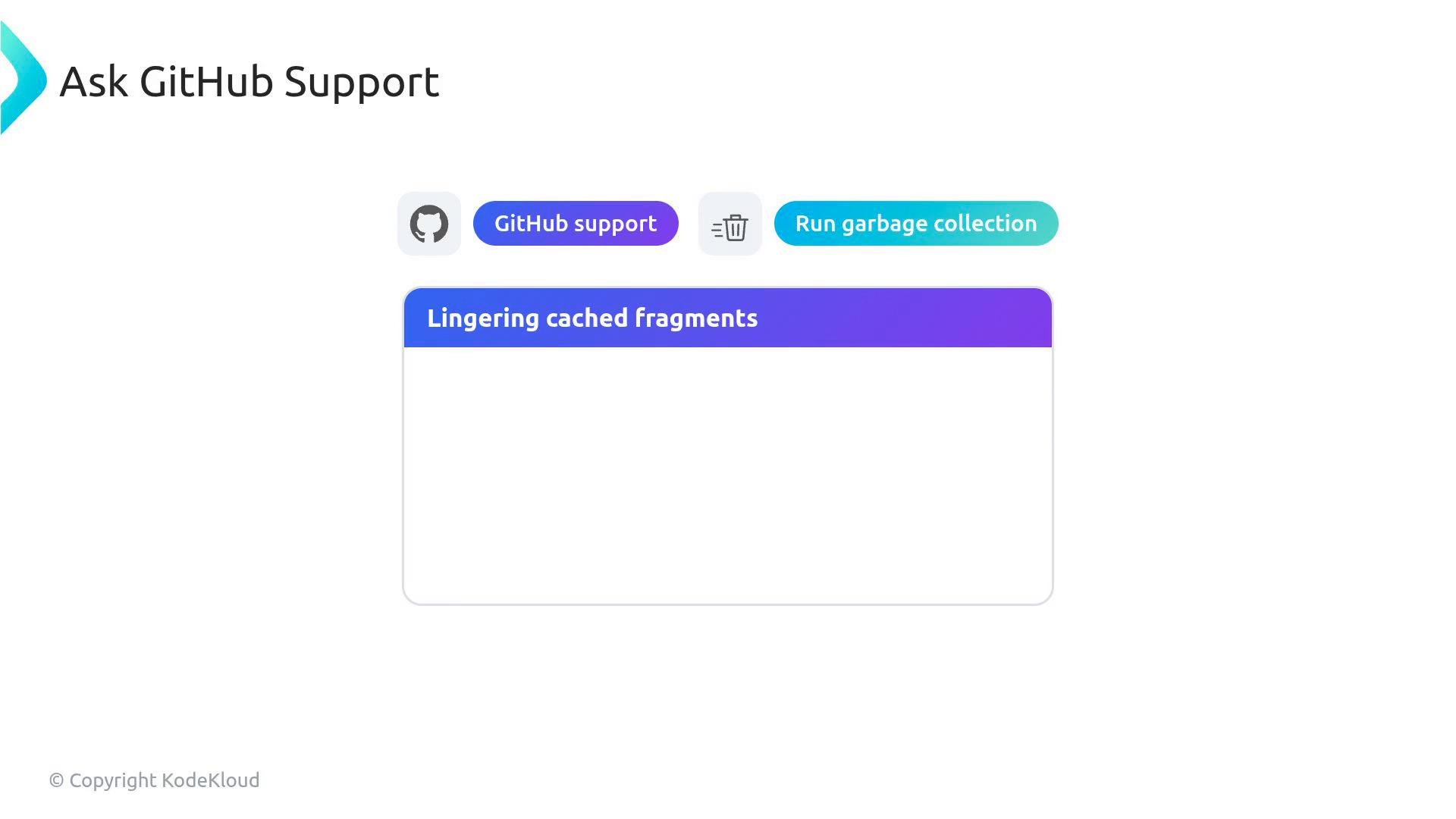
- Repository name and URL
- Timestamp and clear description of the sensitive-data exposure
- Confirmation that you have force-pushed rewritten history
- A request that GitHub run garbage collection and purge cached fragments
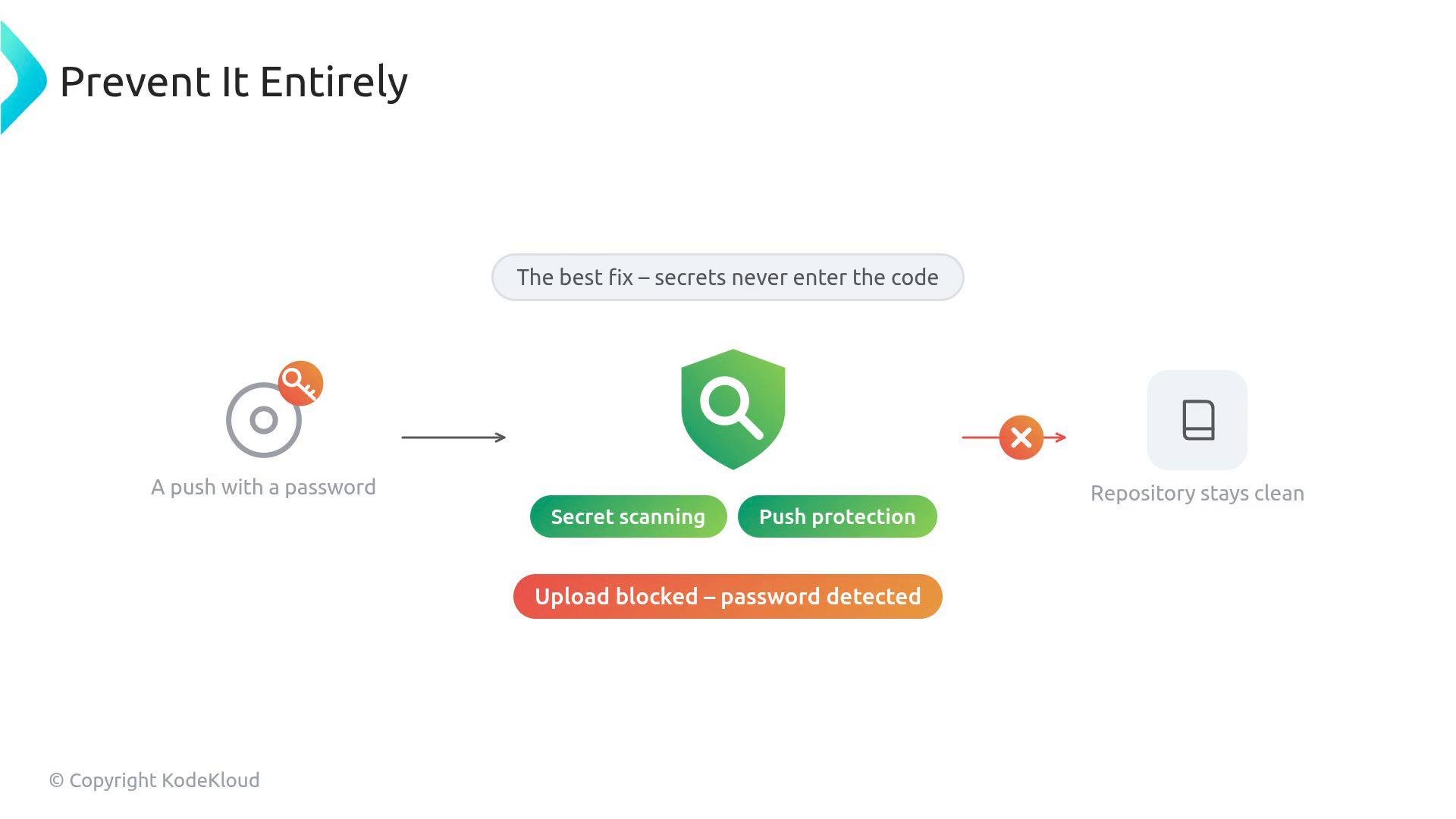
- GitHub Secret Scanning & Push Protection: https://docs.github.com/en/code-security/secret-scanning/secret-scanning-and-push-protection/about-secret-scanning-and-push-protection
- git-filter-repo: https://github.com/newren/git-filter-repo
- BFG Repo-Cleaner: https://rtyley.github.io/bfg-repo-cleaner/
- GitHub Support: https://support.github.com/
Following this ordered runbook — revoke first, rewrite history carefully on a mirrored clone, force-push, and follow up with GitHub Support and team coordination — minimizes exposure and restores a clean repository state.