

Scenario 1 — macOS cost problem
The iOS team runs a workflow on every push and pull request. While many steps are cheap on Linux runners, the core iOS integration tests must run on macOS. GitHub-hosted macOS runners carry a much higher per-minute cost (roughly 10x a Linux runner), and frequent commits on personal feature branches can rapidly inflate the Actions invoice.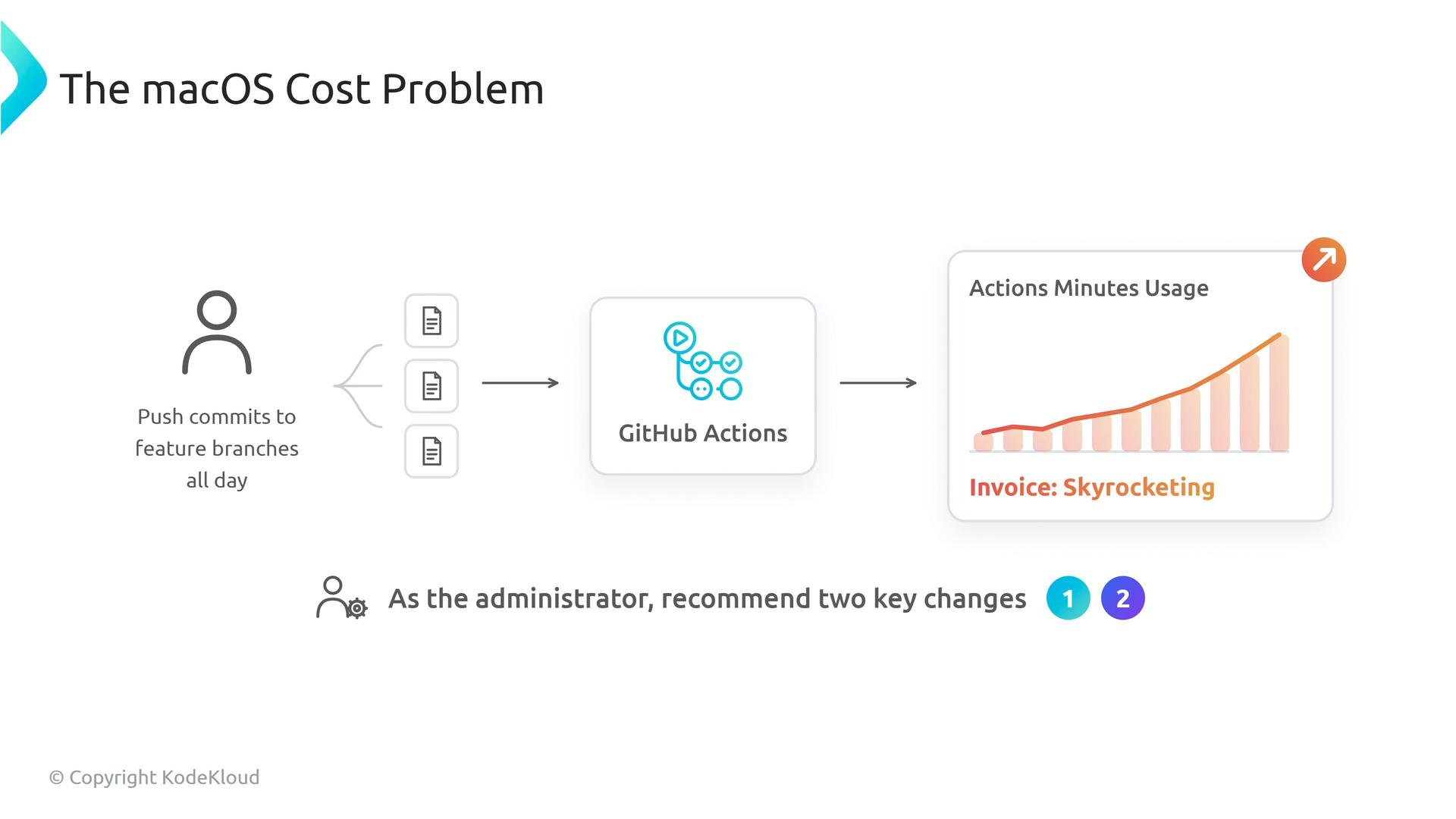
- Gate expensive macOS jobs so they only run when necessary
- Keep fast, cross-platform checks (lint, unit tests) running on every push to give developers quick feedback.
- Restrict the macOS job to run only for pull requests targeting
main(or only onmainitself), using a job-levelif:condition.
- Consider self-hosted macOS runners for heavy, repeatable workloads
- Migrate frequent macOS work to self-hosted machines (on-prem Mac minis or cloud macOS instances) to eliminate per-minute GitHub billing for those jobs.
- Self-hosted runners can dramatically flatten your Actions bill for macOS-heavy teams, but they introduce operational responsibilities.
Self-hosted runners reduce GitHub billing but increase your operational responsibility: OS updates, security hardening, monitoring, and capacity planning become your team’s responsibility.
Scenario 2 — Windows runner costs
Windows runners are more expensive than Linux runners (roughly 2x per minute) and can be another unnecessary cost driver if Windows jobs run on every branch and commit.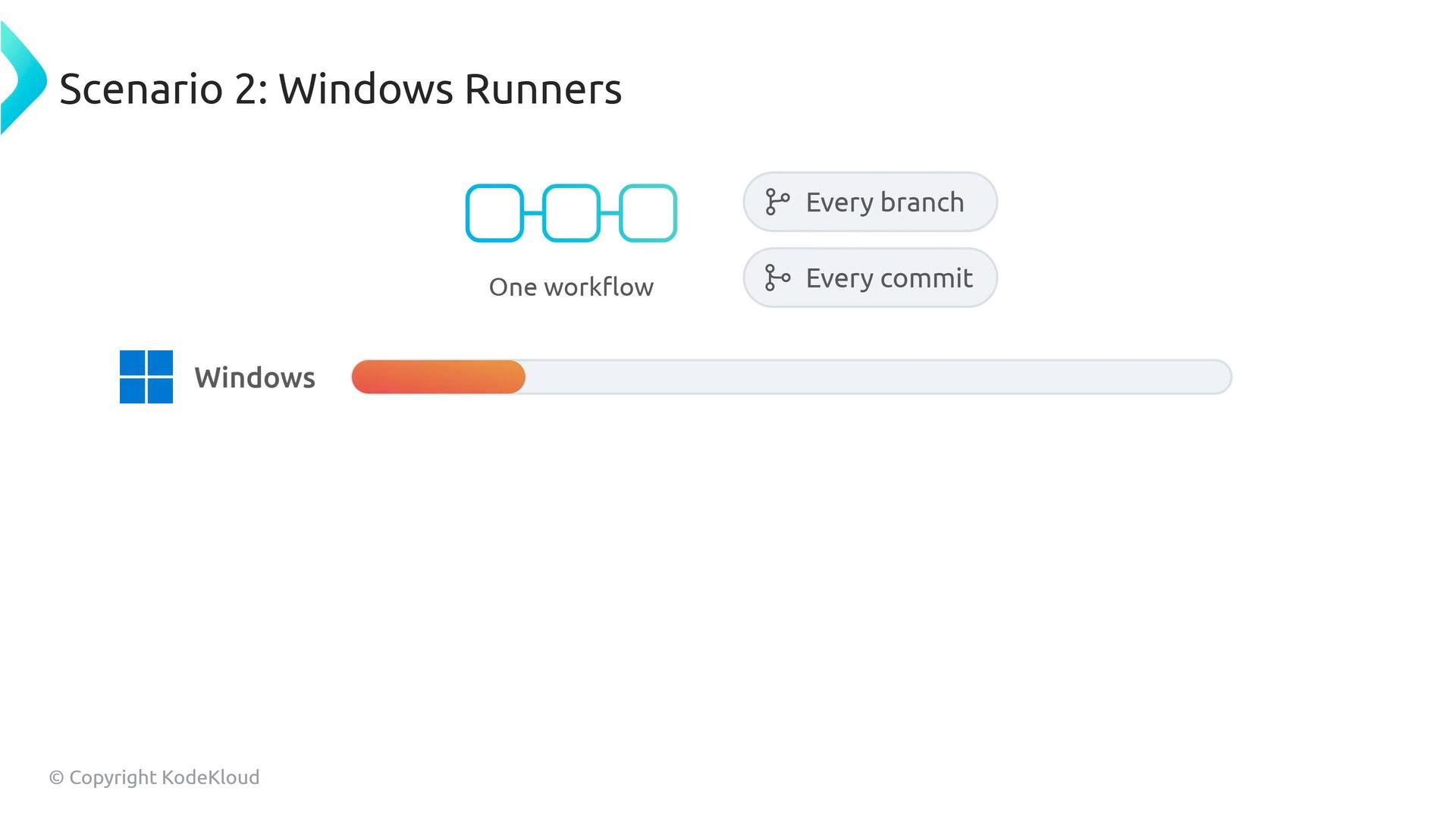
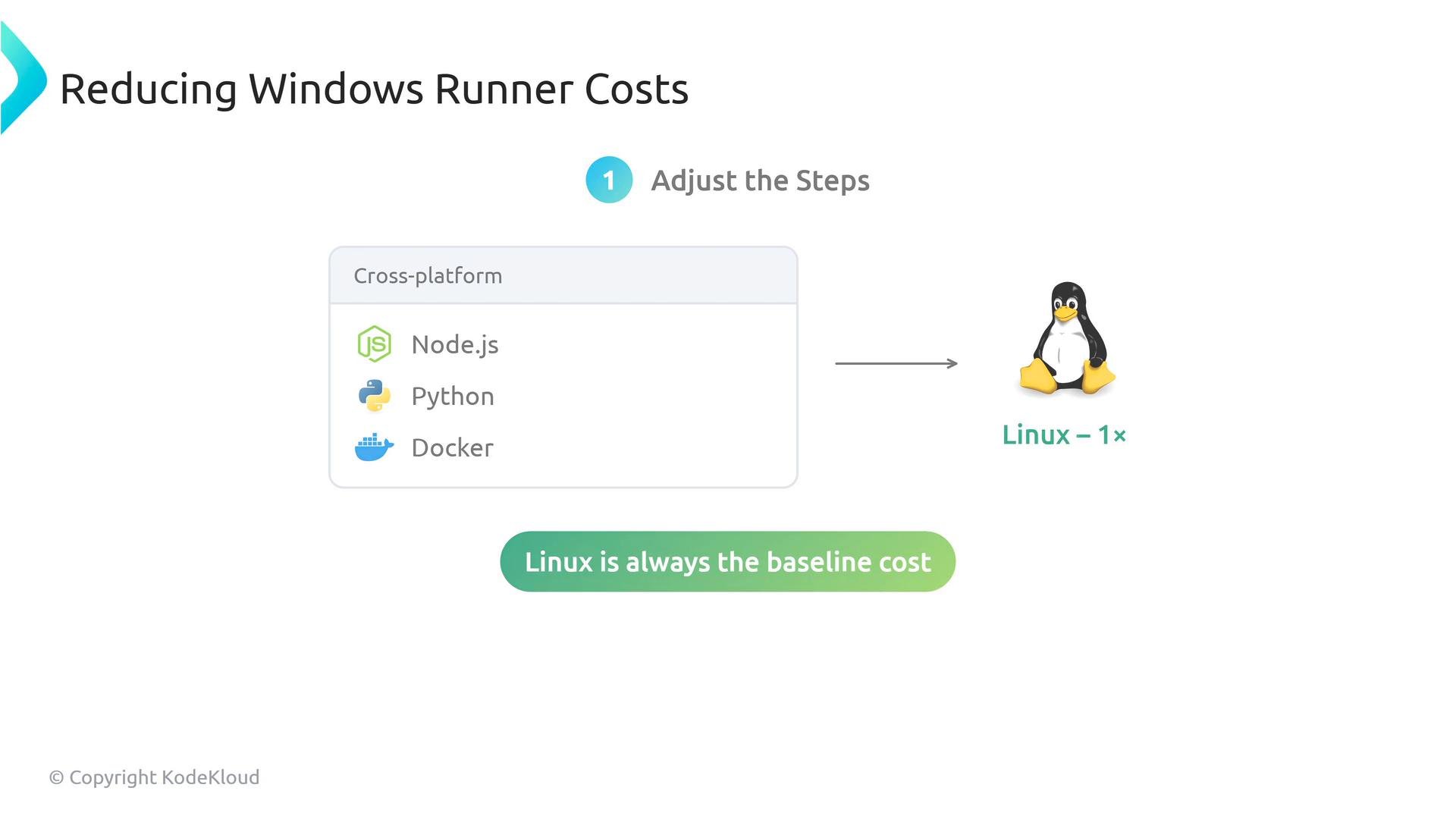
- Audit and move cross-platform steps to Linux
- If the tasks are language/runtime-agnostic (Node.js, Python, standard Docker containers, etc.), run them on
ubuntu-latestinstead of Windows. Linux runners are the cost baseline and usually faster to provision.
- If the tasks are language/runtime-agnostic (Node.js, Python, standard Docker containers, etc.), run them on
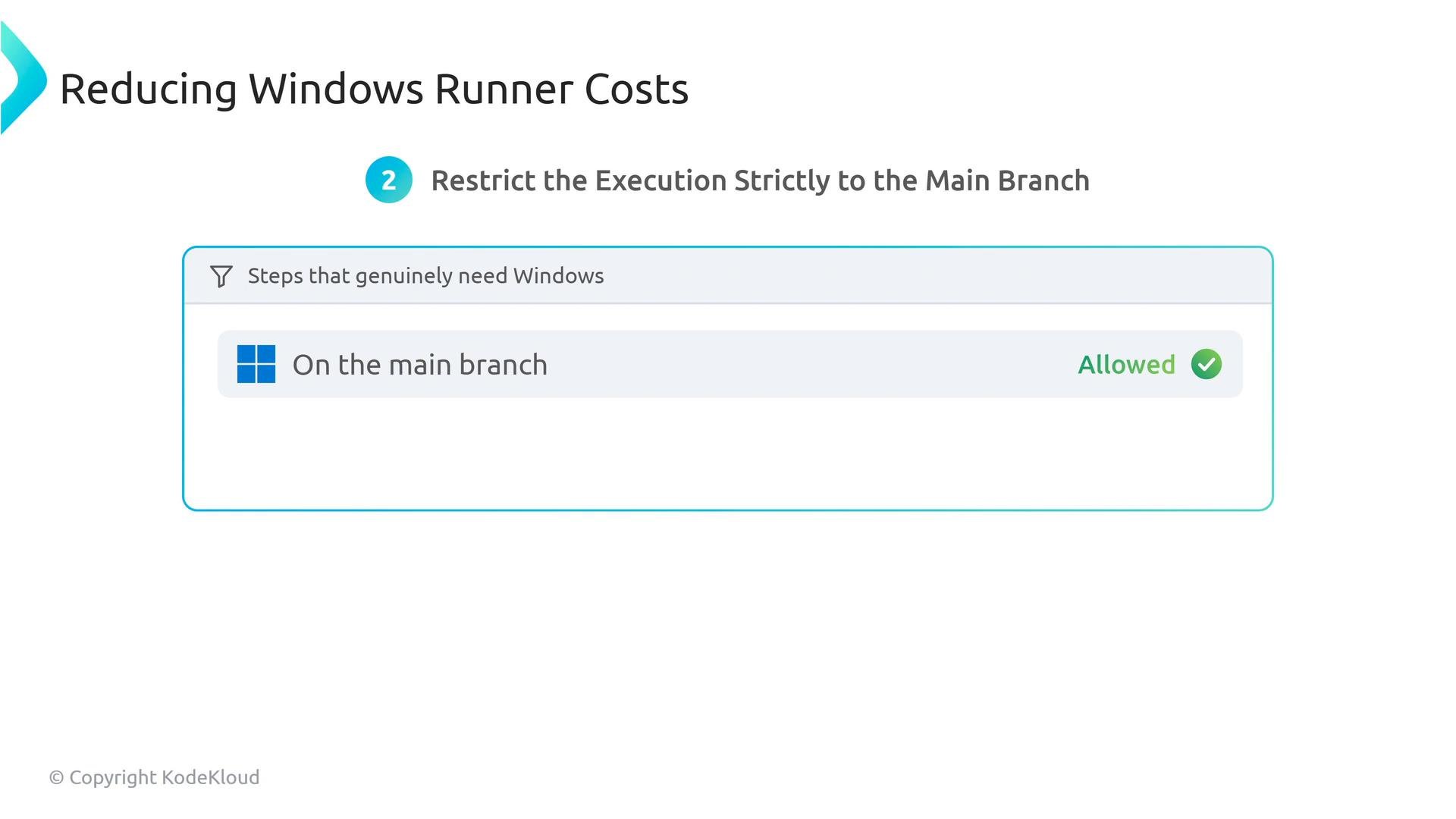
- Gate Windows-only jobs to
mainor PRs targetingmain- For steps that truly require Windows (e.g., .NET Framework-only tests, Windows-specific tooling), restrict their execution using an
if:condition so they do not run on every feature-branch push.
- For steps that truly require Windows (e.g., .NET Framework-only tests, Windows-specific tooling), restrict their execution using an
Quick reference: costs and actions
Best-practice checklist:
- Run cheap, cross-platform steps on
ubuntu-latest. - Use
on:triggers and job-levelif:conditions (github.event_name,github.ref,github.event.pull_request.base.ref) to limit expensive jobs to relevant branches or PRs. - Prefer fast feedback for developers by keeping lint/unit checks on every push and gating slow/integration tests.
- Evaluate self-hosted runners when usage is predictable and heavy; plan for maintenance and security.
Small workflow changes—branch filters, workflow triggers, and job-level
if: conditions—often yield large savings. Regularly audit workflows to move cross-platform work to Linux and to gate expensive OS-specific jobs to PRs or main.Links and further reading
- GitHub Actions: https://docs.github.com/actions
- Self-hosted runners: https://docs.github.com/actions/hosting-your-own-runners
- Workflow syntax &
ifexpressions: https://docs.github.com/actions/using-workflows/workflow-syntax-for-github-actions