

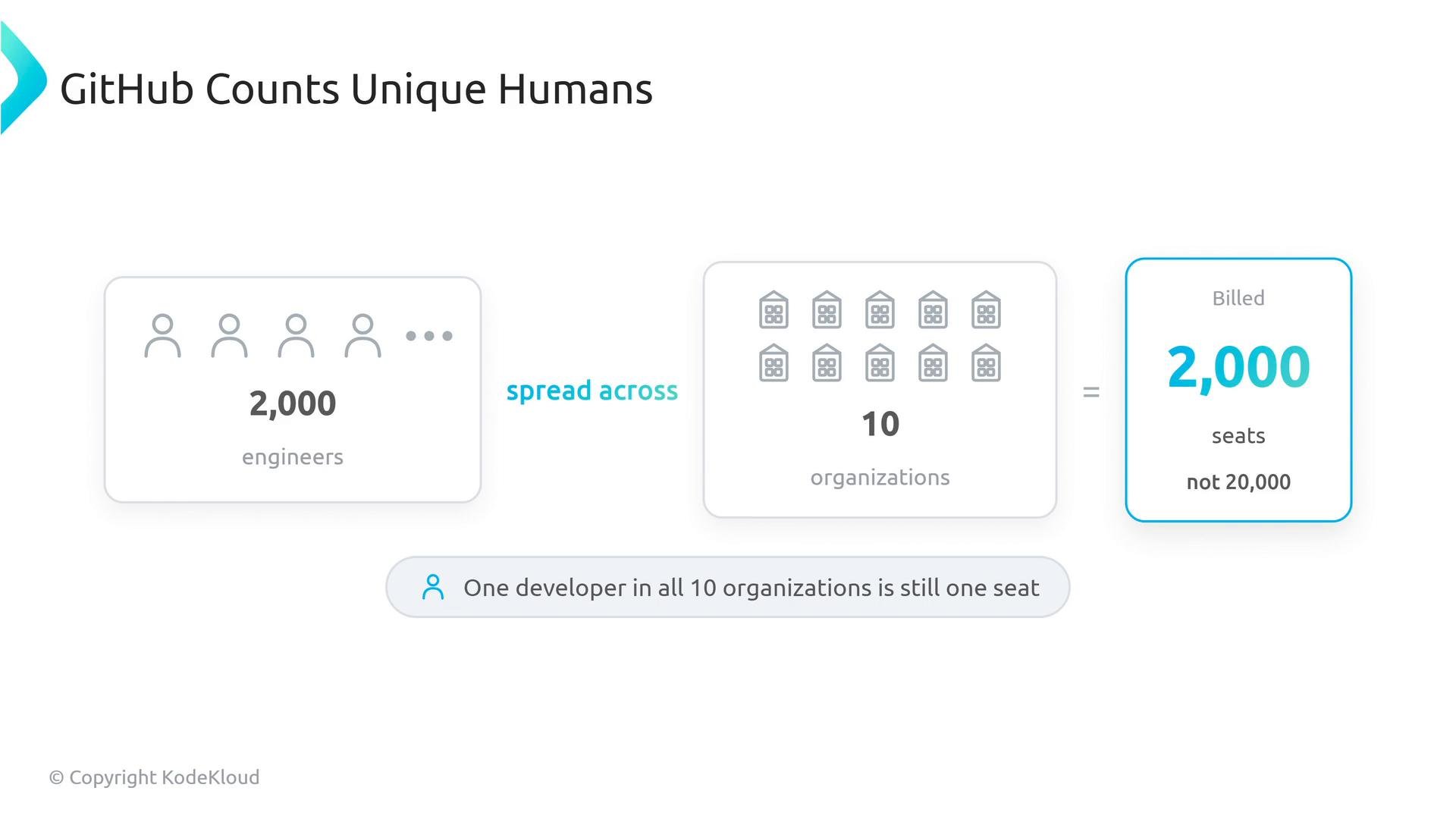
- Seat licenses — unique humans, not org memberships Seat licenses are tied to people under the same enterprise/billing account, not to each organization. If Jane belongs to three organizations that report to the same enterprise billing account, she counts as one billable seat.
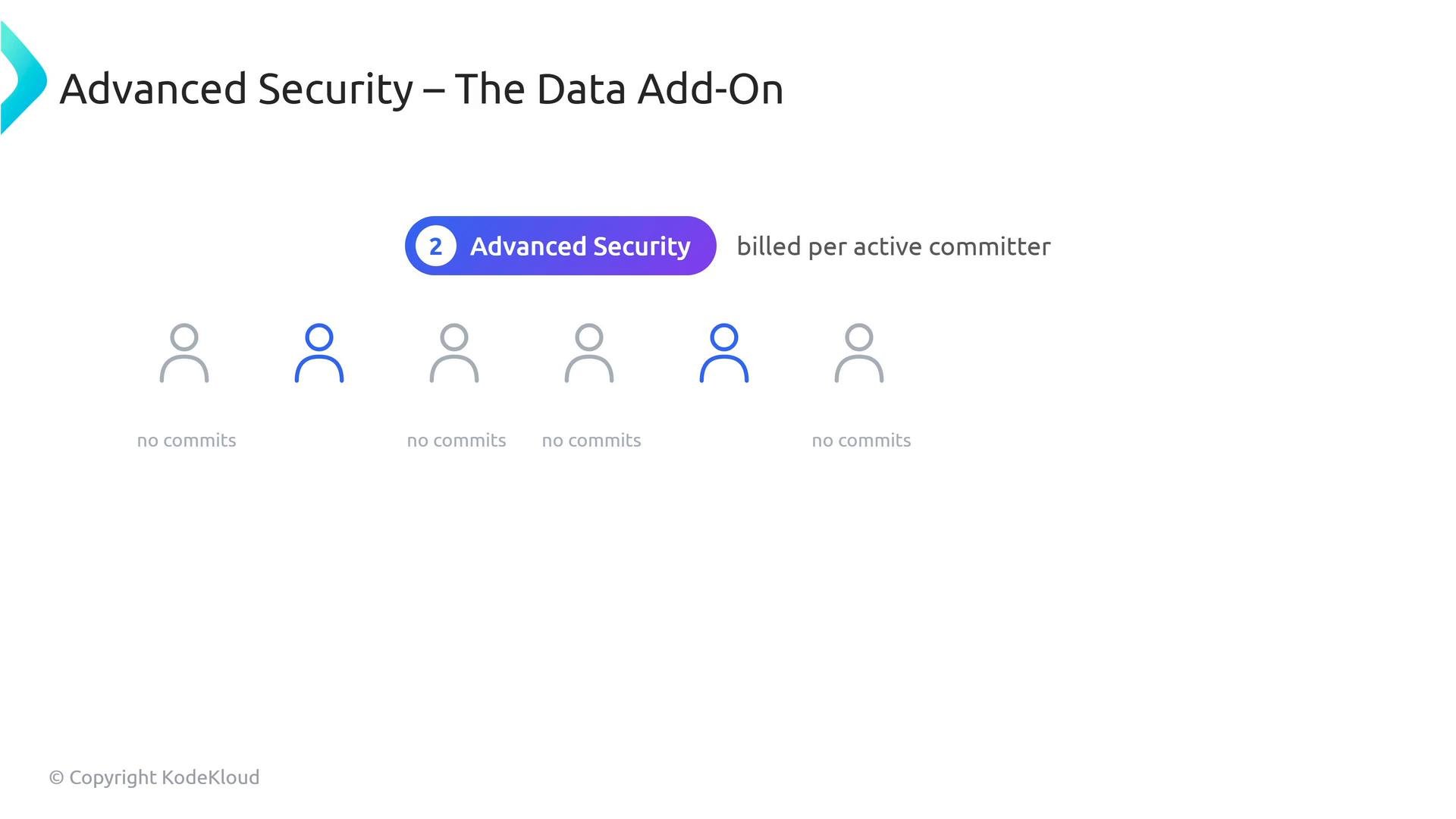
- GitHub Advanced Security (GHAS) — the data add-on GHAS billing is activity-based: it charges per active committer on private repositories that have GHAS enabled. Only developers (or bots) that actually commit to those GHAS-enabled private repos consume a GHAS committer license.
- Actions minutes — the shared pool (and the macOS multiplier) Actions minutes operate as a shared pool for your account: you get an included allotment and pay for overages. Different GitHub-hosted runner OSes consume minutes at different effective rates — macOS runners are expensive: they count as roughly 10× a Linux/GitHub-hosted Ubuntu minute. That multiplier is the single biggest driver of unexpected Actions cost.
- Bots: A dedicated CI/bot account that commits to repos will consume a paid seat and, if it commits to GHAS-enabled private repos, a GHAS committer license. Treat bot accounts as billable identities.
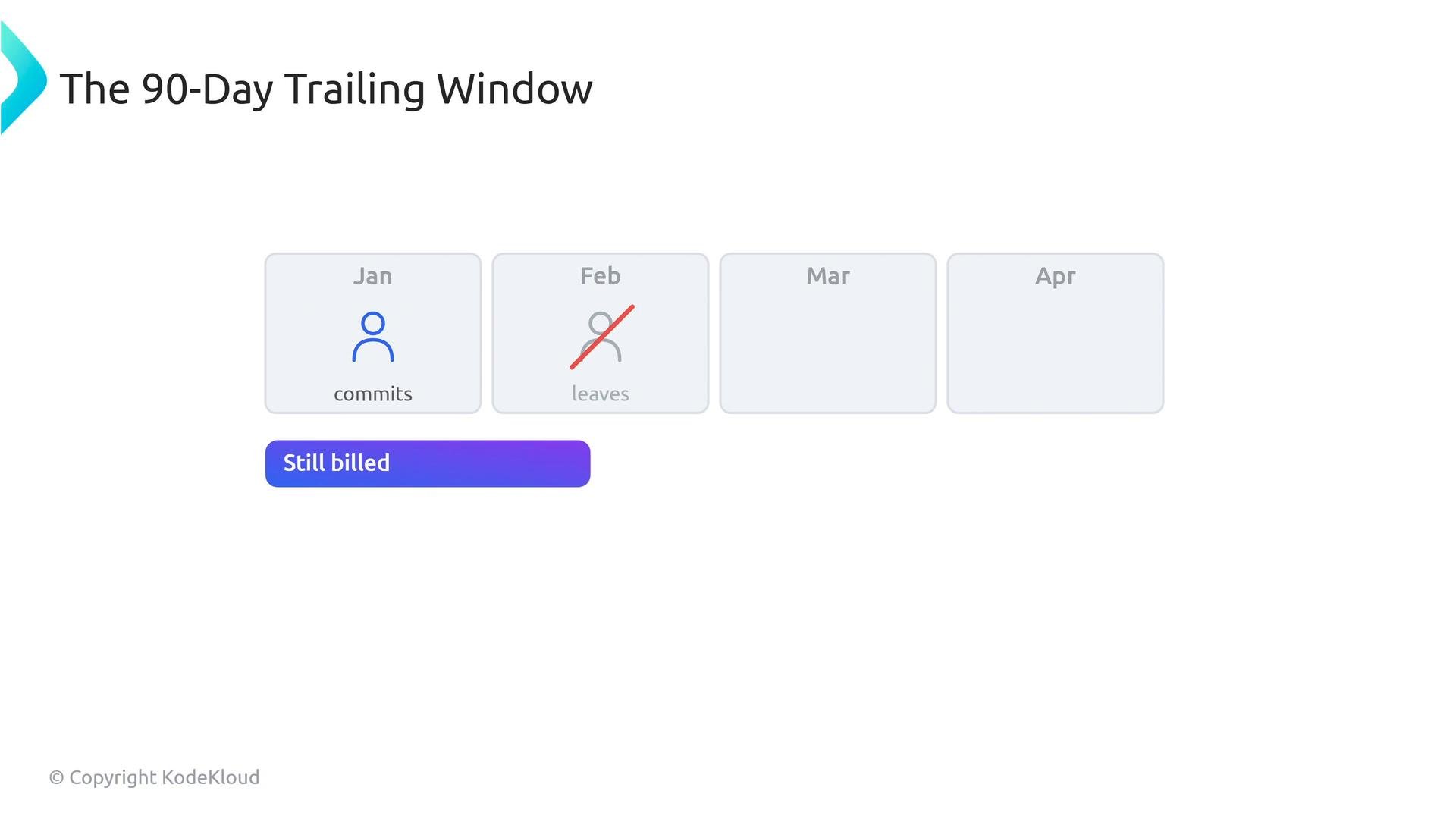
- Contractors: GHAS billing uses a 90-day trailing window. If a contractor commits during month 1 and leaves month 2, they remain billable for GHAS through month 4 (90 days). Offboarding processes should explicitly remove commit privileges to control billing.
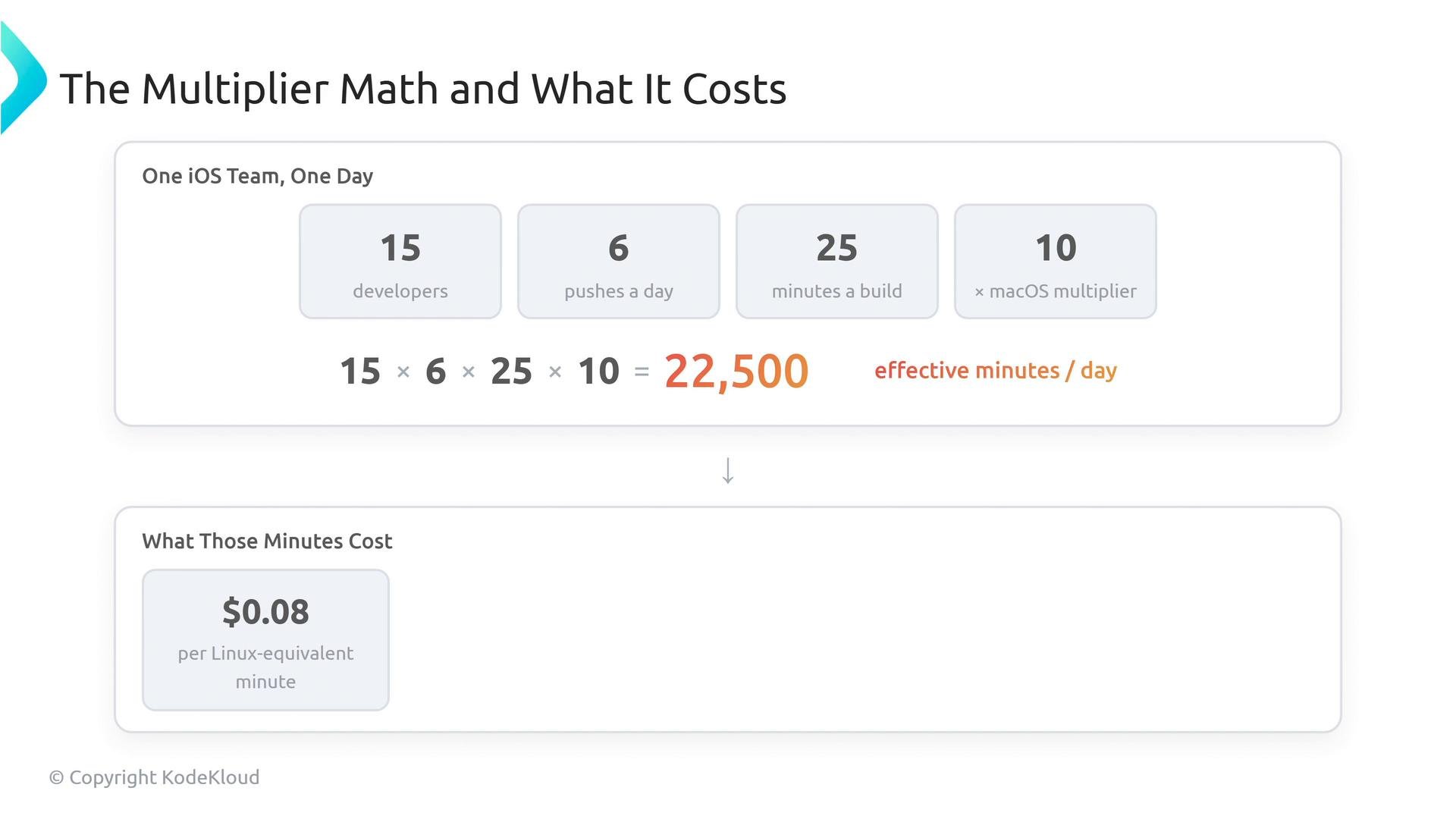
- Team size: 15 developers
- Pushes per developer per day: 6
- macOS build duration per push: 25 minutes
- macOS multiplier: 10× (compared to Linux)
$0.008 per Linux-equivalent minute (check current pricing for your account at the link below), that’s:
- Per day: 22,500 × $0.008 ≈ $180
- Per month (30 days): ≈ $5,400 for one team
- Audit runner usage: identify macOS-heavy workflows and consider caching, incremental builds, or self-hosted macOS runners if that reduces cost.
- Manage identities: treat bots as billable, and include license cleanup in contractor offboarding.
- Forecast explicitly: multiply pushes × duration × team size × OS multiplier to estimate effective minutes and cost.
- macOS runners use a ~10× multiplier compared to GitHub-hosted Ubuntu (Linux) runners.
- GHAS is billed per active committer on private repositories with GHAS enabled (90-day trailing window).
- GitHub counts unique humans across the same enterprise billing account — one person in multiple orgs = one seat.
Watch out for bot accounts and contractor workflows: bots that commit consume seats and GHAS licenses, and GHAS uses a 90-day trailing billing window that can prolong costs after an engineer leaves.
- GitHub Actions billing: https://docs.github.com/en/billing/managing-billing-for-github-actions/about-billing-for-github-actions
- GitHub Advanced Security: https://docs.github.com/en/enterprise/advanced-security