

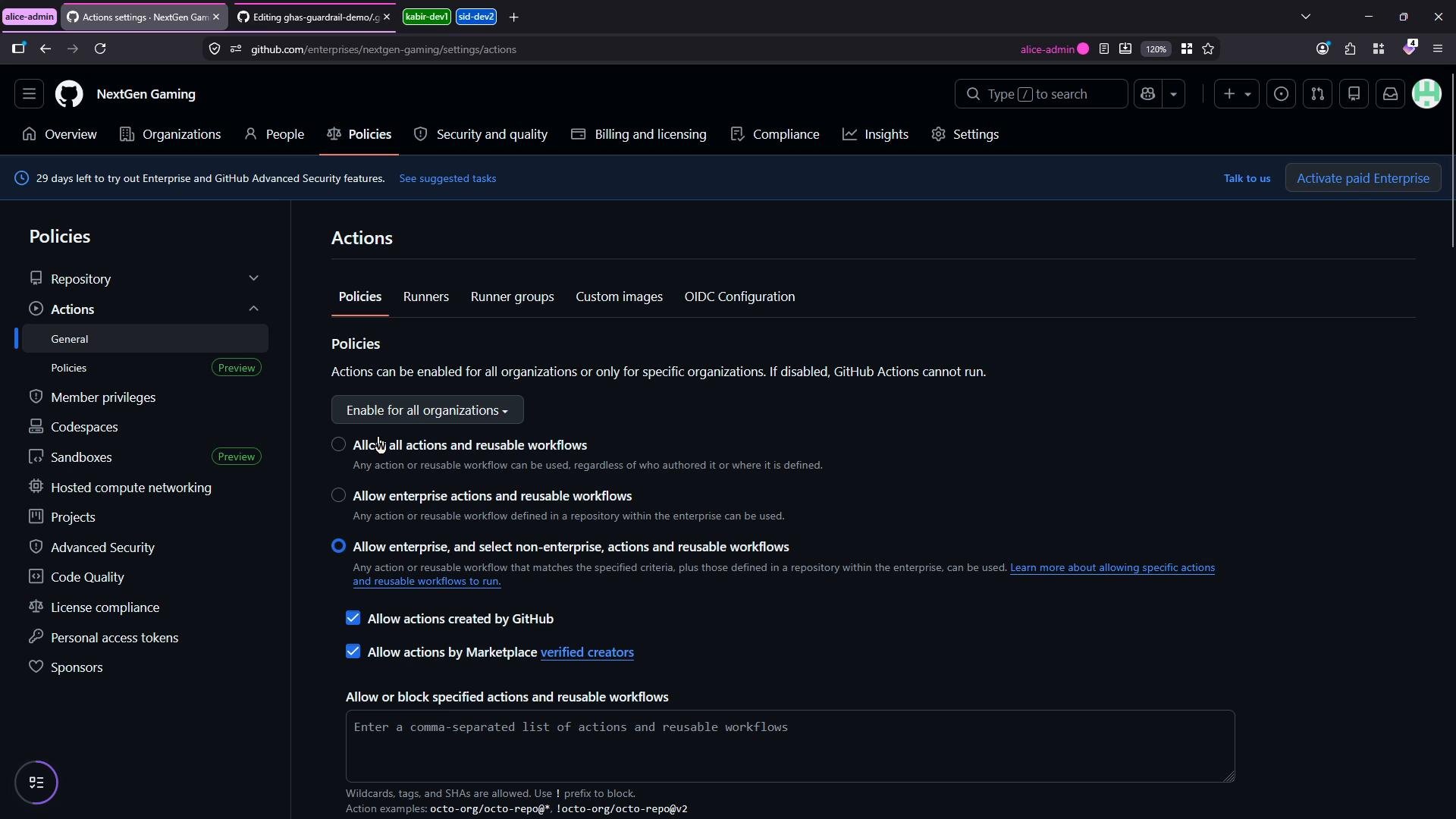
- A GitHub runner is the machine (VM, container, or physical host) that executes CI/CD jobs for Actions.
- Runner groups are organizational constructs that group and control self-hosted runners (which repositories can use them, visibility, etc.).
We’ll create a runner group named
production-shared-group, register a Linux self-hosted runner into that group, and then target it from a workflow. The enterprise provides a default group, but using custom groups helps apply least-privilege access and better management.
For production environments, restrict which repositories can use runner groups and apply least-privilege policies. Avoid enabling self-hosted runners for public repositories unless absolutely necessary.
Allowing self-hosted runners for public repositories is a security risk: anyone can fork a public repo and trigger workflows that execute arbitrary code on your runners. Use caution and avoid enabling this unless you have strict controls.
--url and --token values with the ones provided by your GitHub Enterprise or organization runner setup page.
- Create a working directory and download the runner package
- (Optional) Validate checksum
- Extract the runner and configure it
./config.sh you will be prompted for the runner group, runner name, and optional labels. Example interactive responses:
- Start the runner process (keeps the runner listening for jobs)
production-shared-group) to explicitly allow the repositories that should be able to use runners in that group. By default no repositories may have access — you must add repositories (or allow all) to grant access.
Use the organization Actions → Runners view to confirm the runner appears and to inspect its labels. Labels are used to match jobs to specific runners.
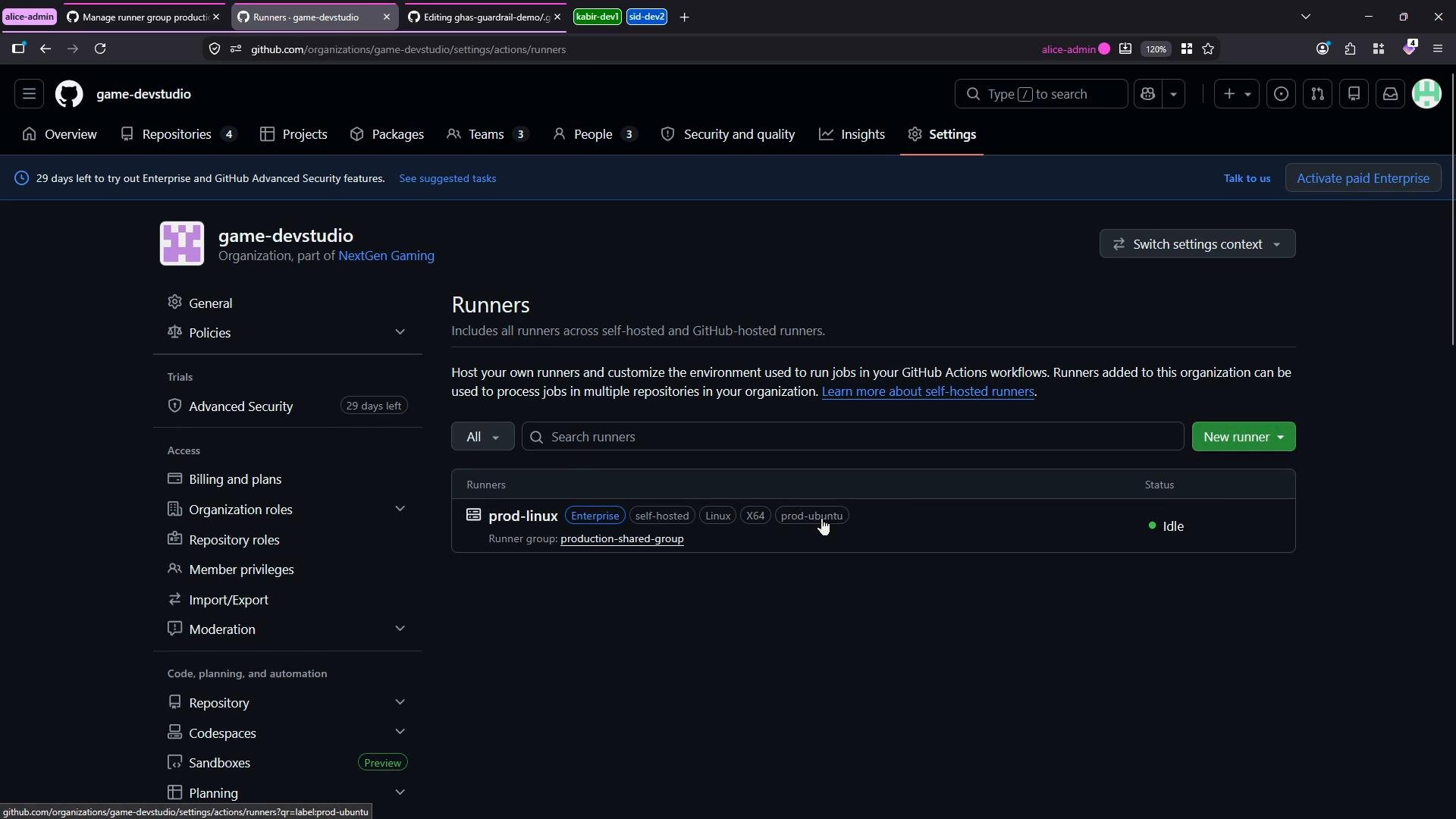
runs-on with self-hosted plus any custom labels you defined (for example prod-ubuntu) to route jobs to this runner.
{{ }} can be parsed by the renderer. Keep those expressions inside fenced code blocks or inline backticks when used in documentation to avoid parsing issues.
Triggering the workflow and seeing the runner pick up jobs
Commit and push the workflow file to a repository that has been granted access to the runner group. If the self-hosted runner is running and listening, it will receive and execute the job. Example runner log output when a job is picked up:
prod-linux in production-shared-group. The runner reports its machine name (for example SilentShadow), and the logs will list each action executed and the job result.
Summary
- Create a runner group to control access and security for self-hosted runners.
- Register self-hosted runners by downloading the runner package, running
./config.sh, and starting./run.sh. - Use runner labels (for example
self-hosted,prod-ubuntu) inruns-onto target specific machines. - Restrict repository access to runner groups and avoid enabling public repository access unless strictly necessary.
- GitHub Actions runner documentation: https://docs.github.com/actions/hosting-your-own-runners
- GitHub Enterprise administration: https://docs.github.com/enterprise-cloud@latest/admin
- Actions runner releases: https://github.com/actions/runner/releases